ToolMage
Sign in

Best 2 Photo Effects AI tools for Image Editing

Popular Photo Effects AI tools in Image Editing include AIAI and swapsurprise, helping you work more efficiently.

AIAI
Freemium

AIAI

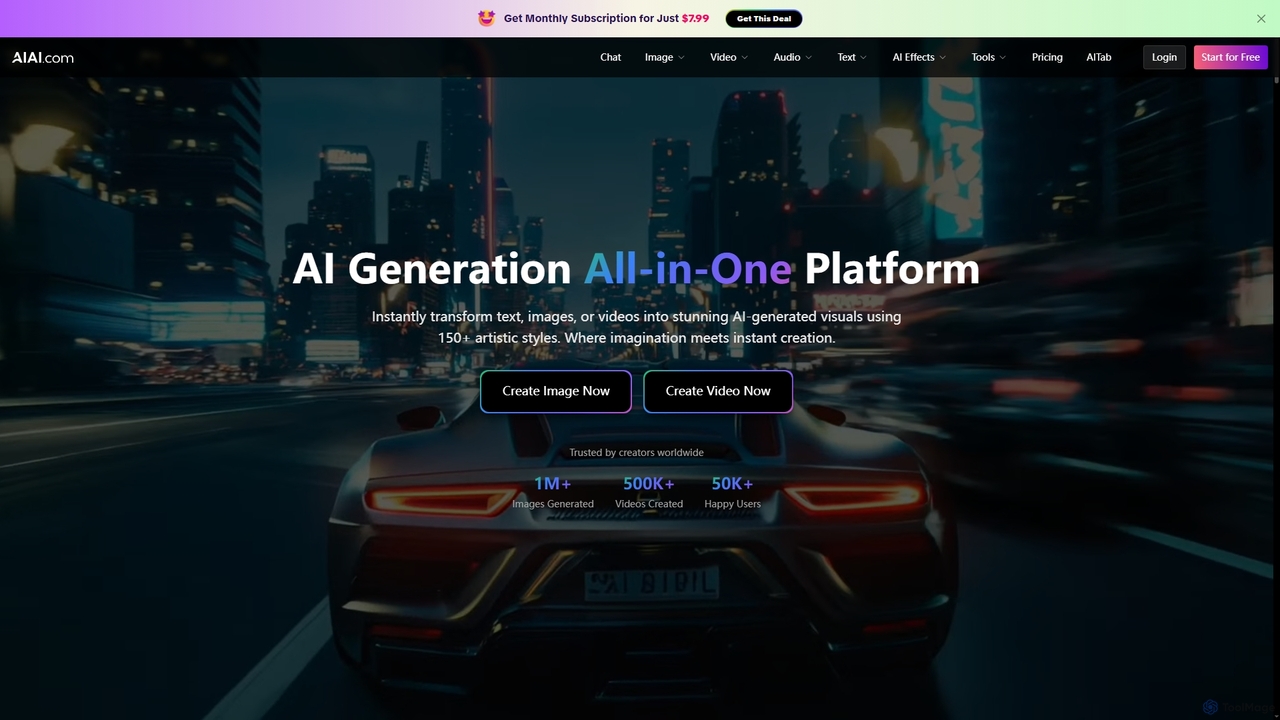
AIAI is an all-in-one AI creative suite designed to transform ideas into stunning visuals and provide intelligent assistance. It offers powerful tools for generating images, videos, and text content, alongside specialized features like an AI Homework Helper and a productivity-boosting browser extension.

Homework Assistance
Visits 108.1KFavorites 130Likes 128
swapsurprise
Freemium

swapsurprise

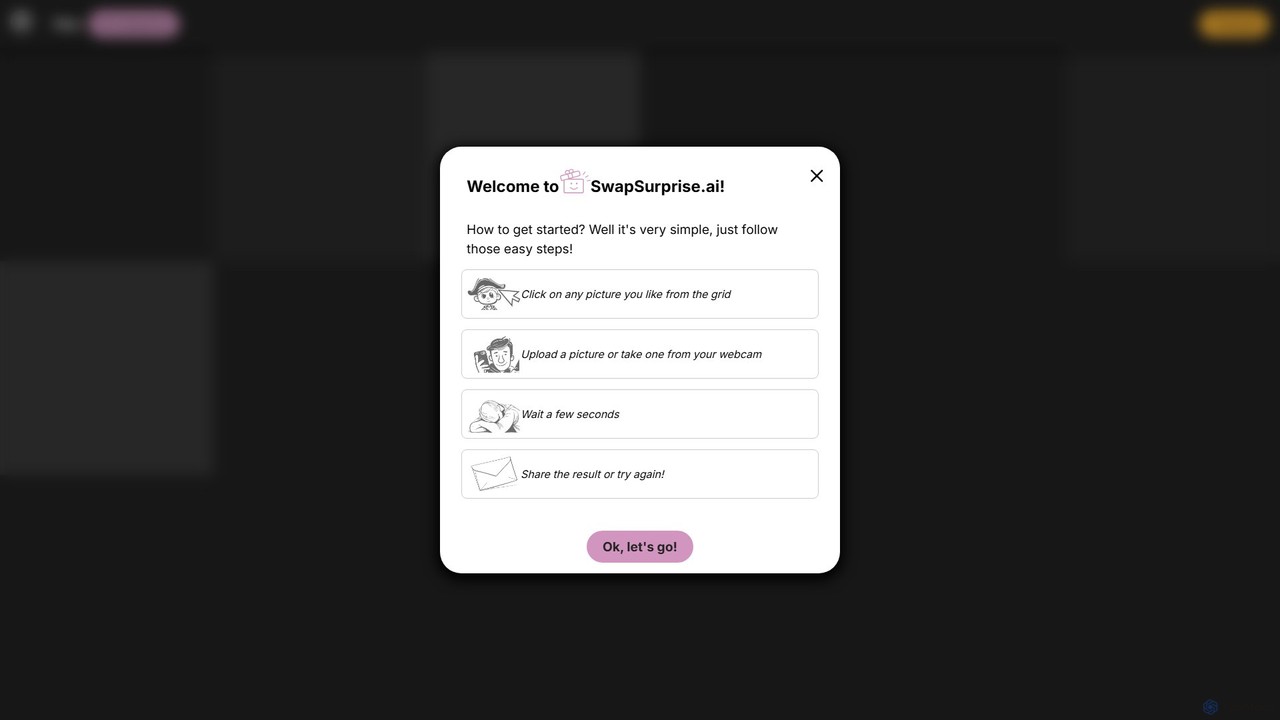
swapsurprise is an AI-powered online face swap tool that allows users to seamlessly swap their faces onto a vast library of templates. In just a few clicks, you can see yourself as a historical figure, a movie character, or in a funny meme. The platform is designed for entertainment, social media content creation, and creative exploration, offering a simple, fast, and fun user experience without needing any technical skills.

Face Swap
Visits 5.4KFavorites 129Likes 122

About Photo Effects

AI-powered Photo Effects tools specialize in transforming images by applying artistic styles, visual enhancements, and creative filters. These tools leverage advanced algorithms like neural networks and generative adversarial networks (GANs) to intelligently analyze image content and generate stunning visual alterations. They enable users to quickly achieve professional-grade artistic looks, enhance mood, or add unique visual flair to their photographs, making complex editing accessible to everyone within the broader field of image editing.

Core Features

  • Artistic Style Transfer: Applies the aesthetic characteristics of famous artworks or specific visual styles to a target photograph.
  • Intelligent Filters & Presets: Offers a wide range of AI-driven filters that adapt to image content for optimal enhancement, such as color grading or mood adjustments.
  • Background & Foreground Effects: Intelligently separates elements to apply blur, depth of field, or stylized backgrounds without manual masking.
  • Facial & Object Retouching: Automatically enhances specific features or objects with subtle effects, like smoothing skin or adding light reflections.
  • Generative Effects: Creates entirely new visual elements or textures to blend seamlessly into the original image, adding unique creative dimensions.

Use Cases

Content creators use these tools to quickly stylize social media posts, while marketers generate eye-catching visuals for campaigns. Professional photographers apply unique artistic touches to portraits or landscapes, and hobbyists transform everyday snapshots into works of art. These tools streamline the creative process, allowing for rapid experimentation with diverse visual aesthetics.

How to Choose

Consider the variety and quality of available effects, the level of customization offered, and the tool's integration with existing workflows. Evaluate processing speed, output resolution, and the intuitiveness of the user interface. Pricing models and the ability to handle batch processing for multiple images are also crucial factors for professional users.

Photo Effects use cases

1

Transforming Portraits with Artistic Styles

A portrait photographer uses AI photo effects to apply a painterly or cinematic style to client photos, offering unique artistic renditions beyond standard retouching. By selecting a desired style, the AI intelligently reinterprets the image, saving hours of manual artistic manipulation and providing diverse creative options for clients.

2

Enhancing Social Media Visuals with Trendy Filters

A social media manager leverages AI photo effects to quickly apply trending visual filters and color grading to product photos or lifestyle shots. This ensures brand consistency and visual appeal across platforms, allowing for rapid content creation and engagement without needing advanced graphic design skills.

3

Creating Thematic Event Photography Effects

An event organizer or photographer utilizes AI tools to add thematic effects to photos from a specific event, such as a vintage look for a retro party or a futuristic glow for a tech conference. This unifies the visual narrative of the event, making photos more immersive and memorable for attendees.

4

Stylizing Product Images for E-commerce Campaigns

An e-commerce marketer employs AI photo effects to generate various stylized versions of product images for different advertising campaigns. This includes applying seasonal themes, abstract backgrounds, or specific mood lighting, enabling A/B testing of visuals and attracting diverse customer segments without costly reshoots.

5

Adding Depth and Focus with Intelligent Blur Effects

A content creator uses AI photo effects to selectively apply background blur or depth-of-field effects to images lacking natural bokeh. The AI accurately identifies subjects, creating a professional, focused look that enhances visual storytelling and draws attention to key elements, significantly improving image quality.

6

Generating Unique Visuals for Digital Art & Design

A digital artist or graphic designer experiments with AI photo effects to generate unique textures, patterns, or abstract elements from existing photographs. This provides a rich source of creative assets for digital compositions, concept art, or website backgrounds, expanding artistic possibilities and accelerating design iterations.

Photo Effects FAQ

What are AI Photo Effects tools?

AI Photo Effects tools are applications that use artificial intelligence to automatically apply artistic styles, visual enhancements, and creative filters to photographs. Unlike traditional photo editing, these tools leverage machine learning to understand image content and intelligently transform it, offering effects like style transfer, smart filters, and generative textures to achieve unique visual outcomes with minimal manual effort.

How do AI Photo Effects differ from general AI Image Editing tools?

While both fall under image editing, AI Photo Effects tools specifically focus on *transformative visual alterations* and *stylization*. General AI Image Editing tools encompass a broader range of functions, including basic adjustments (brightness, contrast), object removal, background changes, and retouching. Photo Effects tools are geared towards creative expression and aesthetic enhancement, often applying a distinct "look" or "feel" rather than just correcting or manipulating elements.

What types of effects can AI Photo Effects tools create?

AI Photo Effects tools can create a wide array of effects. Common types include: Artistic Style Transfer (e.g., turning a photo into a painting), Intelligent Color Grading (adjusting colors for mood), Generative Filters (adding realistic or abstract elements), Depth Effects (simulating bokeh or focus), and Thematic Overlays (e.g., vintage, futuristic, cinematic looks). These effects are often applied intelligently, adapting to the specific content of the image.

Who benefits most from using AI Photo Effects tools?

A diverse range of users benefits from AI Photo Effects tools. Content creators and social media managers use them for rapid content stylization. Photographers (both amateur and professional) leverage them for artistic expression and unique client offerings. Marketers utilize them to create eye-catching visuals for campaigns. Additionally, digital artists and hobbyists find them valuable for creative experimentation and transforming personal photos into art, democratizing advanced visual effects.

What should I consider when choosing an AI Photo Effects tool?

When selecting an AI Photo Effects tool, evaluate the variety and quality of effects offered, ensuring they align with your creative needs. Consider the ease of use and intuitiveness of the interface, especially for beginners. Check for customization options, allowing you to fine-tune effects. Also, assess processing speed, output resolution, and whether the tool supports batch processing. Finally, review the pricing model and compatibility with your existing devices or software.