
ToolMage
Sign in

Best 1 Portrait Enhancement AI tools for Image Editing

Popular Portrait Enhancement AI tools in Image Editing include AILab Tools, helping you work more efficiently.

AILab Tools
Freemium

AILab Tools

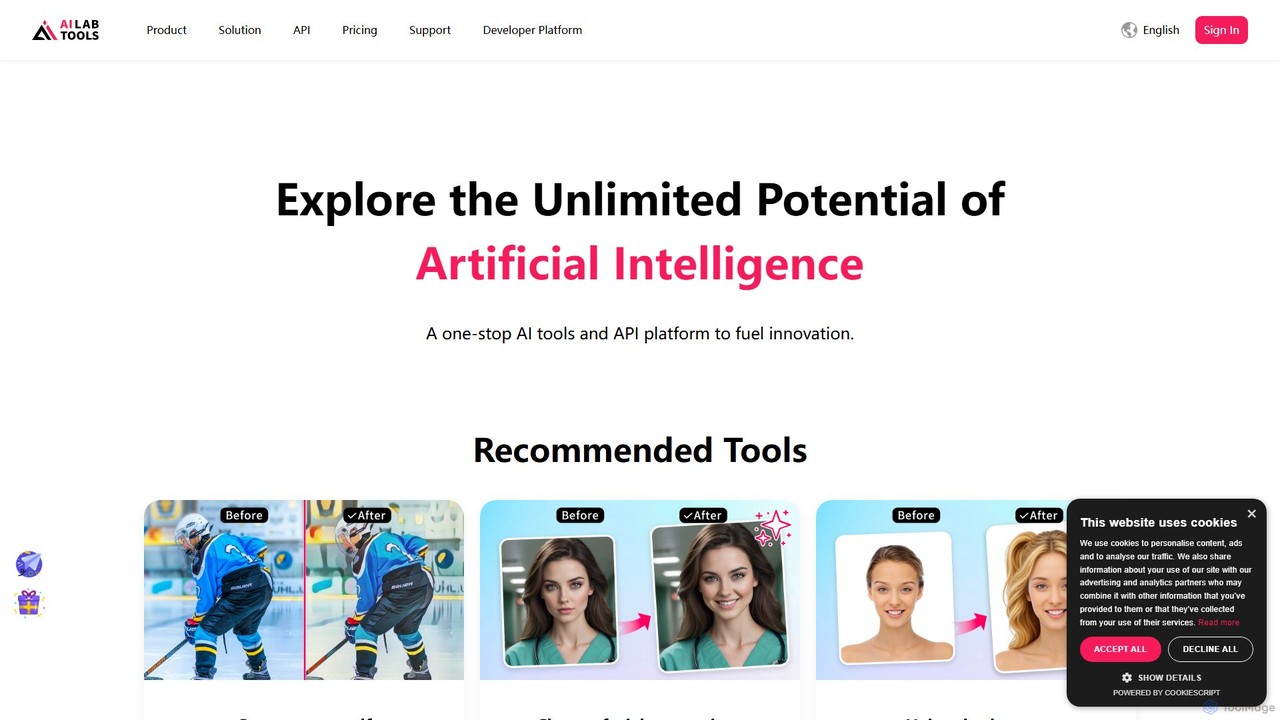
AILab Tools is a comprehensive, all-in-one AI platform offering a wide array of image editing tools and a powerful API for developers. It enables users to effortlessly cartoonize photos, retouch portraits, change hairstyles, remove objects, and much more, catering to individuals, businesses, and developers.

Ai Art Generator
Visits 1.2MFavorites 134Likes 130

About Portrait Enhancement

Portrait Enhancement tools are AI-powered applications designed to automatically refine and improve portrait photographs. They leverage advanced neural networks to intelligently identify facial features, skin texture, and lighting conditions, applying targeted adjustments with precision. This technology enables photographers, content creators, and individuals to achieve professional-grade retouching, such as blemish removal and skin smoothing, in a fraction of the time required for manual editing. Unlike general image editors, these tools offer specialized, one-click solutions specifically trained for human faces.

Core Features

  • Automated Skin Retouching: Intelligently removes blemishes, smooths skin texture, and evens out skin tone while preserving natural details.
  • Facial Feature Enhancement: Precisely adjusts elements like eye brightness, teeth whiteness, and facial contours for a subtle, polished look.
  • Intelligent Lighting Correction: Corrects exposure, balances shadows, and adds dimension to faces, mimicking professional studio lighting.
  • Background Manipulation: Offers one-click background blur (bokeh effect) or replacement to make the subject stand out.

Use Cases

These tools are essential for professional photographers in their post-production workflow, especially for weddings and events. Social media influencers and marketers use them to maintain a consistent and high-quality visual brand. They are also valuable for corporate use in standardizing employee headshots and for individuals wanting to improve their personal photos for profiles or sharing.

How to Choose

When selecting a tool, consider the level of control it offers—from fully automated enhancements to fine-tunable sliders. Evaluate the realism of the results to avoid an over-edited look. For professionals, batch processing capability is crucial for efficiency. Also, review the tool's privacy policy, especially when uploading personal images.

Portrait Enhancement use cases

1

Streamlining Professional Photography Workflows

A wedding photographer often captures thousands of photos per event. Manually retouching each portrait in software like Photoshop is time-consuming. By using an AI Portrait Enhancement tool, the photographer can apply a consistent set of enhancements—such as skin smoothing, eye brightening, and lighting correction—to hundreds of images simultaneously. The tool's batch processing feature reduces post-production time by up to 80%, allowing the photographer to deliver the final gallery to clients much faster while maintaining a high standard of quality.

2

Creating Polished Social Media Content

Social media influencers and content creators need to produce a steady stream of high-quality visual content. An AI Portrait Enhancement tool allows them to quickly perfect their selfies and portraits before posting. Within seconds, they can remove temporary blemishes, adjust the lighting from a non-ideal environment, and apply a subtle background blur to make the image pop. This ensures their online presence remains professional and visually appealing, helping to engage their audience effectively without spending hours on manual editing.

3

Standardizing Corporate and Team Headshots

A company's 'About Us' page or internal directory looks more professional with consistent employee headshots. However, photos are often taken by different people in various locations. An HR or marketing manager can use a Portrait Enhancement tool to standardize these images. The AI can automatically adjust lighting to be uniform, correct color balance, and apply a consistent background (either blurred or replaced with a branded color). This creates a cohesive and professional look across all corporate materials.

4

Enhancing E-commerce Fashion Photography

For online clothing stores, the quality of model photography directly impacts sales. E-commerce managers use AI Portrait Enhancement to ensure models look their best without distracting from the product. The tools can subtly even out skin tones, correct lighting to accurately represent fabric colors, and sharpen details on the clothing. This process ensures that product images are clean, appealing, and professional, leading to a better customer experience and potentially higher conversion rates.

5

Restoring and Reviving Old Family Portraits

Old family photographs often suffer from fading, scratches, and poor resolution. Individuals or genealogists can use AI Portrait Enhancement tools that include restoration features. These tools can upscale low-resolution faces, repair cracks and scratches, and colorize black-and-white portraits. The AI is specifically trained to recognize and reconstruct facial details, bringing clarity and life back to cherished memories and preserving family history for future generations.

6

Optimizing Photos for Online Profiles

Whether for a professional networking site or a dating app, a profile picture is the first impression. Individuals use Portrait Enhancement tools to present the best version of themselves in a natural way. They can use the tool to soften harsh shadows from poor lighting, subtly whiten teeth, and remove minor skin imperfections. The goal is not to alter one's appearance but to correct technical flaws in the photo, resulting in a clear, confident, and approachable profile picture.

Portrait Enhancement FAQ

What is AI Portrait Enhancement?

AI Portrait Enhancement refers to a category of software that uses artificial intelligence to automatically improve the quality of portrait photos. Unlike general photo editors, these tools are specifically trained on vast datasets of faces to recognize and intelligently adjust features like skin, eyes, hair, and lighting. Key functions include automated blemish removal, skin smoothing, teeth whitening, and lighting correction. They are designed to simplify the retouching process, making professional-level results accessible without manual editing skills.

How does Portrait Enhancement differ from a general Image Editor?

The main difference lies in specialization and automation. A general image editor like Photoshop provides a comprehensive set of manual tools (brushes, layers, masks) for any type of image, requiring significant skill and time. AI Portrait Enhancement tools are specialized for faces and automate complex retouching tasks. They use pre-trained models to perform actions like skin smoothing or eye brightening in a single click, whereas in a general editor, this would involve multiple manual steps. In short, portrait enhancers offer speed and simplicity for a specific task, while general editors offer universal control and flexibility.

What are the key features of a good Portrait Enhancement tool?

A capable Portrait Enhancement tool should offer a balance of automation and control. Key features to look for include:

  • Selective Adjustments: The ability to enhance specific facial features like eyes, mouth, and nose independently.
  • Natural Skin Retouching: Advanced algorithms that smooth skin while preserving realistic texture, avoiding a plastic look.
  • Lighting and Color Correction: AI-powered adjustments for exposure, shadows, and color temperature tailored for skin tones.
  • Batch Processing: The capacity to apply the same enhancements to multiple photos at once, which is essential for professionals.
  • Adjustable Intensity: Sliders or controls to fine-tune the strength of the effects to ensure a natural result.

Can AI make my portraits look fake or unnatural?

This is a common concern, and the quality of the result heavily depends on the tool and how it's used. High-quality AI Portrait Enhancement tools are designed to produce natural-looking results by preserving essential details like skin texture and freckles. They aim for enhancement, not alteration. Most reputable tools provide intensity sliders, giving you full control over the strength of the adjustments. By using these controls judiciously, you can achieve a polished yet authentic look. It is advisable to start with subtle adjustments and avoid pushing the sliders to their maximum settings.

Who can benefit from using AI Portrait Enhancement tools?

These tools are beneficial for a wide range of users. Professional photographers use them to speed up their post-production workflow for events, weddings, and studio shoots. Social media managers and content creators rely on them to quickly produce high-quality, engaging visuals. Marketing and HR departments use them to standardize corporate headshots. E-commerce businesses enhance model photos to improve product presentation. Finally, any individual can use them to improve personal photos for social profiles, resumes, or sharing with family and friends.