
ToolMage
Sign in

Best 1 Resizing AI tools for Image Editing

Popular Resizing AI tools in Image Editing include ToolsMaverick, helping you work more efficiently.

ToolsMaverick
Free

ToolsMaverick

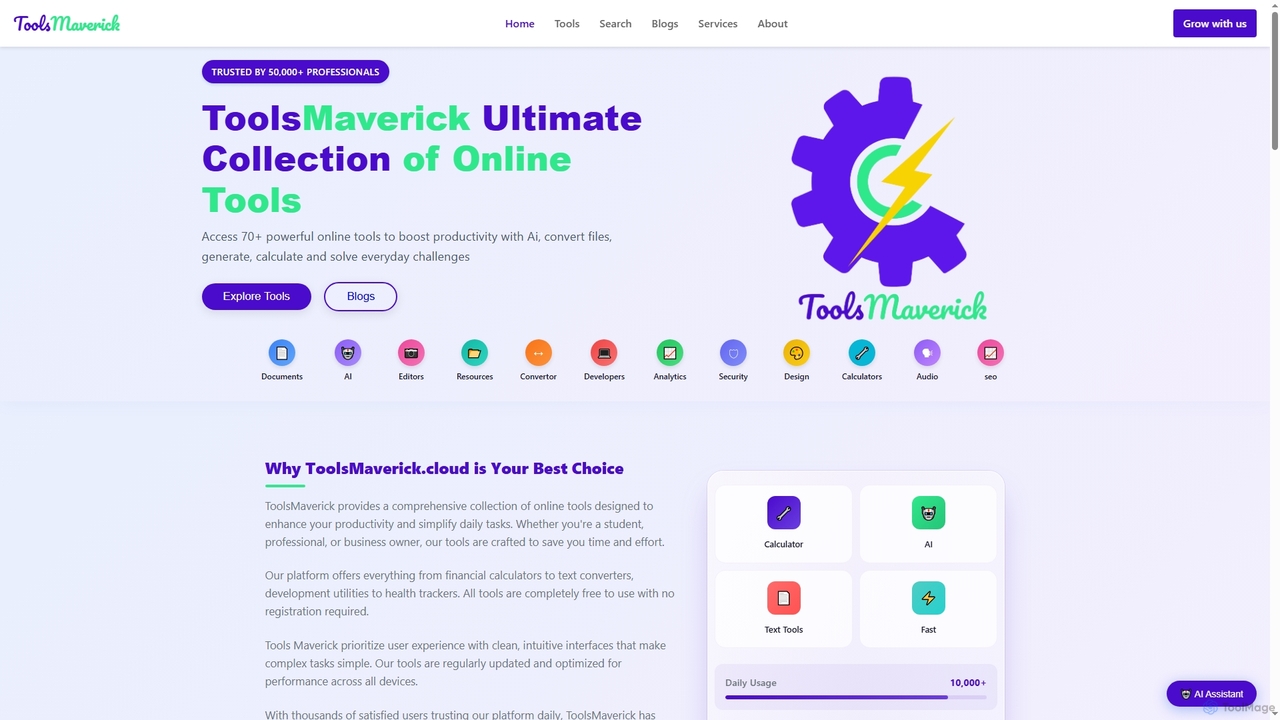
ToolsMaverick is a comprehensive, free online platform offering over 70 diverse utilities, including powerful AI tools, calculators, converters, SEO aids, and development tools. Designed for simplicity, it requires no sign-up, features no ads, and provides immediate access to enhance productivity for professionals, students, and everyday users.

Content Analysis
Visits 6.5KFavorites 138Likes 146

About Resizing

Resizing tools are AI-powered solutions designed to intelligently alter image dimensions, including upscaling, downscaling, and cropping, while preserving or enhancing visual quality. These tools leverage advanced AI algorithms, such as super-resolution and content-aware scaling, to analyze image content and make smart adjustments. They are invaluable for optimizing images for various platforms, preparing visuals for print, and ensuring consistent quality across digital media without pixelation or distortion.

Core Features

  • Intelligent Upscaling: AI algorithms predict and fill in missing pixels to enlarge images without significant loss of quality or detail.
  • Content-Aware Scaling: Smartly resizes images by identifying and protecting important visual elements, preventing distortion of key subjects.
  • Batch Processing: Efficiently adjusts the size of multiple images simultaneously, saving considerable time and effort.
  • Multiple Output Formats: Supports exporting resized images in various file types and quality settings to suit different needs.
  • Quality Optimization: Automatically enhances image clarity by adjusting sharpness, reducing noise, and improving overall visual fidelity during resizing.

Applicable Scenarios

These tools are crucial for professionals and individuals who frequently work with images. E-commerce businesses use them to standardize product photo sizes for online stores, ensuring fast loading and consistent presentation. Social media managers rely on them to quickly adapt images to the specific aspect ratios and resolution requirements of different platforms. Graphic designers and publishers utilize AI resizing to upscale low-resolution assets for high-quality print production.

How to Choose

When selecting an AI resizing tool, prioritize the quality of its AI algorithms, especially its ability to perform lossless upscaling and content-aware adjustments. Consider its batch processing capabilities for efficiency, and ensure it offers flexible output options for various formats and quality levels. Evaluate its integration potential with existing workflows or design software, and assess the ease of use of its interface.

Resizing use cases

1

E-commerce Product Image Optimization

E-commerce operators need to standardize thousands of product images to specific dimensions and resolutions for online stores and mobile apps. AI resizing tools automatically batch process these images, maintaining high quality while optimizing file size for faster loading and a consistent user experience.

2

Social Media Content Adaptation

Content creators frequently need to adapt a single image for various social media platforms (e.g., Instagram, Facebook, Twitter), each with unique aspect ratio and resolution requirements. AI tools intelligently identify the main subject and quickly generate perfectly sized versions for each platform.

3

Website Image Performance Enhancement

Website administrators and developers aim to optimize site performance by reducing image file sizes without compromising visual quality, thereby speeding up page load times. AI resizing tools intelligently compress and adjust dimensions, improving SEO and overall user experience.

4

High-Resolution Conversion for Print Design

Graphic designers or publishers often work with low-resolution images that need to be enlarged for high-quality print materials. AI resizing tools with super-resolution capabilities can intelligently upscale these images, adding detail and clarity to meet professional print standards.

5

Restoration and Enlargement of Old Photos

Individuals or archivists wish to enlarge and enhance the clarity of old, low-resolution photographs for better preservation or sharing. AI tools can intelligently repair details, reduce noise, and non-destructively upscale these cherished memories.

6

Design Asset Library Management

Designers and asset managers need to unify the dimensions and resolutions of diverse image assets from various sources for efficient organization and future use. AI batch resizing tools streamline this task, ensuring consistency and ease of access within the asset library.

Resizing FAQ

What are AI Resizing Tools?

AI resizing tools are software or services that leverage artificial intelligence to intelligently change image dimensions, including enlarging, shrinking, and cropping. Unlike traditional pixel manipulation, they use advanced algorithms like super-resolution and content-aware scaling to predict and fill in missing pixels or protect key elements, maintaining or enhancing image quality and detail without blurriness or distortion during the process.

How do AI Resizing Tools differ from traditional image scaling?

Traditional scaling tools typically change dimensions by simply adding or removing pixels, often leading to pixelation and loss of detail when enlarging. AI resizing tools, however, utilize deep learning algorithms to understand image content, intelligently generating new pixels or optimizing existing ones. This results in significantly sharper, more detailed enlarged images, achieving a "lossless" or "super-resolution" effect, especially noticeable during upscaling.

How do I choose the right AI Resizing Tool?

When selecting an AI resizing tool, consider several key factors: first, the quality of its AI algorithms, testing its effectiveness in lossless upscaling and content-aware adjustments; second, its batch processing capabilities for handling large volumes of images efficiently; third, the range of supported formats and output options; and finally, its API or integration capabilities with your existing workflow, along with the overall ease of use of its interface.

What are the main use cases for AI Resizing Tools?

AI resizing tools are widely used in scenarios requiring optimized image dimensions and quality. For example, e-commerce platforms use them to standardize product image sizes and optimize loading speeds; content creators adapt images for various social media platforms; designers upscale low-resolution assets for print standards; and website administrators enhance website image performance and SEO. They are essential for maintaining visual integrity across diverse digital and print media.

Can AI Resizing Tools truly upscale images without quality loss?

While "lossless" is a relative term, AI resizing tools, through their advanced super-resolution algorithms, can significantly minimize the quality degradation typically associated with image enlargement. By analyzing image textures, edges, and patterns, they intelligently generate new pixel data, resulting in visually sharper and more detailed enlarged images compared to traditional methods, thus providing a near-"lossless" experience for most practical applications.