Image Editing Best in category 1 results Text Recognition AI Tool

Popular AI tools in the Text Recognition field of Image Editing include AI Translate Manga, etc., helping you quickly improve efficiency.

AI Translate Manga

AI Translate Manga

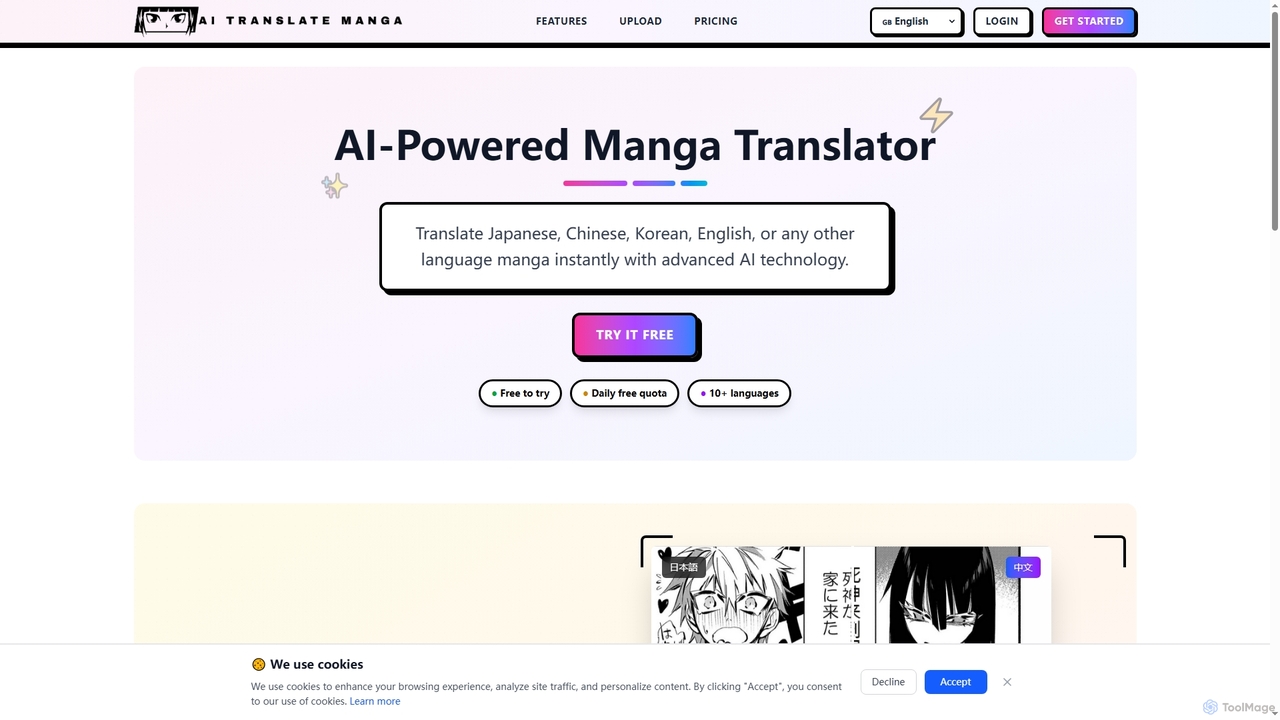
AI Translate Manga is an advanced AI-powered tool designed to instantly translate manga from Japanese, Chinese, Korean, English, …

2.3K

About Text Recognition

Text Recognition is a specialized category of AI tools designed to identify and extract textual information from images, scanned documents, and even handwritten notes. Leveraging advanced Optical Character Recognition (OCR) technology and deep learning algorithms, these tools convert various forms of visual text into machine-readable and editable formats. This capability is crucial for digitizing physical documents, automating data entry, and making image-based content searchable and accessible, significantly enhancing data management and operational efficiency.

Core Features

  • High Accuracy OCR: Converts printed and digital text from images into editable text with high precision.
  • Handwriting Recognition: Interprets and digitizes handwritten content, often adapting to various styles.
  • Multi-language Support: Recognizes and processes text in numerous languages and character sets.
  • Structured Data Extraction: Identifies and extracts specific data fields (e.g., names, dates, amounts) from forms, invoices, and receipts.
  • Layout Analysis: Understands document structure, separating text blocks, images, and tables for accurate reconstruction.

Applicable Scenarios

Text Recognition tools are indispensable across various sectors. Businesses use them for automating invoice processing and digitizing archives. Legal and healthcare professionals rely on them for converting paper records into searchable digital formats. Content creators and researchers utilize these tools to extract quotes from images or make scanned articles editable, streamlining information retrieval and content repurposing.

How to Choose

When selecting a Text Recognition tool, consider its OCR accuracy, especially for your specific document types (e.g., historical documents, complex layouts). Evaluate its language support, integration capabilities with existing workflows, and the output formats it provides (e.g., editable text, searchable PDF). Assess the tool's ability to handle image quality variations and its pricing model based on usage volume or features.

Text RecognitionUse Cases

1

Digitizing Historical Archives

Archivists and librarians use Text Recognition tools to convert vast collections of old books, manuscripts, and historical documents into searchable digital formats. By accurately extracting text from scanned images, these tools make previously inaccessible information available for research, preservation, and public access, overcoming challenges posed by faded ink or unique fonts.

2

Automating Invoice and Receipt Processing

Finance departments and small businesses leverage Text Recognition to automatically extract key data like vendor names, dates, itemized lists, and total amounts from invoices and receipts. This eliminates manual data entry, reduces errors, and accelerates expense reporting and accounting processes, integrating seamlessly with financial management systems.

3

Creating Searchable PDFs from Scanned Documents

Office professionals and legal teams utilize Text Recognition to transform scanned paper documents, contracts, and reports into fully searchable PDF files. This allows users to quickly find specific keywords or phrases within large documents, significantly improving document management, retrieval efficiency, and compliance with digital record-keeping standards.

4

Extracting Data from Business Cards and ID Cards

Sales teams and event organizers employ Text Recognition to quickly capture contact information from business cards or verify identity details from ID cards. By simply scanning the card, the tool extracts names, titles, companies, and contact details, populating CRM systems or registration forms automatically, saving time and ensuring data accuracy.

5

Converting Handwritten Notes to Digital Text

Students, researchers, and professionals use advanced Text Recognition tools capable of handwriting recognition to convert their handwritten notes, meeting minutes, or research observations into editable digital text. This facilitates easier organization, sharing, and editing of personal notes, bridging the gap between analog and digital workflows.

6

Enhancing Accessibility for Visually Impaired Users

Accessibility advocates and developers integrate Text Recognition into applications that help visually impaired individuals. By processing images of text (e.g., street signs, product labels, book pages) and converting them into spoken words or braille-ready formats, these tools empower users to interact with their environment and access information independently.

Text RecognitionFrequently Asked Questions