ToolMage
Sign in

Best 9 Image Editing AI tools for Image Generation

Popular Image Editing AI tools in Image Generation include Undressbaby, Sora2web, fat2fit, Seedream 4.0, GetNude, DreamBody, Interior AI Designs, TryOnHub.AI, and AI Shopping Assistant, helping you work more efficiently.

Seedream 4.0
Paid

Seedream 4.0

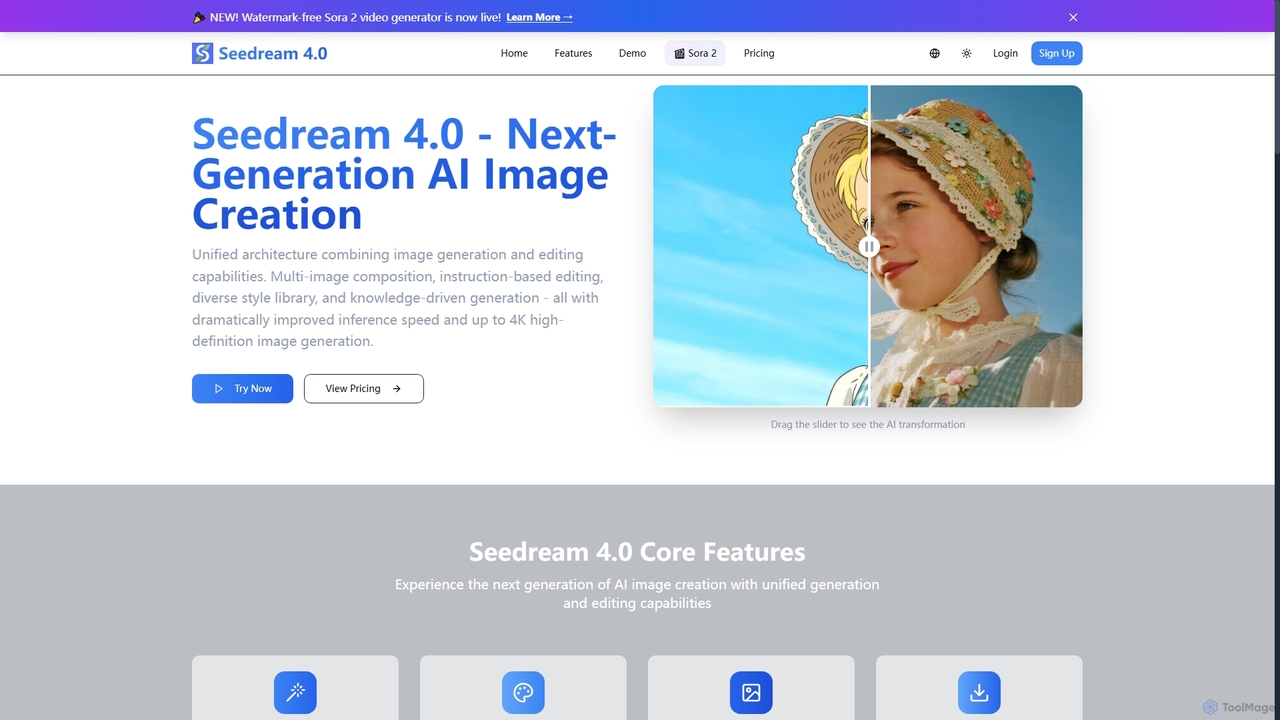
Seedream 4.0 is a next-generation AI image creation platform that unifies image generation and editing. It features multi-image composition, instruction-based editing, a diverse style library, and knowledge-driven generation. Users can create high-definition images up to 4K with dramatically improved inference speed, making complex visual tasks efficient and precise.

Creative Tools
Visits 5.4KFavorites 108Likes 135
Sora2web
Freemium

Sora2web

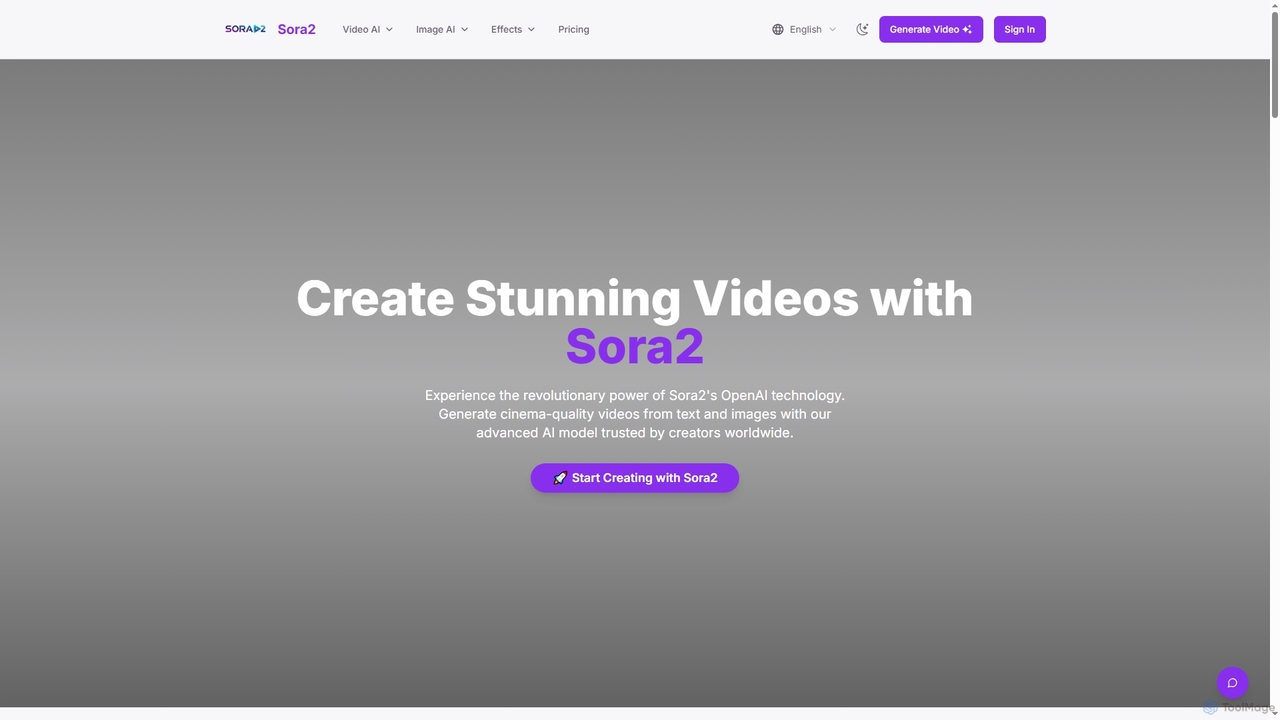
Sora2web is an advanced AI platform offering cinema-quality video and high-fidelity image generation from text and images. Leveraging models like OpenAI's Sora2, Kling, and Nanobanana, it provides creators, marketers, and businesses with powerful tools for diverse content needs, including realistic physics simulations, consistent character appearance, and a wide array of visual effects, all within an intuitive, cloud-based environment.

Content Creation
Visits 16KFavorites 119Likes 109
AI Shopping Assistant
Free

AI Shopping Assistant

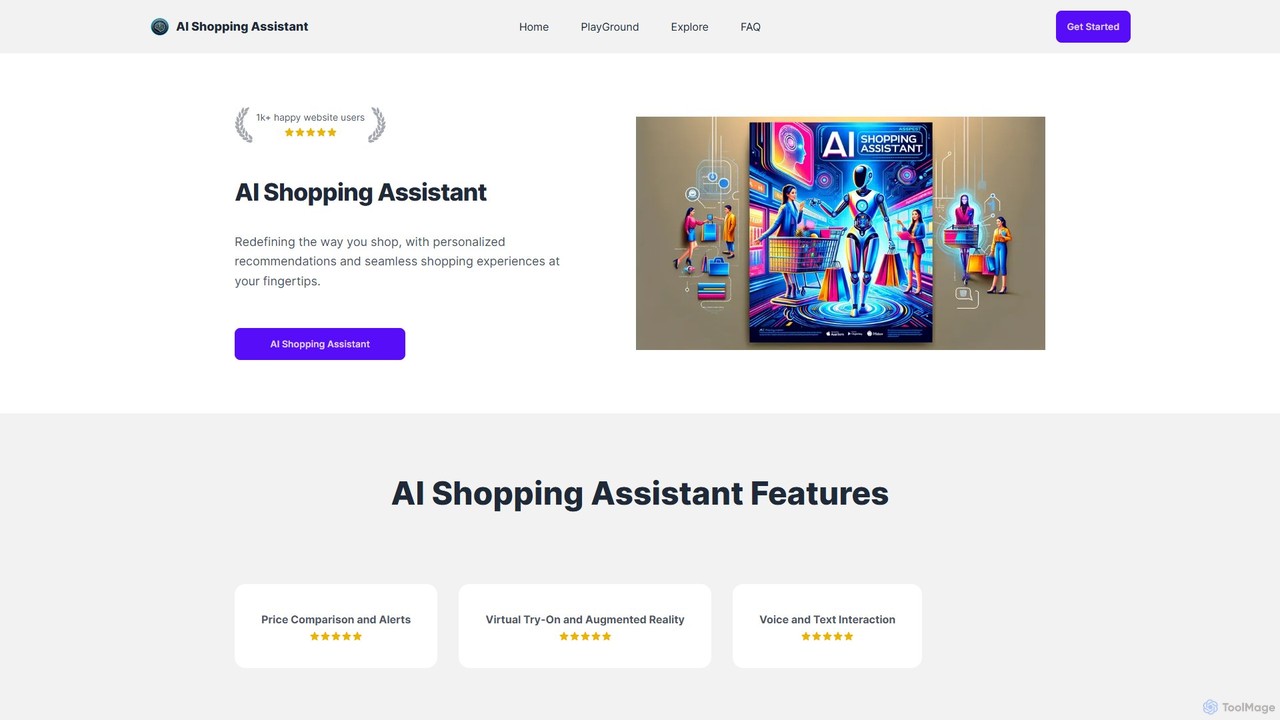
AI Shopping Assistant redefines online shopping with a hyper-realistic virtual try-on feature. Upload a photo of a person and a garment to instantly see the fit. It also aims to offer price comparisons and voice interaction, making it a comprehensive tool for confident and personalized shopping decisions.

Virtual Try On
Visits 3.8KFavorites 129Likes 131
Interior AI Designs
Paid

Interior AI Designs

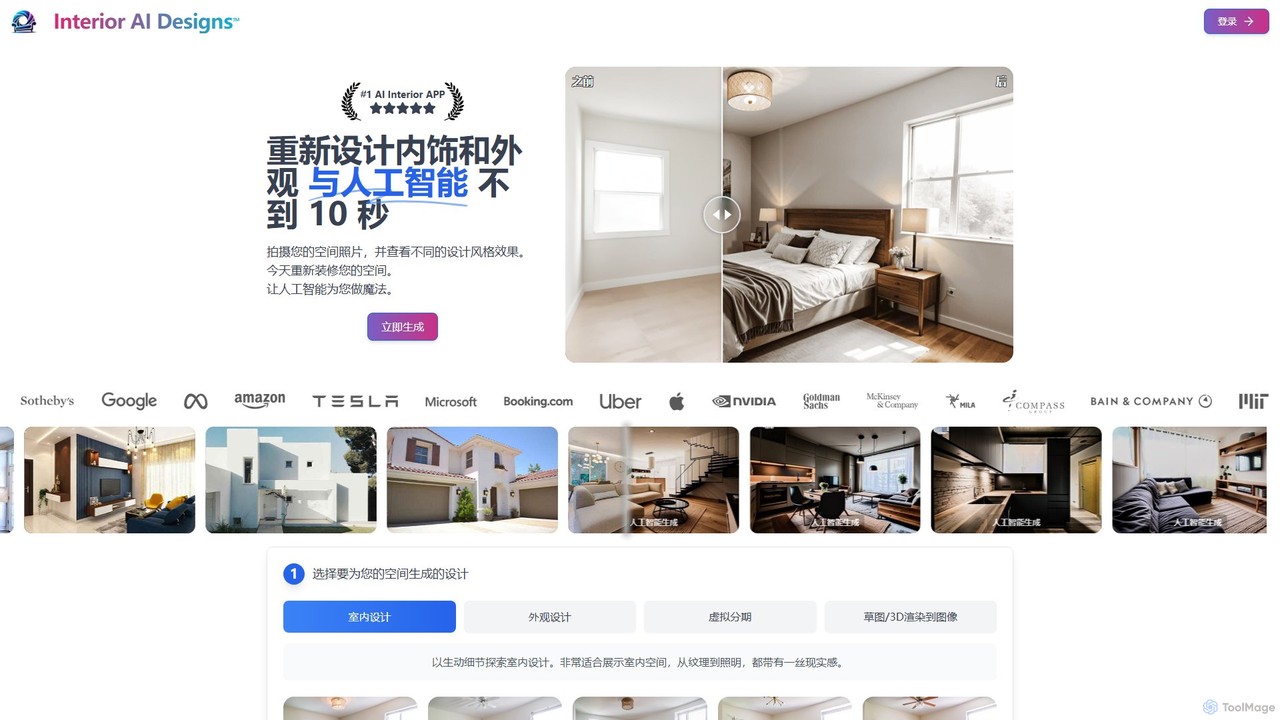
An AI-powered design tool that transforms photos of your interior, exterior, or empty rooms into photorealistic designs in over 40 styles. Ideal for homeowners, real estate agents, and designers, it offers virtual staging, sketch-to-image, and 3D render enhancement in seconds.

Interior Design
Visits 3.9KFavorites 98Likes 100
fat2fit
Paid

fat2fit

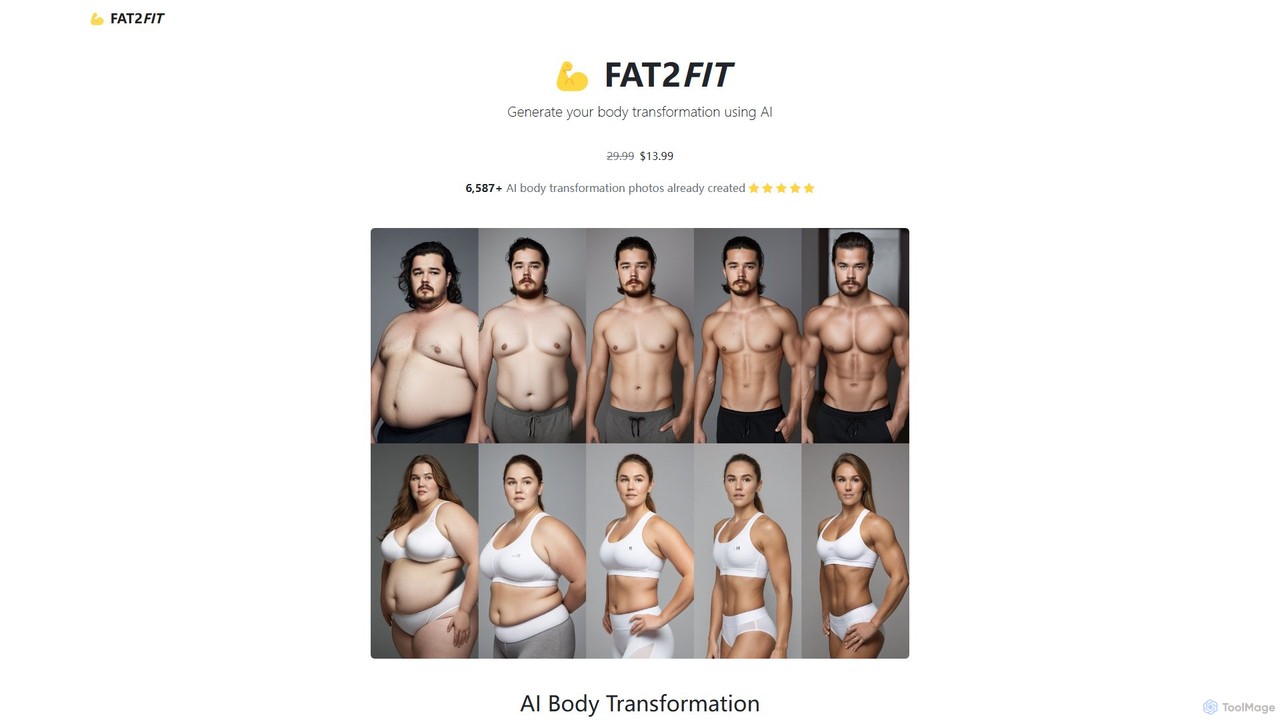
fat2fit is an AI-powered tool that generates realistic body transformation photos. Upload your current photo and let the AI show you a vision of your future self after weight loss or muscle gain. It's designed to provide powerful visual motivation to help you start and stick to your fitness journey.

3D
Visits 5.4KFavorites 108Likes 121
TryOnHub.AI
Freemium

TryOnHub.AI

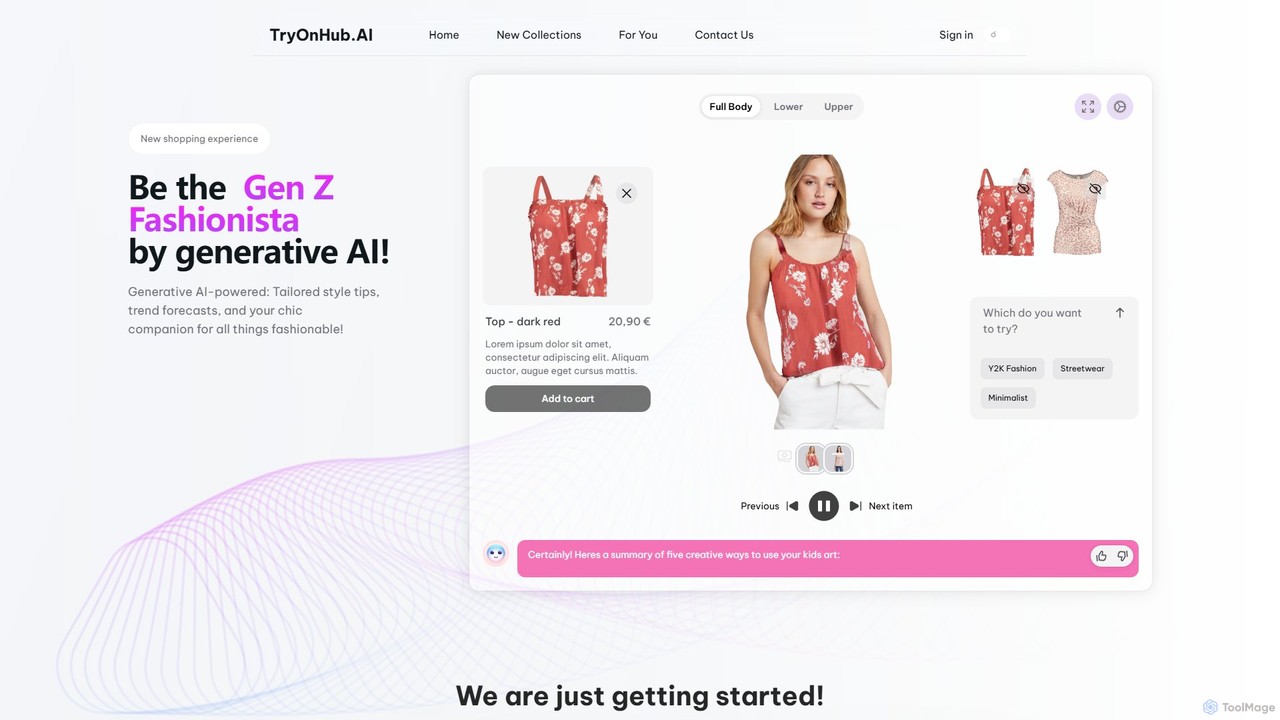
TryOnHub.AI is a generative AI-powered fashion studio that offers a revolutionary virtual try-on experience. Users can upload their photo and a clothing item's image to see how it looks on them instantly. It provides personalized outfit recommendations, style tips, and interactive garment customization, transforming the online shopping journey for both consumers and e-commerce businesses.

Virtual Try On
Visits 3.8KFavorites 128Likes 118
GetNude
Freemium

GetNude

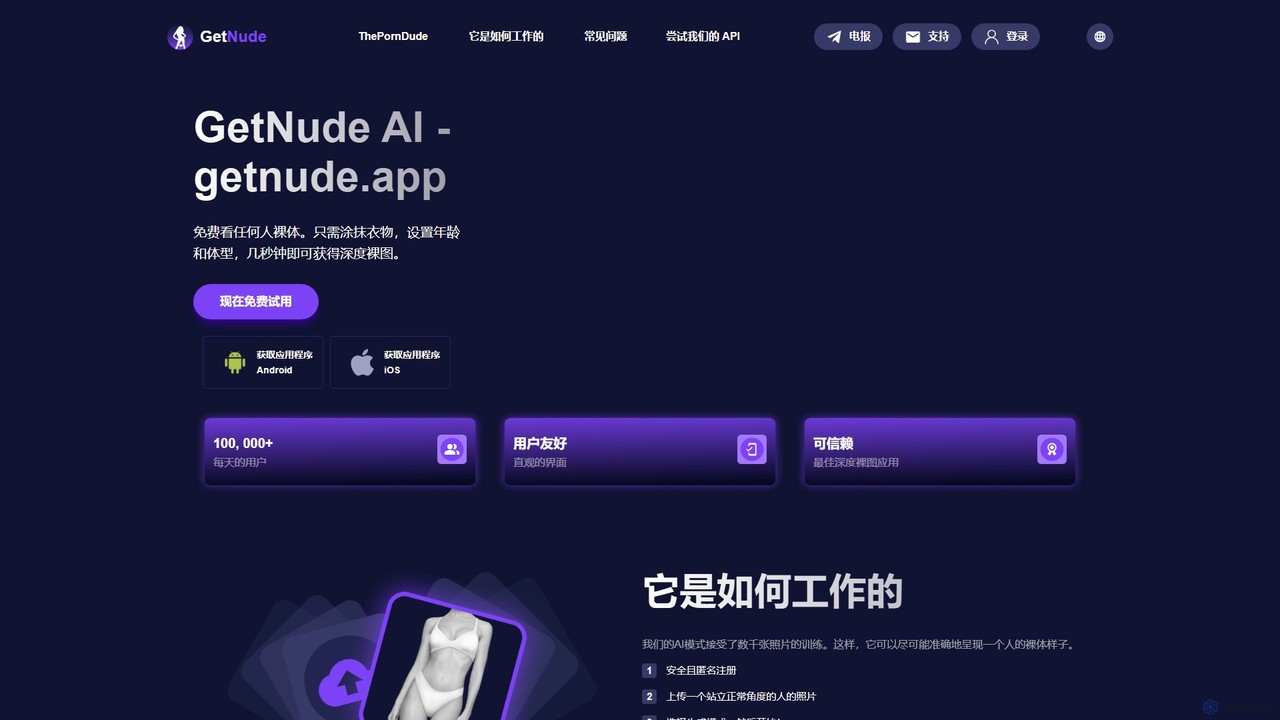
GetNude is an AI-powered tool that digitally removes clothing from images. Users can upload a photo, use a brush to mark the clothing area, and specify parameters like age and body type to generate a realistic nude version in seconds. It offers a free trial and credit-based premium plans.

Image Processing Api
Visits 5.2KFavorites 115Likes 121
DreamBody
Freemium

DreamBody

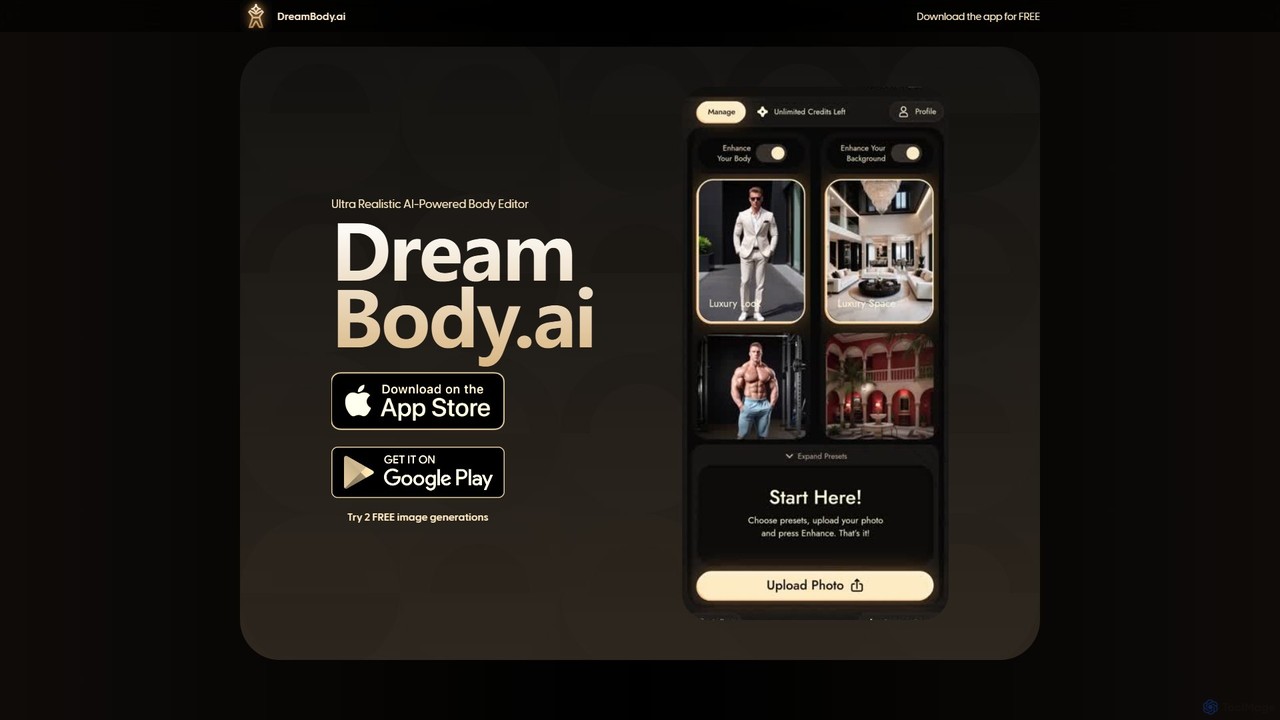
DreamBody is an AI-powered muscle generator that transforms your photos to visualize your ideal physique. Upload your images and let the AI create realistic depictions of your body with enhanced muscle definition, serving as a powerful tool for fitness motivation and goal setting.

Avatars
Visits 4.6KFavorites 114Likes 101
Undressbaby
Freemium

Undressbaby

Undressbaby is an AI-powered deepfake tool for image and video manipulation. It specializes in AI undressing, dressing, high-fidelity face swapping, and creative image generation, operating on a freemium points-based system.

Entertainment
Visits 333.7KFavorites 112Likes 112

About Image Editing

AI Image Editing tools are applications that use artificial intelligence to intelligently modify, enhance, and transform existing images. These tools leverage deep learning models to understand image content, enabling complex operations like object removal, background replacement, and resolution enhancement with minimal user input. They are designed to automate tedious editing tasks and unlock creative possibilities beyond traditional software. Unlike AI image generators that create visuals from scratch, AI image editors focus on refining and manipulating pre-existing pictures, making professional-grade editing accessible to everyone.

Core Features

  • Object Removal & Inpainting: Erase unwanted elements from a photo, and the AI intelligently fills in the background.
  • Background Replacement & Removal: Automatically detect and isolate subjects to remove or replace the background seamlessly.
  • AI Upscaling & Enhancement: Increase image resolution and sharpen details without introducing artifacts, ideal for restoring low-quality photos.
  • Generative Fill & Outpainting: Intelligently extend an image's borders or add new elements based on text prompts or contextual analysis.
  • Style Transfer & Effects: Apply the artistic style of one image to another or add complex AI-driven effects and filters.

Use Cases

These tools are widely used by e-commerce businesses to clean up product photos, social media managers to quickly create marketing assets, and photographers to speed up their retouching workflow. Graphic designers also use them to modify stock imagery and seamlessly integrate elements into their compositions.

How to Choose

When selecting an AI Image Editing tool, consider its specific feature set—whether you need powerful background removal, high-fidelity upscaling, or creative generative fill. Evaluate its integration capabilities, such as Photoshop plugins or API access. Also, consider the user interface's simplicity and the pricing model, whether it's a subscription or a pay-per-use credit system.

Featured tool rankings

Image Editing use cases

1

E-commerce Product Photo Cleanup

An e-commerce store owner needs to prepare hundreds of product photos for their website. Using an AI Image Editing tool, they can batch-process all images to remove the original backgrounds and replace them with a consistent, clean white background. The tool's inpainting feature can also be used to erase minor scratches or dust from product surfaces, ensuring every item looks perfect. This process reduces manual editing time from hours to minutes, leading to a professional and uniform online catalog.

2

Creative Social Media Content Creation

A social media manager wants to create an eye-catching post from a standard team photo. Using an AI editor's generative fill (outpainting) feature, they extend the photo's canvas to fit a vertical story format, and the AI generates a fitting background. They then use the object removal tool to clear distracting elements in the background. Finally, they apply an AI-powered style filter to give the image a unique, branded look. This allows for rapid creation of unique visual assets without needing a graphic designer.

3

Restoring and Colorizing Old Photos

An individual finds a collection of old, faded, and scratched family photographs. Using an AI image editor specializing in restoration, they can upload the scanned images. The tool automatically detects and repairs scratches, tears, and creases. Its enhancement feature sharpens blurry faces and details. Finally, the AI colorization model analyzes the black-and-white image and applies realistic colors, bringing cherished memories back to life for a new generation to enjoy.

4

Real Estate Photo Enhancement

A real estate agent has photos of a property taken on an overcast day, making the listing look dull. They use an AI image editor to instantly replace the grey sky with a bright, sunny blue sky. For an empty room, they use a generative fill feature to add virtual furniture like a sofa and a coffee table, helping potential buyers visualize the space. This quick editing process makes property listings significantly more attractive and can lead to faster sales.

5

High-Resolution Image Upscaling

A web designer receives a low-resolution logo from a client that looks pixelated when placed on the website header. Instead of requesting a new file, the designer uses an AI upscaling tool. The tool analyzes the logo and intelligently reconstructs it at 4x the original resolution, sharpening edges and preserving details without the blurriness of traditional resizing methods. The result is a crisp, professional-looking logo that is ready for high-resolution displays, saving time and avoiding back-and-forth communication with the client.

6

Modifying Stock Photos for Branding

A marketing team purchases a stock photo for an ad campaign but needs to alter it to fit their brand. The photo features a person holding a generic blue cup. Using an AI editor, a designer can select the cup and use a text prompt like "change to a red cup with our company logo" to instantly modify the object. They can also remove other distracting brand logos in the background using the inpainting tool. This allows for cost-effective customization of stock assets, making them unique to the campaign.

Image Editing FAQ

What is AI Image Editing?

AI Image Editing refers to using software powered by artificial intelligence to modify or enhance existing digital images. Unlike traditional editors that require manual adjustments, AI tools automate complex tasks like removing objects, changing backgrounds, or improving image quality. They analyze the content of an image to make intelligent, context-aware changes, making professional-level editing faster and more accessible to users without technical expertise.

How is AI Image Editing different from AI Image Generation?

The key difference lies in their starting point and purpose. AI Image Editing starts with an *existing* image and aims to modify, refine, or repair it. Its purpose is enhancement. In contrast, AI Image Generation starts from a prompt (usually text) and creates a *brand new* image from scratch. Its purpose is creation. Think of an editor as a digital retouching artist and a generator as a digital painter creating on a blank canvas.

How to choose the right AI Image Editing tool?

To choose the right tool, consider your primary needs. Follow these steps:

  • Identify Your Main Task: Do you need background removal for e-commerce, photo restoration, or creative generative fill for marketing? Different tools specialize in different areas.
  • Check for Integrations: If you use software like Photoshop or Figma, look for a tool that offers a plugin for a seamless workflow.
  • Evaluate Ease of Use: Some tools are simple web-based apps perfect for beginners, while others offer more advanced controls for professionals. Try a free trial if available.
  • Consider the Pricing Model: Choose between a monthly subscription for frequent use or a pay-per-image (credit) system for occasional tasks.
Can AI editors replace professional photo editors?

AI image editors are powerful tools for automating repetitive tasks and making advanced editing accessible, but they don't fully replace the nuanced skill of a professional human editor. Professionals excel at tasks requiring deep creative judgment, complex compositions, and understanding a client's specific artistic vision. AI tools are best seen as powerful assistants that augment a professional's workflow, handling tedious work so the human can focus on high-level creative decisions.

What are the most common features in AI Image Editors?

While features vary, most modern AI image editors include a core set of capabilities. The most common are:

  • Background Removal: Automatically isolating the main subject from its background.
  • Object Removal (Inpainting): Erasing an object and intelligently filling the space it occupied.
  • Image Upscaling: Increasing resolution and enhancing details without losing quality.
  • Generative Fill: Adding or replacing parts of an image using text prompts.
  • One-Click Enhancements: Automatic adjustments for color, brightness, and sharpness.