ToolMage
Sign in

Best 2 Image To Image AI tools for Image Generation

Popular Image To Image AI tools in Image Generation include ShotAI and Picture Me, helping you work more efficiently.

ShotAI
Paid

ShotAI

ShotAI is a multi-model AI image generation platform that allows users to compare outputs from various AI models simultaneously with a single prompt. It streamlines the creative process by offering instant side-by-side comparisons and professional tools for creators.

Ai Art
Visits 5.5KFavorites 128Likes 125
Picture Me
Freemium

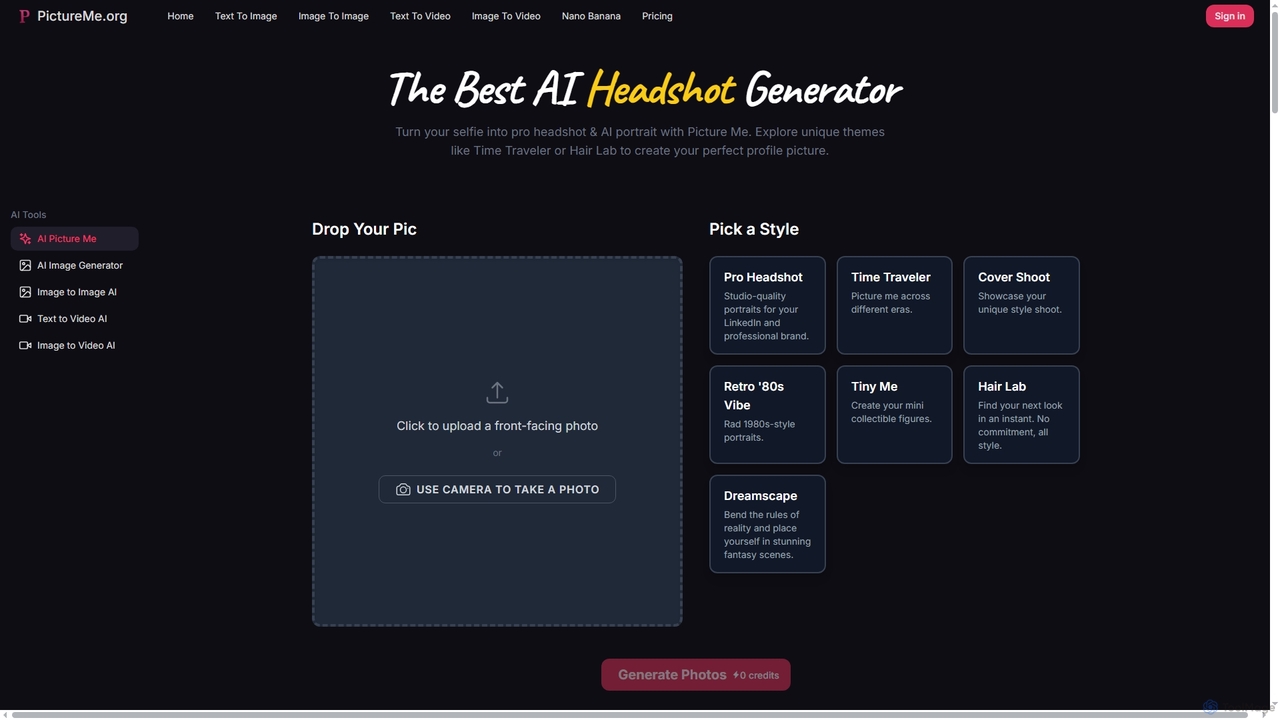
Picture Me

Picture Me is an innovative AI platform that transforms your photos into professional headshots and creative portraits, and generates images and videos from text or existing images. It offers a seamless user experience with diverse styles and advanced AI models.

Photo Editing
Visits 5.3KFavorites 134Likes 137

About Image To Image

Image to Image tools are a specialized category of AI image generators that use an existing image as a primary input, combined with a text prompt, to create a new, transformed visual. Unlike text-to-image models that generate from scratch, these tools modify, restyle, or reimagine a source image, preserving its core composition while applying new artistic styles, elements, or details. This approach offers greater control and enables targeted creative transformations, making it invaluable for artists, designers, and content creators seeking to iterate on existing visuals.

Core Features

  • Style Transfer: Applies the aesthetic of one image (e.g., a painting) to the content of another (e.g., a photograph).
  • Structural Guidance: Uses an input image's structure, such as pose, depth, or edges, to precisely control the composition of the output.
  • Image Variation & Remixing: Generates multiple creative variations of a source image based on text prompts, exploring different themes or styles.
  • AI Inpainting & Outpainting: Intelligently fills in missing parts of an image or extends its canvas, matching the existing context and style.

Use Cases

These tools are widely used by digital artists for concept art iteration, allowing them to quickly explore variations of a sketch. Architects and interior designers use them for virtual staging and rendering enhancements. In marketing and e-commerce, they help create diverse product mockups and ad creatives from a single base image.

How to Choose

When selecting an Image to Image tool, consider the level of control it offers, such as strength sliders and support for advanced guidance models. Evaluate the variety of available art styles and models, the maximum output resolution, and the platform's user interface. For professional use, check for API access and commercial usage rights.

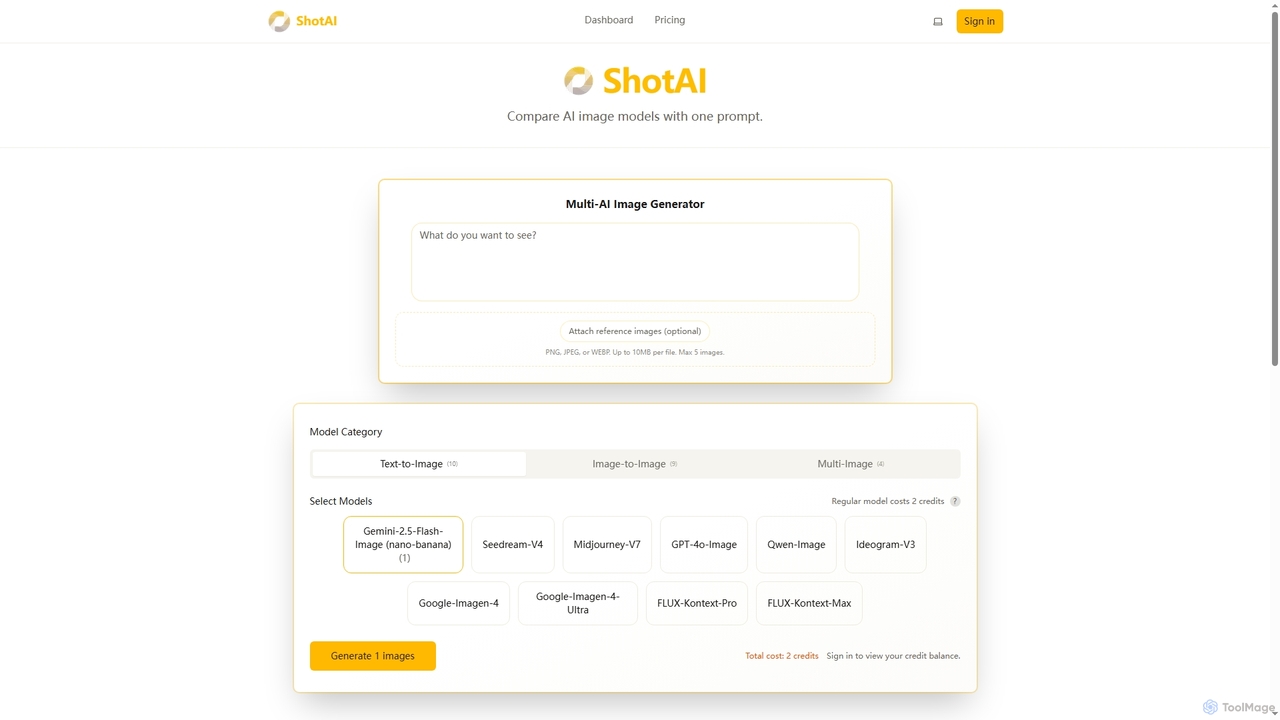
Image To Image use cases

1

Iterating on Digital Art Concepts

A concept artist uploads a rough digital sketch of a character or environment. By using an Image to Image tool with prompts like 'fantasy style, detailed armor, cinematic lighting,' they can generate dozens of high-fidelity variations in minutes. This process allows for rapid exploration of different artistic directions, color palettes, and textural details without needing to repaint each version from scratch. It significantly accelerates the ideation phase of game development, animation, or film production.

2

Enhancing Architectural Renders

An architect or 3D artist has a basic, untextured 3D model render of a building. They can input this render into an Image to Image tool and use prompts like 'photorealistic, concrete and glass facade, sunset lighting, surrounded by lush trees.' The AI transforms the sterile render into a compelling, lifelike visualization. This is far faster than manually texturing, lighting, and adding environmental assets in traditional 3D software, enabling quick client presentations and design validation.

3

Creating Product Mockup Variations

An e-commerce manager takes a single, clean photo of their product on a neutral background. Using an Image to Image tool, they can place this product into various settings. For example, inputting a photo of a water bottle with the prompt 'on a hiker's backpack, mountain background' or 'on a desk in a modern office.' This generates a wide range of lifestyle and contextual images for marketing campaigns and product listings without the cost and time of organizing multiple photoshoots.

4

Virtual Staging for Real Estate Listings

A real estate agent has photos of an empty, unfurnished apartment. To make the listing more appealing, they use an Image to Image tool. They upload a photo of the empty living room and use a prompt like 'add modern minimalist furniture, warm lighting, large houseplant in the corner.' The AI generates a new image showing the room fully furnished and decorated. This helps potential buyers visualize the space's potential and increases interest in the property without the expense of physical staging.

5

Restyling Photos for Social Media

A content creator wants to establish a unique visual theme for their Instagram feed. They take a standard portrait photo and use an Image to Image tool to apply consistent styles. With prompts like 'turn into a vintage polaroid photo,' 'apply a neon cyberpunk aesthetic,' or 'reimagine as an anime character,' they can transform their entire photo library into a cohesive and eye-catching collection. This allows for creative branding and helps their content stand out without complex photo editing skills.

6

Generating Character Designs from Sketches

A game developer or illustrator creates a simple line-art sketch of a new character. They need to visualize it in a finished style quickly. By inputting the sketch into an Image to Image tool with structural guidance (like ControlNet) and a prompt such as 'female elf warrior, photorealistic, detailed leather armor, fantasy setting,' the AI generates a fully rendered image that respects the original pose and composition of the sketch. This allows for rapid prototyping of character visuals before committing to a final, manually created illustration.

Image To Image FAQ

What is Image to Image AI?

Image to Image AI refers to a class of generative models that create a new image based on an input image and a text prompt. Instead of generating visuals from text alone, it uses the source image as a structural or stylistic foundation. This allows users to modify, restyle, or completely transform an existing picture with a high degree of control over the final composition and content.

What is the main difference between Image to Image and Text to Image?

The primary difference lies in the input. Text to Image generates an image from scratch based solely on a text description, giving the AI full creative freedom. Image to Image, however, starts with an existing image and uses it as a reference or constraint. This makes it ideal for tasks requiring modification, style transfer, or controlled generation where the output needs to retain elements of the original image's composition or structure.

How do I choose the best Image to Image tool for my needs?

To choose the right tool, consider these factors:

  • Control Level: Look for tools with adjustable 'strength' or 'denoising' sliders to control how much the AI alters the original image. Advanced tools may offer structural guidance features like ControlNet.
  • Model & Style Variety: Does the tool specialize in a certain aesthetic (e.g., photorealism, anime) or offer a wide range of models?
  • Resolution: Check the maximum output resolution to ensure it meets your quality requirements for print or digital use.
  • Ease of Use: Some tools are beginner-friendly with simple interfaces, while others are more complex and geared towards technical users.
Who are the primary users of Image to Image technology?

Image to Image technology is used by a diverse range of professionals and creatives. Key users include:

  • Digital Artists & Illustrators: For concept art, style exploration, and generating variations from sketches.
  • Graphic Designers: To create unique assets, restyle existing imagery, and quickly produce mockups.
  • Architects & Interior Designers: For enhancing 3D renders and creating virtual staging visuals.
  • Marketers & Content Creators: To generate diverse ad creatives and social media content from base images.
Can Image to Image tools be used for professional work?

Yes, absolutely. Many professionals integrate Image to Image tools into their workflows to accelerate ideation, create variations, and enhance visuals. However, it's crucial to check the terms of service for each specific tool regarding commercial use. Some tools allow unrestricted commercial use of generated images, while others may have limitations or require specific subscription plans. Always verify the licensing terms to ensure compliance for professional projects.