ToolMage
Sign in

Best 3 Note Taking AI tools for Knowledge Management

Popular Note Taking AI tools in Knowledge Management include Lilys AI, Matter, and Yapgan, helping you work more efficiently.

Free

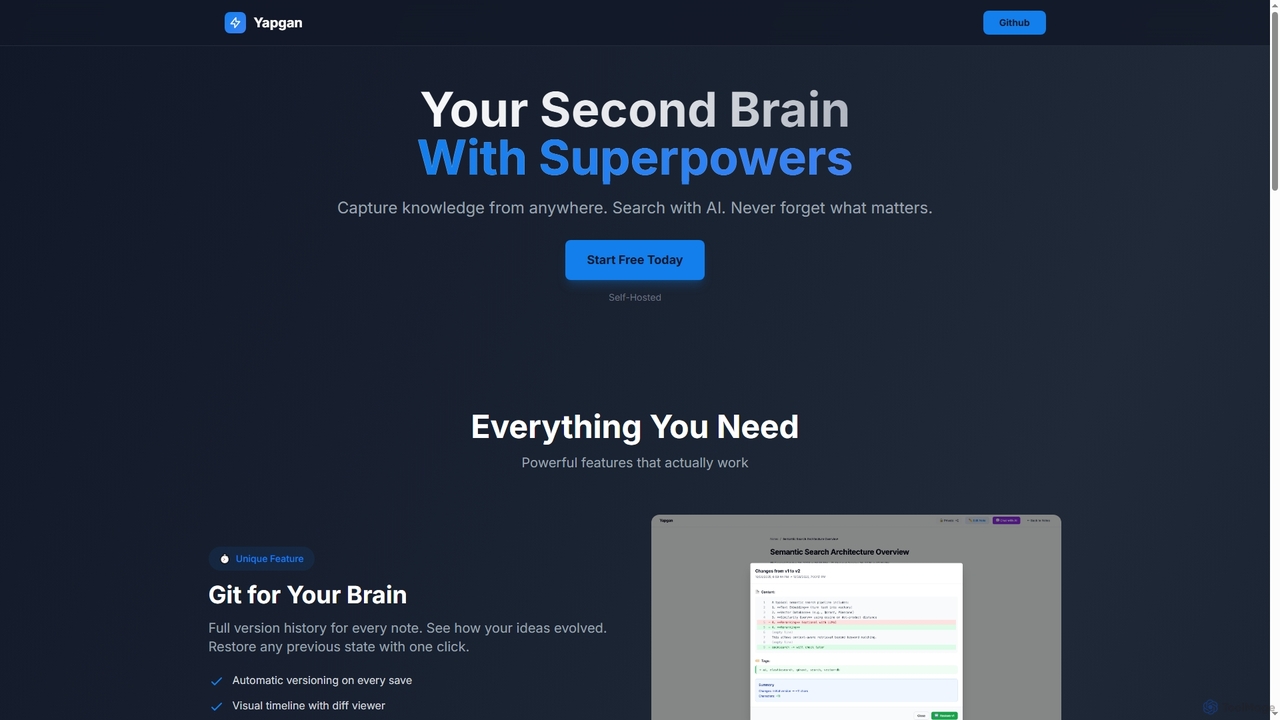
Yapgan

Yapgan is a powerful, self-hosted "second brain" tool designed for knowledge workers, developers, and researchers. It enables users to effortlessly capture information from any webpage, organize it with AI-powered search and knowledge graphs, and maintain a complete version history of their thoughts. With features like AI chat with notes and public sharing, Yapgan ensures you never forget what matters.

Content Sharing
Visits 3.3KFavorites 108Likes 109
Freemium

Lilys AI

Lilys AI is a powerful knowledge assistant that instantly summarizes diverse content formats, including YouTube videos, audio files, PDFs, websites, and Excel sheets. It extracts key insights, creates structured notes, and allows you to build a searchable personal knowledge base. Ideal for students, researchers, and professionals looking to save time and accelerate learning by quickly grasping the core ideas from lengthy materials.

Research
Visits 1.4MFavorites 66Likes 65
Freemium

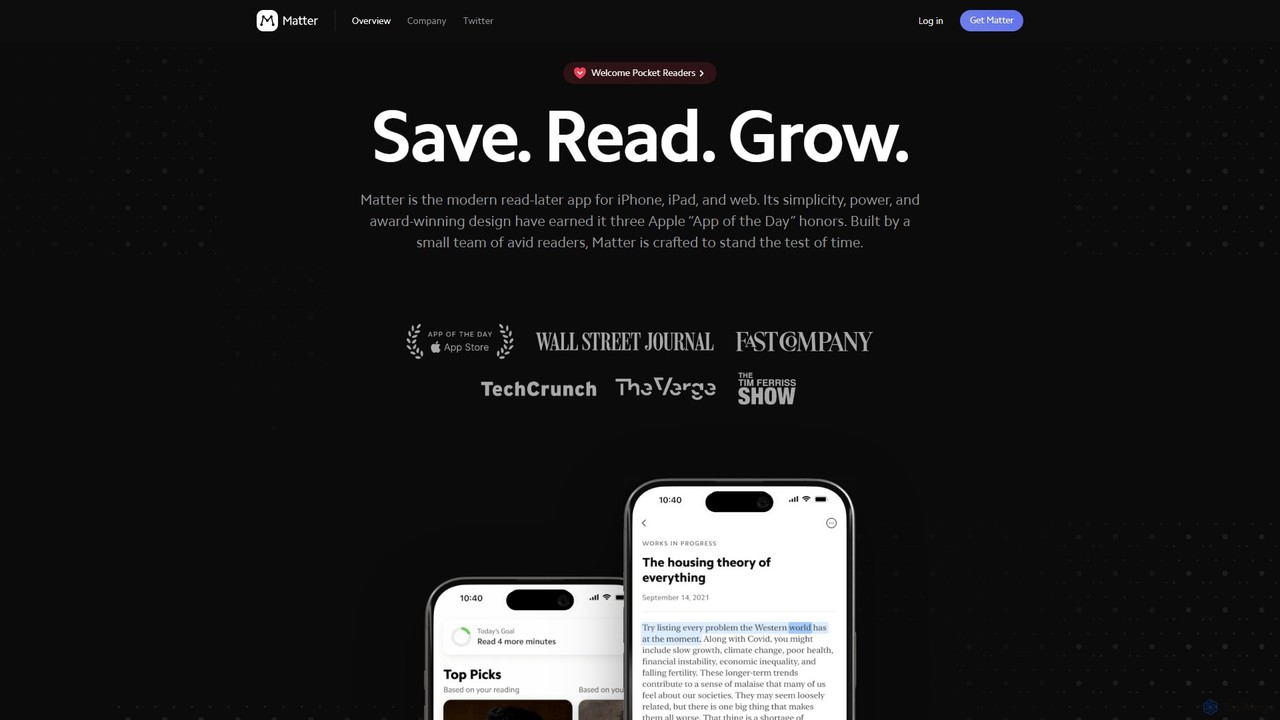
Matter

Matter is a modern, AI-powered read-later app for iPhone, iPad, and web. It centralizes your articles, newsletters, and PDFs, offering a superior reading experience with human-like text-to-speech, seamless highlighting, and powerful knowledge management integrations.

Note Taking
Visits 3.9KFavorites 93Likes 103

About Note Taking

AI Note Taking tools are applications that use artificial intelligence to enhance the capture, organization, and retrieval of information. These tools leverage technologies like Natural Language Processing (NLP) to automatically transcribe audio, summarize long texts, and identify key insights. They transform unstructured data from meetings, lectures, and brainstorming sessions into structured, searchable knowledge. As a key component of Knowledge Management, AI note-takers act as the intelligent front-end for capturing and processing information efficiently.

Core Features

  • Automated Transcription: Converts spoken words from audio or video recordings into searchable text with high accuracy.
  • AI-Powered Summarization: Generates concise summaries, extracts action items, and identifies key topics from lengthy notes or transcripts.
  • Semantic Search: Allows users to search for concepts and ideas based on meaning, not just exact keywords.
  • Intelligent Organization: Automatically suggests tags, creates categories, and links related notes to build a connected knowledge base.
  • Content Augmentation: Assists in expanding upon ideas, rephrasing sentences, or generating outlines based on existing notes.

Use Cases

These tools are widely used by professionals, students, researchers, and teams. For instance, project managers automate the creation of meeting minutes and track action items. Students and academics record lectures and interviews, using AI summaries to accelerate their research and study process. Content creators capture brainstorming sessions and organize ideas more effectively.

How to Choose

When selecting an AI Note Taking tool, consider the accuracy of its transcription and summarization features. Evaluate its integration capabilities with your existing calendar, video conferencing, and project management software. Assess the collaboration features if you work in a team. Finally, review the platform's data privacy and security policies, especially when dealing with sensitive information.

Featured tool rankings

Note Taking use cases

1

Automate Meeting Minutes and Action Items

Project managers and team leads often spend significant time after meetings compiling notes, identifying tasks, and sending out summaries. An AI Note Taking tool streamlines this entire process. By recording the meeting's audio, the tool automatically generates a full transcript. Its AI capabilities then produce a concise summary highlighting key decisions and discussions. Most importantly, it identifies and lists all action items with assigned individuals and deadlines, which can then be directly exported to a project management tool, saving hours of manual work per week and ensuring no task is overlooked.

2

Accelerate Academic Research and Study

For students and researchers, processing vast amounts of information from lectures, interviews, and academic papers is a daily challenge. An AI Note Taking tool acts as a powerful research assistant. They can record lectures and automatically receive a searchable transcript, allowing them to focus on the content rather than frantic typing. When conducting interviews, the tool provides an accurate record for qualitative analysis. Furthermore, by inputting text from research papers, the AI can generate summaries and extract key arguments, significantly speeding up literature reviews and helping to connect disparate concepts across different sources into a cohesive knowledge base.

3

Streamline Content Creation Workflows

Content creators, marketers, and writers can leverage AI Note Taking tools to capture and structure inspiration. During brainstorming sessions or while consuming content for research, they can use the tool to quickly capture voice notes, web clippings, and text snippets. The AI then helps organize these raw ideas by automatically tagging them and suggesting connections between related concepts. This creates a rich, interconnected repository of ideas. When it's time to write, the AI can assist by generating outlines from a collection of notes or rephrasing sentences for clarity, transforming a chaotic collection of thoughts into a structured starting point for a new article, script, or marketing campaign.

4

Enhance Client Call Analysis for Sales Teams

Sales professionals can use AI Note Taking tools to gain deeper insights from client conversations. By recording sales calls and demos, they get an instant, accurate transcript. The AI can then analyze the conversation to identify key moments, such as client objections, feature requests, and buying signals. It can summarize the call, extract commitments, and even suggest follow-up actions. This data provides valuable coaching material for sales managers and helps the entire team understand customer needs better. It eliminates the need for manual note-taking during calls, allowing the salesperson to be fully present and engaged in the conversation.

5

Build a Personal 'Second Brain'

Knowledge workers and lifelong learners can use an AI Note Taking tool to build a personal knowledge management system, often called a 'second brain'. They can capture thoughts, ideas, highlights from articles, and snippets from podcasts throughout the day. The AI's strength lies in its ability to create connections between these disparate pieces of information automatically. By using semantic search and automatic linking, the tool can surface relevant notes from the past when a user starts a new entry on a similar topic. This helps combat information overload and turns a passive archive of notes into an active, intelligent partner that helps generate new insights and ideas.

6

Facilitate Collaborative Brainstorming Sessions

For remote or hybrid teams, conducting effective brainstorming sessions can be challenging. An AI Note Taking tool with collaborative features can serve as a shared digital whiteboard. Team members can contribute ideas simultaneously via text or voice notes. The AI assists in real-time by grouping similar ideas into clusters, identifying emerging themes, and creating a mind map of the discussion. After the session, it can generate a structured summary and a list of potential next steps. This transforms a potentially chaotic session into a productive, well-documented outcome, ensuring all contributions are captured and organized logically for future action.

Note Taking FAQ

What are AI Note Taking tools?

AI Note Taking tools are advanced applications designed to capture, organize, and process information using artificial intelligence. Unlike traditional note apps that simply store text, these tools actively assist the user by performing tasks like real-time audio transcription, automatic summarization of long content, and identifying action items from meetings. They often feature semantic search, which allows you to find notes based on concepts rather than just keywords. The primary goal is to reduce manual effort and transform raw, unstructured notes into structured, actionable knowledge.

How do AI Note Taking tools differ from traditional note apps?

The key difference lies in active processing versus passive storage. Traditional note apps (like Apple Notes or Google Keep) are primarily digital notebooks for passive storage; you write, store, and manually organize information. AI Note Taking tools are active partners in the knowledge creation process. They add intelligent layers on top of note-taking:

  • Automation: They automate tasks like transcription and summarization, which would otherwise be manual.
  • Intelligence: They understand the content of your notes, enabling semantic search and automatic linking between related ideas.
  • Structure: They help impose structure on unstructured information, identifying themes, tasks, and key points automatically.

In essence, traditional apps store what you tell them, while AI apps help you understand and connect what you've captured.

What are the key features to look for in an AI Note Taking tool?

When choosing an AI Note Taking tool, focus on features that best suit your workflow. Key aspects to consider include:

  • Transcription Accuracy & Speed: How well does it convert speech to text, and does it support different languages or accents?
  • Summarization Quality: Does the AI generate useful, coherent summaries, or just a list of keywords? Look for tools that can identify action items and key decisions.
  • Integration Capabilities: Can it connect with your calendar to automatically record meetings? Does it integrate with tools like Slack, Notion, or your project management software?
  • Collaboration Features: If you work in a team, check for real-time editing, commenting, and sharing capabilities.
  • Data Privacy and Security: Since you might be recording sensitive conversations, ensure the provider has strong security measures and a clear privacy policy.
Who can benefit most from using AI Note Taking tools?

While anyone can use these tools, certain roles benefit disproportionately due to the high volume of information they handle. This includes:

  • Students and Researchers: For capturing lectures, transcribing interviews, and summarizing academic papers to speed up research.
  • Project Managers and Team Leads: For automating meeting minutes, tracking action items, and ensuring clear communication across teams.
  • Consultants and Sales Professionals: For recording client calls, analyzing conversations for insights, and documenting requirements accurately.
  • Content Creators and Journalists: For capturing ideas on the go, organizing research, and turning interviews into written content efficiently.
  • Knowledge Workers: Anyone who wants to build a 'second brain' to better manage ideas and information from various sources.
How do AI Note Taking tools fit into a Knowledge Management system?

AI Note Taking tools are a crucial component of a modern Knowledge Management (KM) system, typically serving as the primary 'capture' and 'processing' layer. In a KM workflow, they excel at the initial stage of converting unstructured, transient information (like conversations) into structured, semi-permanent assets (like summarized notes with action items). These structured assets can then be fed into more permanent KM systems like a company wiki (e.g., Confluence), a database (e.g., Airtable), or a team collaboration hub (e.g., Notion). They bridge the gap between raw data and organized knowledge, making the entire knowledge lifecycle more efficient.