No Code & Low Code Best in category 1 results Development Automation AI Tool

Popular AI tools in the Development Automation field of No Code & Low Code include Launchpad Stack, etc., helping you quickly improve efficiency.

Launchpad Stack

Launchpad Stack

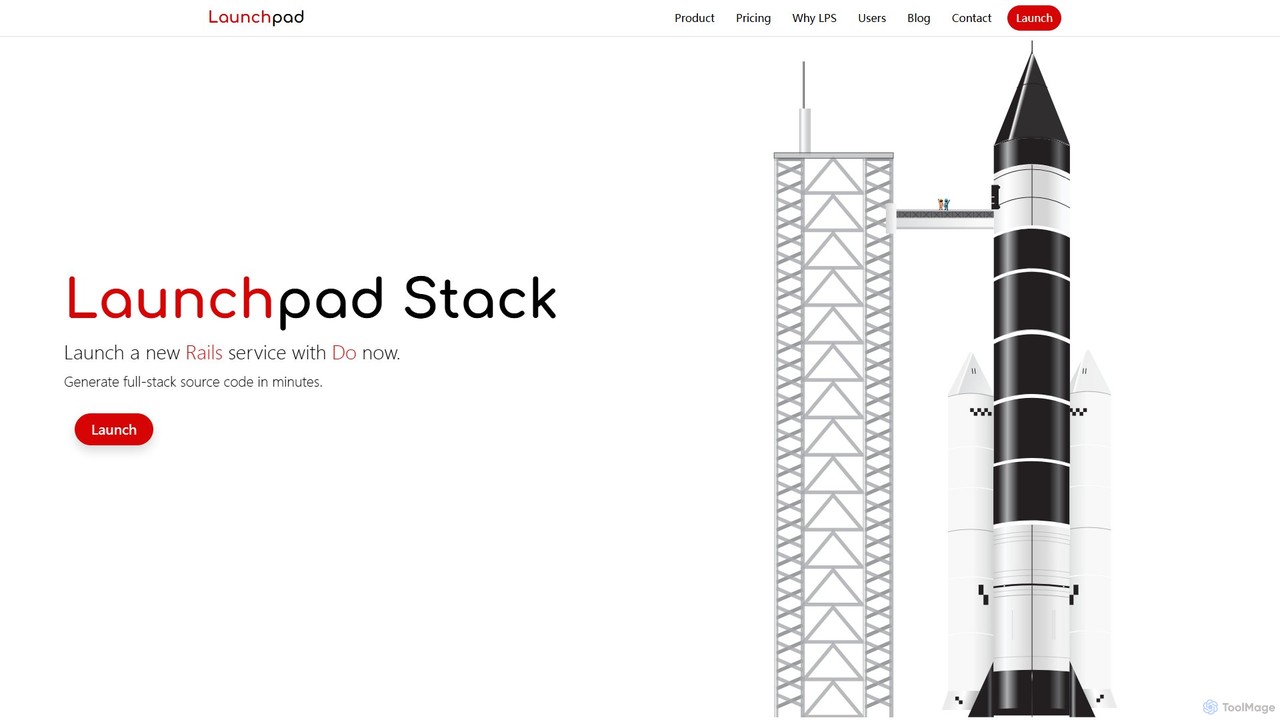
Launchpad Stack is an AI-powered platform that generates production-ready, full-stack source code in minutes. It combines AI efficiency …

2.0K

About Development Automation

Development Automation tools are AI-powered solutions designed to streamline and accelerate the software development lifecycle (SDLC). They leverage machine learning models to automate repetitive and complex tasks such as code generation, testing, debugging, and deployment. This allows development teams to build, test, and release software faster, with higher quality and fewer manual errors. As a specialized area within No-Code & Low-Code, these tools augment the capabilities of professional developers rather than replacing them, acting as intelligent assistants in the coding process.

Core Features

  • AI-Powered Code Generation: Suggests code snippets, completes functions, and generates entire modules from natural language prompts.
  • Automated Test Case Creation: Analyzes code to automatically generate unit, integration, and end-to-end tests, significantly increasing test coverage.
  • Intelligent Debugging: Identifies bugs, analyzes stack traces, explains complex errors in plain language, and suggests potential fixes.
  • CI/CD Pipeline Automation: Simplifies the setup and management of continuous integration and delivery pipelines by auto-generating configuration files.
  • Automated Documentation: Creates and maintains technical documentation, API references, and code comments, ensuring they stay synchronized with the code.

Use Cases

These tools are primarily used by software developers, DevOps engineers, and QA testers in tech companies and enterprise IT departments. Common applications include accelerating the development of new features, refactoring legacy codebases, automating regression testing suites, and ensuring consistent code quality and documentation standards across large teams.

How to Choose

When selecting a Development Automation tool, consider its integration capabilities with your existing IDEs and version control systems (e.g., VS Code, Git). Evaluate the scope of its automation features—whether it focuses on coding, testing, or deployment. Also, assess its support for your specific programming languages and frameworks, and review its security protocols and team collaboration features.

Development AutomationUse Cases

1

Accelerate Feature Development with AI Code Assistants

A software developer working on a tight deadline for a new e-commerce feature uses an AI code assistant integrated into their IDE. By typing natural language comments describing the desired logic, such as 'create a function to validate credit card details', the tool instantly generates the required boilerplate code and complex validation logic. This process significantly reduces manual coding time, minimizes syntax errors, and allows the developer to focus on higher-level architecture, ultimately delivering the feature 30% faster than projected.

2

Automate Unit Test Creation for Legacy Code

A QA engineer is tasked with improving the test coverage of a large, legacy Java application that has very few existing tests. Instead of spending weeks manually writing tests, they use a development automation tool that analyzes the source code. The tool identifies public methods, understands their logic, and automatically generates a comprehensive suite of JUnit tests covering various edge cases. This increases the project's test coverage from 15% to 70% in just a few hours, enabling safer refactoring and future development.

3

AI-Assisted Debugging for Complex Systems

A junior developer encounters a cryptic null pointer exception deep within a complex microservices architecture. Instead of spending hours tracing the request through multiple services, they use an AI-powered debugger. The tool analyzes the full stack trace, correlates it with logs from different services, and provides a plain-language explanation: 'The user authentication service returned a null profile, which was then passed to the order processing service.' It also suggests a specific code change to add a null check, resolving the issue in minutes.

4

Streamline CI/CD Pipeline Configuration

A DevOps team needs to set up a deployment pipeline for a new Python microservice. Instead of manually writing a complex YAML file for their CI/CD tool, they use a development automation platform. The platform scans the code repository, automatically detects the language (Python), framework (FastAPI), and package manager (pip). It then generates a complete, optimized pipeline configuration file, including stages for building, testing, and deploying to a staging environment. This reduces setup time from a full day to under an hour and minimizes configuration errors.

5

Generate API Documentation Automatically

A backend team developing a REST API wants to ensure their documentation is always accurate and up-to-date for frontend developers. They integrate a development automation tool into their CI pipeline. Every time a developer pushes code with new or updated endpoints, the tool automatically scans the code annotations and function signatures. It then regenerates the OpenAPI (Swagger) specification and publishes a user-friendly, interactive HTML documentation site. This eliminates the manual task of writing documentation and prevents discrepancies between the code and the API docs.

6

Refactor Code for Performance Optimization

A senior engineer identifies a performance bottleneck in a critical data processing module. The existing code is complex and hard to optimize manually. They use an AI-powered refactoring tool, providing it with the inefficient code block and the goal 'optimize for speed'. The tool analyzes the algorithm, identifies redundant operations and inefficient data structures, and suggests a refactored version using more performant patterns. The engineer reviews, tests, and implements the suggestion, resulting in a 40% improvement in processing speed.

Development AutomationFrequently Asked Questions