ToolMage
Sign in

Best 2 Development AI tools for No Code & Low Code

Popular Development AI tools in No Code & Low Code include QASolve and Mailteorite, helping you work more efficiently.

Freemium

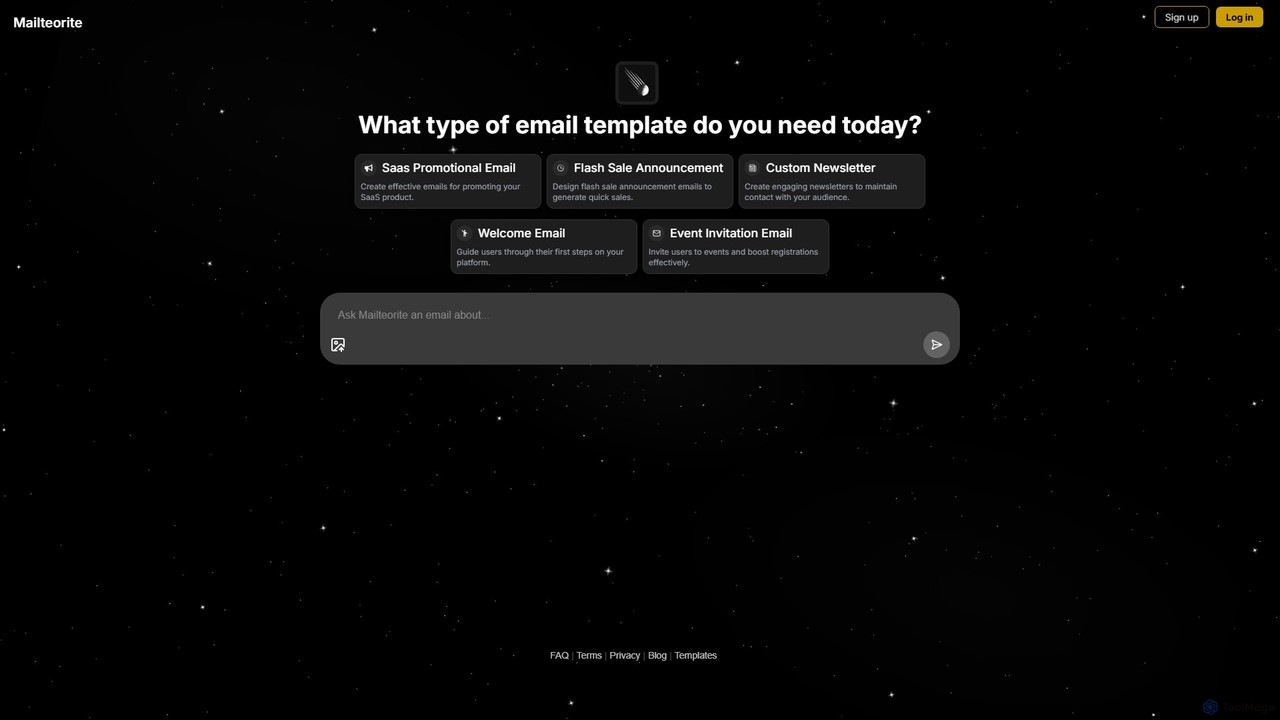
Mailteorite

Mailteorite is an AI-powered email template generator that creates responsive, professional HTML emails in seconds. Choose from a library of 350+ free templates or use AI to generate custom designs from text prompts. Perfect for marketers, SaaS, and e-commerce, it simplifies email creation with no-code and code-editing options, ensuring high deliverability and engagement.

Email Marketing
Visits 3.4KFavorites 121Likes 116
Paid

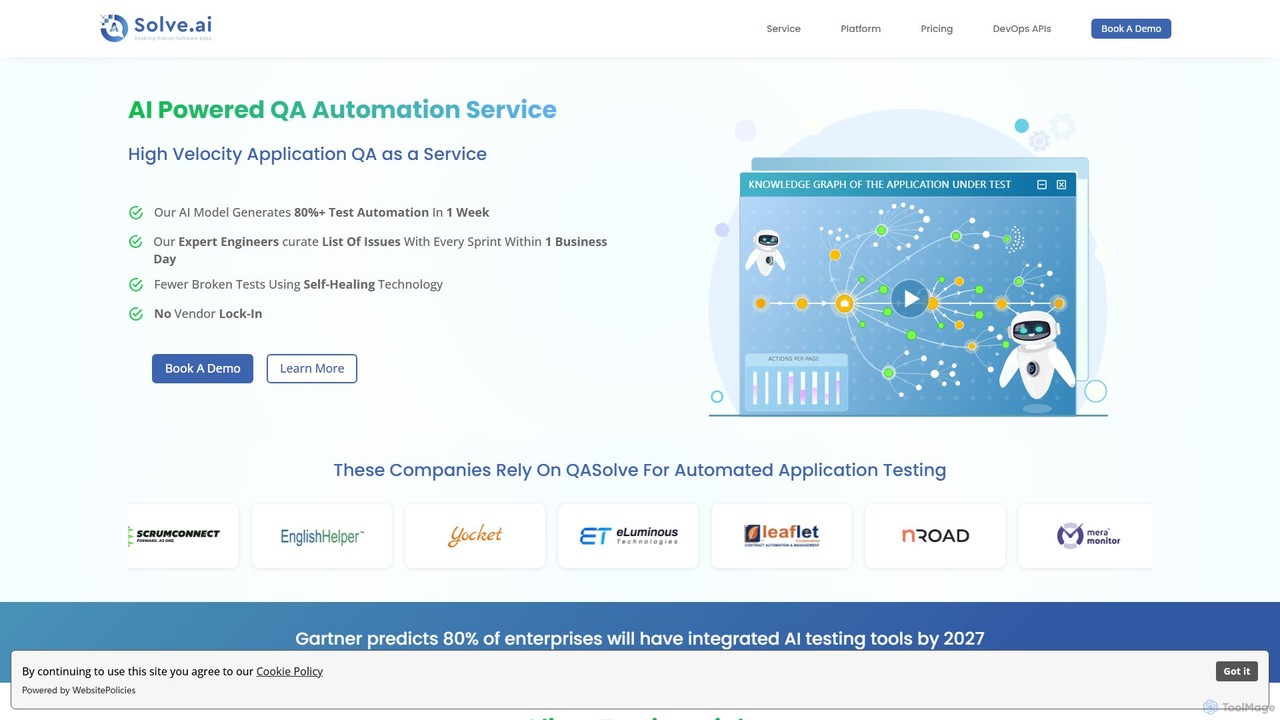
QASolve

QASolve is an AI-augmented software testing and automation platform offered as a service. It autonomously generates over 80% of test automation scripts within a week, using AI agents to explore applications and create self-healing tests. This service accelerates QA cycles, reduces costs, and integrates seamlessly into CI/CD pipelines without requiring any coding from developers.

Testing
Visits 3.5KFavorites 123Likes 117

About Development

AI Development tools are a specialized category of low-code/no-code platforms that leverage artificial intelligence to automate and accelerate the software creation process. These tools interpret natural language prompts, diagrams, or data models to generate functional code, APIs, and database structures. Their primary value lies in significantly reducing development time and lowering the technical barrier for building applications. This enables both developers and non-developers to create complex systems, from internal tools to customer-facing products, with greater speed and efficiency.

Core Features

  • Natural Language to Code Generation: Translates plain English descriptions into executable code in various programming languages.
  • Automated API & Database Creation: Generates REST APIs and database schemas based on data requirements or descriptions.
  • AI-Powered Debugging & Refactoring: Identifies errors in existing code, suggests corrections, and optimizes code structure for better performance.
  • UI/UX Generation: Creates user interface components and layouts from textual descriptions or wireframe sketches.
  • Workflow Automation Logic: Builds complex business logic and automation sequences based on high-level instructions.

Use Cases

These tools are ideal for startups aiming to build Minimum Viable Products (MVPs) quickly, enterprise teams developing internal applications, and business analysts automating data workflows. Developers also use them to generate boilerplate code and accelerate routine tasks, allowing them to focus on unique business logic. They are particularly effective for projects requiring rapid prototyping and iteration.

How to Choose

When selecting an AI Development tool, evaluate the supported programming languages and frameworks to ensure compatibility with your tech stack. Assess its integration capabilities with other services like databases, authentication providers, and cloud platforms. Consider the sophistication of its AI model for understanding complex requests and the quality of the generated code. Finally, review the pricing model and scalability options to ensure it aligns with your project's budget and future growth.

Featured tool rankings

Development use cases

1

Rapid MVP Backend Generation for Startups

A non-technical founder of a startup needs to build a Minimum Viable Product (MVP) to validate a business idea quickly. Instead of hiring a backend developer, they use an AI Development tool. By providing a detailed description of the user model, product features, and required data interactions in plain English, the tool automatically generates a complete backend. This includes a secure REST API, database schema, and user authentication logic. The result is a functional backend deployed in a few hours, allowing the founder to connect a frontend and start user testing in days instead of months, significantly reducing time-to-market and initial costs.

2

Automating Internal Tool Creation for Business Teams

A marketing department needs a custom dashboard to track campaign performance from multiple sources (social media, CRM, ad platforms). Building this traditionally would require developer resources and time. A marketing analyst uses an AI Development tool instead. They describe the desired dashboard layout, specify the data sources via API keys, and define the metrics and charts they want to see using natural language. The AI tool generates the application, handles data integration, and creates the interactive visualizations. The team gets a fully customized, functional tool in one afternoon, enabling data-driven decisions without diverting engineering resources.

3

Accelerating Developer Workflow with AI Code Generation

A software developer is tasked with building a new feature that requires complex data processing and integration with a third-party API. To save time on writing repetitive boilerplate code, they use an AI development assistant integrated into their IDE. They write a comment describing the function they need, such as 'function to fetch user data from Stripe API and calculate lifetime value'. The AI instantly generates a complete, well-structured Python function with error handling and comments. This allows the developer to focus on the core business logic and architectural decisions, increasing their productivity by over 30% and reducing the chance of manual coding errors.

4

Creating Data APIs from Spreadsheets without Coding

A data analyst has a complex Google Sheet with sales data that needs to be accessed by other applications. Instead of waiting for the IT department to build an API, they use a no-code AI development platform. They connect their Google Sheet as a data source, and the platform's AI analyzes the data structure. The analyst then uses a simple interface to specify which data should be readable or writable. The tool automatically generates a secure, documented, and scalable REST API for the spreadsheet. Now, other teams can programmatically access real-time sales data, enabling new integrations and automations that were previously blocked by technical limitations.

5

AI-Assisted Code Refactoring and Optimization

A development team inherits a legacy codebase that is poorly structured and inefficient. Manually refactoring it would be a time-consuming and risky process. The team uses an AI development tool that specializes in code analysis and optimization. They feed the existing codebase into the tool, which then identifies code smells, performance bottlenecks, and security vulnerabilities. The AI provides concrete suggestions for refactoring, such as breaking down large functions, improving variable names for clarity, and replacing inefficient algorithms with optimized versions. The team can review and apply these changes incrementally, improving code quality and maintainability by over 50% with minimal manual effort.

6

Generating Unit Tests to Improve Code Coverage

A quality assurance (QA) engineer is responsible for ensuring a new software release is stable. Writing comprehensive unit tests for all new code is a tedious but critical task. The engineer uses an AI development tool that can read a function's code and its context to automatically generate relevant unit tests. For a given function, the AI creates test cases covering happy paths, edge cases (e.g., null inputs, empty arrays), and potential failure scenarios. This automates up to 80% of the test writing process, allowing the QA team to achieve higher code coverage faster and focus their manual efforts on more complex integration and end-to-end testing.

Development FAQ

What are AI Development tools?

AI Development tools are software applications that use artificial intelligence, particularly large language models, to assist in or automate the process of software creation. Unlike traditional IDEs or code editors, these tools can understand natural language instructions to generate code, create APIs, design databases, or even build entire applications. They function as a powerful assistant for developers or as a primary building tool for non-technical users within the low-code/no-code ecosystem, aiming to make development faster, more accessible, and less prone to human error.

How do AI Development tools differ from traditional coding?

The primary difference lies in the level of abstraction. Traditional coding requires developers to write explicit, line-by-line instructions in a specific programming language. AI Development tools operate at a higher level, interpreting user intent from natural language or high-level specifications. Key differences include:

  • Input Method: Natural language prompts vs. precise code syntax.
  • Speed: AI tools can generate large blocks of code or entire applications in seconds or minutes, drastically faster than manual coding.
  • Skill Requirement: They lower the barrier to entry, allowing users with less technical expertise to build software.
  • Focus: They allow developers to focus more on 'what' to build (the logic and features) rather than 'how' to build it (the syntax and boilerplate).
However, traditional coding still offers finer control, deeper optimization, and greater flexibility for highly specialized or performance-critical applications.

Who are AI Development tools best suited for?

AI Development tools cater to a wide range of users, but they are particularly beneficial for:

  • Startups and Entrepreneurs: For rapidly building and iterating on Minimum Viable Products (MVPs) with limited resources.
  • Business Analysts and Citizen Developers: For creating internal tools, automating workflows, and building data dashboards without needing to write code.
  • Professional Developers: To accelerate their workflow by automating repetitive tasks like writing boilerplate code, generating unit tests, and refactoring existing code.
  • Product Managers: To quickly prototype new features and user interfaces to visualize ideas and gather feedback without engaging the engineering team.
Essentially, anyone looking to build software faster, from simple automations to complex applications, can benefit from these tools.

What are the key features to look for in an AI Development tool?

When choosing an AI Development tool, consider these key features:

  • Language and Framework Support: Ensure it supports the programming languages (e.g., Python, JavaScript, Go) and frameworks (e.g., React, Django) relevant to your projects.
  • Integration Capabilities: Look for seamless integration with your existing tools, such as IDEs (VS Code, JetBrains), version control systems (Git), and cloud platforms (AWS, Google Cloud).
  • Scope of Generation: Assess whether the tool generates small code snippets, entire functions, UI components, or full-stack applications. Choose one that matches your needs.
  • Code Quality and Customization: The tool should produce clean, readable, and maintainable code. It should also allow for customization and manual overrides when needed.
  • Security and Privacy: Verify how the tool handles your code and data, especially if you are working with proprietary or sensitive information.

Can AI Development tools completely replace human developers?

No, AI Development tools are not expected to completely replace human developers. Instead, they are powerful augmentation tools that change the nature of a developer's work. They excel at automating repetitive, time-consuming, and well-defined tasks, such as writing boilerplate code, generating tests, or translating logic into syntax. This frees up human developers to focus on higher-level, creative, and strategic tasks like system architecture, complex problem-solving, user experience design, and understanding business requirements. The future of development is likely a collaborative model where humans guide the AI, review its output, and handle the nuanced aspects that require critical thinking and creativity.