ToolMage
Sign in

Best 2 Integration AI tools for No Code & Low Code

Popular Integration AI tools in No Code & Low Code include Versori and apidna, helping you work more efficiently.

Paid

Versori

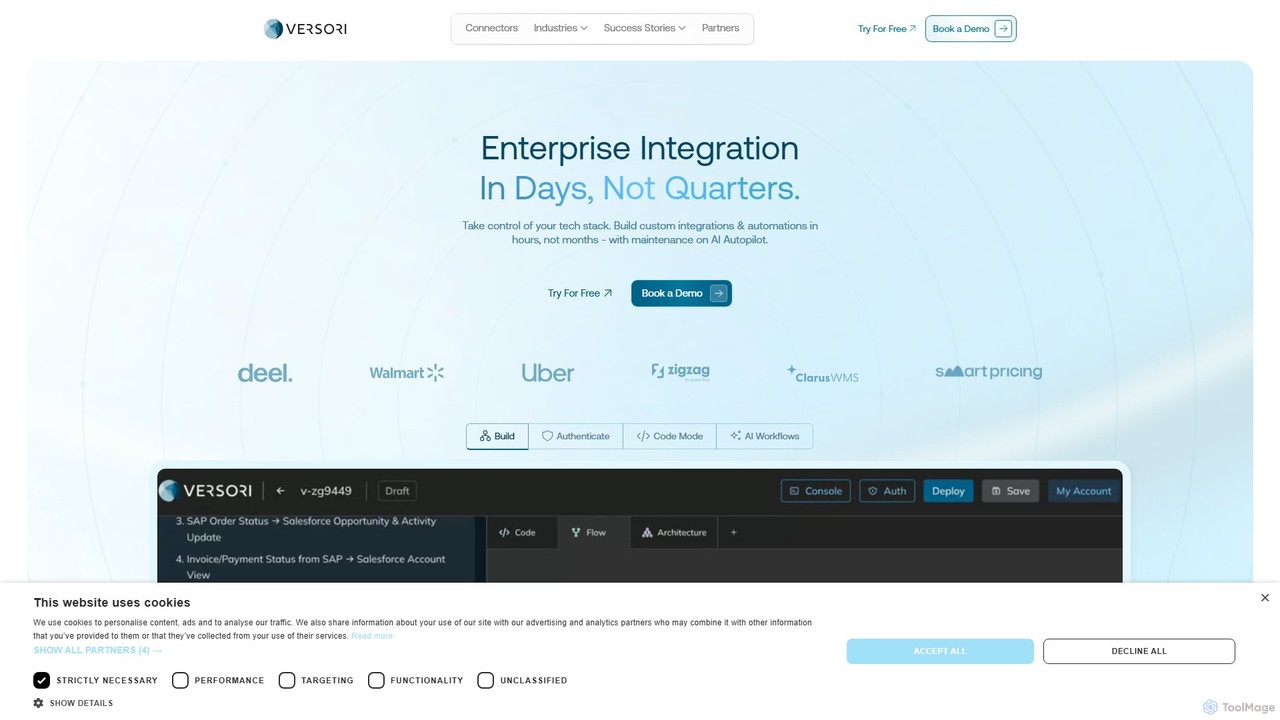
Versori is an Agentic Integration Platform that uses AI to build custom software integrations in days, not months. It empowers sales-led teams to close deals faster by fulfilling any integration request without relying on engineering resources, featuring self-healing agents and a white-glove service.

Sales
Visits 31.9KFavorites 133Likes 134
Freemium

apidna

apidna utilizes autonomous AI agents to revolutionize API integrations. It simplifies and automates the entire process, from connecting endpoints to mapping requests and generating code, empowering developers to build and connect software systems faster and more efficiently without extensive manual coding.

Api
Visits 3.3KFavorites 110Likes 116

About Integration

Integration tools are AI-powered platforms designed to seamlessly connect disparate applications, services, and data sources, particularly within No Code & Low Code environments. These tools leverage visual interfaces and pre-built connectors to automate complex workflows and synchronize data across various systems without extensive coding. By bridging the gaps between isolated applications, they empower businesses to build cohesive digital ecosystems, enhancing operational efficiency, improving data accuracy, and enabling intelligent automation across their entire operations.

Core Features

  • Visual Workflow Builder: Provides intuitive drag-and-drop interfaces for designing complex data flows and automation sequences, making sophisticated integrations accessible to non-developers.
  • Pre-built Connectors & APIs: Offers a vast library of ready-to-use integrations with hundreds of popular business applications, databases, and cloud services, significantly reducing setup time.
  • Data Mapping & Transformation: Includes robust tools to automatically convert, enrich, and standardize data formats between different systems, ensuring data consistency and compatibility.
  • Event-driven Automation: Enables the triggering of specific actions or workflows in one application based on real-time events or changes occurring in another connected system.
  • Error Handling & Monitoring: Incorporates advanced mechanisms to automatically detect, log, and manage integration failures, providing alerts and ensuring data integrity and workflow reliability.

Applicable Scenarios

Integration tools are indispensable for businesses seeking to automate cross-application processes and eliminate manual data entry. Marketing teams utilize them to connect CRM with email marketing platforms for automated lead nurturing and campaign management. Sales departments synchronize customer data across sales enablement tools and ERP systems. Operations teams link inventory management with e-commerce platforms for real-time stock updates and order fulfillment, while HR departments automate onboarding by connecting HRIS with project management and communication tools.

How to Choose

When selecting an AI integration tool, prioritize platforms with a broad range of pre-built connectors relevant to your existing tech stack and robust data mapping capabilities for complex transformations. Evaluate its ease of use for your team, scalability to handle growing data volumes and transaction loads, and the level of security and compliance offered. Additionally, consider its real-time monitoring, error handling features, and the quality of customer support to ensure reliable and maintainable integrations.

Featured tool rankings

Integration use cases

1

Automate Lead Nurturing & CRM Updates

Marketing and sales teams can integrate their CRM (e.g., Salesforce, HubSpot) with email marketing platforms (e.g., Mailchimp, ActiveCampaign) and lead generation tools. This automates the process of capturing new leads, assigning them to sales representatives, sending personalized follow-up emails, and updating lead statuses in the CRM, ensuring no lead falls through the cracks and improving conversion rates.

2

Synchronize E-commerce Inventory & Orders

E-commerce businesses can connect their online store platform (e.g., Shopify, WooCommerce) with inventory management systems, shipping carriers, and accounting software. This integration ensures real-time synchronization of stock levels, automates order processing from checkout to fulfillment, generates shipping labels, and updates financial records, significantly reducing manual errors and improving operational efficiency.

3

Streamline Customer Support Workflows

Customer service departments can integrate their helpdesk software (e.g., Zendesk, Freshdesk) with CRM systems, communication channels (e.g., Slack, Microsoft Teams), and knowledge bases. This allows support agents to access comprehensive customer histories, automate ticket routing, send instant notifications for urgent issues, and update customer records automatically, leading to faster resolution times and improved customer satisfaction.

4

Automate Cross-Platform Content Distribution

Content creators and marketing professionals can integrate their content management system (e.g., WordPress) with various social media platforms (e.g., Twitter, LinkedIn, Facebook), email newsletter services, and analytics tools. This enables automatic publishing of new blog posts or articles across all channels, scheduling social media updates, and tracking engagement metrics, saving time and expanding content reach.

5

Simplify Employee Onboarding & HR Processes

HR departments can integrate their Human Resources Information System (HRIS) with project management tools (e.g., Asana, Trello), communication platforms (e.g., Slack), and IT provisioning systems. This automates the creation of new employee profiles, assigns initial tasks, sets up necessary software access, and enrolls them in training programs, ensuring a smooth and efficient onboarding experience.

6

Generate Consolidated Business Reports

Business analysts and managers can integrate data from disparate sources like sales databases, marketing analytics platforms, financial software, and operational systems into a centralized business intelligence (BI) dashboard. This automates data collection, transformation, and visualization, providing real-time, consolidated insights for informed decision-making without manual data aggregation.

Integration FAQ

What are AI Integration tools?

AI Integration tools are advanced platforms that leverage artificial intelligence to connect and automate workflows between different software applications and data sources. Unlike traditional integration methods, AI capabilities enable these tools to intelligently map data, predict potential errors, suggest optimal workflows, and even learn from past interactions to improve integration efficiency and reliability, especially in complex No Code & Low Code environments.

How do AI Integration tools differ from traditional API integration?

Traditional API integration often requires manual coding and configuration for each connection, making it time-consuming and prone to errors. AI Integration tools, however, use AI to simplify this process. They can automatically discover APIs, suggest data mappings, handle data transformations more intelligently, and provide proactive error detection and resolution, significantly reducing the technical expertise and effort required for complex integrations.

What are the main benefits of using AI Integration tools?

The primary benefits include enhanced operational efficiency through automation, improved data accuracy by reducing manual data entry and synchronization errors, and faster time-to-market for new digital initiatives. They also enable better decision-making with consolidated, real-time data, reduce IT dependency by empowering business users, and offer greater scalability and flexibility for evolving business needs.

Who can benefit most from AI Integration platforms?

AI Integration platforms are highly beneficial for a wide range of users, including small to large enterprises, non-technical business users, developers, and IT professionals. Specifically, marketing teams, sales departments, customer service, HR, and operations can leverage these tools to automate their specific workflows, synchronize data across their tech stack, and build more connected and efficient digital processes without deep coding knowledge.

What are common challenges when implementing AI Integration?

Common challenges include ensuring data security and compliance across integrated systems, managing the complexity of data mapping and transformation for highly disparate data structures, and maintaining integrations as connected applications evolve. Additionally, selecting the right tool that aligns with existing infrastructure and business needs, and effectively monitoring integration health, can also pose challenges.