No Code & Low Code Best in category 1 results Low Code Platform AI Tool

Popular AI tools in the Low Code Platform field of No Code & Low Code include Nexalio, etc., helping you quickly improve efficiency.

Nexalio

Nexalio

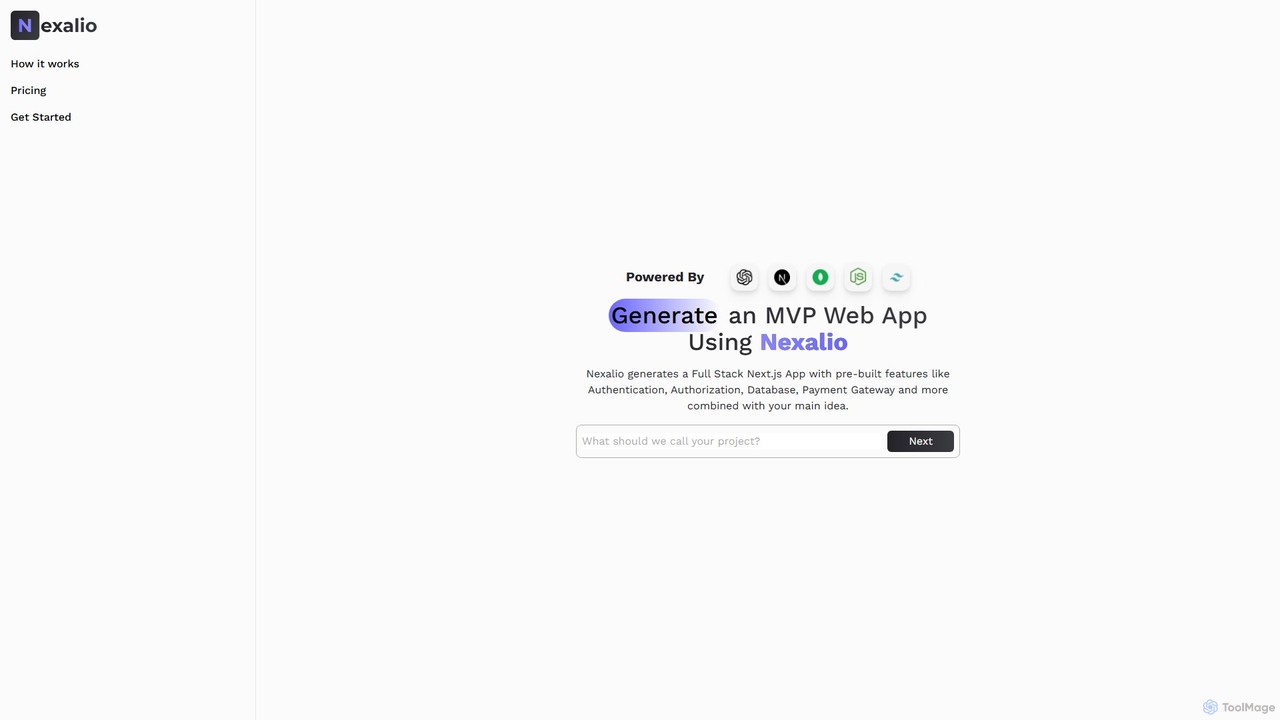
Nexalio is an AI-powered platform that accelerates web development by generating full-stack Next.js applications. Simply describe your project, …

2.1K

About Low Code Platform

Low Code Platforms are development environments that enable the creation of applications through graphical user interfaces and configuration instead of traditional hand-coding. They utilize visual modeling, drag-and-drop components, and automated processes to dramatically reduce the amount of manual programming required. This approach empowers both professional developers and business users (citizen developers) to build, deploy, and manage applications with greater speed and agility. Unlike No Code platforms, Low Code solutions offer the flexibility to add custom code for more complex logic, integrations, or UI enhancements, bridging the gap between rapid development and custom software needs.

Core Features

  • Visual Development Interface: Build application logic, data models, and user interfaces using drag-and-drop tools and flowcharts.
  • Pre-built Components & Templates: Accelerate development with a library of ready-to-use modules, widgets, and entire application templates.
  • Data Integration Connectors: Seamlessly connect to various databases, APIs, and third-party services with pre-configured connectors.
  • Code Extensibility: Allows developers to insert custom code (e.g., JavaScript, SQL) for specific functionalities or complex business logic.
  • One-Click Deployment & Lifecycle Management: Automate the process of deploying applications to different environments (development, testing, production) and manage updates.

Use Cases

Low Code Platforms are widely used across industries for building internal tools, automating business processes, and creating customer-facing applications. They are ideal for IT departments looking to accelerate development, business analysts creating solutions for specific departmental needs (like HR or finance), and enterprises aiming to modernize legacy systems by building new front-ends without replacing the entire core infrastructure.

How to Choose

When selecting a Low Code Platform, consider its scalability and performance capabilities to ensure it can handle future growth. Evaluate the breadth of its integration options (APIs, connectors) to connect with your existing systems. Assess the level of code extensibility to confirm it meets your custom functionality requirements. Finally, review the platform's security features, compliance certifications, and overall governance controls.

Low Code PlatformUse Cases

1

Build Internal Business Process Apps

An operations manager in a manufacturing company needs to digitize the quality inspection process, which is currently done with paper forms. Using a Low Code Platform, they design and build a mobile application for inspectors. The app features digital checklists, photo upload capabilities for defects, and automated report generation. This eliminates manual data entry, reduces errors, and provides real-time visibility into quality control on the factory floor. The entire application is developed and deployed in weeks, not months, without requiring a dedicated software development team.

2

Develop a Custom Departmental CRM

A marketing department finds that off-the-shelf CRM solutions are too complex or don't fit their specific workflow for tracking event attendees and follow-ups. A marketing analyst with some technical skills uses a Low Code Platform to build a tailored CRM. They create custom data models for events and contacts, design a simple interface for the team to log interactions, and automate email follow-ups based on attendee status. This provides the team with a tool perfectly suited to their needs, increasing adoption and improving lead tracking efficiency.

3

Automate Financial Reporting Dashboards

A finance team spends days each month manually consolidating data from spreadsheets, accounting software, and sales databases to create performance reports. A business analyst uses a Low Code Platform to automate this process. They use pre-built connectors to pull data from all sources into a central repository. Then, they build interactive dashboards with charts and graphs that update in real-time. This saves the team over 40 hours of manual work per month and provides executives with instant access to accurate financial insights for better decision-making.

4

Create a Customer Self-Service Portal

A B2B service company wants to reduce the support team's workload by allowing clients to manage their accounts online. An IT project manager leads the development of a customer portal using a Low Code Platform. The portal allows clients to log in, view their service history, submit new support tickets, and access a knowledge base. Integrating with their existing backend system via APIs, the portal provides a secure and modern user experience. The project is completed in a fraction of the time and cost of traditional custom development.

5

Rapidly Prototype a New Mobile App

A startup needs to validate a new app idea with potential investors and early users but lacks the resources for a full development cycle. The founder uses a Low Code Platform to build a high-fidelity, functional prototype. They design the user interface, implement core features like user registration and data display, and create a working mobile version. This allows them to demonstrate the app's value proposition, gather user feedback, and secure funding far more quickly and cost-effectively than writing the application from scratch.

6

Modernize a Legacy Enterprise System

A large enterprise relies on a critical but outdated mainframe system with a text-based interface, making it difficult to train new employees. The IT department uses a Low Code Platform to build a modern, web-based front-end that interacts with the legacy system's APIs. This new interface is intuitive, mobile-friendly, and includes dashboards and improved workflows. The company successfully modernizes the user experience and improves productivity without the risk and expense of replacing the stable, core backend system.

Low Code PlatformFrequently Asked Questions