No Code & Low Code Best in category 1 results Website & App Building AI Tool

Popular AI tools in the Website & App Building field of No Code & Low Code include Formshare, etc., helping you quickly improve efficiency.

Free
Formshare

Formshare

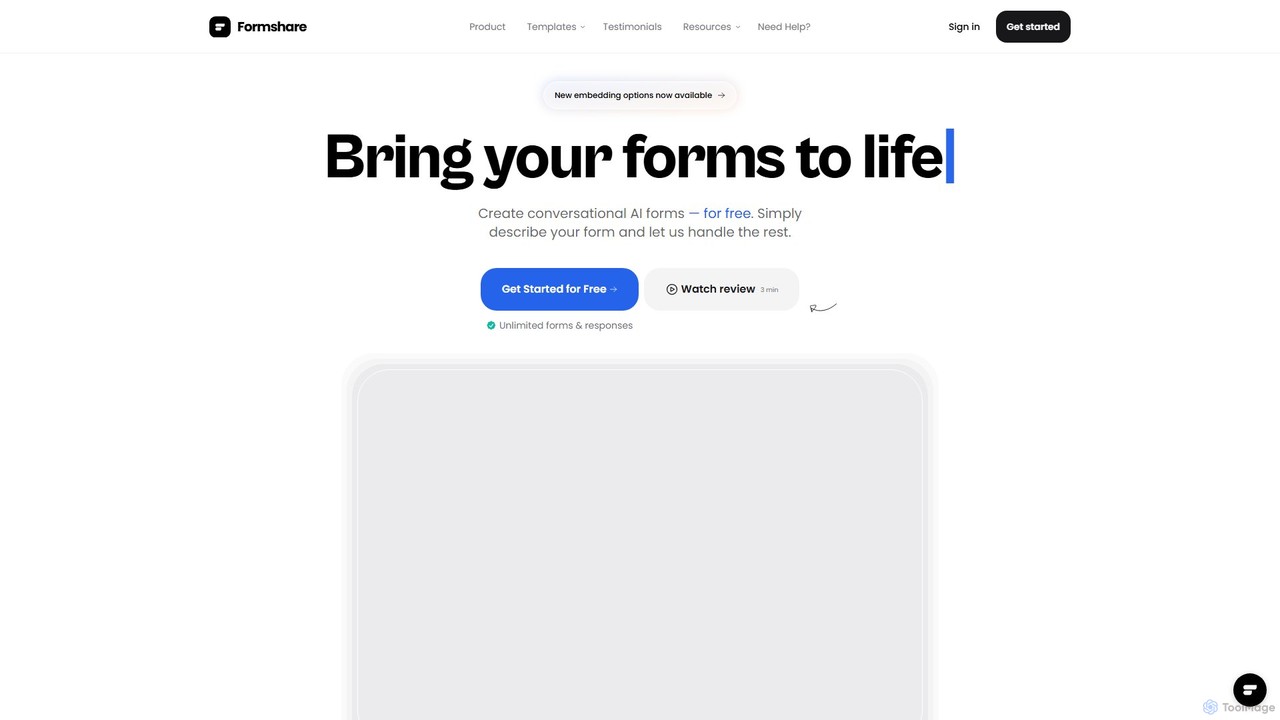
Formshare is a free, AI-powered form builder that transforms data collection. Simply describe your needs in natural language …

7.4K

About Website & App Building

Website & App Building tools are AI-powered platforms that enable users to design, develop, and launch functional websites and mobile applications without writing traditional code. Leveraging visual drag-and-drop interfaces, pre-built templates, and AI assistance, these tools democratize digital creation. They empower individuals and businesses to rapidly prototype, iterate, and deploy digital solutions, significantly reducing development time and costs. As a key component of the No Code & Low Code ecosystem, they bridge the gap between ideas and live digital products.

Core Features

  • Visual Editor: Intuitive drag-and-drop interface for designing layouts and adding elements.
  • Template Library: Extensive collection of pre-designed layouts for various industries and purposes.
  • AI-Powered Design Assistance: Intelligent suggestions for layouts, content, and code snippets to optimize design.
  • Database & Logic Integration: Tools to connect to data sources and define application workflows without coding.
  • Deployment & Hosting: Built-in capabilities to publish and manage websites and applications directly.

Applicable Scenarios

These tools are widely adopted by entrepreneurs launching new ventures, small businesses establishing an online presence, and marketers creating campaign-specific landing pages. They are also invaluable for non-technical teams developing internal tools or for individuals building personal portfolios and blogs, enabling rapid digital transformation across various sectors.

How to Choose

When selecting a Website & App Building tool, consider the complexity of your project, from simple landing pages to intricate web applications. Evaluate the level of customization offered, ensuring it meets your unique design and functionality requirements. Assess its integration capabilities with existing third-party services like CRMs or analytics platforms. Finally, review its scalability and performance features to ensure it can handle future growth and user load.

Website & App BuildingUse Cases

1

Rapid MVP Development for Startups

Entrepreneurs can quickly validate business ideas by using AI website and app builders to create Minimum Viable Products (MVPs). These tools allow for visual design, database integration, and basic logic setup, enabling a functional prototype to be deployed in days or weeks, gathering early user feedback without significant upfront coding investment.

2

Creating Professional Business Websites

Small and medium-sized businesses (SMBs) can leverage these platforms to establish a strong online presence. From service showcases to online portfolios, AI-assisted builders provide customizable templates, SEO optimization features, and responsive design, ensuring a professional, mobile-friendly website that attracts and informs potential customers.

3

Developing E-commerce Stores

Retailers and entrepreneurs can build fully functional online stores with integrated product catalogs, shopping carts, payment gateways, and order management systems. AI tools can assist with product page layouts, inventory management setup, and even suggest marketing copy, streamlining the process of selling products online.

4

Crafting Event Registration & Management Apps

Event organizers can create custom web or mobile applications for event promotion, ticket sales, attendee registration, and schedule management. These builders allow for dynamic forms, user authentication, and integration with calendar services, providing a seamless experience for both organizers and participants.

5

Developing Internal Business Tools & Dashboards

Companies can develop bespoke internal applications, such as project management dashboards, CRM systems, or data visualization tools, tailored to their specific operational needs. This empowers non-technical teams to build solutions that automate workflows, track performance, and improve internal communication without relying on IT departments.

6

Building Personal Portfolios and Blogs

Freelancers, artists, writers, and content creators can easily showcase their work and share their insights through personalized websites or blogs. These tools offer intuitive content management, gallery features, and custom domain integration, allowing individuals to build a professional online presence that reflects their brand and expertise.

Website & App BuildingFrequently Asked Questions