No Code & Low Code Best in category 4 results Workflow Automation AI Tool

Popular AI tools in the Workflow Automation field of No Code & Low Code include Lamatic.ai、Toolhouse、Kodey、Lila, etc., helping you quickly improve efficiency.

Kodey

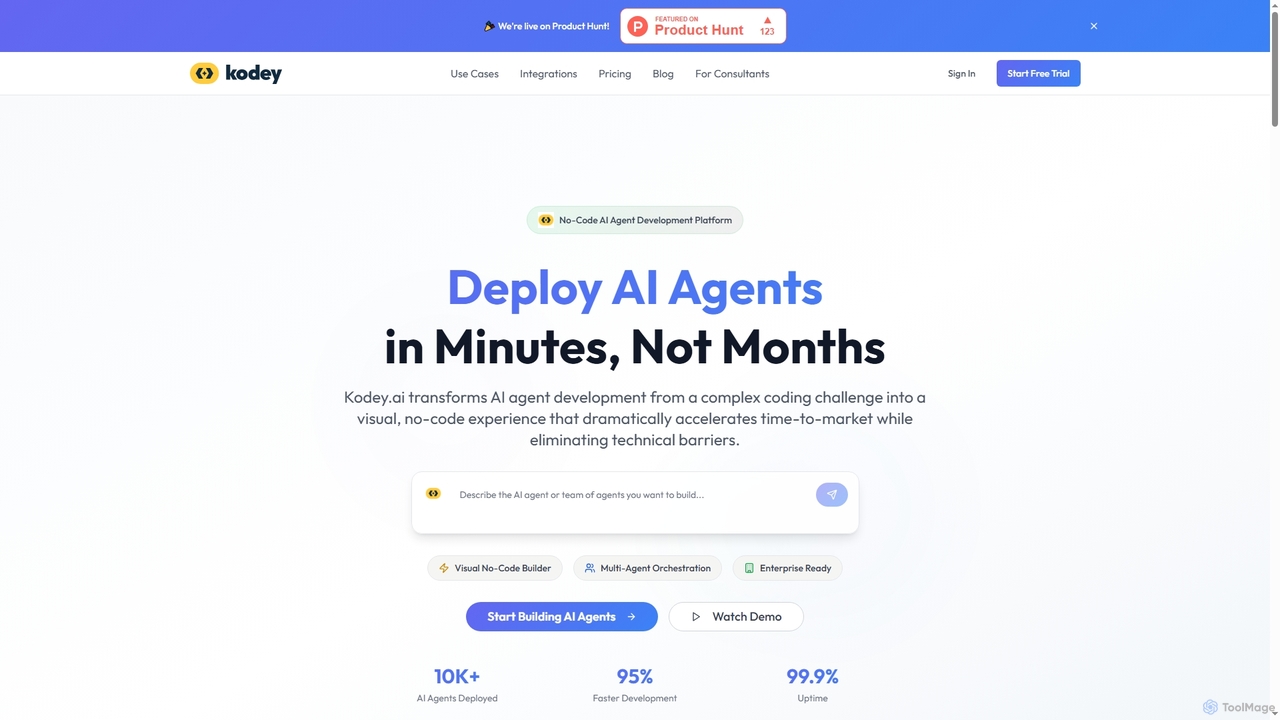
Kodey

A no-code platform for building and deploying autonomous AI agent teams. Kodey enables users to visually create, orchestrate, …

2.2K
Toolhouse

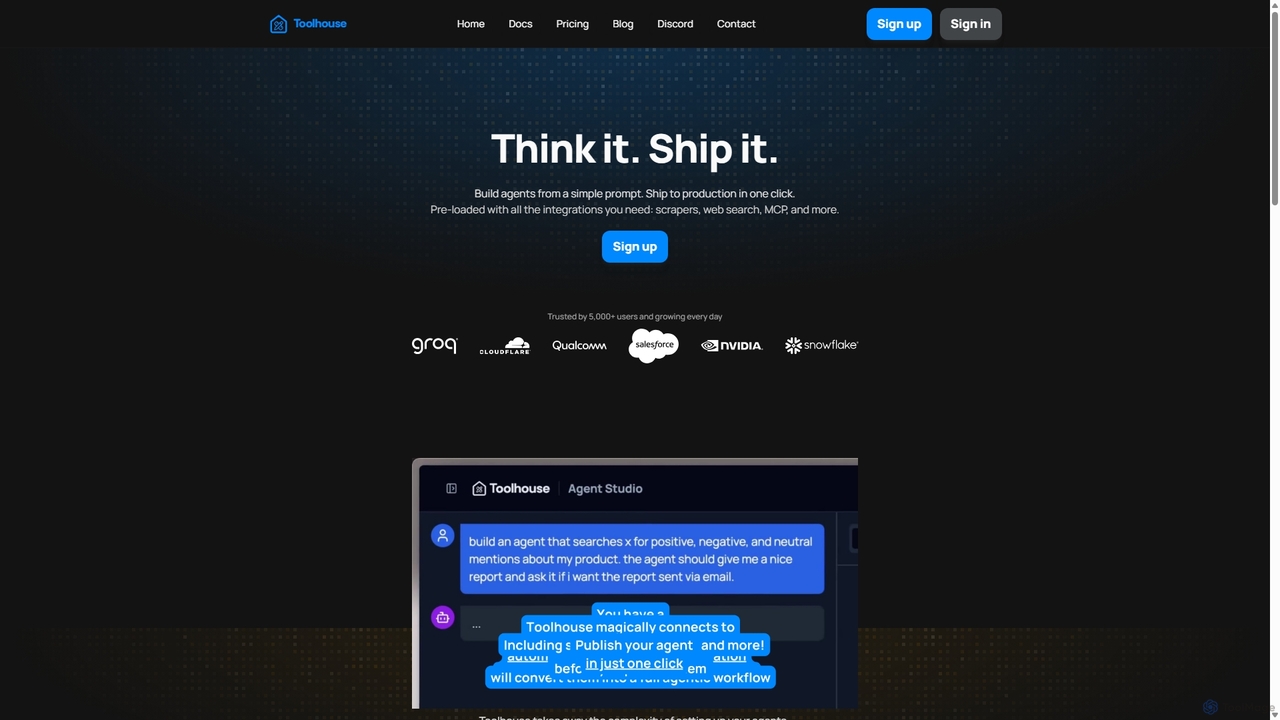
Toolhouse

Toolhouse is a no-code/low-code platform that democratizes AI agent creation. It allows developers to build, deploy, and manage …

17.1K
Lamatic.ai

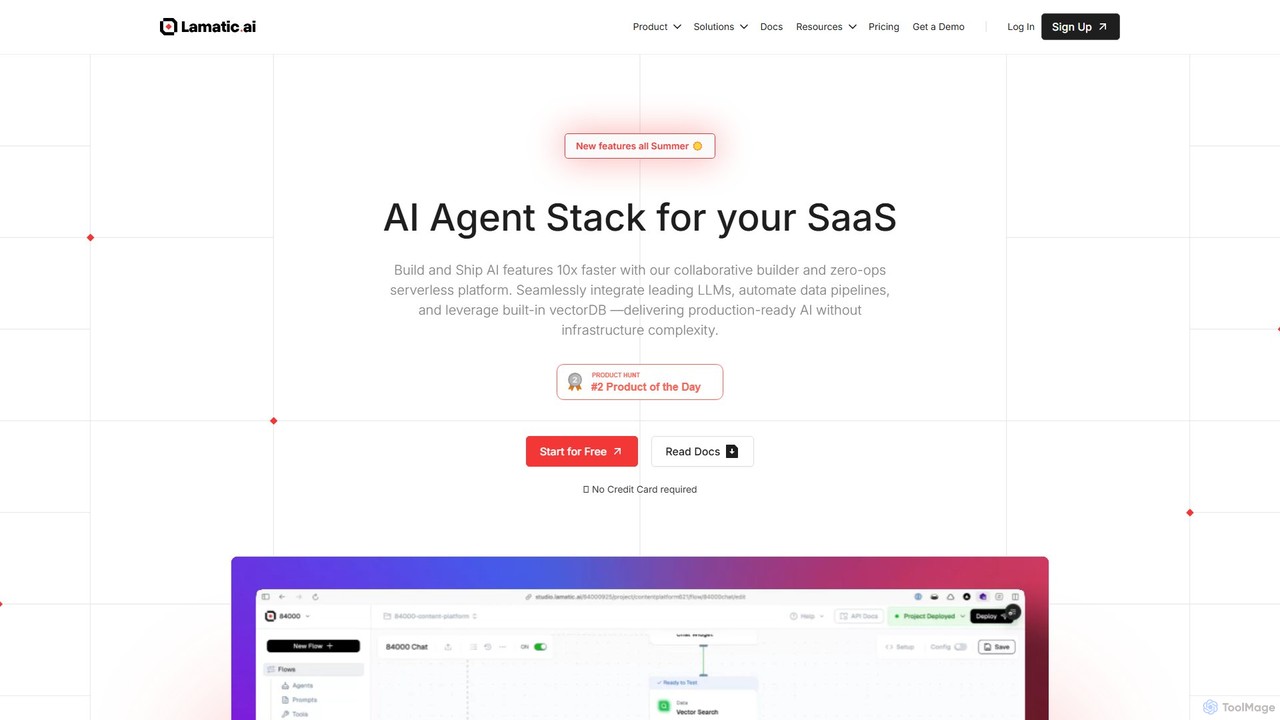
Lamatic.ai

Lamatic.ai is a comprehensive platform designed for engineering teams to build, connect, and deploy AI agents on both …

31.7K
Lila

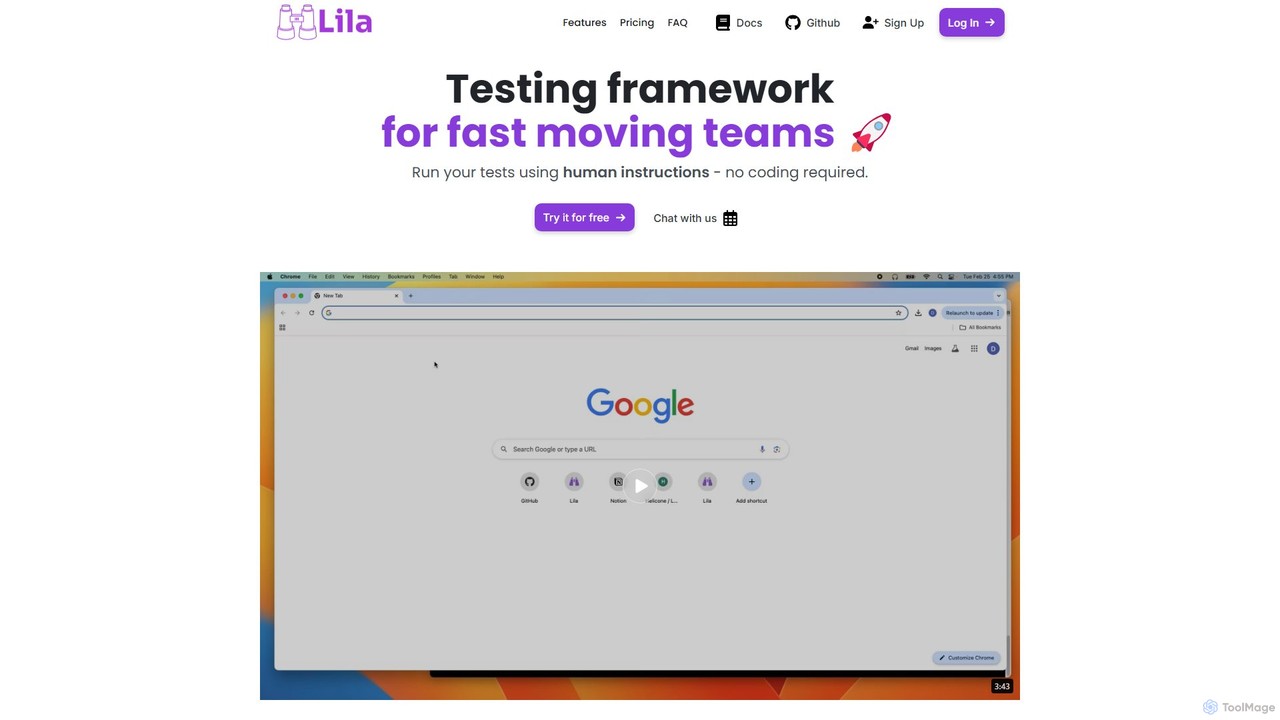
Lila

Lila is an AI-powered testing framework that simplifies end-to-end (e2e) testing for web applications. Using natural language, anyone …

1.8K

About Workflow Automation

Workflow Automation tools are AI-powered platforms designed to automate repetitive tasks and orchestrate complex business processes across various applications. Leveraging artificial intelligence, these tools can understand data, make intelligent decisions, and execute actions, significantly streamlining operations. They empower businesses to reduce manual errors, free up human resources for strategic initiatives, and achieve greater efficiency and consistency, often through intuitive no-code/low-code interfaces.

Core Features

  • Intelligent Task Automation: Automatically performs routine digital tasks like data entry, report generation, and email handling.
  • Cross-System Process Orchestration: Coordinates multi-step workflows involving different software applications and departments.
  • AI-driven Decision Logic: Utilizes machine learning to make dynamic decisions based on real-time data and predefined rules.
  • Extensive Integration Capabilities: Connects seamlessly with a wide array of third-party applications, databases, and APIs.
  • Visual Workflow Builders: Provides drag-and-drop interfaces for non-technical users to design, deploy, and manage automation flows.

Applicable Scenarios

Workflow Automation is crucial for organizations seeking to optimize back-office operations, enhance customer service, and accelerate data processing. It benefits roles from IT administrators automating system maintenance to marketing teams streamlining campaign execution, and finance departments automating invoice approvals, ensuring consistent and error-free execution across the board.

How to Choose

When selecting a Workflow Automation tool, prioritize its integration ecosystem to ensure compatibility with your existing tech stack. Evaluate the depth of its AI capabilities for intelligent decision-making and adaptability. Consider the ease of use, including visual builders and pre-built templates, for rapid deployment. Finally, assess its scalability to meet future automation demands and its security features for data protection and compliance.

Workflow AutomationUse Cases

1

Automate Customer Onboarding Workflows

For customer success teams, automating onboarding ensures a smooth and consistent experience. When a new customer signs up, the tool automatically sends welcome emails, creates accounts in CRM, assigns a success manager, and schedules initial training sessions, reducing manual setup time by up to 70% and improving customer satisfaction.

2

Streamline Invoice Processing and Approval

Finance departments can automate the entire invoice lifecycle. Upon receiving an invoice, the system extracts data, matches it with purchase orders, routes it for approval based on predefined rules, and initiates payment processing. This reduces processing time from days to hours, minimizes errors, and ensures timely payments.

3

Automate Social Media Content Scheduling

Marketing professionals can automate the distribution of content across multiple social media platforms. After content creation, the automation tool can schedule posts, adapt content for different platforms, and even monitor engagement, allowing marketers to focus on strategy rather than manual posting, saving significant time daily.

4

Enhance IT Service Desk Ticket Routing

IT support teams can use automation to intelligently route incoming support tickets. Based on keywords, urgency, and user history, the tool automatically assigns tickets to the most appropriate technician or department, escalates critical issues, and sends automated updates to users, improving response times and resolution efficiency.

5

Automate Data Entry and Synchronization

For operations teams, automating data entry across disparate systems eliminates tedious manual work. When data is updated in one system (e.g., CRM), the automation tool automatically updates related records in ERP, marketing automation platforms, or spreadsheets, ensuring data consistency and accuracy across the organization.

6

Optimize HR Employee Lifecycle Management

HR departments can automate various stages of the employee lifecycle, from hiring to offboarding. This includes sending offer letters, setting up new employee profiles, managing benefits enrollment, and automating exit checklists, ensuring compliance, reducing administrative burden, and providing a better employee experience.

Workflow AutomationFrequently Asked Questions