Rollout AI
Rollout AI is a no-code, AI-powered website and landing page builder. Simply describe your vision in any language, …
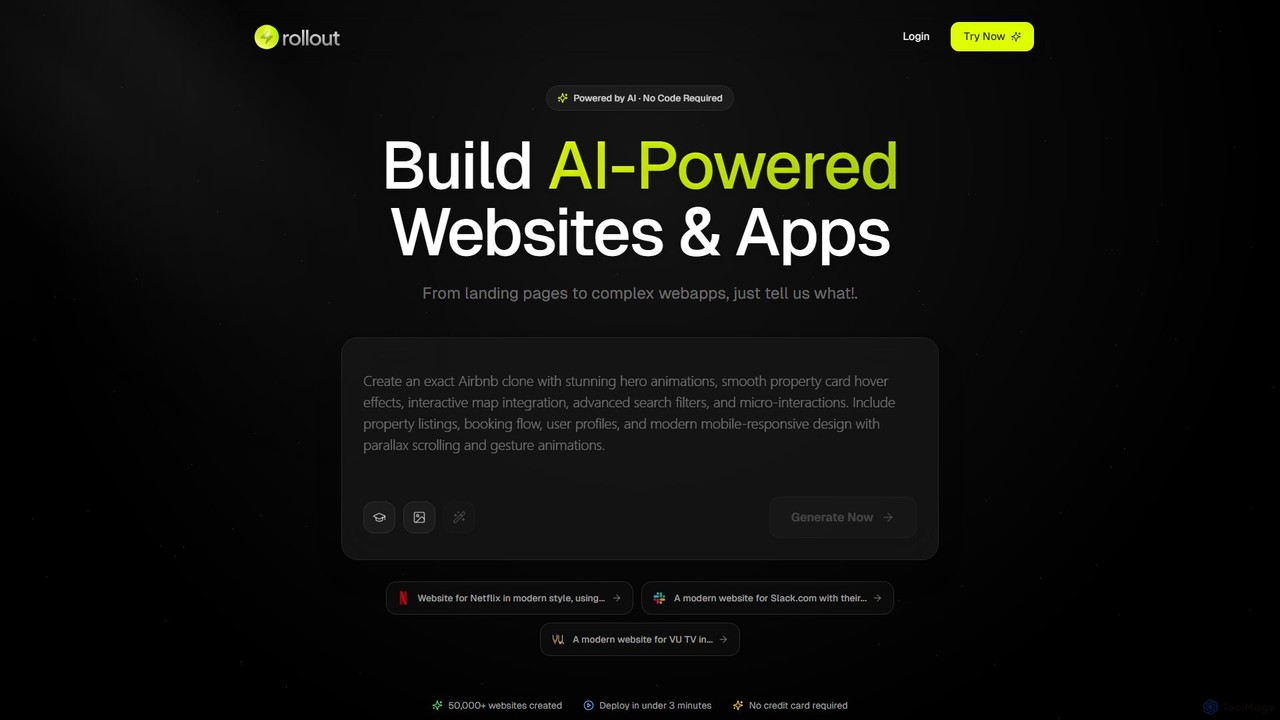
Rollout AI is a no-code, AI-powered website and landing page builder. Simply describe your vision in any language, and the AI will generate a professional, mobile-responsive website in minutes. It features AI-driven design and copywriting, allowing for instant edits and regeneration. Users can export the final code, making it ideal for rapid prototyping, startups, and creating production-ready sites without any coding skills.
WebWave
WebWave is an AI-powered, no-code website builder that allows users to create professional, responsive websites in minutes. It …
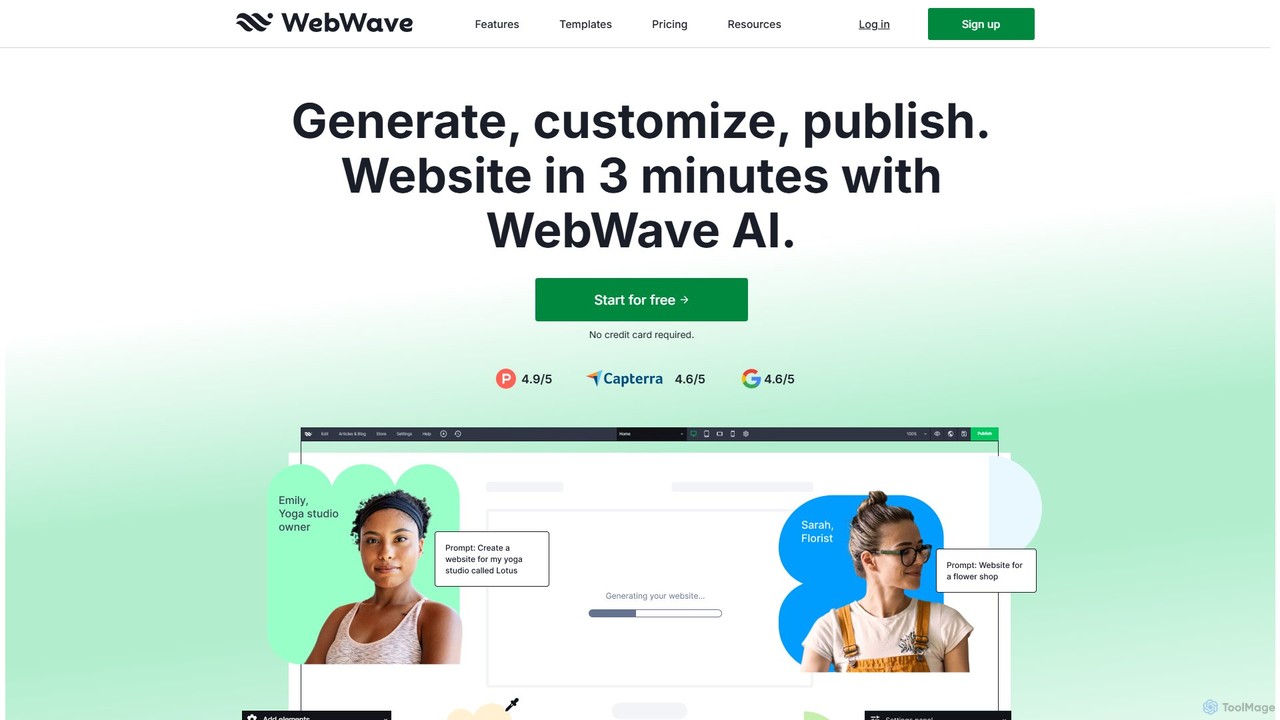
WebWave is an AI-powered, no-code website builder that allows users to create professional, responsive websites in minutes. It features a drag-and-drop editor with pixel-perfect precision, inspired by graphic design tools, offering complete creative freedom. Users can generate a site with AI, customize templates, or start from scratch. It's ideal for small businesses, freelancers, and agencies, offering e-commerce, blogging, SEO tools, and white-label solutions.
About Visual Development
Visual Development tools are a class of no-code platforms for building full-stack web and mobile applications through a graphical interface. They enable users to design user interfaces (UI), define data models, and create complex business logic by dragging and dropping components and connecting visual workflows, rather than writing traditional code. This approach significantly accelerates the development process, empowers non-technical users to build functional software, and facilitates rapid prototyping and iteration. These platforms often provide an end-to-end solution, handling hosting, scaling, and security for the applications created.
Core Features
- Drag-and-Drop UI Builder: Visually construct responsive user interfaces with pre-built components like forms, buttons, and lists.
- Visual Workflow Editor: Define application logic and business processes using intuitive, flowchart-style diagrams.
- Integrated Database Management: Create, manage, and connect data models and collections directly within the platform.
- API & Third-Party Integrations: Seamlessly connect to external services and data sources through visual connectors.
- One-Click Deployment: Publish and host applications on the web or deploy to app stores with minimal configuration.
Use Cases
Visual Development tools are ideal for entrepreneurs, product managers, business analysts, and developers seeking to build applications quickly. Common applications include creating custom internal tools (e.g., CRMs, dashboards), launching Minimum Viable Products (MVPs) to test market ideas, and developing customer-facing portals and mobile apps without large engineering teams.
How to Choose
When selecting a Visual Development tool, consider the platform's scalability and performance capabilities for your expected user load. Evaluate the degree of control over the database and backend logic, including any options for code export. Also, assess its integration ecosystem to ensure it connects with your essential third-party services, and analyze the pricing model to see if it aligns with your growth projections.

Visual DevelopmentUse Cases
Build a Custom Internal CRM
A sales department needs a CRM tailored to their unique workflow, but off-the-shelf solutions are too rigid or expensive. Using a Visual Development tool, a business analyst or team lead can design and build a custom CRM. They can create data models for leads, contacts, and deals, design custom forms for data entry, and build visual workflows to automate follow-up tasks and notifications. The result is a fully functional internal tool, deployed in days instead of months, that perfectly matches the team's process and integrates with their existing email and calendar systems.
Launch a Minimum Viable Product (MVP)
An entrepreneur has an idea for a new web application but lacks the technical skills or funding for a traditional development team. A Visual Development platform allows them to build a fully functional MVP on their own. They can set up user authentication, create a database for product listings, build pages for browsing and purchasing, and integrate a payment gateway. This enables them to launch the product quickly, gather real user feedback, and validate their business model with minimal initial investment, significantly reducing the risk associated with a new venture.
Develop a Customer-Facing Portal
A service-based company wants to provide its clients with a secure online portal to track project progress, access documents, and communicate with the team. Instead of a lengthy and costly custom development project, a product manager uses a Visual Development tool. They build a secure login system, create dashboards that pull data from existing project management tools via API, and set up a messaging feature. The portal enhances customer experience and transparency, while also reducing the administrative workload on the support team, all achieved within a fraction of the typical time and budget.
Create a Mobile App for Field Operations
A logistics company needs a simple mobile app for its drivers to update delivery statuses, capture signatures, and report issues in real-time. Developing native apps for both iOS and Android would be resource-intensive. An operations manager uses a Visual Development platform to build a cross-platform app. They design a simple interface for drivers, connect it to their central database, and use built-in device features like the camera and GPS. The app is deployed to all drivers' devices quickly, improving data accuracy, streamlining communication, and providing management with a live overview of operations.
Automate Complex Business Workflows
An HR department manages employee onboarding through a series of emails, spreadsheets, and manual checks, which is error-prone and time-consuming. Using a Visual Development tool, an HR manager builds an automated onboarding application. The app features a form for new hires to submit information, which then triggers a visual workflow. This workflow automatically creates accounts in other systems via API, assigns tasks to IT and department heads, and sends scheduled welcome emails. This automation reduces manual work by over 80%, ensures consistency, and provides a smoother experience for new employees.
Create High-Fidelity Interactive Prototypes
A UX designer needs to test a new app concept with users, but static mockups don't capture the full interactive experience. Using a Visual Development tool, they build a fully functional prototype. This prototype is connected to a real (or sample) database, allowing testers to interact with dynamic data, complete user flows like signing up or making a purchase, and experience the app's logic firsthand. This provides much richer, more accurate feedback than traditional prototyping tools, enabling the design team to validate complex interactions and make data-driven decisions before writing a single line of production code.