ToolMage
Sign in

Best 1 Web Application Builder AI tools for No Code

Popular Web Application Builder AI tools in No Code include Simplall, helping you work more efficiently.

Simplall
Freemium

Simplall

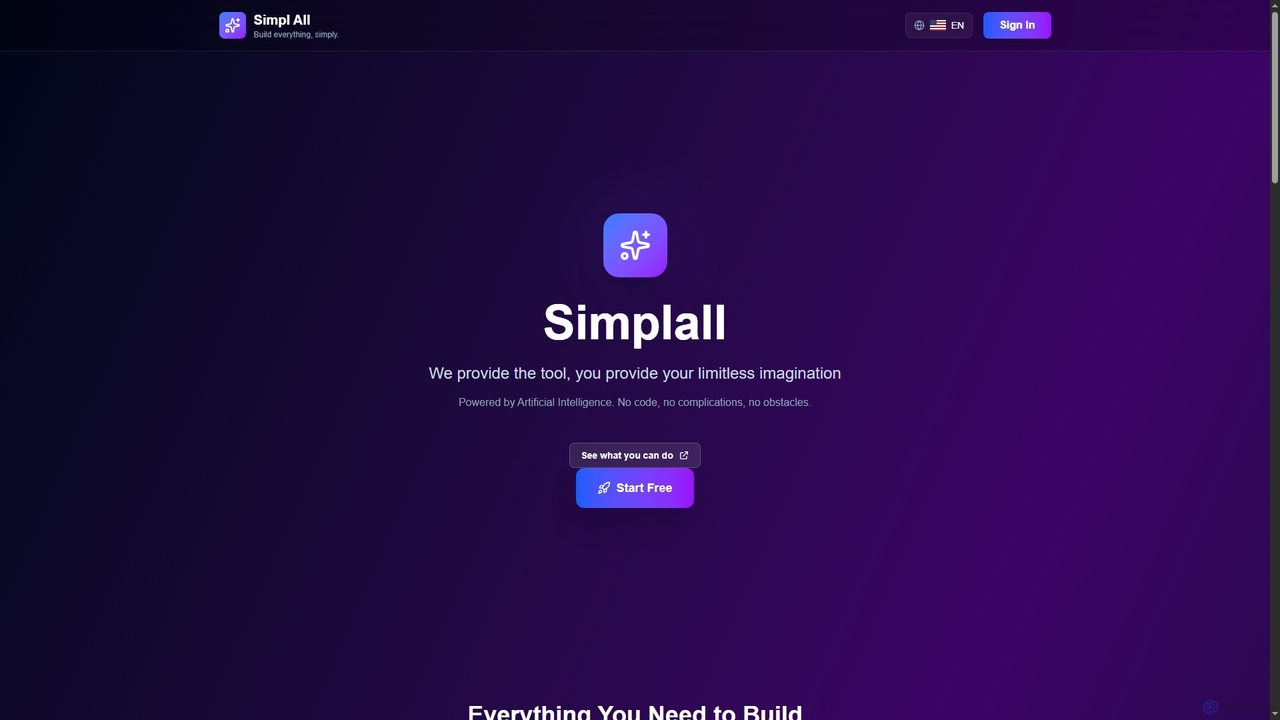
Simplall is an AI-powered code generator that transforms natural language descriptions into functional web applications. It enables users, regardless of coding experience, to instantly create professional React apps, HTML websites, and interactive dashboards with live previews, clean code, and easy modification capabilities.

Code Generation
Visits 6.4KFavorites 129Likes 146

About Web Application Builder

A Web Application Builder is a type of no-code tool that enables users to create functional web applications without writing traditional code. These platforms typically feature visual drag-and-drop interfaces, pre-built components, and intuitive workflows. They empower individuals and businesses to rapidly prototype, develop, and deploy custom web solutions, from internal dashboards to customer-facing portals, significantly reducing development time and costs.

Core Features

  • Visual Editor: Drag-and-drop interface for designing UI/UX without coding.
  • Database Integration: Connect to internal or external databases to manage and display data.
  • User Authentication: Implement secure login, user roles, and access control.
  • API Connectivity: Integrate with third-party services and external APIs.
  • Deployment & Hosting: Built-in options for publishing and hosting the web application.

Use Cases

Web Application Builders are ideal for creating custom internal tools like CRM systems, project management dashboards, or inventory trackers. They also excel in developing customer-facing applications such as online booking systems, event registration pages, or simple e-commerce storefronts, allowing rapid iteration and deployment for various business needs.

How to Choose

When selecting a Web Application Builder, consider its scalability for future growth, the range of pre-built components and customization options, integration capabilities with existing systems, and the pricing model. Evaluate the learning curve and community support, as well as the platform's security features and data handling policies to ensure it meets your specific requirements.

Web Application Builder use cases

1

Building Internal Dashboards & Tools

For operations managers or team leads who need to visualize key performance indicators (KPIs) or manage internal workflows. A Web Application Builder allows them to quickly create custom dashboards, data entry forms, or approval systems without relying on IT, streamlining internal processes and improving data accessibility.

2

Creating Customer Portals

Businesses aiming to offer self-service options to their clients can use these builders to develop secure customer portals. Clients can log in to view order history, manage subscriptions, access support resources, or update their profiles, enhancing customer experience and reducing support load.

3

Developing Event Registration & Booking Sites

Event organizers or service providers can rapidly build custom registration pages for workshops, webinars, or appointment booking systems. These tools handle user input, payment integration, and confirmation emails, simplifying event management and attendee enrollment.

4

Launching Minimum Viable Products (MVPs)

Startup founders or product managers can leverage Web Application Builders to quickly develop and test an MVP. This allows them to validate business ideas, gather early user feedback, and iterate on features with minimal upfront investment in development resources, accelerating market entry.

5

Automating Data Collection Forms & Surveys

Researchers or marketing teams often need to collect specific data from users or customers. Web Application Builders enable them to create sophisticated forms with conditional logic, file uploads, and direct database storage, automating data collection and analysis processes efficiently.

6

Building Simple E-commerce Frontends

Small businesses or individual sellers can design and deploy custom online storefronts to showcase products and accept payments. While not full-fledged e-commerce platforms, they offer enough flexibility to create unique shopping experiences for niche markets or specific product lines.

Web Application Builder FAQ

What are Web Application Builders?

Web Application Builders are no-code platforms that allow users to design, develop, and deploy web applications visually, without writing any code. They provide a graphical interface, pre-built components, and integrations to create functional web-based tools, dashboards, and portals, making app development accessible to non-developers.

How do Web Application Builders differ from traditional coding?

The primary difference lies in the development approach. Traditional coding involves writing lines of programming language, requiring specialized skills and significant time. Web Application Builders, conversely, use visual drag-and-drop interfaces and pre-configured logic, abstracting away the code. This significantly speeds up development, reduces technical barriers, and allows for quicker iteration, though it may offer less granular control than custom code.

What types of applications can be built with Web Application Builders?

Web Application Builders are versatile and can create a wide range of applications. Common examples include internal tools (e.g., CRM, project management, inventory systems), customer portals, online booking systems, event registration sites, data collection forms, simple e-commerce frontends, and community platforms. They are particularly strong for data-driven applications and workflows.

What should I consider when choosing a Web Application Builder?

When selecting a Web Application Builder, evaluate its feature set against your specific needs, including database capabilities, integration options (APIs), and user management. Consider its scalability for future growth, the level of customization allowed, pricing structure, and the availability of templates or community support. Security features and data privacy compliance are also critical factors.

Are Web Application Builders suitable for complex applications?

While Web Application Builders excel at rapid development and are suitable for many business applications, their suitability for highly complex applications depends on the platform and the definition of "complex." For applications requiring highly specialized algorithms, extremely high performance, or deep system-level integrations, traditional coding might still be necessary. However, many builders are increasingly powerful, supporting complex logic and integrations for a broad range of use cases.