
No Code Best in category 1 results Workflow Automation AI Tool

Popular AI tools in the Workflow Automation field of No Code include Browser Use, etc., helping you quickly improve efficiency.

Browser Use

Browser Use

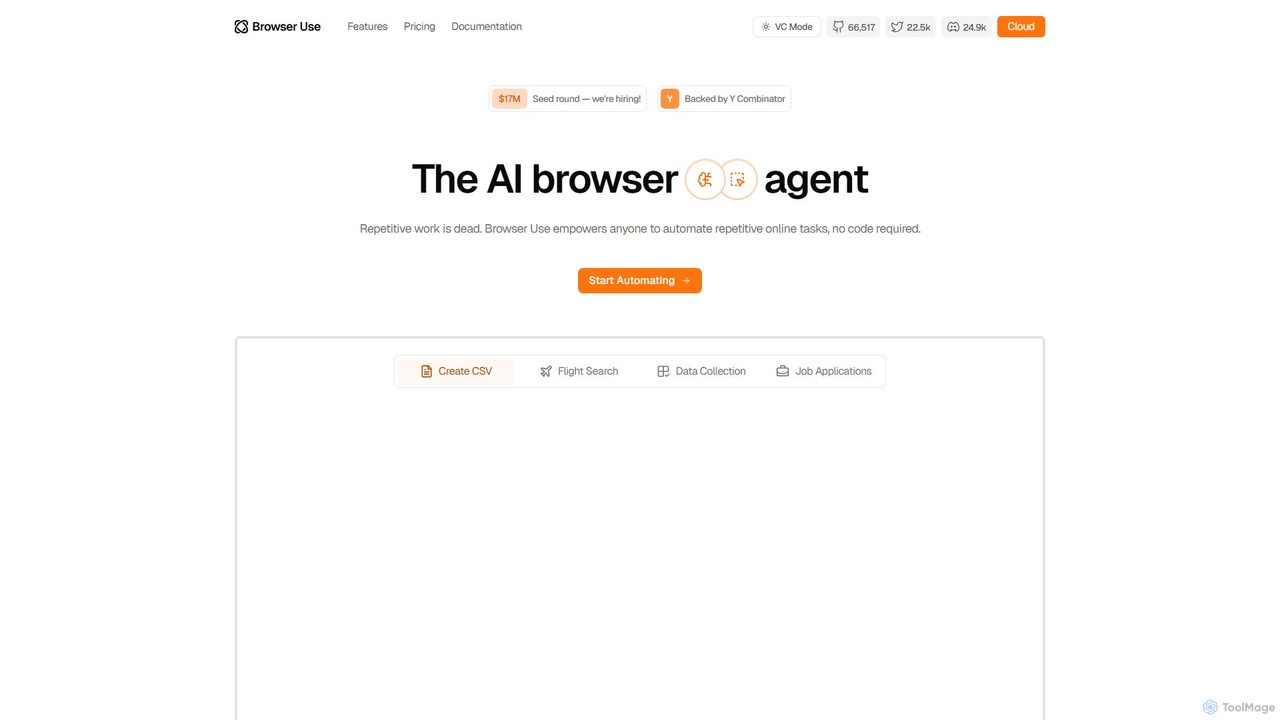
Browser Use is an AI-powered browser agent that automates repetitive online tasks without requiring any code. It can …

550.2K

About Workflow Automation

Workflow Automation tools are AI-powered platforms designed to streamline and automate repetitive tasks and complex processes across various business functions. Leveraging principles often found in the No Code movement, these tools enable users to build sophisticated automated workflows without writing extensive code. Their primary value lies in connecting disparate applications, orchestrating data flow, and executing conditional logic to enhance operational efficiency and reduce manual effort.

Core Features

  • Task Orchestration: Automate sequences of tasks across multiple applications and systems.
  • Data Routing & Transformation: Automatically move data between platforms and reformat it as needed.
  • Conditional Logic: Define rules and conditions that trigger specific actions or branches in a workflow.
  • Integrations: Connect with a wide array of third-party applications and services via APIs or native connectors.
  • Monitoring & Analytics: Track workflow performance, identify bottlenecks, and gain insights into automated processes.

Applicable Scenarios

Businesses across all sectors, from small startups to large enterprises, utilize Workflow Automation. Marketing teams automate lead nurturing and social media posting, HR departments streamline employee onboarding and offboarding, and finance teams automate invoice processing and expense approvals. Any role involving repetitive, rule-based tasks can benefit from these tools.

How to Choose

When selecting a Workflow Automation tool, consider its integration ecosystem to ensure compatibility with your existing tech stack. Evaluate the visual builder's ease of use, especially for non-technical users, and assess the complexity of workflows it can handle. Look for robust conditional logic capabilities, scalability options, and transparent pricing models that align with your usage volume.

Workflow AutomationUse Cases

1

Automating Lead Nurturing Campaigns

Marketing managers use Workflow Automation to automatically send personalized email sequences to new leads based on their engagement with website content or previous interactions. This ensures timely follow-up, nurtures prospects through the sales funnel, and frees up marketing teams from manual email scheduling, leading to higher conversion rates.

2

Streamlining Employee Onboarding

HR professionals leverage Workflow Automation to orchestrate the entire onboarding process for new hires. This includes automatically sending welcome emails, provisioning access to necessary software, assigning training modules, and notifying relevant department heads, ensuring a consistent and efficient experience for every new employee.

3

Automating Customer Support Ticketing

Customer service teams use Workflow Automation to categorize incoming support tickets, assign them to the appropriate agents based on keywords or urgency, and send automated acknowledgment messages to customers. This reduces response times, improves ticket resolution efficiency, and allows agents to focus on complex issues.

4

Processing Invoices and Expense Reports

Finance departments implement Workflow Automation to automatically extract data from incoming invoices, match them against purchase orders, route them for approval based on predefined thresholds, and initiate payment processes. This minimizes manual data entry errors, accelerates payment cycles, and ensures compliance.

5

Synchronizing Data Across Business Apps

Operations teams use Workflow Automation to maintain data consistency across various platforms like CRM, ERP, and project management tools. For instance, when a new client is added to the CRM, the workflow automatically creates a corresponding project in the project management tool and updates the client database, eliminating manual data duplication.

6

Automating Social Media Content Distribution

Content creators and social media managers utilize Workflow Automation to schedule and publish posts across multiple social media platforms simultaneously. They can set up triggers for new blog posts or content uploads, automatically generate social media snippets, and distribute them at optimal times, ensuring consistent online presence and reach.

Workflow AutomationFrequently Asked Questions