Parabola
Parabola is an AI-powered, no-code platform that automates complex data workflows. It enables teams to pull data from …
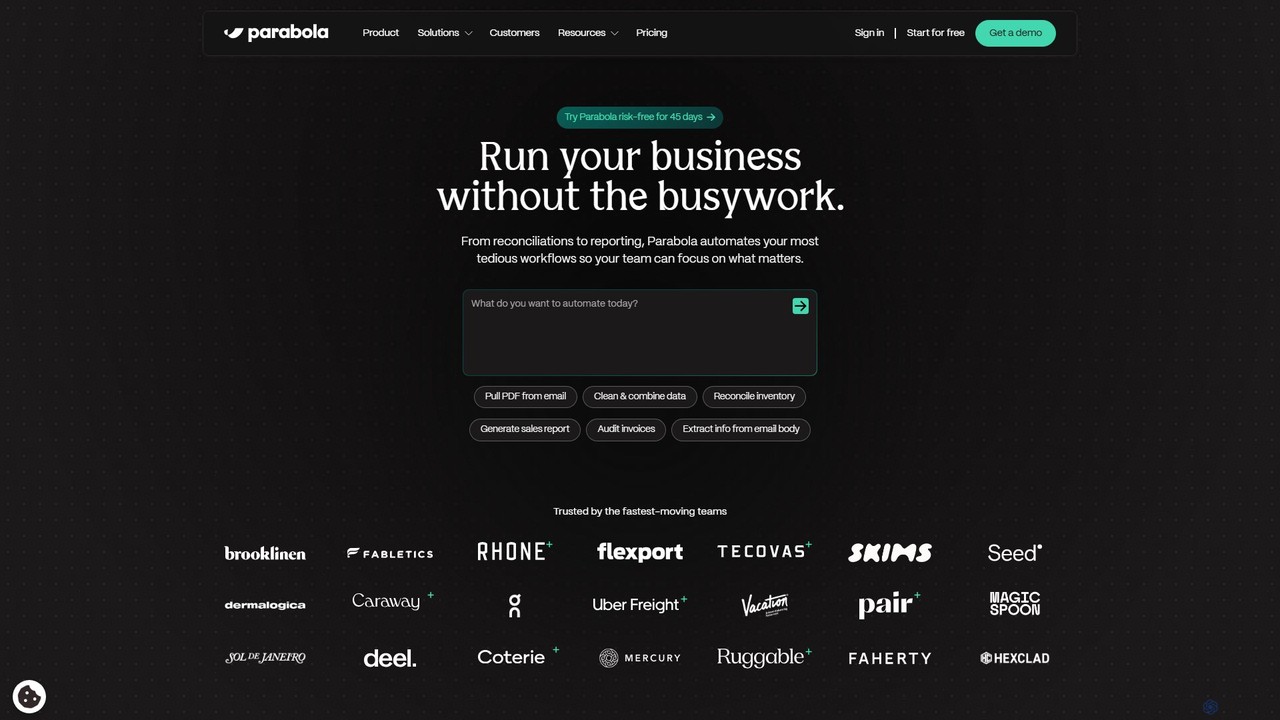
Parabola is an AI-powered, no-code platform that automates complex data workflows. It enables teams to pull data from messy sources like PDFs, emails, and spreadsheets, then clean, transform, and integrate it without writing any code. It's designed for operations, finance, and logistics professionals to eliminate manual tasks and build scalable, automated processes.
TaskMagic
TaskMagic is a no-code automation tool that records your web actions like clicks, typing, and scraping to create …
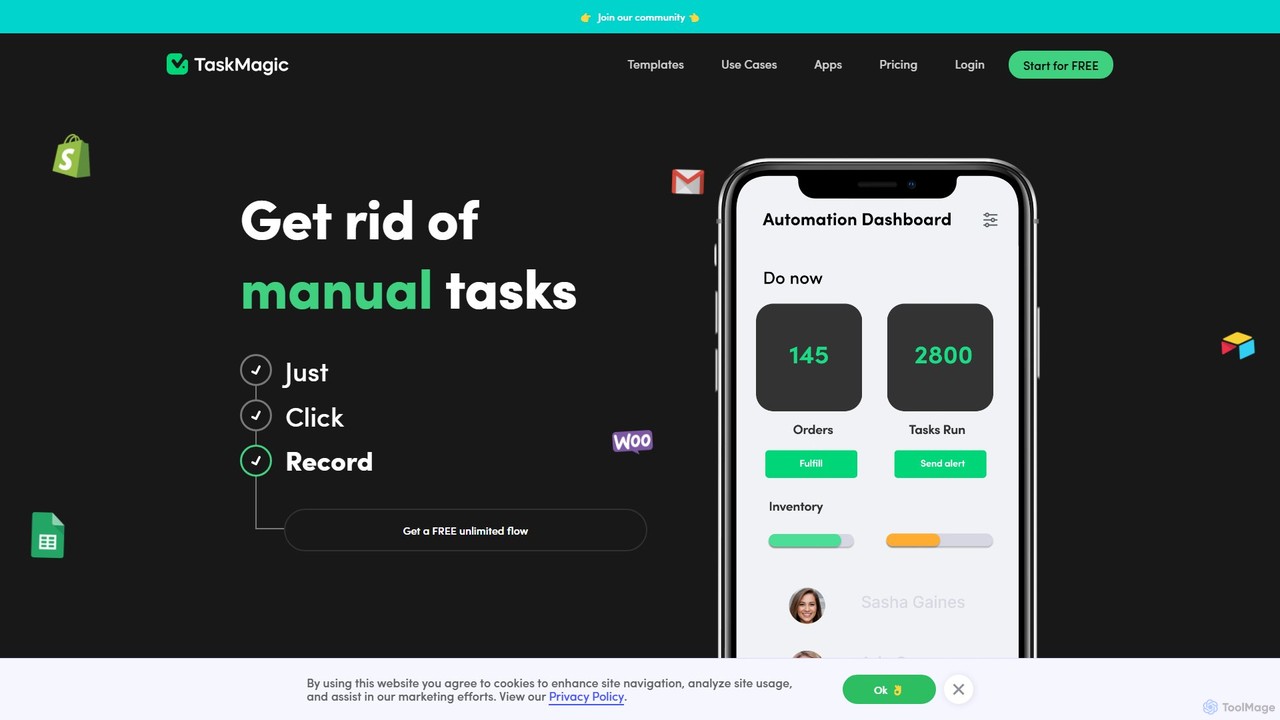
TaskMagic is a no-code automation tool that records your web actions like clicks, typing, and scraping to create powerful workflows. It acts as a virtual assistant, automating repetitive tasks that traditional tools like Zapier can't handle due to API limitations. Simply record a task once, and let TaskMagic run it for you forever.
About Workflow Management
Workflow Management tools are AI-powered solutions designed to automate, streamline, and optimize business processes. These tools leverage artificial intelligence to analyze tasks, identify bottlenecks, and execute predefined sequences, significantly enhancing operational efficiency and reducing manual effort. Often falling under the No Code umbrella, they empower users to design and deploy complex workflows without extensive programming knowledge, ensuring consistency and compliance across various departments.
Core Features
- Process Automation: Automates repetitive tasks and multi-step processes, from data entry to document routing.
- Task Orchestration: Manages the sequence and dependencies of tasks, ensuring smooth transitions between stages and teams.
- Performance Monitoring: Provides real-time insights into workflow status, identifying bottlenecks and areas for improvement.
- Integration Capabilities: Connects with existing business applications (CRM, ERP, HRIS) to create seamless data flow.
- Customizable Workflows: Allows users to design and adapt workflows to specific business needs and rules without coding.
Applicable Scenarios
These tools are invaluable for organizations seeking to standardize operations, reduce errors, and accelerate task completion. They are widely adopted in HR for onboarding and offboarding, in finance for invoice processing and expense approvals, and in IT for service request management and incident resolution, ensuring consistent execution and compliance.
How to Choose
When selecting a Workflow Management tool, consider its ease of use and No Code capabilities for non-technical users, integration with your existing software ecosystem, and scalability to grow with your business. Evaluate the level of customization offered, the robustness of its reporting and analytics features, and the vendor's support and security protocols to ensure it meets your specific operational demands.

Workflow ManagementUse Cases
Automating Employee Onboarding Processes
HR departments can leverage AI Workflow Management tools to automate the entire employee onboarding journey. From sending welcome emails and distributing policy documents to setting up IT accounts and scheduling initial training, the tool ensures every step is completed efficiently and consistently. This significantly reduces manual administrative burden, minimizes errors, and provides a smoother, more engaging experience for new hires, allowing HR staff to focus on strategic initiatives.
Streamlining Invoice Processing and Approvals
Finance teams can implement Workflow Management tools to automate the complex process of invoice handling. When an invoice is received, the system can automatically extract key data, route it to the correct department for approval based on predefined rules, and track its status in real-time. This eliminates manual data entry, accelerates approval cycles, reduces the risk of late payments, and ensures compliance with financial regulations, leading to significant time and cost savings.
Automating Customer Support Ticket Routing
Customer service departments can utilize Workflow Management tools to automate the routing and escalation of support tickets. Upon receiving a new ticket, the AI can analyze its content (keywords, sentiment) to categorize it, assign it to the most appropriate agent or team, and prioritize it based on urgency. If a ticket remains unresolved for too long, the system can automatically escalate it to a supervisor, ensuring timely responses and improving overall customer satisfaction without constant manual oversight.
Managing Content Creation and Publishing Workflows
Marketing and content teams can use Workflow Management tools to orchestrate their content creation and publishing processes. From initial idea generation and drafting to editing, approval, and final publication across multiple channels, the tool ensures each stage is tracked and assigned. This helps maintain brand consistency, meets publishing deadlines, and provides clear visibility into the content pipeline, allowing teams to collaborate more effectively and scale their content output.
Automating IT Service Request Fulfillment
IT departments can significantly improve efficiency by using Workflow Management tools to automate service request fulfillment. When an employee submits a request (e.g., software installation, hardware upgrade), the system can automatically verify permissions, route the request to the appropriate IT specialist, and trigger necessary provisioning steps. This reduces manual intervention, speeds up resolution times, and ensures that IT resources are allocated effectively, leading to faster service delivery and higher user satisfaction.
Optimizing Sales Lead Nurturing and Follow-up
Sales and marketing teams can deploy Workflow Management tools to automate lead nurturing and follow-up processes. When a new lead is captured, the system can automatically send personalized emails, schedule follow-up calls for sales representatives, and update CRM records based on lead engagement. This ensures no lead falls through the cracks, streamlines the sales pipeline, and allows sales teams to focus on high-value interactions, ultimately improving conversion rates and revenue generation.