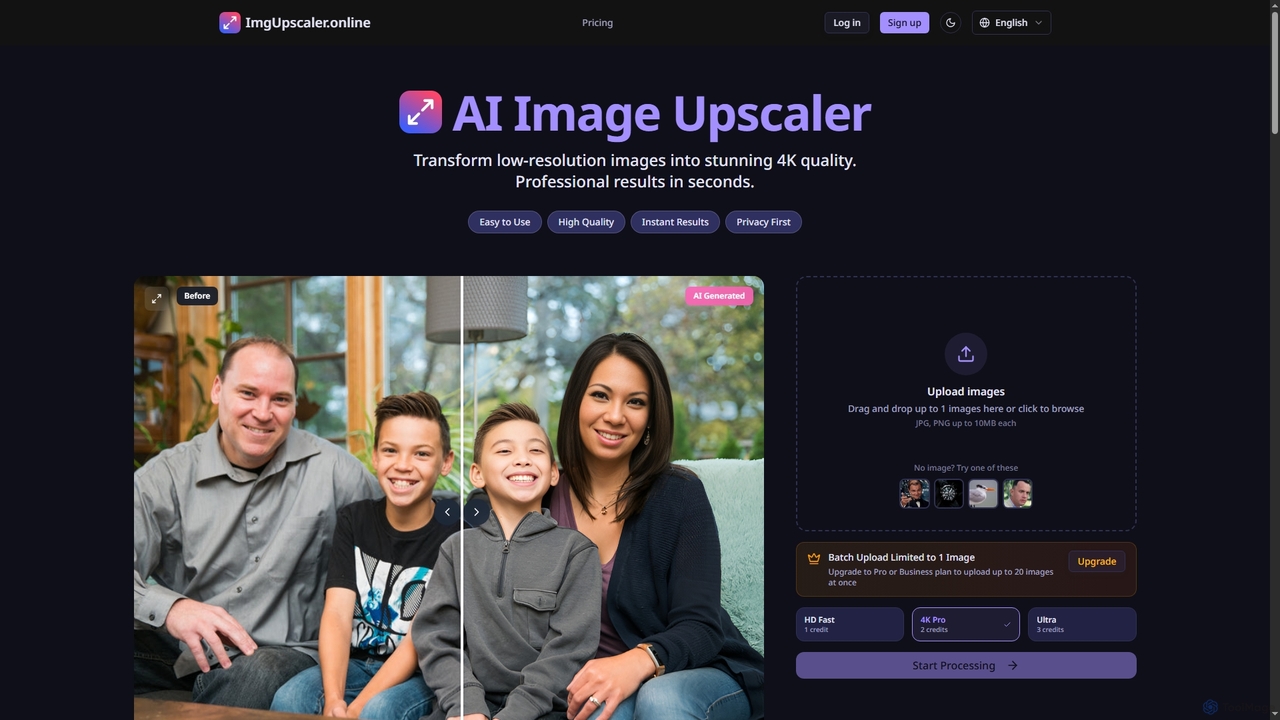
AI photo enhancement tools are a category of artificial intelligence applications designed to significantly improve the quality and aesthetic appeal of existing images. Leveraging advanced deep learning algorithms, these tools can intelligently analyze and modify various aspects of a photograph, from correcting imperfections to elevating overall visual impact. They offer photographers, marketers, and enthusiasts powerful capabilities to restore old photos, refine new ones, and prepare images for professional use, often achieving results that would be time-consuming or impossible with traditional manual editing.
Core Features
- Noise Reduction: Intelligently removes digital noise and grain from photos, especially those taken in low light, without sacrificing detail.
- Image Upscaling: Increases image resolution and size, generating missing pixels to produce sharper, higher-quality images suitable for large prints or displays.
- Color Correction & Grading: Automatically adjusts white balance, exposure, and saturation, or applies sophisticated color styles to achieve a desired mood or consistency.
- Sharpening & Deblurring: Enhances edge definition and reduces motion or focus blur, bringing clarity back to soft or slightly out-of-focus images.
- Object Removal & Inpainting: Seamlessly erases unwanted objects, blemishes, or distractions from a photo, intelligently filling the void with contextually relevant pixels.
Use Cases
These tools are invaluable for professional photographers needing to quickly process large batches of images, such as wedding or event photos, ensuring consistent quality and correcting minor flaws. E-commerce businesses utilize them to enhance product photography, making items look more appealing and professional on online storefronts. Additionally, individuals can restore cherished old family photographs, repairing damage, improving clarity, and bringing faded memories back to life.
How to Choose
When selecting an AI photo enhancement tool, consider its specific capabilities (e.g., upscaling, noise reduction, color grading) and how well they align with your primary needs. Evaluate the quality of the output, looking for natural-looking results without artifacts. Assess its ease of use, integration with your existing workflow, and whether it supports batch processing for efficiency. Finally, compare pricing models, including subscription costs and any per-image fees, to find a solution that fits your budget and usage volume.