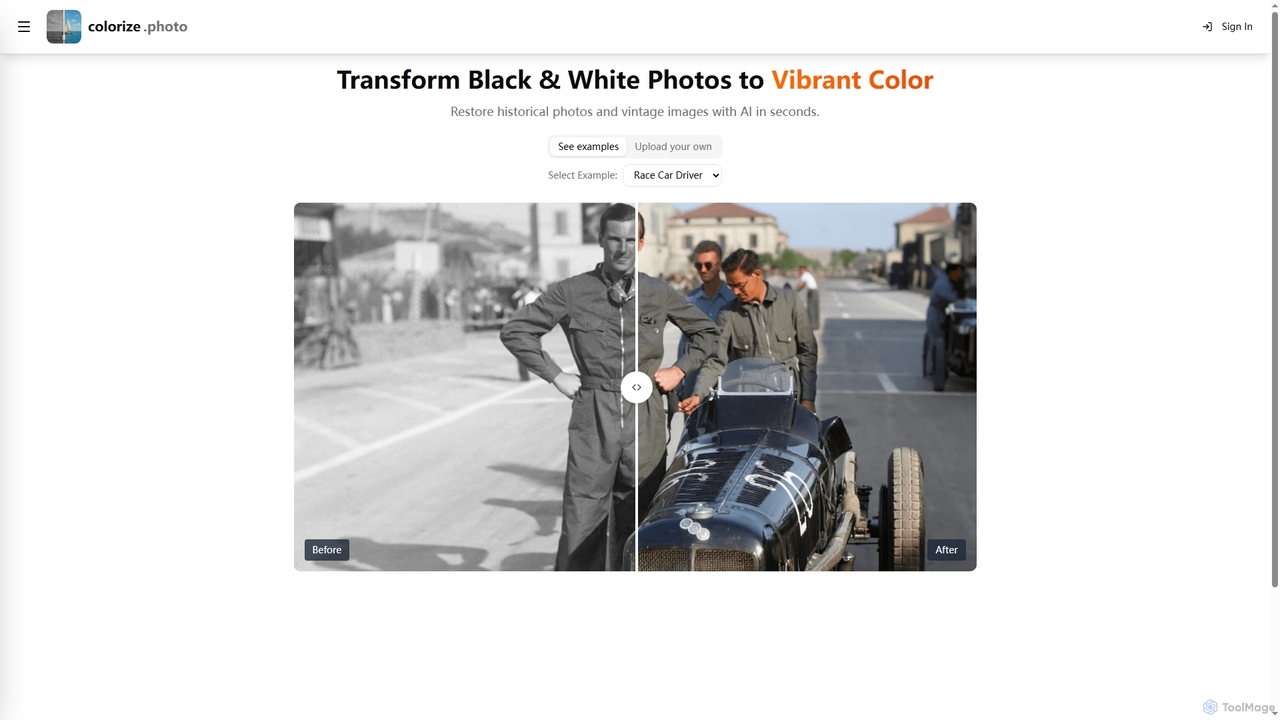
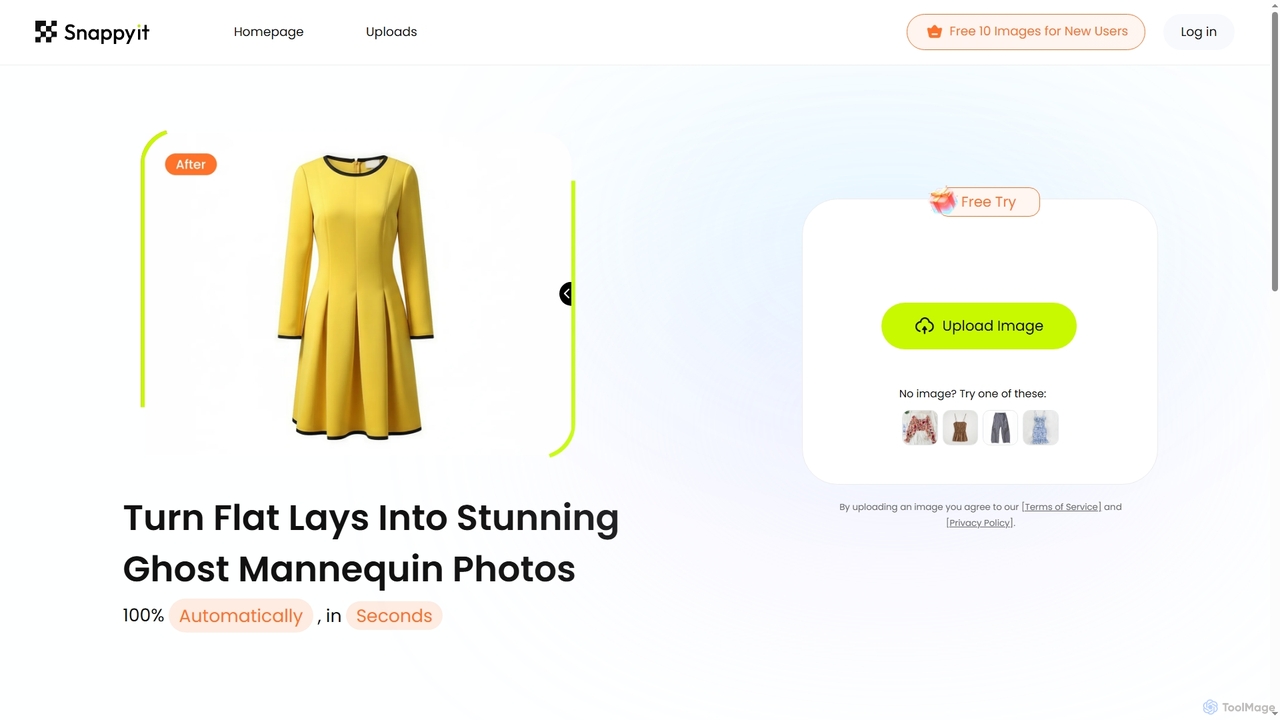
AI Image Editing tools are a specialized category within AI photography, leveraging artificial intelligence to enhance, modify, and transform existing images. These tools utilize advanced algorithms like neural networks to automate complex tasks such as object removal, background replacement, color correction, and style transfer. They empower users to achieve professional-grade visual results with unprecedented speed and ease, significantly streamlining creative workflows. Unlike traditional image editors, AI-driven solutions intelligently interpret image content, offering smart suggestions and precise adjustments.
Core Features
- Intelligent Object Removal: Accurately identifies and removes unwanted elements or blemishes from photos, seamlessly filling in the background.
- AI Background Editor: Automatically detects subjects and allows for instant background removal, replacement, or blurring with high precision.
- Image Upscaling & Enhancement: Utilizes AI to enlarge images without losing quality, sharpening details and reducing noise.
- Smart Color Correction: Analyzes image content to automatically adjust colors, exposure, and contrast for optimal visual appeal.
- Style Transfer & Filters: Applies artistic styles from one image to another, or generates unique AI-driven visual effects.
Applicable Scenarios
Content creators and marketers use AI image editing to quickly prepare visuals for social media, blogs, and advertisements, ensuring consistent branding and high-quality aesthetics across platforms. E-commerce businesses leverage these tools for batch processing product photos, automating background removal, color correction, and watermarking to maintain a professional online storefront. Professional photographers utilize AI editors to accelerate post-production workflows, handling tasks like portrait retouching, noise reduction, and sky replacement with greater efficiency.
How to Choose
When selecting an AI image editing tool, consider its specific feature set (e.g., object removal, upscaling, style transfer) to match your primary needs. Evaluate the quality and accuracy of its AI algorithms, especially for critical tasks like background removal or facial retouching. Look for integration capabilities with existing creative suites or platforms, and assess its ease of use and learning curve for your team. Finally, compare pricing models and ensure the tool offers sufficient processing power or credits for your expected workload.