Lasso
Lasso is an all-in-one affiliate marketing plugin for WordPress, designed for creators and bloggers. It helps you manage …
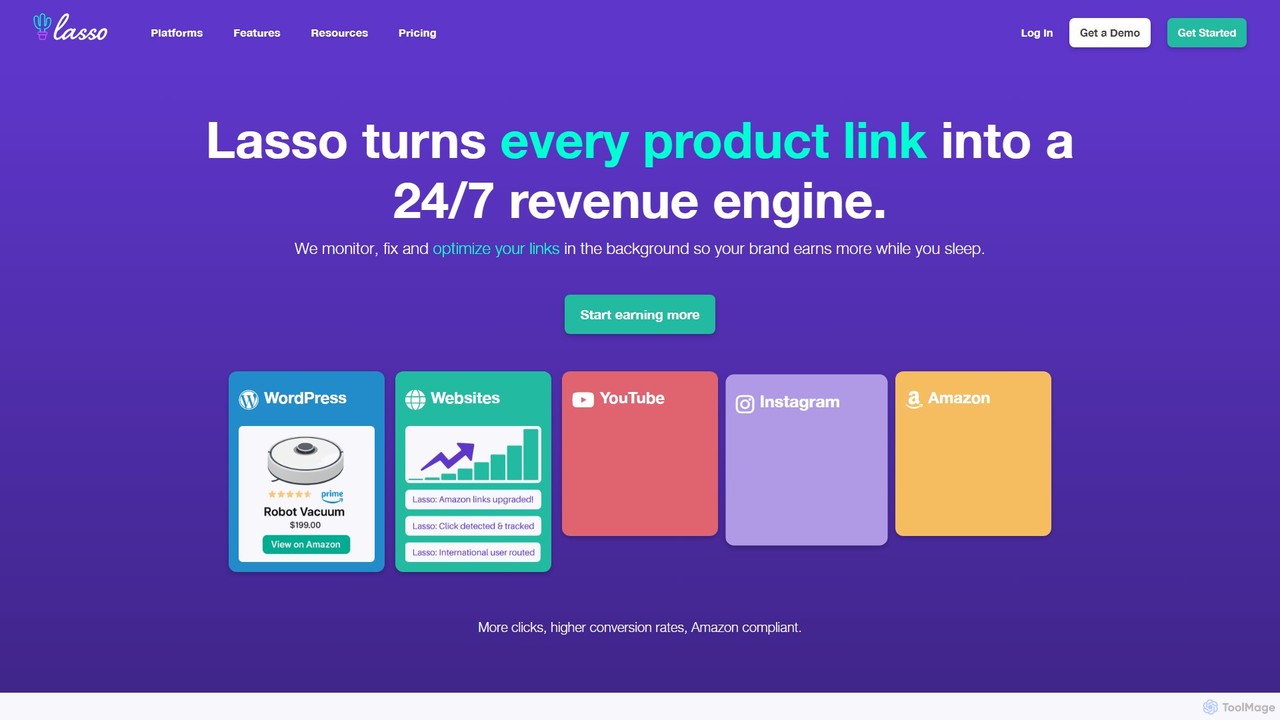
Lasso is an all-in-one affiliate marketing plugin for WordPress, designed for creators and bloggers. It helps you manage all your affiliate links in one place, create high-converting product displays and comparison tables, and discover new monetization opportunities. With features like link cloaking, health monitoring, and deep Amazon integration, Lasso streamlines your workflow and helps you significantly boost your affiliate revenue.
About Link Management
Link Management tools are specialized platforms for creating, tracking, and optimizing all types of hyperlinks, serving as a crucial component of a modern SEO and digital marketing strategy. These tools go beyond simple URL shortening by offering advanced analytics, branding capabilities, and audience engagement features. They enable users to consolidate various links, monitor click-through rates, understand audience behavior, and manage campaign performance from a central dashboard. By providing detailed data and control over every link, these platforms help maximize the value of digital traffic and improve marketing ROI.
Core Features
- Branded Short Links: Create custom, trustworthy short URLs using your own domain to increase brand recognition and click-through rates.
- Advanced Click Analytics: Track detailed metrics for each link, including geographic location, device type, referrer source, and click timestamps.
- Link-in-Bio Pages: Build customizable landing pages that house multiple links, optimized for social media profiles like Instagram and TikTok.
- Dynamic QR Codes: Generate trackable QR codes whose destination URL can be changed at any time without needing to reprint the code.
- UTM & Parameter Management: Systematically build and manage UTM-tagged links to accurately track campaign performance across different channels.
Use Cases
Link Management tools are widely used by digital marketers, social media managers, content creators, and affiliate marketers. For instance, a marketing team can use unique tracked links for each ad channel (Google, Facebook, Email) to precisely measure campaign ROI. A content creator can use a link-in-bio page to direct their audience to their latest video, blog, and merchandise store from a single, convenient link.
How to Choose
When selecting a Link Management tool, consider the following: Does it support custom domains for branding? How deep and real-time are its analytics? Does it offer features like link retargeting pixels, A/B testing, and robust API access for integration? Also, evaluate the user interface for ease of use in managing a large number of links and review the pricing tiers based on the volume of links and clicks you anticipate.

Link ManagementUse Cases
Optimize Social Media Bio Links
A social media manager for a fashion brand needs to drive traffic from Instagram to multiple destinations: a new collection, a blog post, and a limited-time sale. Instead of constantly changing the single bio link, they use a Link Management tool to create a branded 'link-in-bio' landing page. This page contains links to all key destinations. They can track which links are most popular, gaining insights into their audience's interests. This approach centralizes traffic direction and provides valuable analytics without confusing followers with frequent link changes.
Track Offline Marketing with Dynamic QR Codes
A restaurant chain launches a new menu and promotes it using posters in their physical locations and flyers. To measure the campaign's effectiveness, the marketing manager uses a Link Management tool to generate a dynamic QR code for the promotional materials. This QR code leads to a digital menu with a special offer. Through the tool's dashboard, they can track how many scans the code receives, from which locations, and at what times. If they need to update the menu or the offer, they can change the destination URL of the QR code without reprinting thousands of posters, saving significant costs and effort.
Manage and Cloak Affiliate Links
An affiliate marketer promotes products from various merchants on their blog. To maintain a clean and professional look, they use a Link Management tool to convert long, ugly affiliate links into short, branded URLs (e.g., `myblog.com/go/product-name`). This process, known as link cloaking, also helps protect their commissions by hiding their affiliate ID from bad actors. Furthermore, the tool's analytics allow them to see exactly which links on which pages are generating the most clicks and conversions, enabling them to optimize their content strategy for higher earnings.
A/B Test Landing Pages for Conversion Optimization
A Conversion Rate Optimization (CRO) specialist wants to test two different versions of a product landing page to see which one converts better. They use a Link Management tool's A/B testing or link rotator feature. They create a single short link that automatically distributes traffic between the two landing page URLs (Page A and Page B). By running an ad campaign pointing to this single link, they can gather data on which page leads to more sign-ups or sales. The tool's analytics clearly show the performance of each variant, allowing for a data-driven decision on which page to use permanently.
Build Retargeting Audiences from Link Clicks
A digital marketer for an e-commerce store is running a campaign to promote a new product line. They share links to the product pages across social media, email newsletters, and partner blogs. By using a Link Management tool that supports retargeting pixels, they add their Facebook Pixel and Google Ads tag to every short link. Now, anyone who clicks on these links—even if they don't land on the website—is added to a custom retargeting audience. This allows the marketer to run highly targeted ad campaigns specifically for this engaged group, increasing the chances of conversion.
Standardize UTM Tagging for Accurate Campaign Tracking
A large marketing team struggles with inconsistent campaign tracking because different members use different UTM parameters for source, medium, and campaign names. This leads to messy and unreliable analytics data. They implement a Link Management tool with a built-in UTM builder. This allows them to create and save templates for different campaign types (e.g., 'Summer Sale - Facebook Ads', 'Newsletter - Weekly Digest'). Team members can now quickly generate consistent, error-free UTM links. This standardization cleans up their analytics reports, enabling them to accurately compare channel performance and make better budget allocation decisions.