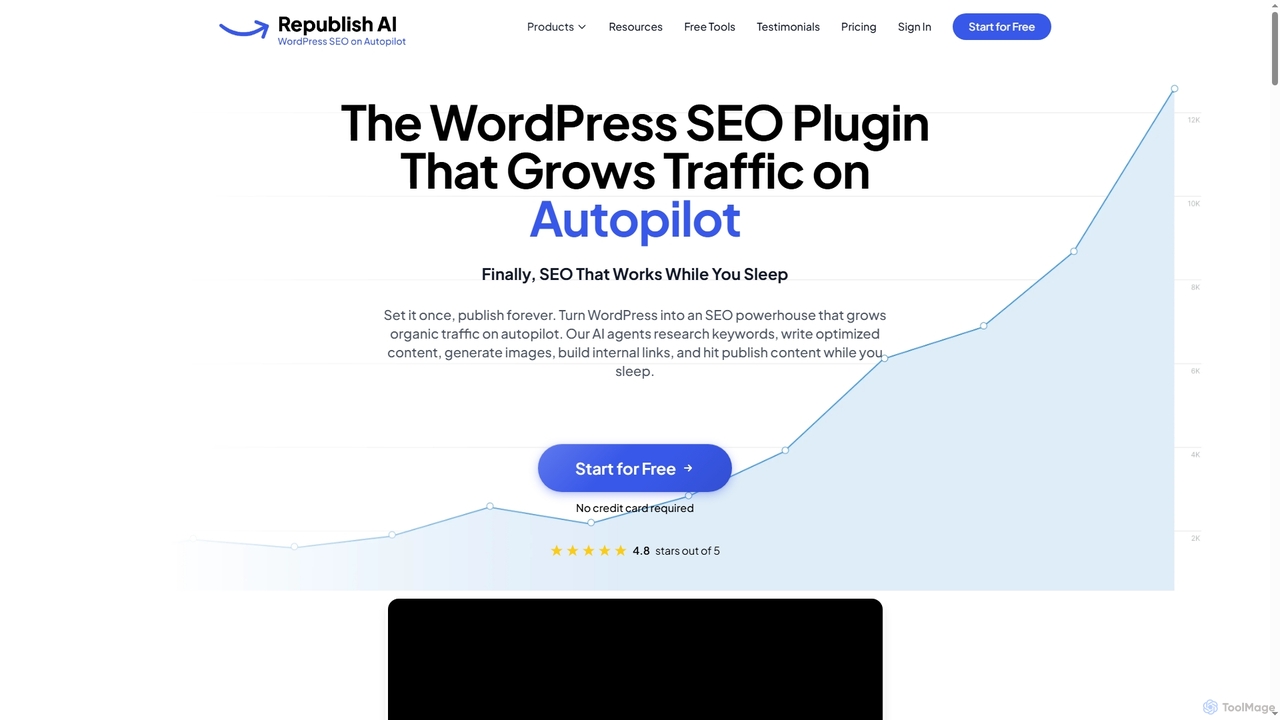
WordPress Optimization tools are specialized AI-powered plugins and services designed to enhance the performance, SEO, and security of WordPress websites. These tools leverage artificial intelligence to automate complex tasks like code minification, image compression, and database cleanup directly within the WordPress environment. They analyze site-specific data to apply intelligent caching, optimize content for search engines, and improve Core Web Vitals. The primary value lies in achieving a faster, more secure, and higher-ranking website with minimal manual intervention.
Core Features
- AI-Powered Caching: Intelligently preloads and serves static versions of pages based on user traffic patterns to dramatically reduce server load times.
- Automated Image & Asset Optimization: Uses AI to compress images, CSS, and JavaScript files to the optimal size without sacrificing quality, improving page speed.
- On-Page SEO Analysis: Provides real-time suggestions within the WordPress editor for keyword usage, internal linking, and meta tag creation to improve content rankings.
- Automated Schema Markup: Automatically generates and inserts structured data (like FAQ, Article, or Product schema) to help search engines understand content and earn rich snippets.
- Database & Performance Monitoring: Continuously scans the WordPress database for bloat and identifies performance bottlenecks caused by plugins or themes, offering automated fixes.
Use Cases
These tools are ideal for anyone managing a WordPress site, from individual bloggers and small business owners to digital marketing agencies and web developers. An e-commerce store running WooCommerce can use them to speed up product pages and reduce cart abandonment. A content-heavy blog can automate on-page SEO to increase organic traffic. Agencies can efficiently manage and optimize dozens of client websites from a central dashboard.
How to Choose
When selecting a WordPress Optimization tool, consider its compatibility with your theme and other plugins to avoid conflicts. Evaluate the scope of features—some are all-in-one solutions, while others specialize in either speed or SEO. Assess the user interface for ease of use, especially its integration with the WordPress dashboard. Finally, compare pricing models, such as one-time fees versus subscriptions, and check the level of customer support provided.