Nurmonic
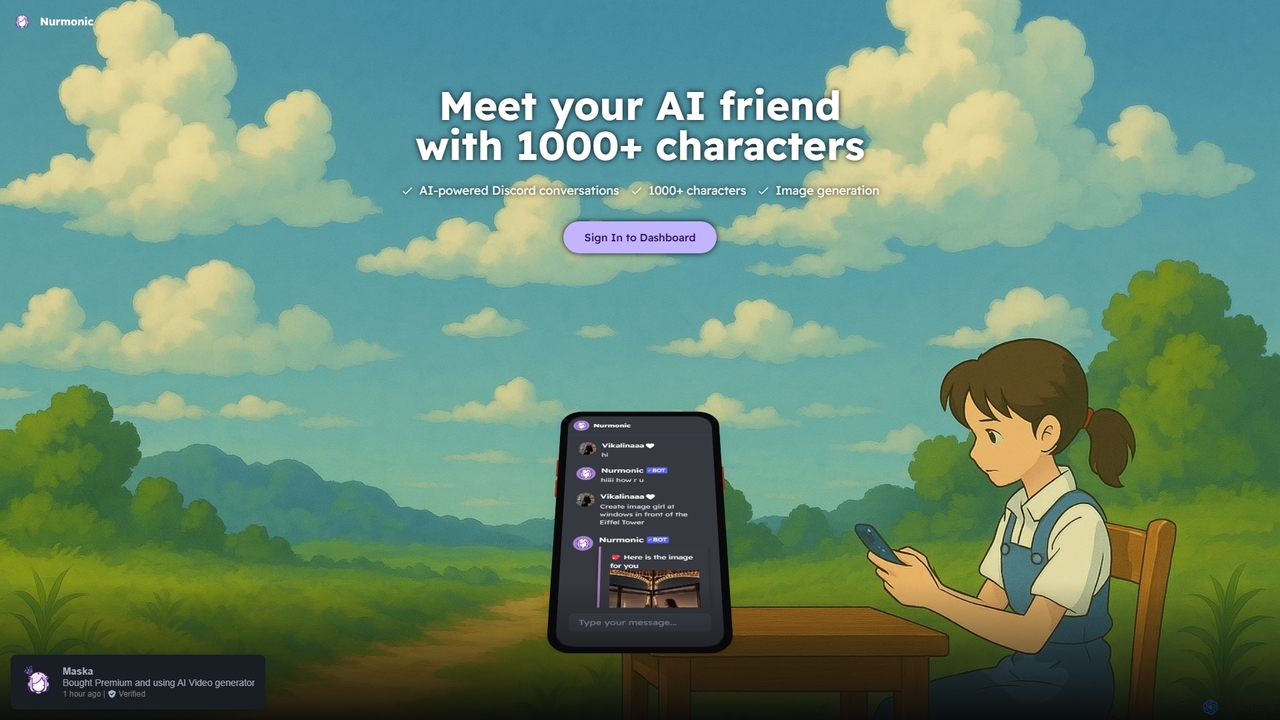
Nurmonic is an AI-powered companion and creative tool for Discord. Engage in dynamic conversations with over 1000 unique …
Nurmonic is an AI-powered companion and creative tool for Discord. Engage in dynamic conversations with over 1000 unique AI characters, or generate stunning images directly within your chat. It's designed to enhance community engagement, provide entertainment, and spark creativity.
SamurAI
SamurAI is a powerful, multi-functional AI assistant designed for Discord. It enhances server engagement and productivity by offering …
SamurAI is a powerful, multi-functional AI assistant designed for Discord. It enhances server engagement and productivity by offering advanced conversational AI, automated moderation, content generation, and utility tools. Seamlessly integrated into your Discord server, SamurAI acts as a community manager, content creator, and support agent, all in one.
About Discord Tools
Discord Tools are AI-powered applications and bots designed to significantly enhance and automate the management, engagement, and functionality of Discord servers. These tools leverage artificial intelligence to provide advanced features beyond Discord's native capabilities, ranging from sophisticated moderation to dynamic content generation and seamless integrations. They empower server administrators, community managers, and content creators to build more vibrant, secure, and interactive online communities.
Core Features
- Automated Moderation: Proactively detects and removes spam, harmful content, and undesirable behavior using AI, ensuring a safe environment.
- Engagement & Interaction: Facilitates polls, games, custom commands, and interactive AI-driven conversations to boost member participation.
- Server Management & Analytics: Streamlines role assignment, channel organization, and provides insights into member activity and server growth.
- Content Generation: Integrates AI models to assist with generating text, summaries, or even images directly within Discord channels.
- Third-Party Integrations: Connects Discord servers with other platforms like social media, project management tools, or gaming APIs for extended functionality.
Use Cases
Discord Tools are invaluable for various communities, from gaming guilds and educational platforms to brand communities and developer hubs. They are used to automate routine tasks, enrich member experience, and provide data-driven insights for community growth. For instance, a gaming community might use them to track player stats and organize events, while a brand community could leverage them for automated customer support and engagement campaigns.
How to Choose
When selecting Discord Tools, consider your server's primary needs, such as moderation, entertainment, or utility. Evaluate the tool's ease of setup and customization options, its reliability and uptime, and the quality of community support. Also, assess its integration capabilities with other platforms you use and its pricing model to ensure it aligns with your budget and technical requirements.
Discord ToolsUse Cases
Automating Community Moderation
Community managers of large Discord servers can utilize AI-powered Discord Tools to automatically detect and filter out spam, hate speech, and other undesirable content. This frees up human moderators from constant vigilance, allowing them to focus on more complex community interactions and engagement initiatives, ensuring a safer and more welcoming environment for all members.
Enhancing Member Engagement with AI
Server owners looking to boost member interaction can deploy Discord Tools that offer AI-driven games, interactive polls, or even conversational AI bots. These tools can generate dynamic content, answer common questions, or facilitate unique activities, keeping members active and entertained, thereby fostering a stronger sense of community and reducing churn.
Streamlining Server Administration
Administrators of complex Discord servers with many channels and roles can use Discord Tools to automate routine administrative tasks. This includes automatic role assignment for new members, scheduled channel cleanups, or even managing event sign-ups and reminders, significantly reducing manual workload and improving operational efficiency.
Generating Content for Channels
Content creators or marketing teams managing brand Discord servers can leverage AI Discord Tools to assist with content generation. These tools can summarize long articles, generate creative prompts for discussions, or even create simple images or memes based on text input, providing fresh and engaging material for their community channels quickly.
Integrating External Services for Utility
Developers or project teams using Discord for collaboration can integrate Discord Tools to connect with external services like GitHub, Trello, or RSS feeds. This allows for automated notifications about code commits, task updates, or news directly within relevant Discord channels, centralizing information flow and improving team communication and productivity.
Providing Automated Customer Support
Businesses or projects with a Discord presence can implement AI-powered Discord Tools to offer automated customer support. These bots can answer frequently asked questions, guide users to relevant resources, or even escalate complex queries to human agents, providing instant support around the clock and improving user satisfaction without constant human intervention.