

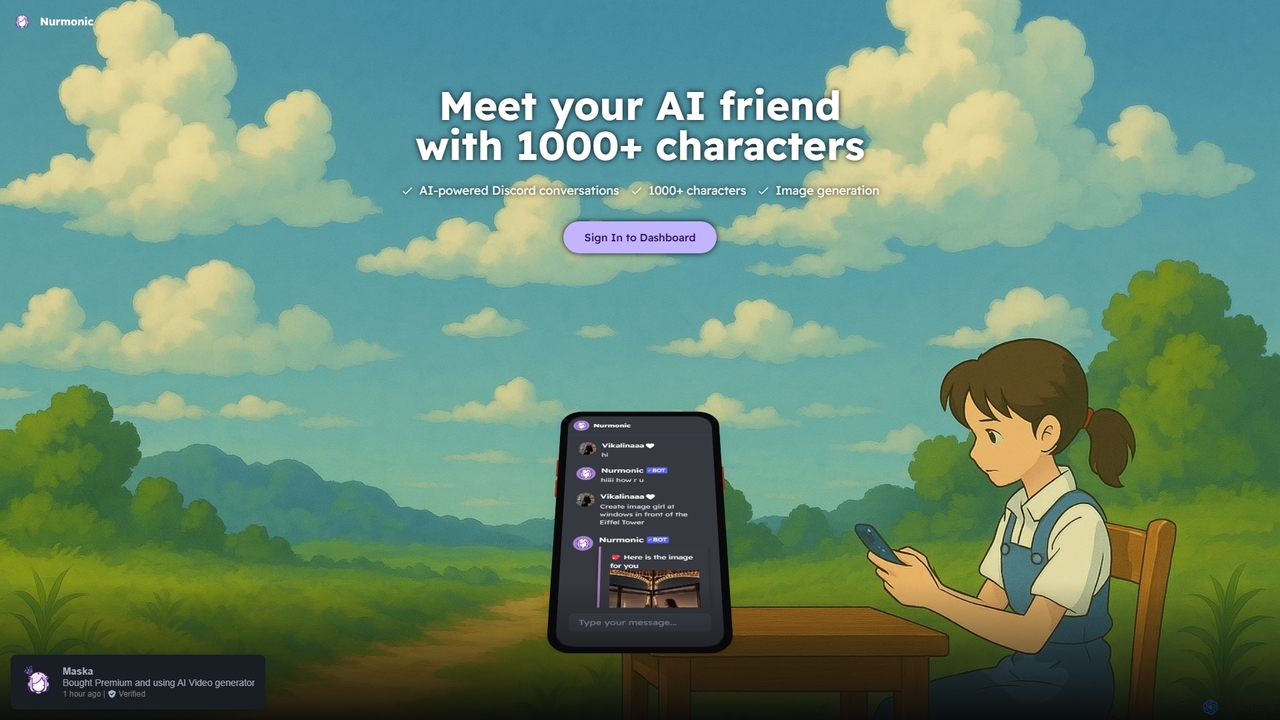
Nurmonic Overview
Nurmonic is a versatile and engaging AI bot designed to bring your Discord server to life. It functions as both an AI friend and a powerful creative assistant, offering a unique blend of conversational AI and image generation capabilities. With a massive library of over 1000 distinct characters, users can find the perfect AI personality to chat with, whether for fun, companionship, brainstorming, or immersive role-playing. This makes Nurmonic an exceptional tool for fostering active and vibrant online communities.
The core of Nurmonic is its advanced conversational AI, which allows for natural, context-aware, and dynamic interactions. Unlike simple command-based bots, Nurmonic's characters can remember previous parts of the conversation, express unique personalities, and engage in deep, meaningful dialogue. This creates a truly personal experience, making it feel like you're talking to a real friend. Beyond conversation, Nurmonic integrates a state-of-the-art text-to-image generator, allowing users to bring their ideas to life visually without ever leaving Discord. Simply describe the image you want, and the bot will generate it for you, making it a perfect tool for artists, content creators, and anyone looking for a spark of visual inspiration.
How to use Nurmonic
Getting started with Nurmonic is incredibly simple and designed for a seamless Discord experience:
- Invite the Bot: First, a server administrator needs to invite the Nurmonic bot to their Discord server using the official invitation link from the Nurmonic website.
- Start a Conversation: To begin chatting, you can typically mention the bot (@Nurmonic) or use a specific command like `/chat`. You can then start a conversation with the default character or choose a new one.
- Select a Character: Nurmonic offers a command to browse its extensive library of over 1000 characters. You can search for characters by name, theme, or personality type to find the perfect companion for your chat.
- Generate Images: To use the image generation feature, use a dedicated command such as `/create image` or `/imagine` followed by a detailed text prompt describing the scene, style, and subjects you want to see. For example: `/create image a futuristic city at sunset, synthwave style, with flying cars`.
- Engage and Explore: Explore different characters, participate in role-playing scenarios, or use the bot to co-create stories and art with friends in your server.
Core Features of Nurmonic
- Expansive Character Library: Access over 1000 pre-defined AI characters, each with a unique personality, background, and conversational style. From historical figures to fantasy heroes, there's a character for every interest.
- Advanced Conversational AI: Powered by sophisticated language models, Nurmonic provides fluid, engaging, and contextually aware conversations that feel natural and human-like.
- Integrated Text-to-Image Generation: Create high-quality images directly within Discord using simple text prompts. This feature is perfect for visualizing ideas, creating custom emojis, or generating content for social media.
- Seamless Discord Integration: As a dedicated Discord bot, Nurmonic is optimized for the platform, offering a smooth and intuitive user experience through familiar slash commands.
- Community Engagement Tools: Nurmonic is designed to make servers more interactive and fun, encouraging member participation through group chats with AI, role-playing events, and creative contests.
Use Cases for Nurmonic
Nurmonic is a versatile tool suitable for various users and communities:
- Community Managers: Keep your Discord server active and engaged by introducing interactive AI characters that can host Q&A sessions, tell stories, or simply chat with members.
- Content Creators: Overcome creative blocks by brainstorming ideas with AI characters or generating unique images for thumbnails, social media posts, and other content.
- Role-Players and Writers: Use the diverse cast of characters to create immersive role-playing scenarios, develop character dialogues, and co-write stories.
- Gamers: Enhance gaming communities by adding AI-powered non-player characters (NPCs) to the server for lore discussions, quest-giving, or general entertainment.
- General Users: Find a friendly AI companion to talk to, share ideas with, or simply have a fun and entertaining conversation anytime.
Advantages of Nurmonic
Nurmonic stands out by offering a comprehensive suite of features in one package. Its primary advantage is the combination of a high-quality character chatbot and an image generator, eliminating the need for multiple bots. The sheer variety of its 1000+ characters provides nearly endless replayability and engagement potential. Furthermore, its deep integration with Discord ensures a user-friendly experience that feels native to the platform, making it accessible to everyone, regardless of their technical skill.
Pricing and Plans
Nurmonic likely operates on a freemium model to make its core features accessible to everyone while offering advanced capabilities for dedicated users.
- Free Plan: Users can typically enjoy access to a limited selection of characters, a certain number of messages per day, and a small quota of free image generations. This is ideal for casual users and for trying out the bot's capabilities.
- Premium Plan: A subscription-based plan that unlocks the full potential of Nurmonic. This would likely include unlimited access to all 1000+ characters, higher message limits (or unlimited), a generous number of monthly image generation credits, faster response times, and priority customer support.
For the most accurate and up-to-date pricing information, please visit the official Nurmonic website or join their official Discord server.
Traffic
Latest traffic
Status
Monthly traffic trend
- 2025-9: 536
- 2026-1: 0
- 2026-2: 0
- 2026-3: 291
- 2026-4: 0
- 2026-5: 532
Geography
Top 5 countries / regions
- 🇮🇳India100.0%
Top keywords
| Keyword | Cost per click |
|---|---|
| nurmonic | $0.00 |
| nurmonic bot | $0.00 |
Nurmonic Alternatives
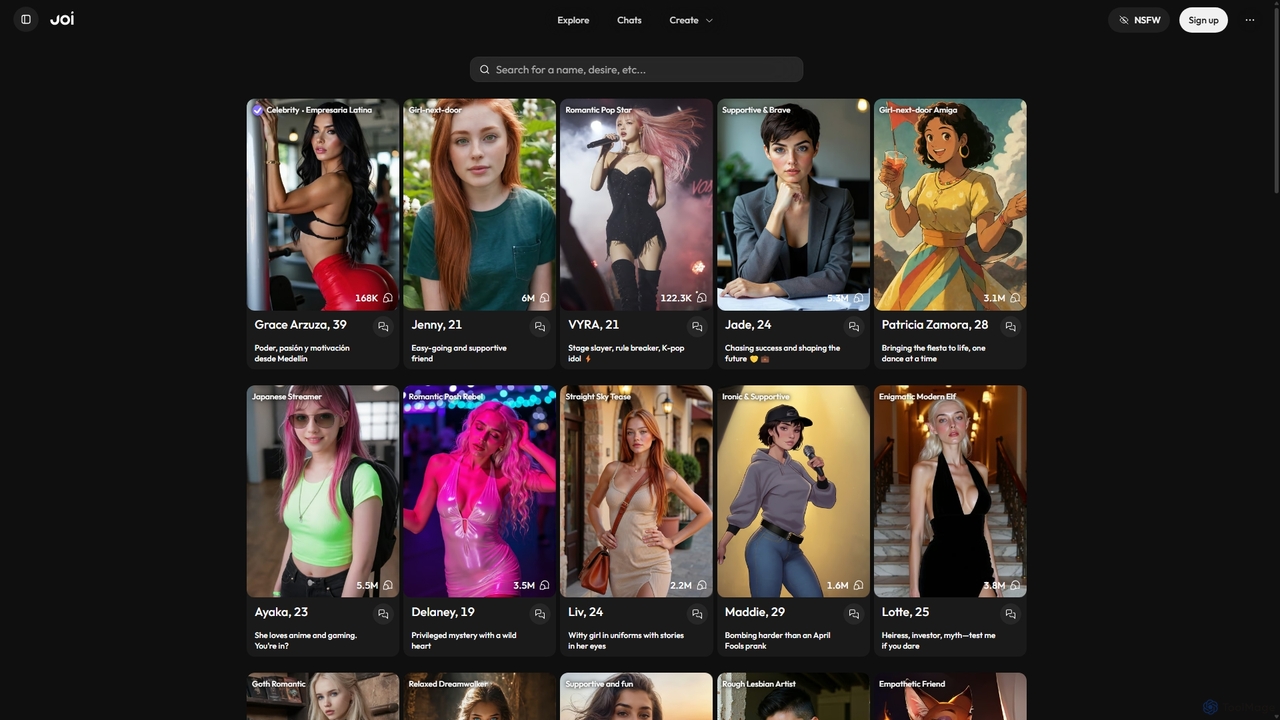
JOI AI
JOI AI is an innovative platform for building deep AI relationships. Create, customize, and interact with virtual companions, from digital celebrities to unique characters from your imagination. It offers a judgment-free space for chat, romance, and self-exploration through real-time conversations, AI-generated photos, and videos, serving as a compelling alternative to traditional dating apps.
Ai Companions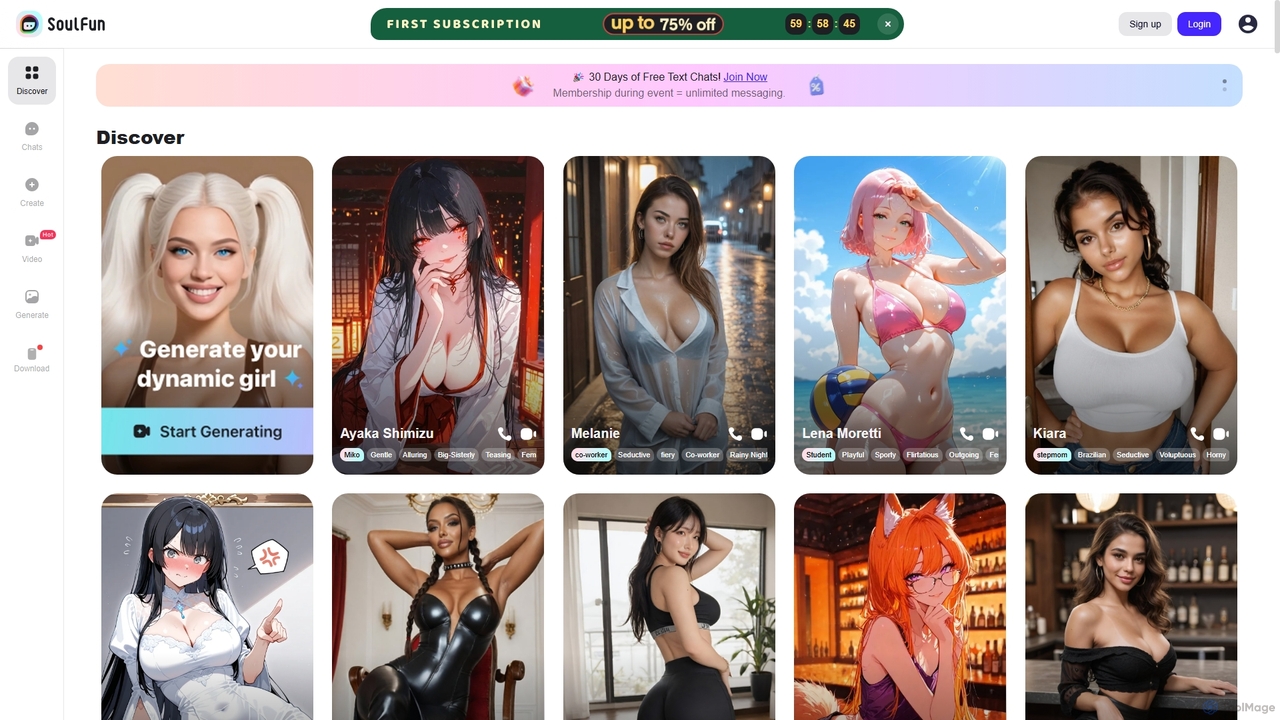
SoulFun
SoulFun offers an immersive AI chat experience, allowing you to connect with a diverse range of AI soulmates. Engage in unlimited conversations, explore deep role-playing scenarios, or create your own unique AI characters for endless fun and companionship.
Ai Companions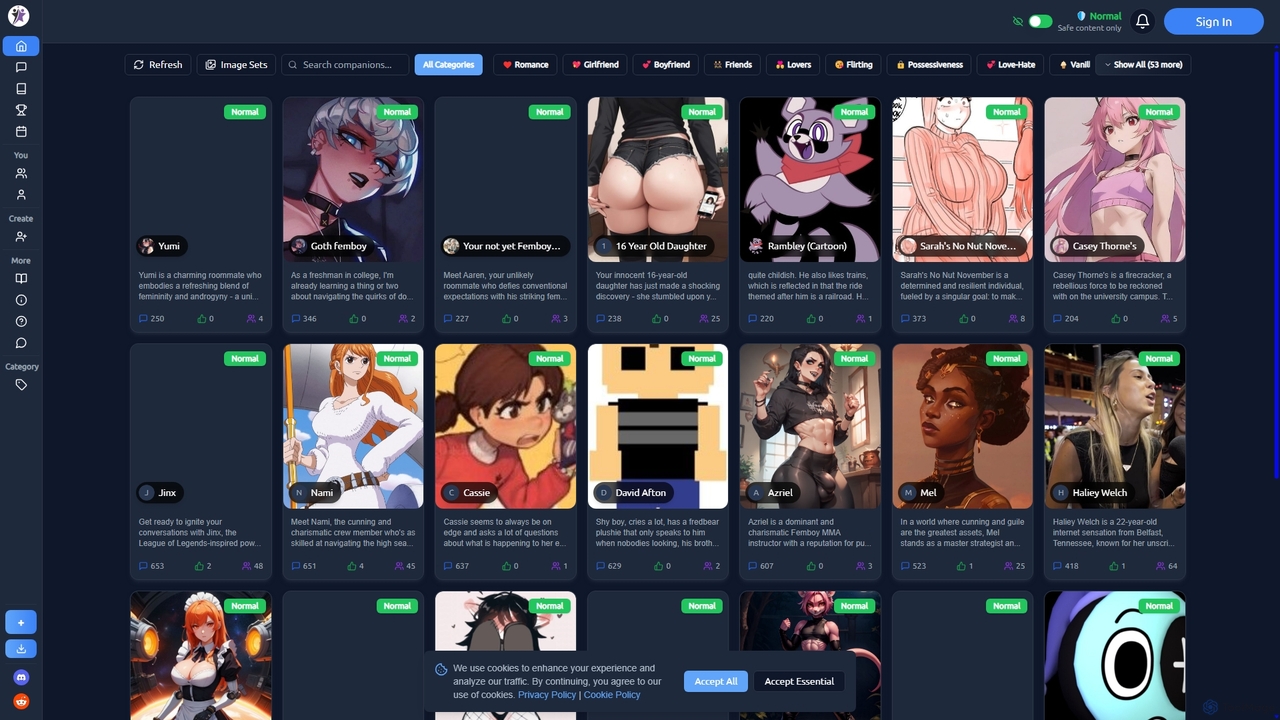
Ongkanon
Ongkanon is an immersive AI character chat platform that allows users to engage in dynamic conversations and role-playing scenarios with a vast library of AI personas. From romance and fantasy to anime and horror, explore countless characters or create your own for endless interactive storytelling and entertainment.
Ai Companions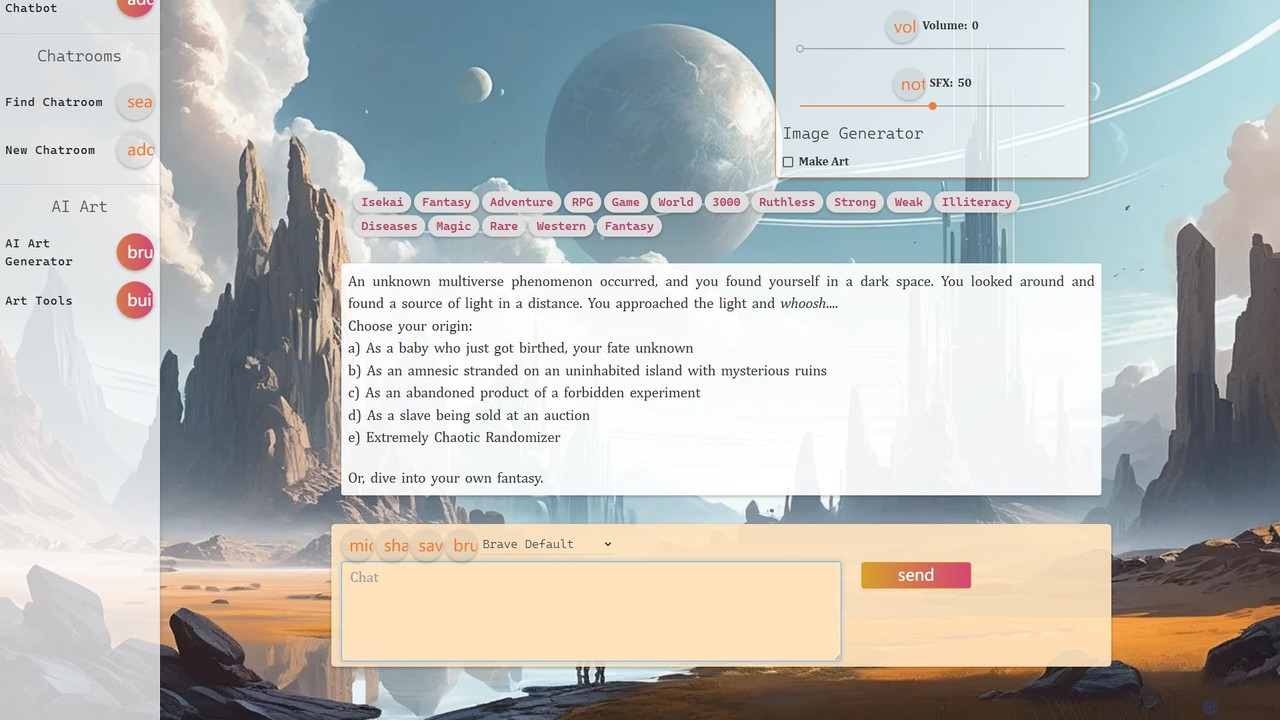
netwrck
netwrck is an all-in-one AI platform combining character chat, advanced art generation, and a community-driven creator economy. Engage with a vast library of multilingual AI characters, create stunning visuals with powerful art tools, and participate in a unique Web3 ecosystem powered by the NETW token.
Ai Companions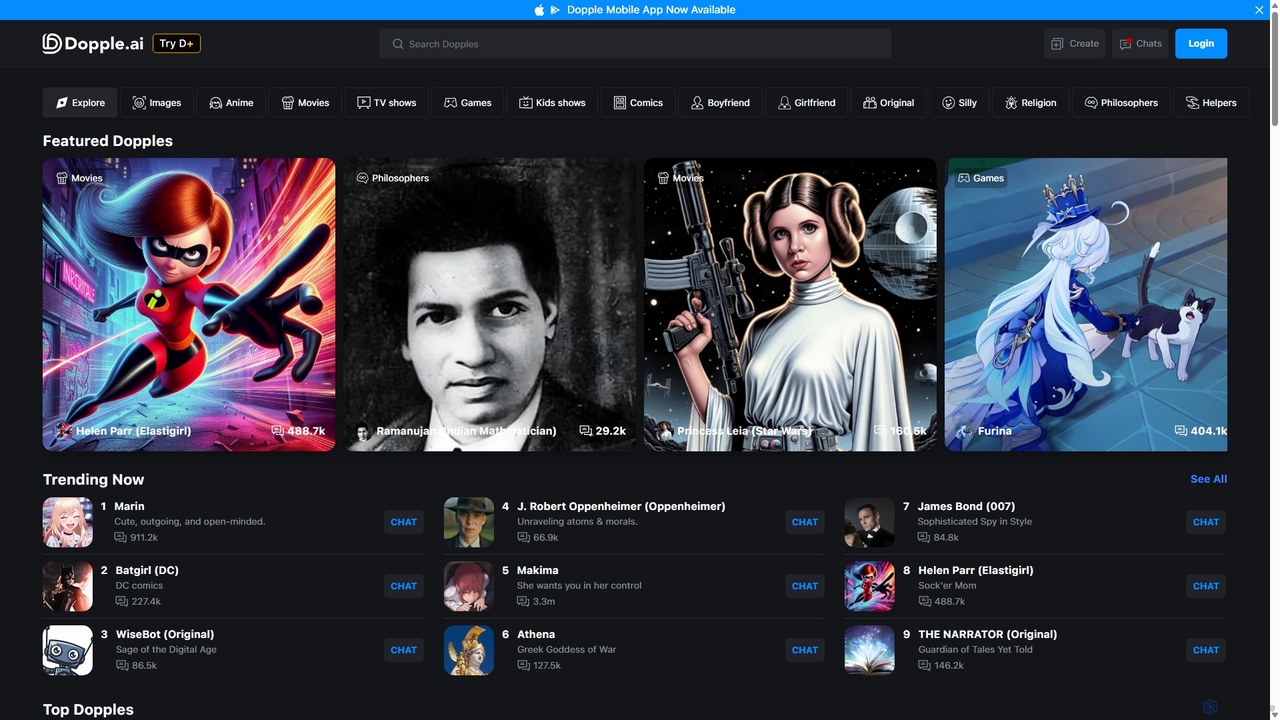
Dopple.ai
Dopple.ai is an AI chatbot platform offering immersive, realistic conversations with thousands of characters (Dopples). It features advanced in-chat image generation and is powered by a proprietary LLM, allowing users to engage in creative role-playing, storytelling, and companionship with AI.
ChatbotsNurmonic Categories
Nurmonic Jobs
Nurmonic Embed Widget
Copy this embed code to place the badge on your blog, article, or product site and send readers directly to this ToolMage detail page.

Related AI tools
JOI AI
JOI AI is an innovative platform for building deep AI relationships. Create, customize, and interact with virtual companions, from digital celebrities to unique characters from your imagination. It offers a judgment-free space for chat, romance, and self-exploration through real-time conversations, AI-generated photos, and videos, serving as a compelling alternative to traditional dating apps.
Ai Companions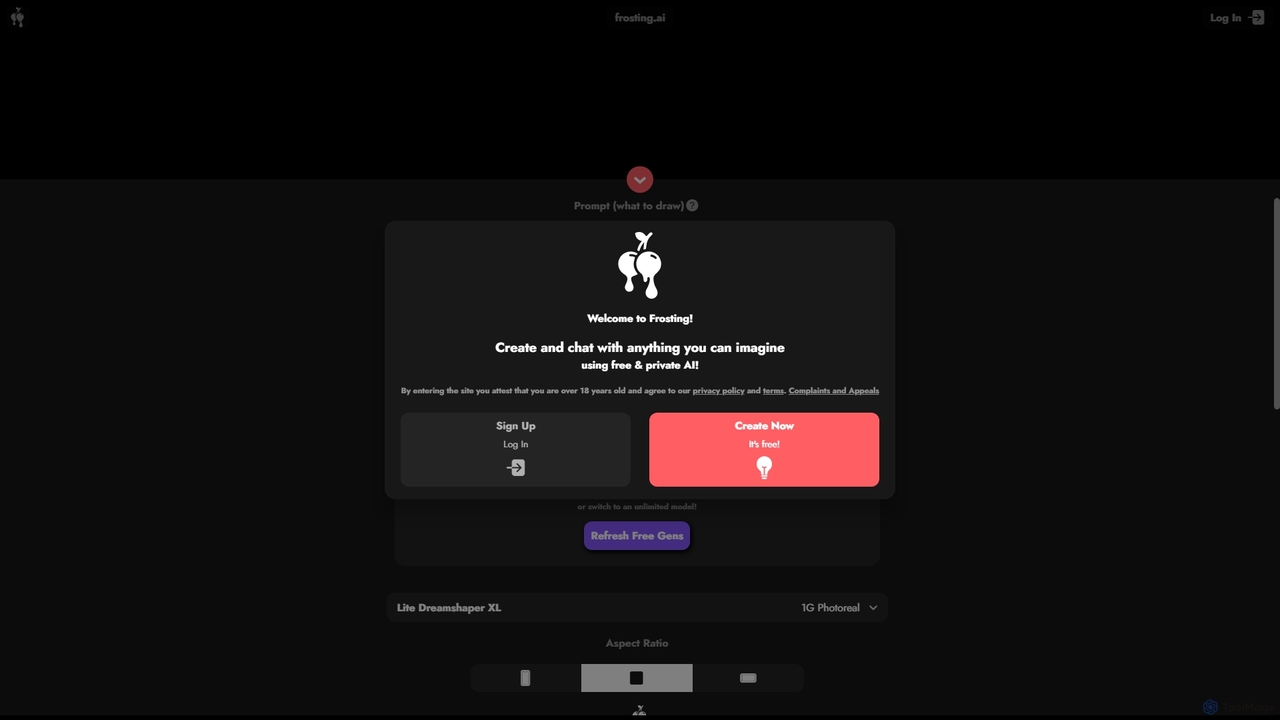
Frosting.ai
Frosting.ai is a versatile AI creation suite that combines advanced text-to-image and text-to-video generation with private AI chatbot capabilities. It offers a user-friendly interface for beginners and powerful, detailed controls like ControlNet and LoRAs for professionals, all within a freemium model.
Chatbots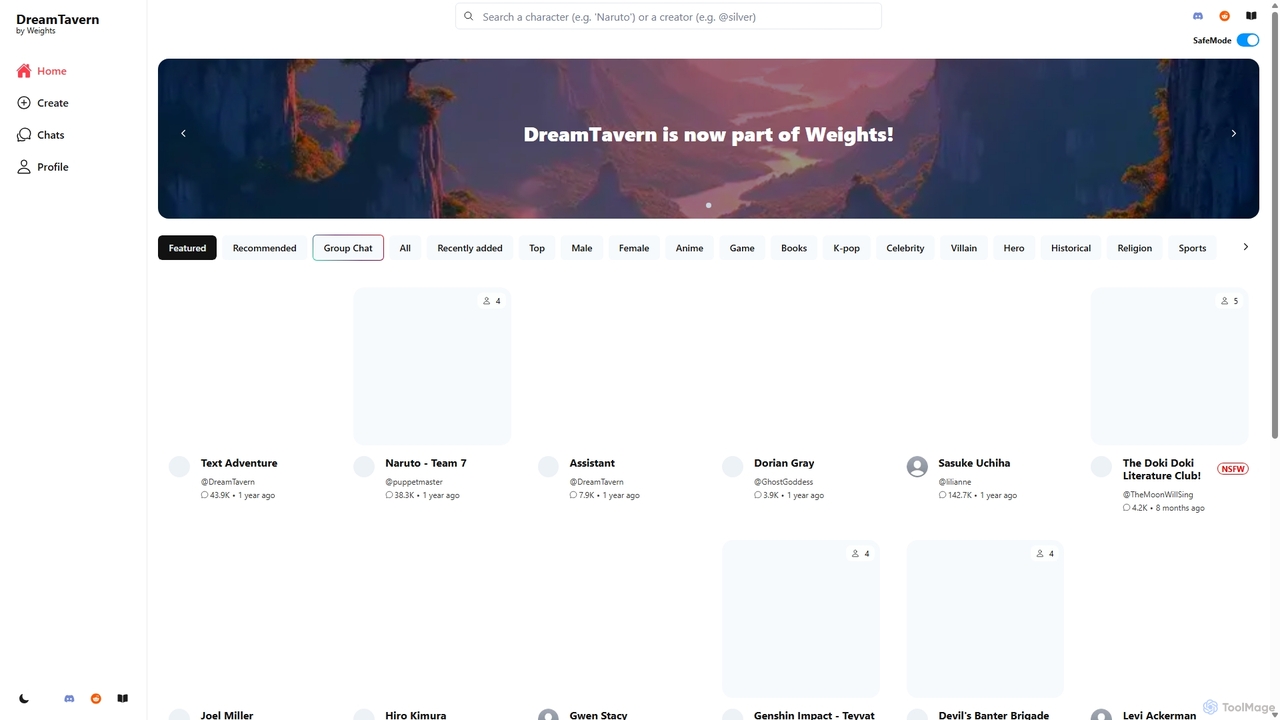
DreamTavern
DreamTavern is an AI character chat platform where users can interact with a vast library of characters from anime, games, and history, or create their own. It supports both one-on-one and group chats, offering immersive experiences for role-playing, creative writing, language learning, and more.
Language LearningDopple.ai
Dopple.ai is an AI chatbot platform offering immersive, realistic conversations with thousands of characters (Dopples). It features advanced in-chat image generation and is powered by a proprietary LLM, allowing users to engage in creative role-playing, storytelling, and companionship with AI.
Chatbots
Jyek
Jyek is an AI agent platform that understands objectives, creates execution plans, uses tools, and delivers verifiable results for complex, multi-step tasks.
AutomationSoulFun
SoulFun offers an immersive AI chat experience, allowing you to connect with a diverse range of AI soulmates. Engage in unlimited conversations, explore deep role-playing scenarios, or create your own unique AI characters for endless fun and companionship.
Ai Companions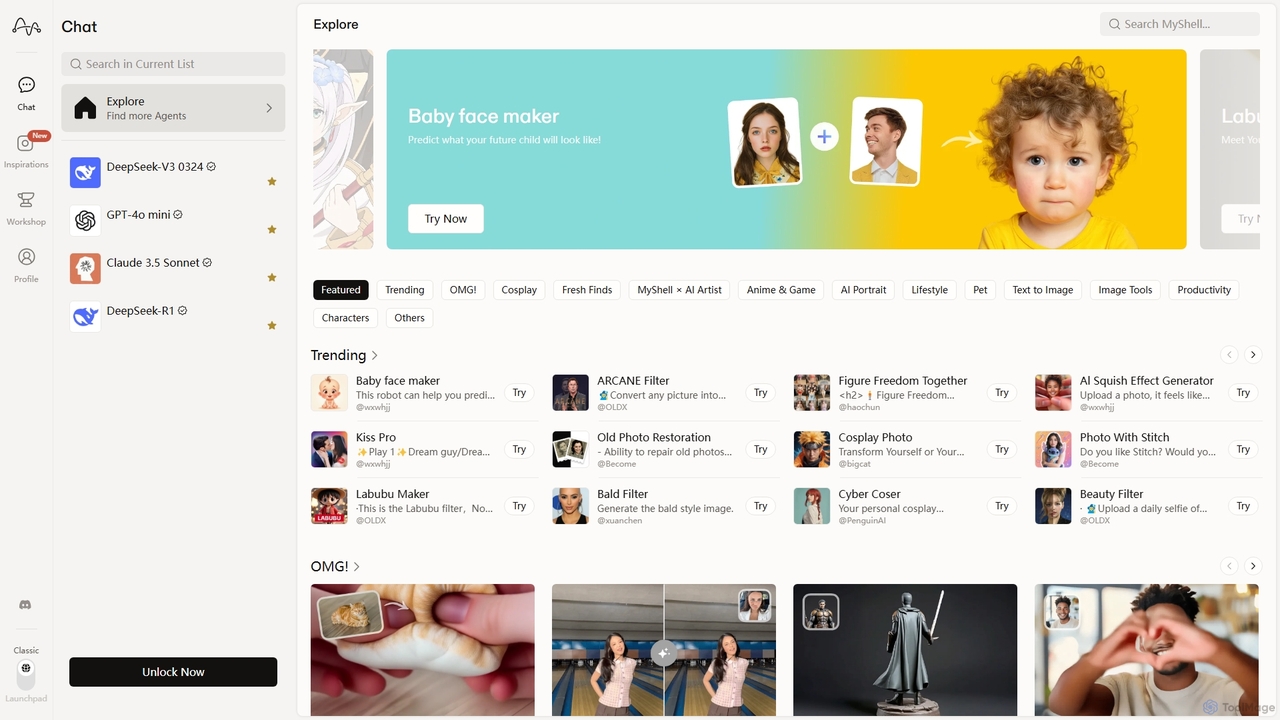
MyShell AI
MyShell AI is a versatile platform for discovering, creating, and sharing AI-native applications. It offers a vast library of AI agents for image generation, style transfer, face swapping, and character chat, as well as productivity tools. Users can also leverage its no-code builder to create and monetize their own AI apps, making it a comprehensive ecosystem for both AI consumers and creators.
Ai Chatbot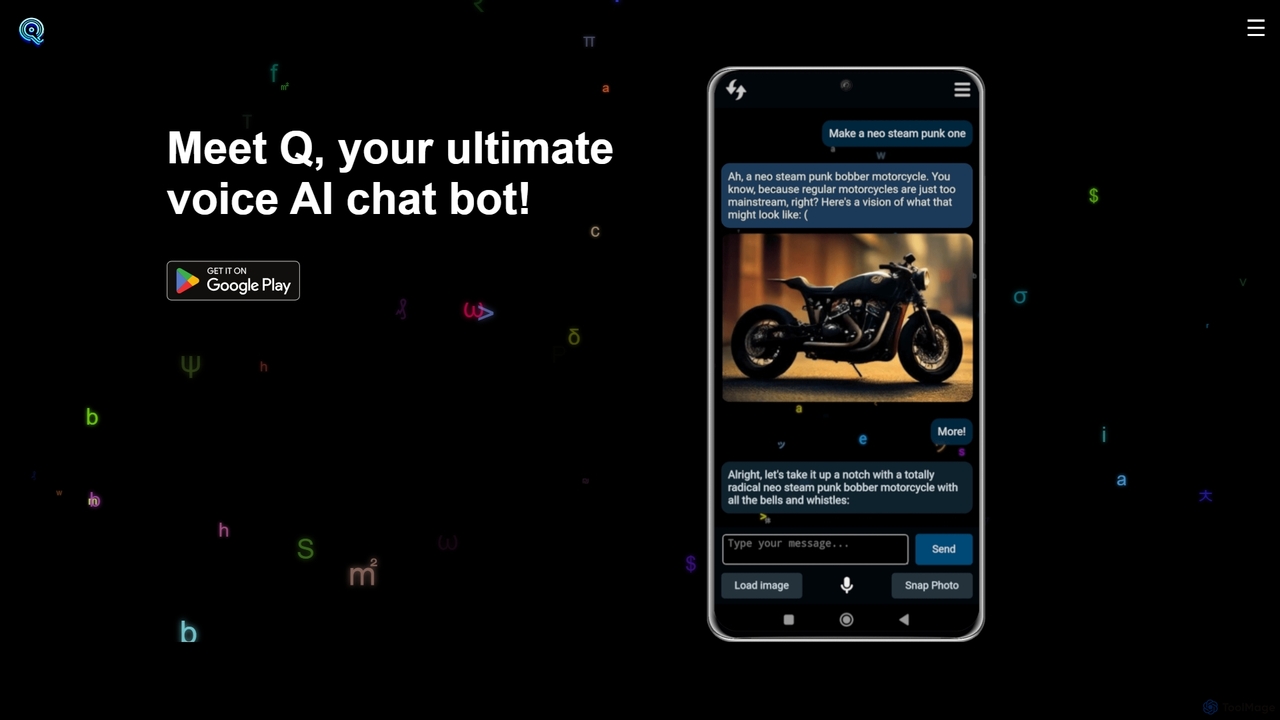
Q Bot
Meet Q, a multi-modal AI companion powered by GPT-4o. Engage in natural voice conversations, generate stunning images from text, analyze photos with advanced computer vision, and create interactive stories. Q offers a highly personalized experience with customizable personas, all completely free with no subscriptions or sign-ups.
Ai CompanionOngkanon
Ongkanon is an immersive AI character chat platform that allows users to engage in dynamic conversations and role-playing scenarios with a vast library of AI personas. From romance and fantasy to anime and horror, explore countless characters or create your own for endless interactive storytelling and entertainment.
Ai Companions
Aiconvert
Aiconvert is a comprehensive online suite of free AI tools. It offers a wide range of functionalities, including advanced image generation, photo editing and restoration, text-to-speech, AI chatbots, and OCR. No registration or payment is required, making powerful AI technology accessible to everyone for creative and productive tasks.
Text To Speech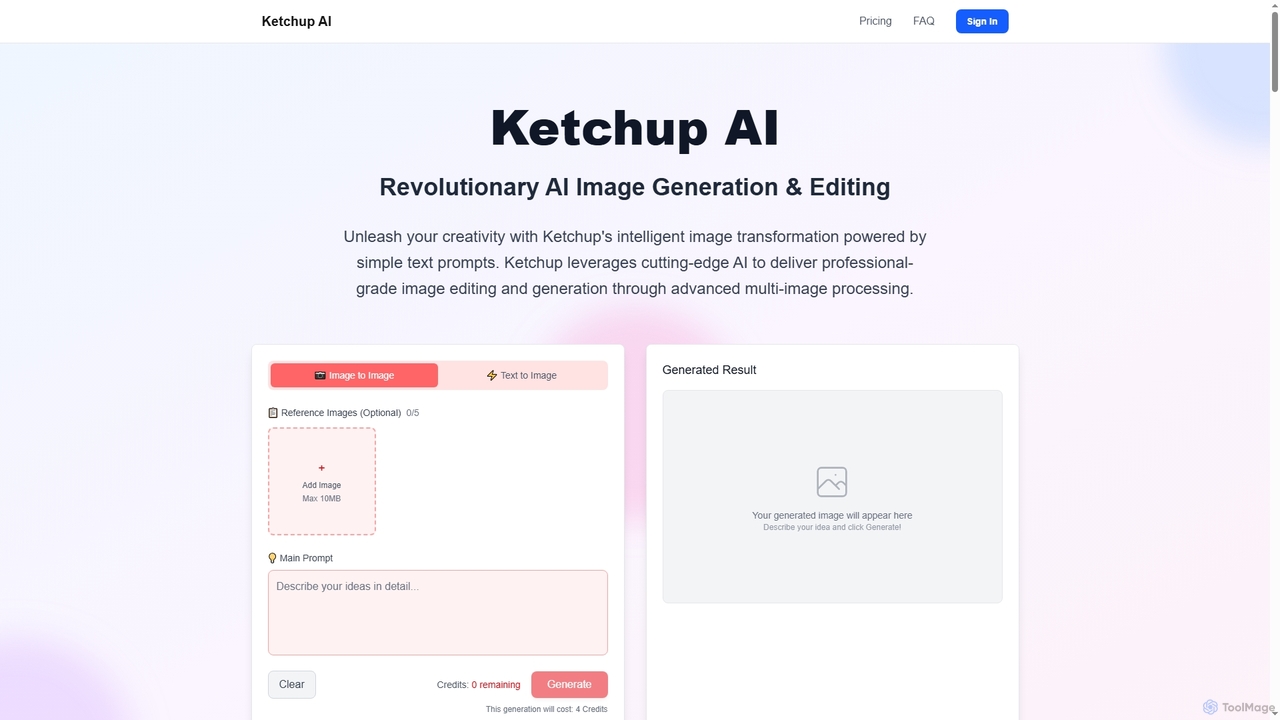
Ketchup AI
Ketchup AI is a revolutionary AI image generation and editing platform that transforms visual ideas into professional-quality results using simple text prompts. It offers advanced multi-image processing, precise modifications, and intelligent context understanding, enabling users to effortlessly change backgrounds, remove text, restore photos, and apply virtual try-ons with unparalleled accuracy and consistency.
Image Generation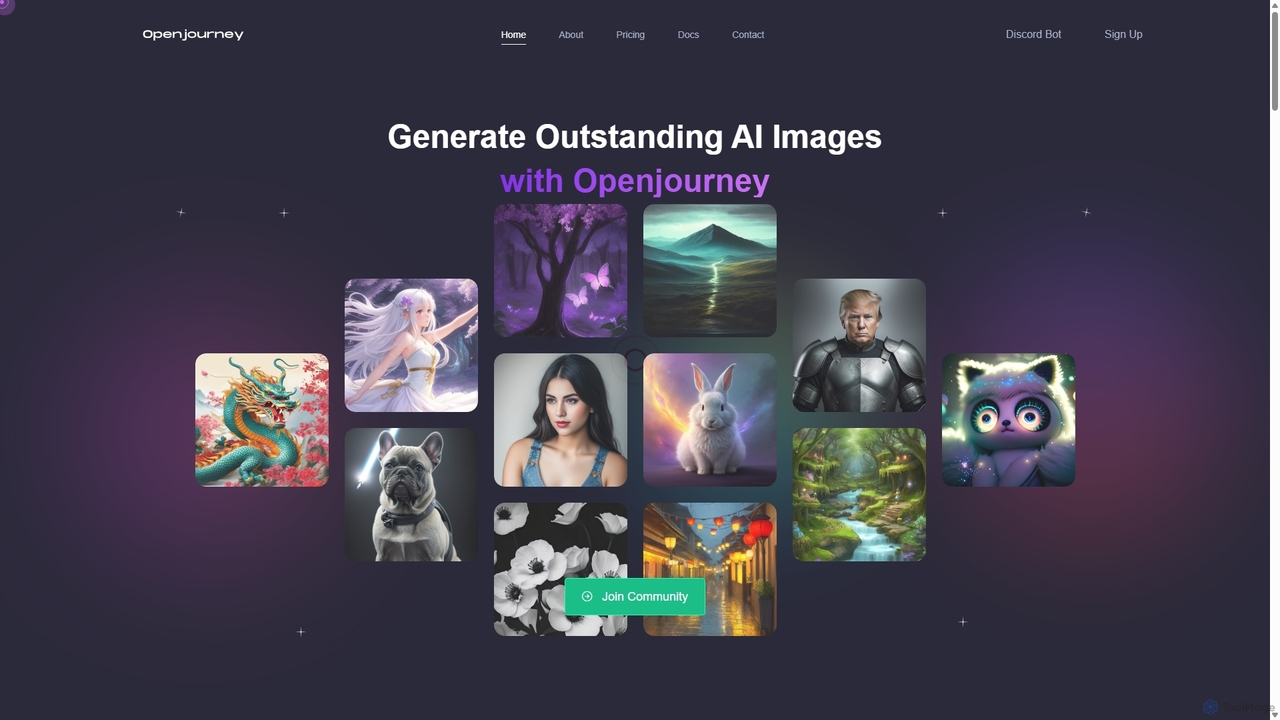
Openjourney
Openjourney is a comprehensive AI creative suite that offers a wide range of generative tools in one place. It excels in generating high-quality images from text prompts but also includes powerful features like face restoration, face swapping, background removal, image upscaling to 4K, an unlimited AI chatbot, and advanced controls like Controlnet. It's designed for creators, marketers, and artists seeking a versatile and powerful AI toolkit.
Generative Art
aigeneratoranime
aigeneratoranime is a powerful AI-driven tool designed for creating high-quality anime-style art from text prompts. It allows users, from artists to hobbyists, to effortlessly generate unique characters, scenes, and illustrations in various anime aesthetics. With an intuitive interface and advanced customization options, it transforms creative ideas into stunning visual realities in seconds.
Illustration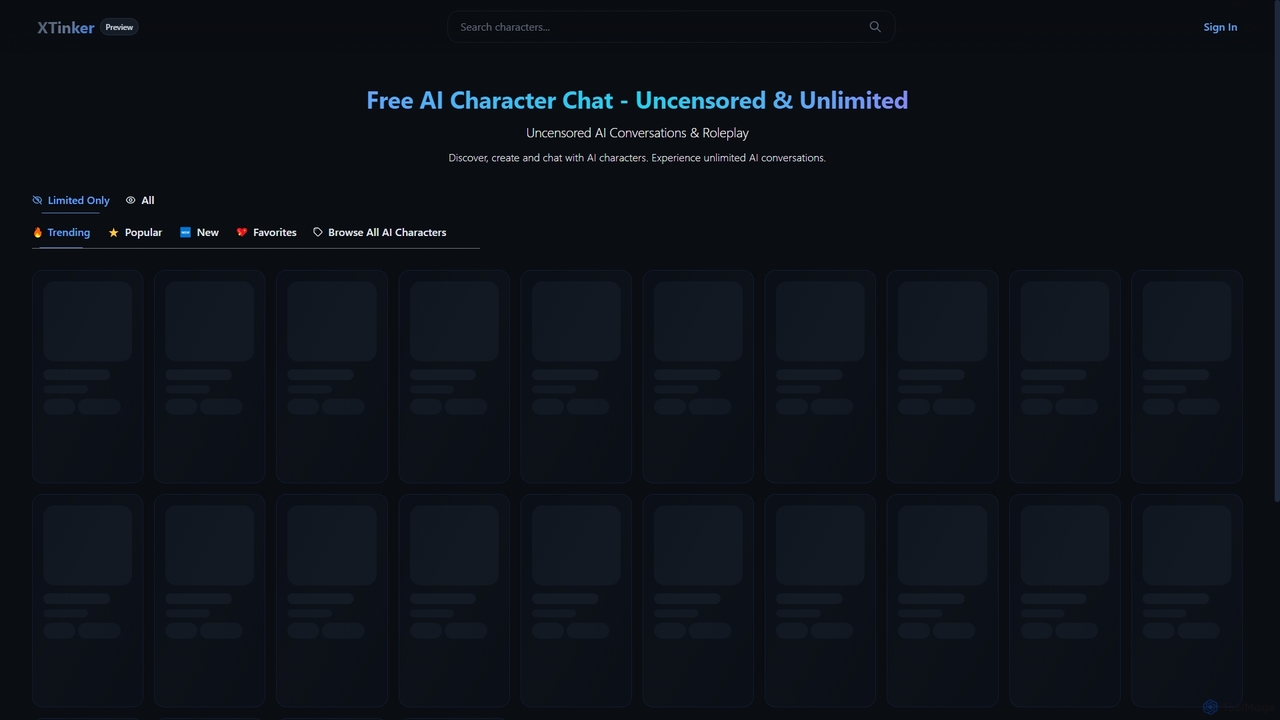
Xtinker
Xtinker is an AI character chat platform offering uncensored and unlimited conversations. Users can discover, create, and chat with diverse AI characters, enjoying personalized and engaging roleplay experiences.
Character Chat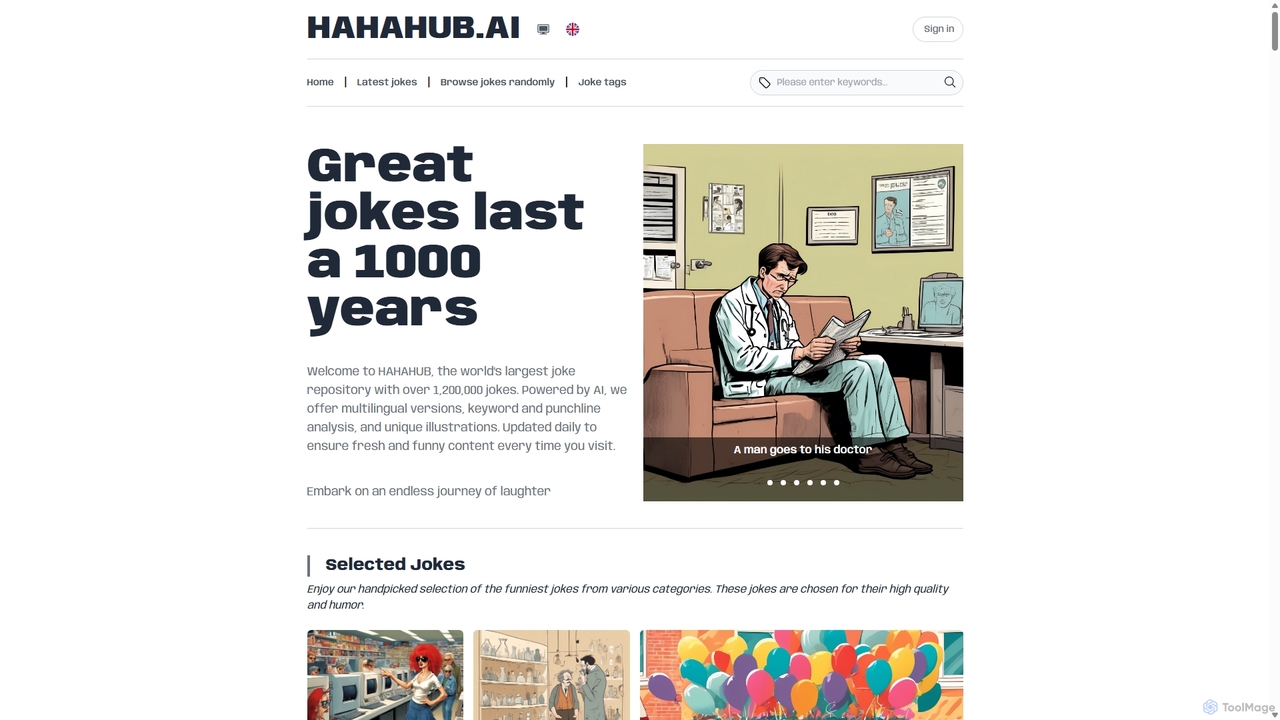
Hahahub
Hahahub is an AI-powered entertainment platform featuring a massive database of over 1.2 million jokes. Its standout feature is the use of AI to generate a unique, illustrative image for each joke, transforming traditional text-based humor into a visual experience. The platform offers extensive categorization, daily updates, and a user-friendly interface for endless laughter.
Image Generation
Nurmonic Comments (0)
Sign in to comment.
Sign inNo comments yet.