ToolMage
Sign in

Best 3 Art Generators for Image

Popular Art Generators in Image include netwrck, Nurmonic, and Random Pokemon Generator, helping you work more efficiently.

Nurmonic
Freemium

Nurmonic

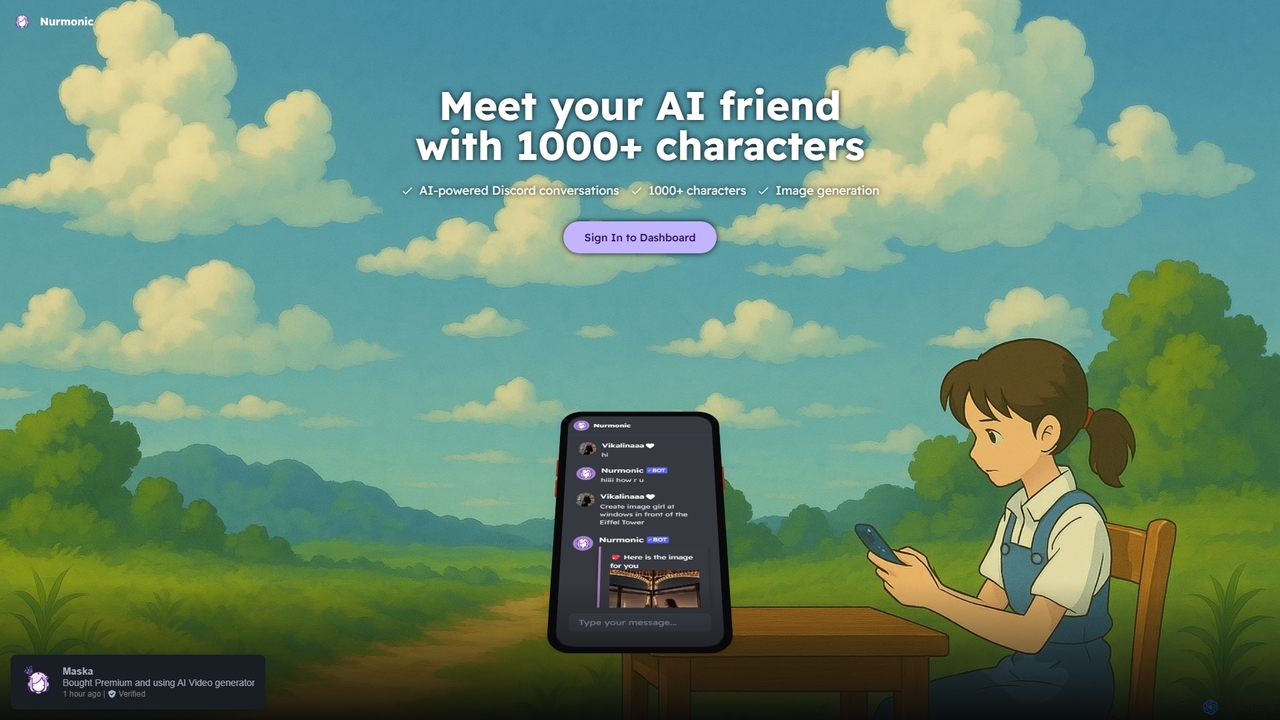
Nurmonic is an AI-powered companion and creative tool for Discord. Engage in dynamic conversations with over 1000 unique AI characters, or generate stunning images directly within your chat. It's designed to enhance community engagement, provide entertainment, and spark creativity.

Ai Companions
Visits 4.5KFavorites 136Likes 104
netwrck
Freemium

netwrck

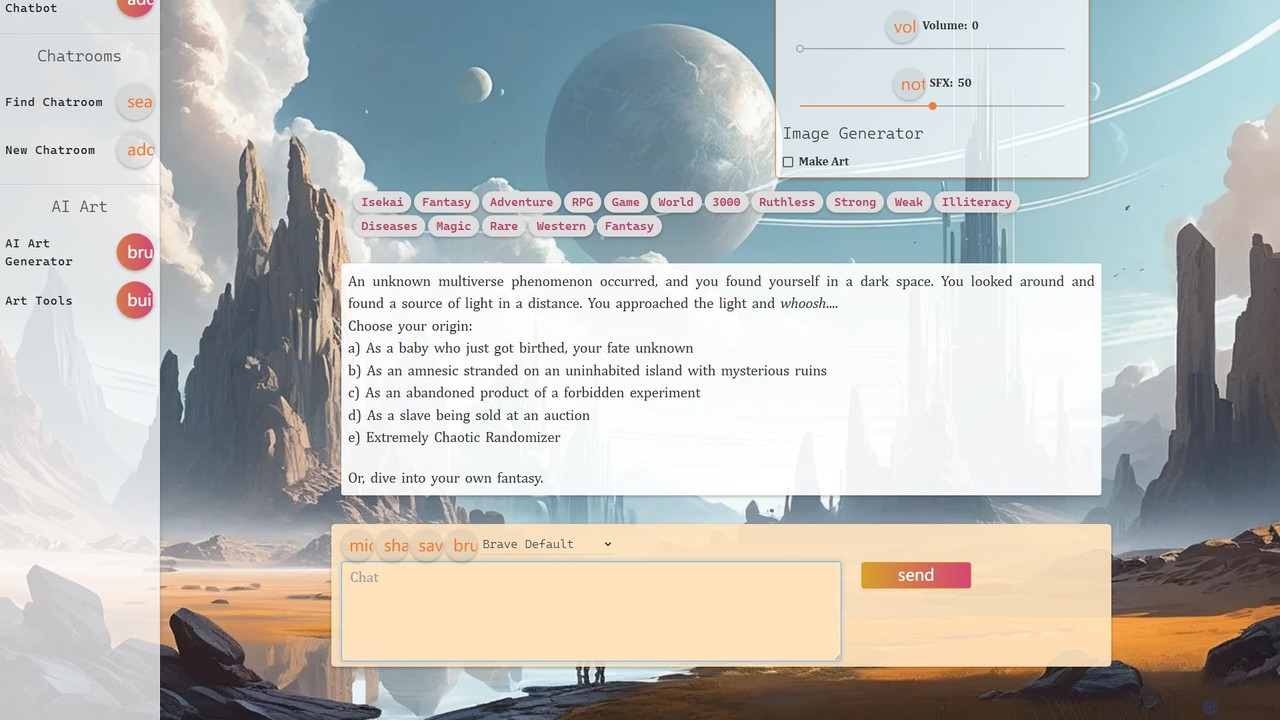
netwrck is an all-in-one AI platform combining character chat, advanced art generation, and a community-driven creator economy. Engage with a vast library of multilingual AI characters, create stunning visuals with powerful art tools, and participate in a unique Web3 ecosystem powered by the NETW token.

Ai Companions
Visits 39.5KFavorites 62Likes 77
Random Pokemon Generator
Free

Random Pokemon Generator

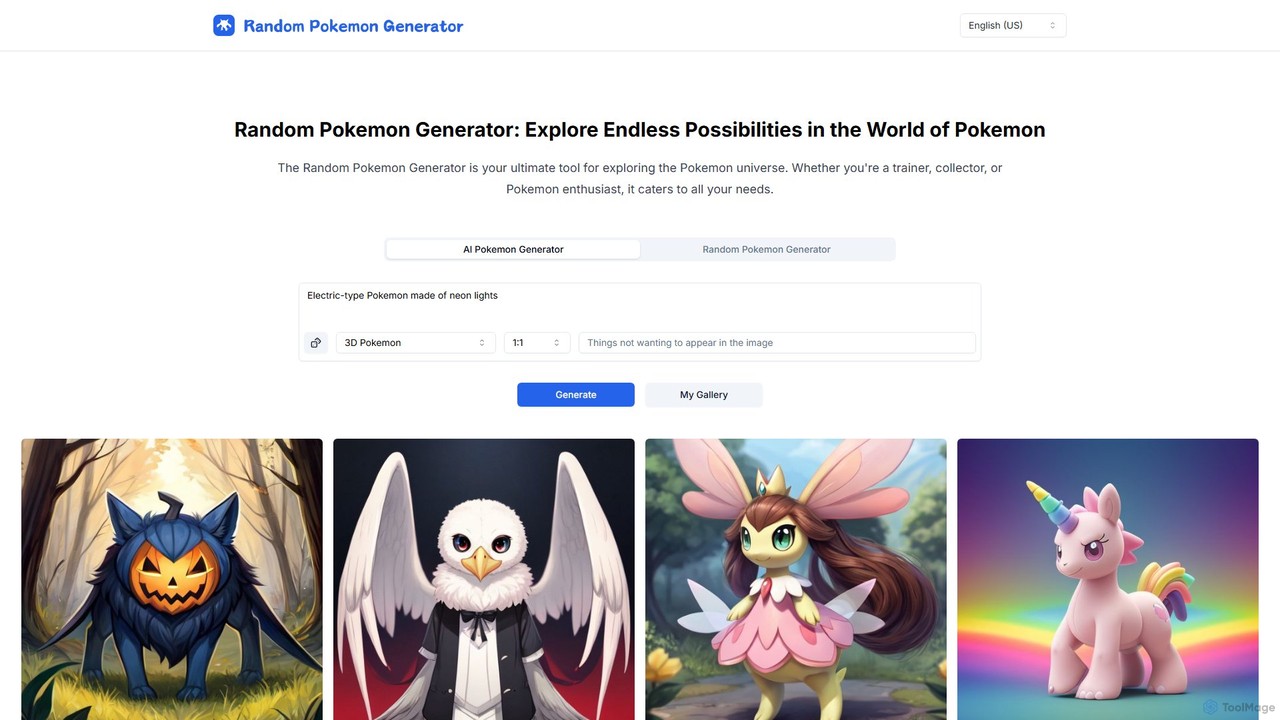
An AI-powered tool for exploring the Pokémon universe. It features a Random Pokemon Generator that can create teams from over 1400 characters, and an innovative AI Pokemon Generator that brings your text descriptions to life as unique Pokémon images. Ideal for gamers, creators, and fans, it offers customizable options, bulk generation, and is completely free to use without registration.

Generators
Visits 4.1KFavorites 89Likes 99

About Art Generators

Art Generators are AI tools that create original visual artworks from textual descriptions, sketches, or other images. They leverage advanced deep learning models, such as diffusion or GANs, to interpret prompts and synthesize unique, high-quality visuals. These tools empower artists, designers, and creators to rapidly visualize concepts, explore diverse aesthetic styles, and produce custom assets for digital media, marketing, and entertainment. Their core value lies in accelerating the creative process and making artistic expression more accessible.

Core Features

  • Text-to-Image Synthesis: Generates images directly from written prompts describing scenes, objects, and styles.
  • Style Control & Transfer: Applies specific artistic movements or artist styles, such as Impressionism or Cyberpunk, to the output.
  • Image-to-Image Generation: Transforms an existing image or sketch into a new artwork based on a textual prompt.
  • Parameter Tuning: Offers controls for aspect ratio, negative prompts, and guidance scale for fine-tuning results.
  • High-Resolution Upscaling: Enhances the detail and resolution of generated images for professional use.

Use Cases

Art Generators are widely used in creative industries. Game developers utilize them for rapid concept art creation for characters and environments. Marketing teams generate unique visuals for social media campaigns and advertisements. Digital artists and illustrators find them valuable for brainstorming and overcoming creative blocks, quickly iterating on ideas.

How to Choose

When selecting an Art Generator, consider the diversity of available art styles and the model's ability to interpret complex prompts. Evaluate the maximum output resolution and quality. Also, compare pricing models, such as subscription versus pay-per-image credits, and review the terms for commercial usage rights to ensure they fit your project's needs.

Featured tool rankings

Art Generators use cases

1

Concept Art for Game Development

A game designer needs to visualize new characters and environments quickly for a project pitch. Instead of spending days on manual sketches, they use an AI Art Generator. By inputting detailed text prompts like 'female elf rogue, leather armor, mystical forest background, cinematic lighting, fantasy art style,' they can generate dozens of high-quality concept variations in minutes. This allows the team to rapidly iterate on visual ideas, select a final direction, and provide clear visual references to 3D modelers, saving significant time and resources in the pre-production phase.

2

Unique Illustrations for Blog Posts

A content creator manages a blog and needs custom header images for each article to increase engagement. Stock photos often feel generic and irrelevant. By using an AI Art Generator, they can create a perfectly tailored illustration for every post. For an article on 'The Future of Renewable Energy,' they can generate an image of 'futuristic solar panels in a lush green city, synthwave style.' This ensures each article has a unique, professional, and thematically relevant visual, improving the blog's aesthetic appeal and brand identity without the cost of hiring an illustrator.

3

Visuals for Social Media Marketing

A social media manager is tasked with creating a visually compelling campaign for a new product launch. To capture audience attention, they need a series of unique, stylized images. Using an AI Art Generator, they can input prompts related to their product's theme, such as 'abstract splash of vibrant colors representing energy drink, 3D render style.' The tool produces multiple high-impact visuals that can be used across Instagram, Facebook, and Twitter. This approach allows for A/B testing different visual styles to see what resonates best with the audience, all while maintaining a consistent and professional brand aesthetic.

4

Creating Personalized Avatars

An online community member wants a unique profile picture that reflects their personality, rather than using a generic photo or cartoon. They use an AI Art Generator with an image-to-image function. They upload a simple selfie and provide a prompt like 'transform into a cyberpunk hero, neon lights, detailed mechanical parts, anime style.' The AI re-imagines their photo in the specified style, creating a highly personalized and artistic avatar. This allows individuals to express their identity creatively across different platforms, from gaming forums to social media, with a profile picture that is truly one-of-a-kind.

5

Designing Album Cover Art

An independent musician is preparing to release a new single and needs compelling cover art, but has a limited budget. They turn to an AI Art Generator to bring their musical theme to life visually. For a song with a melancholic, ambient theme, they might use the prompt 'lonely astronaut floating in a nebula of pastel colors, impressionist painting style.' The generator provides several artistic interpretations, one of which perfectly captures the song's mood. The musician can then use this high-resolution image for their release on streaming platforms, creating a professional and evocative visual identity for their music.

6

Generating Architectural Visualizations

An architect wants to present a client with several stylistic options for a new building's facade. Creating detailed 3D renders for each option is time-consuming. Instead, they use an AI Art Generator with an image-to-image model. They upload a basic line drawing of the facade and use prompts like 'modernist facade with glass and steel, photorealistic, evening light' or 'brutalist concrete facade, dramatic shadows, daytime.' The tool generates realistic artistic impressions of each style in seconds, providing a powerful visual aid for client discussions and helping to finalize the design direction much faster than traditional rendering methods.

Art Generators FAQ

What are AI Art Generators?

AI Art Generators are software tools that use artificial intelligence, specifically deep learning models like diffusion or GANs, to create new images from text prompts or other inputs. You describe what you want to see, and the AI generates a unique visual representation. These tools are known for their ability to produce a wide range of styles, from photorealistic images to abstract paintings, making them valuable for artists, designers, and content creators for rapid ideation and asset creation.

How to choose the right AI Art Generator?

Choosing the right AI Art Generator depends on your specific needs. Consider the following factors:

  • Style Diversity: Does the tool offer a wide range of artistic styles (e.g., anime, photorealistic, fantasy) that match your creative vision?
  • Quality and Resolution: Check the maximum output resolution. For professional work, you'll need high-resolution images.
  • Ease of Use: Some tools are beginner-friendly, while others offer advanced parameters for fine-tuning, which may suit experienced users better.
  • Pricing Model: Compare subscription plans versus pay-per-image credit systems to find what best fits your budget and usage frequency.
  • Commercial Rights: Carefully review the terms of service to understand if you can use the generated images for commercial projects.
What's the difference between an AI Art Generator and an AI Image Editor?

The key difference lies in creation versus modification. An AI Art Generator creates entirely new, original images from scratch based on your text prompts. It synthesizes pixels to form a picture that didn't exist before. In contrast, an AI Image Editor works with an existing image. It uses AI to perform tasks like removing backgrounds, enhancing colors, erasing objects, or applying filters. Essentially, a generator is for making something new, while an editor is for improving or altering something that already exists.

What kind of art styles can AI Art Generators create?

AI Art Generators are incredibly versatile and can create a vast array of art styles. The possibilities are constantly expanding, but common styles include:

  • Photorealistic: Creating images that look like real photographs.
  • Painting Styles: Emulating oil painting, watercolor, acrylic, and impressionist techniques.
  • Digital Art: Including concept art, 3D renders, and fantasy illustrations.
  • Anime & Manga: Generating characters and scenes in various Japanese animation styles.
  • Abstract: Creating non-representational art based on colors, shapes, and textures.
  • Vintage & Retro: Mimicking styles from different historical eras, like Art Deco or synthwave.

Many tools also allow you to blend styles or reference specific artists to create unique hybrid aesthetics.

Who can benefit from using AI Art Generators?

A wide range of individuals and professionals can benefit from AI Art Generators. Key user groups include:

  • Digital Artists & Illustrators: For brainstorming, overcoming creative blocks, and rapidly generating base images for further refinement.
  • Graphic Designers: To create unique assets, textures, and backgrounds for projects quickly.
  • Content Creators & Marketers: For generating custom visuals for social media, blog posts, and ad campaigns without relying on stock photos.
  • Game Developers: To quickly create concept art for characters, environments, and items during the pre-production phase.
  • Hobbyists & Enthusiasts: Anyone interested in exploring creativity and making art without needing traditional artistic skills.