ToolMage
Sign in

Best 14 Scheduling AI tools for Social Media

Popular Scheduling AI tools in Social Media include Nuelink, StoryChief, Narrato, Robopost, Planly, Emplibot, Schedpilot, ScheduleWave, galaxyz, and Spreadify, helping you work more efficiently.

Schedly
Freemium

Schedly

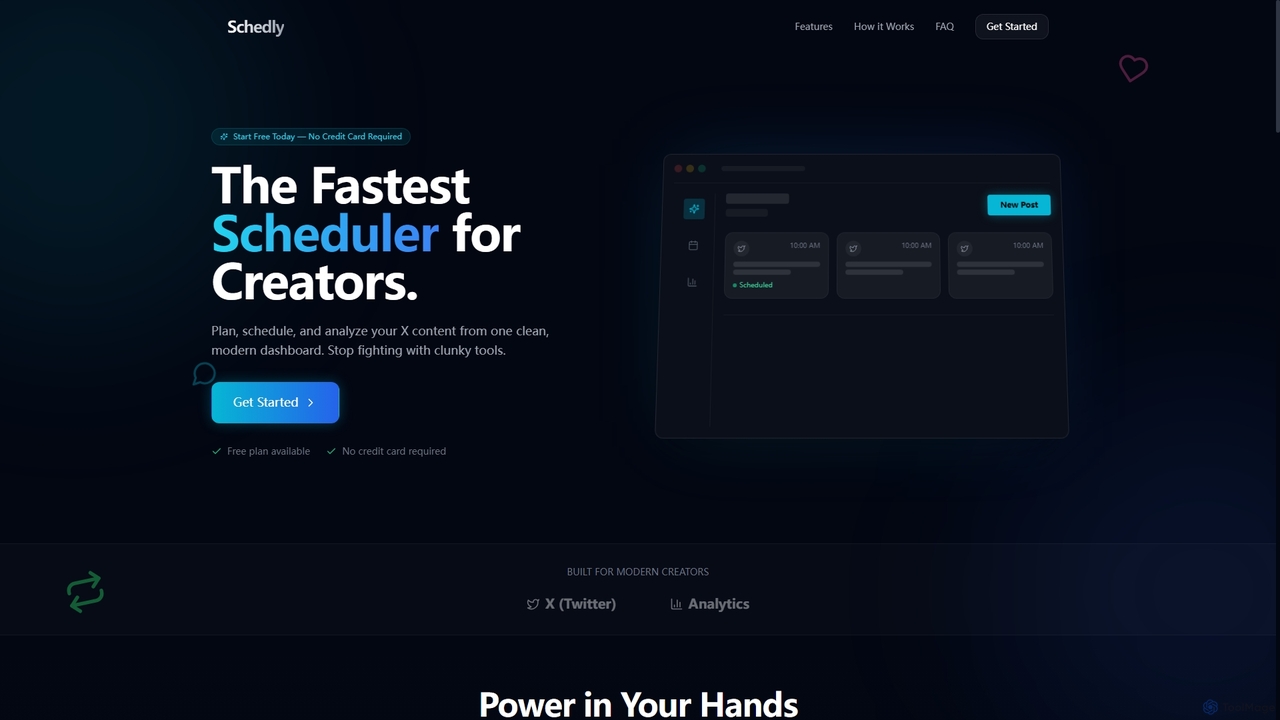
Schedly is the fastest AI-powered scheduler for creators, designed to streamline X (Twitter) content planning, scheduling, and analytics from a modern, intuitive dashboard. It helps creators save time and grow their audience with smart features.

Social Media Analytics
Visits 5.5KFavorites 29Likes 25
Narrato
Freemium

Narrato

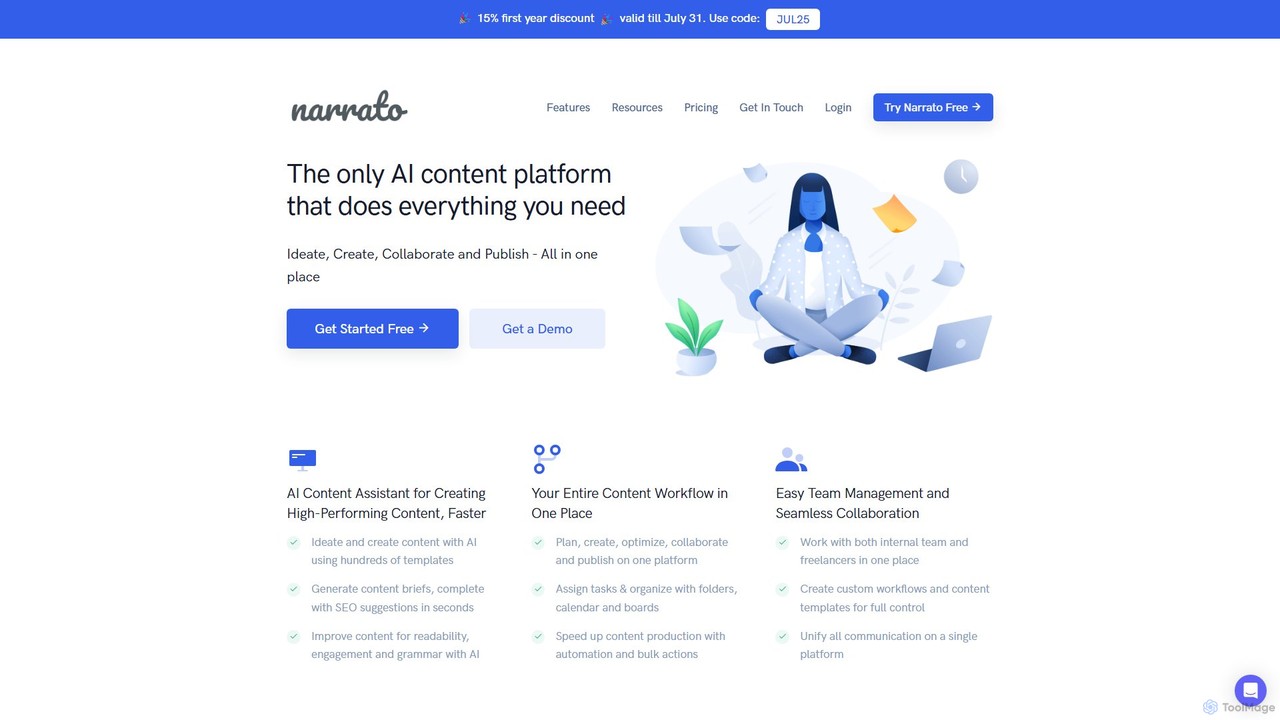
Narrato is an all-in-one AI content creation, marketing, and workflow platform. It combines over 100 AI tools, a collaborative workspace, and powerful automation to help teams plan, create, and publish high-performing content at scale. From AI-powered writing and image generation to seamless team management and automated publishing, Narrato streamlines the entire content lifecycle.

Content Creation
Visits 78.8KFavorites 145Likes 159
Thread Creator
Freemium

Thread Creator

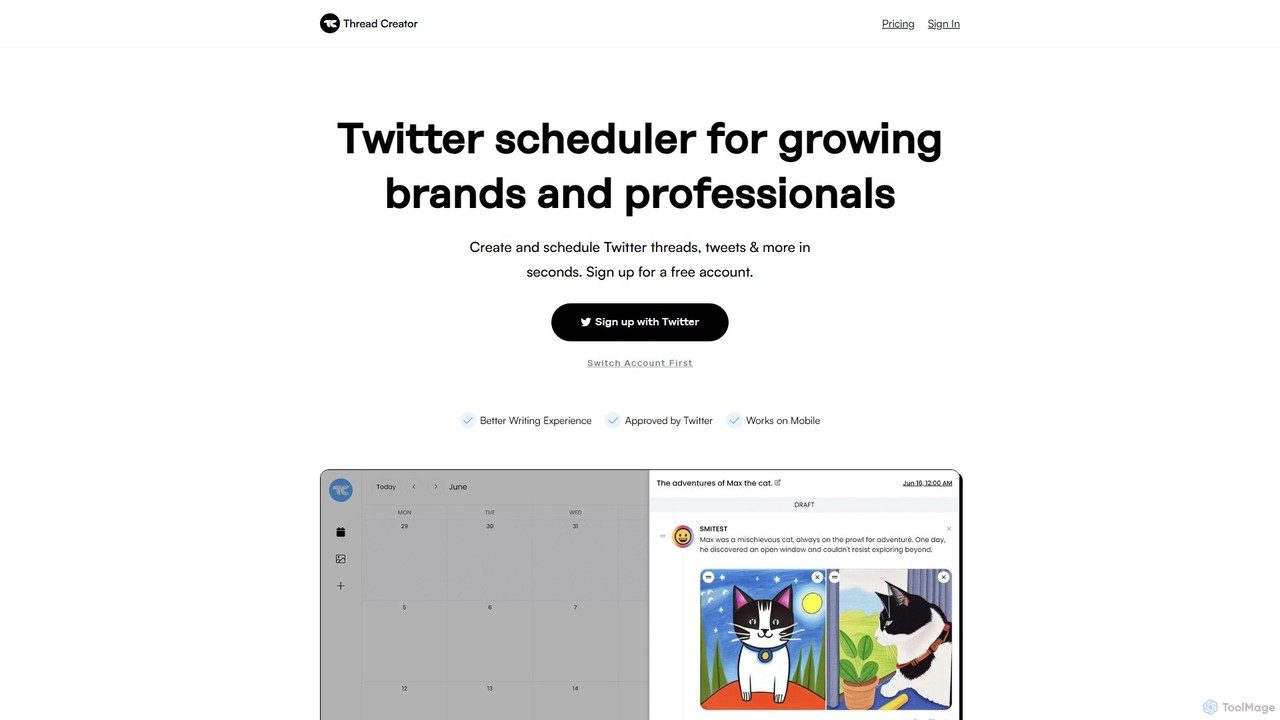
Thread Creator is an AI-powered Twitter management tool designed for brands and professionals. It simplifies creating and scheduling Twitter threads and tweets with an intuitive editor, multi-account support, and a centralized media library. Its AI Tweet Generator helps craft engaging content, while advanced features like auto-retweet and content recycling streamline your social media strategy.

Social Media Marketing
Visits 5.5KFavorites 161Likes 160
Planly
Freemium

Planly

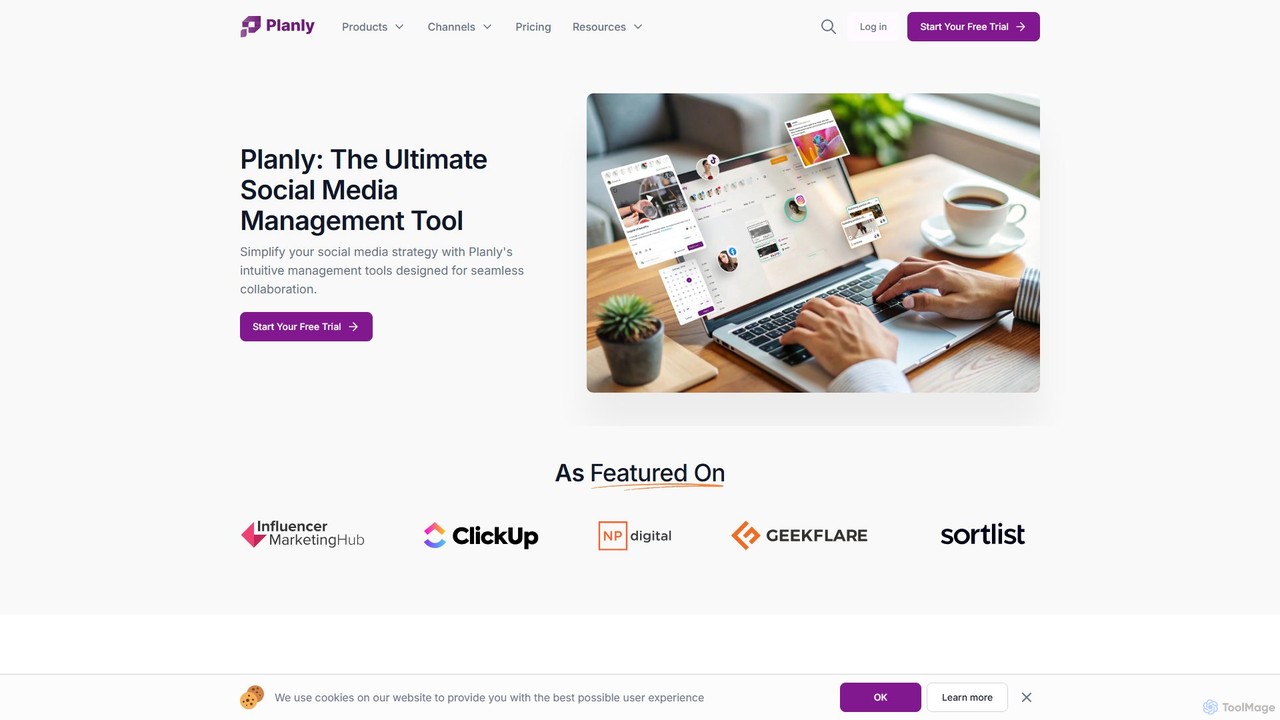
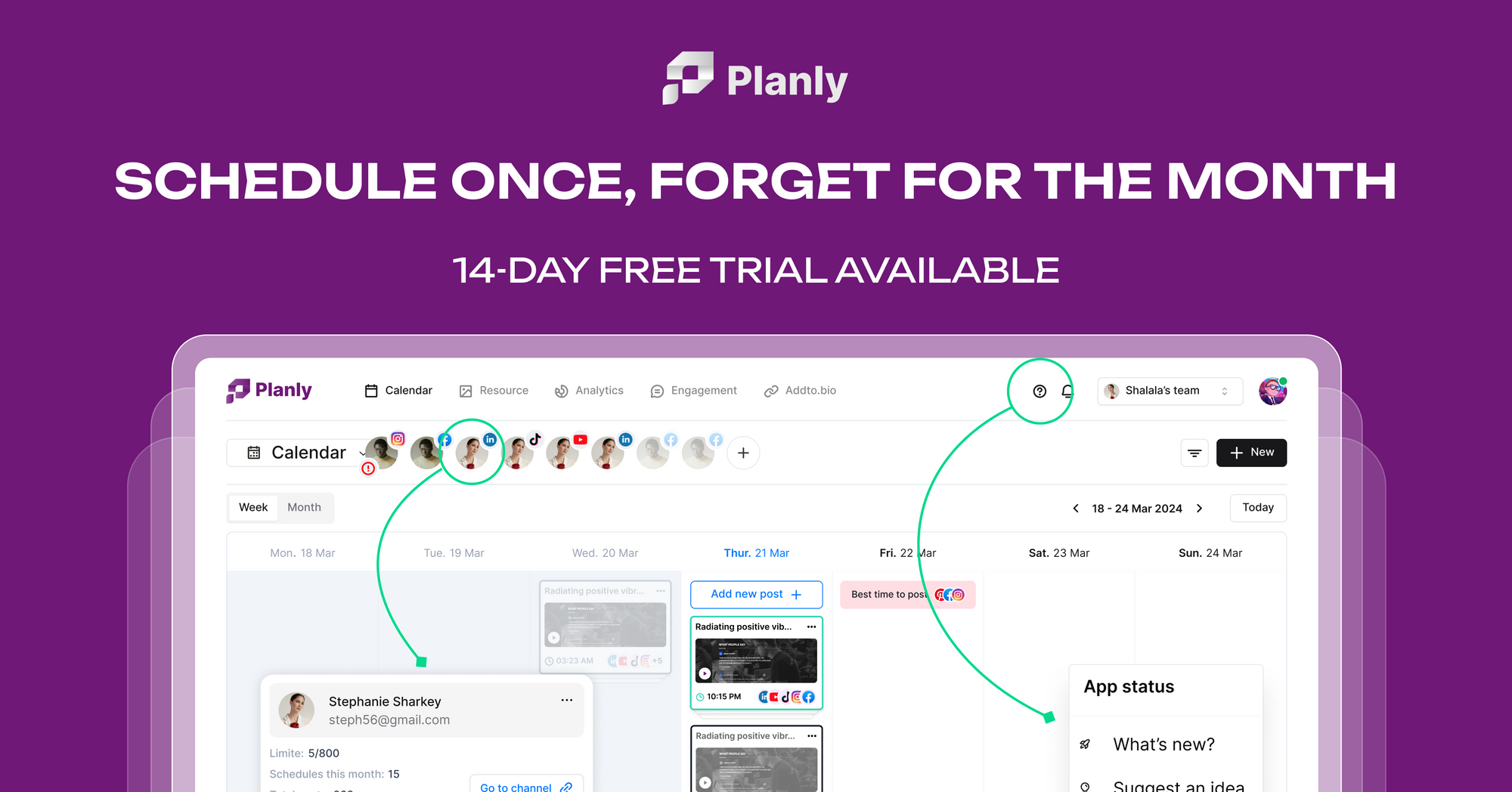
Planly is an all-in-one social media management tool that simplifies your workflow with automated post scheduling, an AI Content Assistant, advanced analytics, and a unified inbox. It supports a wide range of platforms, including Instagram, TikTok, Facebook, and more, helping creators, teams, and agencies to streamline their social media strategy and enhance engagement.

Social Media Management
Visits 12.7KFavorites 96Likes 123
BulletSocial
Freemium

BulletSocial

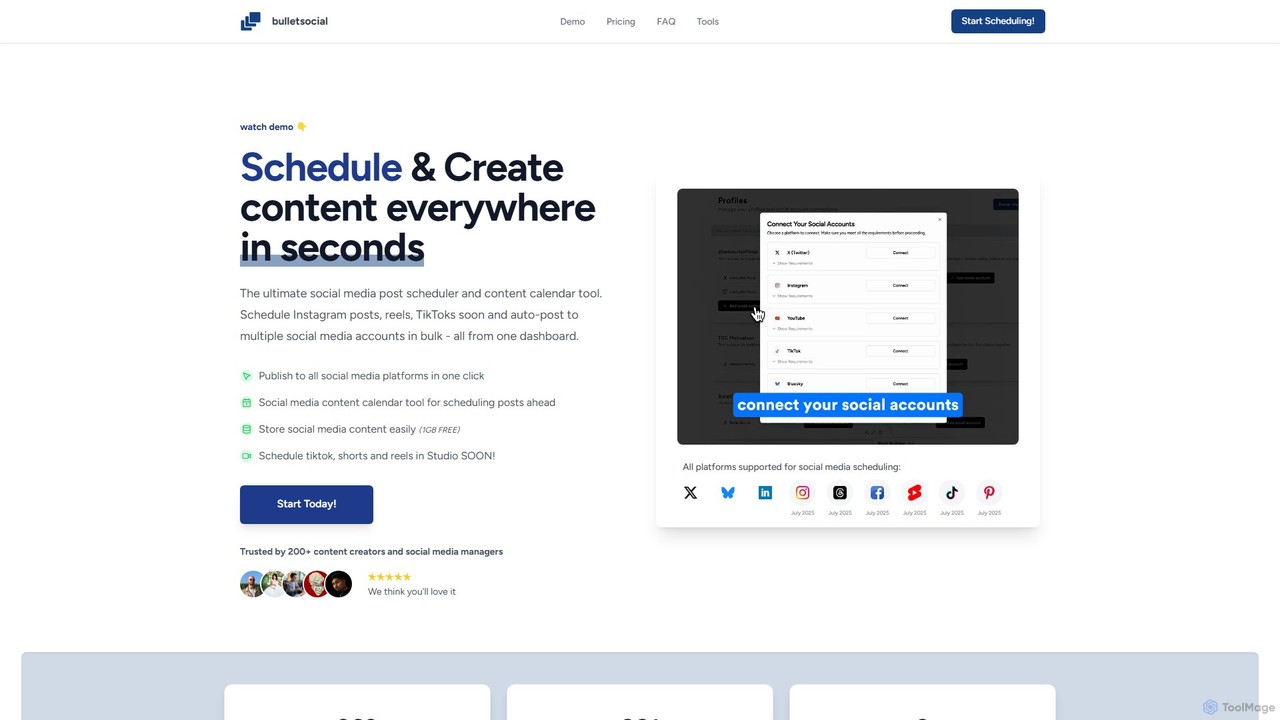
BulletSocial is an AI-powered social media management tool designed for creators and marketers. It simplifies content scheduling, creation, and one-click publishing across multiple platforms like X and Instagram. Featuring an intuitive content calendar, AI assistance, and affordable pricing, it helps users save time and grow their online presence efficiently.

Social Media Management
Visits 5.5KFavorites 128Likes 118
StoryChief
Freemium

StoryChief

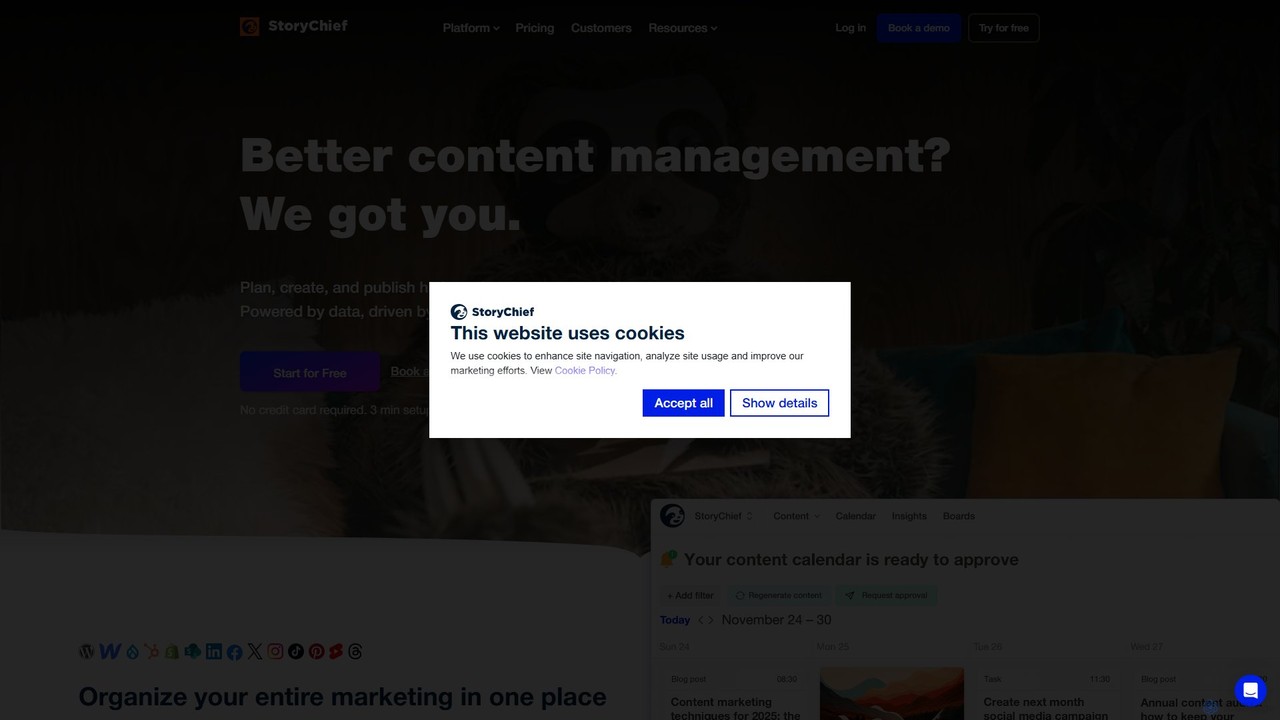
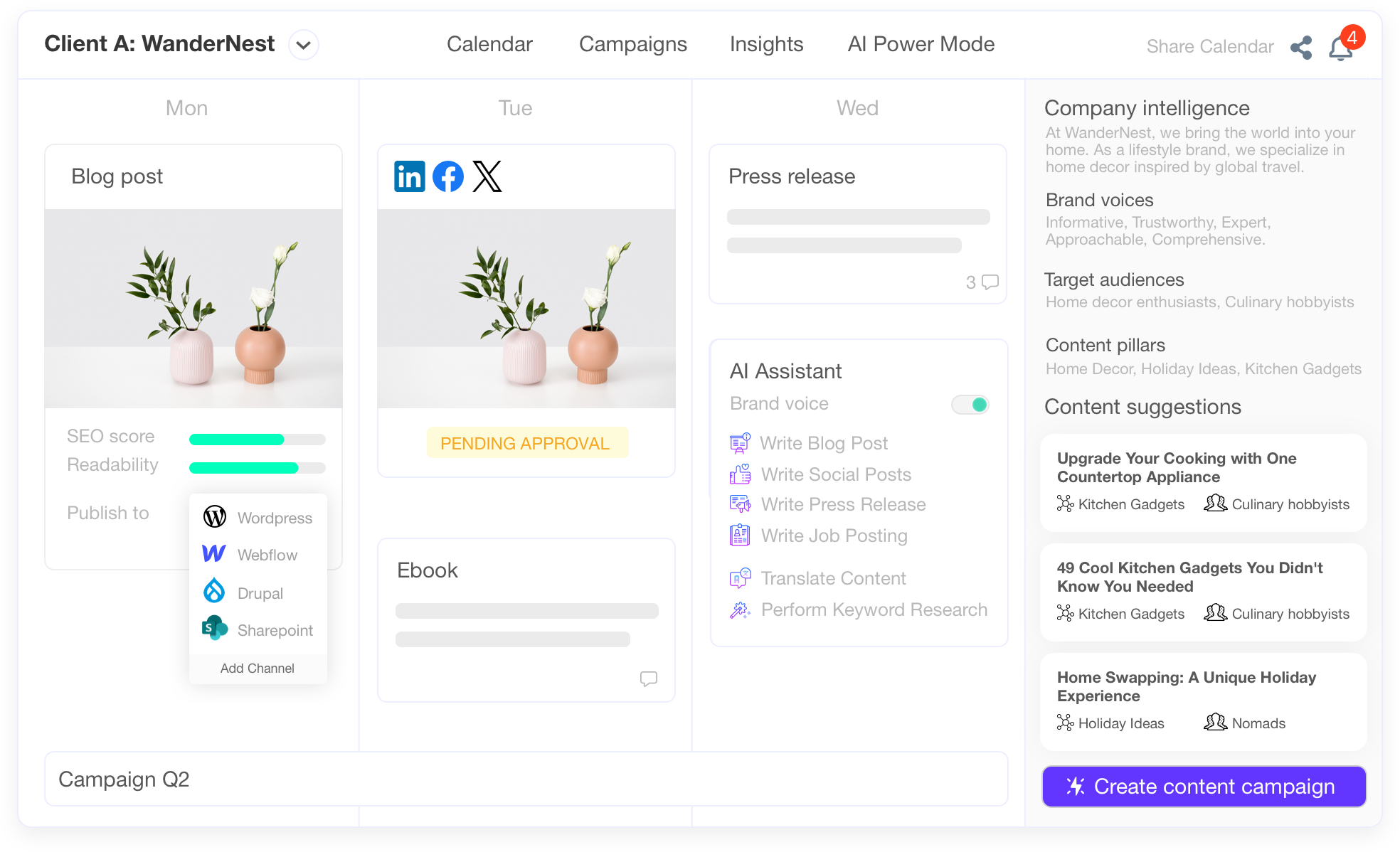
StoryChief is an all-in-one AI-powered content marketing platform for B2B marketing teams and agencies. It centralizes content creation, collaboration, multi-channel distribution, and analytics. Features like an AI editor, social media management, and employee advocacy streamline the entire content lifecycle, from ideation to performance tracking, helping businesses increase reach and engagement efficiently.

Content Marketing
Visits 90.1KFavorites 109Likes 115
galaxyz
Freemium

galaxyz

galaxyz is an all-in-one social media management platform designed to streamline your content strategy. It allows you to schedule and cross-post content across multiple platforms like Instagram, TikTok, X, and more from a single dashboard. Featuring an intuitive interface, AI-powered content creation tools, and fair pricing, galaxyz helps creators and businesses save time, boost their social reach, and maintain a consistent online presence effortlessly.

Content Creation
Visits 6KFavorites 126Likes 125
Robopost
Freemium

Robopost

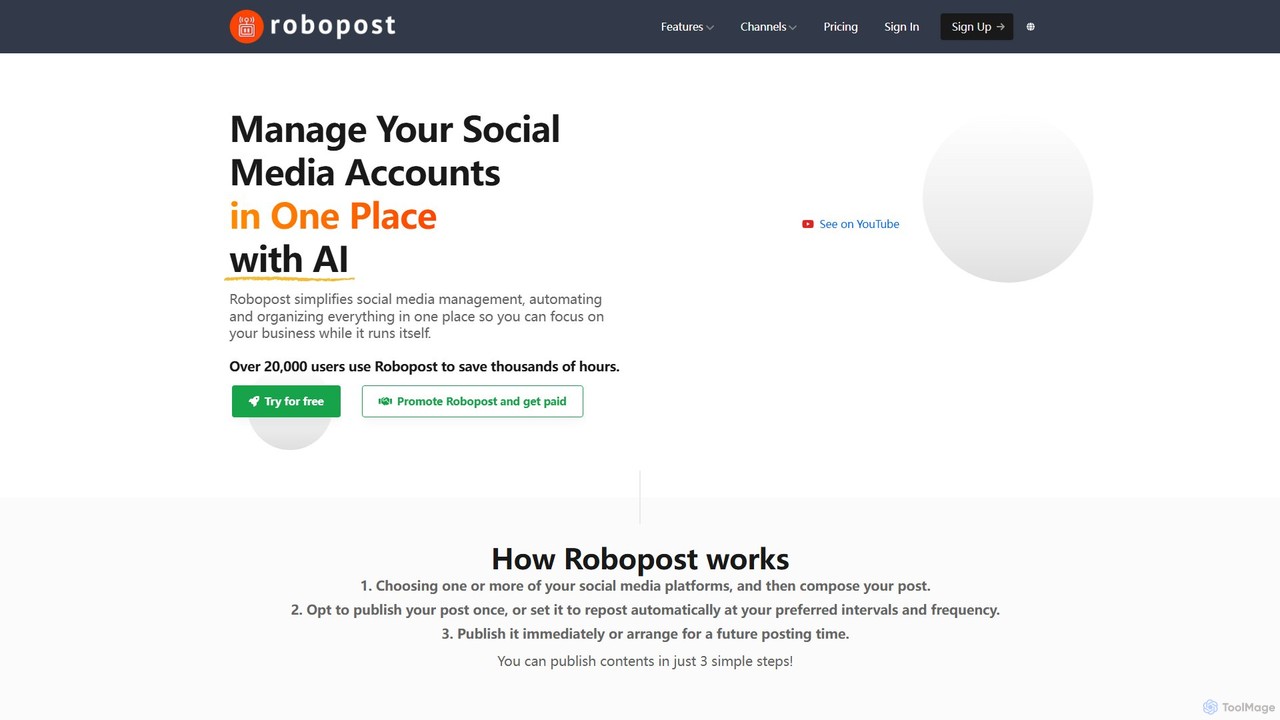
Robopost is an all-in-one AI-powered social media management platform. It simplifies content creation, scheduling, and automation across multiple social networks, helping freelancers, agencies, and businesses save time and enhance their online presence. Features include AI-generated captions, images, faceless videos, and advanced scheduling automation.

Video Generation
Visits 54.3KFavorites 115Likes 131
Nuelink
Freemium

Nuelink

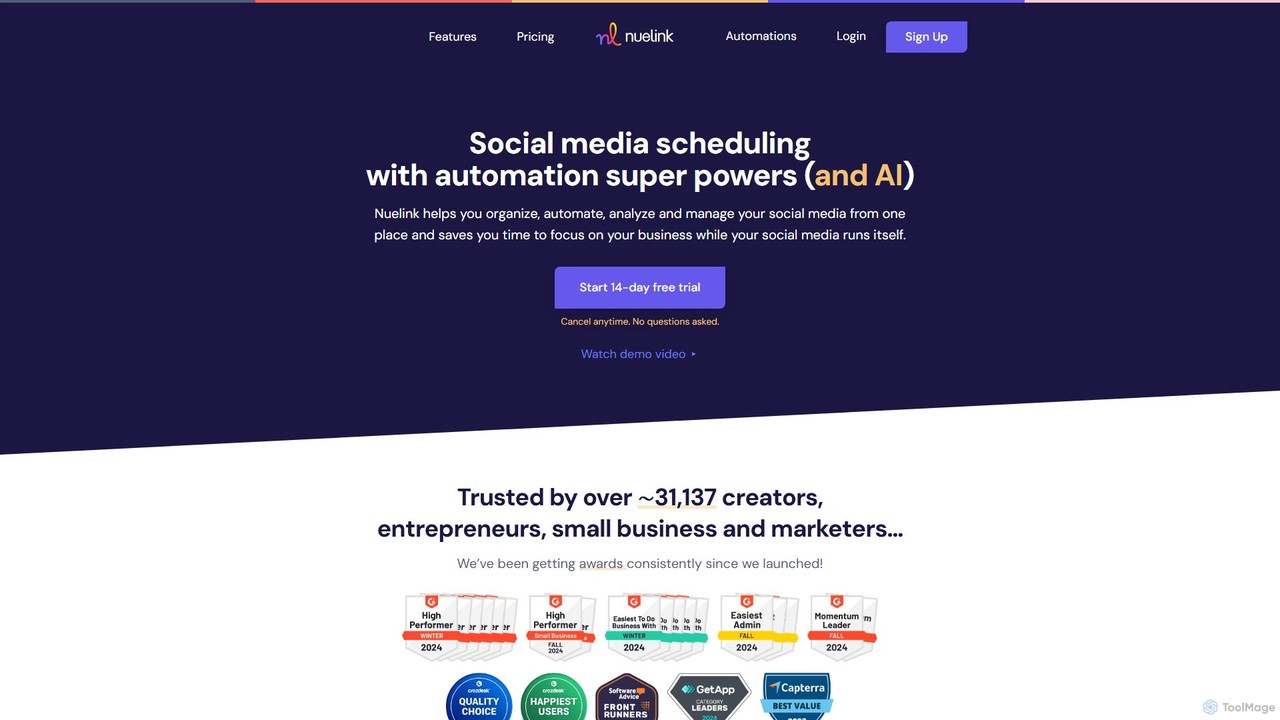
Nuelink is an AI-powered social media automation and scheduling tool designed for entrepreneurs, marketers, and agencies. It streamlines content creation, scheduling, and engagement across multiple platforms like Instagram, Facebook, TikTok, and LinkedIn, featuring powerful automations, a unified comment inbox, and an integrated bio link tool.

Automation
Visits 183.4KFavorites 163Likes 166
Spreadify
Freemium

Spreadify

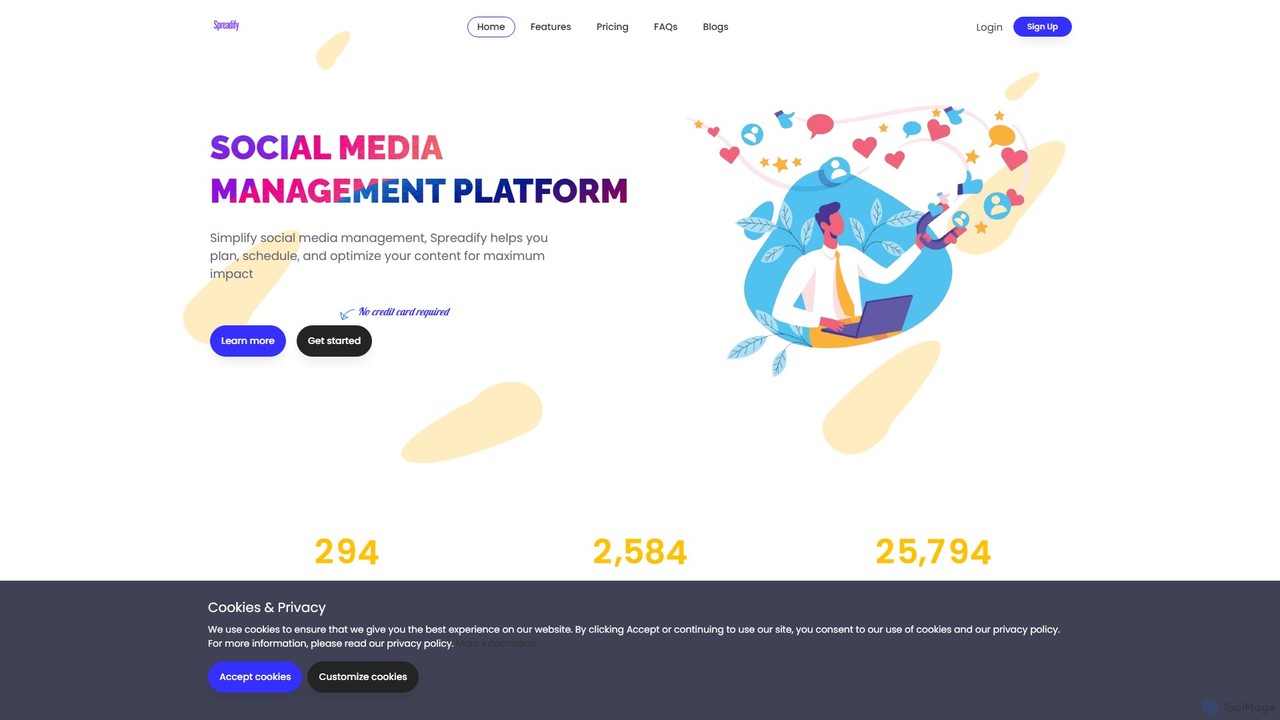
Spreadify is an AI-powered social media management and analysis platform. It helps individuals and businesses streamline their social media strategy by planning, scheduling, and optimizing content across multiple platforms from a single dashboard. Features include AI content generation, bulk scheduling, a built-in image editor, and performance analytics to maximize impact and boost brand visibility.

Social Media Management
Visits 5.5KFavorites 105Likes 97
Emplibot
Freemium

Emplibot

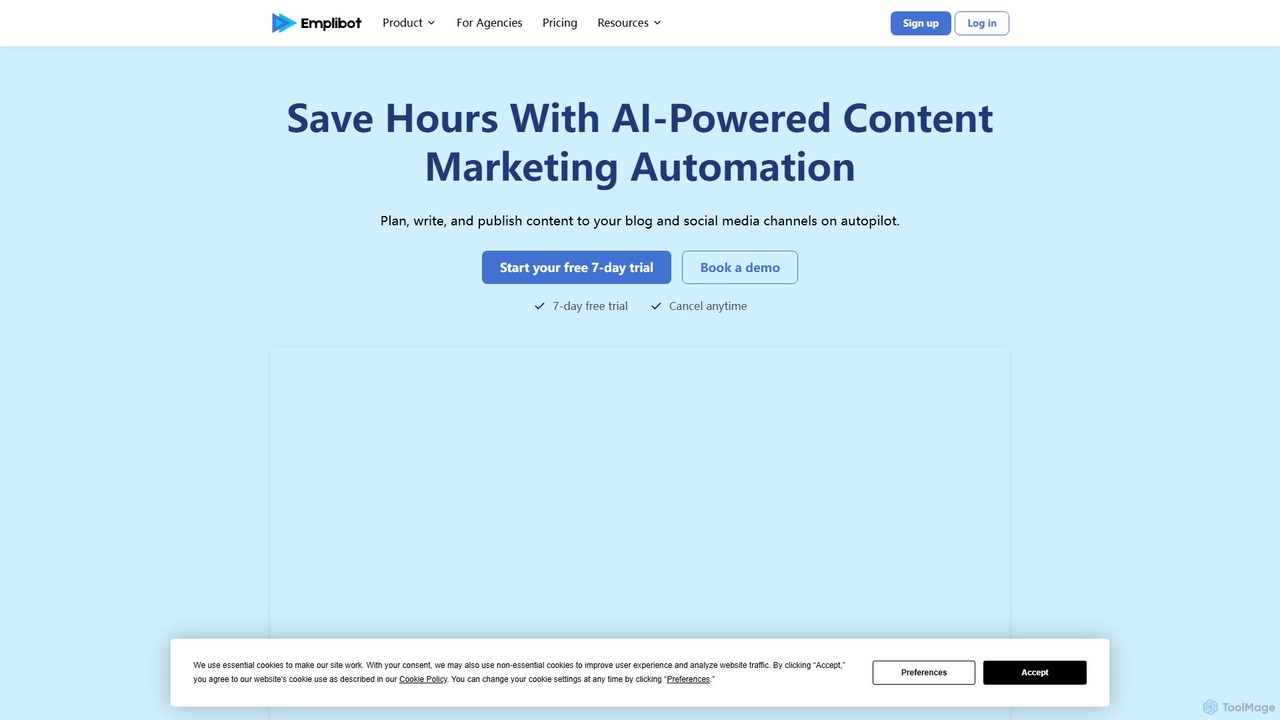
Emplibot is an AI-powered content marketing automation platform that handles the entire workflow, from planning and keyword research to writing SEO-optimized articles and auto-publishing them to your blog and social media channels. It's designed to save time, scale content production, and boost organic traffic.

Content Creation
Visits 10.7KFavorites 161Likes 143
ScheduleWave
Freemium

ScheduleWave

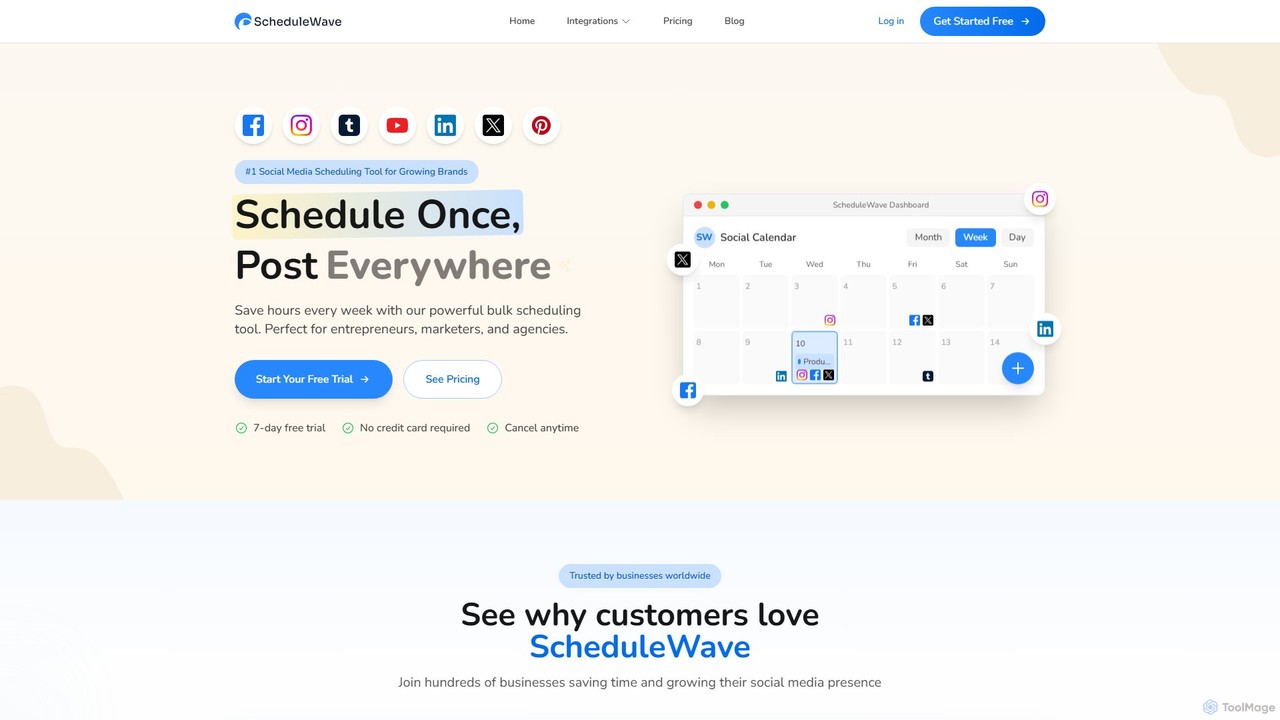
ScheduleWave is the #1 social media scheduling tool for growing brands, entrepreneurs, and agencies. It allows you to schedule content once and publish it across all major platforms like Facebook, Instagram, TikTok, YouTube, LinkedIn, and more, saving hours every week.

Social Media Management
Visits 6.9KFavorites 160Likes 149
Schedpilot
Freemium

Schedpilot

Schedpilot is an AI-powered social media scheduling tool designed to automate and optimize your content strategy, primarily for LinkedIn. It leverages GPT-4 to generate posts, hooks, and comments, suggests the best times to post, and provides analytics to help you grow your audience and engagement efficiently.

Content Creation
Visits 9.9KFavorites 156Likes 142
everloop
Freemium

everloop

everloop is an AI-powered platform that automates your content marketing. It transforms a single piece of long-form content, like a video or podcast, into a perpetual loop of engaging social media posts, blog articles, and email newsletters, ensuring your brand stays consistently active with minimal effort.

Content Creation
Visits 5.5KFavorites 125Likes 147

About Scheduling

AI Scheduling tools are specialized applications designed to automate the planning and publishing of content on social media platforms. These tools leverage AI to analyze audience engagement patterns and suggest optimal times for posting to maximize reach and interaction. They enable users to create a content calendar, queue posts in advance, and maintain a consistent online presence with minimal manual effort. This focused approach to content delivery is a critical component of a broader social media strategy.

Core Features

  • Smart Scheduling: Automatically publishes posts at times when your audience is most active, based on historical data analysis.
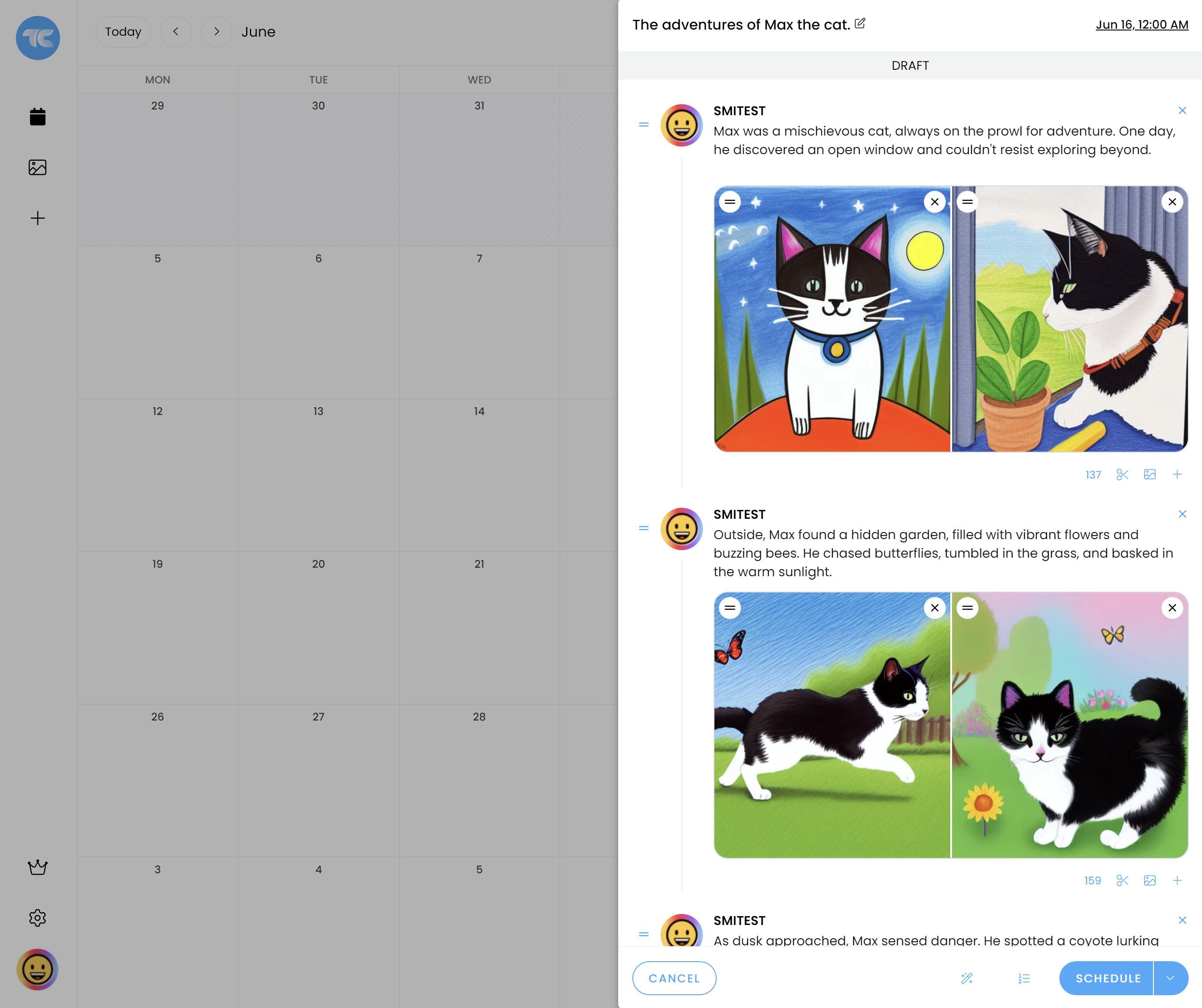
  • Content Calendar View: Provides a visual, drag-and-drop interface to plan and organize social media content across weeks or months.
  • Bulk Uploading: Allows users to schedule hundreds of posts at once by uploading a CSV file or integrating with content libraries.
  • Performance Analytics: Tracks key metrics for scheduled posts, such as engagement rates, reach, and clicks, to refine future strategy.
  • Platform Integration: Seamlessly connects with multiple social media networks like Instagram, Facebook, X (Twitter), LinkedIn, and Pinterest from a single dashboard.

Use Cases

These tools are essential for social media managers, marketing agencies, content creators, and businesses of all sizes. An agency might use it to manage content calendars for dozens of clients simultaneously. A solo entrepreneur can use it to maintain an active presence while focusing on other business areas. Corporate marketing teams rely on it to execute coordinated campaigns and brand messaging across channels.

How to Choose

When selecting an AI Scheduling tool, consider the specific social media platforms it supports. Evaluate the depth of its analytics and the intelligence of its scheduling recommendations. Assess its user interface for ease of use, especially the content calendar functionality. Also, consider pricing models based on the number of social profiles and scheduled posts, as well as team collaboration features if you work with others.

Featured tool rankings

Scheduling use cases

1

Manage Multiple Client Accounts for a Marketing Agency

A social media manager at a digital marketing agency is responsible for handling ten different client accounts, each with a unique content strategy and posting frequency. Using an AI scheduling tool, the manager can create separate content calendars for each client. They bulk-schedule a month's worth of posts—including images, videos, and copy—for all accounts in a single afternoon. The AI's 'best time to post' feature automatically adjusts the schedule for each client's specific audience, maximizing engagement and saving the manager over 20 hours of manual work per week.

2

Maintain Consistent Presence for a Solo Content Creator

An independent content creator focusing on lifestyle vlogs needs to maintain a consistent posting schedule on Instagram, TikTok, and YouTube Shorts to grow their audience. They use a scheduling tool to plan their content a week in advance. After editing a long-form video, they create several short clips and promotional graphics. They upload everything to the scheduler, write captions with relevant hashtags, and set the tool to auto-publish at peak engagement times throughout the week. This allows them to focus on creating high-quality content without the daily stress of manual posting.

3

Execute a Coordinated Product Launch Campaign

An e-commerce brand is launching a new product line. The marketing team uses a scheduling tool to plan a multi-platform campaign. They schedule teaser posts a week before the launch, a coordinated 'launch day' announcement across all channels simultaneously, and a series of follow-up posts featuring customer testimonials and special offers. The tool's calendar view provides a complete overview of the campaign timeline, ensuring all messages are consistent and timed perfectly. Post-launch, they use the analytics feature to measure the campaign's reach and engagement, providing valuable data for future launches.

4

Automate Evergreen Content Distribution

A B2B company has a large library of evergreen content, such as blog posts, case studies, and whitepapers. To maximize the value of this content, the content manager uses a scheduling tool with a content queue or library feature. They add all their evergreen assets to the library and set up a recurring schedule to automatically re-share these posts on LinkedIn and X (Twitter) every few months. The tool can automatically vary the accompanying text or use different featured images to keep the content fresh. This strategy ensures a steady stream of valuable content for their audience without constant manual intervention.

5

Streamline Team Collaboration on a Content Calendar

A corporate marketing team with a content creator, a graphic designer, and a social media manager collaborates on social media content. They use a scheduling tool with team features. The content creator drafts posts and adds them to the calendar. The graphic designer receives a notification, creates the visuals, and attaches them to the drafts. Finally, the social media manager reviews the complete posts, approves them, and they are automatically added to the publishing queue. This streamlined workflow eliminates endless email chains and ensures everyone is aligned on the final content before it goes live.

6

Analyze Post Performance to Refine Content Strategy

After consistently scheduling posts for a quarter, a social media manager for a SaaS company uses the tool's built-in analytics to review performance. They identify that video content on LinkedIn receives 50% more engagement than static images and that posts published on weekday mornings have the highest click-through rates. Based on this data, they adjust their content strategy to produce more video tutorials and shift their publishing schedule accordingly. This data-driven approach, enabled by the scheduling tool's analytics, helps them continuously optimize their social media efforts for better results.

Scheduling FAQ

What are AI Social Media Scheduling tools?

AI Social Media Scheduling tools are applications that automate the process of publishing content to social networks like Instagram, Facebook, and X (Twitter). They go beyond simple time-based scheduling by using AI to determine the optimal moments to post for maximum audience engagement. Key features often include a visual content calendar, bulk scheduling capabilities, performance analytics, and smart queues that automatically recycle evergreen content.

How to choose the right social media scheduling tool?

To choose the right tool, consider these factors:

  • Supported Platforms: Ensure it integrates with all the social networks you actively use.
  • AI Features: Evaluate the effectiveness of its 'best time to post' suggestions and other AI-driven recommendations.
  • Analytics Depth: Check if it provides the metrics you need to measure success, such as reach, engagement rate, and link clicks.
  • User Interface: The tool should have an intuitive content calendar and be easy to navigate to save you time.
  • Pricing and Scalability: Select a plan that fits your budget and can grow with you as you add more social profiles or team members.
What's the difference between a scheduling tool and a full social media management suite?

A scheduling tool is primarily focused on one core task: planning and auto-publishing content. A full social media management suite is a broader platform that includes scheduling but also offers additional features. These often include social listening (monitoring brand mentions), community management (responding to comments and messages in a unified inbox), and more advanced analytics. Scheduling tools are ideal for users whose main goal is content consistency, while management suites are better for teams that handle all aspects of social media interaction and brand monitoring.

Can scheduling tools hurt my social media engagement?

When used correctly, scheduling tools should enhance, not hurt, engagement. The key is to use them strategically. AI-powered tools help by identifying peak engagement times. However, it's crucial to avoid being overly robotic. You should still monitor your accounts to engage with comments and messages in real-time. Also, mix scheduled posts with spontaneous, in-the-moment content to maintain an authentic presence. The tool is for consistency; genuine interaction still requires a human touch.

Who benefits most from using a social media scheduling tool?

A wide range of users benefit from these tools. Key groups include:

  • Social Media Managers: To manage complex content calendars and multiple accounts efficiently.
  • Marketing Agencies: To streamline workflow and manage content for numerous clients from a single dashboard.
  • Small Business Owners: To maintain a consistent social media presence without dedicating hours each day to manual posting.
  • Content Creators & Influencers: To automate posting so they can focus more time on creating content and engaging with their community.