TTS.Monster
TTS.Monster is a free, AI-powered text-to-speech tool designed specifically for streamers. It enhances Twitch and YouTube livestreams by …
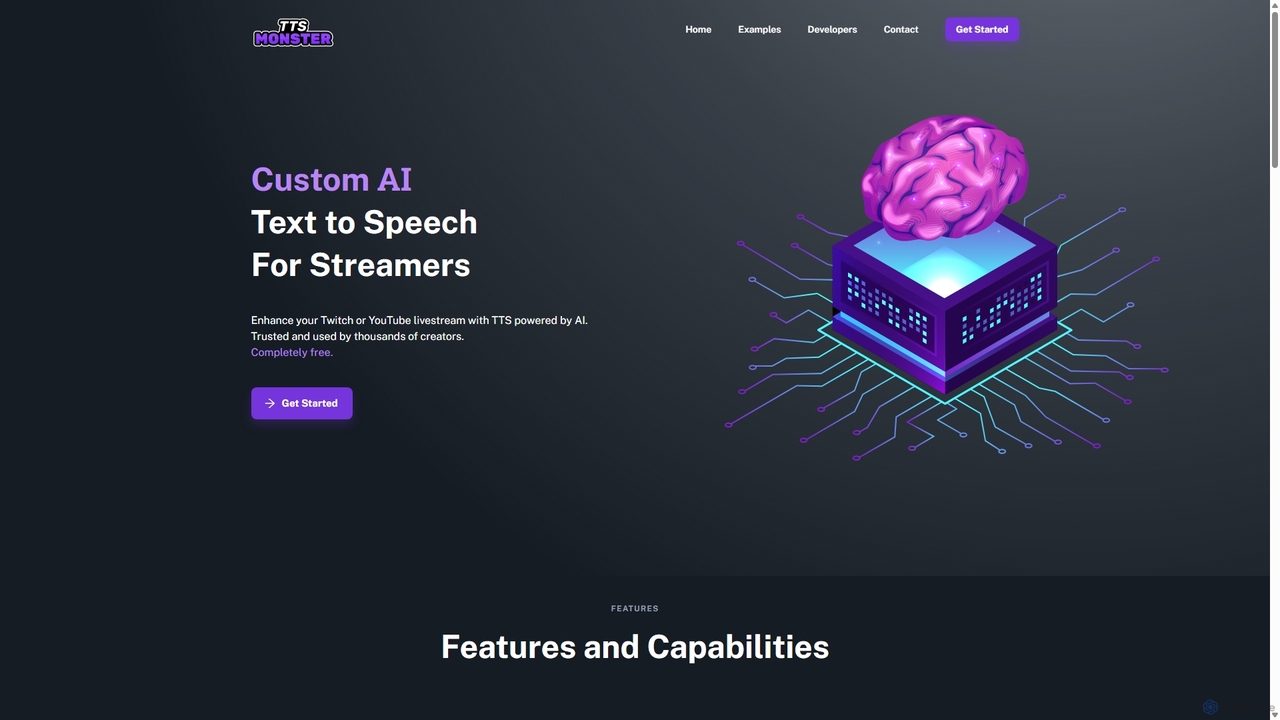
TTS.Monster is a free, AI-powered text-to-speech tool designed specifically for streamers. It enhances Twitch and YouTube livestreams by converting donation messages into speech using over 100 unique AI voices and sound bites. It integrates seamlessly with StreamElements, StreamLabs, and Ko-fi, helping creators boost engagement and revenue without taking any commission.
About Twitch
Twitch AI tools are a category of specialized applications designed to enhance the live streaming experience on the Twitch platform. These tools leverage artificial intelligence to automate various aspects of content creation, audience interaction, and channel management. They provide streamers with capabilities ranging from real-time moderation and content generation to advanced analytics, ultimately helping to grow their audience and improve stream quality.
Core Features
- AI-Powered Moderation: Automatically detect and filter inappropriate chat messages, spam, or harmful content in real-time.
- Content Enhancement: Generate stream overlays, intros/outros, or highlight reels using AI to improve production value.
- Audience Engagement: Utilize AI chatbots for automated responses, polls, and interactive elements to keep viewers engaged.
- Stream Analytics: Provide deep insights into viewer behavior, chat trends, and performance metrics to optimize streaming strategies.
- Clip & Highlight Generation: Automatically identify and create engaging short clips from live streams for sharing on other platforms.
Use Cases
Streamers use these tools to maintain a positive chat environment, create professional-looking content without extensive editing skills, and understand their audience better. For instance, a gaming streamer might use AI to automatically moderate chat during intense gameplay, while a creative streamer could leverage AI to generate unique visual effects for their broadcasts.
How to Choose
When selecting Twitch AI tools, consider the specific features needed, such as moderation capabilities, content generation options, or analytical depth. Evaluate integration with existing streaming software, ease of use, and the tool's ability to scale with channel growth. Pricing models and community support are also crucial factors for long-term adoption.
TwitchUse Cases
Automating Chat Moderation
Streamers utilize AI tools to automatically filter out spam, hate speech, and inappropriate content from their live chat, ensuring a positive and safe community environment. This allows streamers to focus on their content without constant manual intervention, significantly reducing moderation workload and improving viewer experience during broadcasts.
Generating Stream Highlights
AI tools can analyze stream footage to automatically identify and clip key moments, such as epic plays, funny reactions, or important announcements. This saves content creators hours of manual editing, enabling them to quickly share engaging short-form content on other social media platforms to attract new viewers and expand their reach.
Enhancing Visuals and Overlays
AI-powered design tools assist streamers in creating professional-looking stream overlays, animated alerts, and custom graphics. By simply inputting themes or keywords, streamers can generate unique visual assets that elevate their production quality and brand identity, even without extensive graphic design expertise, making their channel more appealing.
Personalizing Viewer Engagement
AI chatbots can be deployed in Twitch chat to answer frequently asked questions, run interactive polls, or even respond to specific commands. This provides a more dynamic and personalized experience for viewers, keeping them engaged and fostering a stronger community connection, especially during peak viewership times or when the streamer is focused on gameplay.
Analyzing Stream Performance
Advanced AI analytics tools process vast amounts of stream data, including viewer demographics, chat sentiment, and peak engagement times. Streamers leverage these insights to understand what resonates with their audience, optimize their streaming schedule, and tailor content strategies for maximum growth and retention, leading to more effective channel management.
Creating AI-Generated Content for Breaks
During stream breaks or intermissions, AI tools can generate dynamic background music, visual loops, or even short informational segments. This keeps the audience entertained and informed during downtime, preventing viewer drop-off and maintaining a professional broadcast flow, ensuring that even pauses contribute positively to the viewer experience.