ToolMage
Sign in

Best 50 Software Development AI tools

Popular Software Development AI tools include Qoder, Scribe, Air, Raccoon AI, Vibe Coding Academy, Agentfield, Trigma, Actual, Supatest, and Debugg, helping you work more efficiently.

Ship Guard
Freemium

Ship Guard

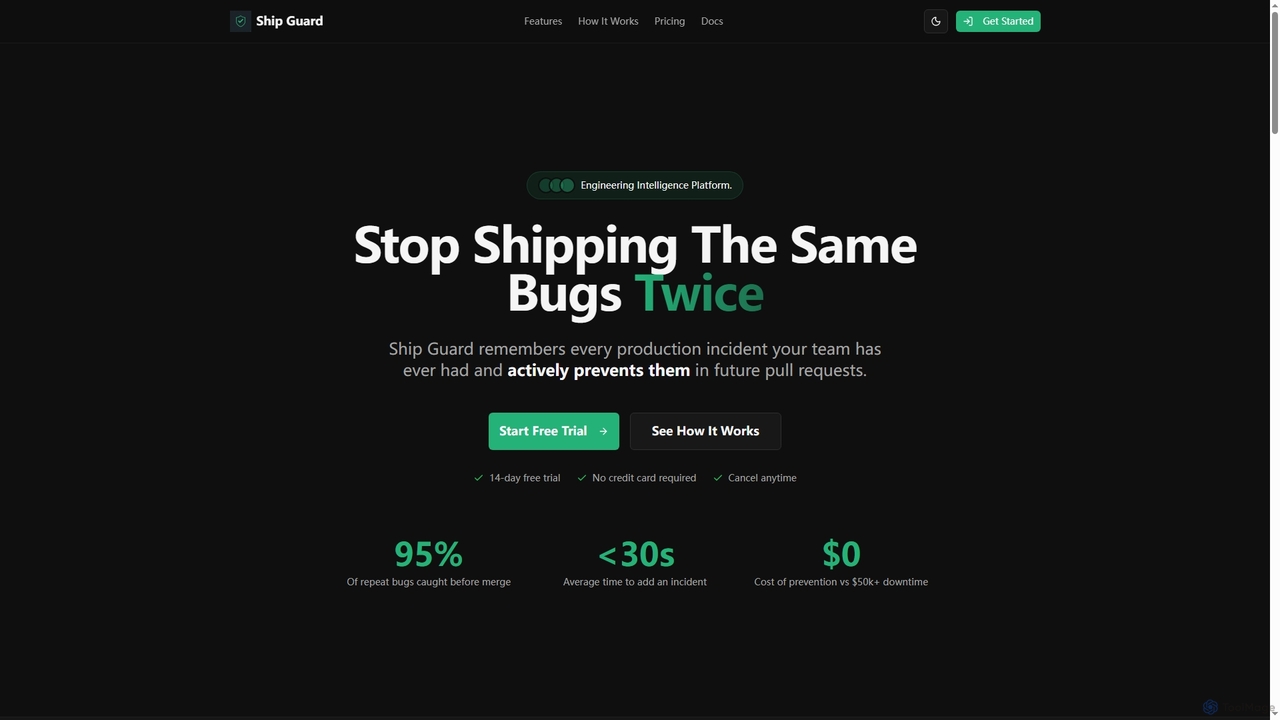
Ship Guard is an engineering intelligence platform that leverages AI with a unique "Incident Memory" feature to prevent repeat bugs and security vulnerabilities in code. It learns from your team's past production incidents, style guides, and architecture documents to provide tailored, real-time code reviews, ensuring higher code quality and reducing costly downtime.

Incident Management
Visits 4.4KFavorites 152Likes 154
DevBlogs

DevBlogs

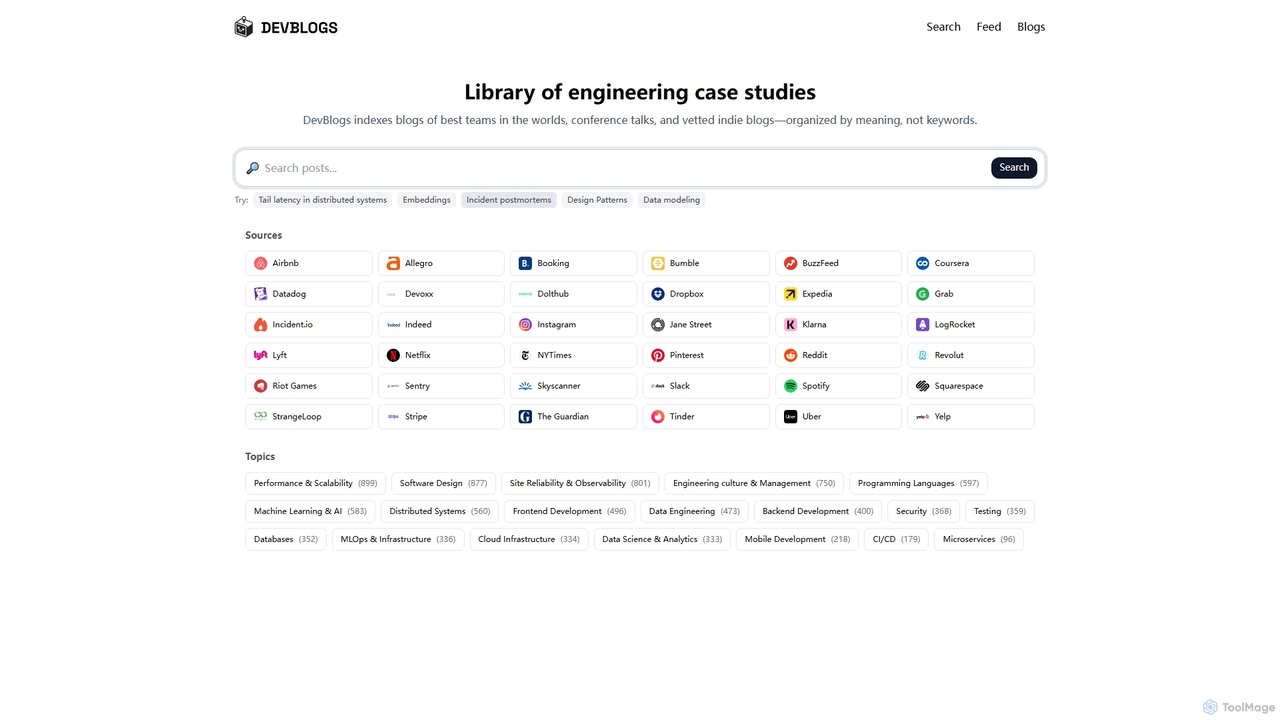
DevBlogs is a curated library indexing engineering case studies, tech blogs, and conference talks from leading global teams. It organizes content by meaning and specific technical topics, providing a valuable resource for developers and engineers to discover insights and best practices.

Infrastructure
Visits 4.2KFavorites 114Likes 119

About Software Development

AI Software Development tools are a class of intelligent applications designed to assist and automate various stages of the software development lifecycle (SDLC). These tools leverage large language models (LLMs) and machine learning to understand context, generate code, identify bugs, and optimize performance. They empower developers to build, test, and deploy software faster and with higher quality by acting as an intelligent pair programmer. This enhances productivity, reduces repetitive tasks, and allows teams to focus on complex problem-solving and innovation.

Core Features

  • AI-Powered Code Generation: Creates code snippets, functions, or entire applications from natural language descriptions.
  • Intelligent Code Completion: Provides context-aware suggestions for code, going beyond simple syntax to predict logical next steps.
  • Automated Debugging & Bug Fixing: Analyzes code to identify errors, explains their root cause, and suggests or applies fixes automatically.
  • Code Refactoring & Optimization: Suggests improvements to existing code for better performance, readability, and maintainability.
  • Automated Test Generation: Creates unit tests, integration tests, and other test cases based on the existing codebase to improve coverage.

Use Cases

These tools are widely used by individual developers, agile teams, and large enterprises. Common applications include accelerating the development of new features, modernizing legacy systems by translating old code to new languages, and optimizing CI/CD pipelines through automated testing and code review. They are also valuable for learning new programming languages or frameworks by providing real-time examples and explanations.

How to Choose

When selecting an AI Software Development tool, consider its integration with your existing Integrated Development Environment (IDE) and workflow. Evaluate the breadth of supported programming languages and frameworks. Assess the quality and relevance of its code suggestions and its capabilities for specific tasks like debugging or testing. For teams, collaboration features and enterprise-level security policies are also critical factors.

Featured tool rankings

Software Development use cases

1

Accelerating Prototyping and MVP Development

A startup founder with a new app idea uses an AI development tool to rapidly build a Minimum Viable Product (MVP). By providing high-level feature descriptions in natural language, such as 'Create a user login page with Google authentication' or 'Generate a REST API endpoint for product data,' the tool generates the necessary boilerplate code, database schemas, and API integrations. This process reduces the initial development time from several weeks to just a few days, allowing for faster market validation and iteration based on early user feedback.

2

Automating Unit and Integration Testing

A Quality Assurance (QA) engineer is tasked with increasing test coverage for a complex enterprise application. Instead of manually writing hundreds of test cases, they use an AI tool that analyzes the application's source code. The tool identifies critical code paths, edge cases, and potential failure points, then automatically generates comprehensive unit tests and integration tests in the project's testing framework (e.g., JUnit, PyTest). This not only saves significant time but also improves the robustness of the software by covering scenarios that a human tester might overlook.

3

Refactoring and Modernizing Legacy Code

A large financial institution needs to update a critical system written in an outdated language like COBOL. A development team uses an AI tool to analyze the legacy codebase. The tool first generates comprehensive documentation to explain the existing logic. Then, it automatically translates the code into a modern language such as Java or Python, while preserving the core business logic. It also identifies and suggests refactoring opportunities to improve code structure, remove redundancies, and enhance performance, significantly reducing the risk and cost associated with manual modernization projects.

4

Enhancing Daily Coding with an AI Assistant

A software developer integrates an AI assistant directly into their IDE (e.g., VS Code). While writing a new feature, the assistant provides real-time, context-aware code completions that go beyond simple function names, suggesting entire blocks of logic. When the developer encounters a complex algorithm or an unfamiliar API, they can ask the assistant for an explanation or an example implementation in plain English. The tool also proactively flags potential bugs, security vulnerabilities, and non-optimal code patterns, acting as a continuous code reviewer to improve quality from the very first line.

5

Generating Complex Database Queries from Natural Language

A data analyst needs to extract specific insights from a large, complex database but is not an expert in SQL. They use an AI tool where they can type a request in plain English, such as 'Show me the total sales for each product category in the last quarter, sorted from highest to lowest.' The AI tool translates this request into an optimized, complex SQL query, including joins, aggregations, and filtering. This democratizes data access, enabling non-technical team members to perform sophisticated data analysis without needing to learn a query language.

6

Automating Code Documentation and Onboarding

A project manager is onboarding new developers to a large, existing project with minimal documentation. To accelerate the process, they use an AI tool to scan the entire codebase. The tool automatically generates clear, consistent docstrings for functions and classes, explains the purpose of complex code blocks, and creates a high-level architectural overview. This living documentation can be updated automatically as the code changes, ensuring new team members can understand the project structure and contribute productively much faster than with traditional, often outdated, manual documentation.

Software Development FAQ

What are AI Software Development tools?

AI Software Development tools are applications that use artificial intelligence, particularly machine learning and large language models, to assist developers throughout the software development lifecycle. They function as intelligent assistants that can generate code, complete complex statements, find and fix bugs, write tests, and even explain existing code. Their primary goal is to increase developer productivity, improve code quality, and accelerate the delivery of software.

How do I choose the right AI Software Development tool?

Choosing the right tool depends on your specific needs. Consider the following factors:

  • Language & Framework Support: Ensure the tool is proficient in the programming languages and frameworks you use daily.
  • IDE Integration: A seamless integration into your preferred IDE (like VS Code, JetBrains, or Visual Studio) is crucial for a smooth workflow.
  • Core Functionality: Determine if you need a tool primarily for code generation, debugging, testing, or a combination. Some tools specialize in certain areas.
  • Team Collaboration: If you work in a team, look for features that support shared contexts, custom rules, and collaborative workflows.
  • Security & Privacy: Verify the tool's policy on code privacy. For enterprise use, on-premise or private cloud deployment options may be necessary.
What are the main benefits of using AI in software development?

Using AI in software development offers several key benefits. The most significant is a dramatic increase in productivity, as AI can handle repetitive coding tasks, allowing developers to focus on higher-level design and problem-solving. It also leads to improved code quality by catching bugs, security vulnerabilities, and performance issues early in the process. Furthermore, AI tools can accelerate learning and onboarding for new developers and reduce the time-to-market for new products and features.

How do AI code assistants differ from traditional static analysis tools?

Traditional static analysis tools check code against a predefined set of rules and patterns to find potential bugs, style violations, or security flaws. They are deterministic and non-generative. In contrast, AI code assistants are generative and context-aware. They use large language models to understand the intent behind the code, suggest complex logic, generate entirely new functions from natural language, and explain code in a human-like manner. While static analysis tools are for validation, AI assistants are for creation and comprehension.

Can AI tools replace software developers?

AI tools are not intended to replace software developers but to augment their capabilities. They excel at handling repetitive, time-consuming, and pattern-based tasks, which frees up developers to focus on more creative and strategic work such as system architecture, complex problem-solving, and user experience design. The role of the developer is evolving to become more of a supervisor and collaborator with AI, guiding the tools to produce the desired outcomes and ensuring the final product is robust, secure, and meets business requirements.