ToolMage
Sign in

Best 4 No Code Builder AI tools for Website

Popular No Code Builder AI tools in Website include Studio.Design, Waveon, ycode, and pixelesq, helping you work more efficiently.

Waveon
Freemium

Waveon

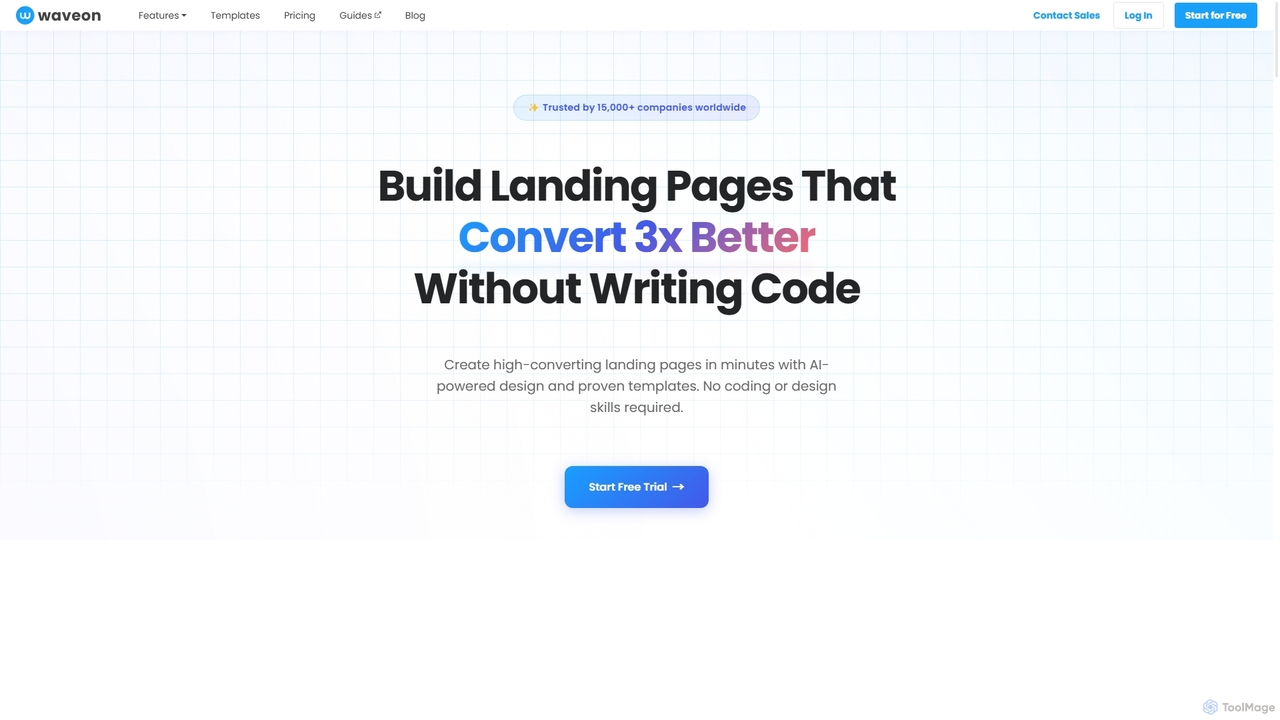
Waveon is a no-code AI website and landing page builder designed for marketers and businesses. It allows users to create high-converting landing pages in minutes using AI-powered design, proven templates, and intuitive editing tools. No coding or design skills are required, making it ideal for rapid marketing experiments, lead generation, and promotional campaigns.

Landing Page Builder
Visits 37.8KFavorites 132Likes 139
Studio.Design
Freemium

Studio.Design

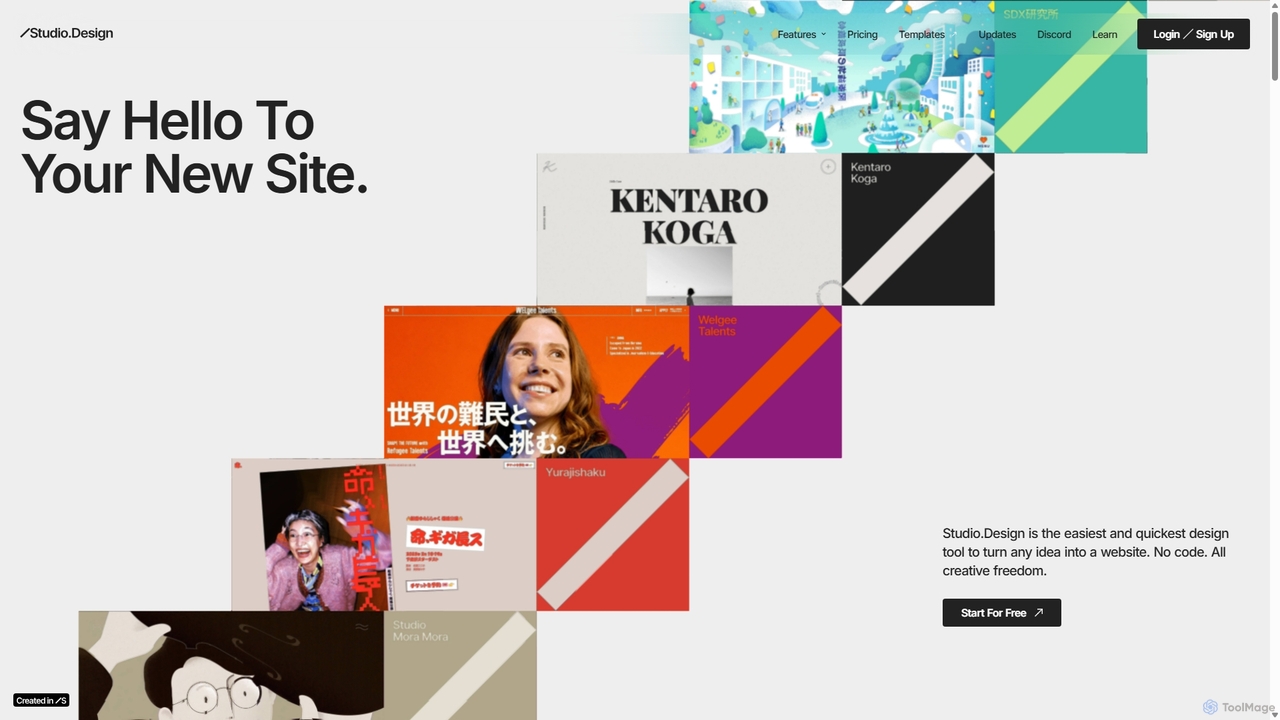
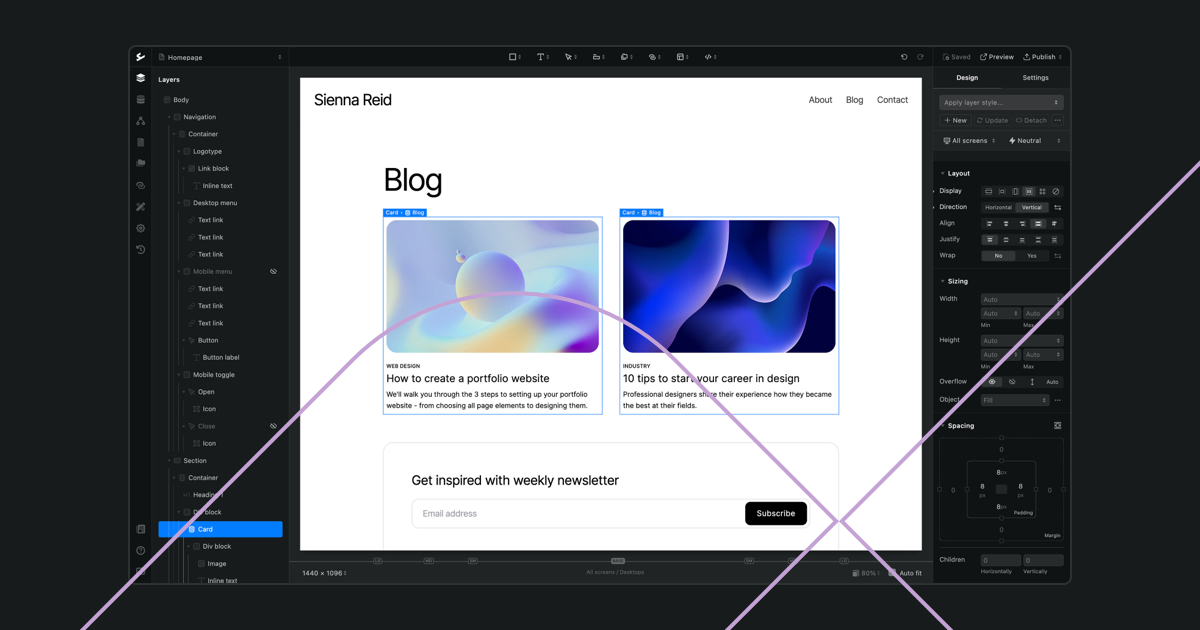
Studio.Design is a powerful no-code website builder that empowers designers and creators to turn ideas into fully responsive, animated websites with complete creative freedom. It features an intuitive visual editor, real-time collaboration, an integrated CMS, and AI-powered SEO tools, allowing you to publish professional sites in a single click.

Web Design
Visits 720.7KFavorites 106Likes 123
ycode
Freemium

ycode

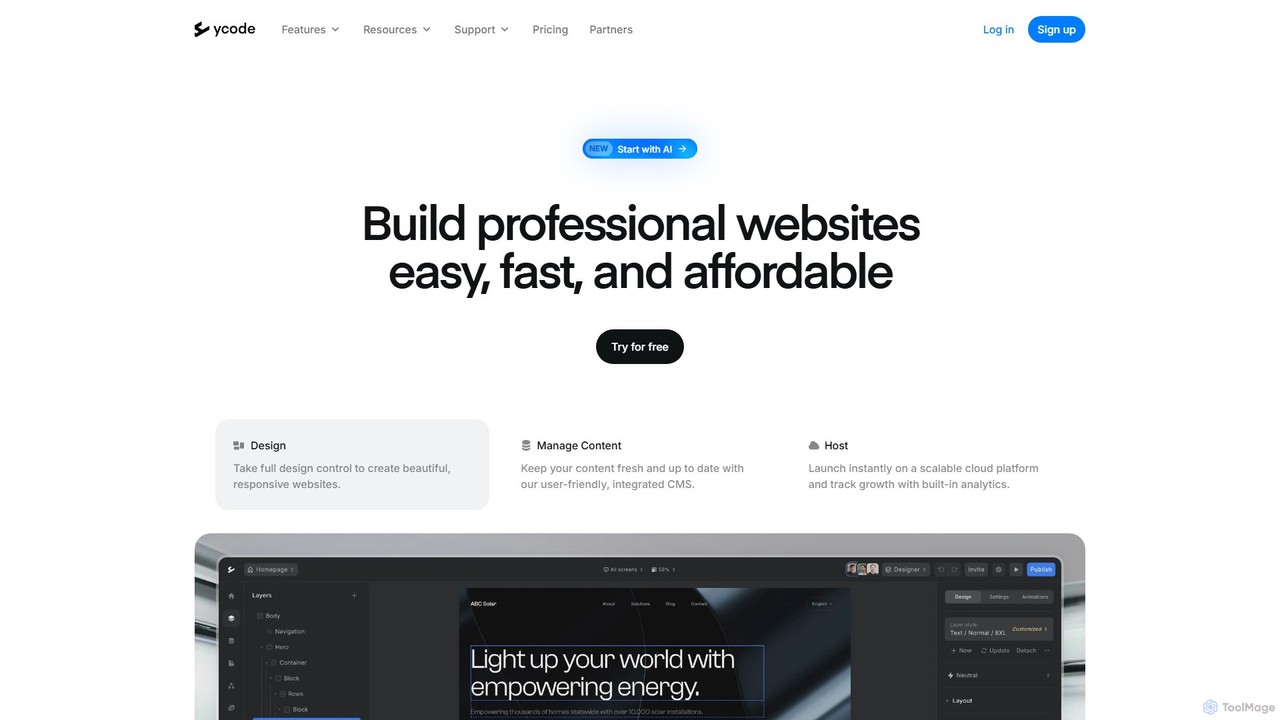
ycode is a powerful no-code website builder and CMS, now enhanced with AI. It enables users to design, launch, and manage professional, responsive websites with full creative control. Positioned as a user-friendly alternative to Webflow, it offers an integrated suite of tools for design, content management, and hosting.

Landing Page Builder
Visits 21.4KFavorites 111Likes 122
pixelesq
Freemium

pixelesq

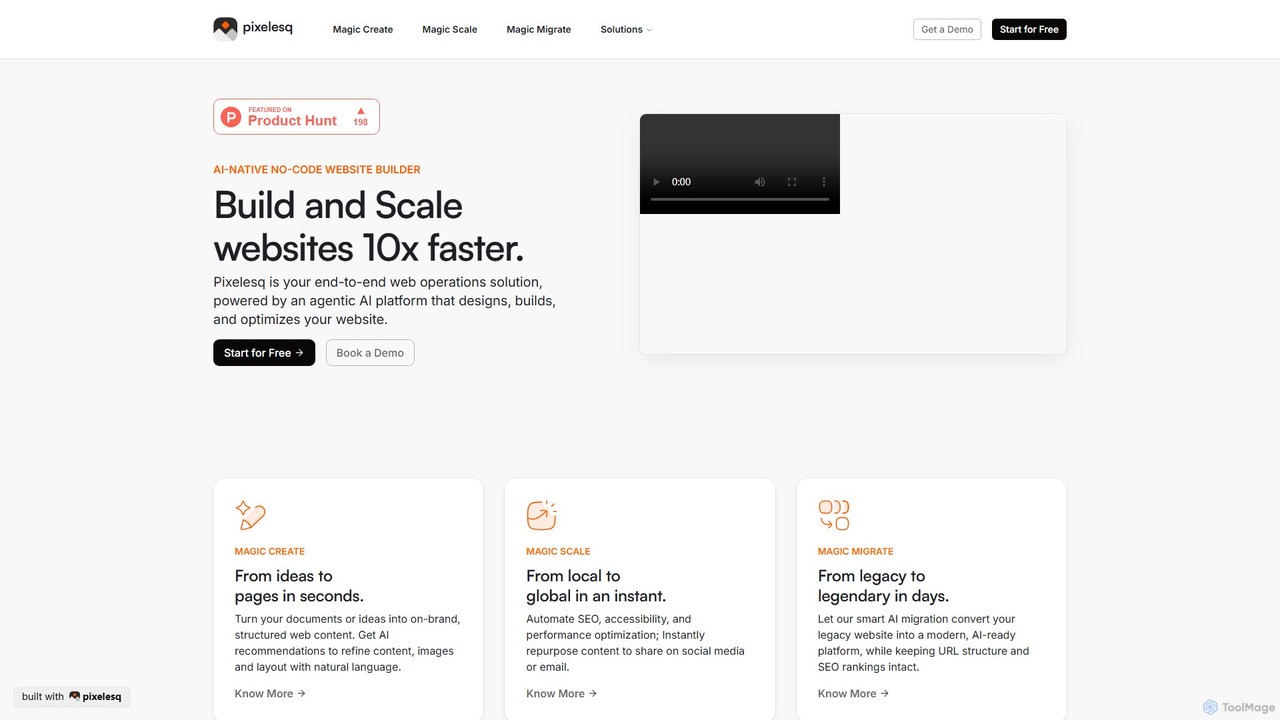
pixelesq is an AI-native, no-code website builder that automates the entire web operations lifecycle. From instantly creating structured, on-brand pages from ideas, to automating SEO and performance, and migrating legacy sites in days, it acts as an agentic AI partner to build and scale websites 10x faster.

Seo
Visits 4KFavorites 132Likes 127

About No Code Builder

No Code Builders are platforms that enable users to create websites, web applications, and mobile apps without writing a single line of code. These tools utilize visual, drag-and-drop interfaces, pre-built components, and templates to construct digital products. They empower entrepreneurs, marketers, and designers to bring their ideas to life quickly and affordably, dramatically lowering the technical barrier to entry for software development. This approach significantly accelerates the development process from concept to launch.

Core Features

  • Visual Drag-and-Drop Editor: Build user interfaces by arranging pre-made elements on a canvas, seeing changes in real-time.
  • Pre-built Templates & Components: Start with professionally designed templates for various use cases like landing pages, portfolios, or e-commerce sites.
  • Workflow & Logic Automation: Create complex business logic and user flows visually, defining what happens when a user clicks a button or submits a form.
  • Database & API Integration: Manage data within a built-in database and connect to third-party services like Stripe, Google Maps, or CRMs without coding.

Use Cases

No Code Builders are ideal for a wide range of projects. Startups use them to rapidly build and test Minimum Viable Products (MVPs). Marketing teams create interactive landing pages and campaign sites. Businesses develop internal tools for operations, such as inventory management or employee directories, streamlining internal processes without relying on IT departments.

How to Choose

When selecting a No Code Builder, first consider your project's complexity and scalability needs. Evaluate the platform's template library and design flexibility to ensure it matches your brand. Check its integration capabilities with other tools you use. Finally, review the pricing model, paying attention to limitations on traffic, database records, or user accounts to ensure it aligns with your growth plans.

Featured tool rankings

No Code Builder use cases

1

Launch a Marketing Landing Page

A marketing manager needs to quickly launch a dedicated landing page for a new product campaign. Instead of waiting weeks for the development team, they use a No Code Builder. They select a high-converting template, customize the branding with a drag-and-drop editor, embed a lead capture form, and connect it directly to their CRM. The entire page is designed, tested, and published in just a few hours, allowing the campaign to start on schedule and enabling rapid A/B testing of different layouts.

2

Create a Minimum Viable Product (MVP)

A startup founder wants to validate a business idea for a new service without a large upfront investment in custom development. Using a No Code Builder, they construct a functional MVP that includes user registration, a dashboard for users to manage their profiles, and core service functionality. They connect a payment gateway to test monetization. This allows them to gather real user feedback and demonstrate traction to potential investors, all within a fraction of the time and cost of traditional development.

3

Develop an Internal Business Tool

An operations manager at a mid-sized company identifies a bottleneck in their manual expense reporting process. Instead of purchasing expensive software, they use a No Code Builder to create a custom internal tool. The app allows employees to submit expense reports via a simple form, upload receipts, and track approval status. Automated workflows notify managers of new submissions and finance upon final approval. This custom solution perfectly fits their unique workflow, improves efficiency, and reduces errors, all built in-house without coding expertise.

4

Launch an Online Portfolio Website

A freelance graphic designer needs a professional website to showcase their work and attract new clients. Lacking coding skills, they turn to a No Code Builder. They choose a visually-driven template designed for portfolios, easily create galleries for their projects, add case study pages with rich text and images, and include a contact form that sends inquiries directly to their email. The site is mobile-responsive out of the box and can be updated with new projects in minutes, providing a polished and effective marketing tool.

5

Build a Simple E-commerce Store

A small business owner wants to start selling handmade goods online but is intimidated by complex e-commerce platforms. They use a No Code Builder with built-in e-commerce functionality. They can visually set up product pages, manage inventory through a simple interface, and integrate secure payment options like Stripe or PayPal without any technical setup. The builder also provides tools for order management and customer communication, allowing them to run a fully functional online store and grow their business with minimal overhead.

6

Create a Community Membership Site

A content creator wants to build a private community for their followers with exclusive content and forums. Using a No Code Builder, they create a membership site with user authentication, allowing members to sign up and log in. They set up different membership tiers with access to specific content sections. The platform's built-in database stores user information, and visual workflow tools are used to manage subscriptions and automate welcome emails. This enables them to foster a dedicated community and create a new revenue stream without writing any backend code.

No Code Builder FAQ

What is a No Code Builder?

A No Code Builder is a software development platform that allows individuals, even those without technical skills, to create applications and websites through a graphical user interface instead of traditional computer programming. They use visual tools like drag-and-drop editors and pre-built modules to assemble functional digital products. The primary goal is to empower non-developers to build and launch their own solutions, significantly reducing development time and cost.

How to choose the right No Code Builder?

To choose the right No Code Builder, consider these factors:

  • Project Type: Determine if you're building a website, a web app, a mobile app, or an internal tool. Different builders specialize in different areas.
  • Scalability: Evaluate if the platform can handle your expected user traffic and data volume as you grow. Check for limitations on database size or API calls.
  • Integration Capabilities: Ensure the builder can connect with essential third-party services you rely on, such as payment gateways, CRMs, or marketing automation tools.
  • Design Flexibility: Assess the level of customization available. Some builders are template-based for speed, while others offer a blank canvas for complete design freedom.
What's the difference between No Code and Low Code builders?

The main difference lies in the target user and the need for coding knowledge. No Code platforms are designed for business users, marketers, and entrepreneurs with no programming background, using purely visual interfaces. Low Code platforms are aimed at developers and IT professionals to accelerate development. They provide visual tools for common tasks but still allow and often require custom code for complex logic, integrations, or specific UI components. In short, No Code abstracts away all code, while Low Code simplifies it.

Can I build complex applications with a No Code Builder?

Yes, you can build surprisingly complex and powerful applications with modern No Code Builders. They support features like user authentication, conditional logic, database management, and API integrations. You can create marketplaces, social networks, and sophisticated internal tools. However, there are limitations. For applications requiring highly specialized algorithms, heavy computational processing, or complete control over the underlying infrastructure, traditional coding remains the more suitable approach. It's best for applications centered around data management, user workflows, and standard business logic.

Who are No Code Builders for?

No Code Builders are for a diverse range of users who want to create digital products without coding. Key audiences include:

  • Entrepreneurs & Startups: To quickly build and launch MVPs to test ideas and attract investment.
  • Marketers: To create landing pages, campaign sites, and simple tools without relying on development teams.
  • Small Business Owners: To build their own websites, e-commerce stores, or internal management tools affordably.
  • Designers: To turn their static designs into functional, interactive websites and prototypes.
  • Business Professionals: To automate workflows and create custom solutions for their departmental needs.