ToolMage
Sign in

Best 2 Portfolio Builder AI tools for Website

Popular Portfolio Builder AI tools in Website include Pixpa and ShipStation.ai, helping you work more efficiently.

Pixpa
Paid

Pixpa

Pixpa is an all-in-one, no-code website builder designed for creative professionals. It enables photographers, artists, and designers to create stunning online portfolios, launch e-commerce stores, set up client galleries, and publish blogs. By integrating user-friendly design tools with powerful business features, Pixpa provides a comprehensive platform to showcase work, attract clients, and grow a creative business online.

Digital Products
Visits 195.1KFavorites 123Likes 117
ShipStation.ai
Paid

ShipStation.ai

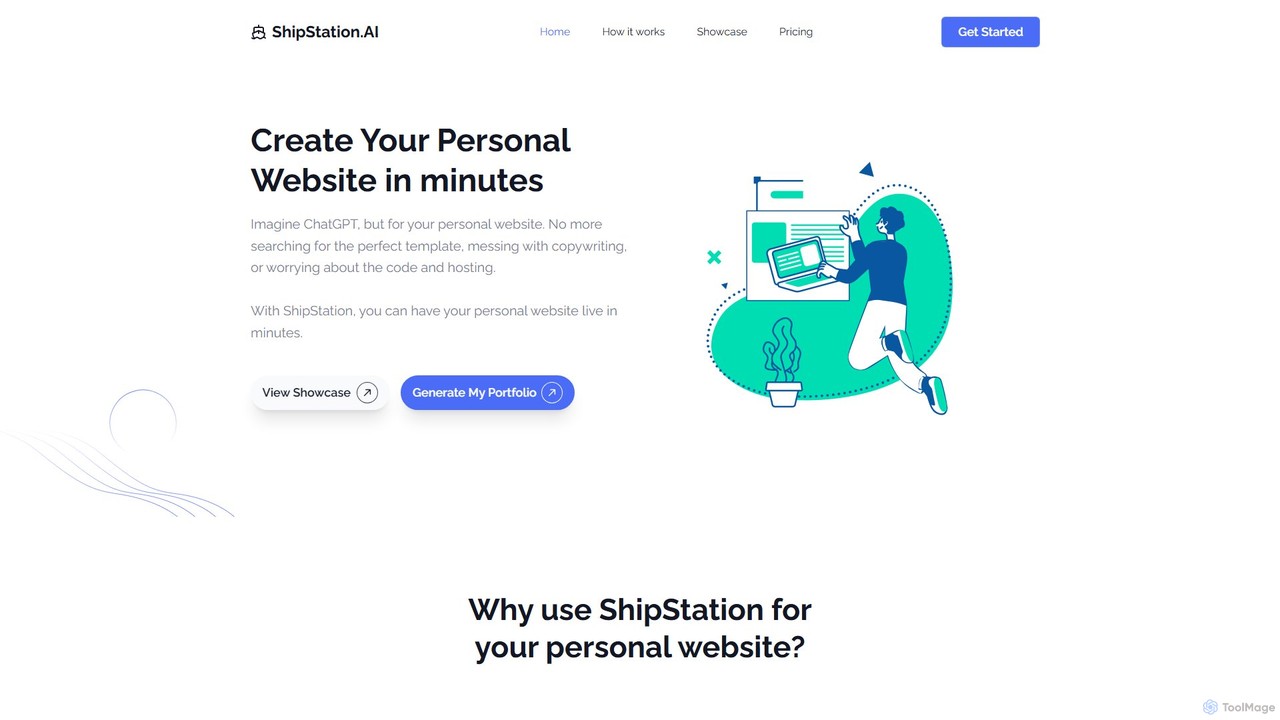
ShipStation.ai is an AI-powered, no-code platform that enables professionals to create stunning personal websites and portfolios in minutes. It leverages artificial intelligence to generate designs, write content, and customize layouts, making it perfect for designers, developers, and freelancers who want to showcase their work effortlessly and professionally.

Personal Branding
Visits 4.1KFavorites 117Likes 98

About Portfolio Builder

AI Portfolio Builders are specialized website creation tools designed to help creatives and professionals showcase their work visually. They leverage AI to simplify the design process, offering intelligent template suggestions, automated layout adjustments, and content generation for project descriptions. This enables users to quickly build polished, professional-looking online portfolios without needing coding skills, effectively highlighting their skills and projects to attract clients or employers.

Core Features

  • AI-Powered Templates: Get intelligent recommendations for layouts and styles that best suit your content and industry.
  • Dynamic Project Galleries: Easily create and manage visually appealing galleries with various layouts like grids, carousels, or masonry.
  • Automated Content Generation: Use AI to help write compelling project descriptions, case study narratives, and artist statements.
  • Responsive Design Automation: Ensure your portfolio looks perfect on any device, as the AI automatically adjusts layouts for desktop, tablet, and mobile screens.

Use Cases

These tools are ideal for visual professionals such as graphic designers, photographers, UI/UX designers, artists, and architects. For example, a photographer can quickly set up multiple galleries for different photo series, while a UI/UX designer can build detailed case study pages that walk through their design process, complete with text, images, and prototypes.

How to Choose

When selecting a Portfolio Builder, evaluate the quality and customization flexibility of the templates. Consider the user-friendliness of the interface, its ability to handle high-resolution media, and the pricing structure, including storage limits, bandwidth, and options for a custom domain. Also, check for basic SEO features to help your work get discovered.

Featured tool rankings

Portfolio Builder use cases

1

Creating a Professional Design Portfolio

A UI/UX designer needs to showcase their project case studies to attract potential employers. Using an AI Portfolio Builder, they select a clean, minimalist template suggested by the AI. For each project, they create a dedicated page, using the tool's structured sections for problem statements, research, design process, and final solutions. The AI assists in generating concise descriptions for each section and suggests optimal image placements, saving significant time in content creation and layout design. The result is a professional, easy-to-navigate portfolio that clearly communicates their skills and design thinking.

2

Showcasing a Photography Collection

A freelance photographer wants to launch an online gallery to sell prints and attract new clients. They use a Portfolio Builder to upload high-resolution images in batches. The tool automatically compresses images for fast web loading without losing visual quality. The photographer chooses a full-screen gallery layout to create an immersive viewing experience. They can easily add watermarks, titles, and descriptions to each photo. The integrated contact form and social media links make it simple for potential customers to inquire about services or follow their work.

3

Building a Portfolio for a Freelance Writer

A content writer needs a portfolio that highlights their writing skills across different formats like blog posts, articles, and whitepapers. They choose a text-focused template from a Portfolio Builder. For each piece, they create a project entry with a compelling headline, a brief summary, and a link to the full article or a PDF download. The tool's blogging functionality allows them to publish new articles directly on their portfolio site, demonstrating their expertise and improving SEO. This creates a central hub for all their published work, making it easy to share with potential clients.

4

Displaying Architectural Projects

An architecture firm wants an elegant online presence to showcase its completed projects. Using a Portfolio Builder, they select a template with a strong grid system and large image displays. Each project is presented with a gallery of high-quality photographs, architectural drawings, and 3D renderings. They use the text sections to detail the project brief, design challenges, and innovative solutions. The responsive design ensures that potential clients viewing on large desktop monitors or tablets have an optimal experience, properly conveying the scale and detail of their work.

5

Compiling a Developer's Project Showcase

A software developer wants to create a portfolio that goes beyond a GitHub profile. They use a Portfolio Builder that supports code snippet embedding and technical diagrams. For each project, they write a brief overview of the technology stack used, the problem it solves, and their specific role. They embed live demos or videos of the application in action and include links to the GitHub repository. The AI-assisted content tool helps them phrase technical details in a way that is understandable to both technical recruiters and non-technical stakeholders, creating a well-rounded project showcase.

6

Launching an Online Gallery for an Artist

An illustrator wants to create a digital space to display their artwork and connect with potential buyers. They use a Portfolio Builder with a visually rich, image-first template. The tool allows them to organize their work into collections, such as 'Character Design' and 'Editorial Illustrations'. For each artwork, they can add details like medium, dimensions, and a short narrative. The AI feature suggests color palettes for the website background that complement their artwork without overpowering it. An integrated contact form makes it easy for galleries or commissioners to get in touch directly.

Portfolio Builder FAQ

What is an AI Portfolio Builder?

An AI Portfolio Builder is a specialized type of website builder focused on creating online portfolios for creative professionals. Unlike general website builders, it uses artificial intelligence to streamline the process by suggesting layouts, generating text for project descriptions, and automatically optimizing images and designs for all devices. The primary goal is to help users quickly create a visually compelling showcase of their work without needing technical skills.

How does a Portfolio Builder differ from a general Website Builder?

The main difference lies in their focus and features. A general Website Builder (like Wix or WordPress) is a versatile tool for creating any type of website, from blogs to e-commerce stores. A Portfolio Builder is specifically optimized for showcasing work. Key differences include:

  • Templates: Portfolio builders offer templates designed to highlight images, videos, and case studies.
  • Features: They have built-in features like project galleries, client proofing, and case study layouts that general builders may lack or require plugins for.
  • Workflow: The entire user experience is streamlined for adding and managing creative projects, not general web pages.
In short, a Portfolio Builder is a specialized tool for a specific job, while a general Website Builder is a multi-purpose tool.

What are the essential features of a good Portfolio Builder?

A good Portfolio Builder should offer a combination of design flexibility, ease of use, and professional features. Key features to look for include:

  • High-Quality Templates: A diverse selection of professional, visually-driven templates that are easy to customize.
  • Responsive Design: Automatic adaptation to ensure your portfolio looks great on all devices, from desktops to smartphones.
  • Media Support: The ability to easily upload and display high-resolution images, embed videos, and even showcase code snippets.
  • Custom Domain: The option to connect your own domain name (e.g., yourname.com) for a professional identity.
  • Basic SEO Tools: Features to edit page titles, meta descriptions, and alt text to help your portfolio be found on search engines.

Who can benefit from using a Portfolio Builder?

Portfolio Builders are most beneficial for individuals and small businesses whose work is highly visual or project-based. This includes a wide range of creative professionals such as:

  • Designers: Graphic, UI/UX, web, and product designers.
  • Photographers & Videographers: For showcasing galleries and video reels.
  • Artists & Illustrators: To create online galleries of their work.
  • Architects & Interior Designers: To display project photos, plans, and renderings.
  • Writers & Content Creators: To compile a collection of published articles and works.
  • Developers: To present software projects with demos and code snippets.
Essentially, anyone who needs to present a body of work in a clean, professional, and visually appealing way can benefit.

How do I choose the best Portfolio Builder for my needs?

Choosing the right tool depends on your specific requirements. First, define your primary goal: is it to attract clients, apply for jobs, or sell your work? Then, consider these factors:

  • Your Field: Photographers need excellent image handling, while developers need code embedding. Choose a builder that excels in your specific media type.
  • Ease of Use: How much time are you willing to spend? Some builders are incredibly simple, while others offer more customization at the cost of a steeper learning curve.
  • Budget: Prices vary from free plans with limitations to premium subscriptions. Determine your budget and compare features within that range.
  • Scalability: Consider your future needs. Will you need a blog, an online store, or more storage later on? Choose a platform that can grow with you.
Trying out free trials of a few different builders is often the best way to find the one that feels right for you.