ToolMage
Sign in

Best 112 Website Builder AI tools for Website

Popular Website Builder AI tools in Website include Hostinger, Wix, Wix Studio, Framer, Jimdo, Elementor, Bookmark, LandingPro, Prismic, and Blink, helping you work more efficiently.

Watermelon
Freemium

Watermelon

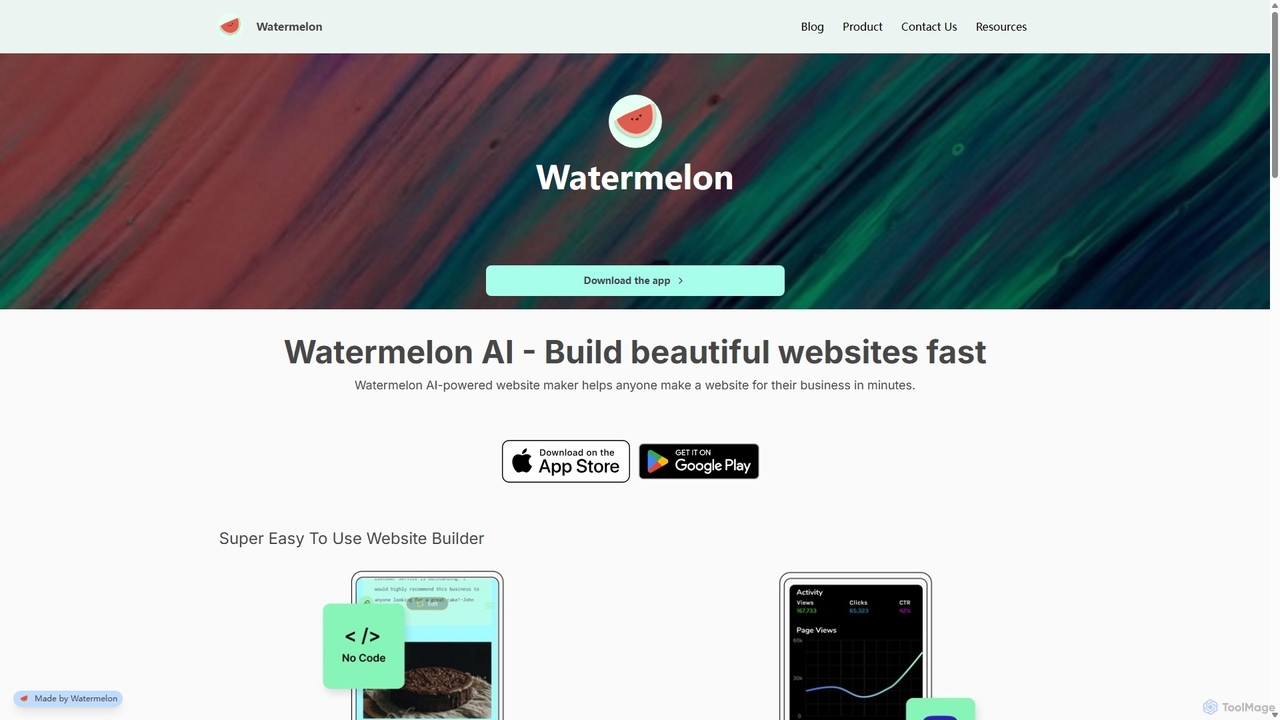
Watermelon is an AI-powered, no-code website builder designed for entrepreneurs and small businesses. It allows users to generate a complete, professional, and SEO-optimized website in minutes simply by typing a text prompt. With a mobile-first approach, you can build and manage your entire online presence directly from your phone or desktop, making it incredibly fast and convenient to launch and grow your business.

Ai Writer
Visits 5.3KFavorites 124Likes 125
Sitely
Freemium

Sitely

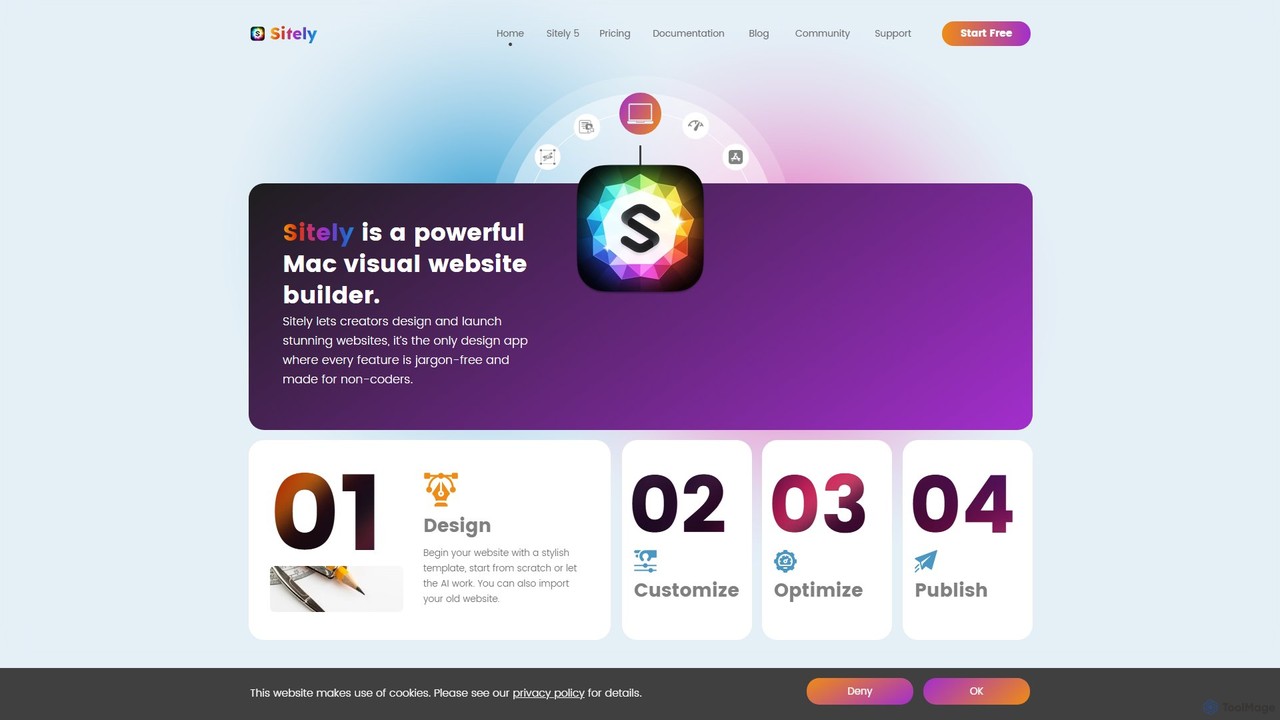
Sitely is a powerful, visual website builder designed exclusively for Mac. It leverages AI to help users create professional, high-performance static websites without writing any code. With deep integration for Sketch and Figma, robust privacy features, and a comprehensive suite of built-in tools, Sitely empowers designers and creators to build everything from portfolios to e-commerce sites with ease and security.

Graphic Design
Visits 26.3KFavorites 124Likes 102
Blocs
Freemium

Blocs

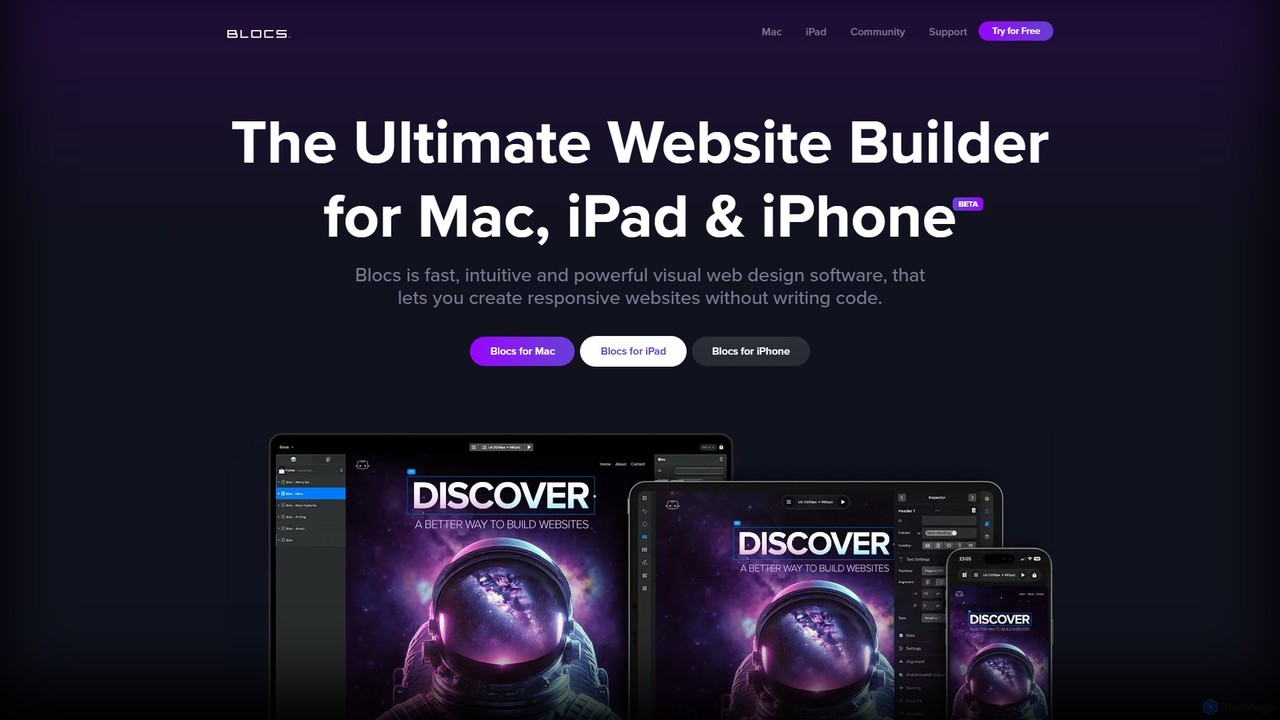
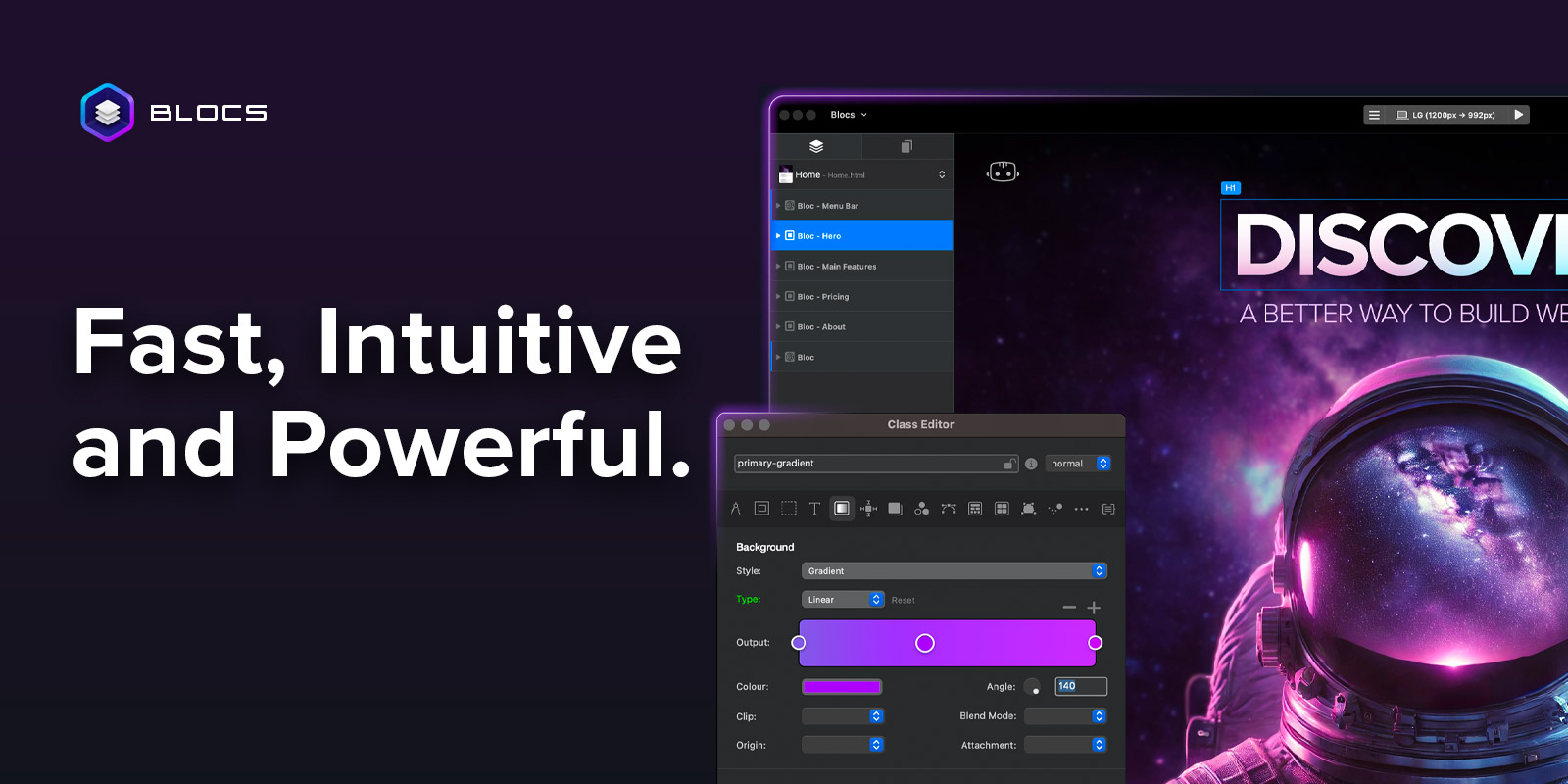
Blocs is a fast, intuitive, and powerful visual web design application for Mac, iPad, and iPhone. It enables designers, developers, and entrepreneurs to create professional, responsive websites and WordPress themes without writing a single line of code, using a clean, visual interface and a one-time purchase model.

Web Design
Visits 49.8KFavorites 150Likes 155

About Website Builder

AI Website Builders are tools that leverage artificial intelligence to automate and streamline the creation of websites. They analyze user inputs, such as industry and purpose, to automatically generate unique layouts, color palettes, and even initial content. This significantly reduces the time and technical skill required compared to traditional builders, making professional web design accessible to everyone. These platforms often include intelligent features like SEO optimization suggestions and content generation to build a complete online presence efficiently.

Core Features

  • AI-Powered Design Generation: Automatically creates entire website layouts, including color schemes and font pairings, based on simple text descriptions.
  • Automated Content Creation: Generates relevant written copy, headlines, and call-to-action buttons tailored to the website's specified industry and goals.
  • Intelligent SEO Assistance: Provides real-time recommendations for keywords, meta descriptions, and image alt text to improve search engine visibility.
  • Adaptive Layouts: Ensures the generated website is automatically responsive and optimized for viewing on desktops, tablets, and mobile devices.

Use Cases

These tools are ideal for small business owners, entrepreneurs, and freelancers who need a professional website quickly without hiring a developer. Marketers also use them for rapidly creating high-converting landing pages for specific campaigns. Additionally, individuals seeking to build personal portfolios or blogs can launch a polished site in a fraction of the time.

How to Choose

When selecting an AI Website Builder, consider the level of design customization it allows after the initial generation. Evaluate the quality and relevance of the AI-generated content and the robustness of its built-in SEO tools. Also, check for integration capabilities with other marketing tools and e-commerce functionalities if you plan to sell products or services online.

Featured tool rankings

Website Builder use cases

1

Launch a Small Business Website in Hours

A local bakery owner needs an online presence to showcase products and take online orders but has no coding experience. Using an AI Website Builder, they simply input 'local artisan bakery in Brooklyn,' their logo, and key products. The AI instantly generates a complete, mobile-friendly website with a suitable design, an 'About Us' page, a product gallery, and a contact form. The owner can then slightly tweak the text and images, connect a payment gateway, and launch their professional e-commerce site the same day, saving thousands in development costs.

2

Create High-Converting Landing Pages for Marketing

A marketing manager is launching a new software product and needs a dedicated landing page to capture leads. Instead of waiting for the design team, they use an AI builder. They provide a prompt like 'landing page for a new productivity SaaS tool for remote teams.' The AI generates a page with a compelling headline, benefit-oriented bullet points, social proof sections, and a prominent call-to-action form. The manager can even ask the AI to generate three different versions of the headline to A/B test, optimizing for conversions from day one.

3

Build a Professional Freelancer Portfolio

A freelance graphic designer wants to create an online portfolio to attract new clients. They use an AI Website Builder and specify their profession, style ('minimalist and modern'), and goal ('showcase projects and generate inquiries'). The AI constructs a visually appealing site with a project gallery, a detailed 'Services' page, and a client testimonial section. It even suggests SEO-friendly project descriptions. The designer can quickly upload their work and publish a professional, client-attracting portfolio in under an hour, without writing a single line of code.

4

Rapidly Prototype a Web Application Idea

A startup founder has an idea for a new web application but needs a quick, functional prototype to show potential investors. Using an AI Website Builder, they describe the core features and user flow. The AI generates the front-end structure, including user login pages, a dashboard layout, and settings pages. While it doesn't build the back-end logic, it provides a clickable, visually complete prototype in minutes. This allows the founder to gather feedback and demonstrate their vision effectively without investing heavily in initial development.

5

Create a Website for a Local Event or Conference

An organizer for a local community conference needs a website to share information and sell tickets. Time and budget are limited. They use an AI builder, prompting it with 'website for a one-day tech conference.' The AI generates a site with sections for the event schedule, speaker bios, venue information, and an integrated ticketing block. The organizer simply fills in the specific details. The AI also suggests a color scheme based on the event's logo, ensuring a professional and cohesive look. The entire site is live and ready to accept registrations within two hours.

6

Generate a Blog with AI-Assisted Content Ideas

A subject matter expert wants to start a blog to build their personal brand but struggles with design and consistent content creation. They use an AI Website Builder focused on blogging. After specifying their topic ('AI in marketing'), the tool not only creates a clean, readable blog layout but also suggests a list of potential blog post titles based on current trends. For a chosen title, it can generate an outline or even a first draft, which the expert can then edit and refine with their unique insights. This overcomes writer's block and handles the technical setup, allowing the expert to focus on creating high-quality content.

Website Builder FAQ

What is an AI Website Builder?

An AI Website Builder is a platform that uses artificial intelligence to automate much of the web design and development process. Instead of manually dragging and dropping elements, you provide prompts about your business or purpose, and the AI generates a complete, customized website draft. Key features often include automated layout design, content generation (text and images), and built-in SEO suggestions. They are designed to help users with little to no technical skill create a professional website quickly and efficiently.

How to choose the right AI Website Builder?

Choosing the right AI Website Builder depends on your specific needs. Consider the following factors:

  • Customization Flexibility: How much control do you have over the design after the AI generates it? Some are more rigid, while others allow extensive manual editing.
  • AI Feature Quality: Evaluate the quality of the AI-generated text, images, and layouts. Does the content sound natural and relevant to your industry?
  • Specific Use Case: Look for builders specialized for your goal, such as e-commerce, blogging, or portfolio sites, as they will have more relevant features.
  • Integrations and SEO: Ensure it can integrate with essential tools (like analytics or email marketing) and has robust, built-in SEO capabilities to help your site get found.
AI vs. traditional website builders (like Wix/WordPress): What's the difference?

The primary difference is the starting point and level of automation. Traditional builders like WordPress or Wix provide a template or a blank canvas and a set of tools for you to build the site manually. You are the designer. An AI Website Builder acts as your automated designer; you provide the instructions, and it generates a nearly complete site for you. AI builders are generally faster for initial creation and require less design skill, while traditional builders often offer deeper customization and a larger ecosystem of plugins and extensions for advanced functionality.

Can AI Website Builders create truly unique designs?

Yes, advanced AI Website Builders can create designs that are functionally unique. They don't just pick from a small set of templates. Instead, they use generative AI models to combine layout components, color schemes, typography, and spacing in novel ways based on your input. While the final design might share stylistic elements with other sites, the specific combination of all its parts is generated uniquely for you. However, the level of absolute uniqueness may not match that of a site coded from scratch by a human designer, but it's far more distinct than simply filling in a standard template.

Who are AI Website Builders best for?

AI Website Builders are best suited for individuals and businesses who prioritize speed, ease of use, and cost-effectiveness over deep technical control. This includes:

  • Small Business Owners: Who need a professional online presence quickly without a large budget.
  • Freelancers and Creatives: For building portfolio sites to showcase their work efficiently.
  • Marketers: Who need to rapidly create and test landing pages for campaigns.
  • Beginners: Anyone without coding or design experience who wants to build their first website.

They are less ideal for developers or large enterprises that require highly complex, custom functionalities and full control over the codebase.