ToolMage
Sign in

Best 3 Chatbot AI tools for Writing

Popular Chatbot AI tools in Writing include Chat 4O AI, Aili, and Deuz AI, helping you work more efficiently.

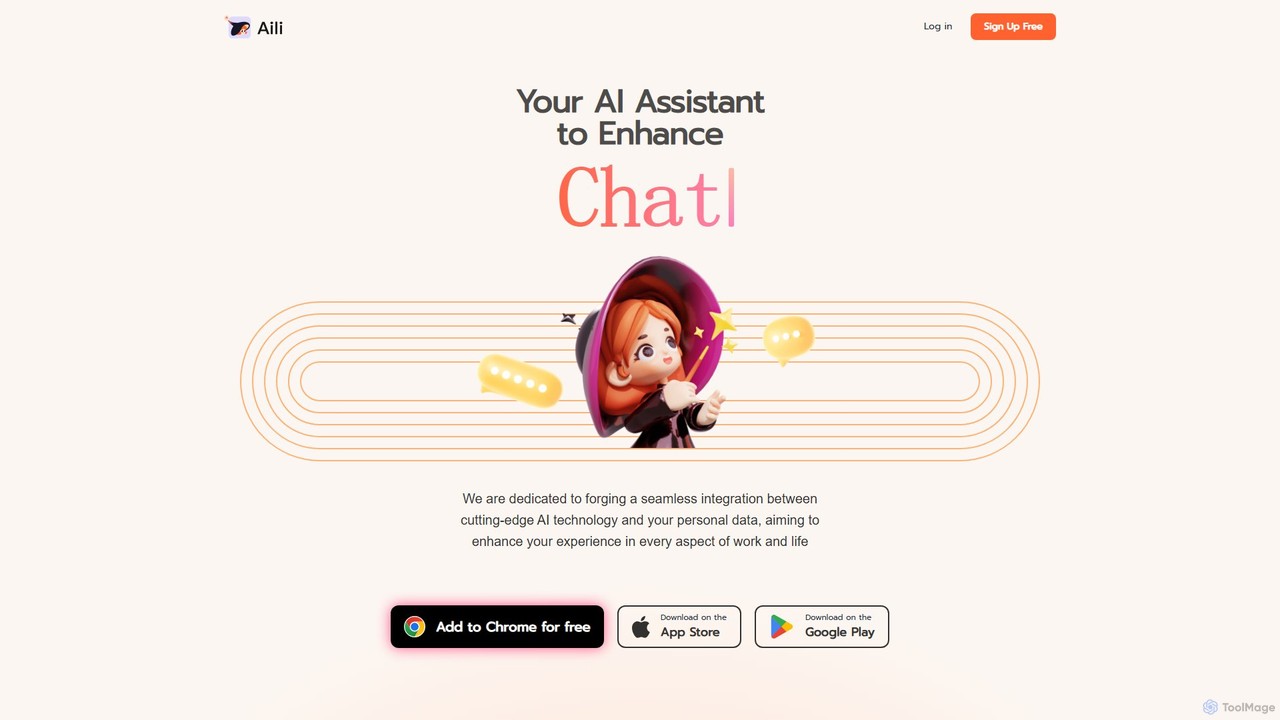
Aili
Freemium

Aili

Aili is a smart personal AI assistant that integrates multiple advanced AI models like GPT-4 and Claude 2. It allows you to chat with your documents, summarize web pages, and sync conversations across all your devices. Enhance your productivity with a seamless, personalized AI experience for both work and life.

Assistant
Visits 3.7KFavorites 123Likes 137
Chat 4O AI
Freemium

Chat 4O AI

Chat 4O AI is an all-in-one AI platform that integrates leading large language models, image generators, and video creation tools. Access models like GPT-4o, Claude 3.5, and Gemini 2.5 to solve complex problems, generate stunning visuals, and create dynamic videos from a single, user-friendly interface, boosting productivity and creativity.

Image Generator
Visits 120.4KFavorites 95Likes 96
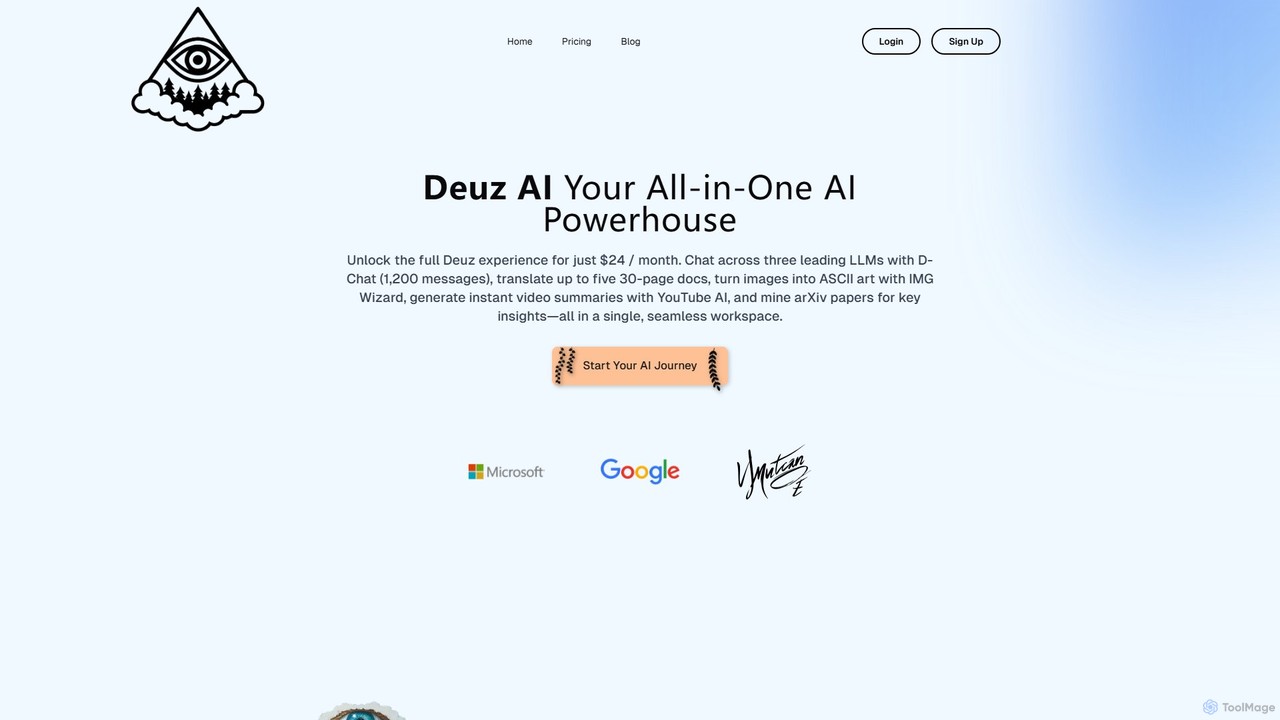
Deuz AI
Freemium

Deuz AI

Deuz AI is an all-in-one AI powerhouse that integrates multiple tools into a single workspace. It features a multi-LLM chat, document translation, YouTube video summarization, arXiv paper analysis, and creative tools. It's designed for professionals, researchers, and creators seeking a versatile and efficient AI assistant to streamline their workflow.

Translation
Visits 3.7KFavorites 154Likes 131

About Chatbot

Chatbot tools are AI-powered applications designed to simulate human conversation through text or voice. Leveraging Natural Language Processing (NLP), these tools understand user intent, access information, and generate relevant, human-like responses in real time. They are primarily used to automate tasks such as customer support, lead generation, and user onboarding, providing instant assistance 24/7. Unlike general writing assistants, chatbots specialize in interactive, back-and-forth dialogue, making them a dynamic tool for user engagement.

Core Features

  • Natural Language Understanding (NLU): Deciphers user intent, context, and sentiment from unstructured text.
  • Automated Response Generation: Creates contextually appropriate and coherent replies instantly.
  • Integration Capabilities: Connects with CRM, helpdesk software, and other business systems to perform actions.
  • Customizable Conversation Flows: Allows users to design and guide conversation paths for specific goals.
  • Multi-channel Deployment: Operates across websites, mobile apps, and messaging platforms.

Use Cases

Chatbots are widely adopted across various industries. In e-commerce, they act as shopping assistants, recommending products and tracking orders. SaaS companies use them for user onboarding and instant technical support. In marketing, they qualify leads by asking targeted questions and scheduling demos, directly integrating with sales workflows.

How to Choose

When selecting a chatbot tool, evaluate its NLU accuracy to ensure it understands users correctly. Consider the ease of building and training conversation flows (no-code vs. developer-focused). Assess its integration options with your existing software stack (e.g., CRM, Slack) and its scalability to handle your user volume and future growth.

Featured tool rankings

Chatbot use cases

1

Automate 24/7 Customer Support

An e-commerce support manager needs to handle common customer queries like order status, return policies, and shipping information, especially outside of business hours. By deploying a chatbot on the website and integrating it with the order management system, the business can provide instant answers. This chatbot can resolve over 60% of routine inquiries automatically, significantly reducing the support team's ticket volume and improving overall customer satisfaction by offering immediate help anytime.

2

Qualify Leads on a B2B Website

A B2B SaaS marketing specialist aims to engage website visitors and capture qualified leads without using intrusive forms. They can implement a proactive chatbot that initiates conversations with visitors. The chatbot asks key qualifying questions, such as company size, user role, and specific needs. For prospects who meet the criteria, the chatbot can directly schedule a product demo in the sales team's calendar. This conversational approach increases the lead conversion rate by up to 30% and shortens the sales cycle by automating the initial qualification step.

3

Provide Interactive User Onboarding

A product manager for a new mobile app wants to guide new users through key features to improve activation and retention. Instead of a static tutorial, they can build an in-app chatbot. This chatbot provides a step-by-step interactive tour, prompts users to try specific actions, and answers feature-related questions in real time. This hands-on approach makes learning more engaging and effective, boosting user activation rates by 25% within the first week and reducing early-stage user churn.

4

Automate Internal IT Helpdesk

An IT support lead in a large corporation is looking for ways to reduce the team's workload from repetitive requests like password resets, software access permissions, and basic troubleshooting. By deploying a chatbot on the company's internal messaging platform (e.g., Slack or Microsoft Teams), employees can get instant solutions for Level 1 IT issues. The chatbot can guide users through troubleshooting steps or automatically process requests, freeing up 40% of the IT helpdesk's time to focus on more complex, high-priority problems.

5

Create a Personalized Shopping Assistant

An online fashion retailer wants to replicate the in-store personal shopper experience to increase sales and average order value. They can use a chatbot as a personalized shopping assistant on their website. The chatbot engages customers by asking about their style preferences, the occasion they're shopping for, and their budget. Based on the answers, it provides tailored product recommendations and styling tips. This interactive experience not only improves customer engagement but has also been shown to increase average order value by 15% by suggesting relevant upsells and cross-sells.

6

Conduct Conversational Surveys

A market researcher or UX designer needs to collect user feedback but finds that traditional web forms have low completion rates. They can use a chatbot to create a conversational survey. Instead of presenting a long list of questions, the chatbot asks them one by one in a friendly, conversational manner. It can even adapt the follow-up questions based on the user's previous answers. This dynamic and engaging format makes the survey feel less like a chore, resulting in a 50% higher completion rate compared to standard forms and yielding more thoughtful, qualitative feedback.

Chatbot FAQ

What is an AI Chatbot?

An AI chatbot is a software program that simulates human conversation using artificial intelligence, particularly Natural Language Processing (NLP). Unlike simple rule-based bots, AI chatbots can understand the context and intent behind a user's query, even if it's phrased in various ways. They learn from interactions to improve their responses over time. This capability allows them to handle complex tasks like providing personalized recommendations, troubleshooting technical issues, and automating customer service inquiries in a more natural and effective way.

How to choose the right Chatbot tool?

Choosing the right chatbot involves evaluating several key factors based on your specific needs:

  • AI and NLU Quality: Assess the bot's ability to understand user intent accurately. A powerful NLU engine is crucial for handling diverse and complex queries.
  • Ease of Use: Determine if you need a no-code platform for easy setup by non-technical teams or a more developer-focused framework for complex customizations.
  • Integration Capabilities: Ensure the tool can connect seamlessly with your existing systems, such as CRM, helpdesk software, and marketing automation platforms.
  • Customization and Scalability: Check if you can customize the bot's appearance and personality to match your brand, and if it can scale to handle increasing conversation volumes.
What's the difference between an AI Chatbot and a rule-based chatbot?

The primary difference lies in how they process information. A rule-based chatbot follows a pre-defined script or decision tree. It recognizes specific keywords and provides fixed answers, making it suitable for simple, predictable FAQs. In contrast, an AI chatbot uses Natural Language Processing (NLP) to understand the user's intent, context, and sentiment, allowing for more flexible and natural conversations. AI chatbots can handle unexpected questions and learn from interactions, making them better suited for complex customer service and personalized engagement scenarios.

How are Chatbots related to Writing tools?

Chatbots are a specialized form of automated writing. While general writing tools (like grammar checkers or content generators) assist a human in creating static documents, chatbots generate written text dynamically in a real-time conversation. Their 'writing' is focused on dialogue, clarity, and achieving a specific conversational goal, such as solving a problem or qualifying a lead. They represent the application of AI writing technology to interactive communication, acting as an automated conversationalist on behalf of a business or individual.

Who can benefit from using a Chatbot?

A wide range of users can benefit from chatbots. E-commerce businesses use them to automate customer support and provide product recommendations. SaaS companies leverage them for user onboarding and instant technical help. Marketing teams deploy them for lead generation and qualification. Internally, HR and IT departments use them to answer common employee questions and resolve basic support tickets. Essentially, any organization or individual looking to automate communication, provide instant support, or engage users at scale can find significant value in using a chatbot tool.