ToolMage
Sign in

Best 7 Documentation AI tools for Writing

Popular Documentation AI tools in Writing include Cruxi, Narratize, Boggl.ai, Product Lab AI, Nexdocs, BixGPT, and Proddy.io, helping you work more efficiently.

Cruxi
Freemium

Cruxi

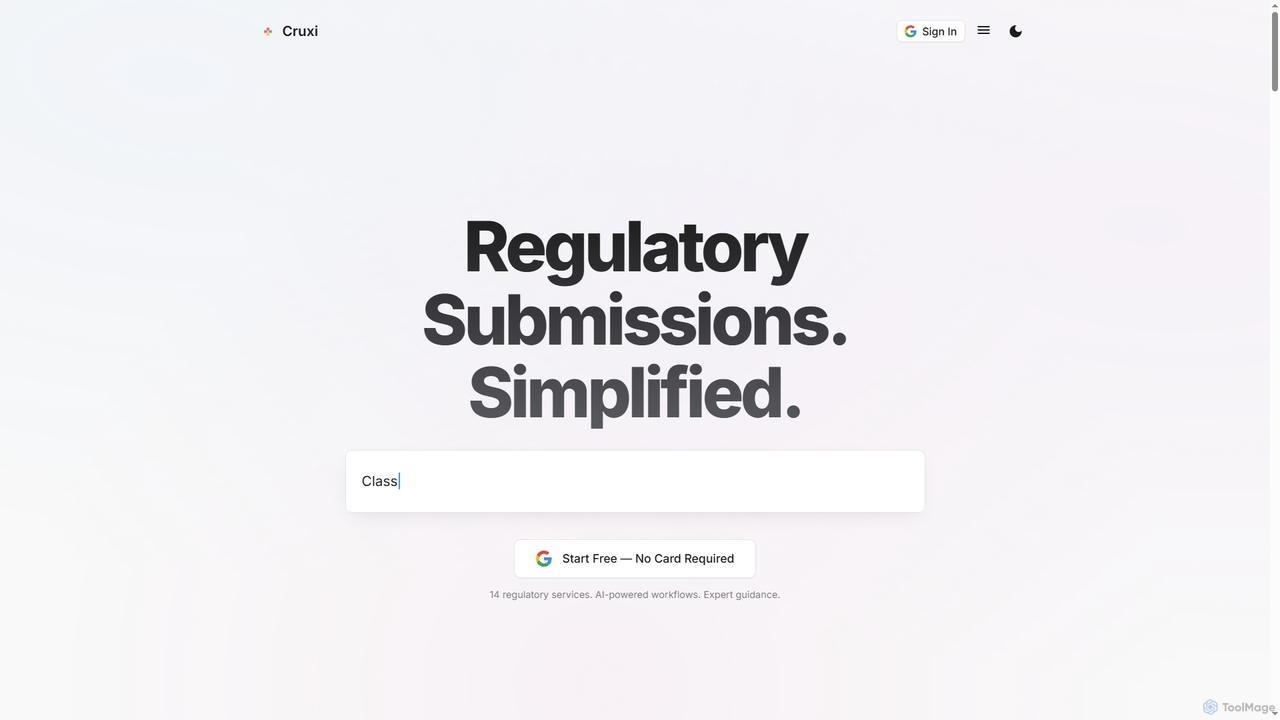
Cruxi is an AI-powered regulatory platform designed to streamline medical device submissions to the FDA and global authorities. It automates workflows for 510(k), De Novo, PMA, and more, significantly reducing preparation time and preventing common rejection issues.

Medical
Visits 7.7KFavorites 108Likes 120
Nexdocs
Freemium

Nexdocs

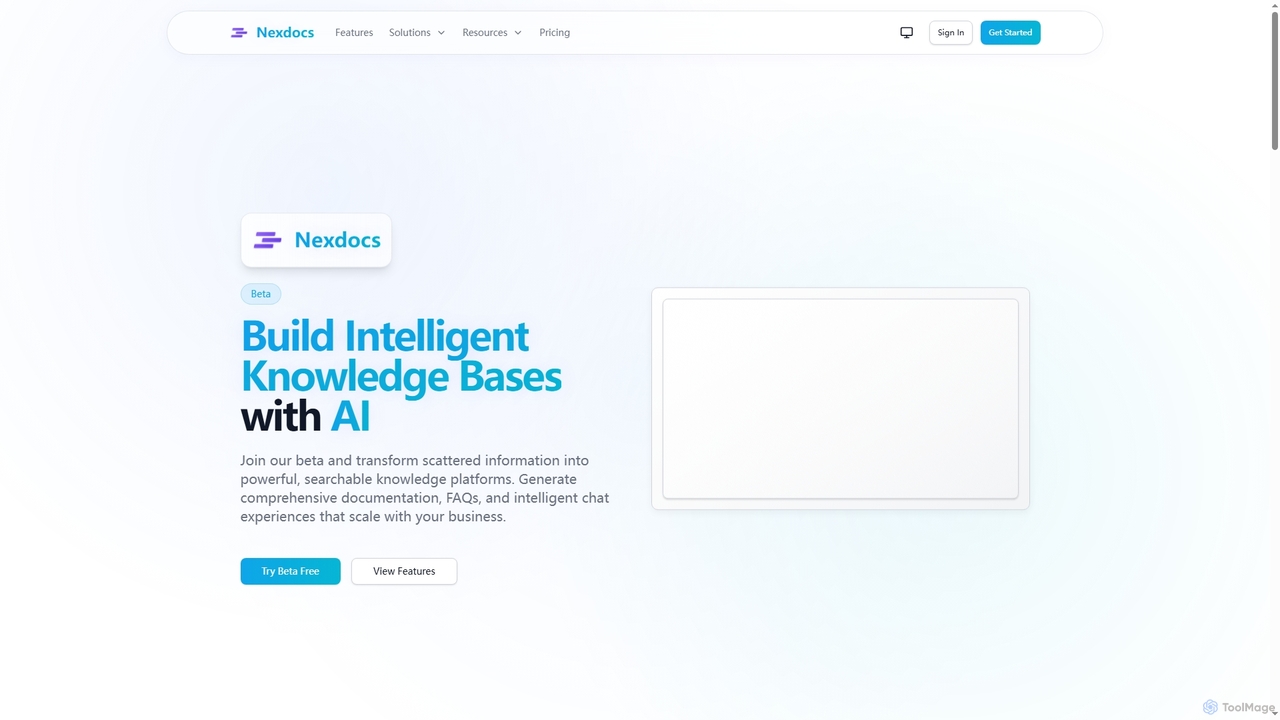
Nexdocs is an AI-powered platform that transforms scattered information into intelligent, searchable knowledge bases. It generates comprehensive documentation, FAQs, and chat experiences from documents or URLs, designed for SaaS companies, customer support, and internal teams.

Help Center
Visits 3.6KFavorites 110Likes 118
Boggl.ai
Freemium

Boggl.ai

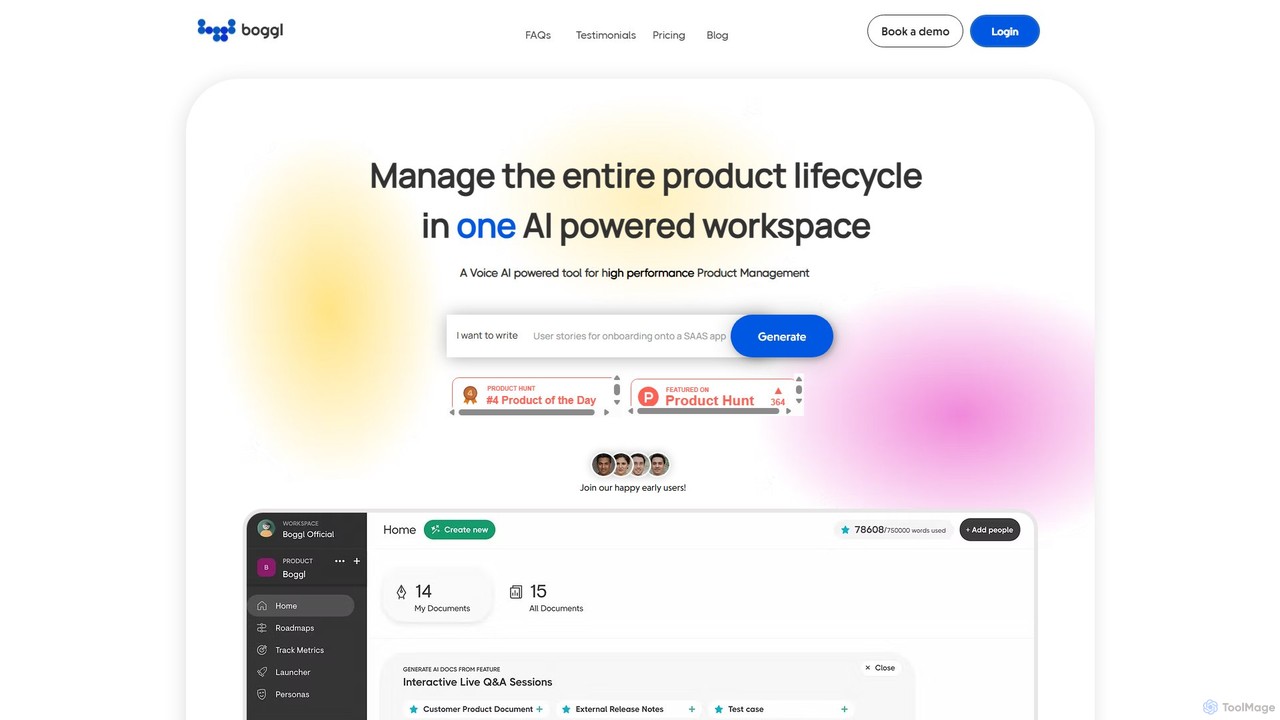
Boggl.ai is an AI-powered workspace designed for high-performance product management. It streamlines the entire product lifecycle by automating the creation of essential documents like PRDs, release notes, test cases, and roadmaps from simple inputs, including voice notes. It enhances team collaboration and ensures document consistency.

Testing
Visits 4.5KFavorites 117Likes 123
Product Lab AI
Freemium

Product Lab AI

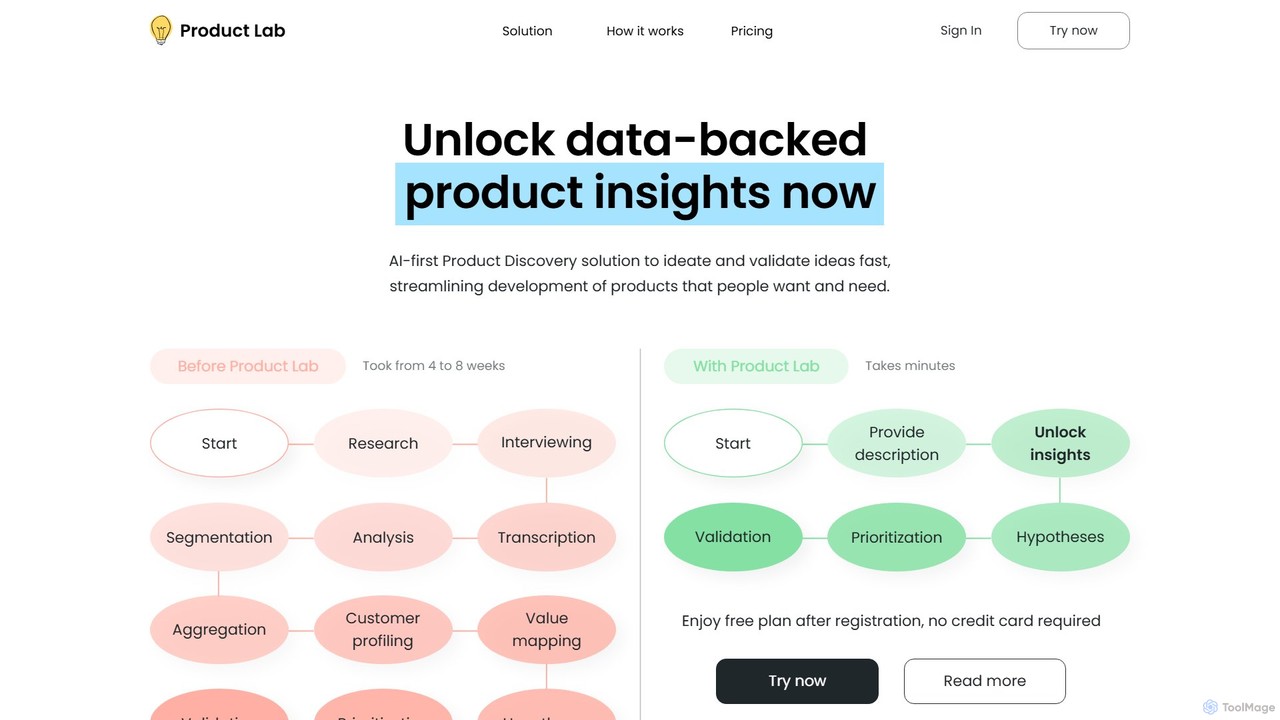
Product Lab AI is an all-in-one AI-powered platform designed for product managers, entrepreneurs, and teams. It streamlines the entire product lifecycle, from ideation and market research to writing specifications, creating roadmaps, and analyzing user feedback. Transform your product development process with data-driven insights and automated workflows.

Market Research
Visits 4.3KFavorites 132Likes 128
BixGPT
Freemium

BixGPT

BixGPT is an AI-powered platform that automates the creation of software release notes. By integrating directly with Jira and using private AI models, it helps development teams generate accurate, professional documentation quickly while ensuring data privacy and security. It's designed to streamline workflows for product managers and developers.

Developer Tools
Visits 3.4KFavorites 122Likes 119
Narratize
Freemium

Narratize

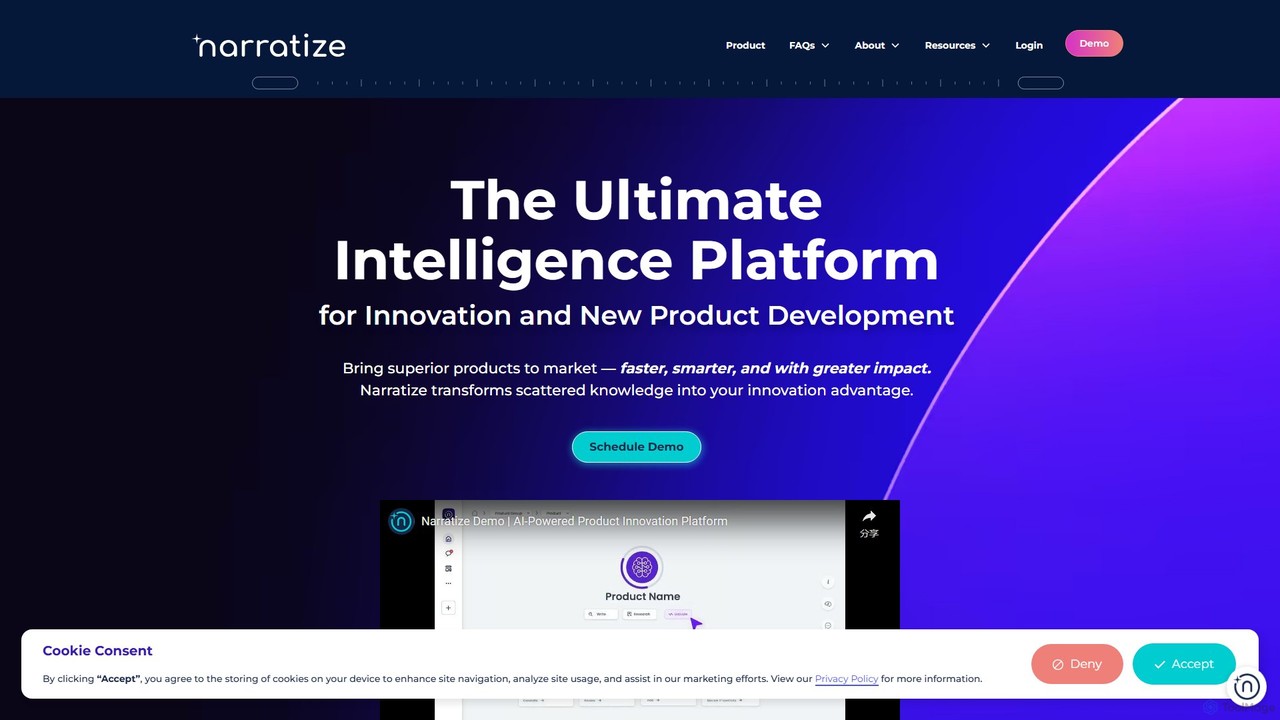
Narratize is an AI-powered intelligence platform designed for product innovation and development. It automates documentation, centralizes knowledge into searchable hubs, and aligns cross-functional teams. By eliminating administrative burdens, Narratize helps R&D, engineering, and product teams bring superior products to market faster and more efficiently.

Knowledge Management
Visits 6.9KFavorites 85Likes 89
Proddy.io
Freemium

Proddy.io

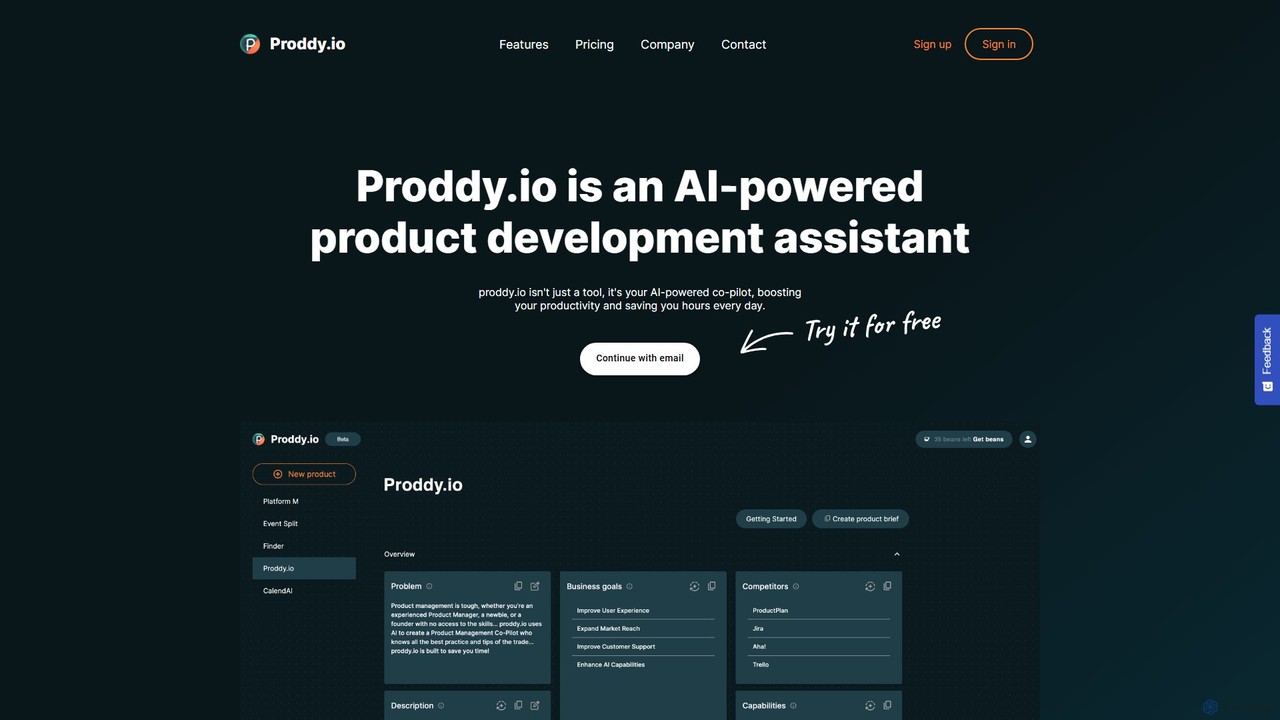
Proddy.io is an AI-powered co-pilot for product managers, designed to streamline the entire product development lifecycle. It transforms simple instructions into professional product documentation, such as detailed product briefs, user stories, and release notes, in minutes. By automating tedious documentation tasks and analyzing customer feedback, Proddy.io saves product teams hours of work, allowing them to focus on strategy and innovation. It's the ideal assistant for product managers, founders, and entrepreneurs looking to accelerate their workflow and build better products faster.

Project Management
Visits 3.4KFavorites 120Likes 122

About Documentation

AI Documentation tools are a specialized category of writing assistants designed to automate the creation and maintenance of technical documents. These tools leverage Natural Language Processing (NLP) and code analysis to transform source code, API specifications, and comments into structured, human-readable guides. They streamline the process of producing clear, consistent, and up-to-date documentation, such as API references, SDK guides, and internal knowledge bases. This automation frees up developers to focus on coding while ensuring that documentation remains synchronized with product updates.

Core Features

  • Code-to-Doc Generation: Automatically creates documentation from code comments, annotations, and structure.
  • API Reference Automation: Parses API specifications (like OpenAPI/Swagger) to generate interactive reference manuals.
  • Content Synchronization: Keeps documentation updated by monitoring changes in the connected codebase or version control system.
  • Multi-format Publishing: Exports content to various formats, including static websites, PDFs, and knowledge base platforms.
  • Natural Language Explanations: Generates plain-language summaries for complex code functions and modules.

Use Cases

These tools are primarily used by software development teams, API providers, and enterprise IT departments. They are essential for projects requiring comprehensive technical manuals, developer portals, or internal procedure guides. For instance, a SaaS company can use them to maintain a public developer hub, while an internal team can automate the documentation of its microservices architecture.

How to Choose

When selecting an AI Documentation tool, consider its supported programming languages and frameworks. Evaluate its integration capabilities with your existing workflow, such as Git repositories, CI/CD pipelines, and project management tools. Also, assess the level of template customization, output formats, and its ability to handle versioning and collaborative editing to ensure it meets your team's specific needs.

Featured tool rankings

Documentation use cases

1

Automating API Reference Generation

A software development team at a SaaS company needs to provide a comprehensive and always-up-to-date API reference for its customers. Instead of manually writing and updating hundreds of endpoints, they use an AI Documentation tool. The tool connects to their Git repository, scans OpenAPI specification files and code annotations, and automatically generates an interactive, three-paneled documentation website. This ensures accuracy and saves the development team dozens of hours per release cycle, allowing them to ship features faster.

2

Maintaining an Internal Knowledge Base

An enterprise IT team manages dozens of internal microservices and tools, each with its own setup and usage procedures. To prevent knowledge silos, they deploy an AI Documentation tool linked to their internal code repositories. The tool automatically generates and updates articles in their Confluence or Notion knowledge base whenever code related to a procedure is changed. This creates a single source of truth, reduces onboarding time for new engineers, and minimizes support requests by providing clear, accessible documentation.

3

Generating SDK Guides for Developers

A company providing a mobile SDK needs to help third-party developers integrate their product quickly. They use an AI Documentation tool to analyze the SDK's source code, including class structures, methods, and code examples. The tool generates comprehensive 'Getting Started' guides, tutorials, and a full class reference. It can also produce code snippets in multiple languages (e.g., Swift, Kotlin, React Native) from a single source, significantly improving the developer experience and accelerating adoption of their SDK.

4

Documenting Open-Source Projects

An open-source project maintainer wants to lower the barrier to entry for new contributors. Good documentation is key, but time is limited. By integrating an AI Documentation tool into their CI/CD pipeline, documentation is automatically generated and deployed to a GitHub Pages site with every pull request merge. The tool parses standard code comments (like JSDoc or Python Docstrings) to build the documentation, ensuring it's always in sync with the latest code and encouraging community contributions.

5

Creating Standard Operating Procedures (SOPs)

A compliance officer in a financial technology company needs to ensure all development processes adhere to strict regulatory standards. They use an AI Documentation tool to generate Standard Operating Procedures (SOPs) directly from infrastructure-as-code scripts and application source code. The tool extracts key steps, configurations, and dependencies, formatting them into a standardized SOP document. This ensures that the documentation accurately reflects the actual implemented processes, simplifying audits and maintaining compliance.

6

Translating and Localizing Technical Manuals

A hardware manufacturer needs to provide user manuals in multiple languages for its global market. Manually translating and reformatting these complex documents is error-prone and slow. They use an AI Documentation tool with localization features. The tool helps segment the source text, integrates with translation memory systems, and uses AI to suggest initial translations. It also preserves the document's structure and layout across all languages, ensuring consistency and dramatically reducing the time-to-market for products in new regions.

Documentation FAQ

What are AI Documentation tools?

AI Documentation tools are specialized software that automates the creation, management, and updating of technical documentation. Unlike general writing tools, they are designed to understand code, API specifications, and technical jargon. They typically work by parsing source code and its comments to generate user guides, API references, and knowledge base articles, ensuring the documentation is always synchronized with the actual product.

How do AI Documentation tools differ from general AI Writing assistants?

The key difference lies in their domain focus and data sources. General AI writers excel at creating prose, marketing copy, or creative content based on broad language models. AI Documentation tools are highly specialized. They integrate directly with code repositories and development environments. Their primary function is to analyze structured data like code, API schemas (e.g., OpenAPI), and developer comments to generate accurate, structured technical content, not just fluent text.

How do I choose the right AI Documentation tool?

Choosing the right tool depends on your specific needs. Consider the following factors:

  • Language & Framework Support: Does it support the programming languages and frameworks your team uses?
  • Integrations: Can it integrate seamlessly with your version control system (e.g., GitHub, GitLab), CI/CD pipeline, and knowledge base (e.g., Confluence, Notion)?
  • Customization: How much control do you have over the output's templates, styling, and structure?
  • Ease of Use: Is it easy for your developers to adopt? Does it require complex configuration or specific commenting styles?
Who benefits most from AI Documentation tools?

While many roles can benefit, the primary beneficiaries are software development teams, DevOps engineers, and technical writers. Developers save significant time by automating a tedious part of their job. DevOps engineers can ensure that infrastructure and deployment processes are always accurately documented. Technical writers can use these tools as a powerful assistant, focusing their efforts on creating higher-level tutorials and conceptual guides rather than manually documenting every function or endpoint.

Can AI Documentation tools completely replace technical writers?

No, these tools are best viewed as collaborators rather than replacements. They excel at the repetitive, low-level task of generating reference documentation directly from code, which is often the most time-consuming part. This frees up human technical writers to focus on more strategic tasks that require a deep understanding of the user's perspective, such as writing tutorials, creating conceptual overviews, defining information architecture, and ensuring the overall documentation provides a great developer experience.