ToolMage
Sign in
chatgpttextformatter
Text Formatting · 5.5K monthly visits

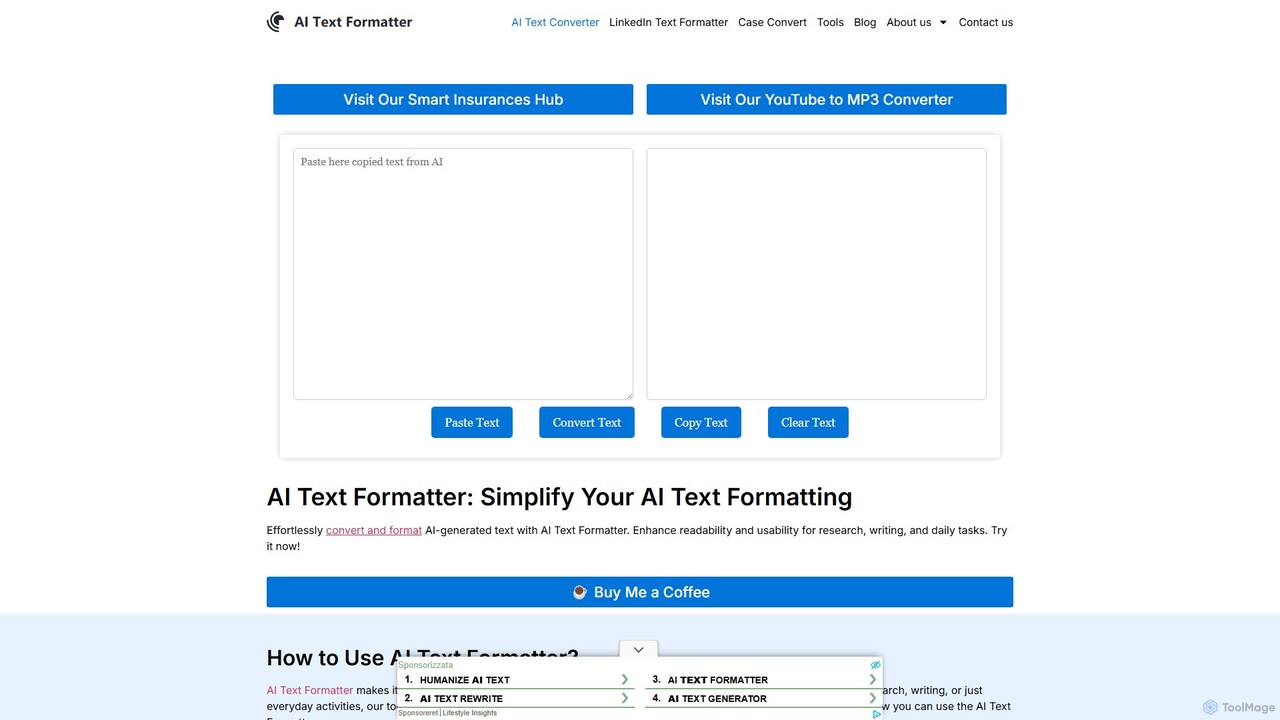
A free online tool designed to instantly clean and reformat text copied from AI chatbots like ChatGPT. It removes unwanted background colors, code block styling, and inconsistent spacing, providing clean, ready-to-use text for documents, emails, and presentations. Enhance your productivity by simplifying your AI-to-document workflow.

VS
Split Prompt
Utilities · 2.2K monthly visits

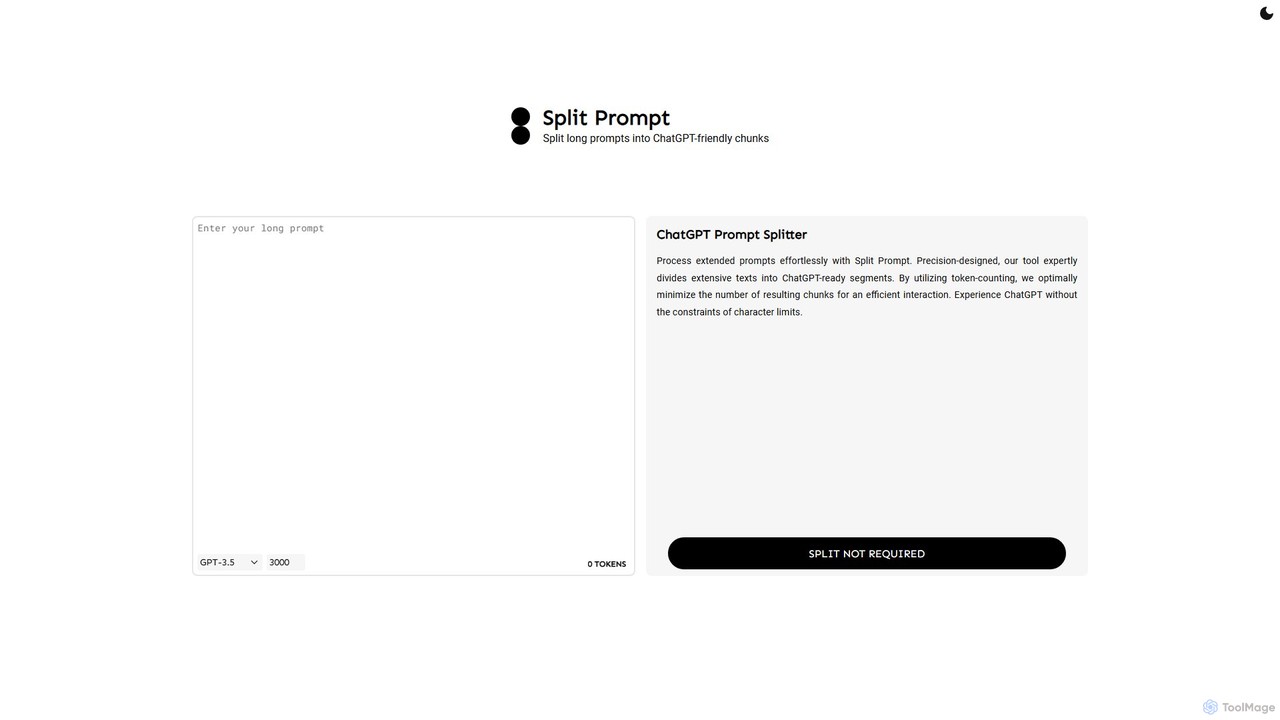
A free web tool that intelligently splits long text or prompts into smaller, manageable chunks optimized for ChatGPT and other LLMs. It uses token-counting to bypass character limits, ensuring efficient and seamless interaction with AI models.

chatgpttextformatter vs Split Prompt: pricing, features, traffic, and use cases

Compare chatgpttextformatter and Split Prompt across positioning, pricing, traffic, and user feedback using structured factual data.

Updated Aug 19, 2026

Product overview

chatgpttextformatter Product overview

A free online tool designed to instantly clean and reformat text copied from AI chatbots like ChatGPT. It removes unwanted background colors, code block styling, and inconsistent spacing, providing clean, ready-to-use text for documents, emails, and presentations. Enhance your productivity by simplifying your AI-to-document workflow.
Preview

Split Prompt Product overview

A free web tool that intelligently splits long text or prompts into smaller, manageable chunks optimized for ChatGPT and other LLMs. It uses token-counting to bypass character limits, ensuring efficient and seamless interaction with AI models.

Preview

Detailed feature comparison

FeaturechatgpttextformatterSplit Prompt
Primary categoryText FormattingUtilities
Added2025-08-152025-08-16
PricingFreeFree
Official websitechatgpttextformatter.comwww.splitprompt.com
Product typeWebsiteWebsite
Performance data
User ratingNot verifiedNot verified
Comments00
Monthly visits5.5K2.2K
Monthly growth67.4%287%
Favorites84131
DetailsView detailsView details

chatgpttextformatter vs Split Prompt monthly traffic

Compare chatgpttextformatter and Split Prompt by monthly reach, traffic trend, visit depth, top regions, and acquisition sources.

How to interpret the traffic data

In the chatgpttextformatter vs Split Prompt monthly traffic comparison, chatgpttextformatter currently shows 5.5K visits and Split Prompt shows 2.2K; chatgpttextformatter has about 2.5 times the visible traffic of Split Prompt, an absolute difference of about 3.3K visits. This reflects visible reach, not feature quality or paid users.

Both tools provide verified traffic details, so monthly trends, visit depth, regions, and acquisition sources can be compared on the same basis.

chatgpttextformatter monthly traffic:

Latest traffic

Monthly visits
5.5K
Avg. visit duration
1:51
Pages per visit
1.65
Bounce rate
44.67%
Data updated 2026-06-15

Monthly traffic trend

  • 2025/9: 14.7K Monthly visits
  • 2026/1: 7.9K Monthly visits
  • 2026/2: 4.9K Monthly visits
  • 2026/3: 4.9K Monthly visits
  • 2026/4: 3.3K Monthly visits
  • 2026/5: 5.5K Monthly visits

Top regions

Top 5 countries/regions
Country/regionPercentageTraffic
🇺🇸United States61.79%3.4K
🇮🇳India18.88%1K
🇩🇪Germany12.38%686
🇮🇹Italy6.95%385

Search keywords

ai text formatterchat gpt copy formatchatgpt text alignmentchatgpt text formattertext formatter

Split Prompt monthly traffic:

Latest traffic

Monthly visits
2.2K
Avg. visit duration
0:00
Pages per visit
1.05
Bounce rate
37.55%
Data updated 2026-06-15

Monthly traffic trend

  • 2025/9: 1.3K Monthly visits
  • 2026/1: 893 Monthly visits
  • 2026/2: 515 Monthly visits
  • 2026/3: 129 Monthly visits
  • 2026/4: 571 Monthly visits
  • 2026/5: 2.2K Monthly visits

Top regions

Top 5 countries/regions
Country/regionPercentageTraffic
🇻🇳Vietnam41.55%918
🇺🇸United States24.26%536
🇵🇭Philippines15.71%347
🇨🇦Canada10.85%240
🇧🇷Brazil7.63%169

Search keywords

chatgpt cutterchatgpt prompt dividerchatgpt prompt splittergpt splitterprompt splitter
Traffic-based selection guidance: If public market visibility is an important first-pass criterion, investigate chatgpttextformatter first. The final choice should still follow taxonomy, use case, and a real trial because higher traffic does not prove broader capabilities or better workflow fit.

Usage comparison

Compare the core capabilities of chatgpttextformatter and Split Prompt

chatgpttextformatter Core features

Editing
Text Formatting
Clipboard

Split Prompt Core features

Editing
Utilities
Prompting

Use cases

chatgpttextformatter Use cases

chatgpt
productivity
text utility
ai text cleaner
clean text
copy paste
formatting tool
remove background
text formatter
writing assistant

Split Prompt Use cases

chatgpt
productivity
text utility
content creation
context window
developer tool
llm
prompt engineering
text splitter
token limit

chatgpttextformatter vs Split Prompt:In-depth comparison and selection guidance

First decide whether the products solve the same kind of need

This in-depth chatgpttextformatter vs Split Prompt comparison uses only the product records, taxonomy, audience, traffic, and community signals available on this page. chatgpttextformatter is primarily listed under “Text Formatting”, while Split Prompt is primarily listed under “Utilities”, so the first decision is whether your actual task matches their recorded scope.

The structured fields currently show these decision-relevant differences: Primary category (chatgpttextformatter: Text Formatting; Split Prompt: Utilities); Monthly visits (chatgpttextformatter: 5.5K; Split Prompt: 2.2K); Monthly growth (chatgpttextformatter: 67.4%; Split Prompt: 287%); Favorites (chatgpttextformatter: 84; Split Prompt: 131); Website (chatgpttextformatter: chatgpttextformatter.com; Split Prompt: www.splitprompt.com). These facts are more useful for selection than brand visibility alone.

What market visibility and monthly traffic mean

In the chatgpttextformatter vs Split Prompt monthly traffic comparison, chatgpttextformatter currently shows 5.5K visits and Split Prompt shows 2.2K; chatgpttextformatter has about 2.5 times the visible traffic of Split Prompt, an absolute difference of about 3.3K visits. This reflects visible reach, not feature quality or paid users.

Both tools provide verified traffic details, so monthly trends, visit depth, regions, and acquisition sources can be compared on the same basis.

If public market visibility is an important first-pass criterion, investigate chatgpttextformatter first. The final choice should still follow taxonomy, use case, and a real trial because higher traffic does not prove broader capabilities or better workflow fit.

Product positioning, use cases, and roles

chatgpttextformatter and Split Prompt currently overlap in shared categories: Editing; shared tags: chatgpt, productivity, and text utility. This can place both on the same shortlist, but it does not prove equal implementation, depth, or cost.

chatgpttextformatter's unique categories/tags are Text Formatting, Clipboard, ai text cleaner, clean text, copy paste, formatting tool, remove background, and text formatter; Split Prompt's are Utilities, Prompting, content creation, context window, developer tool, llm, prompt engineering, and text splitter. These unique fields are the strongest differentiators: validate the product whose recorded scope matches the task instead of following traffic alone.

What ratings, comments, and favorites can tell you

chatgpttextformatter has no verified rating, 0 comments, 84 favorites, and 91 likes;Split Prompt has no verified rating, 0 comments, 131 favorites, and 145 likes。

Neither product has enough rating or comment samples for a credible reputation ranking.

Selection guidance by actual need

When to evaluate chatgpttextformatter first

Put chatgpttextformatter on the priority trial list when the task aligns with “Text Formatting” and especially Text Formatting, Clipboard, ai text cleaner, clean text, copy paste, and formatting tool. This follows recorded positioning and does not imply unlisted capabilities are absent.

chatgpttextformatter also currently records: pricing is free, product type is website, 5.5K verified monthly visits, no verified user rating. Verify any hard requirement around price, platform, or reach before trial, and do not let sparse review data substitute for testing.

When to evaluate Split Prompt first

Put Split Prompt on the priority trial list when the task aligns with “Utilities” and especially Utilities, Prompting, content creation, context window, developer tool, and llm. This follows recorded positioning and does not imply unlisted capabilities are absent.

Split Prompt also currently records: pricing is free, product type is website, 2.2K verified monthly visits, no verified user rating. Verify any hard requirement around price, platform, or reach before trial, and do not let sparse review data substitute for testing.

How to validate the recommendation before deciding

The available data describes positioning, public visibility, and community signals, but it cannot prove output quality, speed, integration effort, privacy, or long-term cost in your workflow. Before deciding, run the same representative tasks in chatgpttextformatter and Split Prompt, then record completion time, accuracy, manual corrections, and the real paid threshold. A like-for-like trial turns this comparison into a defensible adoption decision.

Comparison FAQ

How should I choose between chatgpttextformatter and Split Prompt?
Compare positioning, pricing, taxonomy, and traffic maturity, then verify the latest details on each official website.
Where does this comparison data come from?
The factual baseline is derived from product, taxonomy, traffic, and community data. Reviewed editorial conclusions show their source and verification date.
What do unknown fields mean?
Unknown means there is not enough reliable evidence; the page does not fill gaps with assumptions.

Related AI tools

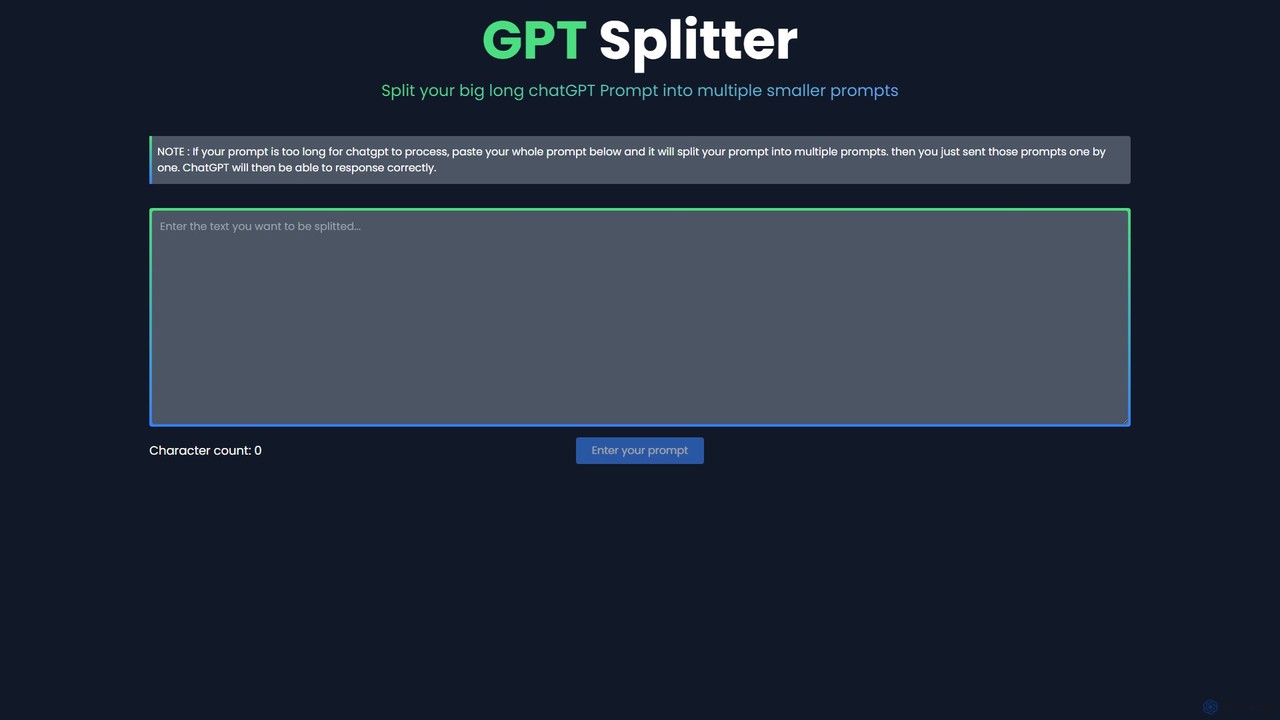
GPT Splitter
Free

GPT Splitter

A free web-based tool that automatically splits long text or prompts into smaller, manageable chunks to overcome the character limits of large language models like ChatGPT, ensuring complete context and better AI responses.

Utilities
Visits 4.2KFavorites 119Likes 121
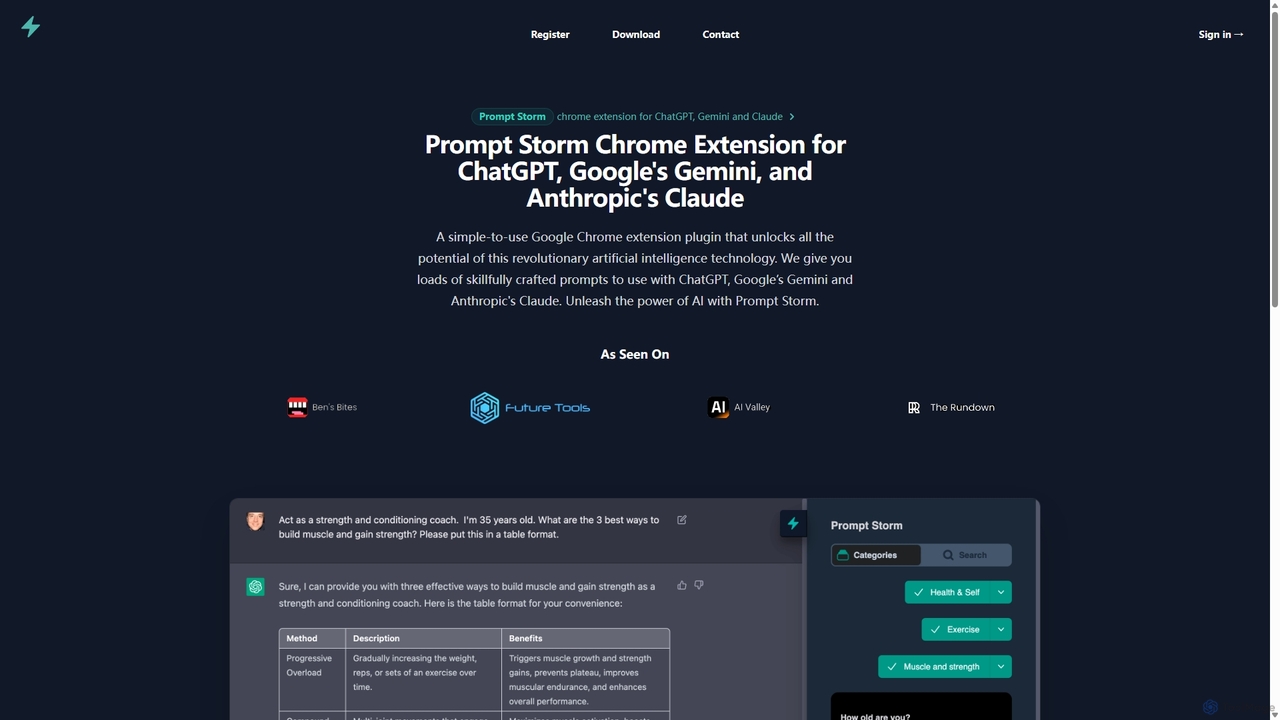
Prompt Storm
Freemium

Prompt Storm

Prompt Storm is a powerful Chrome extension that enhances your interactions with ChatGPT, Google Gemini, and Anthropic's Claude. It provides a vast library of expertly crafted prompts, enabling users to unlock the full potential of AI for tasks like content creation, marketing, coding, and learning. Boost your productivity and get higher-quality AI responses with just a few clicks.

Code Generation
Visits 7.3KFavorites 126Likes 129
AnyModel
Freemium

AnyModel

AnyModel is an all-in-one platform that allows you to access, compare, and utilize over 50 of the world's leading AI models with a single account. Send prompts to multiple text and image models simultaneously, view results side-by-side, and gain AI-powered insights to enhance accuracy and creativity. Eliminate the need for multiple subscriptions and API keys, saving time and money while achieving superior results.

Model Playground
Visits 6.7KFavorites 156Likes 155
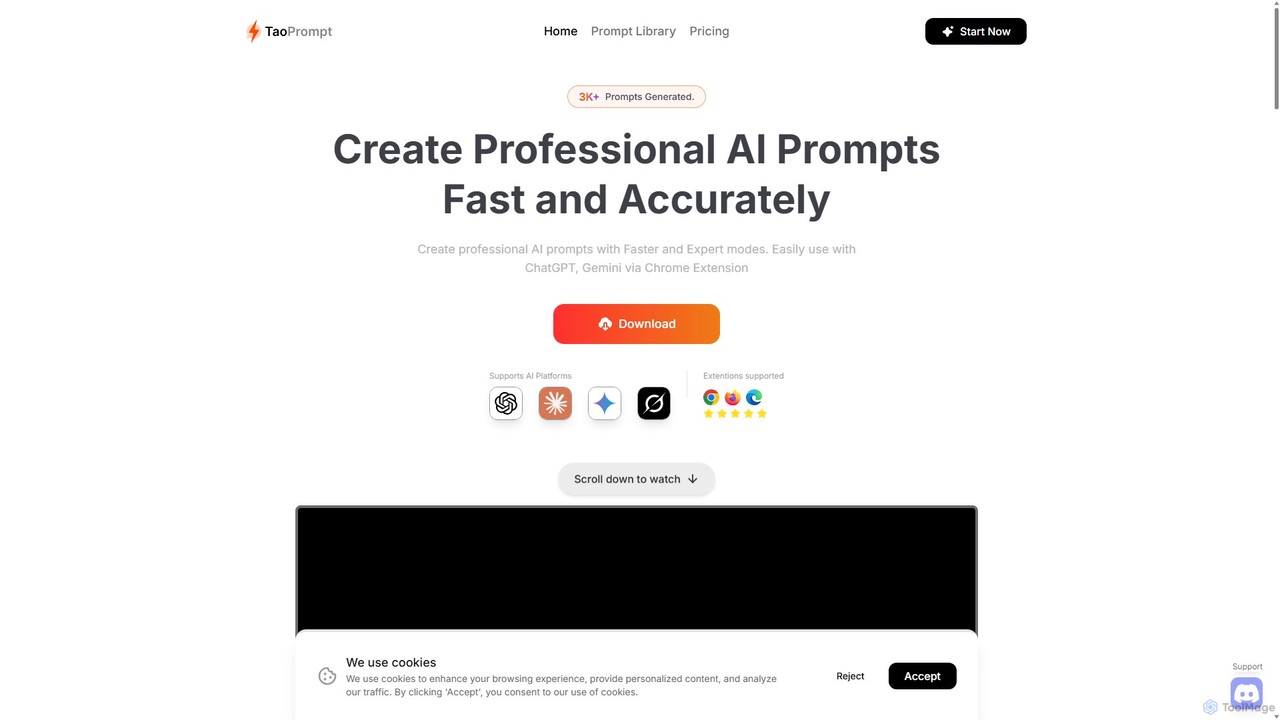
TaoPrompt
Freemium

TaoPrompt

An AI-powered tool that helps users create professional, high-quality prompts for major AI chatbots. It simplifies prompt engineering, allowing anyone to generate optimized requests to turn AI into a domain expert, saving time and improving accuracy.

Code Assistant
Visits 4.2KFavorites 169Likes 178
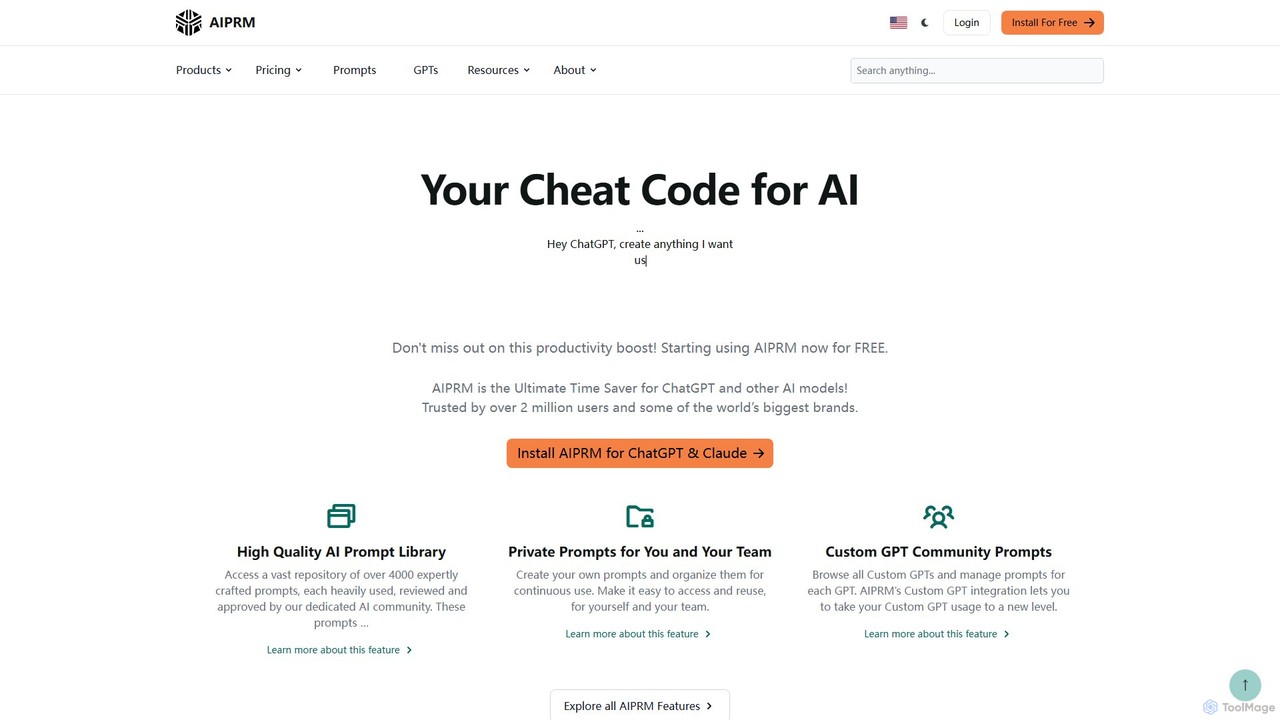
AIPRM
Freemium

AIPRM

AIPRM is a browser extension for ChatGPT, Claude, and other AIs, offering a massive library of over 4,500 community-vetted prompts. It streamlines content creation, SEO, and marketing tasks by providing one-click access to expert-level prompts, custom prompt management for teams, and powerful productivity features. Boost your efficiency and unlock the full potential of generative AI without needing to be a prompt engineering expert.

Code Assistant
Visits 923.8KFavorites 110Likes 105
HARPA AI
Freemium

HARPA AI

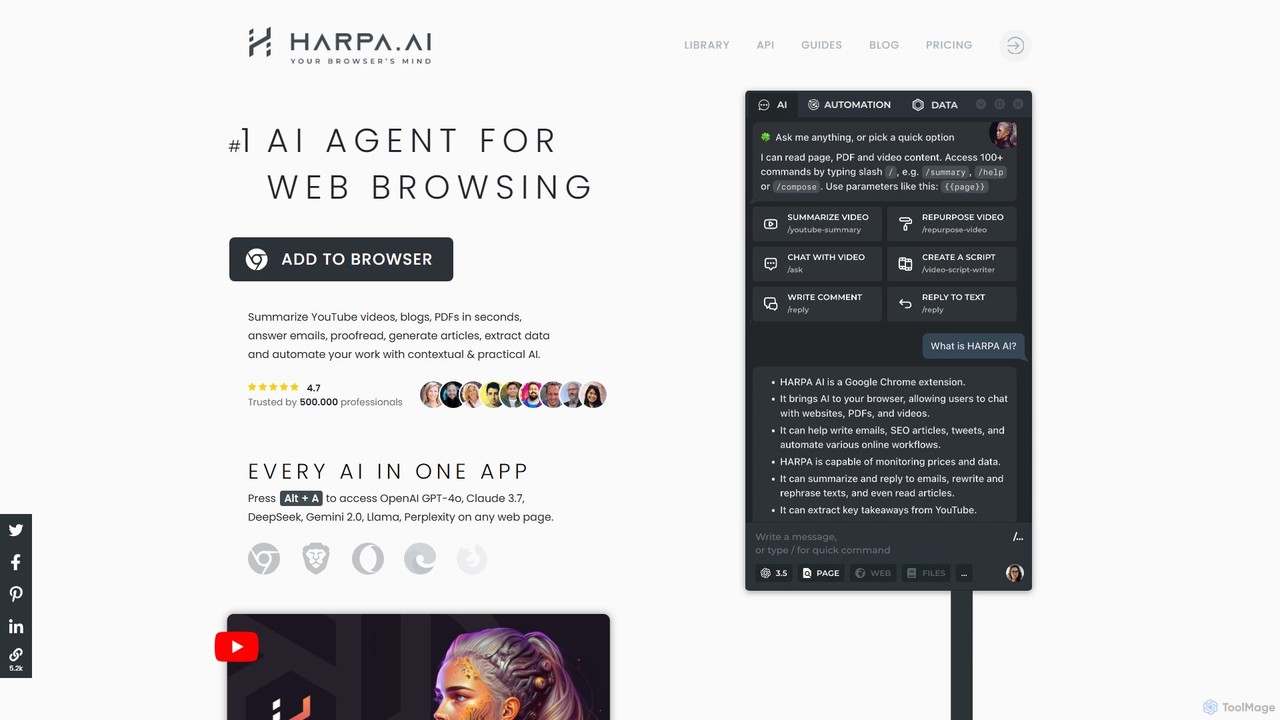
HARPA AI is an all-in-one AI browser agent that integrates ChatGPT, Claude, Gemini, and more directly into your browser. It automates web tasks, summarizes content, drafts emails, extracts data, and enhances productivity with over 100 pre-built, page-aware commands. It functions as a versatile copilot for browsing, research, and automation.

Automation
Visits 425.4KFavorites 130Likes 121
Promptmatic
Freemium

Promptmatic

Promptmatic is a powerful Google Chrome extension for ChatGPT, designed to enhance your AI interactions. It features a massive library of over 2900 prompts, a smart prompt editor, a GPT bookmark manager, and extensive customization options for roles, styles, and tones. It streamlines your workflow, making you more productive and efficient when using ChatGPT for professional tasks.

Chrome Extensions
Visits 100.9KFavorites 142Likes 152
Prompt Advance
Free

Prompt Advance

Prompt Advance is an educational platform dedicated to mastering ChatGPT. It offers a free weekly newsletter, an extensive blog with thousands of practical prompts, and a suite of free AI tools, including a prompt optimizer and generator. It's designed for professionals, students, and creators to enhance their productivity and creativity using AI.

Prompt Engineering
Visits 69.5KFavorites 131Likes 125
PromptFolder
Freemium

PromptFolder

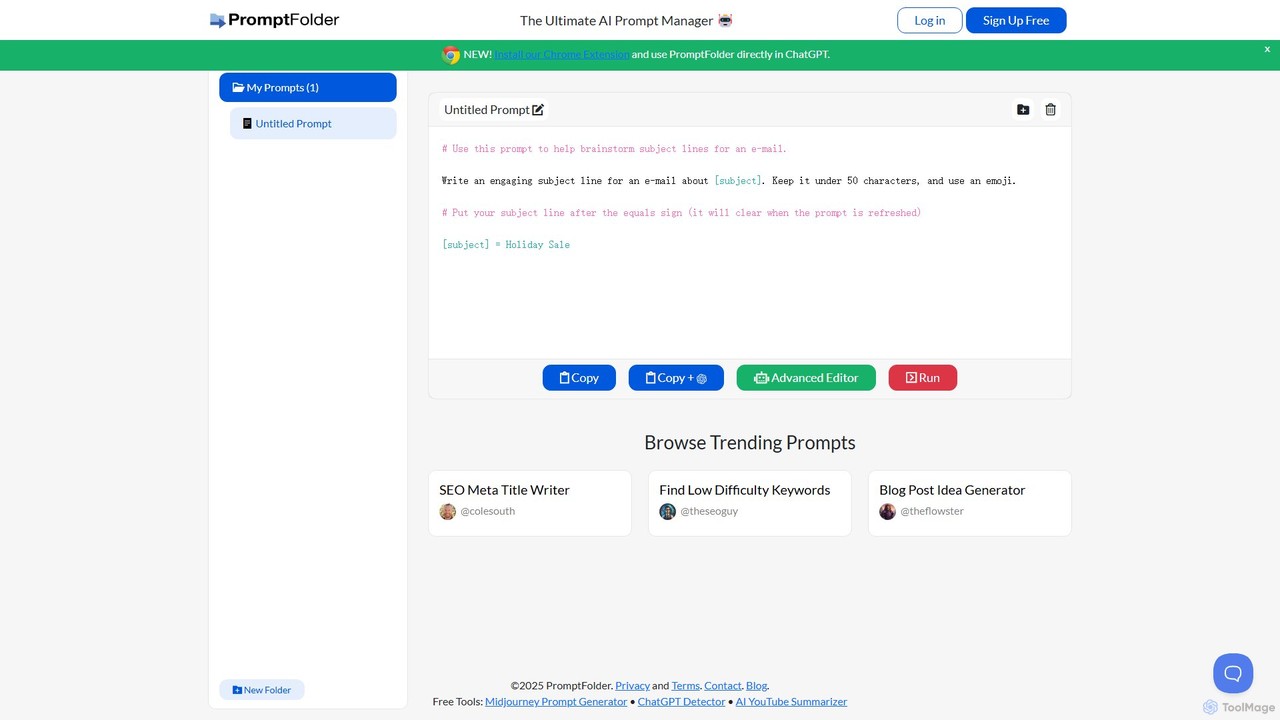
PromptFolder is a powerful AI prompt manager for ChatGPT, Midjourney, and other AI tools. It allows you to save, organize, and reuse your best prompts with features like folders, variables, and a dedicated Midjourney prompt builder. With its Chrome extension, you can access your entire prompt library directly within the ChatGPT interface, streamlining your workflow and boosting productivity.

Image Generation
Visits 32.9KFavorites 150Likes 159
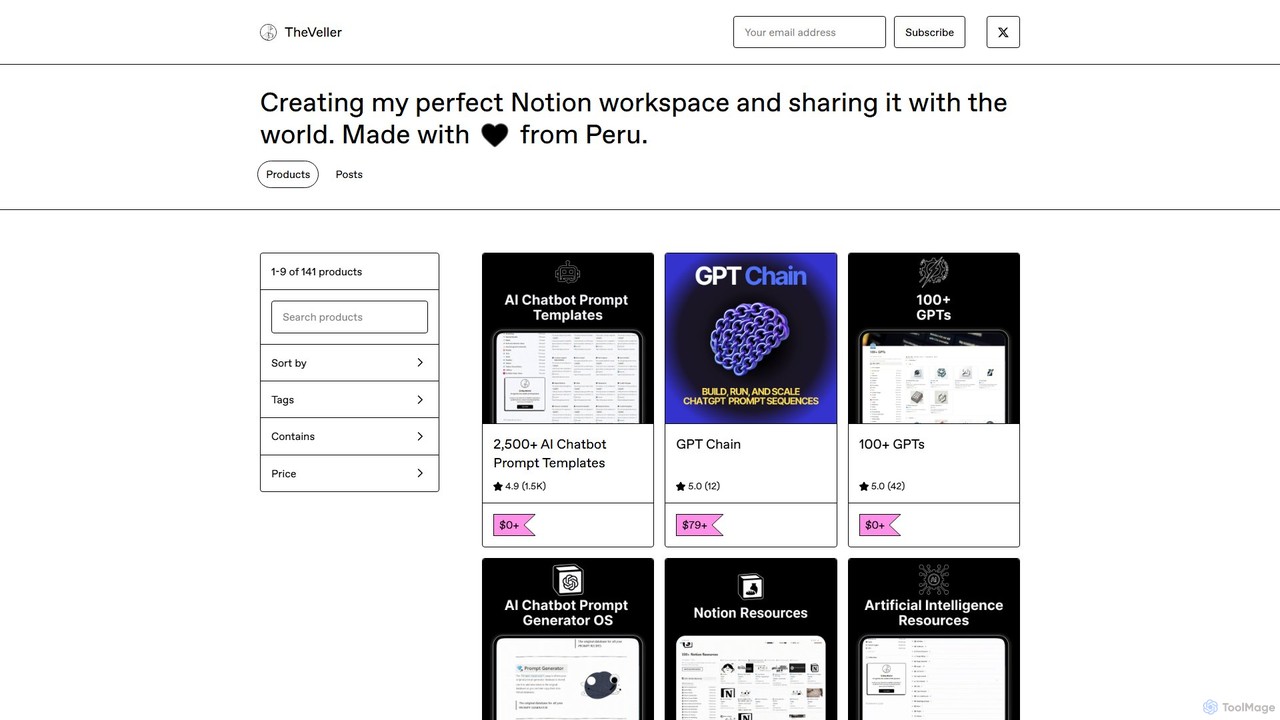
GPT Chain
Paid

GPT Chain

GPT Chain is a powerful browser extension that transforms ChatGPT into a 24/7 automation engine. It allows you to build, run, and scale complex, multi-step workflows using an intuitive drag-and-drop visual builder. Automate repetitive prompting tasks, generate content at scale, and execute entire prompt sequences with a single click—all without writing code, connecting APIs, or incurring extra costs.

No Code
Visits 27KFavorites 108Likes 118
Cosmicup
Freemium

Cosmicup

Cosmicup is an all-in-one AI platform offering unlimited access to a wide array of advanced AI models like ChatGPT 5, Claude 4.5, Gemini 2.5, and Grok 4 through a single subscription. It streamlines workflows with features including multi-model interaction, code assistance, document analysis, real-time web search, deep research, and AI image generation, eliminating the need for multiple subscriptions.

Multimodal Ai
Visits 18.4KFavorites 98Likes 109
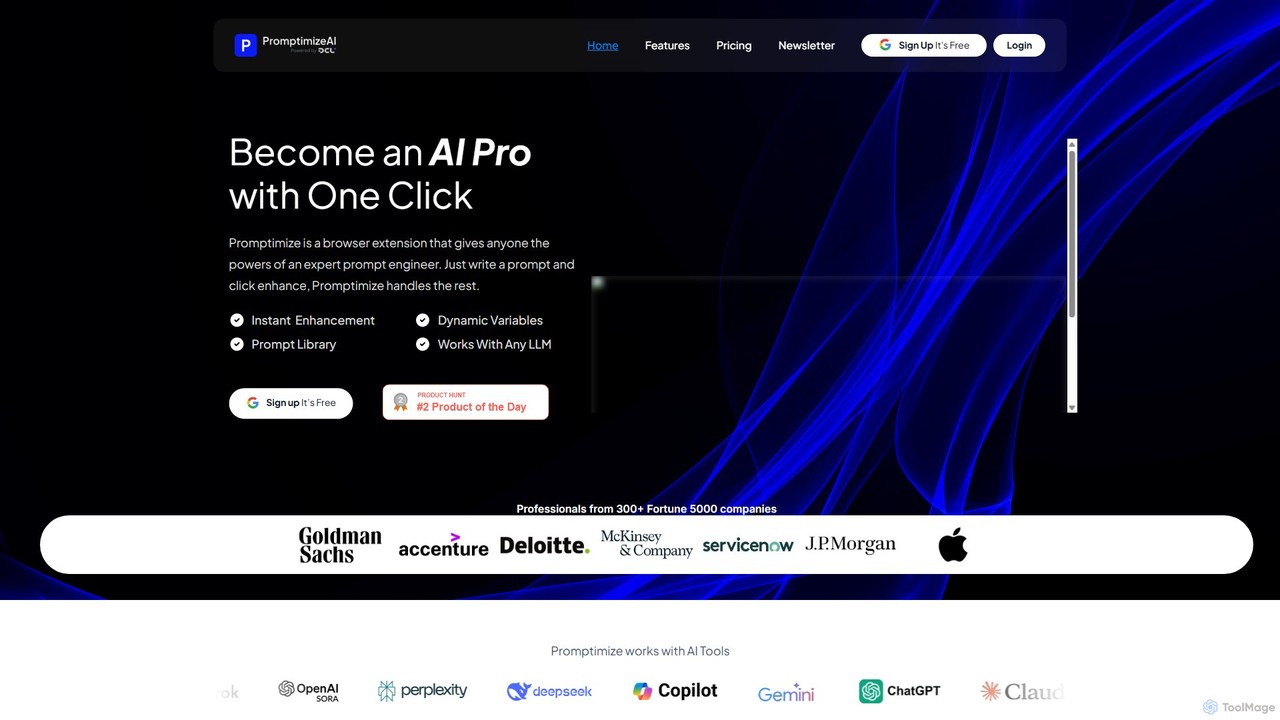
Promptimize AI
Freemium

Promptimize AI

Promptimize AI is a browser extension that acts as a 'Grammarly for prompts.' It enhances your AI prompts with a single click, transforming simple queries into detailed, effective instructions for any LLM like ChatGPT, Gemini, or Claude. It helps users get better, more accurate, and on-brand AI-generated content, boosting productivity without needing expert prompt engineering skills.

Chrome Extensions
Visits 14.6KFavorites 141Likes 140
PromptifyPRO

PromptifyPRO

PromptifyPRO is an advanced AI prompt engineering platform designed to help users create, test, and optimize prompts for various AI models like ChatGPT and Claude. It offers tools like pre-built templates, performance analytics, and collaboration features to unlock higher quality outputs, save time, and enhance creativity.

Code Generation
Visits 6.2KFavorites 90Likes 75
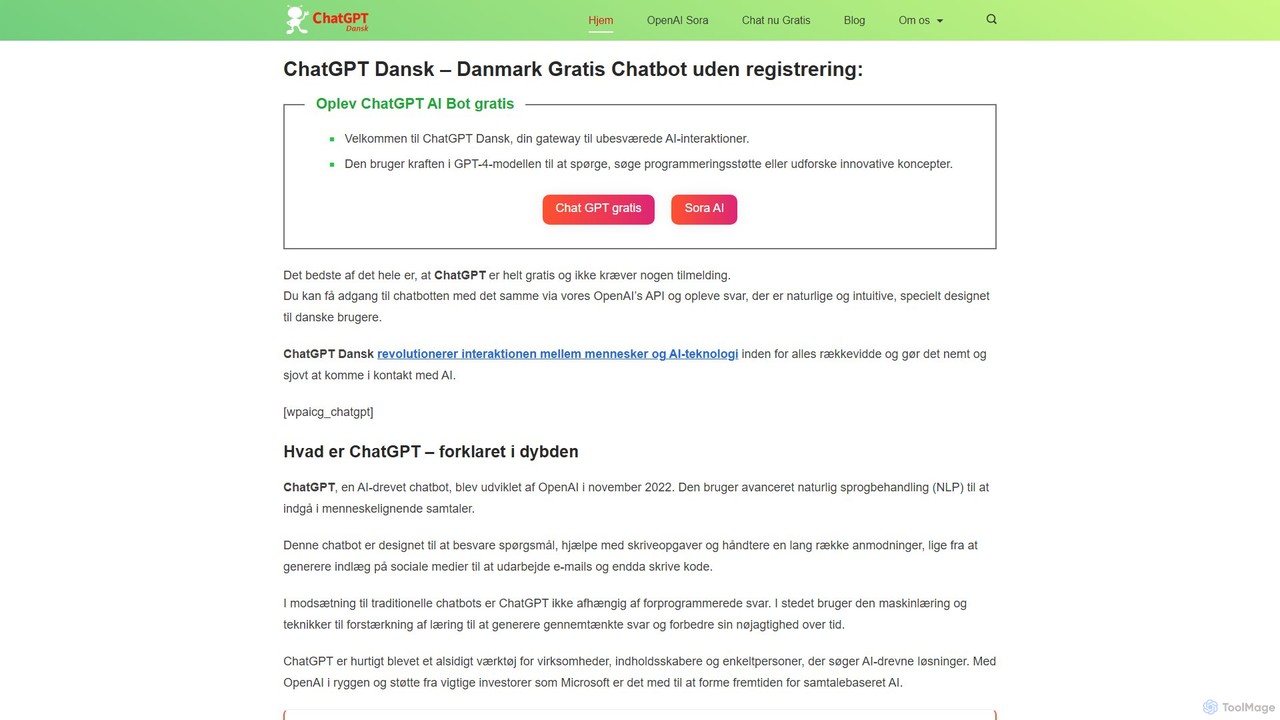
chatdansk
Freemium

chatdansk

A user-friendly web platform providing Danish speakers with seamless access to advanced AI models like GPT-4. It facilitates a wide range of tasks, including writing, coding, translation, and creative brainstorming. The tool offers both free and premium access without requiring a native app, making powerful AI accessible to everyone.

Code Assistant
Visits 6KFavorites 132Likes 147
NailedIt
Freemium

NailedIt

NailedIt is an AI productivity platform that allows you to instantly compare responses from leading LLMs like ChatGPT, Claude, and Gemini with a single prompt. Streamline your workflow, enhance content quality, and make informed decisions by viewing multiple AI outputs side-by-side in a unified interface.

Testing
Visits 5.8KFavorites 108Likes 96