ToolMage
Sign in
Doc2Q
Visualization · 4.1K monthly visits

Doc2Q is an AI-powered tool that transforms documents (PDF, DOCX, images) into various formats like infographics, quizzes, diagrams, and datasets. It operates on a flexible pay-as-you-go credit system, allowing users to convert content quickly and efficiently for marketing, education, or data analysis purposes.

VS
removehandwriting
Study Tools · 28.7K monthly visits

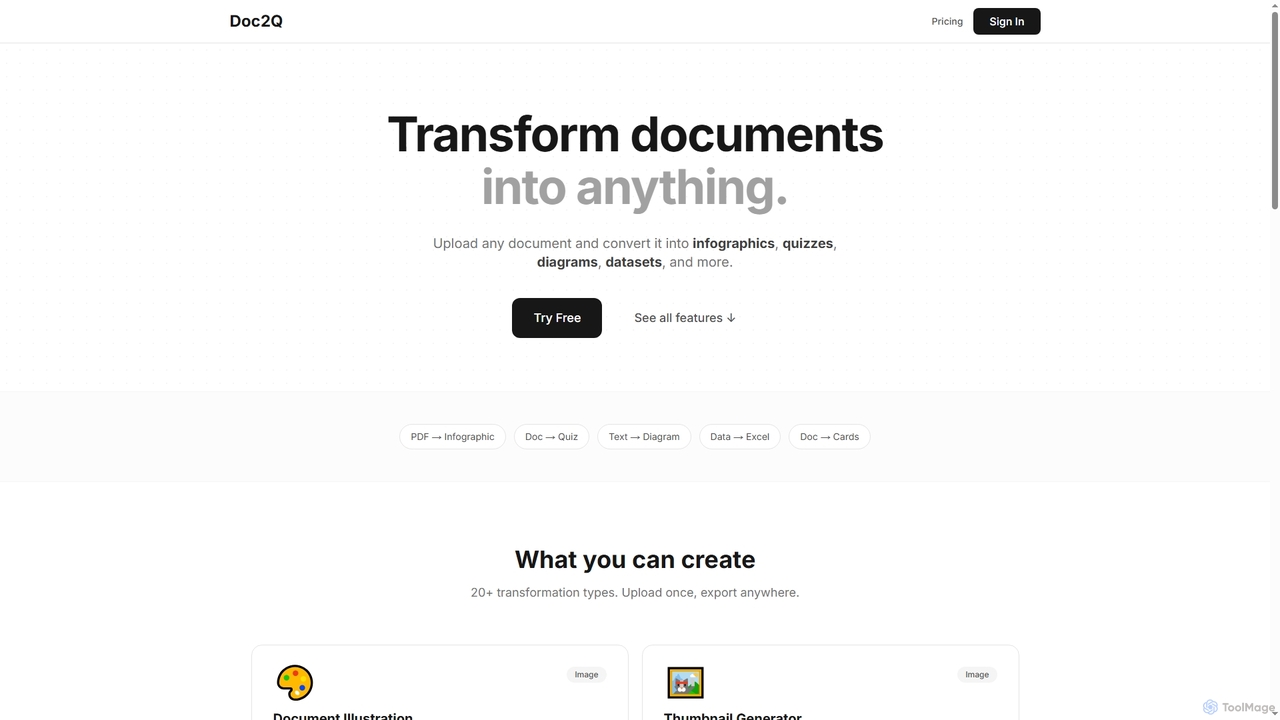
An AI-powered online tool that effortlessly removes handwriting from images and PDFs. It also excels at comprehensive document restoration, correcting issues like stains, shadows, wrinkles, and curled pages to produce clean, professional digital files.

Doc2Q vs removehandwriting: pricing, features, traffic, and use cases

Compare Doc2Q and removehandwriting across positioning, pricing, traffic, and user feedback using structured factual data.

Updated Aug 17, 2026

Product overview

Doc2Q Product overview

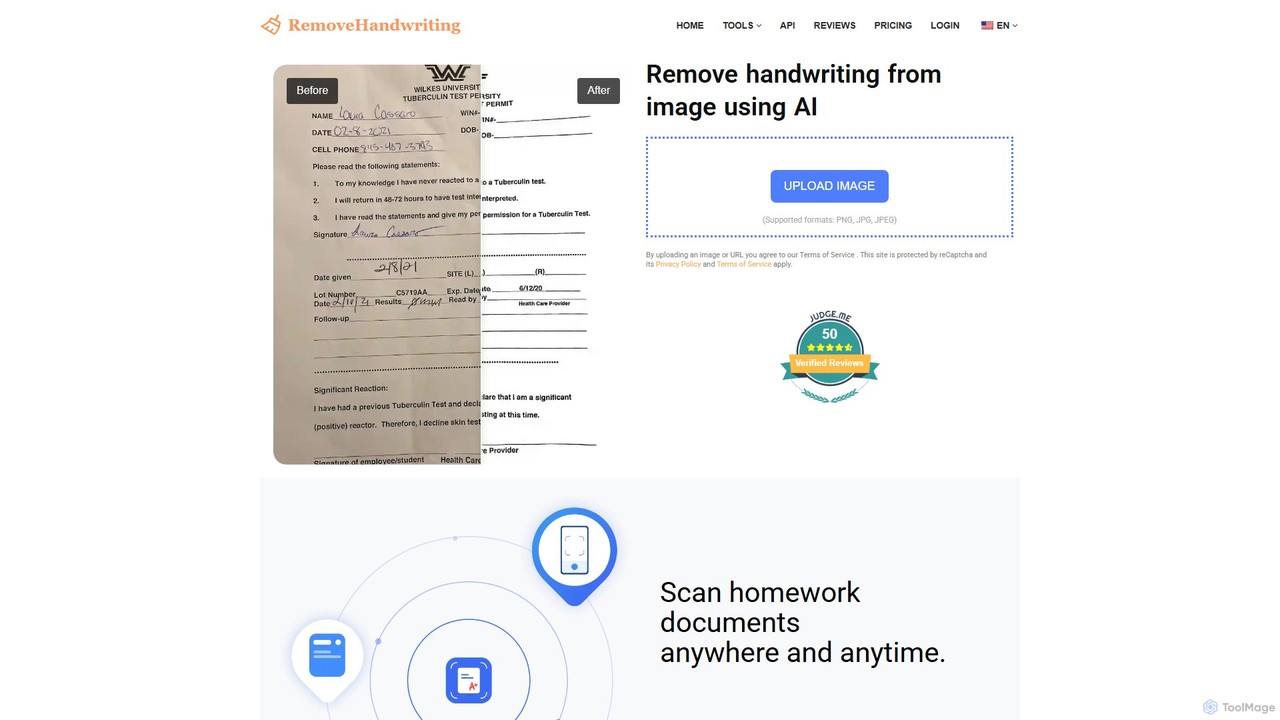
Doc2Q is an AI-powered tool that transforms documents (PDF, DOCX, images) into various formats like infographics, quizzes, diagrams, and datasets. It operates on a flexible pay-as-you-go credit system, allowing users to convert content quickly and efficiently for marketing, education, or data analysis purposes.
Preview

removehandwriting Product overview

An AI-powered online tool that effortlessly removes handwriting from images and PDFs. It also excels at comprehensive document restoration, correcting issues like stains, shadows, wrinkles, and curled pages to produce clean, professional digital files.

Preview

Detailed feature comparison

FeatureDoc2Qremovehandwriting
Primary categoryVisualizationStudy Tools
Added2025-12-022025-08-16
PricingFreemiumFreemium
Official websitewww.doc2q.comremovehandwriting.com
Product typeWebsiteWebsite
Performance data
User ratingNot verifiedNot verified
Comments00
Monthly visits4.1K28.7K
Monthly growthNot verified7%
Favorites99154
DetailsView detailsView details

Doc2Q vs removehandwriting monthly traffic

Compare Doc2Q and removehandwriting by monthly reach, traffic trend, visit depth, top regions, and acquisition sources.

How to interpret the traffic data

In the Doc2Q vs removehandwriting monthly traffic comparison, Doc2Q currently shows 4.1K visits and removehandwriting shows 28.7K; removehandwriting has about 7 times the visible traffic of Doc2Q, an absolute difference of about 24.6K visits. This reflects visible reach, not feature quality or paid users.

Only removehandwriting has complete third-party traffic details; Doc2Q uses visits recorded inside ToolMage. These scopes cannot estimate market share directly, and on-site views should not be treated as the product’s total website traffic.

Doc2Q monthly traffic:

Latest traffic

Monthly visits
4.1K

removehandwriting monthly traffic:

Latest traffic

Monthly visits
28.7K
Avg. visit duration
0:21
Pages per visit
2.43
Bounce rate
35.72%
Data updated 2026-06-15

Monthly traffic trend

  • 2025/9: 7K Monthly visits
  • 2026/1: 32.9K Monthly visits
  • 2026/2: 31.5K Monthly visits
  • 2026/3: 16.9K Monthly visits
  • 2026/4: 26.8K Monthly visits
  • 2026/5: 28.7K Monthly visits

Top regions

Top 5 countries/regions
Country/regionPercentageTraffic
🇮🇳India39.18%11.2K
🇺🇸United States28.43%8.2K
🇧🇩Bangladesh12.45%3.6K
🇮🇹Italy11.45%3.3K
🇩🇪Germany8.49%2.4K

Traffic sources

Source typePercentageTraffic
Direct91.98%26.4K
Referral8.02%2.3K

Search keywords

ai to erase something in document sign or handwritingai to erase something in document stampare there any websites that turn a finished test into a blank onehand writing remover aihandwriting remover ai
Traffic-based selection guidance: The current traffic scope is not sufficient for a reliable product ranking. Treat monthly visits as a market-interest signal, then decide using taxonomy, use cases, pricing, and a like-for-like trial rather than reading exposure as product capability.

Usage comparison

Compare the core capabilities of Doc2Q and removehandwriting

Doc2Q Core features

Study Tools
Document Processing
Visualization
Content Creation

removehandwriting Core features

Study Tools
Document Processing

Use cases

Doc2Q Use cases

AI content creation
content repurposing
data extraction
data visualization
document converter
infographic generator
PDF tools
quiz maker
study aids

removehandwriting Use cases

AI tool
document correction
document restoration
document scanner
education
handwriting removal
image cleaner
pdf editor
remove ink
study tool

Best suited roles

Doc2Q Best suited roles

Business Professional
Content Creator
Data Analyst
Designer
Educator
Marketing Manager
Social Media Manager
Student

removehandwriting Best suited roles

No verified data available

Doc2Q vs removehandwriting:In-depth comparison and selection guidance

First decide whether the products solve the same kind of need

This in-depth Doc2Q vs removehandwriting comparison uses only the product records, taxonomy, audience, traffic, and community signals available on this page. Doc2Q is primarily listed under “Visualization”, while removehandwriting is primarily listed under “Study Tools”, so the first decision is whether your actual task matches their recorded scope.

The structured fields currently show these decision-relevant differences: Primary category (Doc2Q: Visualization; removehandwriting: Study Tools); Monthly visits (Doc2Q: 4.1K; removehandwriting: 28.7K); Favorites (Doc2Q: 99; removehandwriting: 154); Website (Doc2Q: www.doc2q.com; removehandwriting: removehandwriting.com); Added (Doc2Q: 2025-12-02; removehandwriting: 2025-08-16). These facts are more useful for selection than brand visibility alone.

What market visibility and monthly traffic mean

In the Doc2Q vs removehandwriting monthly traffic comparison, Doc2Q currently shows 4.1K visits and removehandwriting shows 28.7K; removehandwriting has about 7 times the visible traffic of Doc2Q, an absolute difference of about 24.6K visits. This reflects visible reach, not feature quality or paid users.

Only removehandwriting has complete third-party traffic details; Doc2Q uses visits recorded inside ToolMage. These scopes cannot estimate market share directly, and on-site views should not be treated as the product’s total website traffic.

The current traffic scope is not sufficient for a reliable product ranking. Treat monthly visits as a market-interest signal, then decide using taxonomy, use cases, pricing, and a like-for-like trial rather than reading exposure as product capability.

Product positioning, use cases, and roles

Doc2Q and removehandwriting currently overlap in shared categories: Study Tools and Document Processing. This can place both on the same shortlist, but it does not prove equal implementation, depth, or cost.

Doc2Q's unique categories/tags are Visualization, Content Creation, AI content creation, content repurposing, data extraction, data visualization, document converter, and infographic generator; removehandwriting's are AI tool, document correction, document restoration, document scanner, education, handwriting removal, image cleaner, and pdf editor. These unique fields are the strongest differentiators: validate the product whose recorded scope matches the task instead of following traffic alone.

What ratings, comments, and favorites can tell you

Doc2Q has no verified rating, 0 comments, 99 favorites, and 94 likes;removehandwriting has no verified rating, 0 comments, 154 favorites, and 142 likes。

Neither product has enough rating or comment samples for a credible reputation ranking.

Selection guidance by actual need

When to evaluate Doc2Q first

Put Doc2Q on the priority trial list when the task aligns with “Visualization” and especially Visualization, Content Creation, AI content creation, content repurposing, data extraction, and data visualization, or the users include Business Professional, Content Creator, Data Analyst, and Designer. This follows recorded positioning and does not imply unlisted capabilities are absent.

Doc2Q also currently records: pricing is freemium, product type is website, 4.1K on-site monthly views, no verified user rating. Verify any hard requirement around price, platform, or reach before trial, and do not let sparse review data substitute for testing.

When to evaluate removehandwriting first

Put removehandwriting on the priority trial list when the task aligns with “Study Tools” and especially AI tool, document correction, document restoration, document scanner, education, and handwriting removal. This follows recorded positioning and does not imply unlisted capabilities are absent.

removehandwriting also currently records: pricing is freemium, product type is website, 28.7K verified monthly visits, no verified user rating. Verify any hard requirement around price, platform, or reach before trial, and do not let sparse review data substitute for testing.

How to validate the recommendation before deciding

The available data describes positioning, public visibility, and community signals, but it cannot prove output quality, speed, integration effort, privacy, or long-term cost in your workflow. Before deciding, run the same representative tasks in Doc2Q and removehandwriting, then record completion time, accuracy, manual corrections, and the real paid threshold. A like-for-like trial turns this comparison into a defensible adoption decision.

Comparison FAQ

How should I choose between Doc2Q and removehandwriting?
Compare positioning, pricing, taxonomy, and traffic maturity, then verify the latest details on each official website.
Where does this comparison data come from?
The factual baseline is derived from product, taxonomy, traffic, and community data. Reviewed editorial conclusions show their source and verification date.
What do unknown fields mean?
Unknown means there is not enough reliable evidence; the page does not fill gaps with assumptions.

Related AI tools

EasyScribe
Freemium

EasyScribe

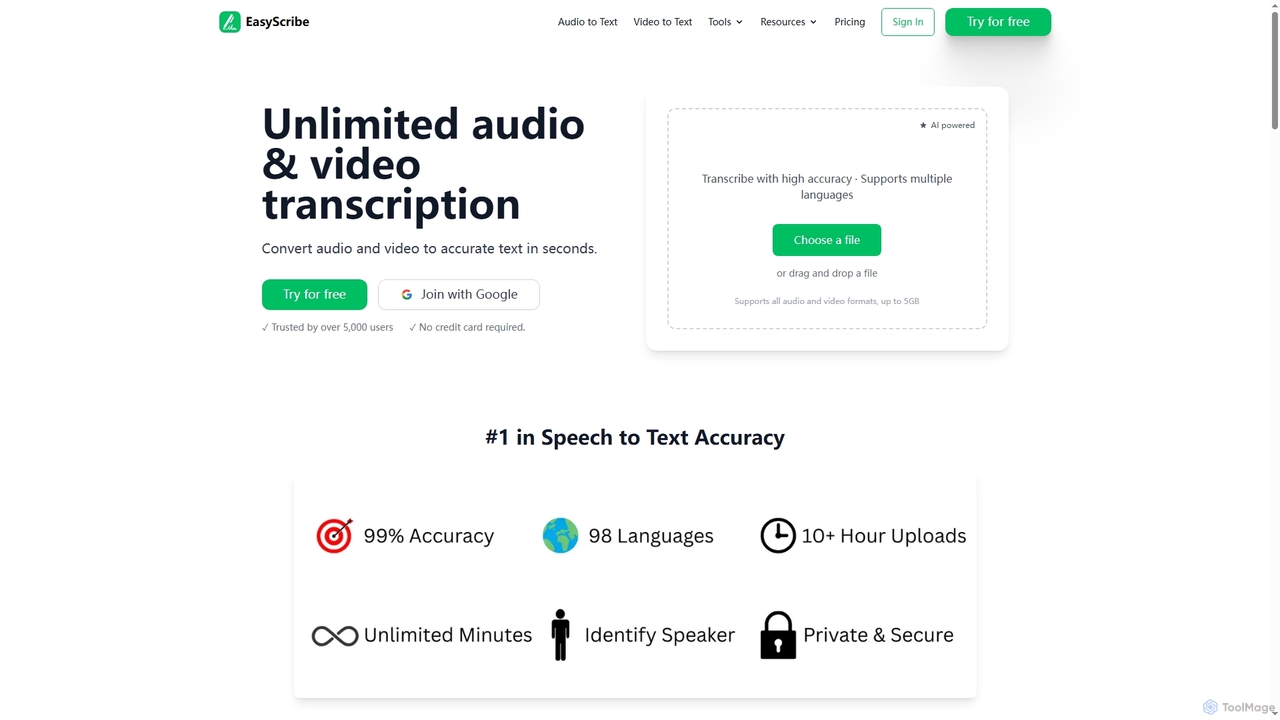
EasyScribe is an AI-powered transcription tool that converts audio and video files into accurate text in seconds. It supports 98+ languages, offers speaker identification, and allows translation to 134+ languages, making it ideal for global communication and content creation.

Meeting Management
Visits 6.6KFavorites 87Likes 76
MyLens
Freemium

MyLens

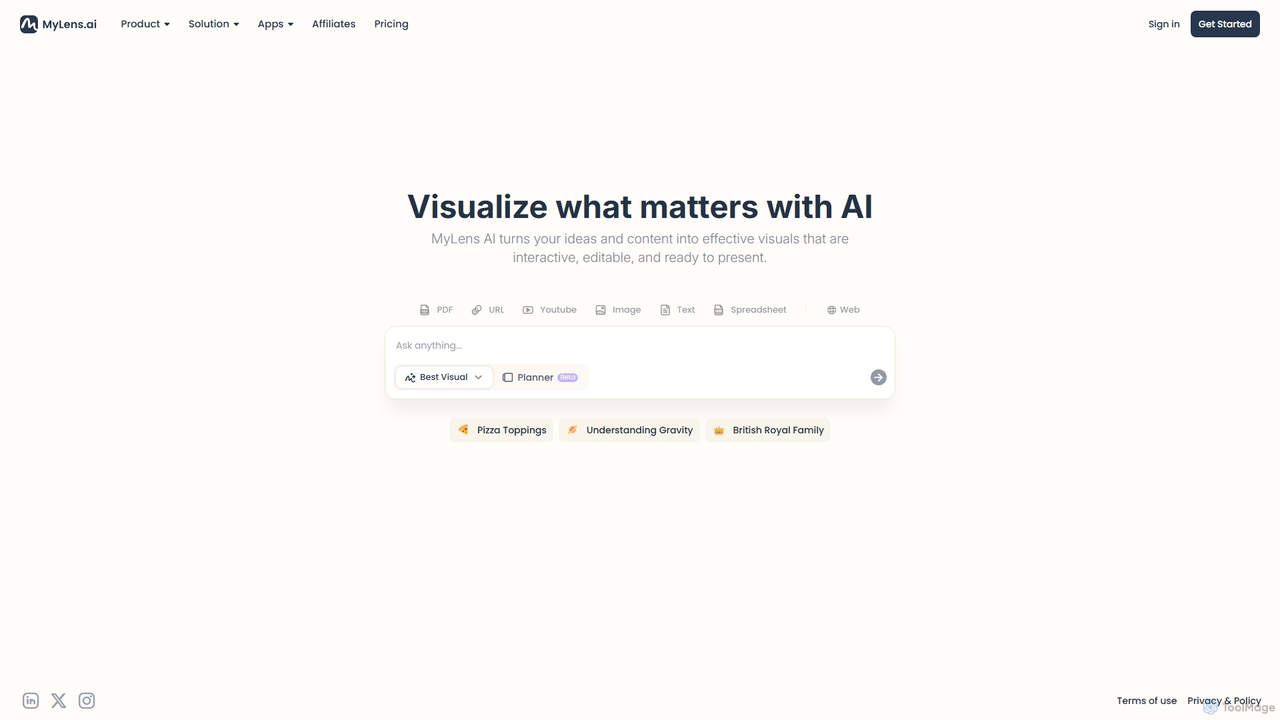
MyLens is an AI-powered visualization tool that transforms your ideas and various content formats—like PDFs, URLs, text, and videos—into clear, interactive, and editable diagrams. With a single click, it helps you understand complex information, brainstorm effectively, and create presentation-ready visuals, acting as your personal visual planner.

Visualization
Visits 4KFavorites 107Likes 121
MindmapAI
Freemium

MindmapAI

MindmapAI is an advanced AI-powered platform that transforms ideas, PDFs, YouTube videos, and web URLs into structured, visual mind maps. It automates information analysis and organization, enabling users to quickly grasp complex topics, brainstorm effectively, and collaborate with teams in real-time. Ideal for students, professionals, and creators looking to enhance productivity and clarity.

Project Management
Visits 5KFavorites 101Likes 111
TubeScribe
Paid

TubeScribe

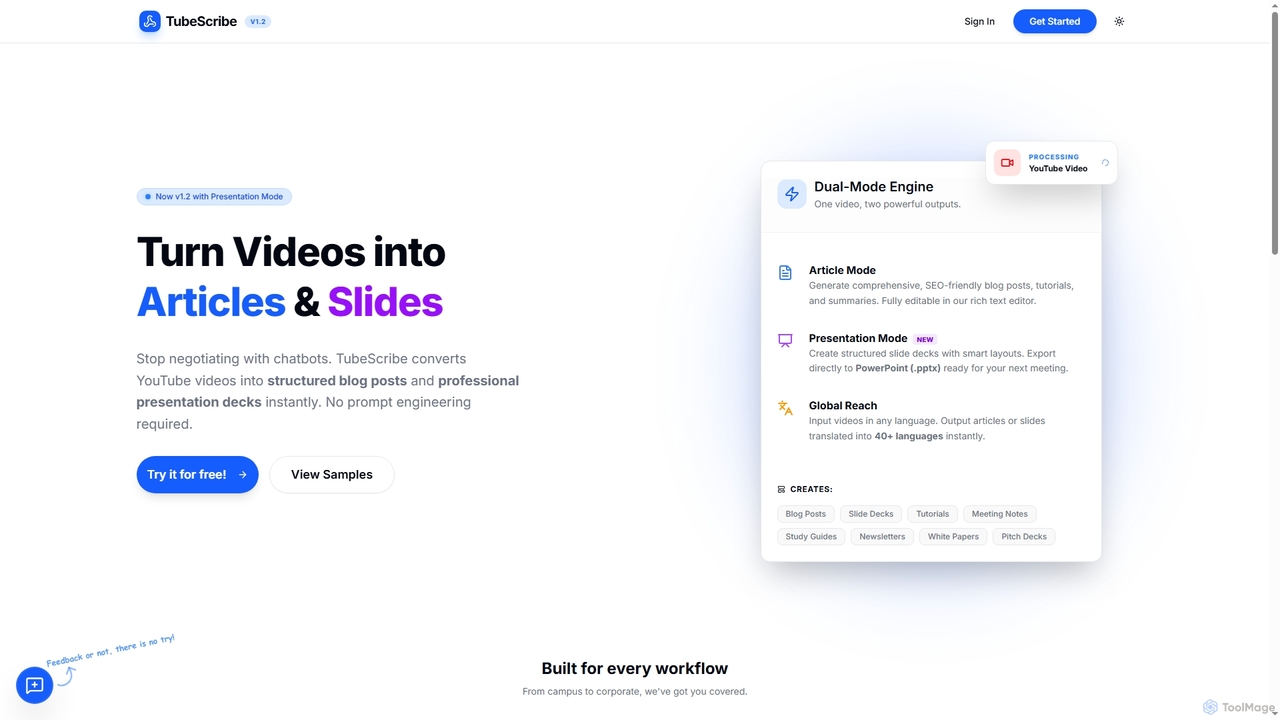
TubeScribe is an AI-powered tool that transforms YouTube videos into structured, SEO-friendly blog posts and professional presentation slides instantly. It eliminates the need for manual transcription and complex prompt engineering, enabling users to repurpose video content efficiently for various needs, from academic study to corporate presentations and content marketing.

Content Creation
Visits 6.2KFavorites 105Likes 95
TalkPDF

TalkPDF

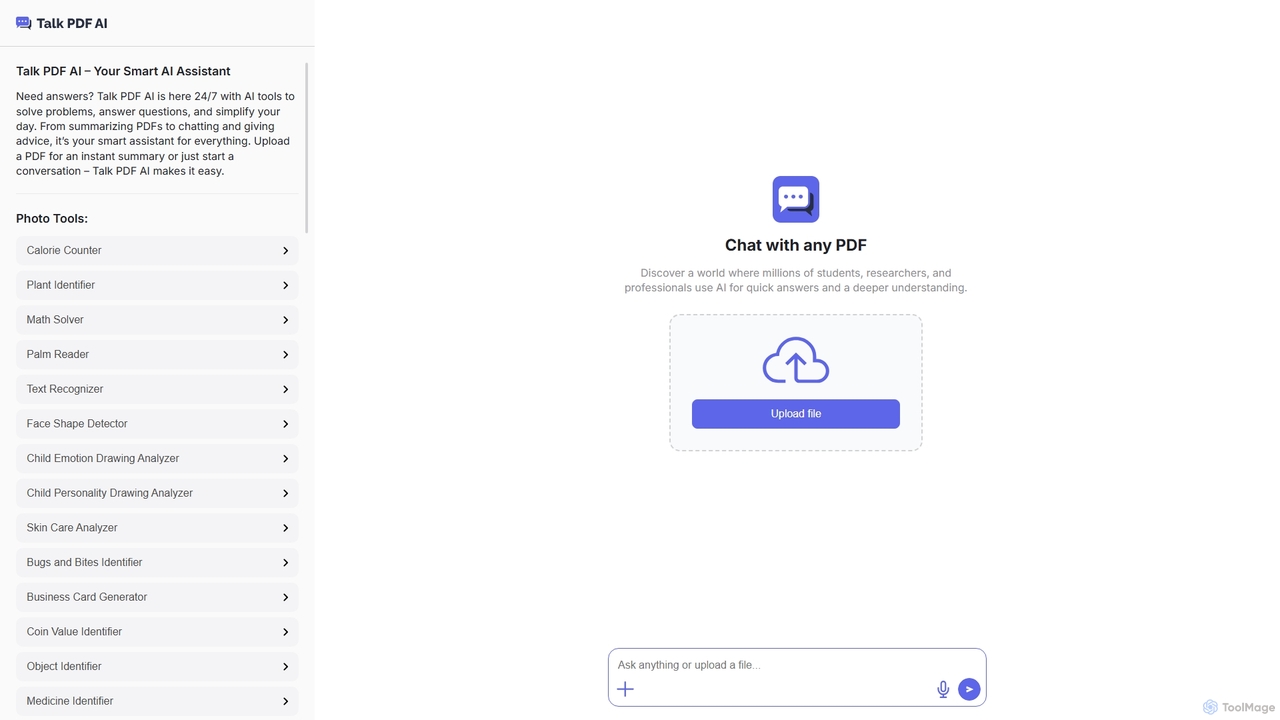
TalkPDF is an intelligent AI assistant designed to simplify daily tasks by offering a wide array of tools. It excels at interacting with PDFs, providing instant summaries, answering questions, and facilitating conversations. Beyond PDF capabilities, it integrates numerous AI-powered photo, text, and audio tools for diverse needs.

Writing Assistant
Visits 5.6KFavorites 104Likes 102
Sulta AI
Freemium

Sulta AI

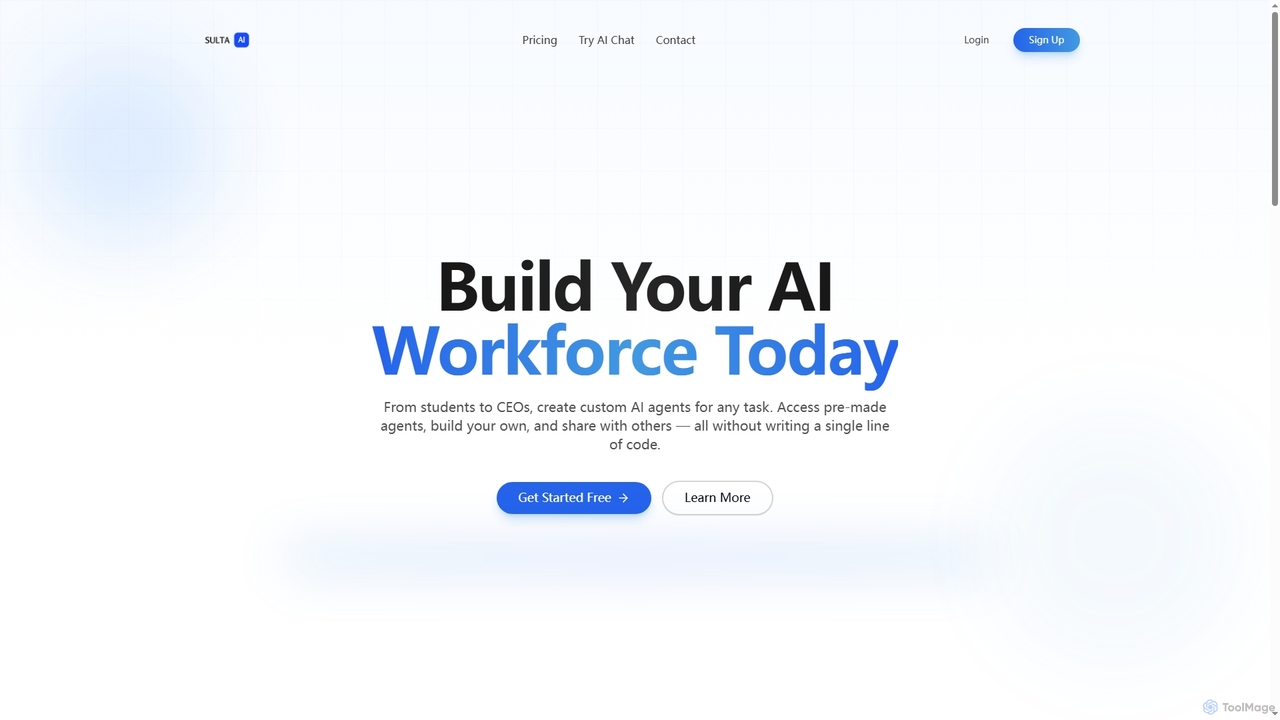
Sulta AI is a no-code platform empowering users to build and deploy custom AI agents for any task, from student research to business operations. It offers a rich library of pre-built agents, community sharing, and data training capabilities to revolutionize individual and team workflows without writing a single line of code.

Content Generation
Visits 4.1KFavorites 19Likes 27
iLovePresentations
Freemium

iLovePresentations

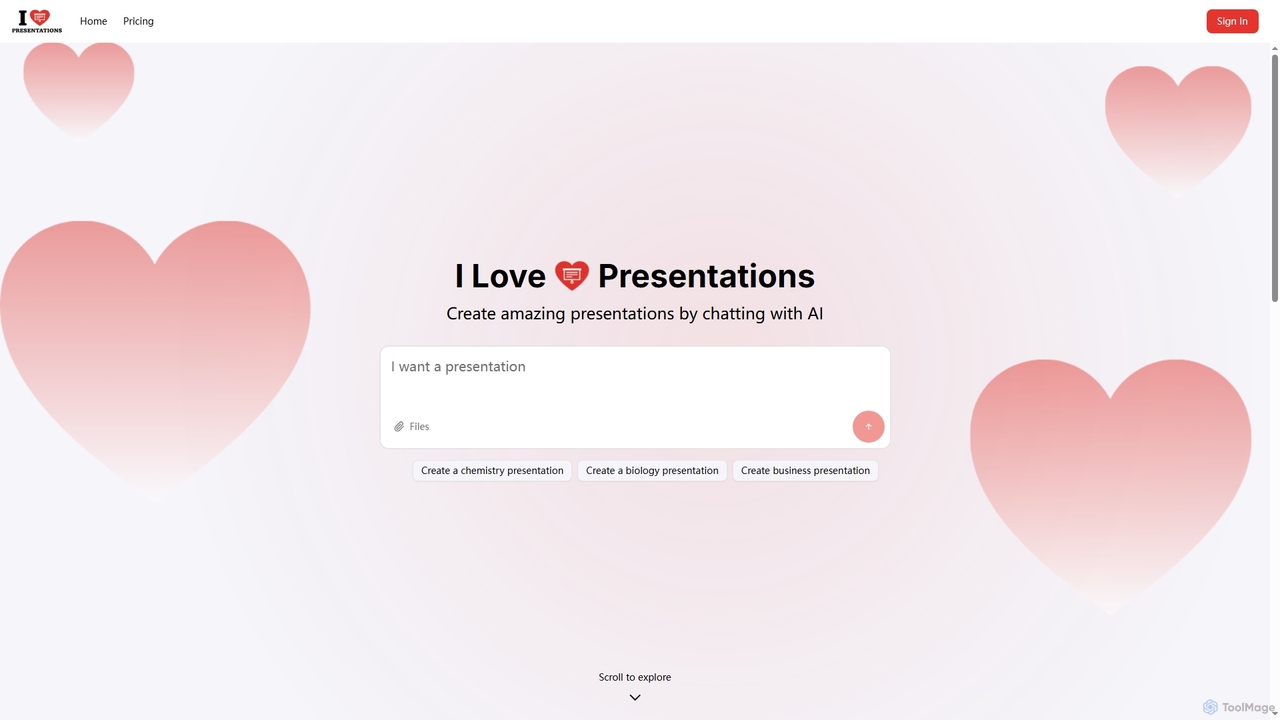
iLovePresentations is an innovative AI-powered tool designed to simplify presentation creation. Users can generate professional slides by simply chatting with the AI, describing their desired content. It offers a fast and efficient way to produce engaging presentations for various purposes, from academic subjects like chemistry and biology to business reports.

Marketing
Visits 4KFavorites 101Likes 90
Adobe
Freemium

Adobe

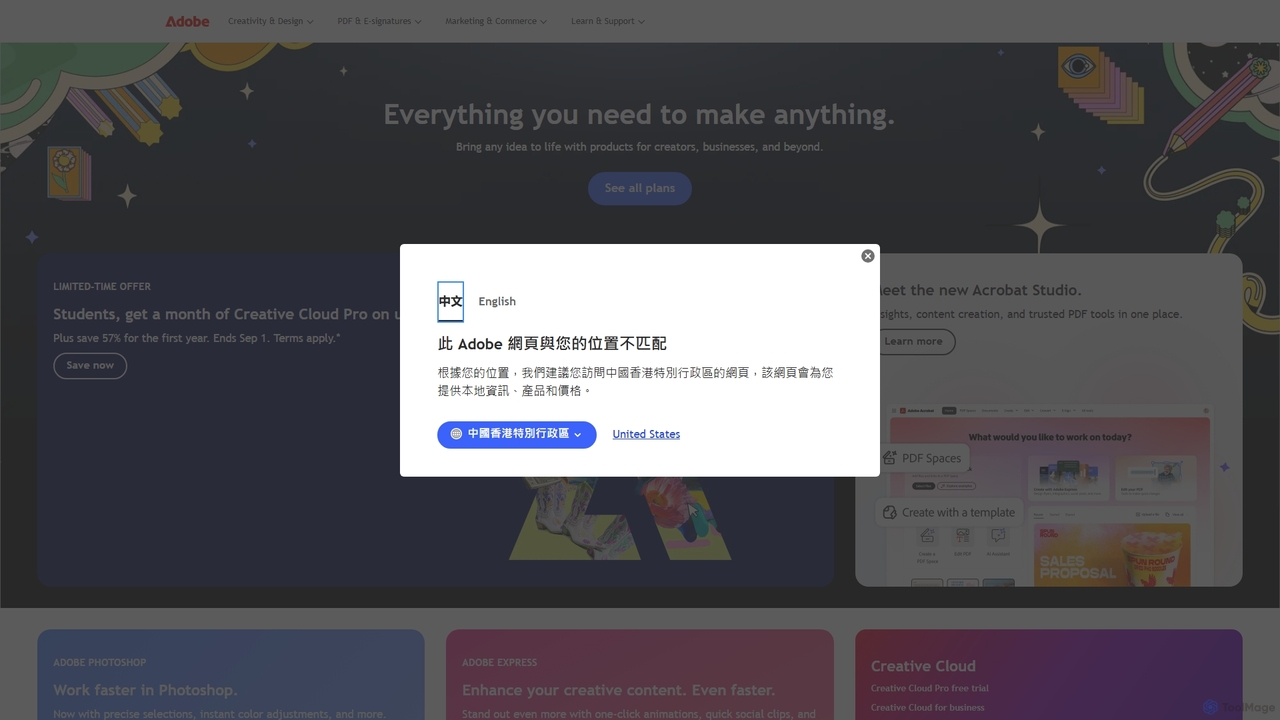
Adobe is the industry-leading suite of creative, marketing, and document management software, supercharged with powerful generative AI. Featuring tools like Photoshop, Premiere Pro, and Acrobat, integrated with Adobe Firefly AI, it empowers creators, businesses, and individuals to bring any idea to life, from stunning visuals and cinematic videos to intelligent, interactive documents.

Graphic Design
Visits 376.3MFavorites 97Likes 80
StudySync
Freemium

StudySync

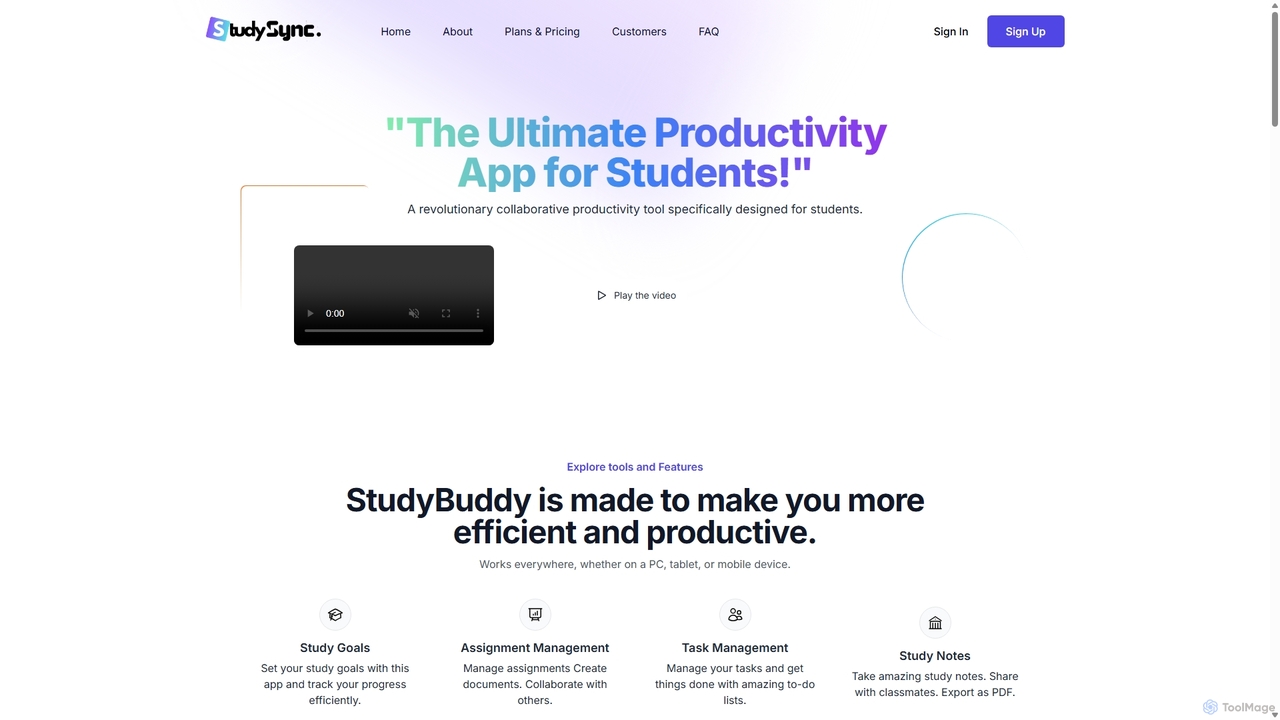
StudySync is an AI-powered, all-in-one collaborative suite designed for students, educators, and research teams. It integrates document and spreadsheet creation, digital asset management, and smart scheduling to streamline academic workflows, enhance group projects, and boost overall productivity.

Study Tools
Visits 4KFavorites 142Likes 134
YouLearn
Freemium

YouLearn

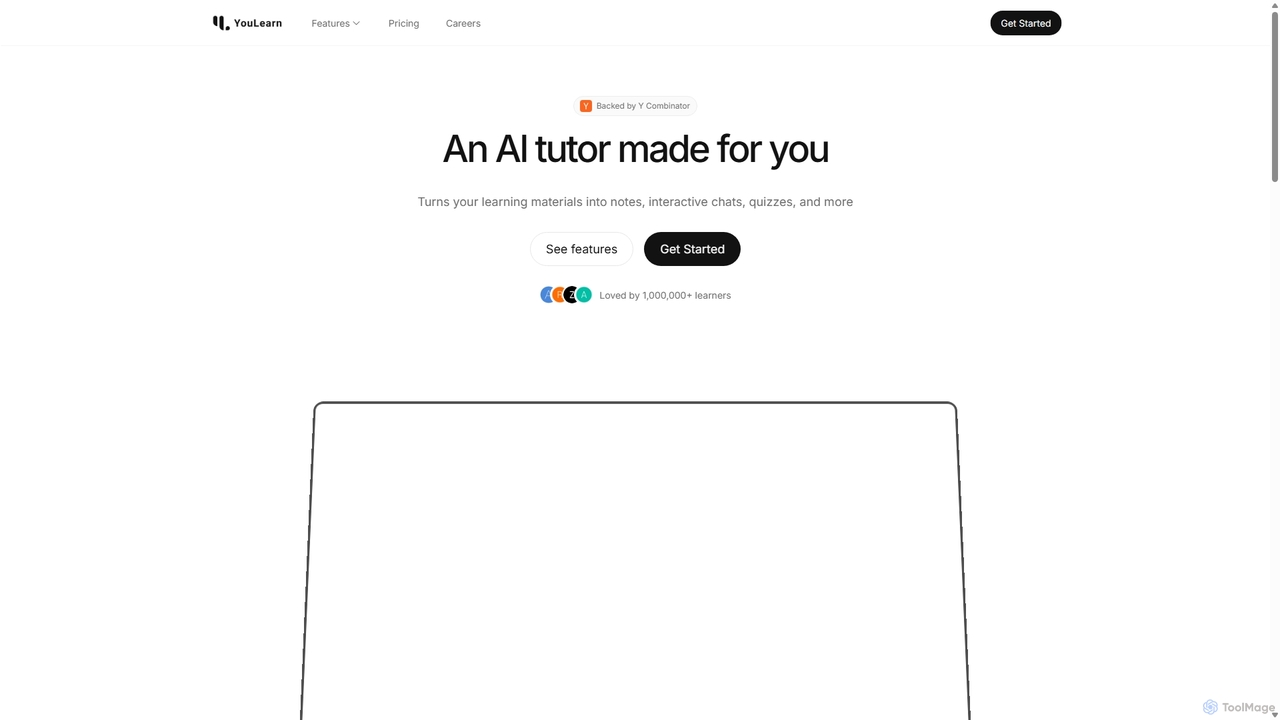
YouLearn is a Y Combinator-backed AI tutor that transforms any learning material—like PDFs, YouTube videos, and lectures—into interactive study tools. It creates summaries, flashcards, and quizzes, and offers an AI chat feature to simplify complex topics, helping over a million students and professionals learn smarter and faster.

Learning Assistant
Visits 747.1KFavorites 132Likes 110
Pdftobrainrot
Freemium

Pdftobrainrot

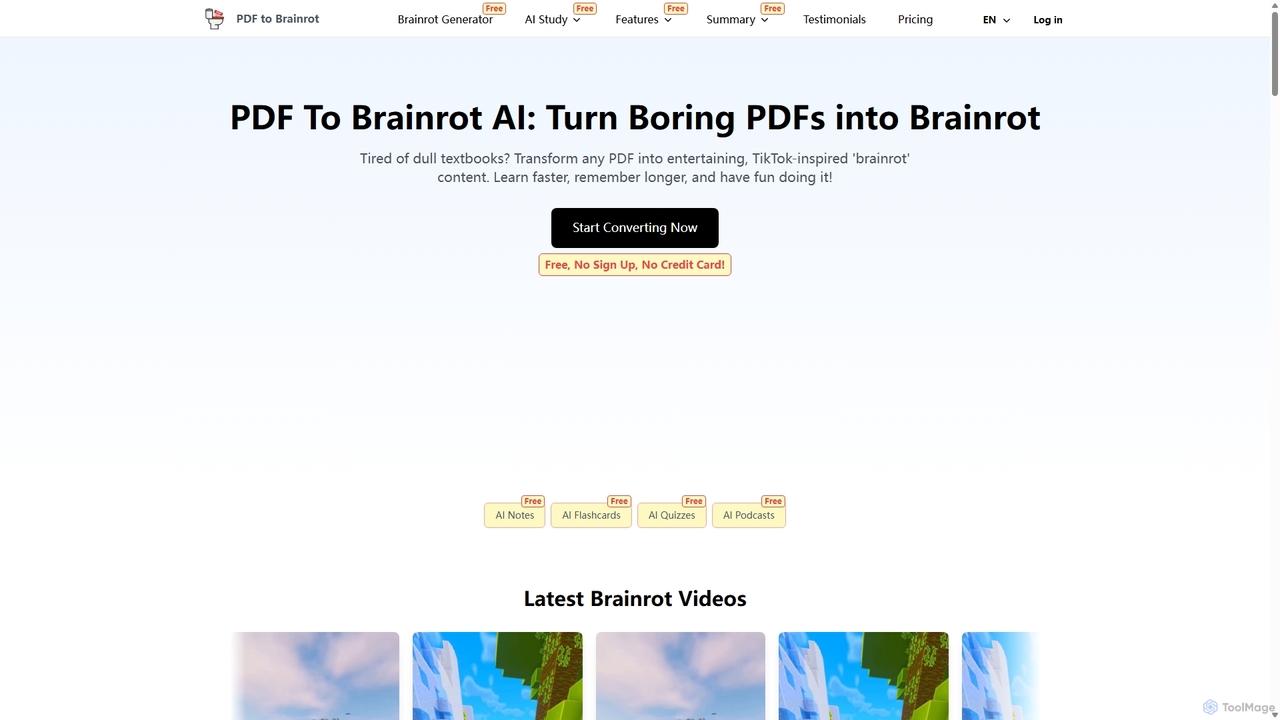
An AI-powered tool that transforms boring PDFs, documents, and text into engaging, TikTok-style "brainrot" videos. It's designed for students, educators, and content creators to make learning and information consumption fun, fast, and memorable with customizable AI voices, backgrounds, and music.

Learning
Visits 54.9KFavorites 118Likes 122
ChatPDF.so
Freemium

ChatPDF.so

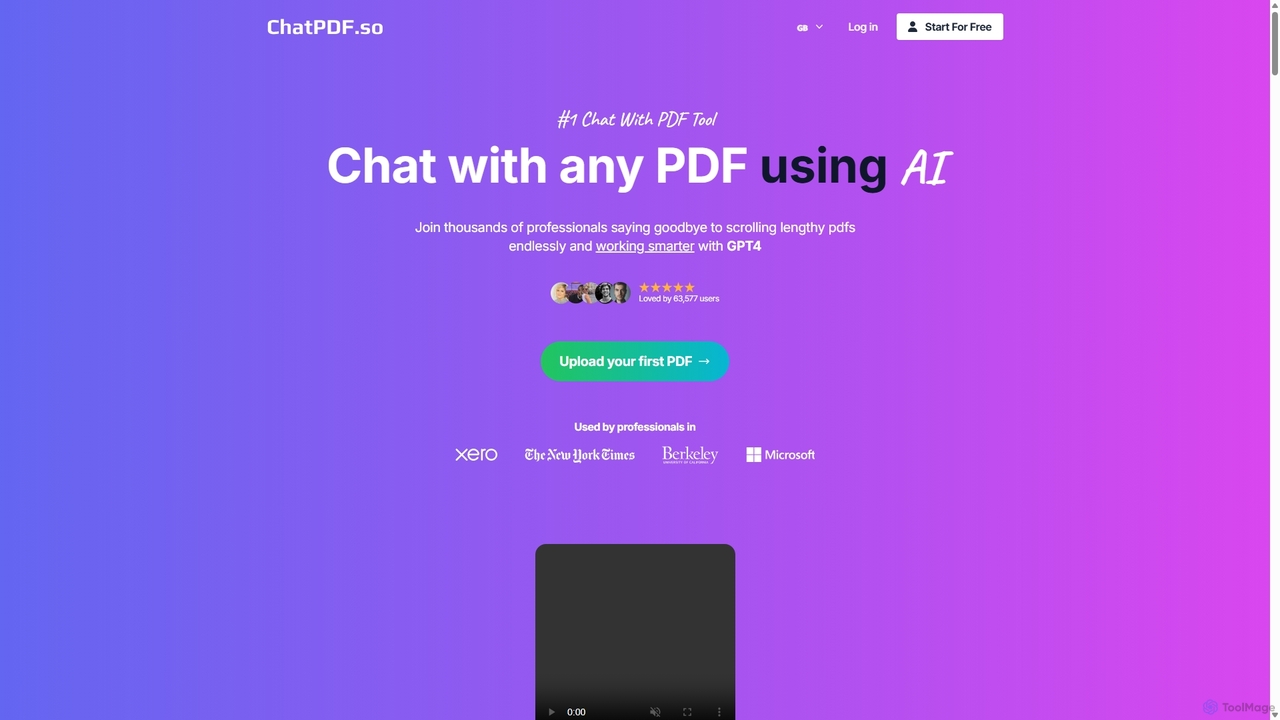
ChatPDF.so is an AI-powered tool that allows you to chat with any PDF document. Instantly get answers, summaries, and insights from textbooks, research papers, legal contracts, and more. Supports bulk uploads, multi-document conversations, and chatbot creation.

Chatbot
Visits 5.5KFavorites 93Likes 116
MindmapAI
Freemium

MindmapAI

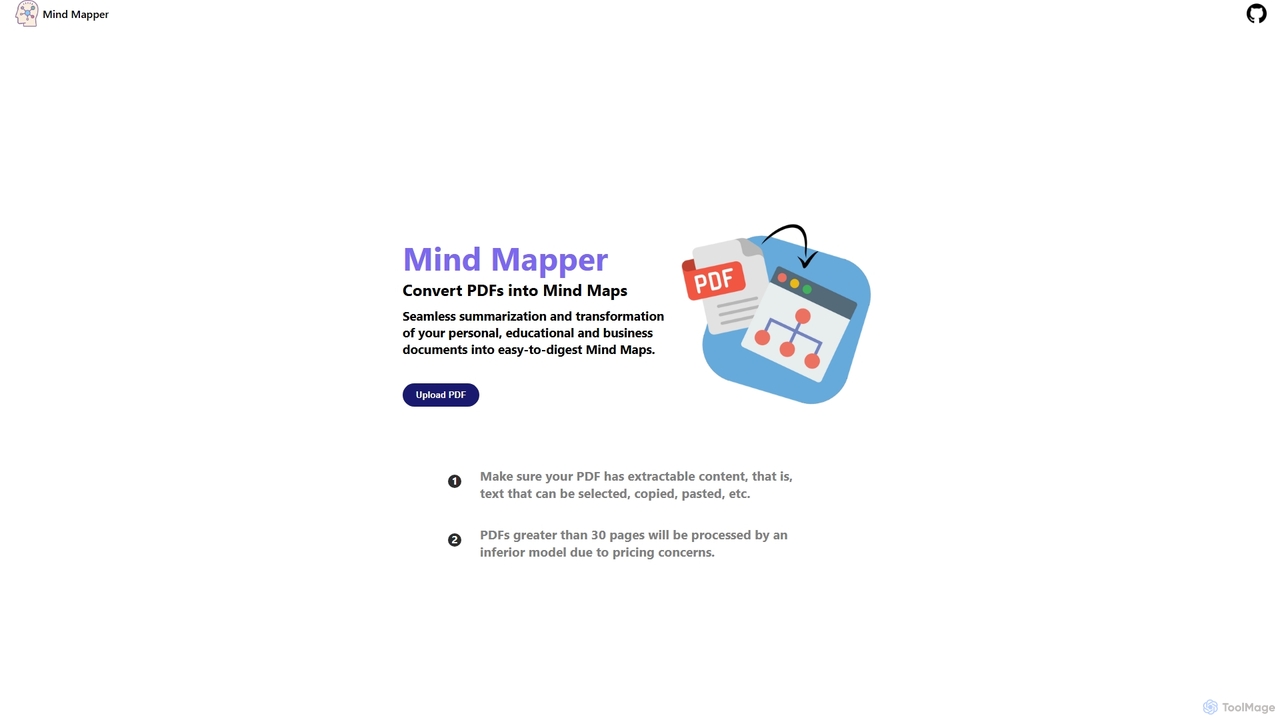
MindmapAI is an AI-powered tool that transforms PDF documents into clear, structured mind maps. Using Google's Gemini AI, it automatically summarizes and visualizes complex information, making it ideal for students, researchers, and professionals to quickly grasp key concepts from dense texts.

Document Management
Visits 4.3KFavorites 104Likes 90
Editair
Freemium

Editair

Editair is an AI-powered writing assistant designed to elevate your text. It goes beyond basic grammar checks, offering suggestions for style, tone, and clarity. Perfect for professionals, students, and content creators, Editair helps you craft clear, compelling, and error-free content effortlessly, making your writing process smoother and more efficient.

Study Tools
Visits 4KFavorites 116Likes 120
UPDF
Freemium

UPDF

UPDF is an AI-integrated, all-in-one PDF editor that allows users to edit, annotate, convert, summarize, translate, and chat with PDF documents. It offers a seamless experience across Windows, macOS, iOS, and Android, boosting productivity for individuals, students, and businesses.

Document Analysis
Visits 1.1MFavorites 94Likes 95