ToolMage
Sign in
PowerPresent
Marketing ยท 3.7K monthly visits

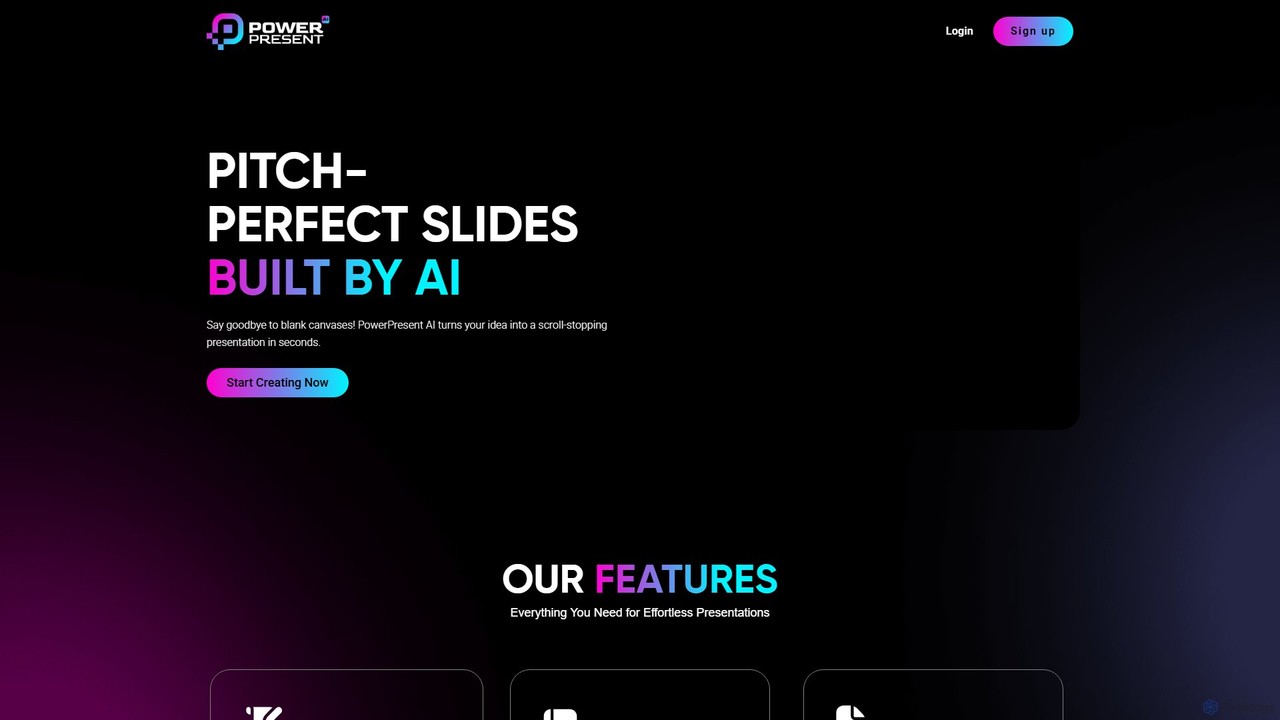
PowerPresent is an AI-powered presentation maker that instantly transforms your ideas, documents, links, or text into professional, editable slides. Say goodbye to blank canvases and create stunning, pitch-perfect presentations in seconds for business, education, or personal projects.

VS
Workppt
Marketing ยท 12.9K monthly visits

Workppt is an AI-powered presentation generator that creates professional PowerPoint slides, websites, and summaries in seconds. Simply provide a title or upload a document, and the AI will generate a complete presentation with relevant content and design, saving you hours of manual work.

PowerPresent vs Workppt: pricing, features, traffic, and use cases

Compare PowerPresent and Workppt across positioning, pricing, traffic, and user feedback using structured factual data.

Updated Aug 5, 2026

Product overview

PowerPresent Product overview

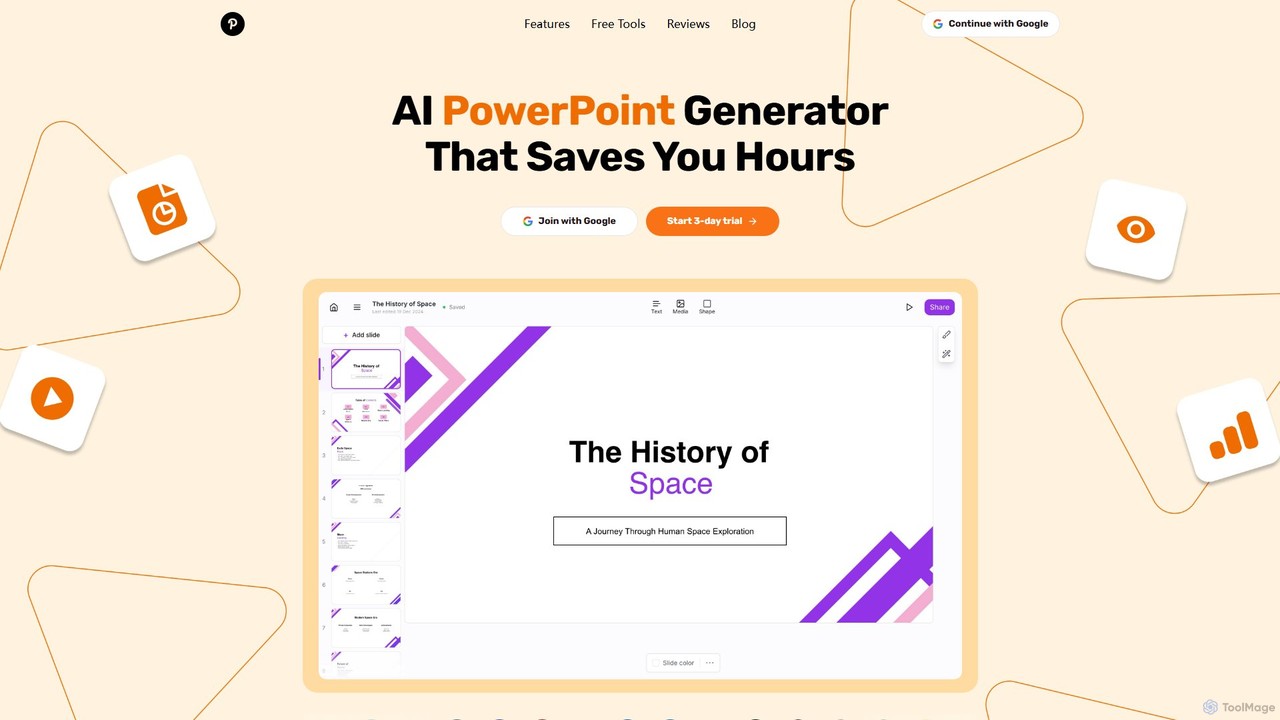
PowerPresent is an AI-powered presentation maker that instantly transforms your ideas, documents, links, or text into professional, editable slides. Say goodbye to blank canvases and create stunning, pitch-perfect presentations in seconds for business, education, or personal projects.
Preview

Workppt Product overview

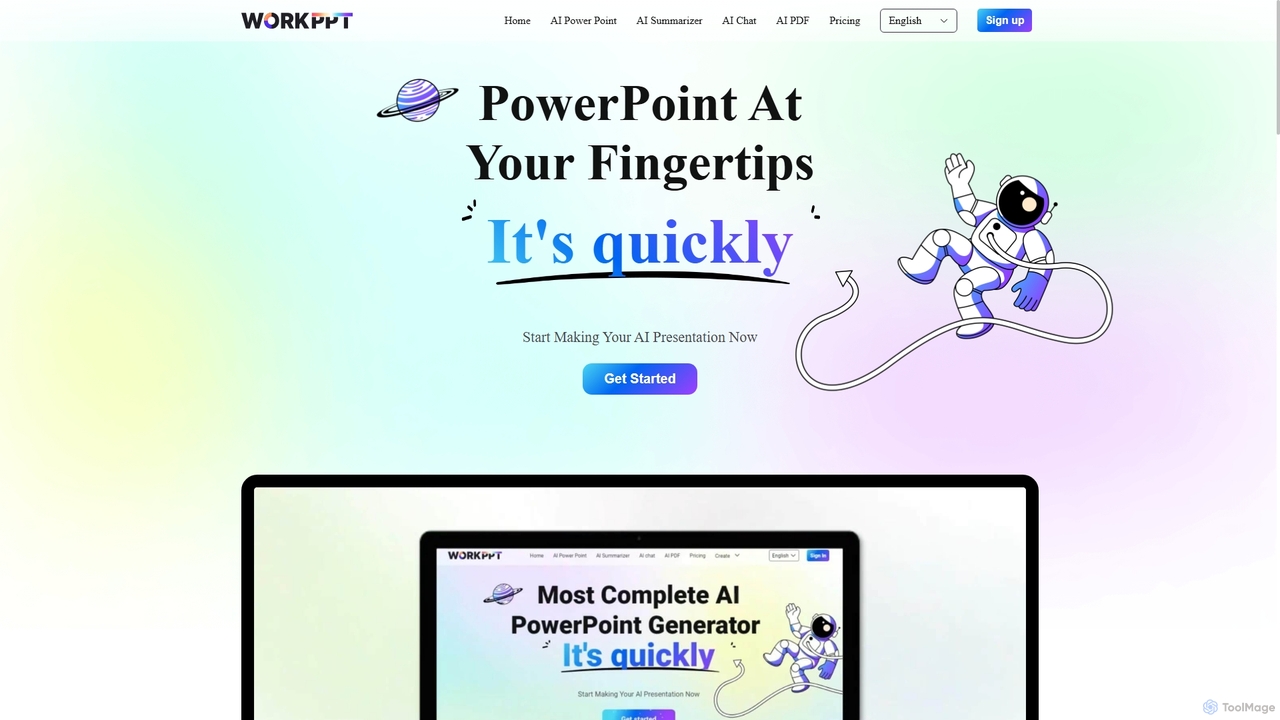
Workppt is an AI-powered presentation generator that creates professional PowerPoint slides, websites, and summaries in seconds. Simply provide a title or upload a document, and the AI will generate a complete presentation with relevant content and design, saving you hours of manual work.

Preview

Detailed feature comparison

FeaturePowerPresentWorkppt
Primary categoryMarketingMarketing
Added2025-08-162025-09-05
PricingFreemiumFreemium
Official websitewww.powerpresent.aippt.softtooler.com
Product typeWebsiteWebsite
Performance data
User ratingNot verifiedNot verified
Comments00
Monthly visits3.7K12.9K
Monthly growth-33.8%18.7%
Favorites143119
DetailsView detailsView details

PowerPresent vs Workppt monthly traffic

Compare PowerPresent and Workppt by monthly reach, traffic trend, visit depth, top regions, and acquisition sources.

How to interpret the traffic data

In the PowerPresent vs Workppt monthly traffic comparison, PowerPresent currently shows 3.7K visits and Workppt shows 12.9K; Workppt has about 3.5 times the visible traffic of PowerPresent, an absolute difference of about 9.2K visits. This reflects visible reach, not feature quality or paid users.

Both tools provide verified traffic details, so monthly trends, visit depth, regions, and acquisition sources can be compared on the same basis.

PowerPresent monthly traffic:

Latest traffic

Monthly visits
3.7K
Avg. visit duration
2:25
Pages per visit
3.89
Bounce rate
30.28%
Data updated 2026-06-15

Monthly traffic trend

  • 2025/9: 6K Monthly visits
  • 2026/1: 13K Monthly visits
  • 2026/2: 10.5K Monthly visits
  • 2026/3: 10.8K Monthly visits
  • 2026/4: 5.6K Monthly visits
  • 2026/5: 3.7K Monthly visits

Top regions

Top 5 countries/regions
Country/regionPercentageTraffic
๐Ÿ‡บ๐Ÿ‡ธUnited States64.32%2.4K
๐Ÿ‡ฎ๐Ÿ‡ณIndia20.02%742
๐Ÿ‡ฎ๐Ÿ‡นItaly9.95%369
๐Ÿ‡ฒ๐Ÿ‡พMalaysia4.75%176
๐Ÿ‡น๐Ÿ‡ทTurkey0.96%36

Search keywords

ai presentation generatorai presentation makerpowerpresentppt aipresentation ai

Workppt monthly traffic:

Latest traffic

Monthly visits
12.9K
Avg. visit duration
1:48
Pages per visit
3.07
Bounce rate
50.63%
Data updated 2026-06-15

Monthly traffic trend

  • 2025/9: 26.5K Monthly visits
  • 2026/1: 14.3K Monthly visits
  • 2026/2: 19K Monthly visits
  • 2026/3: 14.7K Monthly visits
  • 2026/4: 10.8K Monthly visits
  • 2026/5: 12.9K Monthly visits

Top regions

Top 5 countries/regions
Country/regionPercentageTraffic
๐Ÿ‡ฎ๐Ÿ‡ฉIndonesia42.3%5.4K
๐Ÿ‡บ๐Ÿ‡ธUnited States23.99%3.1K
๐Ÿ‡ป๐Ÿ‡ณVietnam15.55%2K
๐Ÿ‡ฎ๐Ÿ‡ณIndia10.59%1.4K
๐Ÿ‡ฐ๐Ÿ‡ทKorea, Republic of7.57%974

Traffic sources

Source typePercentageTraffic
Direct86.1%11.1K
Referral13.9%1.8K

Search keywords

better presentation software than powerpointfunny powepoint ideashow to count words in powerpoint slide. there is no show all propertiespresentation memesworkppt
Traffic-based selection guidance: If public market visibility is an important first-pass criterion, investigate Workppt first. The final choice should still follow taxonomy, use case, and a real trial because higher traffic does not prove broader capabilities or better workflow fit.

Usage comparison

Compare the core capabilities of PowerPresent and Workppt

PowerPresent Core features

Marketing
Learning
Presentations

Workppt Core features

Marketing
Learning
Presentations

Use cases

PowerPresent Use cases

text to presentation
AI presentation
AI productivity
document to slides
pitch deck
powerpoint ai
presentation maker
slides generator

Workppt Use cases

text to presentation
AI for business
AI presentation maker
AI slides
document summarizer
file to ppt
PowerPoint generator
presentation software
slide generator

Best suited roles

PowerPresent Best suited roles

No verified data available

Workppt Best suited roles

Business Consultant
Content Creator
Educator
Entrepreneur
HR Manager
Marketing Manager
Product Manager
Project Manager
Sales Representative
Student

PowerPresent vs Workppt๏ผšIn-depth comparison and selection guidance

First decide whether the products solve the same kind of need

This in-depth PowerPresent vs Workppt comparison uses only the product records, taxonomy, audience, traffic, and community signals available on this page. PowerPresent is primarily listed under โ€œMarketingโ€, while Workppt is primarily listed under โ€œMarketingโ€, so the first decision is whether your actual task matches their recorded scope.

The structured fields currently show these decision-relevant differences: Monthly visits (PowerPresent: 3.7K; Workppt: 12.9K); Monthly growth (PowerPresent: -33.8%; Workppt: 18.7%); Favorites (PowerPresent: 143; Workppt: 119); Website (PowerPresent: www.powerpresent.ai; Workppt: ppt.softtooler.com); Added (PowerPresent: 2025-08-16; Workppt: 2025-09-05). These facts are more useful for selection than brand visibility alone.

What market visibility and monthly traffic mean

In the PowerPresent vs Workppt monthly traffic comparison, PowerPresent currently shows 3.7K visits and Workppt shows 12.9K; Workppt has about 3.5 times the visible traffic of PowerPresent, an absolute difference of about 9.2K visits. This reflects visible reach, not feature quality or paid users.

Both tools provide verified traffic details, so monthly trends, visit depth, regions, and acquisition sources can be compared on the same basis.

If public market visibility is an important first-pass criterion, investigate Workppt first. The final choice should still follow taxonomy, use case, and a real trial because higher traffic does not prove broader capabilities or better workflow fit.

Product positioning, use cases, and roles

PowerPresent and Workppt currently overlap in shared categories: Marketing, Learning, and Presentations; shared tags: text to presentation. This can place both on the same shortlist, but it does not prove equal implementation, depth, or cost.

PowerPresent's unique categories/tags are AI presentation, AI productivity, document to slides, pitch deck, powerpoint ai, presentation maker, and slides generator; Workppt's are AI for business, AI presentation maker, AI slides, document summarizer, file to ppt, PowerPoint generator, presentation software, and slide generator. These unique fields are the strongest differentiators: validate the product whose recorded scope matches the task instead of following traffic alone.

What ratings, comments, and favorites can tell you

PowerPresent has no verified rating, 0 comments, 143 favorites, and 128 likes๏ผ›Workppt has no verified rating, 0 comments, 119 favorites, and 88 likesใ€‚

Neither product has enough rating or comment samples for a credible reputation ranking.

Selection guidance by actual need

When to evaluate PowerPresent first

Put PowerPresent on the priority trial list when the task aligns with โ€œMarketingโ€ and especially AI presentation, AI productivity, document to slides, pitch deck, powerpoint ai, and presentation maker. This follows recorded positioning and does not imply unlisted capabilities are absent.

PowerPresent also currently records: pricing is freemium, product type is website, 3.7K verified monthly visits, no verified user rating. Verify any hard requirement around price, platform, or reach before trial, and do not let sparse review data substitute for testing.

When to evaluate Workppt first

Put Workppt on the priority trial list when the task aligns with โ€œMarketingโ€ and especially AI for business, AI presentation maker, AI slides, document summarizer, file to ppt, and PowerPoint generator, or the users include Business Consultant, Content Creator, Educator, and Entrepreneur. This follows recorded positioning and does not imply unlisted capabilities are absent.

Workppt also currently records: pricing is freemium, product type is website, 12.9K verified monthly visits, no verified user rating. Verify any hard requirement around price, platform, or reach before trial, and do not let sparse review data substitute for testing.

How to validate the recommendation before deciding

The available data describes positioning, public visibility, and community signals, but it cannot prove output quality, speed, integration effort, privacy, or long-term cost in your workflow. Before deciding, run the same representative tasks in PowerPresent and Workppt, then record completion time, accuracy, manual corrections, and the real paid threshold. A like-for-like trial turns this comparison into a defensible adoption decision.

Comparison FAQ

How should I choose between PowerPresent and Workppt?
Compare positioning, pricing, taxonomy, and traffic maturity, then verify the latest details on each official website.
Where does this comparison data come from?
The factual baseline is derived from product, taxonomy, traffic, and community data. Reviewed editorial conclusions show their source and verification date.
What do unknown fields mean?
Unknown means there is not enough reliable evidence; the page does not fill gaps with assumptions.

Related AI tools

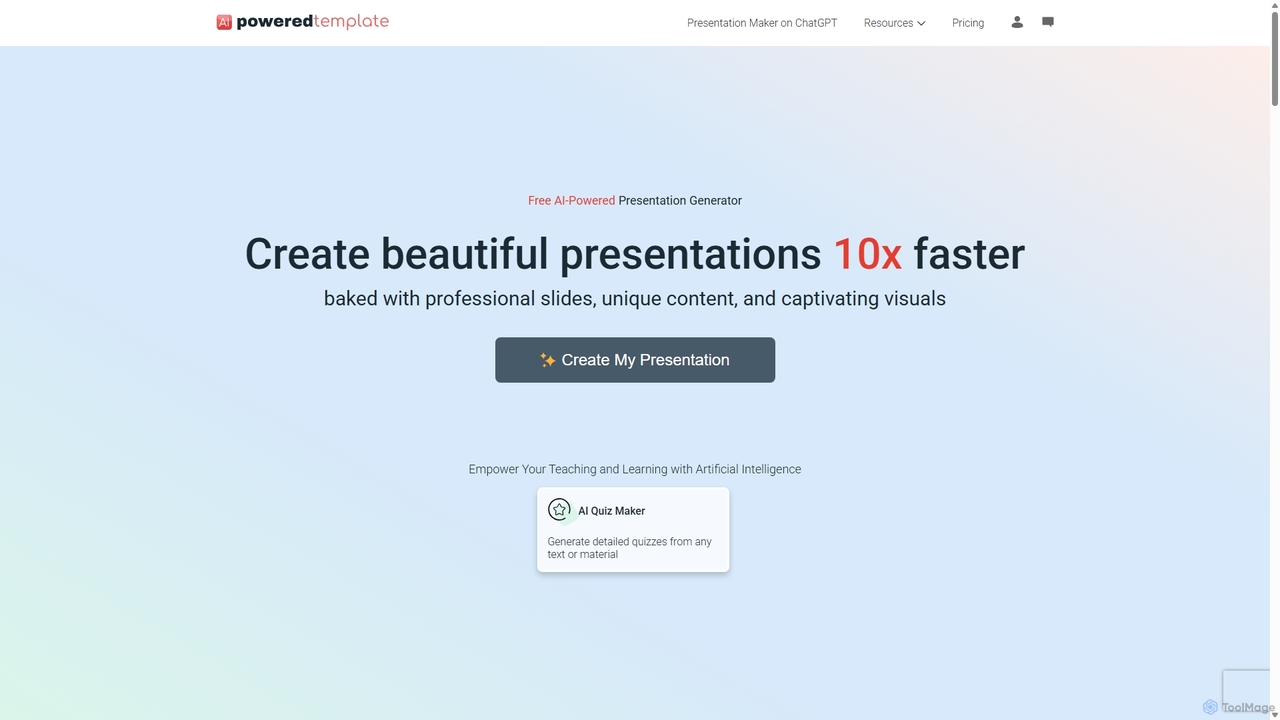
PoweredTemplate AI Presentation Maker
Freemium

PoweredTemplate AI Presentation Maker

PoweredTemplate AI Presentation Maker is a free, AI-powered tool that transforms your ideas and text into stunning, professional presentations 10x faster. Instantly generate high-quality slides with unique content and captivating visuals for business, education, and marketing. It supports export to PowerPoint, Google Slides, and PDF, offering extensive customization through a vast library of templates and stock media.

Proposals
Visits 12KFavorites 96Likes 109
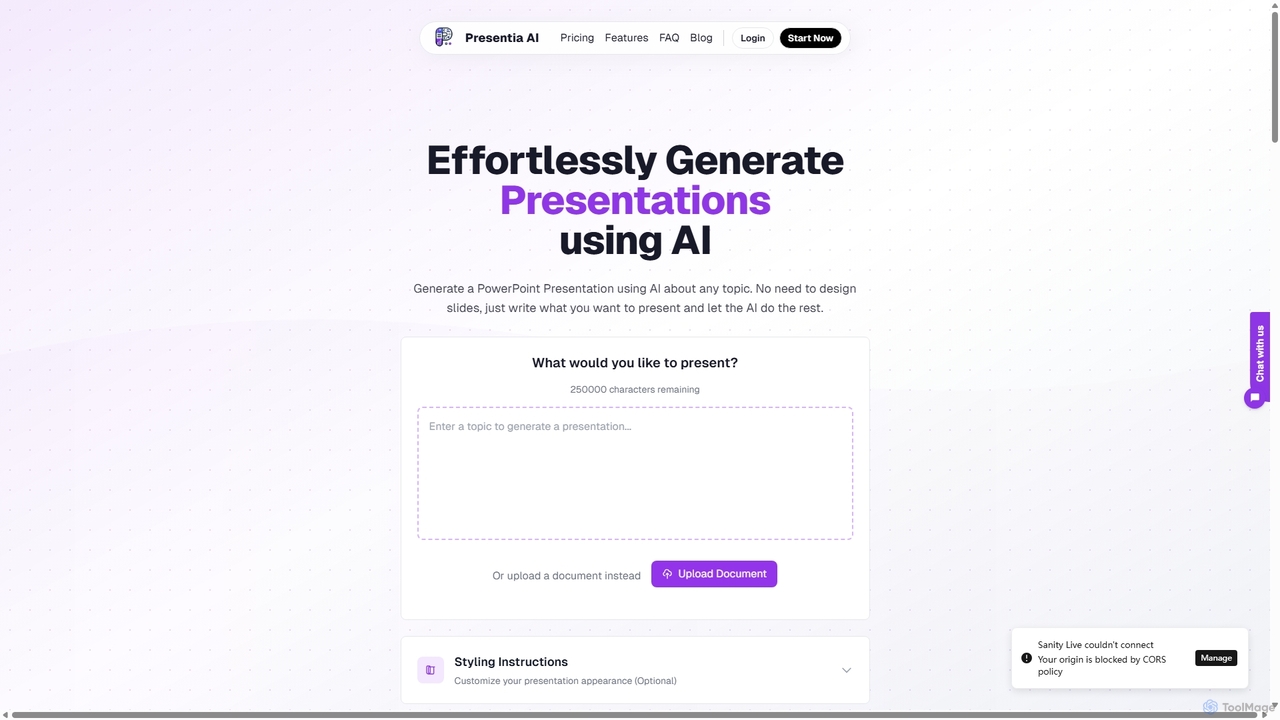
Presentia AI
Paid

Presentia AI

Presentia AI is an advanced AI presentation maker that automatically generates professional PowerPoint slides from text prompts or documents. Simply input your topic or upload a PDF/Word file, and the AI will create a complete, visually appealing presentation with text and images in seconds, supporting multiple languages and custom styling.

Student Tools
Visits 4.7KFavorites 100Likes 101
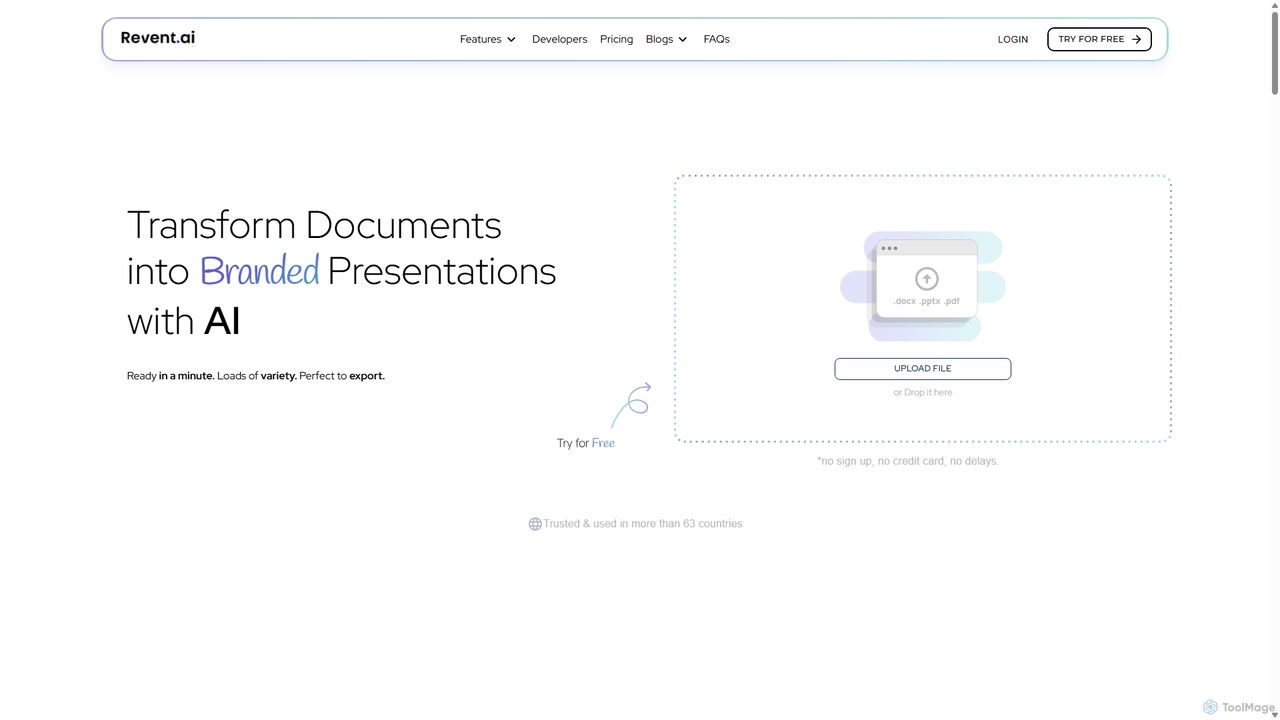
Revent
Freemium

Revent

Revent is an AI-powered presentation design tool that instantly transforms documents like PDFs, Word files, and plain text into professionally designed, branded presentations. It automates slide creation, ensures brand consistency by mirroring your website's design, and offers a vast library of smart templates to streamline your workflow and produce stunning decks in minutes.

Document Management
Visits 7.8KFavorites 131Likes 126
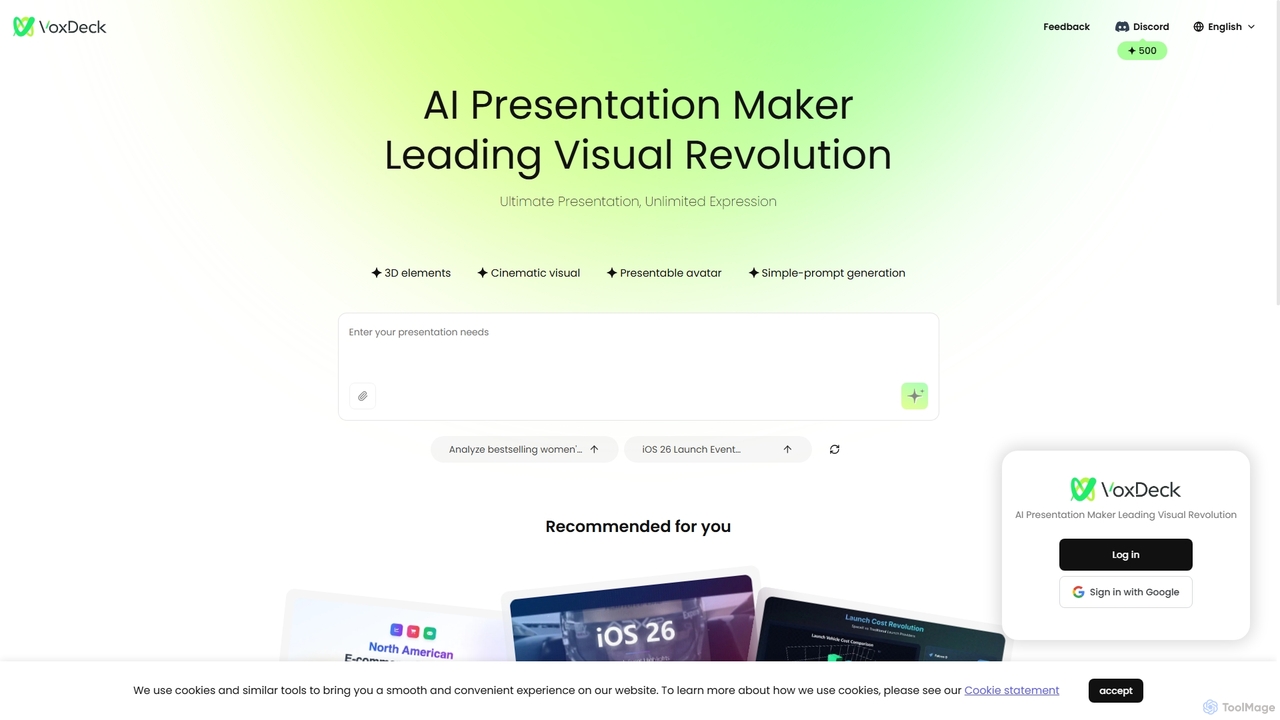
VoxDeck
Freemium

VoxDeck

VoxDeck is an AI-powered presentation maker that transforms simple text prompts into visually stunning, cinematic presentations. It leverages 3D elements, dynamic visuals, and presentable avatars to create engaging and professional slides, leading a new revolution in visual storytelling and communication.

Graphics
Visits 8KFavorites 109Likes 113
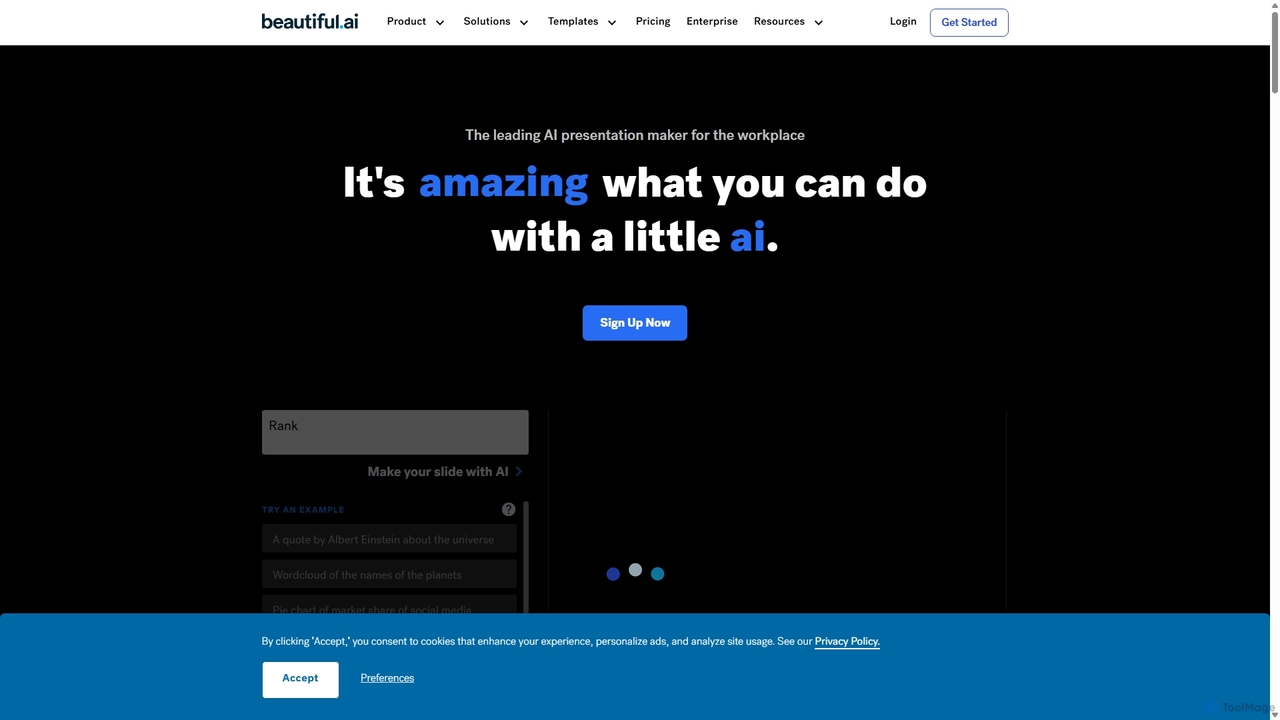
Beautiful.ai
Freemium

Beautiful.ai

Beautiful.ai is an AI-powered presentation maker that automates design, enabling users to create stunning, professional presentations 10x faster. It offers smart templates, real-time slide adaptation, and robust team collaboration features to ensure brand consistency and boost productivity for businesses and individuals.

Graphics
Visits 1.1MFavorites 115Likes 129
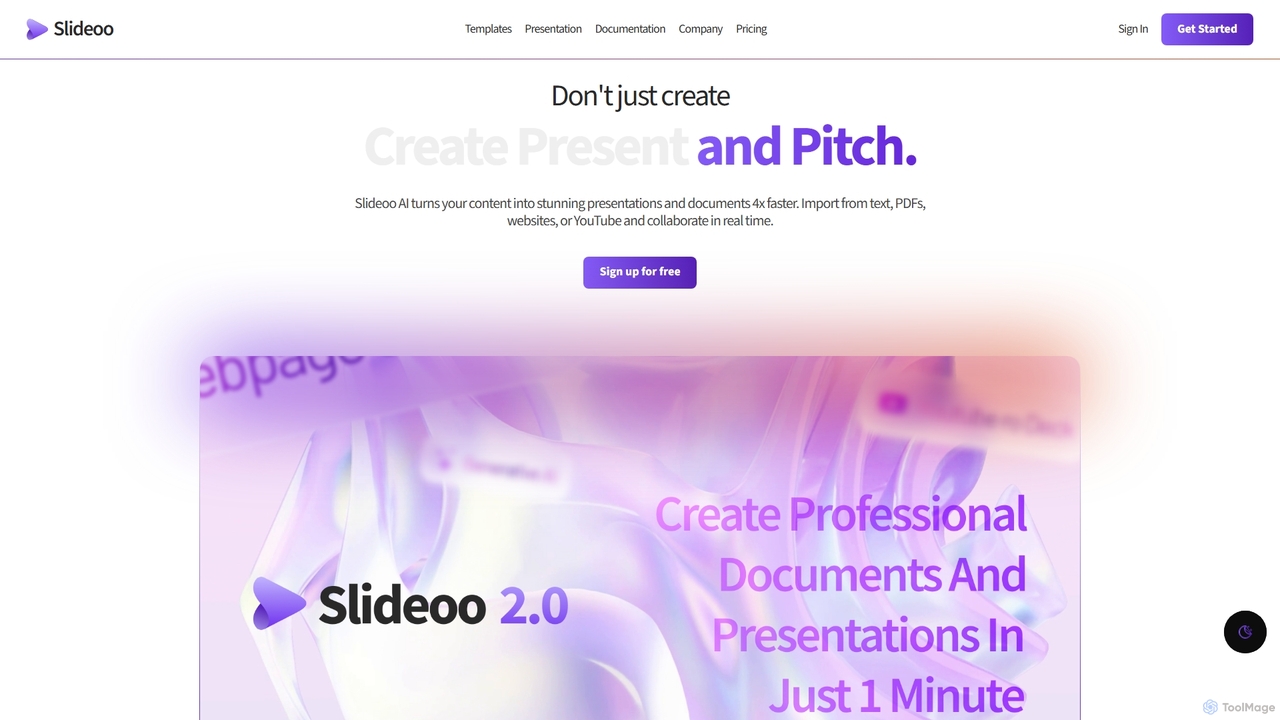
Slideoo
Freemium

Slideoo

Slideoo is an AI-powered platform that revolutionizes the creation of presentations and documents. It transforms content from text, PDFs, websites, or YouTube into stunning visuals 4x faster. Featuring an AI chatbot, real-time collaboration, and engagement analytics, Slideoo helps professionals, marketers, and students create, present, and pitch with unparalleled speed and quality.

Document Creation
Visits 3.7KFavorites 101Likes 94
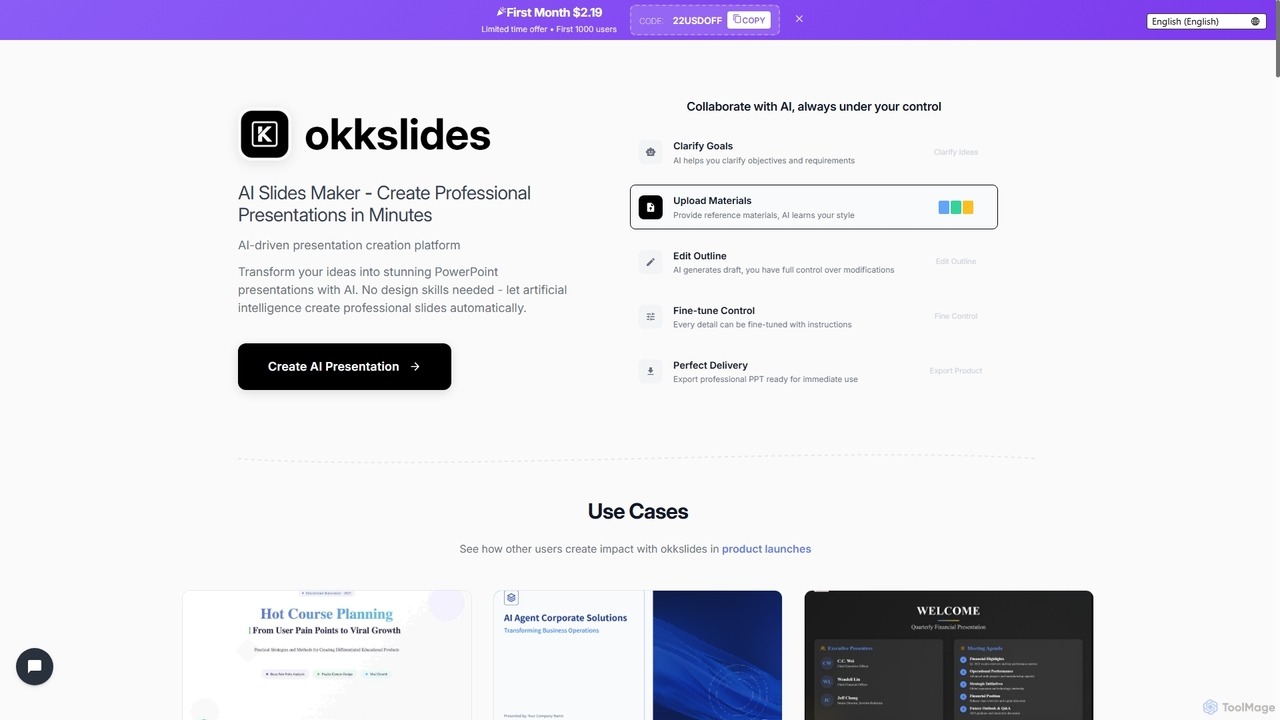
Okkslides
Paid

Okkslides

Okkslides is an AI-driven presentation creation platform that transforms your ideas into stunning PowerPoint presentations in minutes. It eliminates the need for design skills, offering intelligent content organization and continuous AI collaboration to produce professional slides for various business and educational needs.

Marketing
Visits 3.4KFavorites 120Likes 113
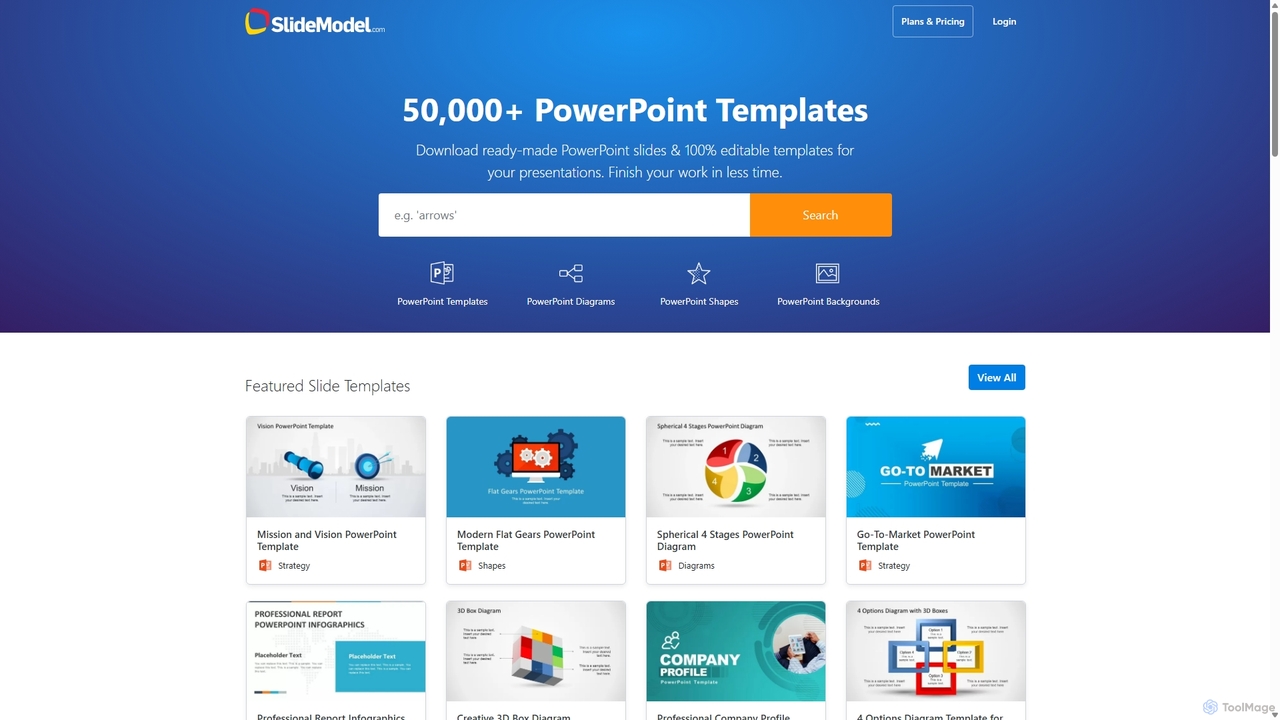
SlideModel
Freemium

SlideModel

SlideModel is a leading provider of professional presentation templates, offering a massive library of over 50,000+ 100% editable slides. It empowers users to create high-impact presentations for PowerPoint, Google Slides, and Keynote quickly, without needing advanced design skills. The platform is trusted by businesses and professionals worldwide to enhance their communication and save valuable time.

Marketing
Visits 795.8KFavorites 124Likes 124
SlideFlow
Freemium

SlideFlow

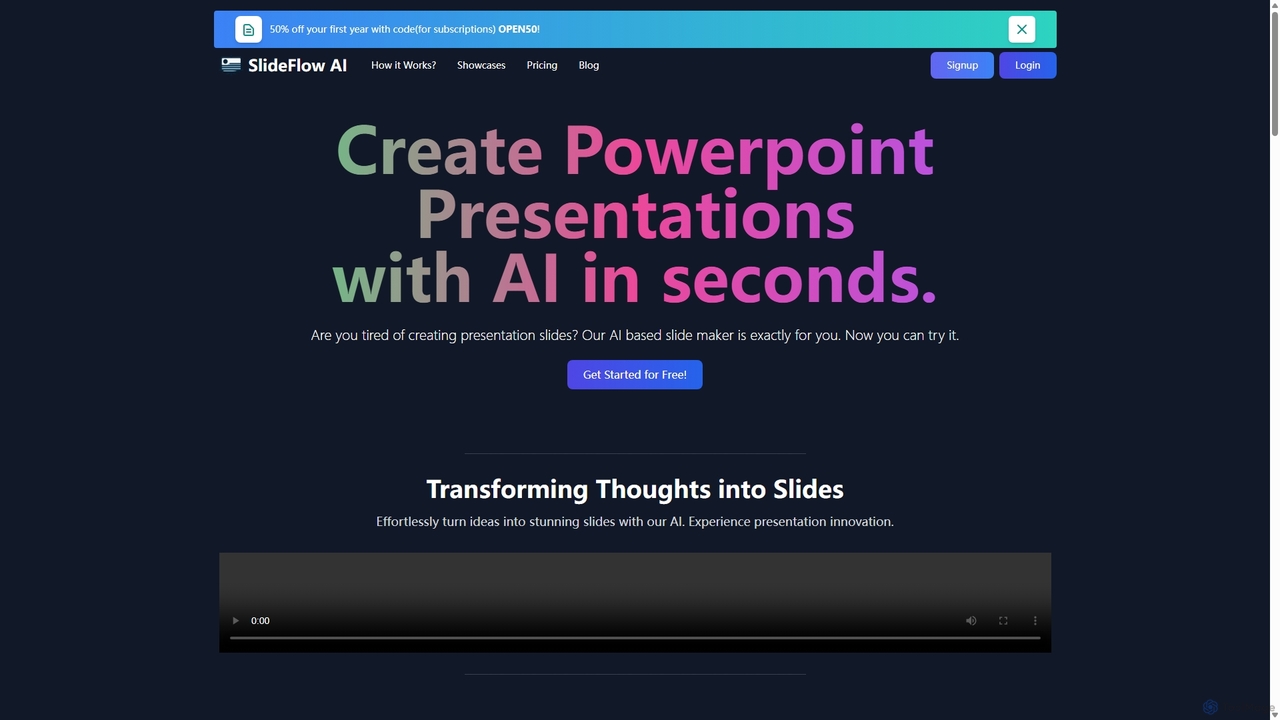
SlideFlow is an AI-powered presentation maker that transforms your text and ideas into professional PowerPoint slides in seconds. It features a Magic Writer for content refinement, a vast library of background images, and supports over 85 languages. Ideal for students, professionals, and anyone looking to save hours on presentation design.

Marketing
Visits 4.4KFavorites 126Likes 135
MagicSlides
Freemium

MagicSlides

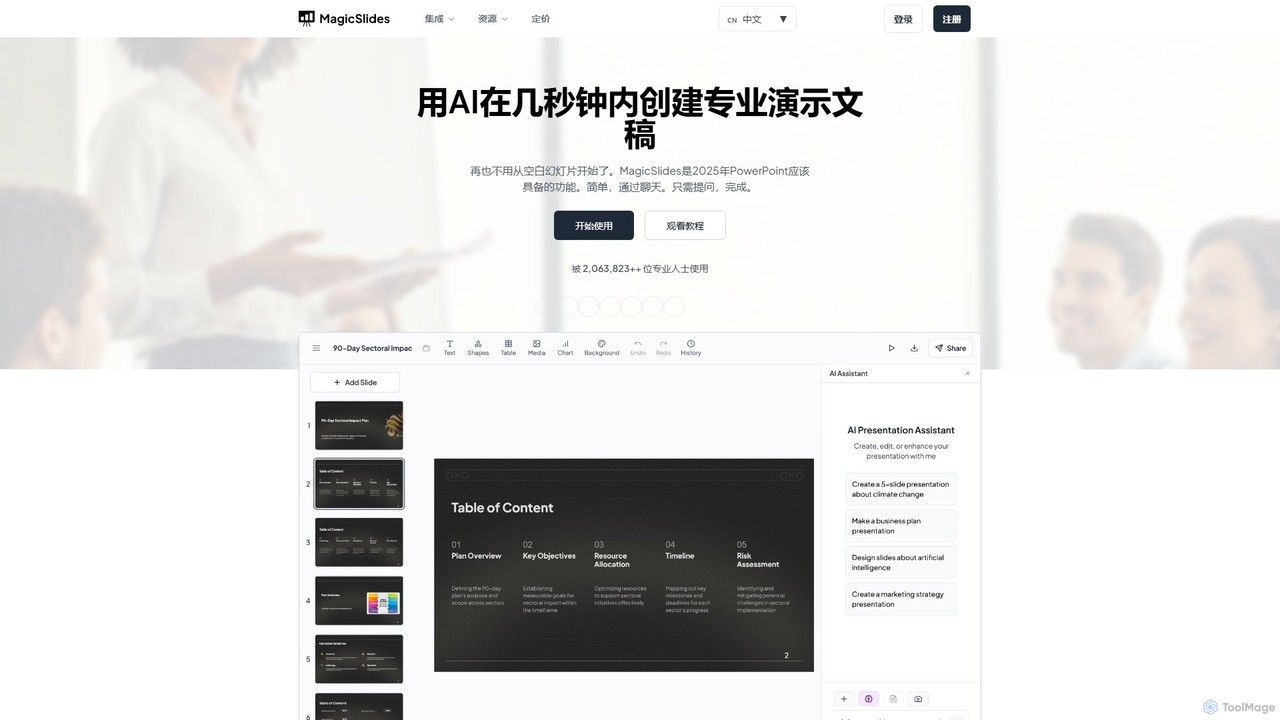
MagicSlides is an AI-powered presentation maker that instantly creates professional slides from various sources, including text, topics, PDFs, YouTube videos, and URLs. It integrates seamlessly with Google Slides, PowerPoint, Figma, and more, supporting over 136 languages to streamline your workflow and save hours of design time.

Automation
Visits 219KFavorites 134Likes 126
Instant
Freemium

Instant

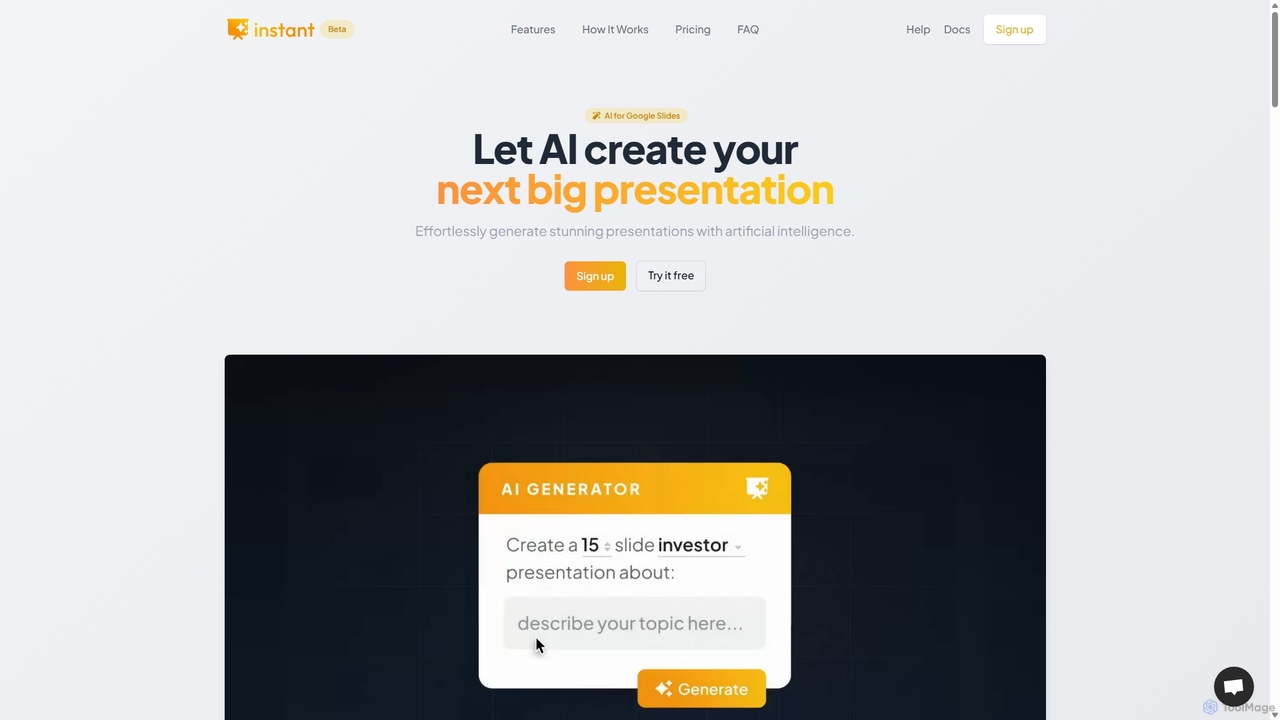
Instant is an AI-powered presentation generator designed as a Google Slides extension. It enables users to create visually stunning, fully-editable presentations directly within their familiar workflow. By combining advanced AI with a library of over 100 expert-designed templates, Instant excels at generating engaging slides with infographics, diagrams, and flowcharts, moving beyond simple text and bullet points. It automates content creation, outline generation, and layout design, saving time and effort while producing professional-grade results.

Learning
Visits 3.4KFavorites 118Likes 124
Prezo
Freemium

Prezo

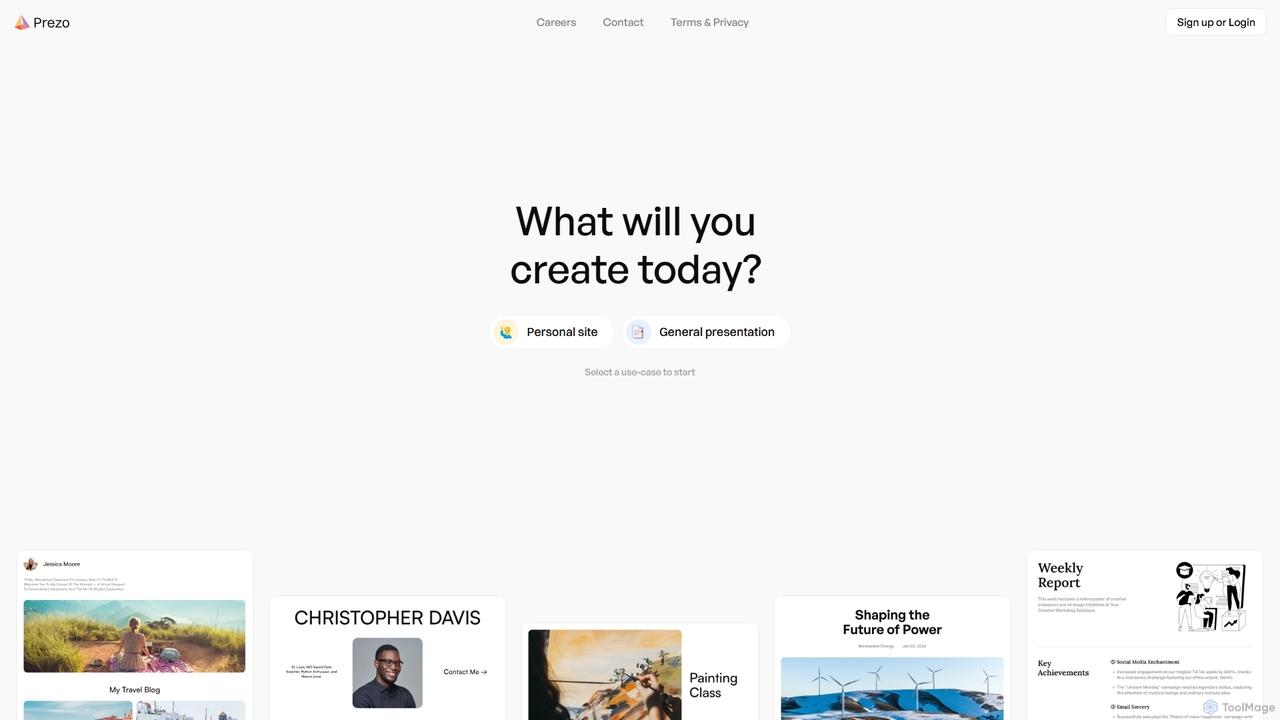
Prezo is an AI-powered platform that enables users to effortlessly create professional presentations, documents, and websites. By simply providing a text prompt or an idea, Prezo's AI generates a complete, well-structured, and visually appealing draft in seconds. It's designed to streamline content creation for professionals, educators, and individuals, eliminating the need for design skills and saving valuable time.

Website Builder
Visits 28.2KFavorites 130Likes 122
GenPPT
Freemium

GenPPT

GenPPT is an AI-powered presentation generator that creates professional PowerPoint slides from simple text prompts in minutes. It's designed for professionals, marketers, and students to save hours on slide creation, focusing on logical structure, compelling content, and sleek design without needing any design skills.

Sales
Visits 54.5KFavorites 89Likes 92
MotionIt
Freemium

MotionIt

MotionIt is an AI-powered presentation generator that simplifies slide creation for students, educators, and business professionals. It automatically designs elegant slides from keywords or documents, complete with formatting and relevant image selection, and allows exporting to PowerPoint, Google Slides, and PDF.

Sales
Visits 7.7KFavorites 105Likes 114
Edit in PPT
Freemium

Edit in PPT

Edit in PPT is an AI-powered tool that converts images, screenshots, and static slides into fully editable PowerPoint presentations. It uses advanced vision models to recognize text, charts, and shapes, saving users hours of manual recreation. The tool also features natural language commands for editing slides, streamlining the entire presentation creation process.

Automation
Visits 5.8KFavorites 141Likes 147