

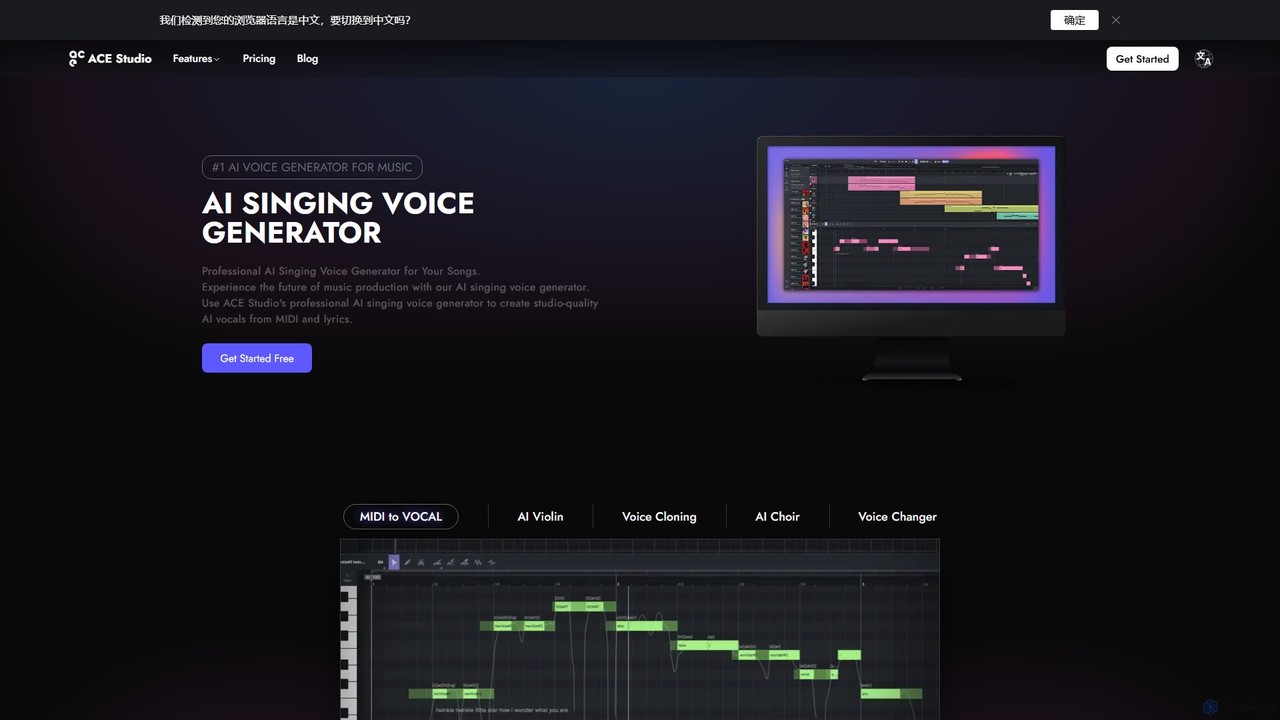
ACE Studio Overview
What is ACE Studio
ACE Studio is a cutting-edge AI-powered music production suite designed for producers, songwriters, and artists. It stands as a professional AI singing voice generator that transforms MIDI files and lyrics into incredibly realistic, studio-quality vocal tracks. With a vast library of over 80 royalty-free AI singers across various genres like Pop, Soul, R&B, and Opera, users can find the perfect voice for any project. The platform supports singing in multiple languages, including English, Spanish, Chinese, and Japanese. Beyond simple voice generation, ACE Studio offers a comprehensive set of tools, including voice cloning, a unique voice designer for creating new timbres, and advanced editing capabilities to fine-tune every nuance of the vocal performance.
How to use ACE Studio
Using ACE Studio is designed to be an intuitive part of the music production workflow. Here's a typical process:
1. Input Melody and Lyrics: Start by importing a MIDI file for the melody or creating one within the studio. You can then type or paste the corresponding lyrics, which are automatically mapped to the MIDI notes.
2. Choose an AI Singer: Browse the extensive library of over 80 AI voices and select one that fits your track's style and genre. You can also use a custom voice model you've cloned.
3. Generate Vocals: With a single click, ACE Studio generates the vocal track. For richer sounds, you can use the AI Choir mode to create harmonies and backing vocals instantly.
4. Advanced Editing: Refine the performance using the detailed editor. Adjust parameters like pitch, vibrato, tension, breathing, and even emotional expression to achieve the perfect take.
5. Integrate with DAW: Use the ACE Bridge 2 (VST3/AU/AAX) plugin to seamlessly route the audio from ACE Studio directly into your Digital Audio Workstation (DAW) like Logic Pro, Ableton Live, or FL Studio for further mixing and processing.
Core Features of ACE Studio
- AI Vocal Synth: Generate high-quality lead vocals, harmonies, and choirs from MIDI and lyrics.
- Voice Cloning: Train a custom AI singing voice model using your own vocal samples for a unique and personal sound.
- Voice Designer (VoiceMix): Create entirely new and unique AI voices by blending the characteristics of existing AI singers, without needing any training data.
- Advanced Vocal Editing: Granular control over vocal parameters including pitch, vibrato, pronunciation, breathing, falsetto, tension, and emotional expression.
- AI Violin: A realistic virtual violin that generates expressive performances from MIDI input, eliminating the need for large sample libraries.
- AI Music Tools: A suite of utilities including a Stem Splitter to isolate vocals and instruments from an audio file, a Vocal-to-MIDI converter, and a PDF/Image to MusicXML converter for digitizing sheet music.
- AI Creative Library: Access a community-driven library of AI voices, editable vocal samples, and song templates to spark creativity.
- ACE Bridge 2 Plugin: Seamless VST3/AU/AAX integration with all major DAWs for a smooth workflow.
Use Cases for ACE Studio
ACE Studio is a versatile tool for various creators:
Music Producers: Quickly create high-quality demo vocals and backing harmonies without hiring a session singer, saving time and budget. Experiment with different vocal styles on a track instantly.
Songwriters: Bring lyrical and melodic ideas to life immediately. Hear your song with a full vocal performance to better gauge its potential and make creative decisions.
Artists Who Can't Sing: Producers and musicians who don't sing can now create their own original vocal tracks, removing a significant barrier to completing their music.
Composers and Educators: Digitize sheet music using the PDF to MusicXML feature and generate vocal or instrumental performances for arrangements, study, or presentation.
DJs and Remixers: Use the Stem Splitter to isolate vocals from existing tracks for remixes, and then use the AI Voice Changer to create unique vocal effects or new vocal lines.
Advantages of ACE Studio
The primary advantage of ACE Studio is its combination of professional-grade quality and creative flexibility. It provides results that are far more natural and editable than traditional vocal sample packs. The ability to clone one's own voice or design new voices offers unparalleled personalization. Its royalty-free license for the stock AI singers provides commercial freedom. Furthermore, the seamless DAW integration via the ACE Bridge plugin makes it a practical tool that fits into existing workflows, rather than disrupting them. The comprehensive suite of tools, from stem splitting to AI violin, makes it an all-in-one solution for modern vocal and music production.
Pricing and Plans
ACE Studio operates on a 'Rent-to-Own' model, ensuring users can eventually own the software perpetually. All plans come with a 7-day money-back guarantee.
Artist Plan: Priced at approximately $16.58/month (billed yearly). This plan includes:
- Access to all 80+ royalty-free AI voices and instruments.
- 1 custom vocal synth model slot.
- 1 custom voice changer model slot.
- Unlimited high-quality AI vocal & instrument generation.
- 3GB of shared project storage.
- All core features like Stem Splitter, Vocal to MIDI, and Creative Library access.
- All features of the Artist plan.
- 5 custom vocal synth model slots.
- 10 custom voice changer model slots.
- 10GB of shared project storage.
Traffic
Latest traffic
Status
Monthly traffic trend
- 2025-9: 633.8K
- 2026-1: 677.8K
- 2026-2: 796.6K
- 2026-3: 897.4K
- 2026-4: 812.3K
- 2026-5: 805.0K
Geography
Top 5 countries / regions
- 🇺🇸United States44.4%
- 🇯🇵Japan26.5%
- 🇧🇷Brazil12.3%
- 🇮🇹Italy9.3%
- 🇬🇧United Kingdom7.5%
Traffic sources
| Source type | Percentage |
|---|---|
Direct | 80.7% |
Referral | 16.1% |
Email | 3.2% |
Top keywords
| Keyword | Cost per click |
|---|---|
| ace studio | $1.26 |
| acestudio | $1.62 |
| ace studio 2.0 | $1.87 |
| ace studio ai | $2.28 |
| suno | $0.24 |
ACE Studio Videos on YouTube


ACE Studio


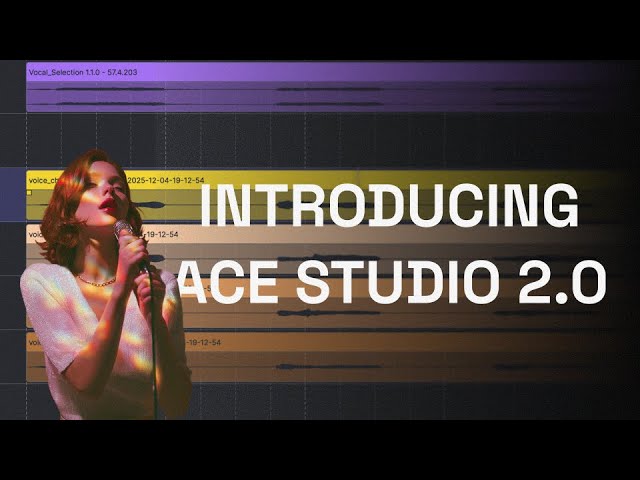

Shark Numbers
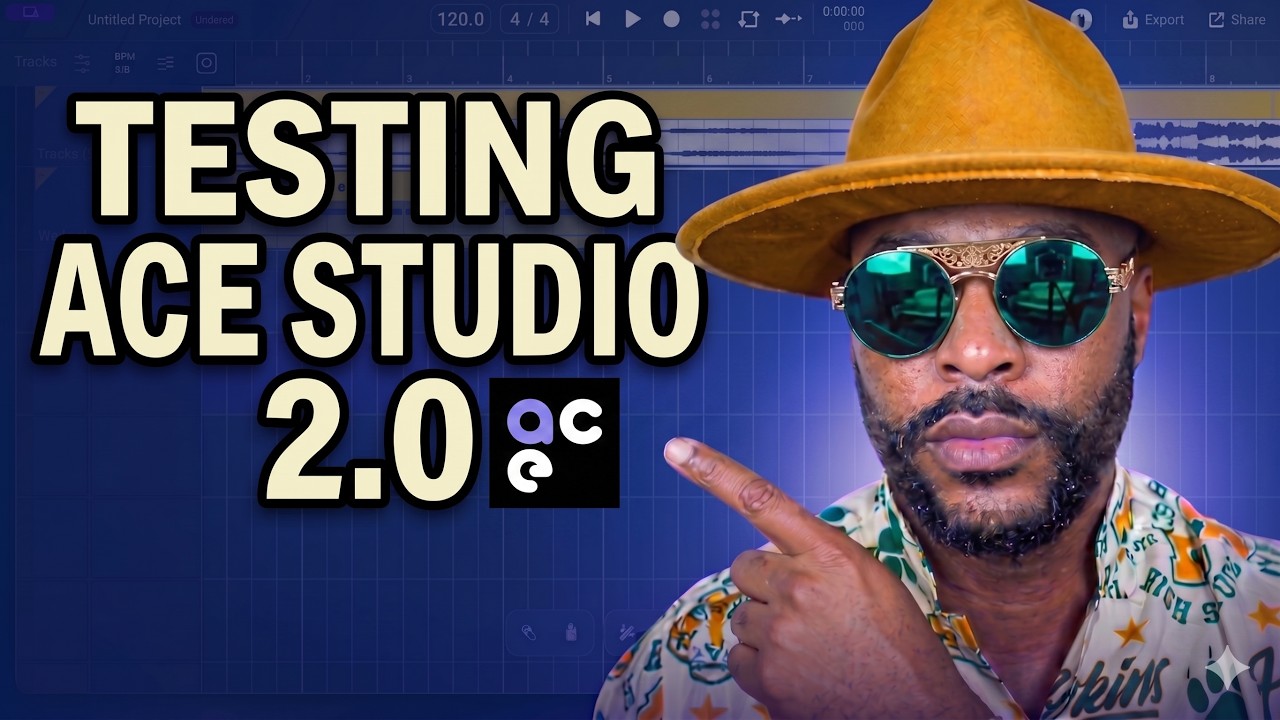
MoneOnDaBeat
ACE Studio Alternatives

audimee
Audimee is an AI-powered vocal platform that enables music producers and creators to convert vocals using royalty-free AI voices, train custom voice models, create copyright-free covers, and generate harmonies. It offers a complete suite of tools for modern vocal production.
Music Generation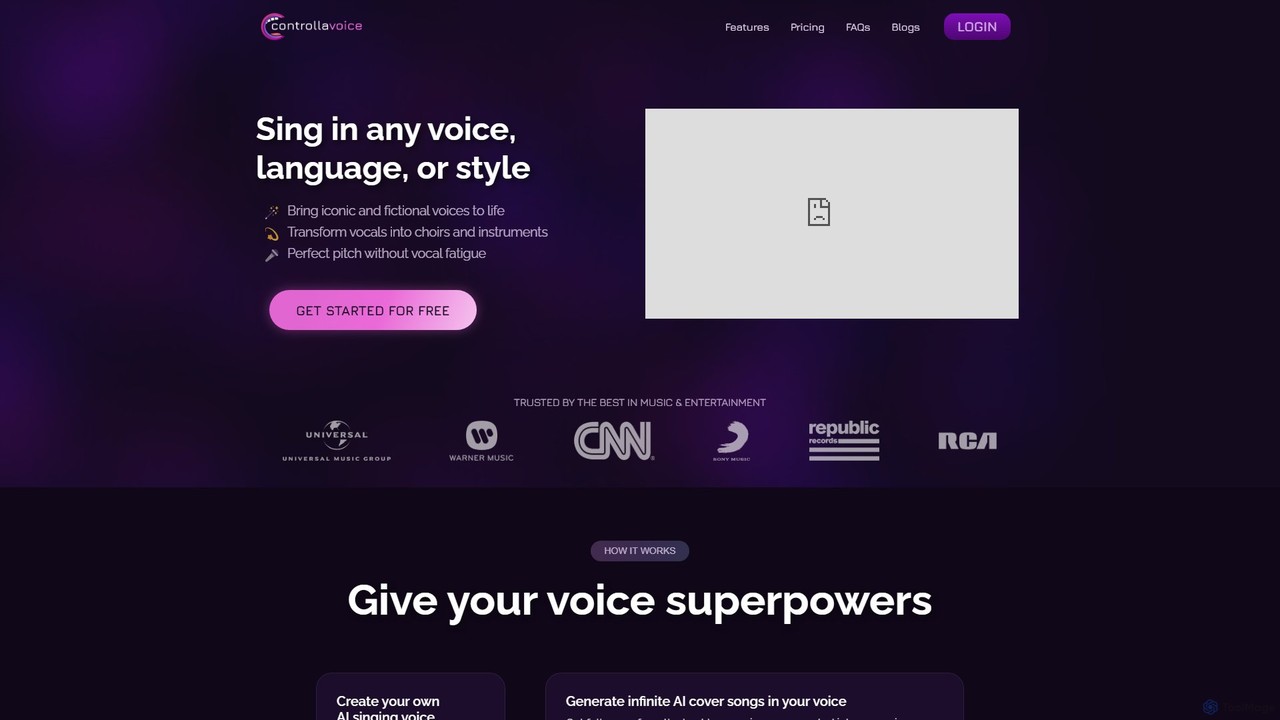
Controlla Voice
Controlla Voice is an advanced AI singing voice generator that allows users to clone their voice, create AI cover songs, transform vocals into instruments or choirs, and perform in any language. It's designed for musicians, producers, and creators to explore new sonic possibilities with ethically sourced, high-quality AI voices.
Voice Cloning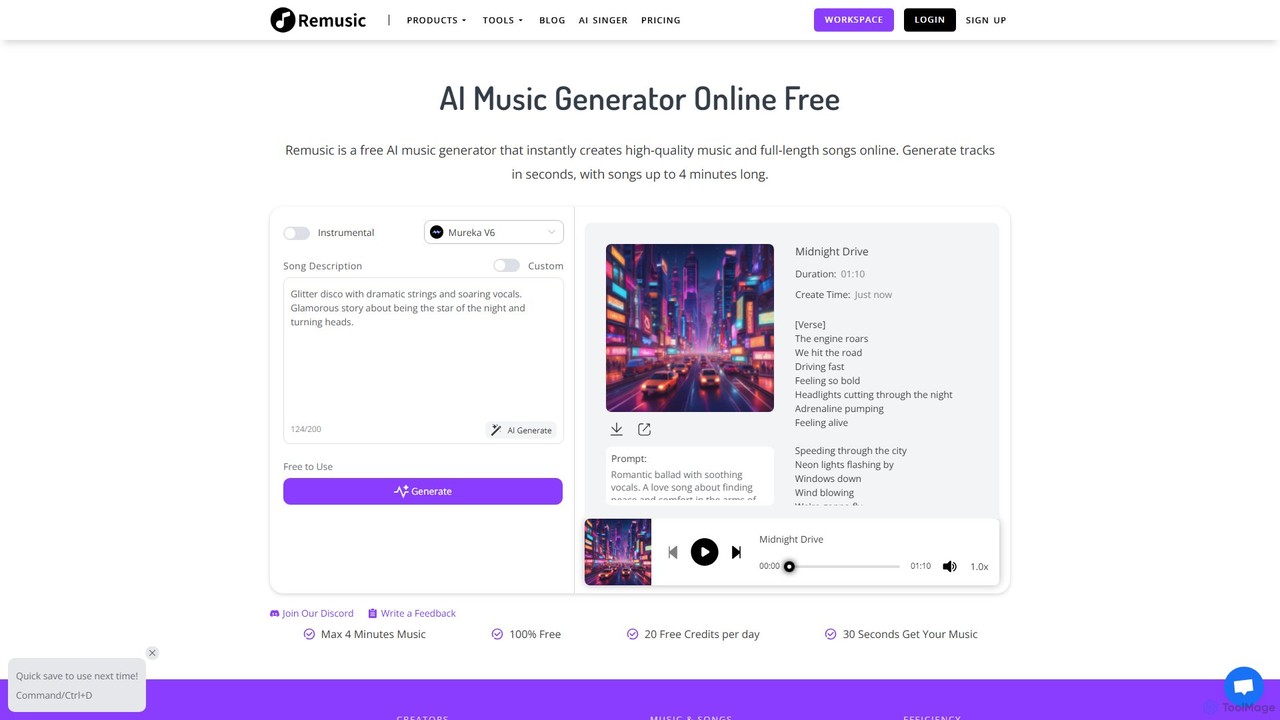
Remusic
Remusic is an all-in-one AI music creation suite that empowers users to generate full-length songs, instrumental tracks, and AI covers from text prompts. It features a vast library of over 10,000 voices, voice cloning, an AI lyrics generator, and advanced tools like a vocal remover and sheet music generator. Ideal for musicians, content creators, and producers, Remusic streamlines the entire music creation process, from idea to final track, with royalty-free commercial licensing options.
Audio Editing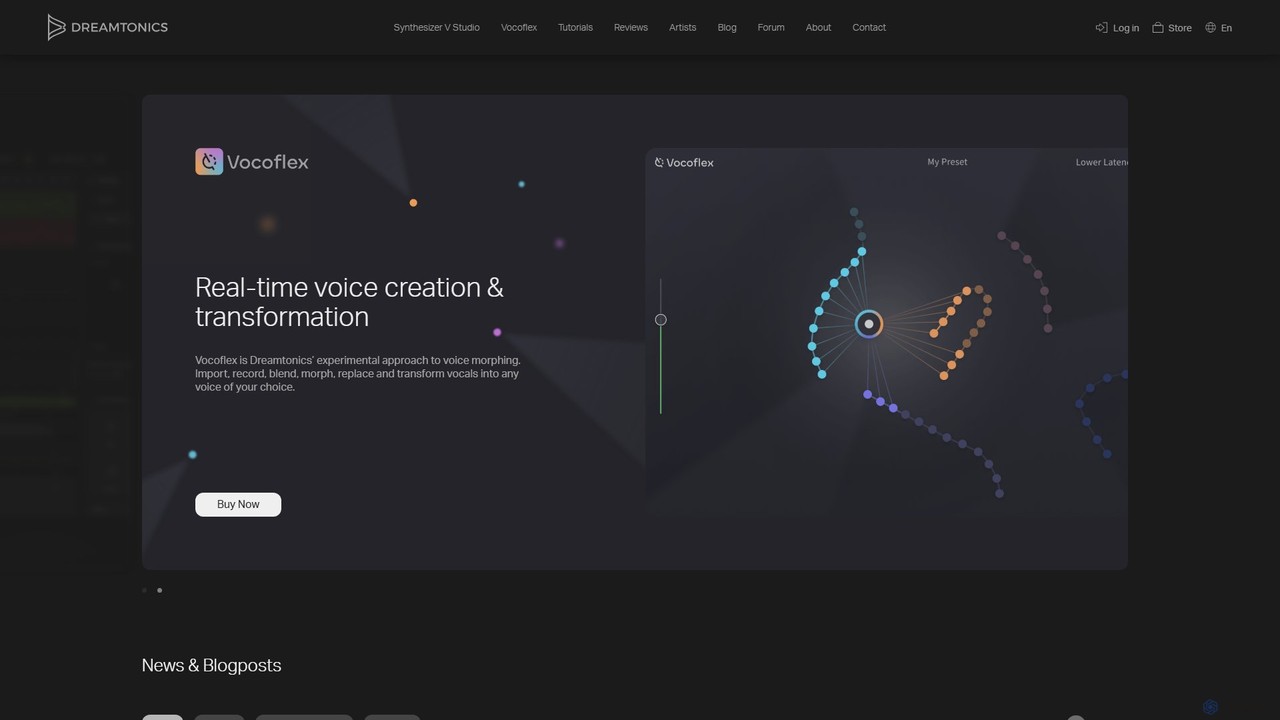
Dreamtonics
Dreamtonics offers advanced AI-powered vocal production tools, including Synthesizer V Studio for creating hyper-realistic singing vocals from text and melodies, and Vocoflex for real-time voice morphing. These tools are designed for music producers, composers, and artists, providing unparalleled control and realism in synthetic vocal creation.
Music Generation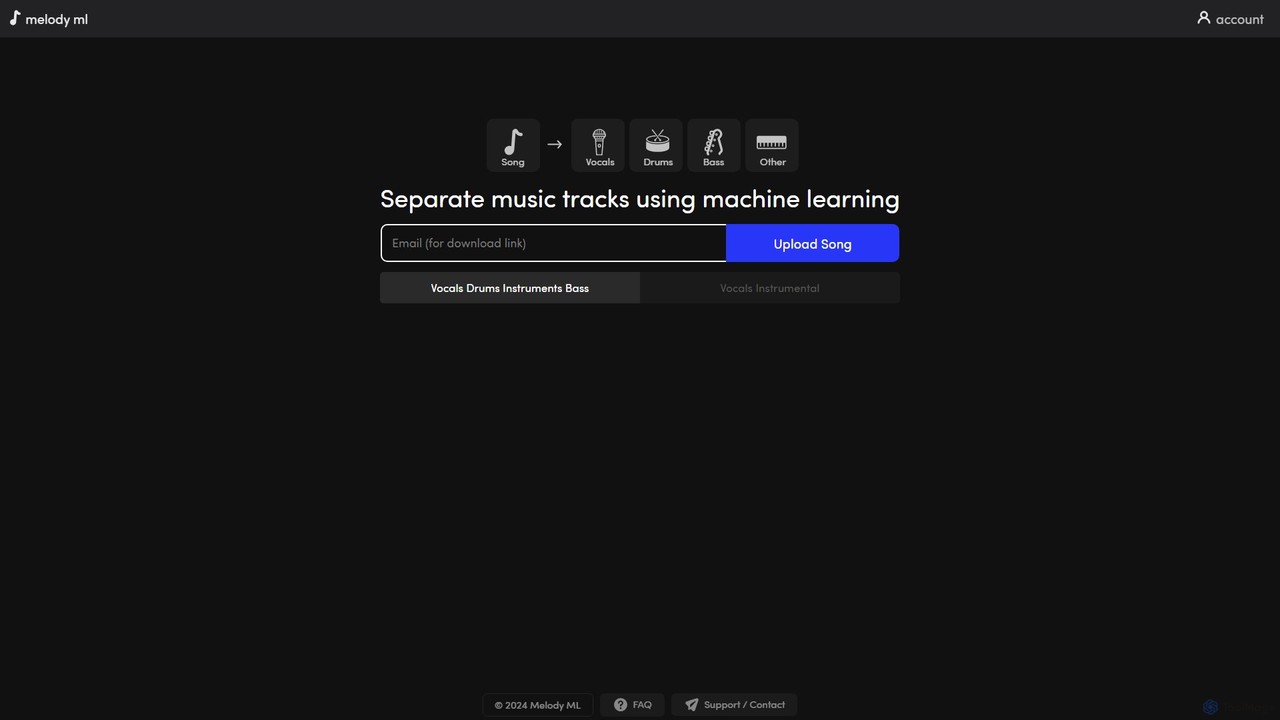
melody ml
Melody ML is an AI-powered music source separation tool that allows users to easily split any song into individual tracks like vocals, drums, bass, and other instruments. Based on the advanced Demucs model, it's perfect for DJs, producers, musicians, and karaoke fans who need high-quality stems for remixes, practice, or creating backing tracks.
Music SeparationACE Studio Categories
ACE Studio Embed Widget
Copy this embed code to place the badge on your blog, article, or product site and send readers directly to this ToolMage detail page.

Related AI tools
audimee
Audimee is an AI-powered vocal platform that enables music producers and creators to convert vocals using royalty-free AI voices, train custom voice models, create copyright-free covers, and generate harmonies. It offers a complete suite of tools for modern vocal production.
Music GenerationControlla Voice
Controlla Voice is an advanced AI singing voice generator that allows users to clone their voice, create AI cover songs, transform vocals into instruments or choirs, and perform in any language. It's designed for musicians, producers, and creators to explore new sonic possibilities with ethically sourced, high-quality AI voices.
Voice Cloning
Kits AI
Kits AI is a comprehensive AI music platform for producers, singers, and creators. It offers studio-quality tools, including hyper-realistic voice cloning, a vast library of royalty-free AI singers, instrument conversion, vocal separation, and AI-powered mastering. Streamline your workflow, generate high-quality demos, and unlock new creative possibilities ethically and efficiently.
Music Generation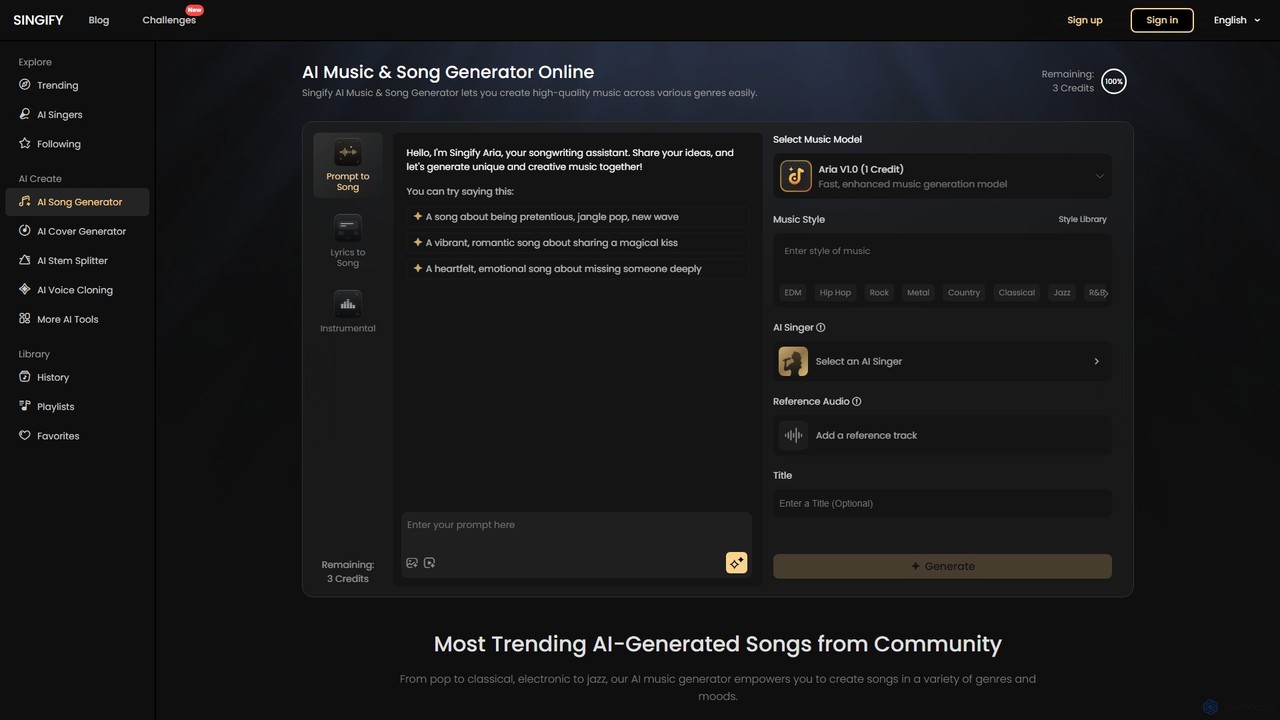
Singify
Singify is a powerful AI music and song generator that transforms your ideas into high-quality, royalty-free music. Create original songs from text prompts, generate AI covers with a vast library of voices, or produce custom background music for your projects. No musical skills are required to start creating in seconds.
Music Generation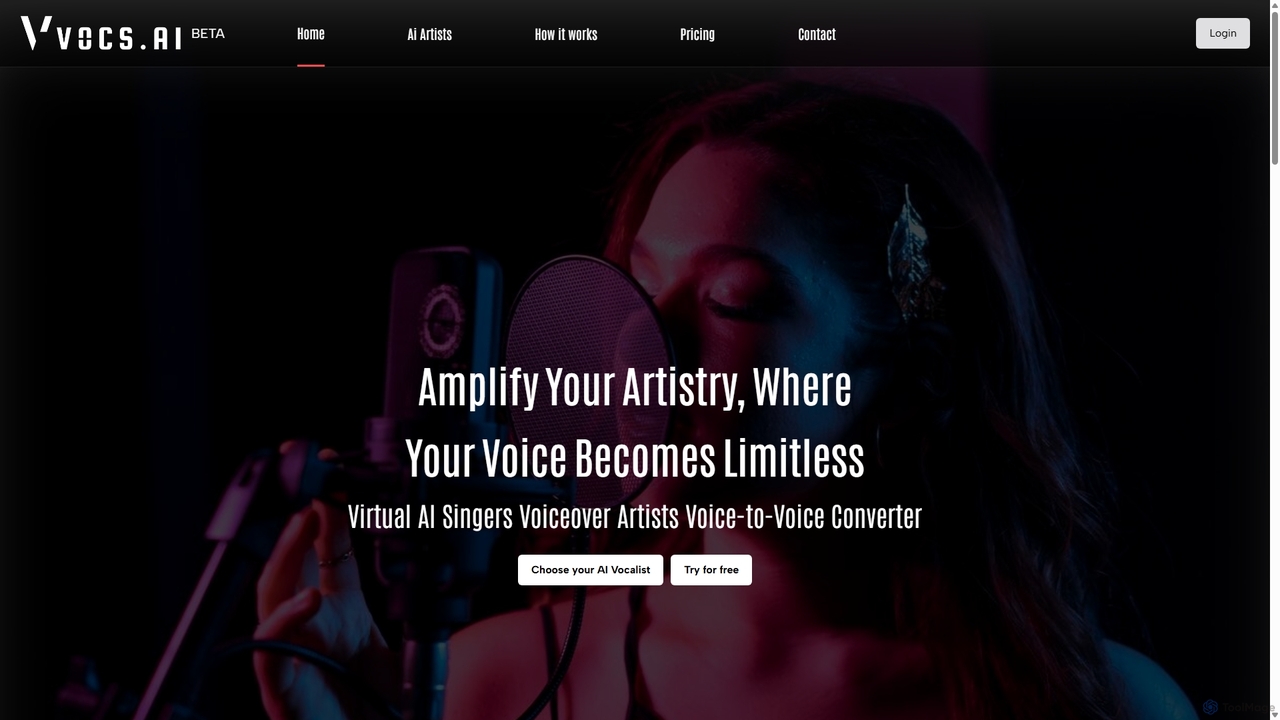
Vocs AI
Vocs AI is a powerful AI voice converter that transforms your vocal recordings into the voices of unique AI singers, rappers, and voiceover artists. Unlike text-to-speech, it preserves the emotion, pitch, and tone of your original performance, ensuring an authentic and human-like result. It offers a diverse library of royalty-free AI artists for various genres and applications, making it ideal for music producers, content creators, and podcasters.
Voice Synthesis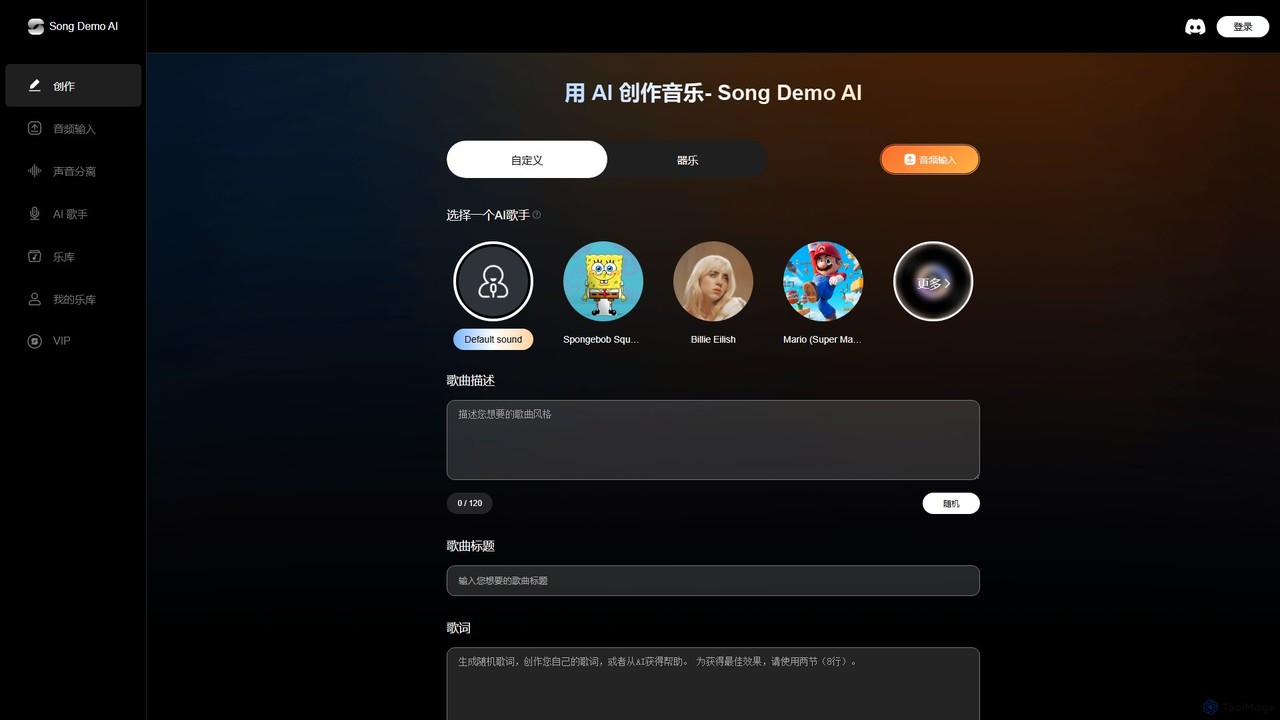
Song Demo AI
Song Demo AI is an advanced AI music generation platform powered by Suno V3.5 and Udio models. It allows users to create high-quality songs from text prompts or audio inputs, utilize various AI singers to perform lyrics, and separate audio tracks into stems. It's designed for musicians, content creators, and hobbyists to produce unique music quickly and efficiently.
Music Generation
coverartist.ai
CoverArtist.AI is a revolutionary platform that uses artificial intelligence to create high-quality song covers. Replace the original vocals in any song with a voice from a vast library of AI models, or clone your own voice for a personalized touch. It's the ultimate tool for musicians, content creators, and music fans to reimagine their favorite tracks in minutes.
Audio Editing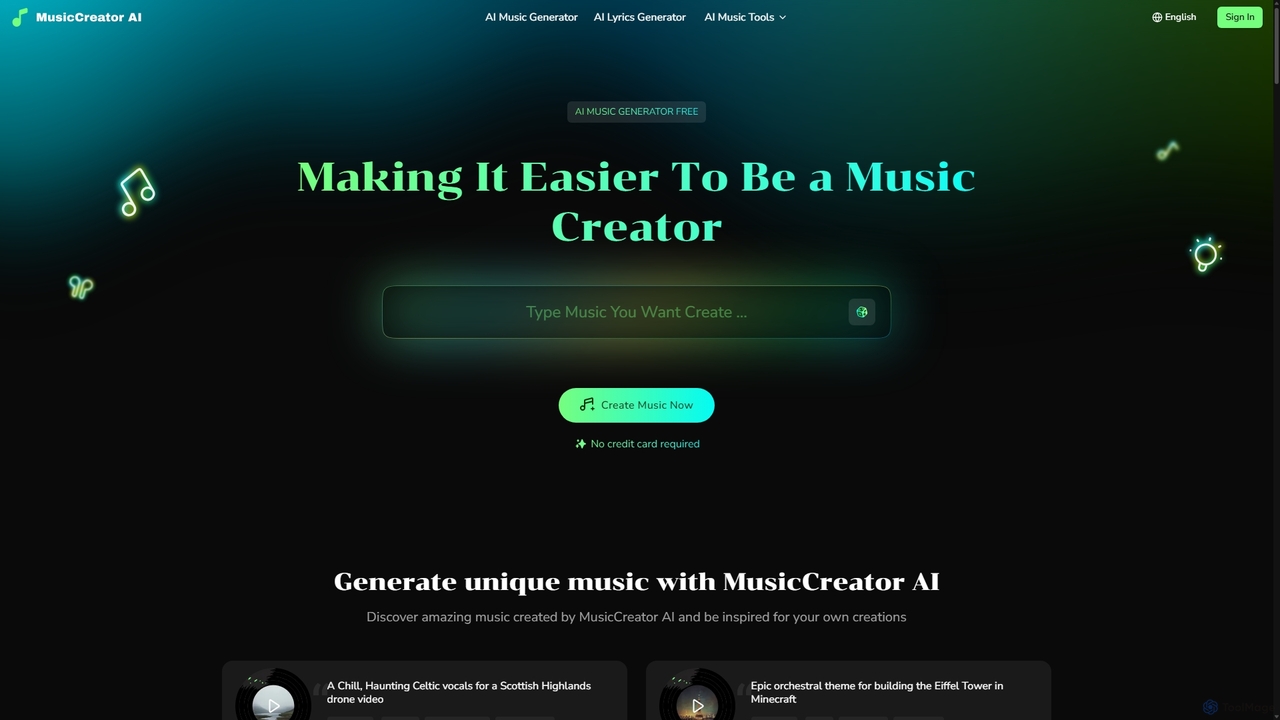
MusicCreator
MusicCreator is a comprehensive AI-powered music creation suite that allows users to generate unique, royalty-free music from text or lyrics. It also includes tools for lyric generation, vocal removal, and stem splitting, making it an all-in-one solution for content creators, musicians, and marketers.
Audio Editing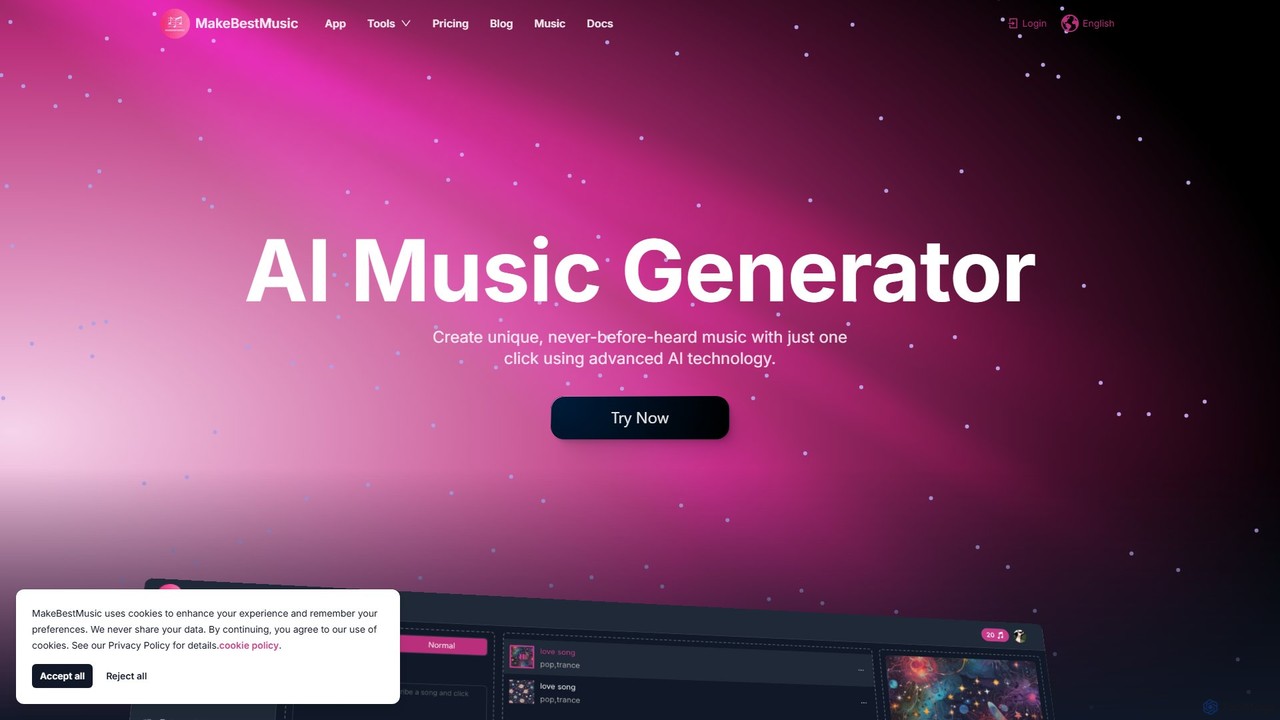
makebestmusic
makebestmusic is a powerful AI-driven music production suite that enables users to generate high-quality, royalty-free music from text prompts. It offers a comprehensive set of tools including text-to-music creation, vocal generation, advanced stem splitting, and AI-powered remixing. Designed for creators of all skill levels, from filmmakers and YouTubers to professional musicians, it democratizes music production by making it fast, accessible, and versatile.
Audio Editing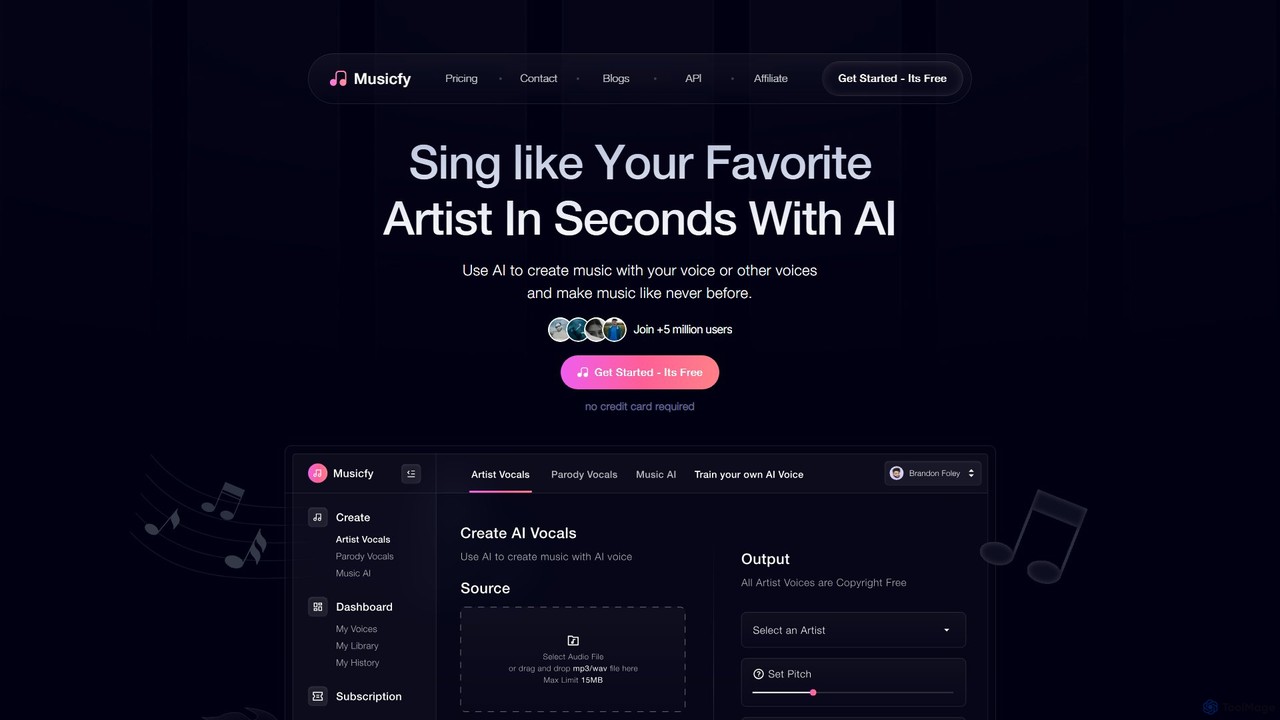
Musicfy
Musicfy is an AI-powered music creation platform that enables users to generate songs using their own voice, a library of copyright-free AI voices, or text prompts. It's designed for musicians, producers, and content creators to produce high-quality music, create vocal tracks, and even generate parody songs or royalty-free albums effortlessly.
Music Generation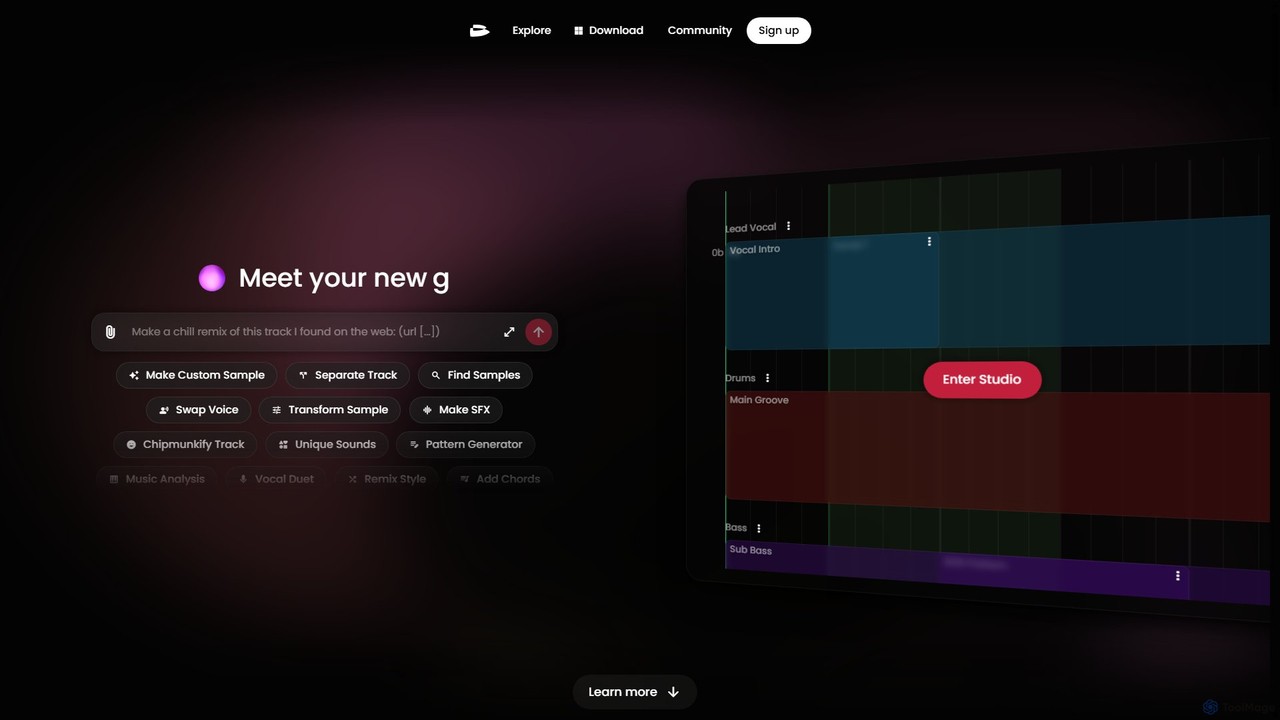
twoshot
twoshot is an AI-powered music creation platform for producers. It features an AI copilot, text-to-sound generation, a vast library of 200,000+ samples, and advanced tools for remixing, stem separation, and composition. Seamlessly integrate with your DAW or create directly in your browser to accelerate your workflow and overcome creative blocks.
Audio Editing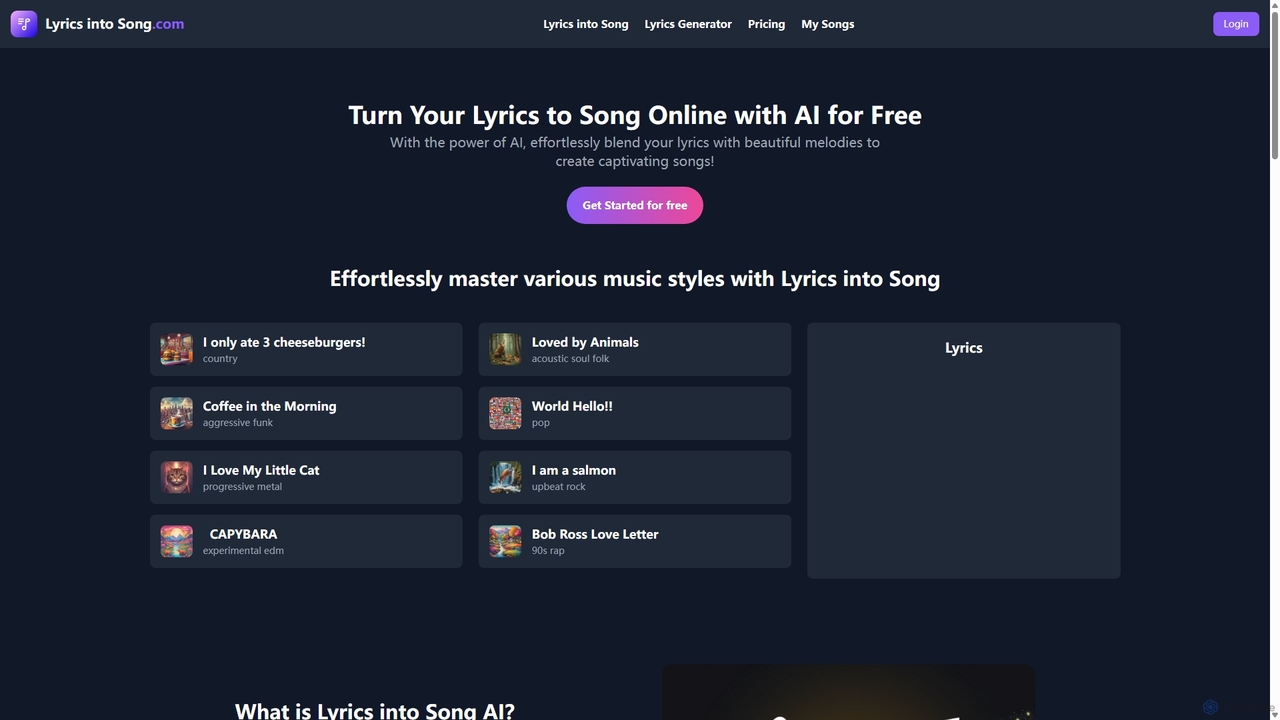
Lyricsintosong
Lyricsintosong is an AI-powered music generator that effortlessly transforms your lyrics into complete songs. It features AI vocal synthesis, extensive style customization across dozens of genres, and a built-in lyrics generator. Ideal for songwriters, content creators, and anyone looking to bring their words to life through music.
Music Generation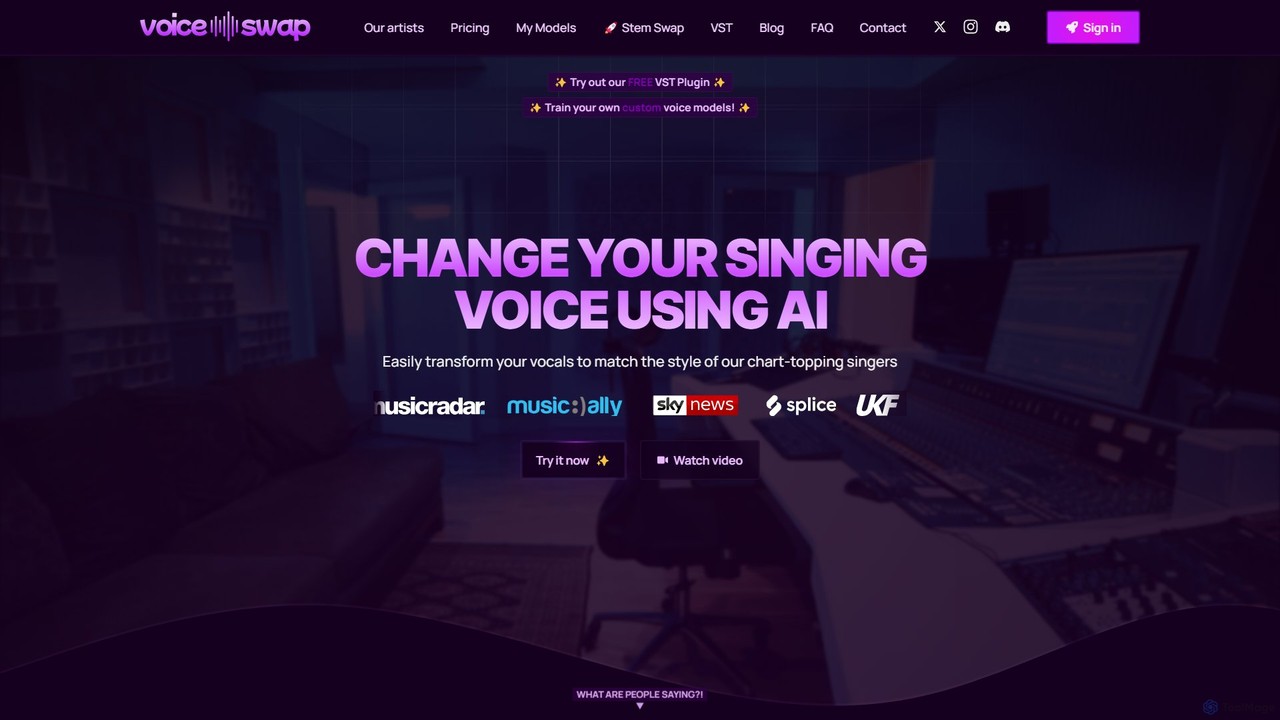
Voice-Swap
Voice-Swap is an AI-powered platform for music creators to legally transform their singing voice into the style of professional artists. It offers a VST plugin for DAW integration, custom voice model training, and a clear licensing framework for commercial use, ensuring artists are compensated.
Music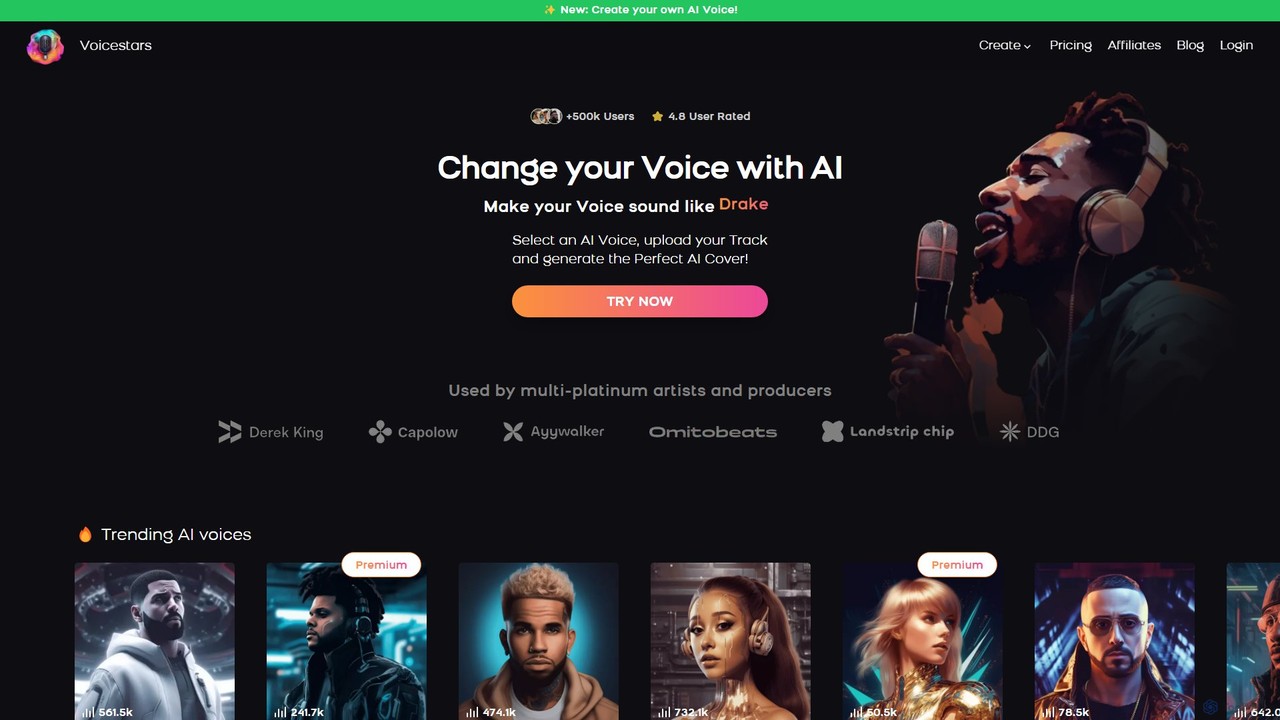
Voicestars
Voicestars is a powerful AI voice changer that allows users to create high-quality AI song covers using a vast library of over 600 voices, including famous artists and characters. It also offers voice cloning technology, enabling musicians, content creators, and hobbyists to transform their audio tracks into viral hits or professional-grade voiceovers.
Music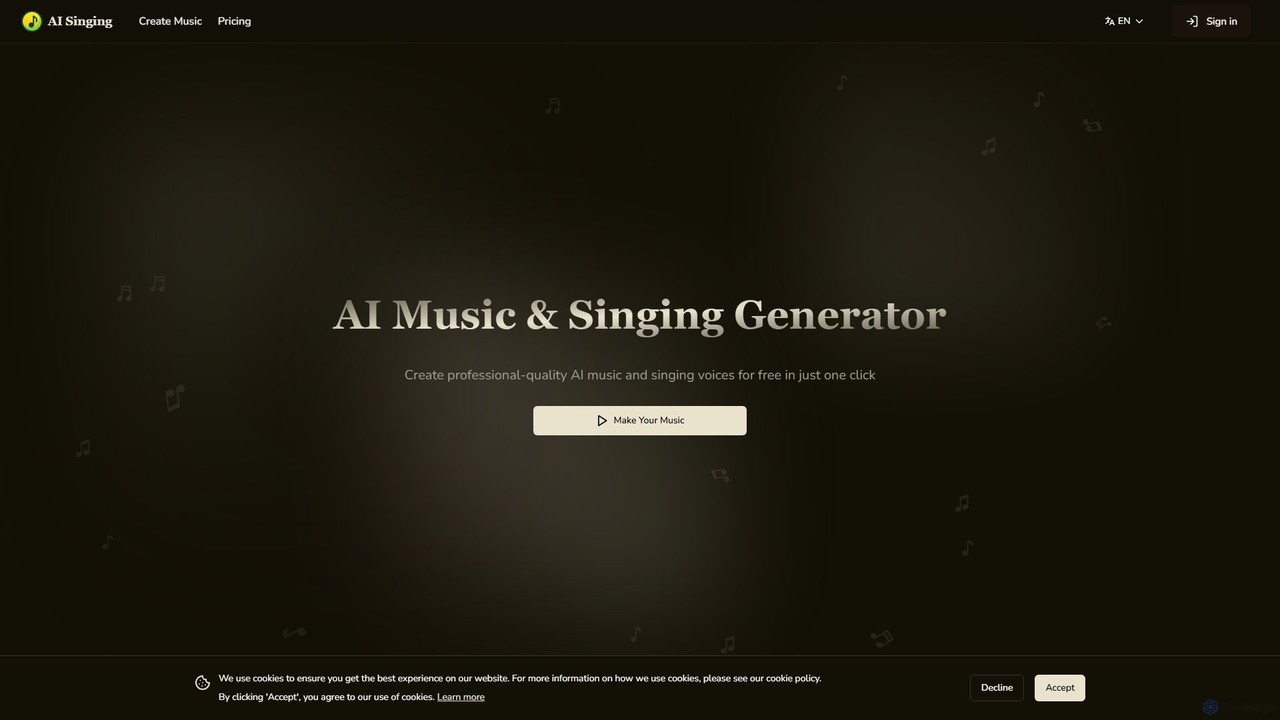
aisinging
aisinging is an all-in-one AI music and singing voice generator. Effortlessly create professional-quality songs from text prompts, convert lyrics into realistic singing voices, generate original lyrics, and explore various musical styles. Ideal for musicians, content creators, and producers, it offers a free tier to start.
Music Generation
ACE Studio Comments (0)
Sign in to comment.
Sign inNo comments yet.