
Mix Check Studio
An AI-powered audio analysis and enhancement tool by RoEx. Upload your track to receive a detailed mix report …
An AI-powered audio analysis and enhancement tool by RoEx. Upload your track to receive a detailed mix report with actionable feedback, and use the AI to automatically enhance your music for optimal loudness, tone, and stereo width, making it release-ready.
SoundBoost.ai
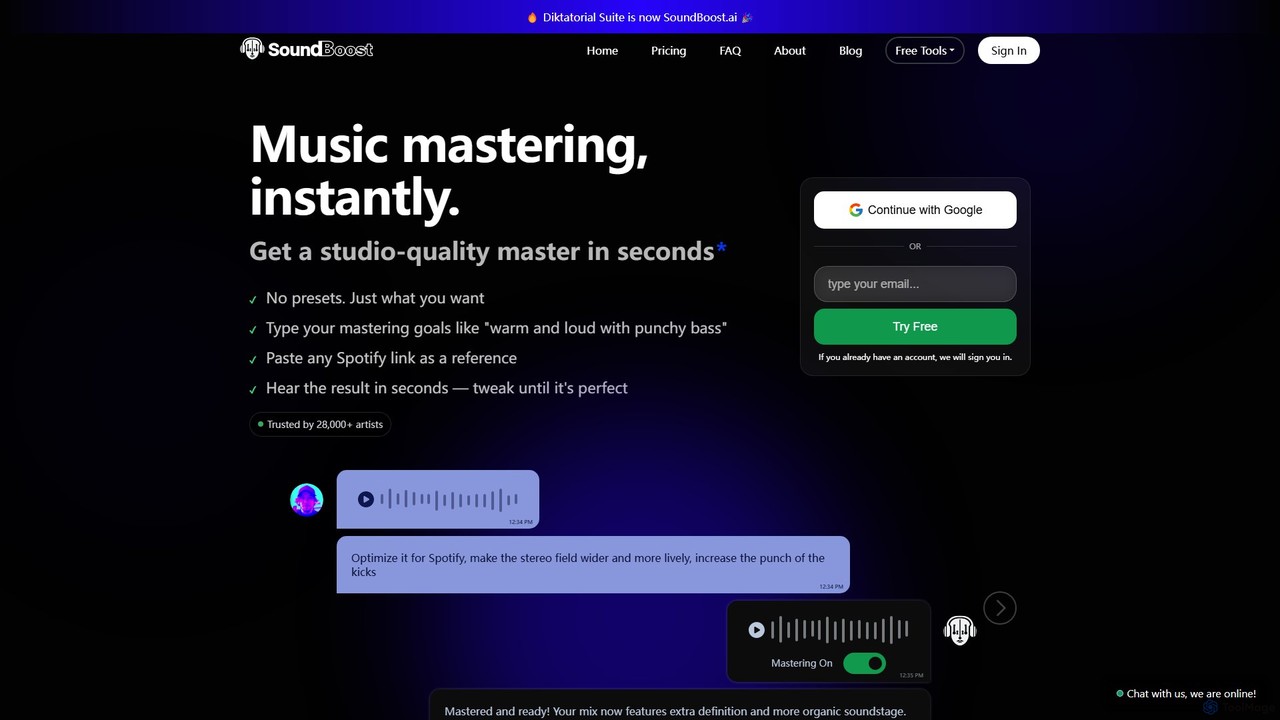
SoundBoost.ai is an AI-powered online audio mastering tool that allows musicians and producers to achieve studio-quality results in …
SoundBoost.ai is an AI-powered online audio mastering tool that allows musicians and producers to achieve studio-quality results in seconds. By using simple text prompts or referencing Spotify tracks, users can intuitively shape their sound for any platform, including Spotify and Apple Music. It's designed by musicians for musicians, ensuring professional quality and creative control.
Sample Planet
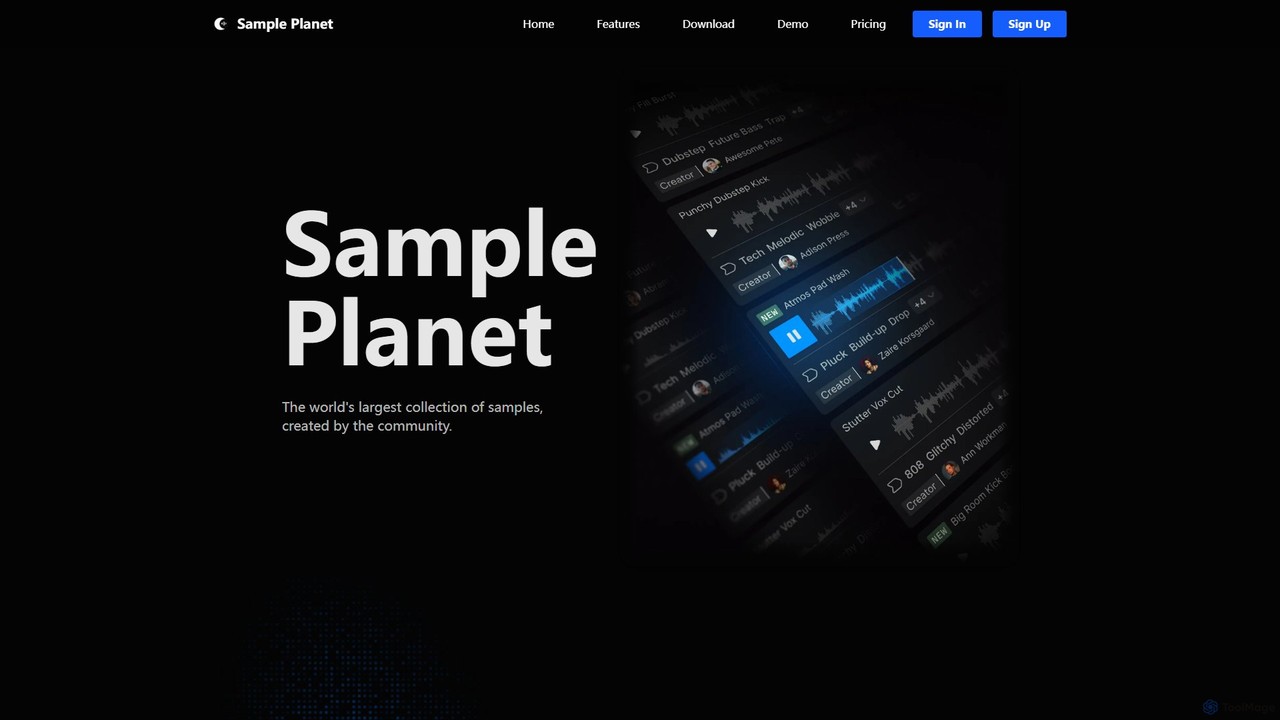
Sample Planet is an AI-powered platform for music producers and sound designers, offering the world's largest community-generated library …
Sample Planet is an AI-powered platform for music producers and sound designers, offering the world's largest community-generated library of royalty-free samples. Generate unique sounds from text descriptions, create endless variations of existing samples, and discover new audio in real-time. With its seamless VST plugin integration for Windows and Mac, you can drag and drop samples directly into your DAW, streamlining your creative workflow and breaking through creative blocks.
melody ml
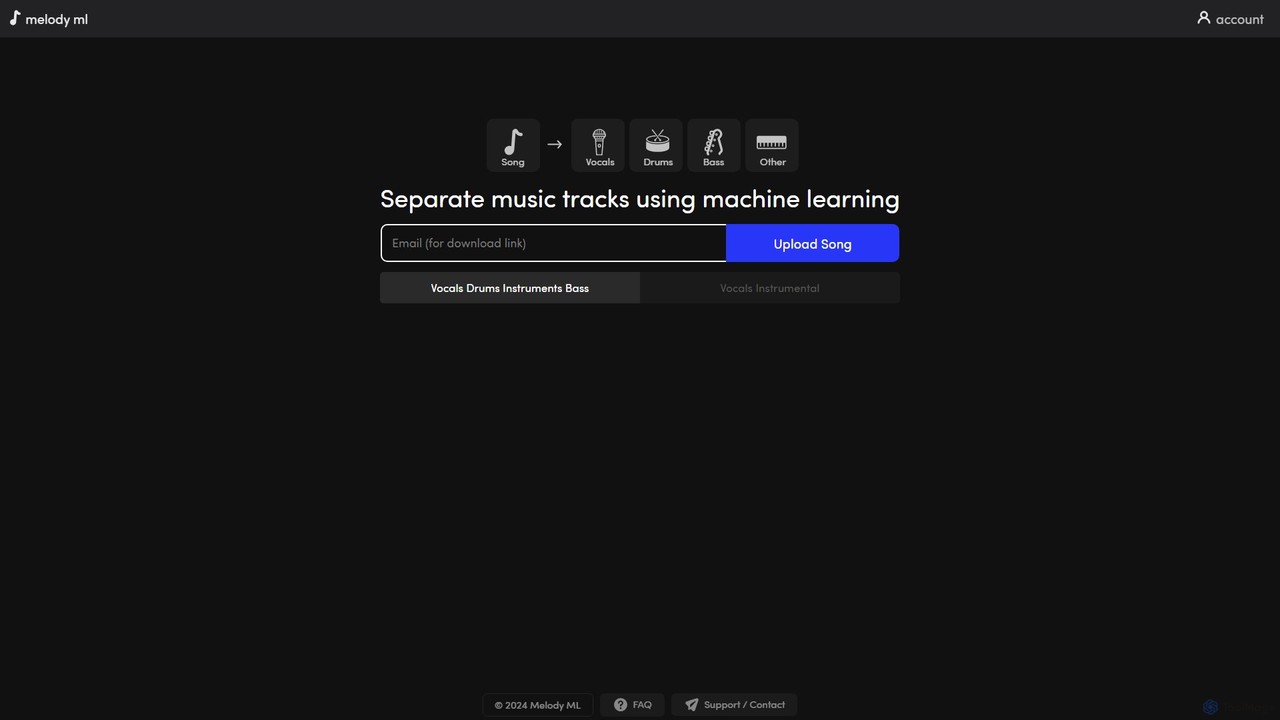
Melody ML is an AI-powered music source separation tool that allows users to easily split any song into …
Melody ML is an AI-powered music source separation tool that allows users to easily split any song into individual tracks like vocals, drums, bass, and other instruments. Based on the advanced Demucs model, it's perfect for DJs, producers, musicians, and karaoke fans who need high-quality stems for remixes, practice, or creating backing tracks.
Dreamtonics
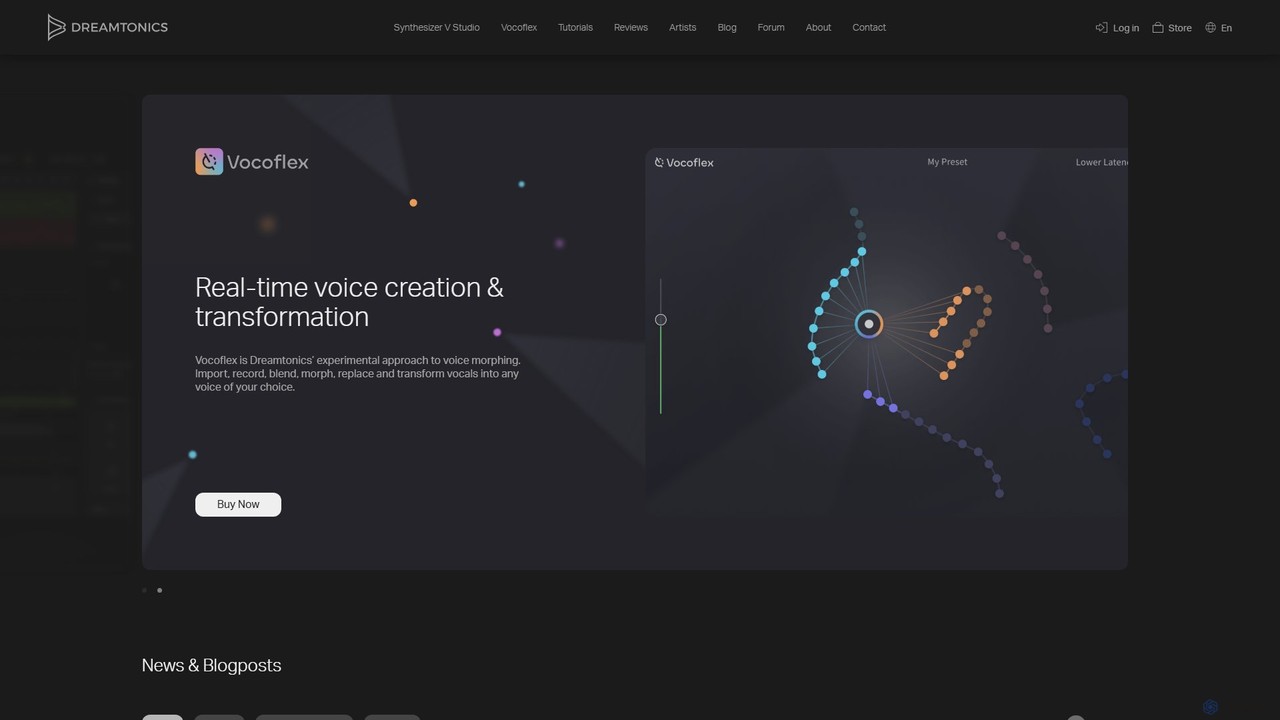
Dreamtonics offers advanced AI-powered vocal production tools, including Synthesizer V Studio for creating hyper-realistic singing vocals from text …
Dreamtonics offers advanced AI-powered vocal production tools, including Synthesizer V Studio for creating hyper-realistic singing vocals from text and melodies, and Vocoflex for real-time voice morphing. These tools are designed for music producers, composers, and artists, providing unparalleled control and realism in synthetic vocal creation.
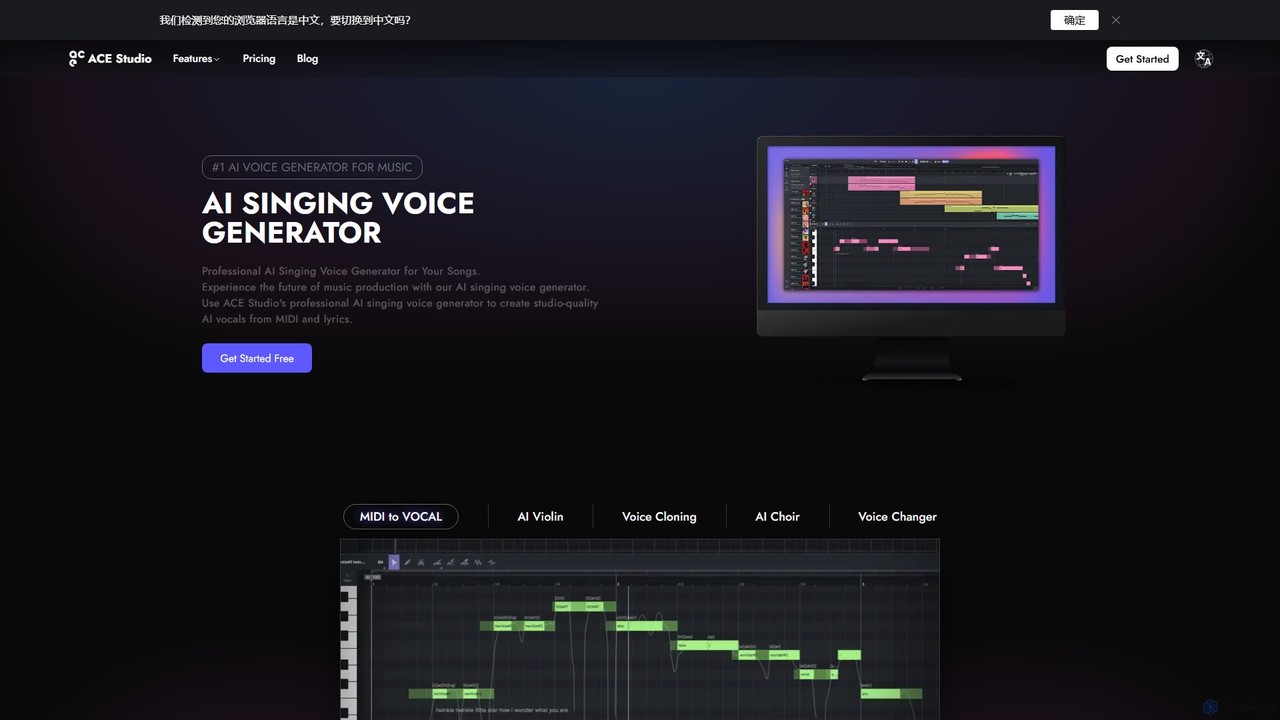
ACE Studio
ACE Studio is a professional AI singing voice generator for music production. It allows users to create studio-quality, …
ACE Studio is a professional AI singing voice generator for music production. It allows users to create studio-quality, royalty-free vocals from MIDI and lyrics using a library of over 80 AI singers or by cloning their own voice. It features advanced vocal editing, a unique voice designer, a stem splitter, and seamless integration with DAWs via VST3/AU/AAX plugins.
About Music Production
AI Music Production tools are a class of software that uses artificial intelligence to compose, generate, arrange, and master audio. These tools leverage deep learning models, such as GANs and transformers, to analyze vast datasets of music and create original melodies, harmonies, rhythms, and even complete tracks from simple text prompts or style inputs. Their primary value lies in democratizing music creation, enabling creators of all skill levels to produce high-quality, royalty-free music quickly. They serve as powerful aids for breaking creative blocks, prototyping song ideas, and automating technical tasks like mixing and mastering.
Core Features
- Melody and Chord Generation: Creates original musical phrases, chord progressions, and basslines based on specified genres, moods, or keys.
- Stem Separation: Isolates individual elements like vocals, drums, bass, and instruments from a single mixed audio track.
- AI Mastering: Automatically analyzes and processes a track to optimize loudness, equalization, and stereo width for commercial release.
- Voice Synthesis & Cloning: Generates realistic singing or spoken vocals from text, or clones an existing voice to perform new melodies.
- Style Transfer: Applies the sonic and stylistic characteristics of a reference track to your own music, creating unique hybrid compositions.
Use Cases
These tools are widely used by independent musicians for songwriting and production, content creators for generating custom background music for videos and podcasts, and game developers for creating adaptive soundtracks. They also assist DJs and producers in creating remixes by isolating stems from existing songs.
How to Choose
When selecting an AI Music Production tool, consider the quality and naturalness of the audio output. Evaluate the level of user control and customization available, such as MIDI export and parameter adjustments. Check for compatibility with your existing workflow, including plugin support (VST/AU) for Digital Audio Workstations (DAWs). Finally, carefully review the licensing terms to ensure you have the necessary rights for commercial use.
Music ProductionUse Cases
Generate Royalty-Free Music for Video Content
Content creators, such as YouTubers and social media managers, often need unique background music for their videos to avoid copyright claims. Using an AI music production tool, a creator can input a prompt like 'upbeat, acoustic, motivational track for a travel vlog, 2 minutes long'. The AI then generates a custom, royalty-free piece of music that perfectly matches the video's mood and length. This process eliminates the time spent searching through vast stock music libraries and provides a unique sonic identity, enhancing the overall production value of the content in minutes.
Rapid Songwriting and Idea Prototyping
A songwriter experiencing writer's block can use an AI tool to jumpstart their creative process. By providing a simple input, such as a genre ('indie pop') and a mood ('melancholic'), the AI can generate multiple chord progressions and melody ideas. The songwriter can then select the most inspiring elements, export them as MIDI files, and import them into their Digital Audio Workstation (DAW). This allows them to build upon a solid foundation, saving hours of experimentation and transforming a creative hurdle into a productive session.
Isolate Vocals for Remixes and Karaoke Tracks
A DJ or music producer wants to create a remix of a popular song but doesn't have access to the original multitrack recordings. They can use an AI stem separation tool to upload the final mixed song. The AI processes the audio and provides separate downloadable tracks for vocals, drums, bass, and other instruments. The producer can then use the isolated vocal track (acapella) as the centerpiece of their new remix, or remove the vocals to create a high-quality instrumental version for karaoke, all without needing to contact the original artist or label.
Automated Mastering for Independent Artists
An independent musician has finished mixing their new single but lacks the budget for a professional mastering engineer. They can upload their final mix to an AI mastering service. The platform analyzes the track's dynamics, frequency balance, and loudness, comparing it to commercial standards within the same genre. In minutes, it delivers a professionally mastered version, ready for distribution on streaming platforms like Spotify and Apple Music. The artist can often choose between different mastering styles (e.g., 'warm', 'punchy') and receive a polished, competitive final product at a fraction of the traditional cost.
Create Adaptive Soundtracks for Video Games
A small game development studio needs a dynamic soundtrack that changes based on player actions (e.g., exploration, combat, stealth). Using an AI music tool, developers can generate a core musical theme and then create dozens of variations in different intensities and moods. These variations can be seamlessly looped and triggered by in-game events. This allows for a rich, adaptive audio experience that enhances player immersion, a task that would traditionally require a significant budget for a composer and extensive manual editing.
Synthesize Vocal Harmonies and Backing Vocals
A solo recording artist needs to add rich vocal harmonies to their track but doesn't have access to backup singers. They can use an AI voice synthesis tool by uploading their lead vocal track. The AI can analyze the melody and key, then generate multiple harmony parts (e.g., a third above, a fifth below) in a realistic, synthesized voice. Some tools even allow cloning the artist's own voice to perform these harmonies. This provides a full, professional vocal arrangement without the time and expense of coordinating and recording with other vocalists.