

Animiz Overview
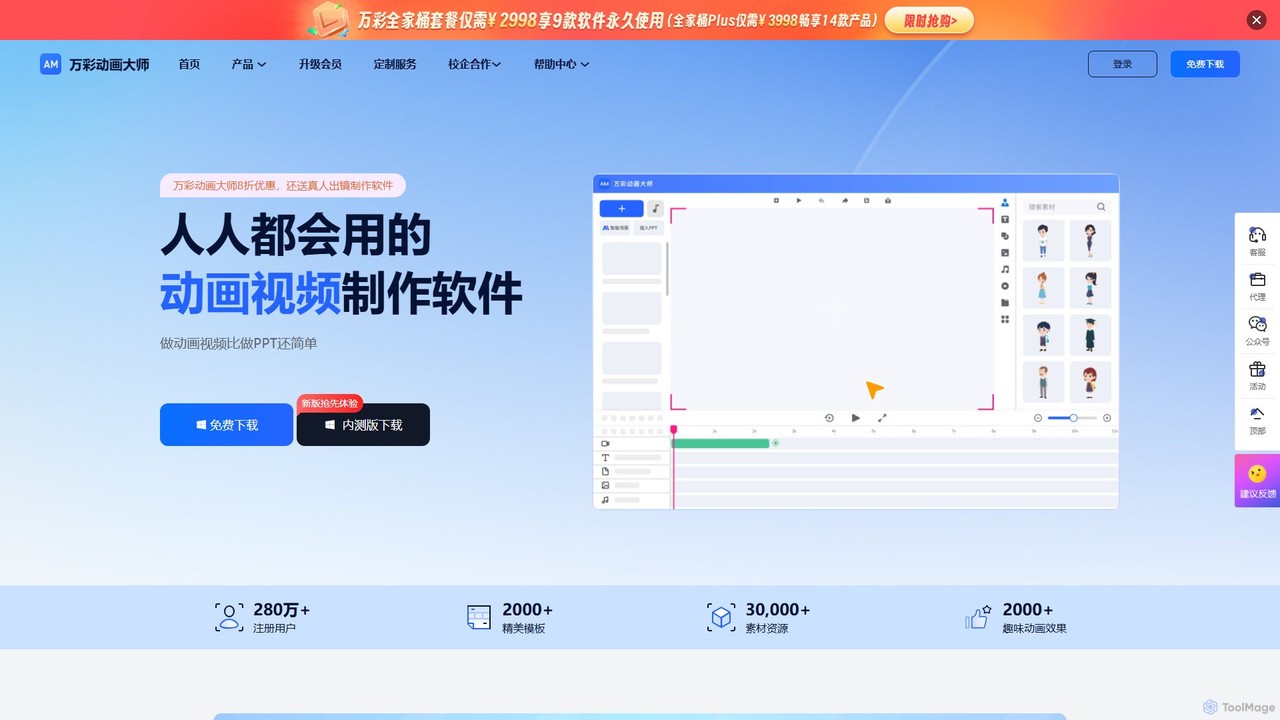
Animiz, also known as 万彩动画大师, is a powerful yet intuitive desktop software designed to make Motion Graphic (MG) animation video creation accessible to everyone. It positions itself as a simpler alternative to complex professional software like Adobe After Effects and Flash, enabling users to produce high-quality animated content with an ease comparable to making a PowerPoint presentation. With a large community of over 2.8 million users, Animiz provides a robust platform for creating engaging corporate promotional videos, marketing ads, educational micro-lessons, and more.
The core philosophy of Animiz is to lower the barrier to animation production, offering a feature-rich free version and affordable premium plans. This makes it a cost-effective solution for businesses, educators, and individual creators who need professional-looking animations without the steep learning curve or high costs associated with traditional animation production.
How to use Animiz
Getting started with Animiz is a straightforward process designed for efficiency. First, download and install the software from the official website. Upon launching, you can start a new project from scratch or, more conveniently, choose from over 2,000 professionally designed templates covering various industries and use cases. The main interface features an intuitive timeline, a drag-and-drop canvas, and extensive asset libraries. You can add and customize scenes, insert text, images, characters, and sound effects from the built-in library of over 30,000 assets. The recently integrated 'Wancai AI' assistant can even help generate creative scripts and copy. Animate objects using a wide range of pre-set effects, control camera movements with the infinite canvas feature, and once your creation is complete, you can preview it and export it in various video formats.
Core Features of Animiz
- AI-Powered Scripting: Features 'Wancai AI', an intelligent assistant that helps users brainstorm ideas and generate compelling scripts and text content for their videos, streamlining the creative process.
- Vast Asset Library: Access to over 2,000 templates, 30,000+ resources including lifelike animated characters, HD vector images, and various multimedia elements.
- Intuitive Timeline and Canvas: A clear, multi-track timeline for precise control over scenes, audio, and animations, combined with an infinite canvas that allows for creative and dynamic camera movements like zooming, panning, and rotating.
- Rich Animation Effects: A library of over 2,000 animation effects, including entrance, emphasis, exit, and motion path effects, as well as dynamic scene transitions.
- Character Customization: Provides tools to create and customize your own animated characters, giving your videos a unique and personal touch.
- Multi-Format Export: Supports exporting videos in various formats, ready for online platforms, social media, or offline presentations.
- PPT Import: Users can import existing PowerPoint presentations and convert them into dynamic animated videos.
Use Cases for Animiz
Animiz is versatile and can be applied across numerous fields:
- Corporate Marketing: Creating engaging company introduction videos, product explainers, and animated advertisements to capture audience attention.
- Education and Training: Developing animated micro-lessons, visualizing complex concepts for e-learning, and creating instructional videos for students and employees.
- Self-Media & Content Creation: Producing unique animated content for YouTube channels, social media stories, and personal blogs to stand out.
- Public Service & Awareness: Crafting compelling animated stories for non-profits and public campaigns, such as environmental protection or health awareness.
- Internal Communications: Making internal announcements, training materials, or reports more dynamic and memorable.
Advantages of Animiz
The primary advantage of Animiz is its accessibility. It empowers users without any prior animation experience to create professional-grade videos quickly and efficiently. Its drag-and-drop functionality and template-based workflow significantly reduce production time and cost. The freemium model allows anyone to start for free, while the premium plans offer advanced features and assets at a very competitive price point. The integration of an AI assistant for content creation further enhances productivity, making it a comprehensive and modern tool for visual storytelling.
Pricing and Plans
Animiz operates on a freemium model. There is a comprehensive free version that allows users to access a significant portion of the features and assets, making it perfect for trying out the software or for non-commercial projects. For users requiring more advanced capabilities, Animiz offers several premium subscription plans. These paid plans typically unlock access to all templates and assets, remove watermarks, allow for commercial use, and provide higher-resolution exports. Specific details about the different tiers and their pricing can be found on the official website's 'Upgrade Membership' section.
Traffic
Latest traffic
Status
Monthly traffic trend
- 2025-9: 50.7K
- 2026-1: 40.5K
- 2026-2: 31.3K
- 2026-3: 55.3K
- 2026-4: 50.3K
- 2026-5: 45.5K
Geography
Top 5 countries / regions
- 🇨🇳China89.7%
- 🇺🇸United States4.2%
- 🇻🇳Vietnam3.0%
- 🇹🇼Taiwan1.8%
- 🇭🇰Hong Kong SAR China1.4%
Traffic sources
| Source type | Percentage |
|---|---|
Direct | 70.1% |
Referral | 29.9% |
Animiz Alternatives
Animaker
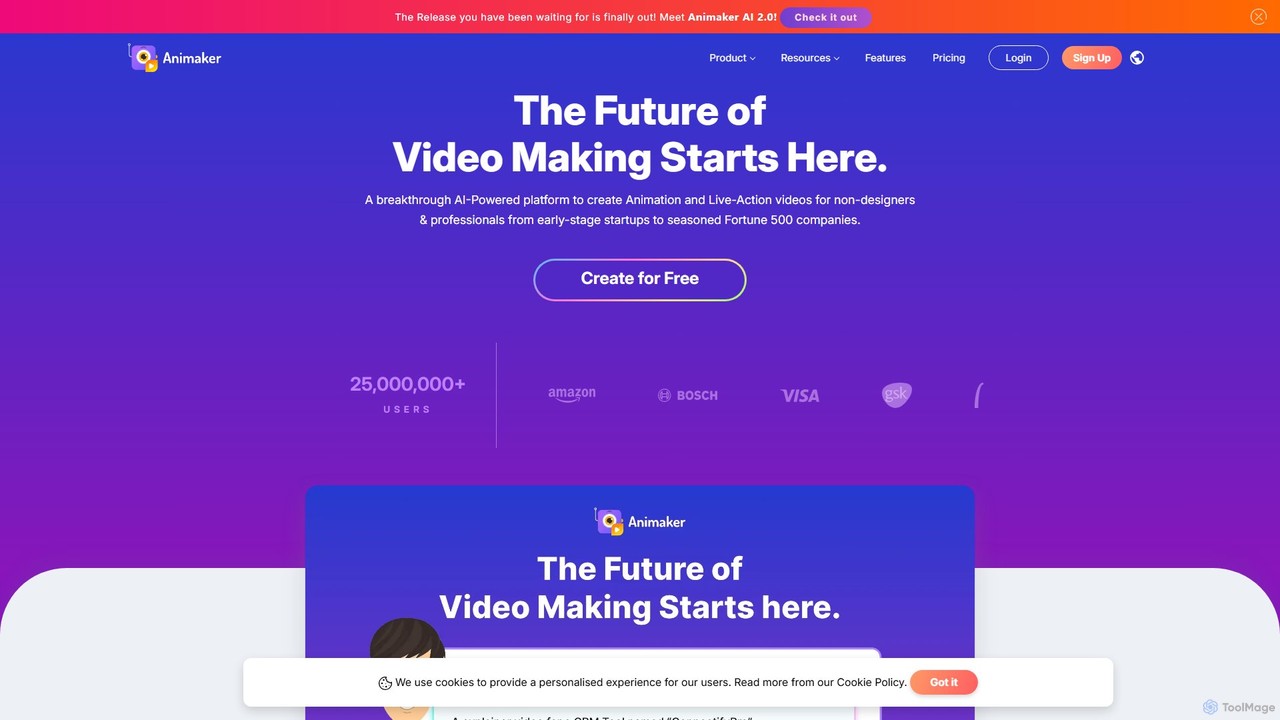
Animaker is a powerful AI-driven online platform for creating studio-quality animated and live-action videos. Designed for both beginners and professionals, it features an advanced character builder, a vast asset library, and thousands of templates to produce engaging video content in minutes.
E Learning
Vidtoon
Vidtoon is a user-friendly 2D animated video creation software that allows anyone to create professional-quality explainer videos, marketing ads, and presentations without any technical skills. It features a simple drag-and-drop interface, a vast library of characters, backgrounds, and props, and a built-in text-to-speech engine to bring your stories to life quickly and affordably.
E Learning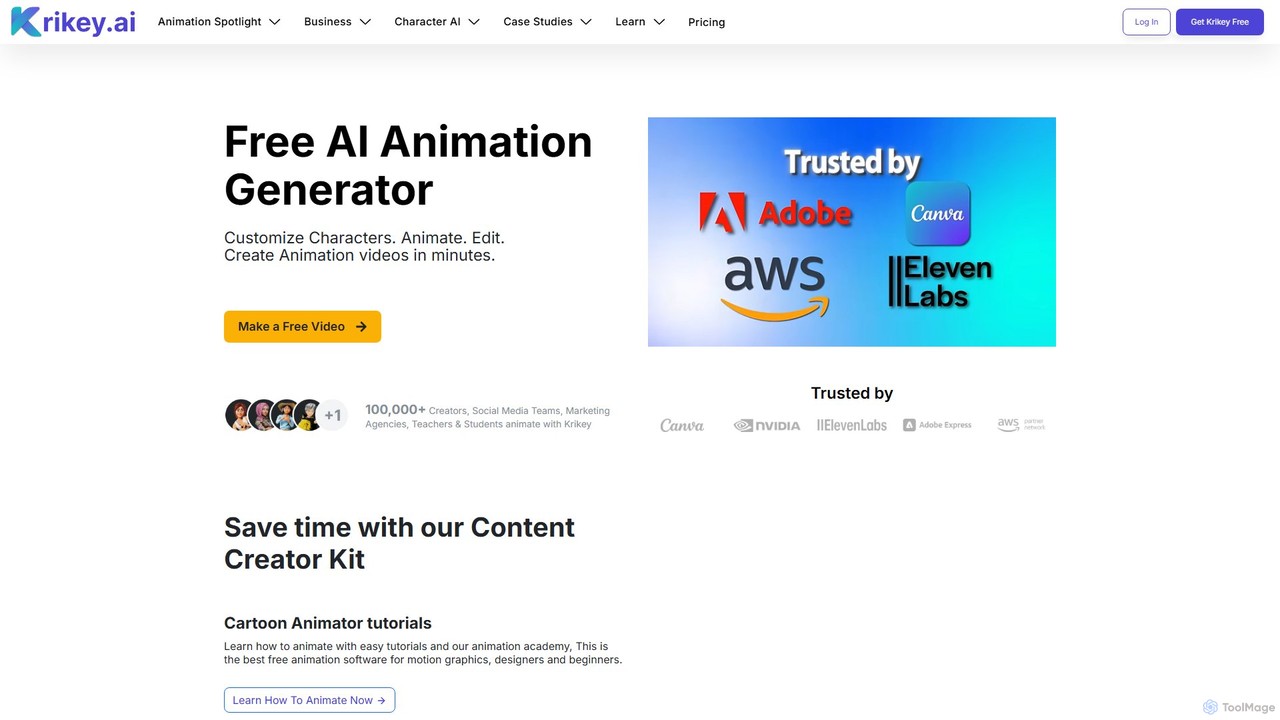
Krikey
Krikey is an AI-powered animation generator that allows users to create 3D animated videos in minutes. It features text-to-animation, video-to-animation, customizable 3D avatars, and a multi-language text-to-speech engine with automatic lip-syncing. Designed for creators, marketers, and educators, Krikey simplifies the animation process with a no-code, browser-based editor, making it accessible for everyone, regardless of technical skill.
E Learning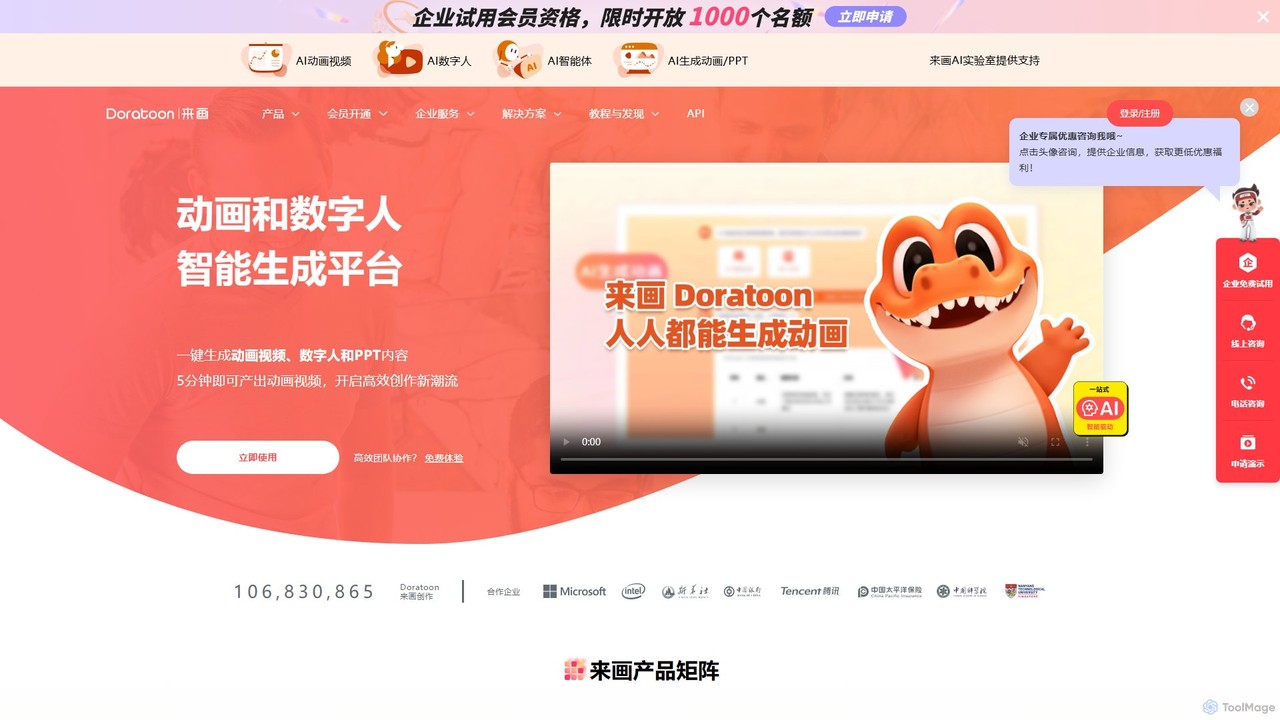
Laihua
Laihua is an intelligent AI generation platform for creating animated videos, digital human content, and professional presentations. It leverages advanced AI to transform text, ideas, or links into engaging visual content in minutes, making creation efficient and accessible for everyone.
Digital Human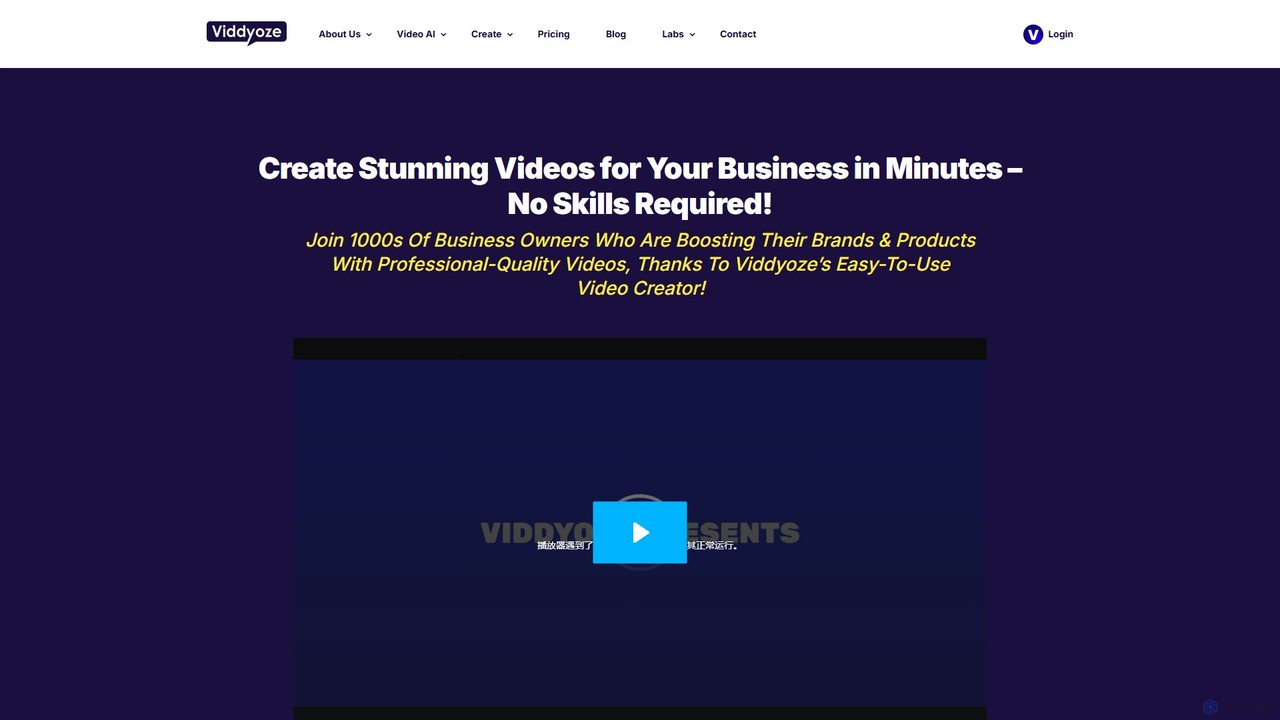
Viddyoze
Viddyoze is a powerful, cloud-based animated video creator designed for businesses and marketers. With thousands of professional templates, it allows users to create stunning 3D logo animations, intros, outros, and social media videos in minutes, no technical skills required. Featuring an AI assistant, a massive stock asset library, and simple 3-click customization, Viddyoze makes professional video production accessible and affordable for everyone.
GraphicsAnimiz Categories
Animiz Embed Widget
Copy this embed code to place the badge on your blog, article, or product site and send readers directly to this ToolMage detail page.

Related AI tools
Animaker
Animaker is a powerful AI-driven online platform for creating studio-quality animated and live-action videos. Designed for both beginners and professionals, it features an advanced character builder, a vast asset library, and thousands of templates to produce engaging video content in minutes.
E LearningVidtoon
Vidtoon is a user-friendly 2D animated video creation software that allows anyone to create professional-quality explainer videos, marketing ads, and presentations without any technical skills. It features a simple drag-and-drop interface, a vast library of characters, backgrounds, and props, and a built-in text-to-speech engine to bring your stories to life quickly and affordably.
E LearningLaihua
Laihua is an intelligent AI generation platform for creating animated videos, digital human content, and professional presentations. It leverages advanced AI to transform text, ideas, or links into engaging visual content in minutes, making creation efficient and accessible for everyone.
Digital HumanViddyoze
Viddyoze is a powerful, cloud-based animated video creator designed for businesses and marketers. With thousands of professional templates, it allows users to create stunning 3D logo animations, intros, outros, and social media videos in minutes, no technical skills required. Featuring an AI assistant, a massive stock asset library, and simple 3-click customization, Viddyoze makes professional video production accessible and affordable for everyone.
Graphics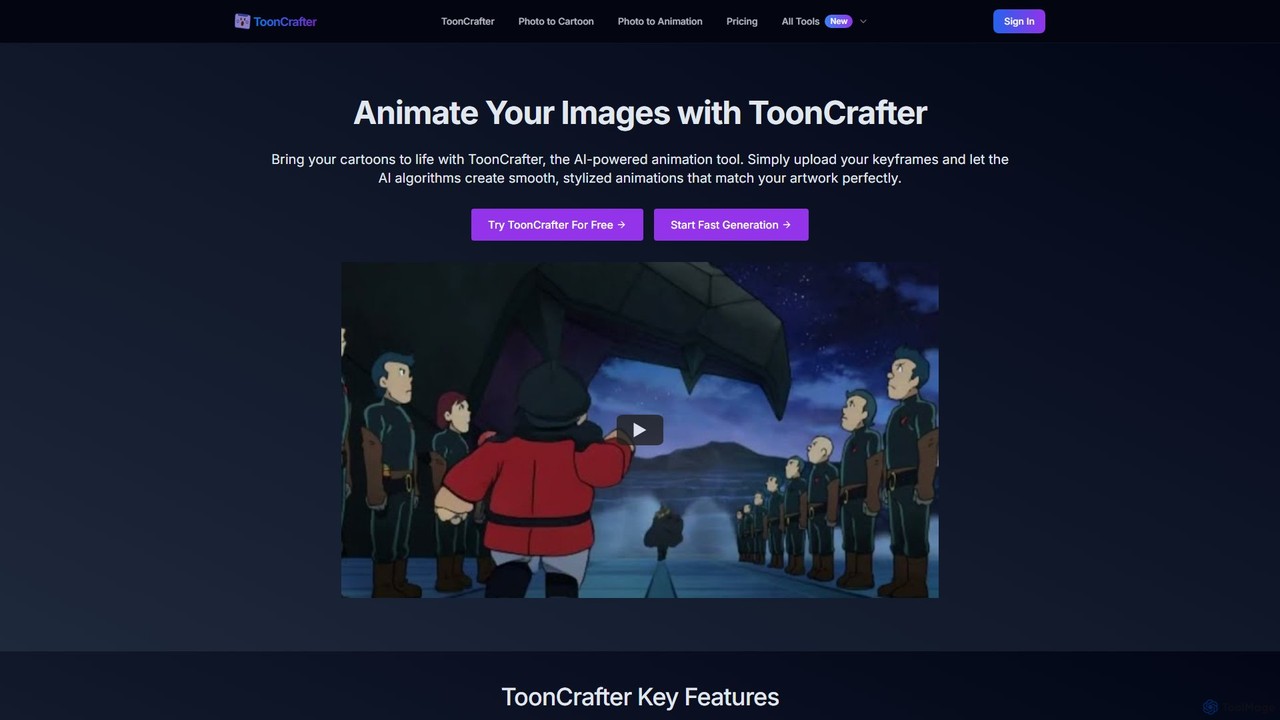
ToonCrafter
ToonCrafter is an AI-powered animation tool that transforms static cartoon images into dynamic, fluid animations. By uploading keyframes and providing a text prompt, users can generate smooth, style-consistent video clips in seconds, making it ideal for artists, marketers, and content creators.
Image Generator
MotionMate
MotionMate is an AI-powered platform that revolutionizes animation and motion graphics creation. Effortlessly transform text prompts or static images into dynamic, professional-quality videos. Ideal for marketers, content creators, and businesses looking to produce engaging visual content quickly and without complex software.
Motion Graphics
Vidnoz
Vidnoz is a powerful AI video generation platform that allows users to create professional videos 10x faster. It features a vast library of AI avatars, voices, and templates, along with advanced tools like voice cloning, video translation, and talking photos, making video creation accessible and affordable for everyone.
E Learning
Steve AI
Steve AI is a powerful AI video generator designed for faceless creators, marketers, and educators. It transforms text, scripts, blog posts, or simple prompts into engaging animated and live-action videos in minutes. Featuring AI scriptwriting, realistic voiceovers, and a vast asset library, it simplifies video production for social media, marketing, and training.
E Learning
motionvid.ai
motionvid.ai is an AI-powered platform that transforms text prompts and sketches into professional-quality motion graphics and animations in seconds. It's designed for content creators, marketers, and editors to produce stunning videos 20x faster than traditional software like After Effects, without needing any technical skills.
Social Media
Reveals
Reveals is an AI-powered tool that instantly transforms static product photos and logos into stunning, professional-quality animated videos. With a simple drag-and-drop interface, it allows marketers, e-commerce owners, and creators to generate eye-catching reveal animations and logo stings in just one click, no technical skills required.
Graphics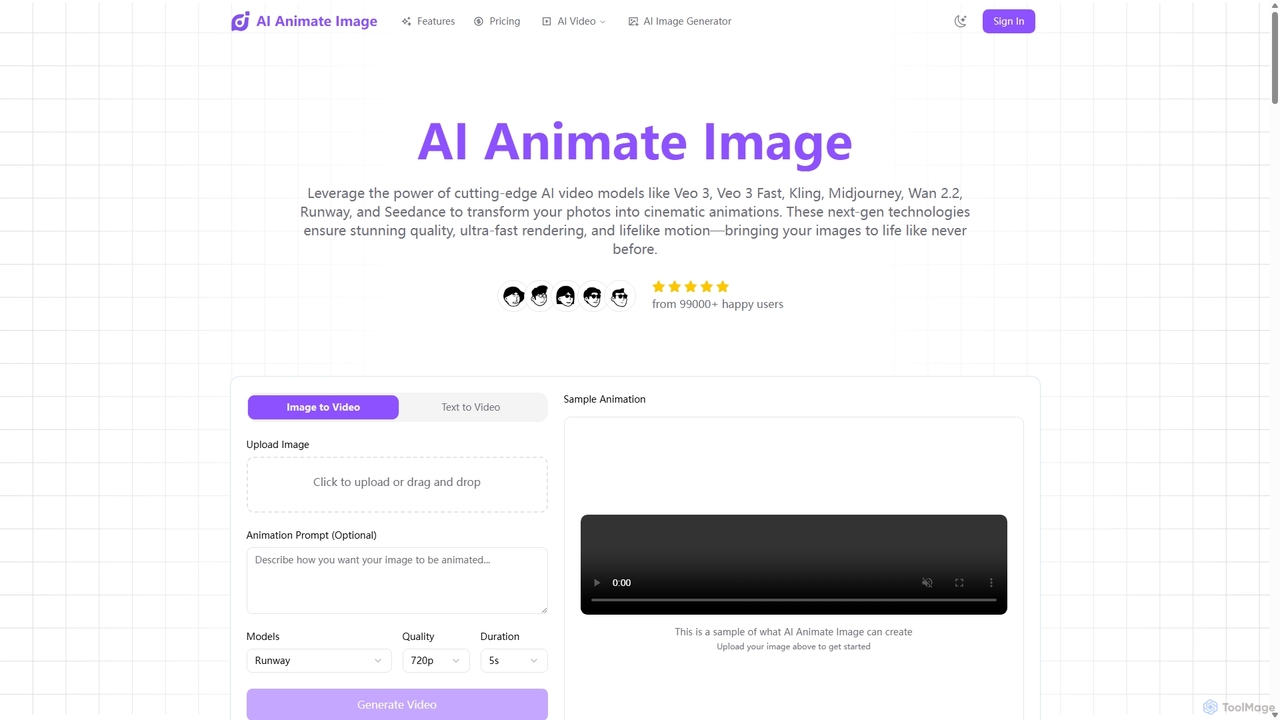
Aianimateimage
Aianimateimage is a comprehensive AI-powered platform that transforms static images into captivating animations and generates stunning visuals from text. Utilizing advanced models like Veo 3, Kling, and GPT-4o, it offers tools for image-to-video, text-to-video, and text-to-image creation. It's designed for creators, marketers, and artists to produce professional-quality animated content and images effortlessly through a user-friendly, browser-based interface.
Image Generation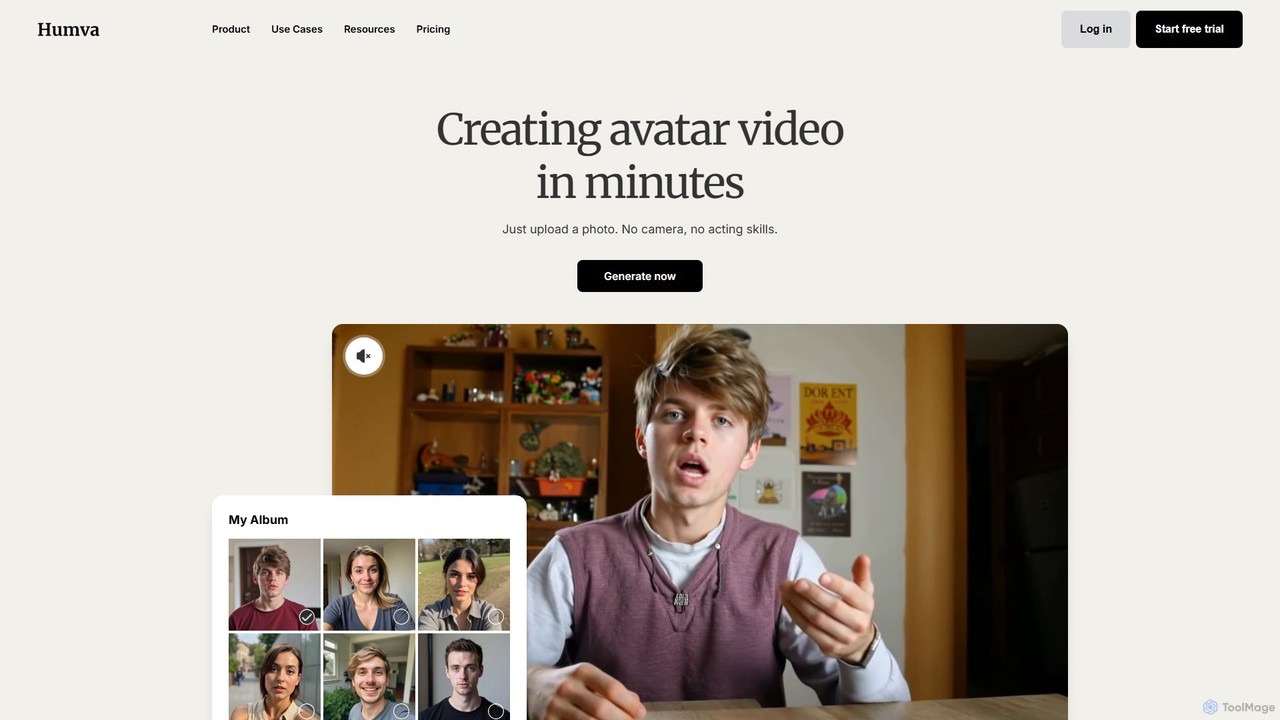
Humva
Humva is an AI-powered platform that creates professional avatar videos in minutes. Simply upload a photo to generate a custom digital avatar or choose from a vast library. Ideal for marketing, education, and explainer videos without needing cameras or acting skills.
E Learning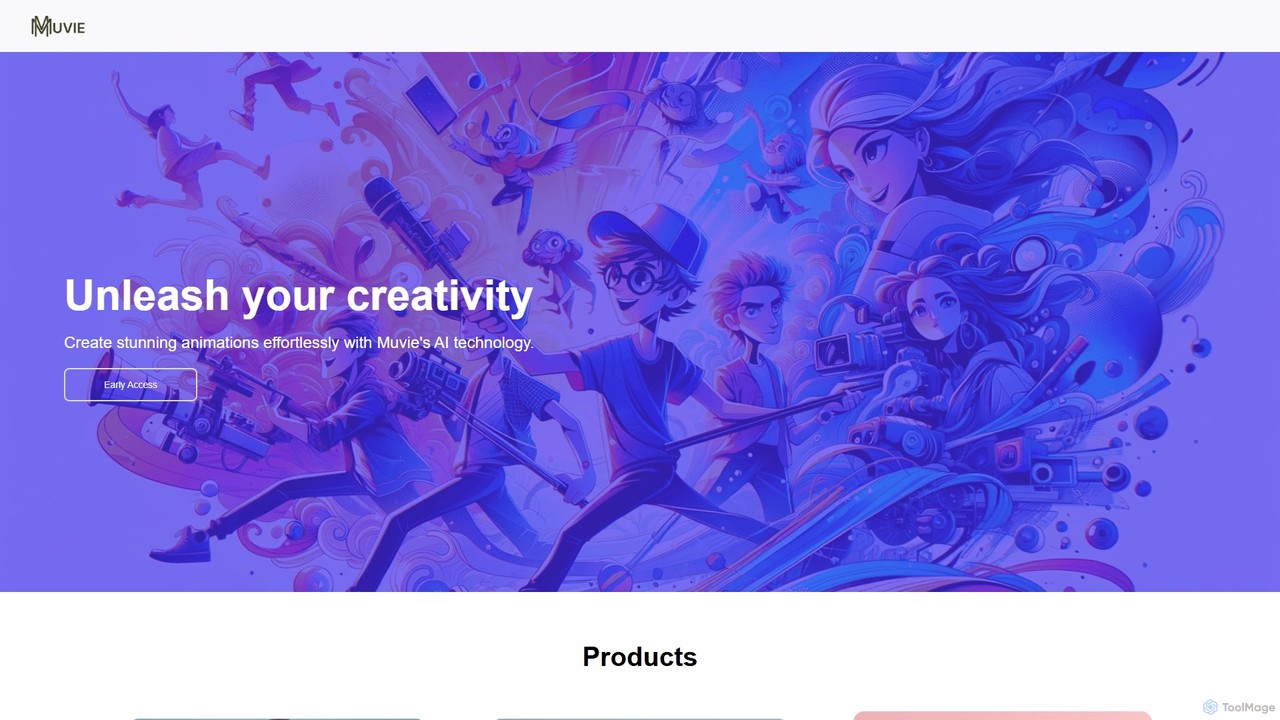
Muvie
Muvie is an AI-powered animation platform that enables users to create stunning animated videos effortlessly. It integrates a character design engine, a text-to-animation studio, and a realistic text-to-speech voice studio. Ideal for creators, marketers, and educators, Muvie simplifies the entire animation workflow, from concept to final video, without requiring any technical expertise.
Character Generator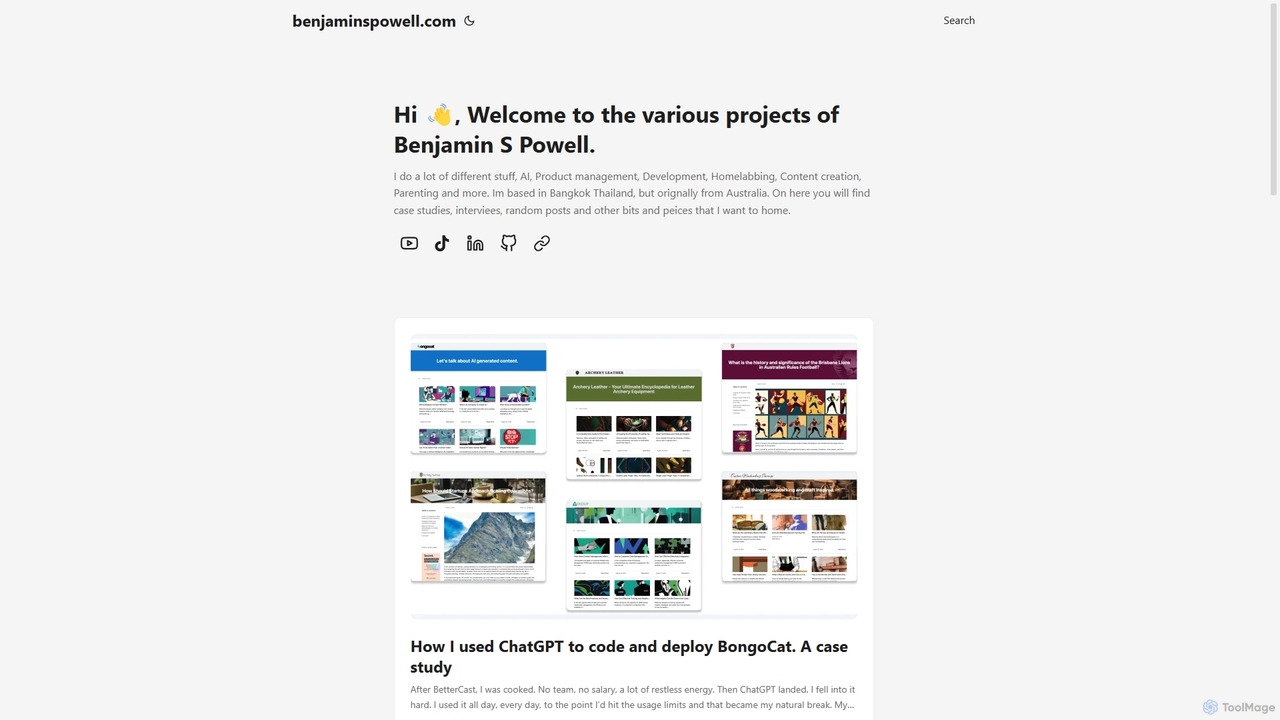
BongoCat
BongoCat is an AI-powered animation and video creation platform that allows users to effortlessly generate engaging animated videos, GIFs, and memes. Perfect for marketers, content creators, and social media managers, it transforms simple text prompts or ideas into vibrant, shareable visual content in minutes, with no animation skills required.
Meme Generator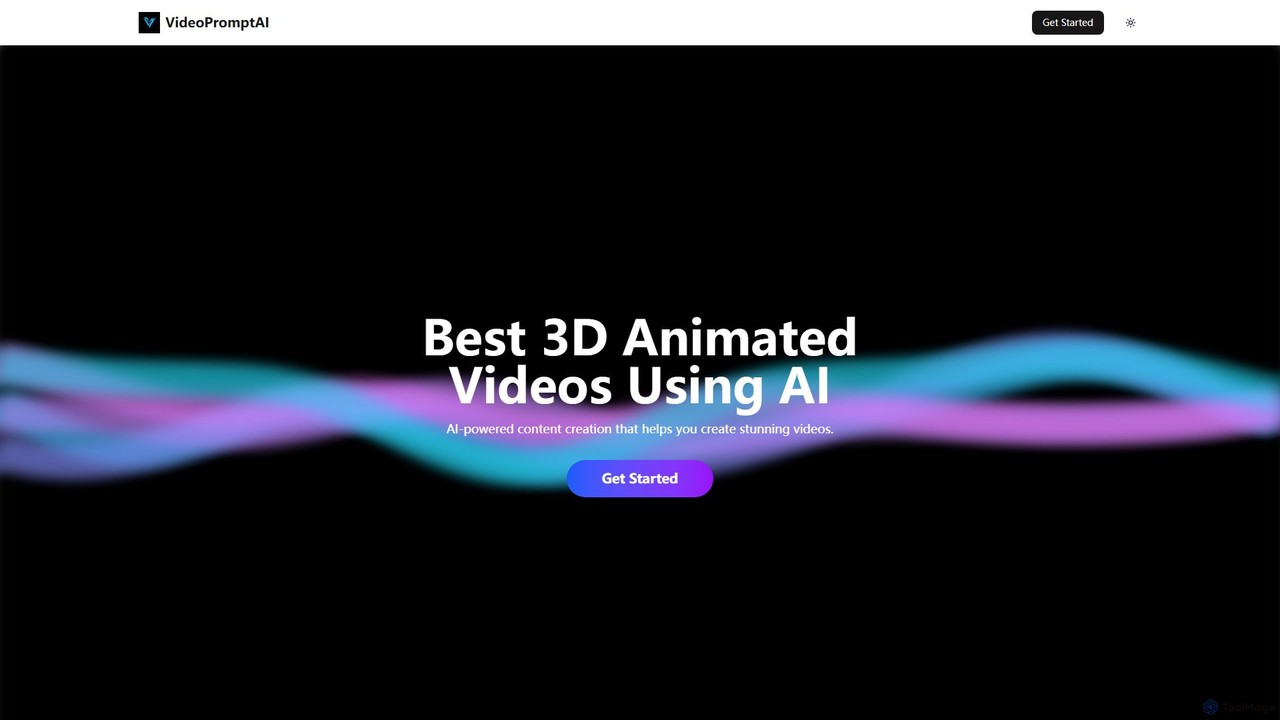
videopromptai
videopromptai is an AI-powered platform that transforms text prompts into stunning 3D animated videos. Designed for creators, marketers, and businesses, it simplifies the complex process of 3D animation, making it accessible to everyone. Generate high-quality, engaging animated content for social media, advertising, or presentations in minutes, without any prior animation experience.
3D
Animiz Comments (0)
Sign in to comment.
Sign inNo comments yet.