

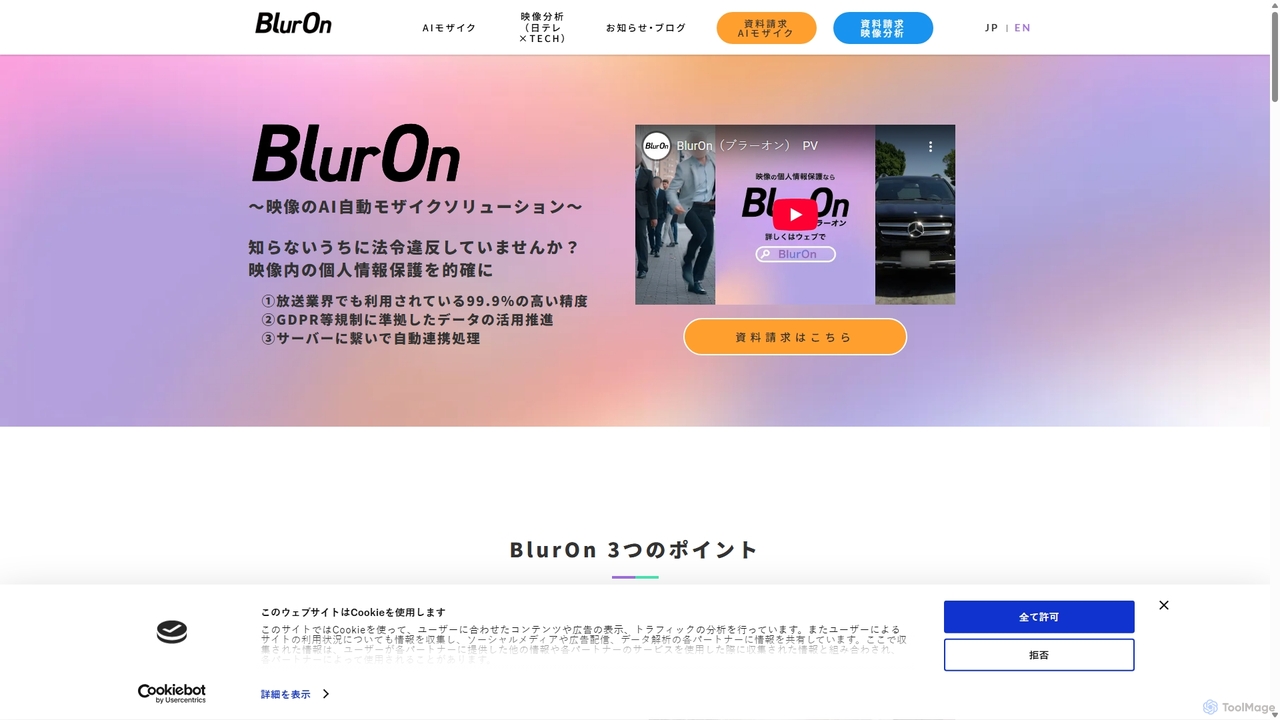
Blur On Overview
Blur On is an advanced AI-powered plugin designed for professional video editing software. It automates the demanding and time-consuming task of applying mosaic or blur effects to videos for privacy protection and content anonymization. By leveraging sophisticated artificial intelligence, Blur On can automatically identify, track, and obscure sensitive elements like faces, license plates, and specific objects, transforming a process that once took hours of manual keyframing into a task of mere minutes.
How to use Blur On
Integrating Blur On into your video editing workflow is designed to be seamless and intuitive. The process typically involves these steps:
- Installation: First, install the Blur On plugin into your preferred video editing software (e.g., Adobe Premiere Pro, Final Cut Pro, or DaVinci Resolve).
- Import Footage: Open your project and import the video clip that requires anonymization.
- Apply the Effect: Locate the Blur On plugin in your effects library and apply it to the desired video clip on your timeline.
- AI Analysis: Upon application, the plugin's AI engine will automatically analyze the video content. It detects specified objects like faces or license plates and tracks their movement throughout the entire clip.
- Customization: Review the automatically applied blurs. You can typically adjust various parameters such as the blur type (mosaic, gaussian blur), intensity, size, and shape. You may also have options to manually add or remove blurred areas for perfect results.
- Export: Once you are satisfied with the anonymization, simply render and export your video as you normally would. The blur effects are integrated directly into the final output.
Core Features of Blur On
- AI-Powered Detection and Tracking: The core of Blur On is its intelligent engine that automatically detects and tracks multiple objects simultaneously without manual intervention.
- High-Speed Processing: Optimized for efficiency, the plugin significantly reduces rendering times compared to manual blurring, boosting productivity for editors on tight deadlines.
- High-Accuracy Recognition: Trained on extensive datasets, the AI provides highly accurate detection of faces and other objects, even in complex scenes with movement or partial obstructions.
- Customizable Blur Effects: Offers a range of customization options, including different blur styles (pixelation, gaussian blur), adjustable intensity levels, and the ability to change the shape and size of the blurred area.
- Seamless Plugin Integration: Designed to work as a native plugin within major non-linear editing (NLE) software, ensuring a smooth and uninterrupted workflow for video professionals.
- Selective Anonymization: Provides the flexibility to select specific individuals or objects to blur while leaving others untouched, giving creators complete control over their content.
Use Cases for Blur On
Blur On is an invaluable tool for a wide range of professionals and content creators:
- Broadcast Journalism & News: Journalists can quickly blur the faces of minors, witnesses, or individuals in sensitive situations to comply with ethical guidelines and privacy laws.
- Documentary Filmmaking: Protect the identities of subjects in documentaries that cover sensitive or personal topics.
- Social Media & Content Creation: YouTubers and online creators can easily blur background individuals, license plates, or copyrighted logos to avoid privacy complaints and copyright strikes.
- Corporate & Educational Videos: Anonymize employees, students, or customers in training materials, promotional videos, or case studies.
- Security & Surveillance: Redact sensitive information from security footage before it is shared with the public or used as evidence.
- Real Estate: Blur personal items like family photos or sensitive documents during virtual property tours.
Advantages of Blur On
The primary advantage of Blur On is its massive efficiency gain. It automates a tedious manual process, saving countless hours of editing work. This leads to significant cost reductions in production by minimizing labor hours. The AI-driven accuracy ensures consistent and reliable results, reducing the risk of human error. By simplifying the process of anonymization, Blur On helps organizations and individuals easily adhere to privacy regulations like GDPR, protecting them from potential legal issues.
Pricing and Plans
Blur On is a premium, paid tool designed for professional use. The pricing structure is typically subscription-based or may offer a perpetual license. Specific plans and costs are detailed on the official website. They may also offer customized enterprise plans for large media organizations, production houses, and corporations that require extensive use or specific features. Interested users are encouraged to visit the Blur On website or contact their sales team for a detailed quote.
Traffic
Latest traffic
Status
Monthly traffic trend
- 2025-9: 2.0K
- 2026-1: 1.6K
- 2026-2: 984
- 2026-3: 1.3K
- 2026-4: 1.2K
- 2026-5: 1.1K
Geography
Top 5 countries / regions
- 🇯🇵Japan100.0%
Top keywords
| Keyword | Cost per click |
|---|---|
| auto mosaic | $0.00 |
| av 自動モザイク入れ | $0.00 |
| テレビ モザイク | $0.00 |
| 自動モザイクツール | $0.00 |
| 自動 モザイク処理 | $0.00 |
Blur On Alternatives
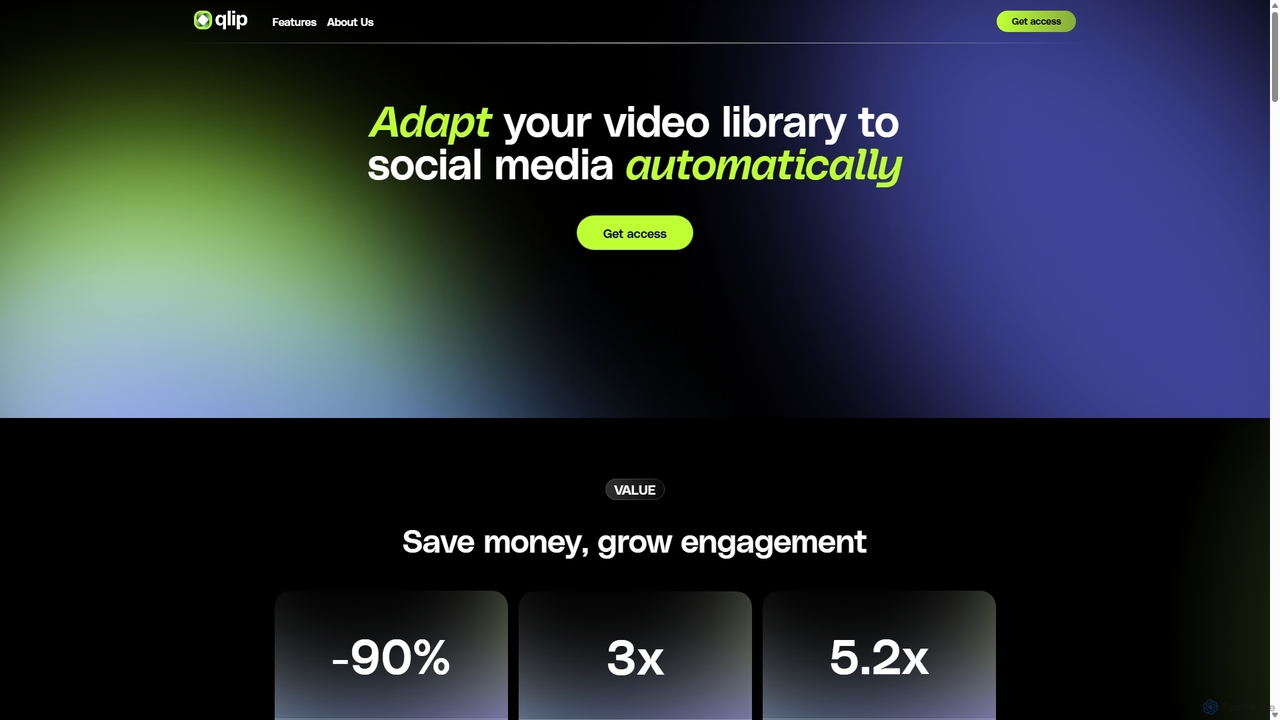
Qlip
Qlip is an AI-powered platform that automatically extracts impactful short clips from long-form videos. Designed for marketers and content creators, it simplifies repurposing content for social media with features like auto-reframing, branded subtitles, and transcription, helping to save costs and boost engagement.
Video Marketing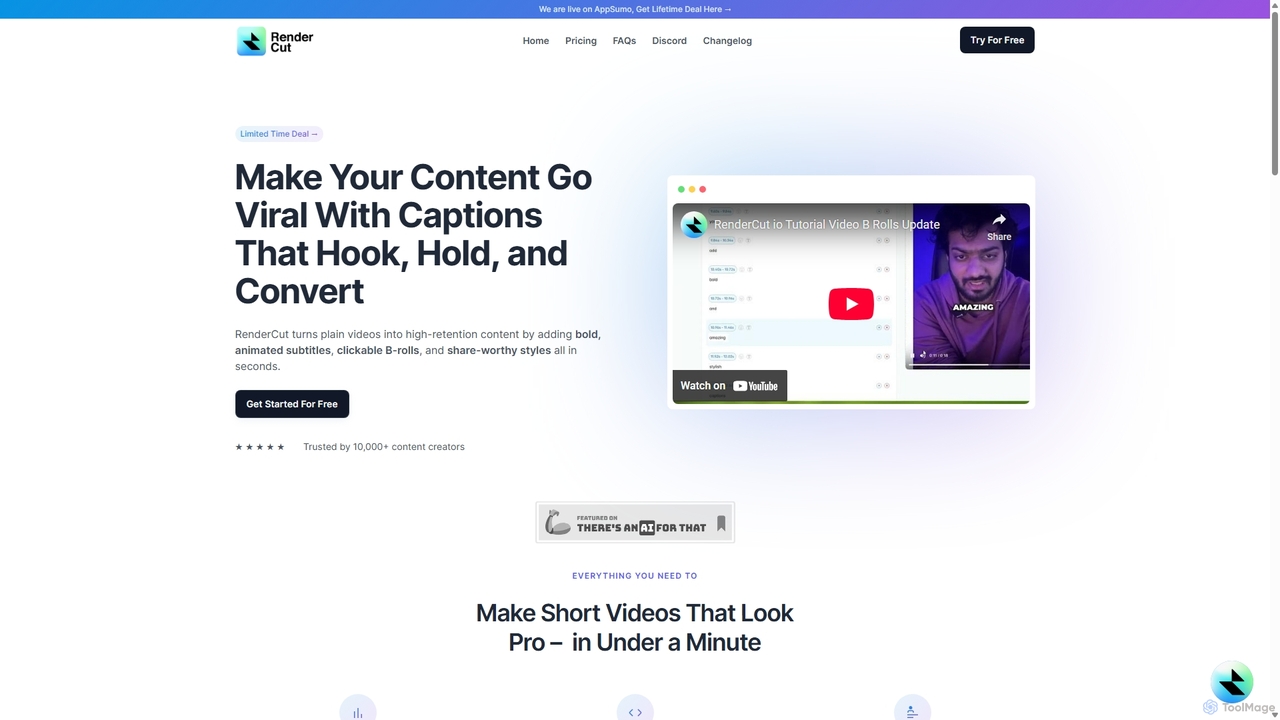
RenderCut
RenderCut is an AI-powered video editing tool that automatically generates stylish, animated subtitles for short-form videos. It helps content creators boost engagement and create viral content by adding customizable captions, B-rolls, emojis, and sound effects in minutes.
Automation
Podcut
Podcut is an AI-powered audio and video editing platform designed for podcasters and content creators. It automates tedious editing tasks by allowing you to edit your media by simply editing the text transcript. Automatically remove filler words, long silences, and background noise to produce studio-quality content in minutes, not hours.
3D
OpusClip
OpusClip is a generative AI video repurposing tool that turns long videos into viral short clips with one click. It automatically identifies the most compelling hooks, reframes the video, adds dynamic captions, and scores clips for virality, streamlining content creation for social media.
Video Marketing
OneTake AI
OneTake AI is an autonomous video editing and translation agent that transforms raw talking videos into professional presentations with a single click. It automatically handles transcription, removes filler words, eliminates background noise, adds custom music, and creates engaging visuals. Ideal for content creators, educators, and businesses, it also offers voice-cloned translation and dubbing to reach a global audience effortlessly.
E LearningBlur On Categories
Blur On Jobs
Blur On Embed Widget
Copy this embed code to place the badge on your blog, article, or product site and send readers directly to this ToolMage detail page.

Related AI tools
Qlip
Qlip is an AI-powered platform that automatically extracts impactful short clips from long-form videos. Designed for marketers and content creators, it simplifies repurposing content for social media with features like auto-reframing, branded subtitles, and transcription, helping to save costs and boost engagement.
Video MarketingRenderCut
RenderCut is an AI-powered video editing tool that automatically generates stylish, animated subtitles for short-form videos. It helps content creators boost engagement and create viral content by adding customizable captions, B-rolls, emojis, and sound effects in minutes.
AutomationPodcut
Podcut is an AI-powered audio and video editing platform designed for podcasters and content creators. It automates tedious editing tasks by allowing you to edit your media by simply editing the text transcript. Automatically remove filler words, long silences, and background noise to produce studio-quality content in minutes, not hours.
3D
Runway
Runway is an advanced AI-powered creative suite for content creation. It offers a wide range of tools, including state-of-the-art text-to-video (Gen-2), video-to-video (Gen-1), image generation, AI-powered video editing, and more. It's designed for filmmakers, artists, and marketers to ideate, generate, and edit content like never before, streamlining complex creative workflows.
Image Generation
Jyek
Jyek is an AI agent platform that understands objectives, creates execution plans, uses tools, and delivers verifiable results for complex, multi-step tasks.
Automation
Reka
Reka provides a suite of powerful, multimodal AI models and solutions designed for real-world impact. From the ultra-compact Spark to the frontier-level Core model, Reka's technology understands and processes text, images, audio, and video. It powers applications like Reka Vision for intelligent video analysis and Reka for Creators for automated social media clip generation, serving developers, enterprises, and content creators.
Transcription
AIVideo
AIVideo is a comprehensive AI video production platform that integrates leading models like Google Veo, OpenAI, Luma, and Kling. It empowers creators to generate, edit, and produce high-quality videos from simple text prompts, offering full creative control, character consistency, and AI-powered sound design in an all-in-one solution.
Voice Generation
Zenvideo
Zenvideo is an intelligent video creation platform by Tencent, leveraging AI to simplify and automate the entire video production workflow. It enables users to effortlessly generate professional-quality videos from text, create content with digital human avatars, and utilize smart editing tools, making it ideal for marketing, education, and content creation.
Social Media
Synclabs
Synclabs is a cutting-edge AI tool that provides the world's most natural lipsyncing for any video. It enables creators, developers, and businesses to instantly dub content, edit dialogue, and localize videos into any language with studio-grade quality, all accessible through a user-friendly studio and a powerful API.
Dubbing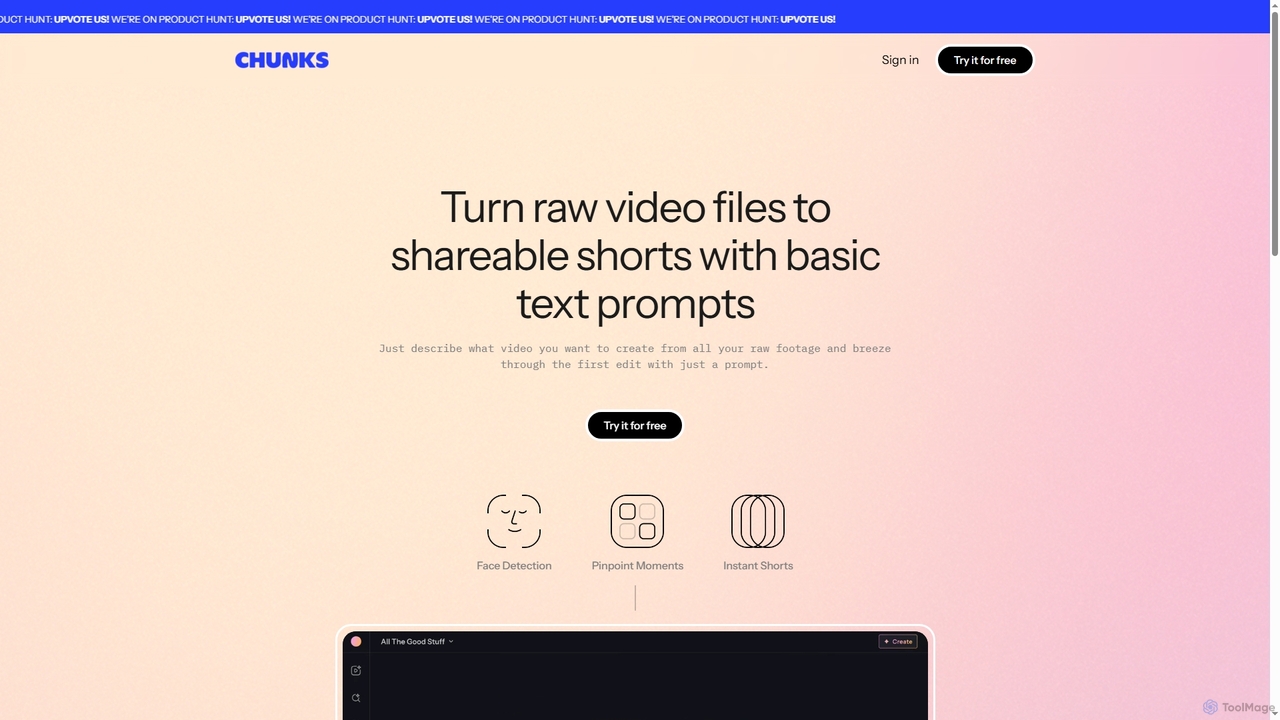
Chunks
Chunks is an AI-powered video editing tool that automatically transforms raw video footage into shareable short-form content. It uses AI vision models to detect key moments, faces, and highlights, allowing users to generate social-ready video shorts with simple text prompts, saving significant manual editing time.
3D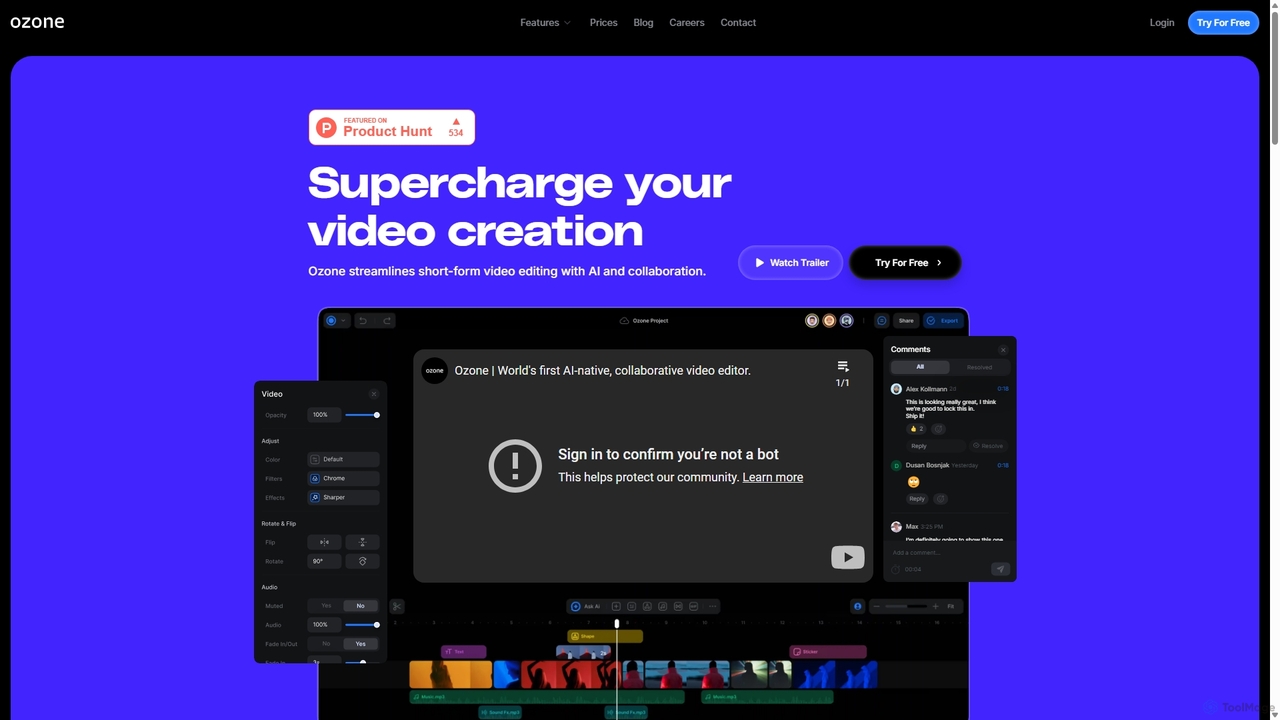
Ozone
Ozone is an AI-powered, cloud-based video editing platform that streamlines short-form video creation. It combines intelligent features like auto-captioning, text-to-video, and silence removal with real-time collaboration tools. Designed for content creators and marketing teams, Ozone eliminates the need for powerful hardware and complex workflows, allowing users to focus on storytelling and produce professional videos faster from anywhere.
Voice Synthesis
Clip
Clip is an advanced AI-powered audio search engine designed for creators. It enables users to find the perfect sound effects, music clips, and audio samples using natural language queries, sound similarity searches, and detailed filtering, streamlining the creative workflow.
Search
ChatronAI
ChatronAI is an all-in-one AI workspace designed to streamline creative and technical workflows. It integrates tools for long-form content creation, SEO optimization, AI image generation, simple video editing with auto-captions, and code assistance. This unified platform empowers creators, marketers, and developers to produce high-quality work more efficiently by consolidating multiple functionalities into a single, intuitive interface.
Development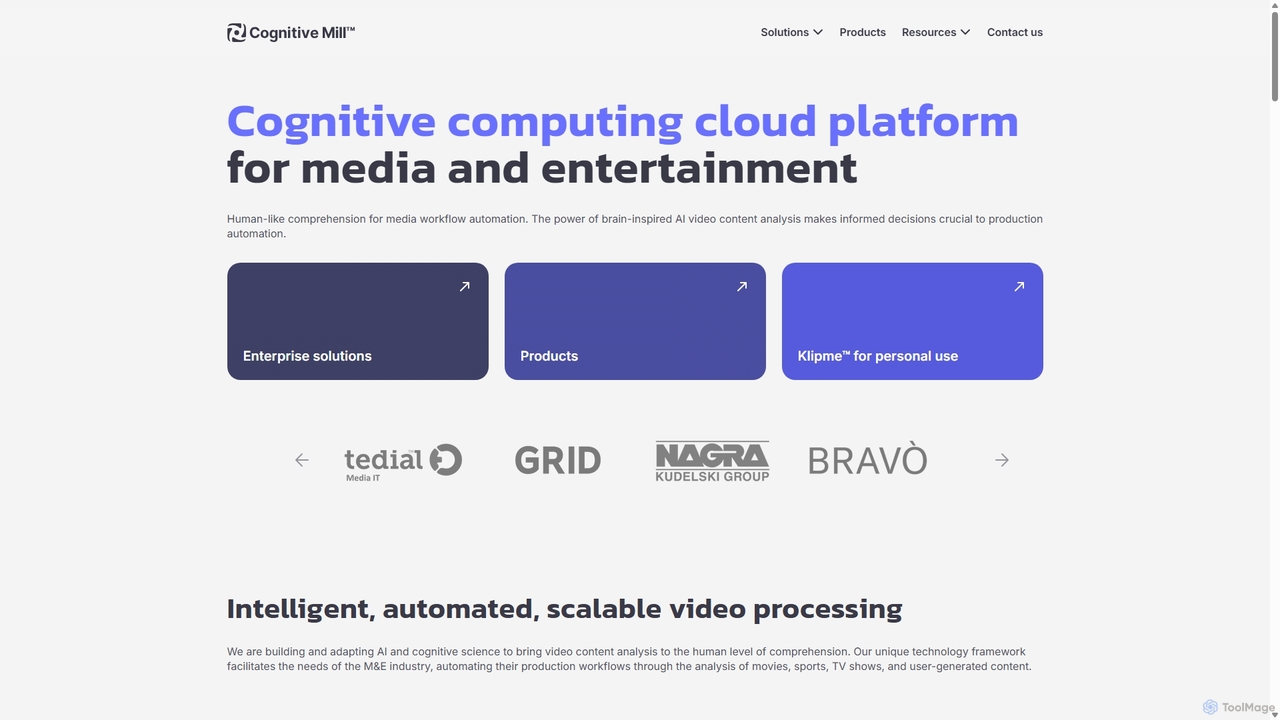
CognitiveMill
CognitiveMill is a cognitive computing cloud platform for the media and entertainment industry. It uses brain-inspired AI to provide human-like video content analysis, automating complex workflows like editing, metadata generation, and content moderation at scale.
Social Media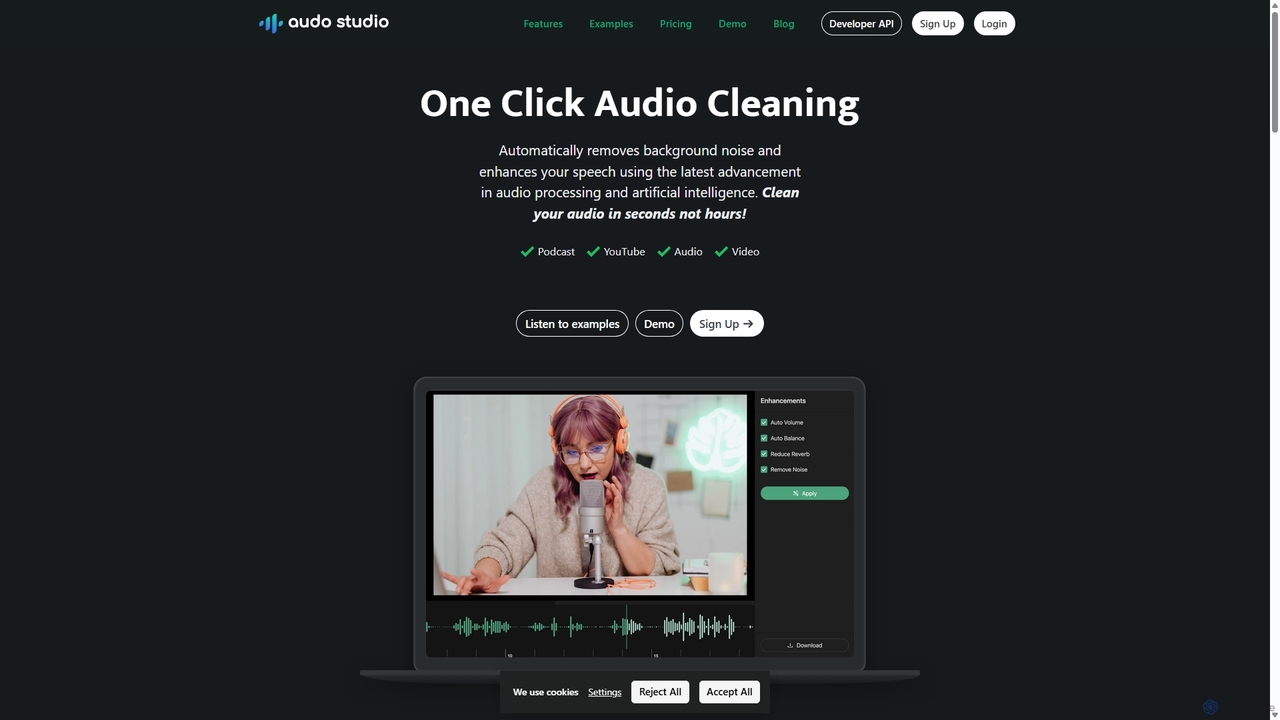
Audo Studio
Audo Studio is an AI-powered audio cleaning tool that removes background noise, reduces echo, and automatically levels volume with a single click. It's designed for content creators, podcasters, and video producers to achieve studio-quality sound effortlessly, without needing complex audio engineering skills.
3D
Blur On Comments (0)
Sign in to comment.
Sign inNo comments yet.