
ClearFeed Overview
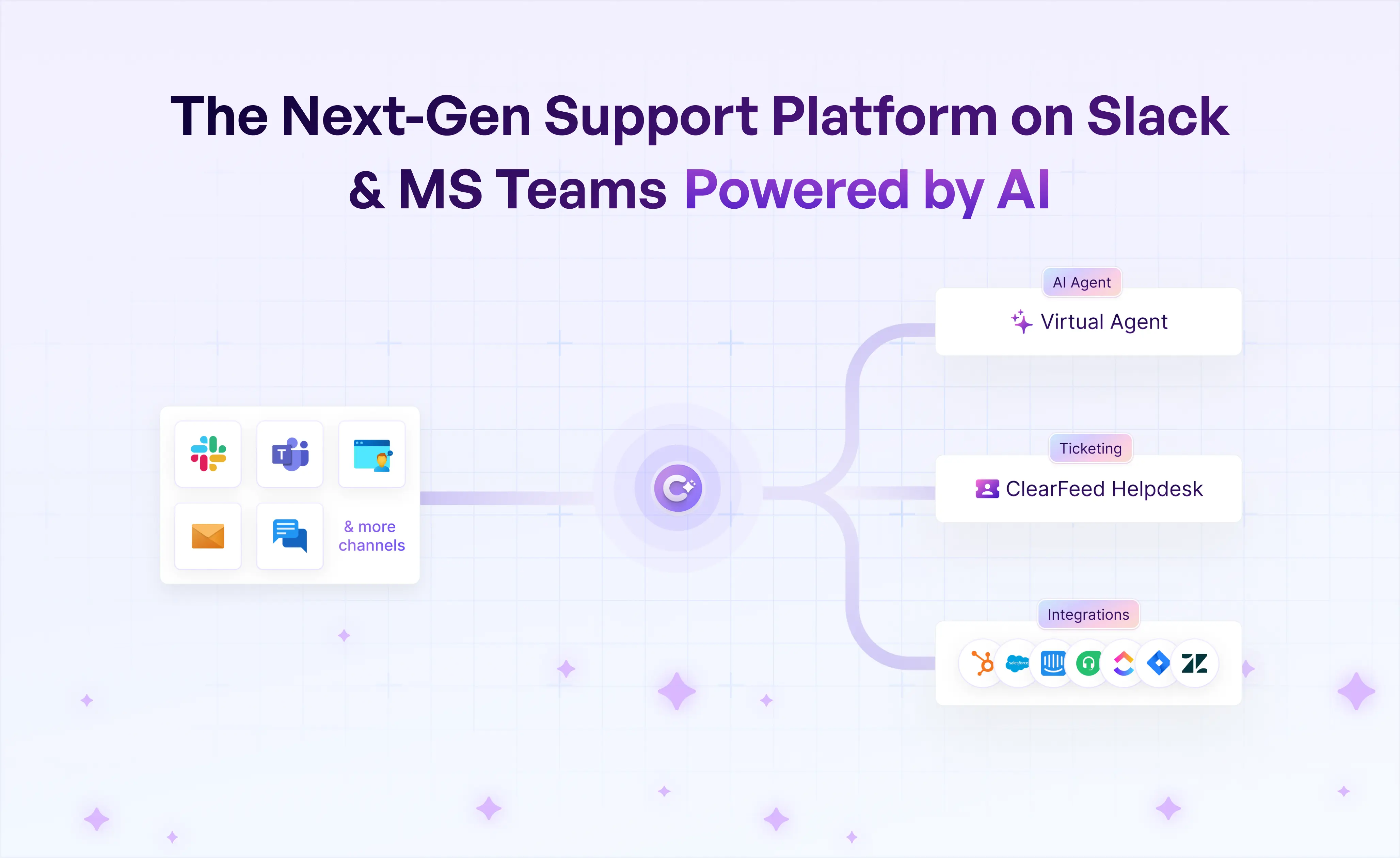
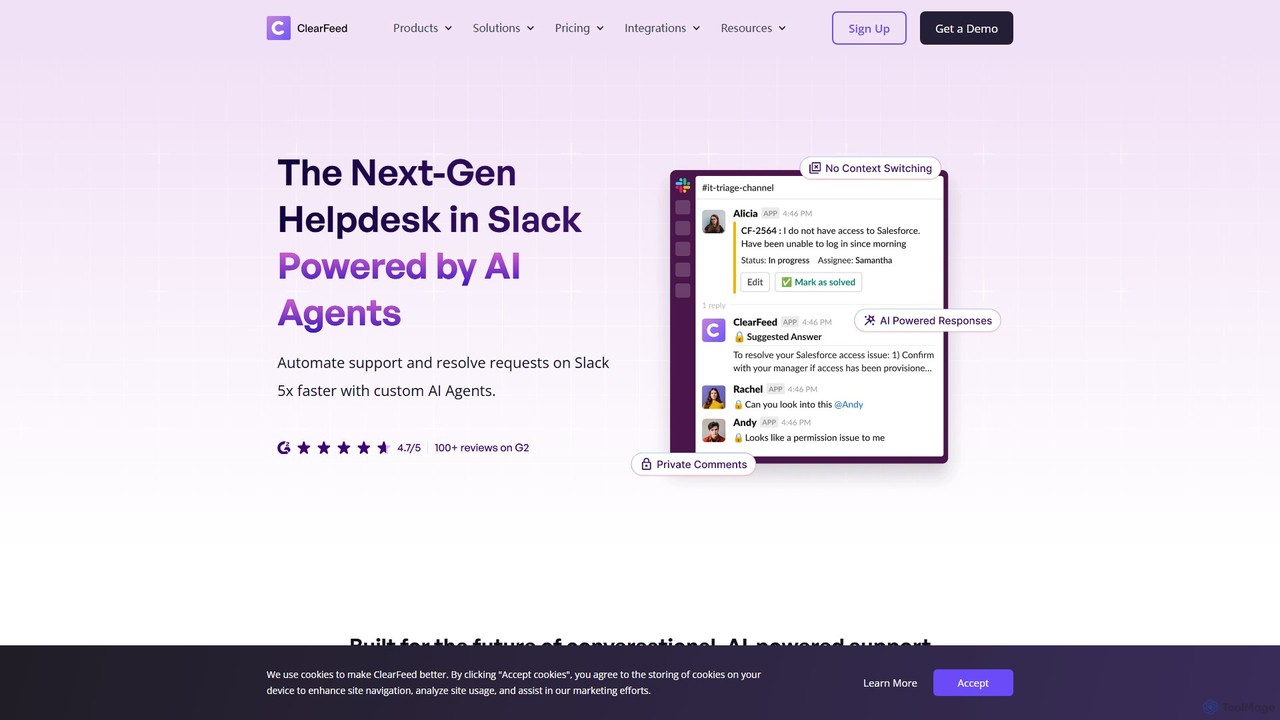
ClearFeed is a comprehensive, AI-driven conversational support platform that transforms Slack and Microsoft Teams into powerful, organized helpdesks. It is designed to help businesses manage customer support, IT helpdesk requests, and engineering escalations without leaving their primary communication tools. By bridging the gap between conversational platforms and traditional ticketing systems, ClearFeed ensures that no request is missed, response times are improved, and teams can collaborate more effectively to resolve issues.
The platform intelligently identifies requests within busy channels, allowing users to convert them into structured tickets with a simple emoji reaction. This eliminates the chaos of tracking conversations and provides a clear, actionable workflow for support agents. With its deep integration capabilities, ClearFeed acts as a central hub, connecting Slack and Teams to essential business tools like Zendesk, Jira, Salesforce, Freshdesk, and HubSpot, ensuring data is synchronized and workflows are unified across platforms.
How to use ClearFeed
Using ClearFeed is a straightforward process designed for quick adoption:
- Integration: Start by adding the ClearFeed app to your Slack or Microsoft Teams workspace. The setup process is guided and takes only a few minutes.
- Connect Your Tools: Link ClearFeed to your existing helpdesk and project management tools (e.g., Zendesk, Jira, Salesforce). This enables two-way synchronization of tickets and issues.
- Configure Channels: Designate specific channels for support (e.g., #customer-support, #it-helpdesk). You can also set up private 'Triage Channels' where agents can discuss and manage requests away from the customer-facing channel.
- Convert Requests to Tickets: When a user posts a request, an agent can add an emoji reaction (like 🎟️) to instantly convert the message into a ticket in your connected system. The original thread is updated with the ticket status, keeping everyone in the loop.
- Automate with AI: Configure the GPT-powered bot to automatically answer frequently asked questions by searching your knowledge base, documentation, and past conversations. This provides instant support and deflects common queries.
- Monitor and Analyze: Use the ClearFeed dashboard to track key service metrics, such as time to first response, resolution time, and request volume. Set up SLA alerts to ensure critical issues are addressed promptly.
- Proactive Communication: Utilize the Announcements feature to send bulk messages about product updates, maintenance schedules, or other important news to multiple channels simultaneously.
Core Features of ClearFeed
- Conversational Ticketing: Seamlessly create tickets from Slack/Teams messages and sync them with systems like Zendesk, Jira, and Freshdesk.
- AI-Powered Answers: A GPT-based bot that automatically responds to user queries by sourcing answers from knowledge bases and historical data.
- SLA Management & Alerts: Define and monitor Service Level Agreements (SLAs) for response and resolution times, with automated alerts for breaches.
- Triage Channels: Private channels for support teams to collaborate on incoming requests, assign owners, and discuss solutions without cluttering the main channel.
- Advanced Analytics: A comprehensive dashboard providing insights into support performance, including request volume, response times, and agent workload.
- Bulk Announcements: Send targeted announcements to multiple customer or internal channels at once and consolidate responses.
- Workflow Automation: Create custom workflows with forms for structured data collection and approval processes directly within the chat interface.
- Extensive Integrations: Deep, bi-directional integrations with leading platforms including Zendesk, Jira, Salesforce, HubSpot, GitHub, Intercom, Linear, and more.
Use Cases for ClearFeed
ClearFeed is versatile and can be adapted for various support scenarios:
- Customer Support on Slack Connect: Manage high-touch support for premium customers in shared Slack Connect channels, providing fast, personalized service and turning vendors into true partners.
- Internal IT Help Desk: Streamline IT support for employees. Staff can report issues in a dedicated Slack or Teams channel, and ClearFeed converts them into trackable IT tickets in Jira Service Management or Freshservice.
- Engineering Escalation Desk: Create a seamless workflow for escalating complex technical issues from the customer support team to the engineering team. Tickets can be created in Jira directly from the support conversation.
- Sales Operations Support: Enable sales teams to get quick operational support by creating a dedicated channel where requests for resources, information, or approvals are managed and tracked efficiently.
Advantages of ClearFeed
ClearFeed offers significant advantages over managing support manually in chat or using less integrated tools:
- Centralized Control: It brings order to the potential chaos of chat-based support, ensuring every request is tracked and managed systematically.
- Increased Productivity: By automating ticket creation, answering common questions with AI, and streamlining workflows, ClearFeed saves support teams thousands of hours annually.
- Enhanced Customer Experience: Customers receive faster, more consistent responses and are kept informed about their ticket status directly in the communication tool they prefer.
- Improved Collaboration: It breaks down silos between departments (e.g., support, engineering, sales) by facilitating smooth handoffs and discussions within a unified platform.
- Data-Driven Decisions: The robust analytics provide clear visibility into support operations, enabling managers to optimize resource allocation and improve service quality.
Pricing and Plans
ClearFeed offers a 'Try it free' option, suggesting a freemium model that likely includes a free plan with basic features and paid tiers for more advanced capabilities. The pricing structure is typically based on the number of agents, feature sets, and the volume of requests. Paid plans unlock advanced features like unlimited integrations, sophisticated AI capabilities, advanced analytics, and enterprise-grade security. For detailed and up-to-date pricing information, it is recommended to visit the official ClearFeed website or contact their sales team for a demo and a custom quote for larger teams.
Traffic
Latest traffic
Status
Monthly traffic trend
- 2025-9: 32.1K
- 2026-1: 35.6K
- 2026-2: 27.0K
- 2026-3: 30.0K
- 2026-4: 23.9K
- 2026-5: 25.8K
Geography
Top 5 countries / regions
- 🇺🇸United States46.6%
- 🇮🇳India27.4%
- 🇬🇧United Kingdom9.2%
- 🇩🇪Germany8.5%
- 🇧🇷Brazil8.4%
Traffic sources
| Source type | Percentage |
|---|---|
Direct | 82.7% |
Referral | 12.5% |
Email | 4.8% |
Top keywords
| Keyword | Cost per click |
|---|---|
| clearfeed | $22.88 |
| slack ai tool -slack.com | $0.00 |
| slack teams integration | $4.80 |
| slack threads as internal tickets | $0.00 |
| thena slack | $0.00 |
ClearFeed Videos on YouTube


ClearFeed




ClearFeed Alternatives
Front
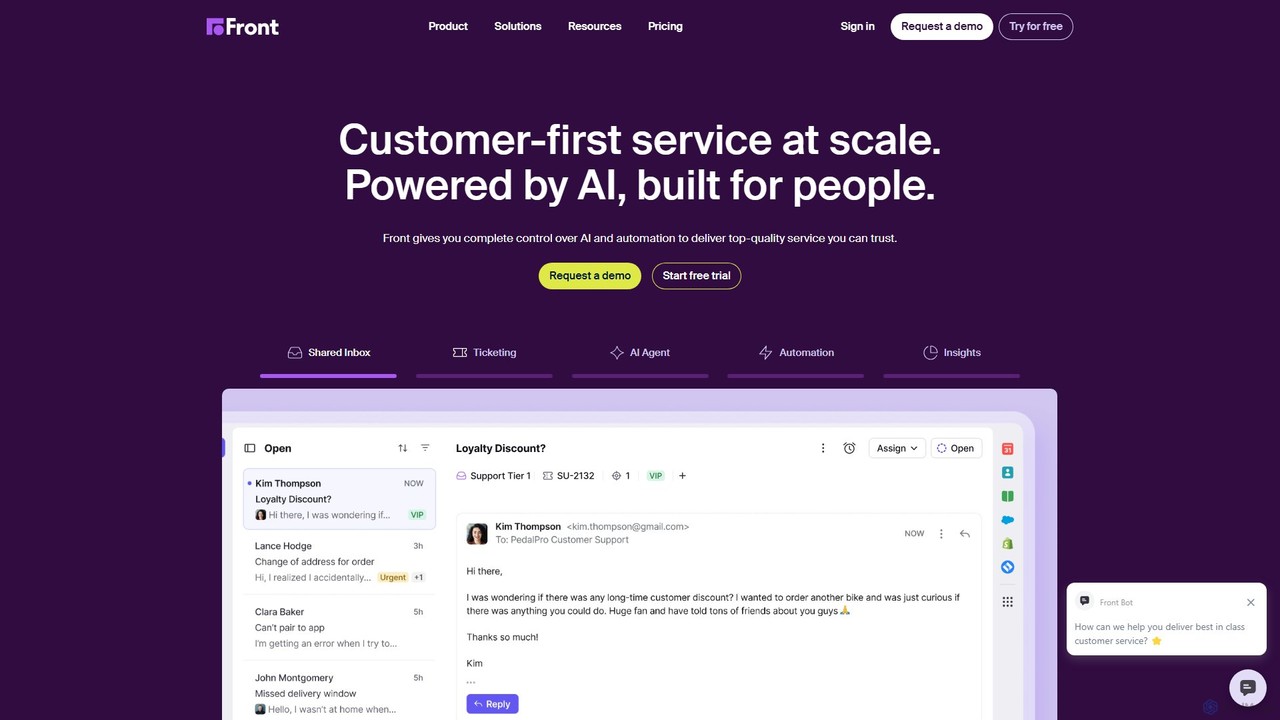
Front is an AI-powered customer service platform that unifies all communication channels like email, SMS, and chat into a single collaborative workspace. It enables teams to deliver exceptional, scalable customer service by combining a human touch with powerful AI automation, shared inboxes, and robust ticketing.
Unified Inbox
ThriveDesk
ThriveDesk is an AI-powered customer support platform designed for businesses that prioritize exceptional customer care. It unifies live chat, a collaborative shared inbox, and a self-service knowledge base into a single, streamlined workspace. AI features automate tasks, provide instant solutions, and enhance overall support efficiency, helping businesses improve customer satisfaction and drive growth.
Help Desk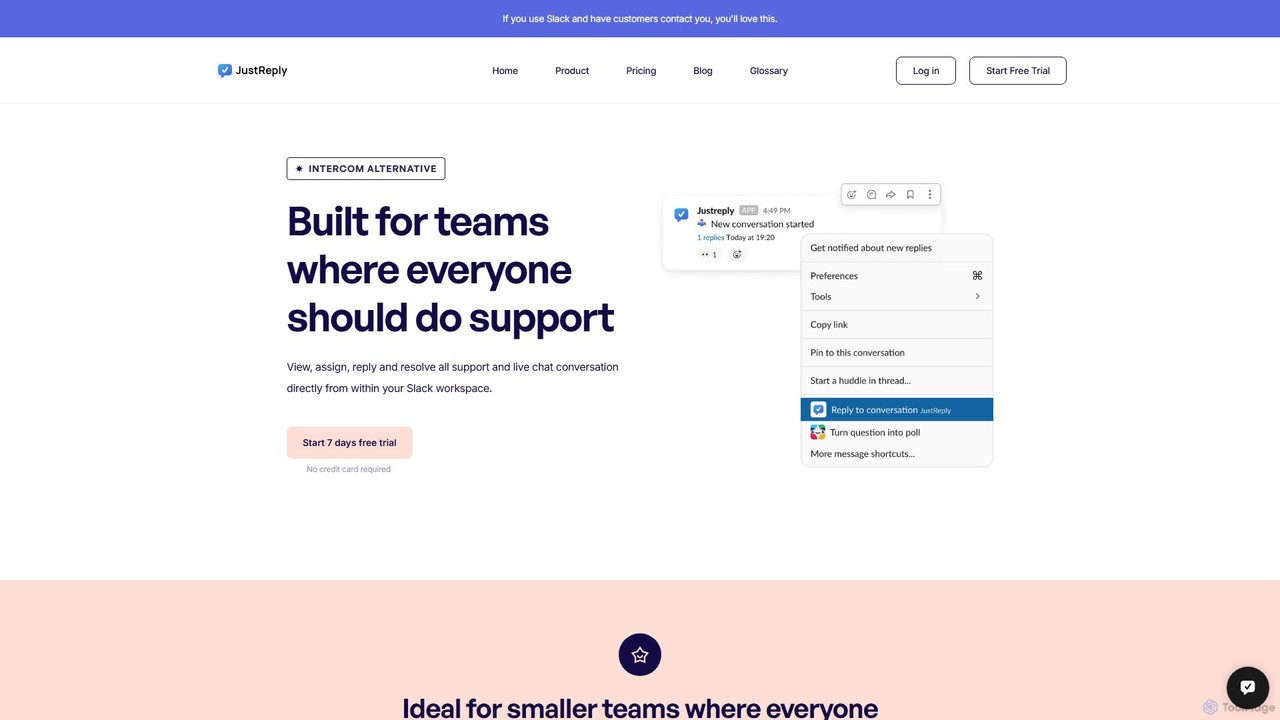
JustReply
JustReply is an AI-powered, Slack-enabled customer support tool designed for startups. It centralizes customer conversations from live chat, email, voice, and video into a minimalist Slack inbox, enabling teams to respond faster with AI-assisted macros and a smart knowledge base.
Knowledge Base Management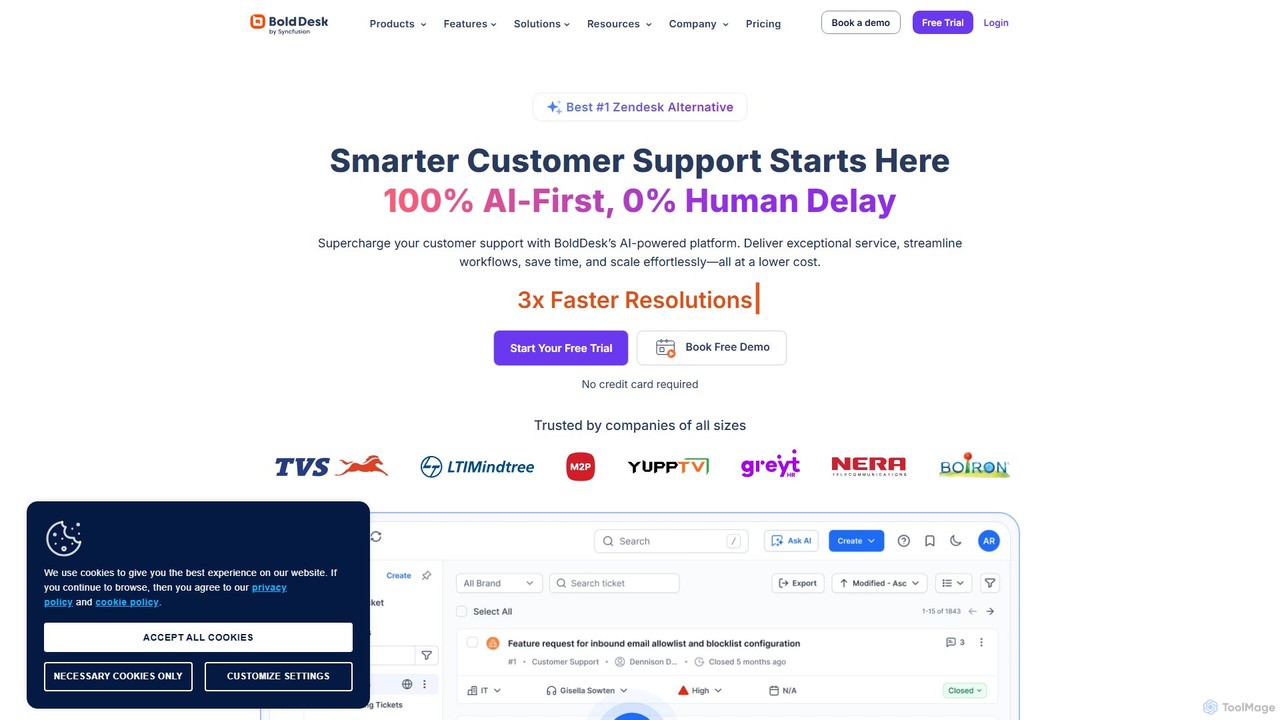
BoldDesk
BoldDesk is an AI-powered, next-generation customer service software designed to streamline support operations. It offers an omnichannel inbox to manage conversations from email, chat, social media, and more. Key features include a robust ticketing system, a generative AI copilot for automated replies and task execution, a self-service knowledge base, and powerful workflow automation. BoldDesk helps businesses enhance customer satisfaction, increase agent productivity, and make data-driven decisions through comprehensive analytics.
Communication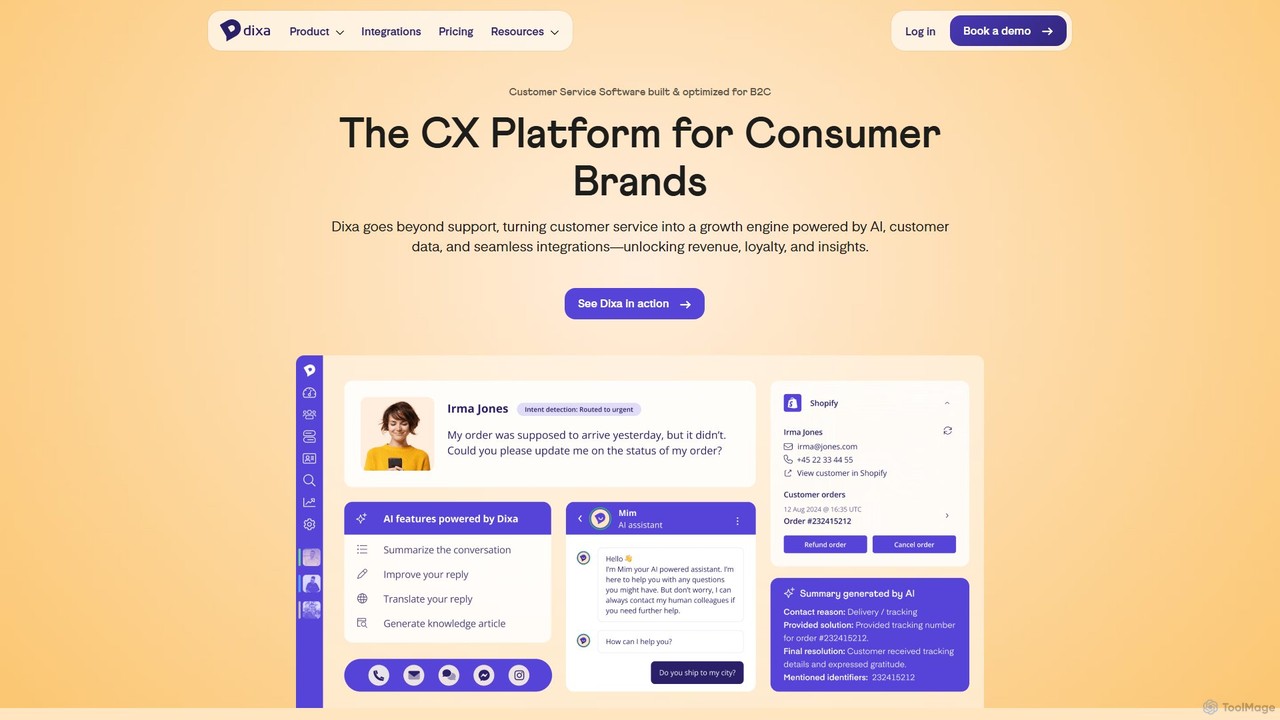
Dixa
Dixa is an AI-powered customer service platform designed for B2C brands to unify communications and enhance customer experience. It combines a native omnichannel solution with a powerful AI agent, Mim, to automate repetitive tasks, provide instant support, and empower human agents. Dixa aims to transform customer service from a cost center into a growth engine by increasing efficiency, boosting satisfaction, and providing valuable data insights.
Help DeskClearFeed Categories
ClearFeed Embed Widget
Copy this embed code to place the badge on your blog, article, or product site and send readers directly to this ToolMage detail page.

Related AI tools
Front
Front is an AI-powered customer service platform that unifies all communication channels like email, SMS, and chat into a single collaborative workspace. It enables teams to deliver exceptional, scalable customer service by combining a human touch with powerful AI automation, shared inboxes, and robust ticketing.
Unified InboxThriveDesk
ThriveDesk is an AI-powered customer support platform designed for businesses that prioritize exceptional customer care. It unifies live chat, a collaborative shared inbox, and a self-service knowledge base into a single, streamlined workspace. AI features automate tasks, provide instant solutions, and enhance overall support efficiency, helping businesses improve customer satisfaction and drive growth.
Help DeskJustReply
JustReply is an AI-powered, Slack-enabled customer support tool designed for startups. It centralizes customer conversations from live chat, email, voice, and video into a minimalist Slack inbox, enabling teams to respond faster with AI-assisted macros and a smart knowledge base.
Knowledge Base ManagementBoldDesk
BoldDesk is an AI-powered, next-generation customer service software designed to streamline support operations. It offers an omnichannel inbox to manage conversations from email, chat, social media, and more. Key features include a robust ticketing system, a generative AI copilot for automated replies and task execution, a self-service knowledge base, and powerful workflow automation. BoldDesk helps businesses enhance customer satisfaction, increase agent productivity, and make data-driven decisions through comprehensive analytics.
CommunicationDixa
Dixa is an AI-powered customer service platform designed for B2C brands to unify communications and enhance customer experience. It combines a native omnichannel solution with a powerful AI agent, Mim, to automate repetitive tasks, provide instant support, and empower human agents. Dixa aims to transform customer service from a cost center into a growth engine by increasing efficiency, boosting satisfaction, and providing valuable data insights.
Help Desk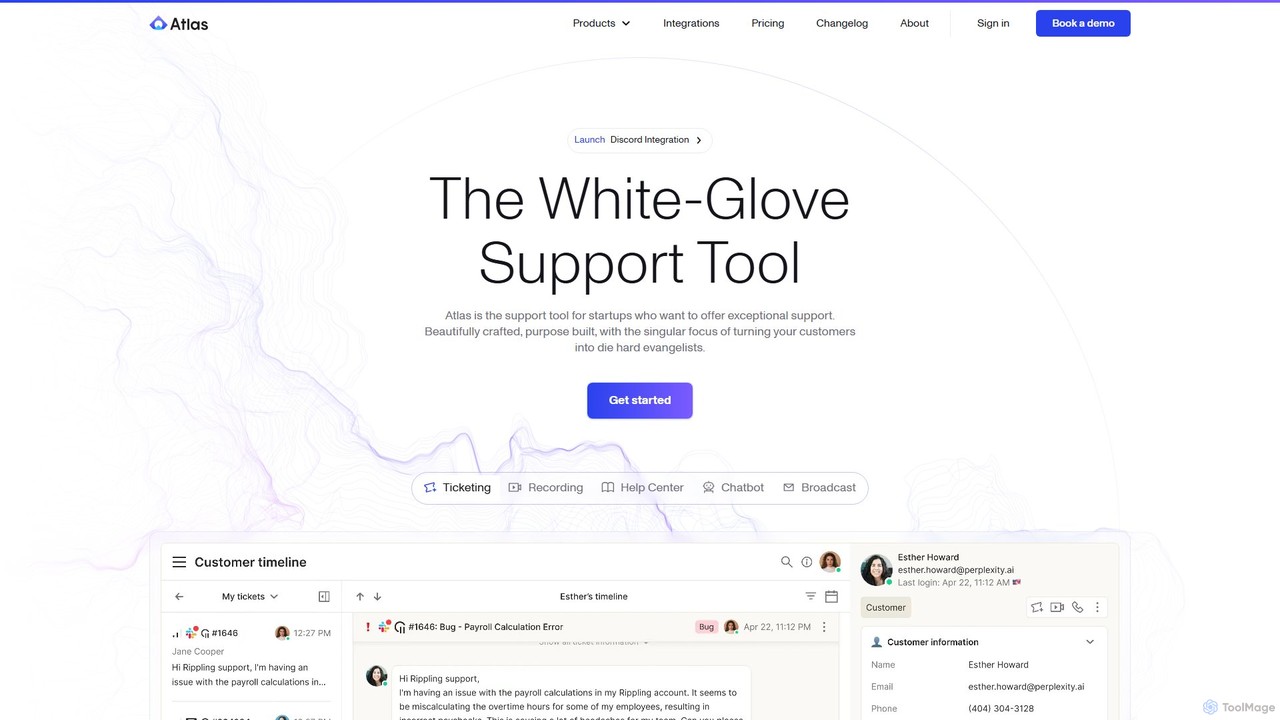
Atlas
Atlas is an AI-powered customer support platform designed for startups to deliver exceptional, white-glove service. It unifies ticketing, an AI chatbot, a help center, session recordings, and omnichannel communication (Slack, email, chat, etc.) into a single, fast workspace. Atlas aims to transform customer support from a cost center into a powerful growth engine by creating die-hard customer evangelists.
Customer Relationship Management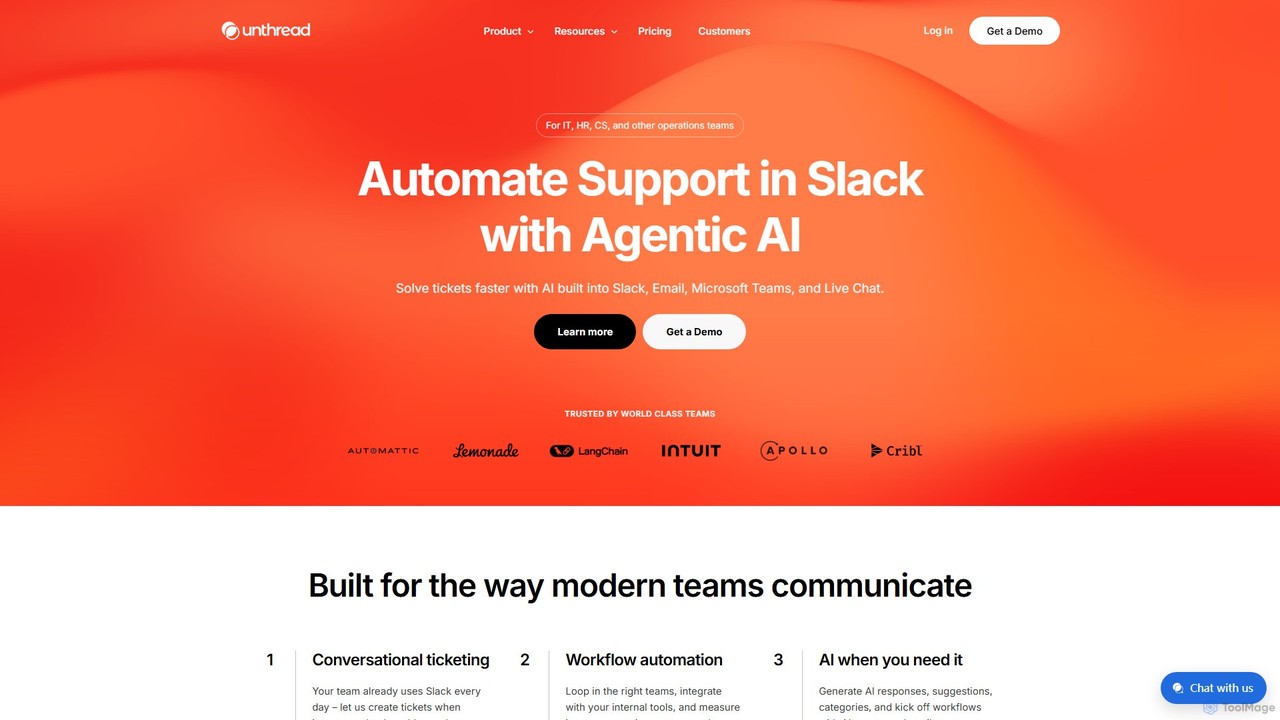
Unthread
Unthread is an AI-powered support platform designed for modern teams using Slack, Microsoft Teams, and Email. It automates conversational ticketing, deflects common queries with AI agents, and provides a unified inbox to streamline workflows for IT, HR, and customer support teams, significantly improving response and resolution times.
Help Desk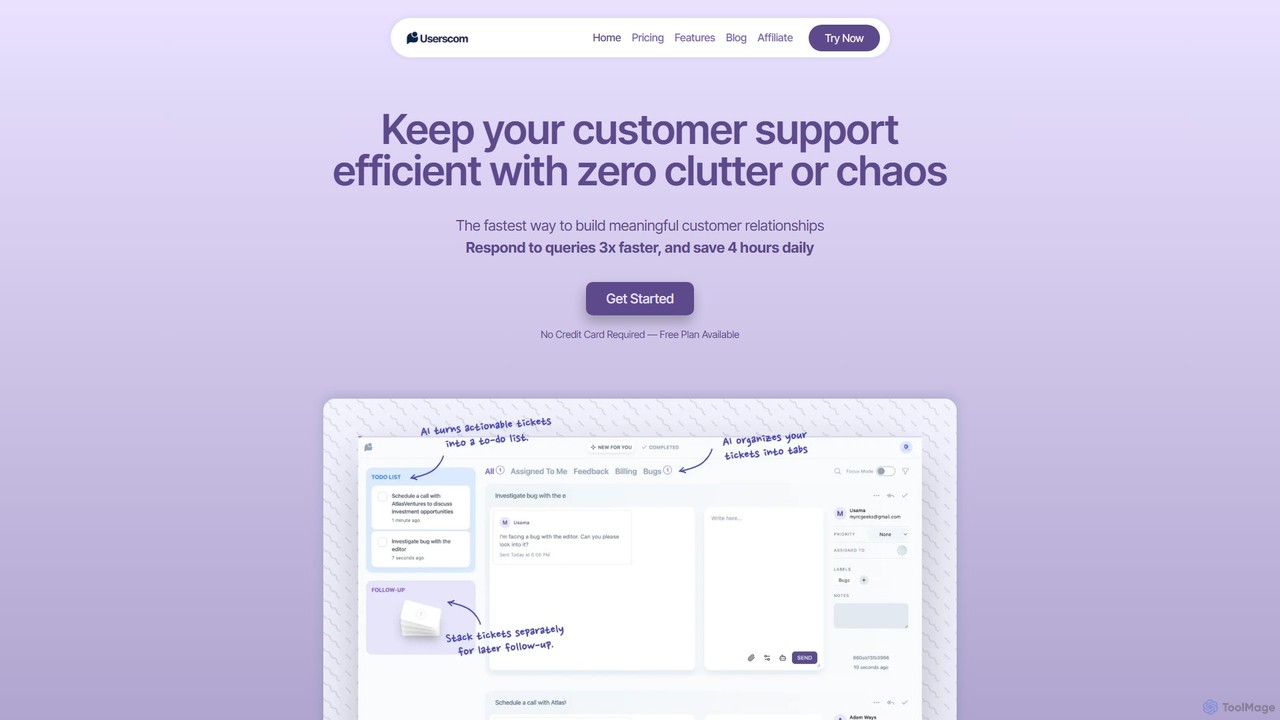
Userscom
Userscom is a smart, AI-powered ticketing software designed to streamline customer support. It eliminates clutter by automatically organizing tickets into tabs, creating to-do lists from important queries, and helping you draft replies 3x faster. Ideal for businesses seeking an efficient, chaos-free support system without the pressure of live chat.
Customer Service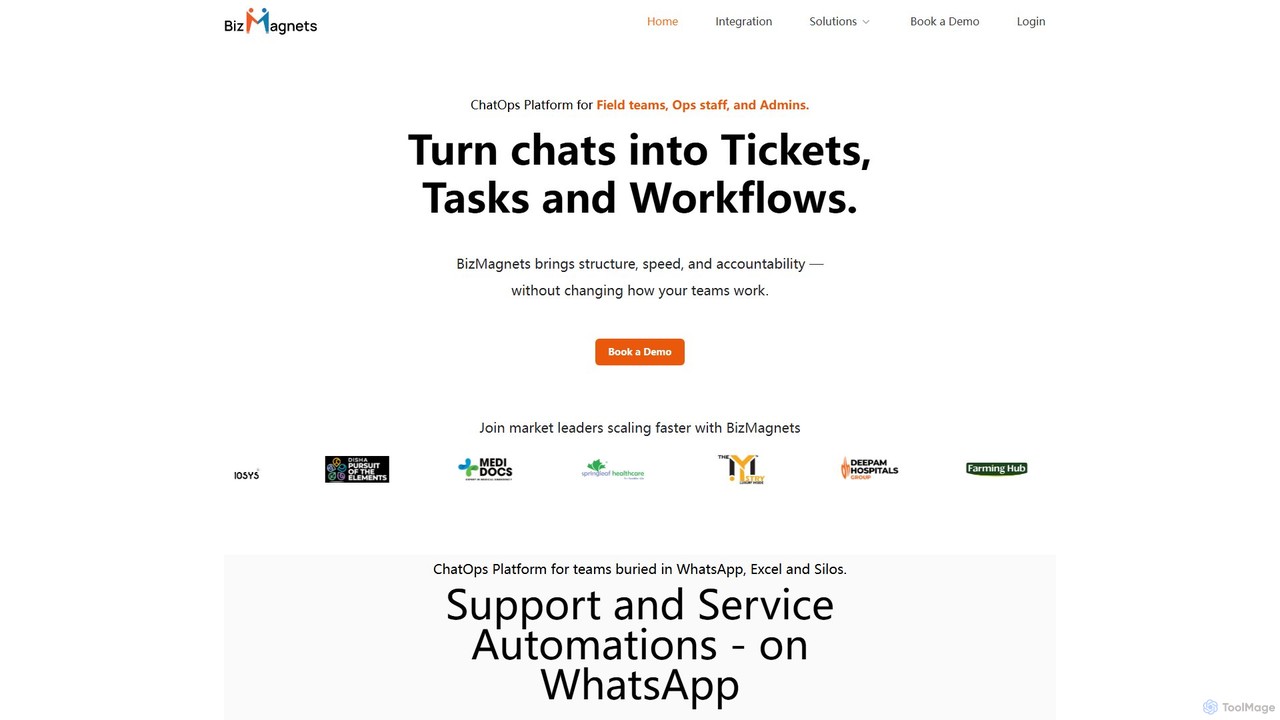
bizmagnets
BizMagnets is a ChatOps platform that transforms WhatsApp conversations into structured, trackable actions. It enables teams to convert chats into tickets, tasks, and automated workflows, streamlining operations, customer support, and field service management directly within WhatsApp without needing to switch applications.
Operations Management
DeskDingo
DeskDingo is an AI-first customer service platform designed to automate support, streamline workflows, and deliver exceptional customer experiences. It unifies all communication channels into a single inbox and leverages powerful AI to resolve queries 3x faster, reduce support costs, and scale effortlessly.
Crm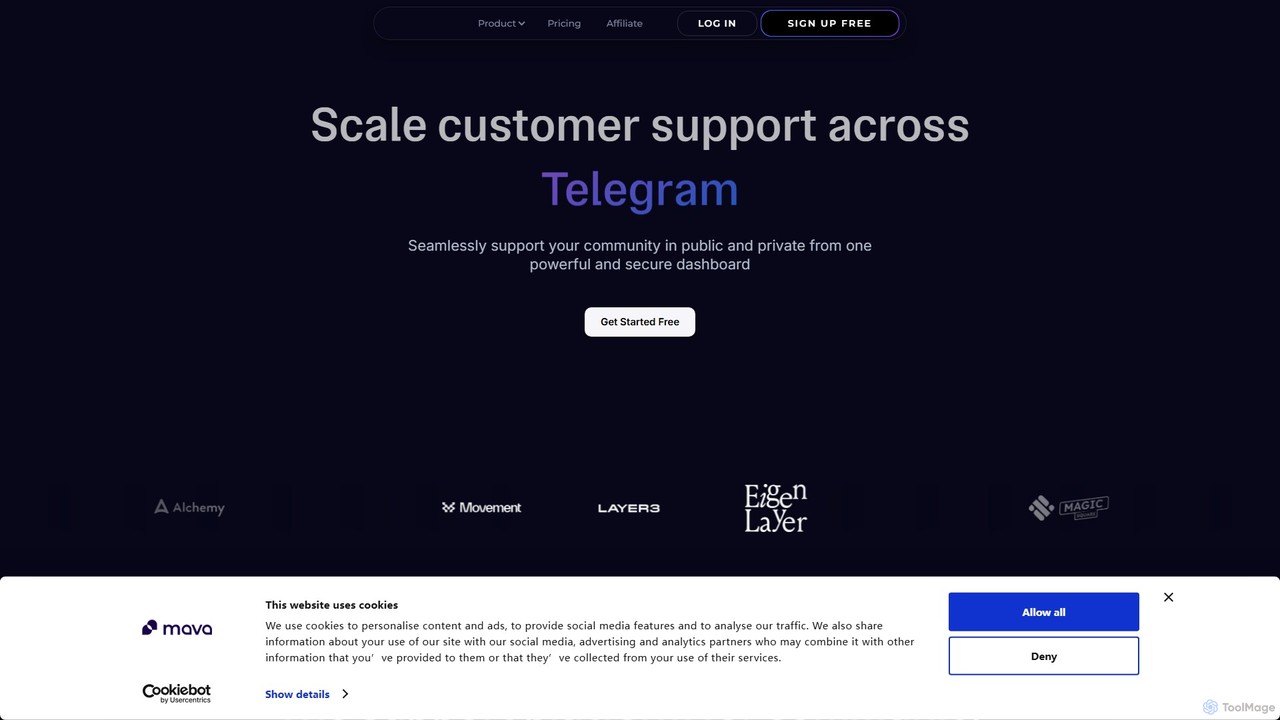
Mava
Mava is an AI-powered customer support platform designed specifically for online communities. It integrates with platforms like Discord and Slack to automatically answer user questions, create support tickets, and provide 24/7 assistance, freeing up your team to focus on more complex issues and fostering a more engaged community.
Community Management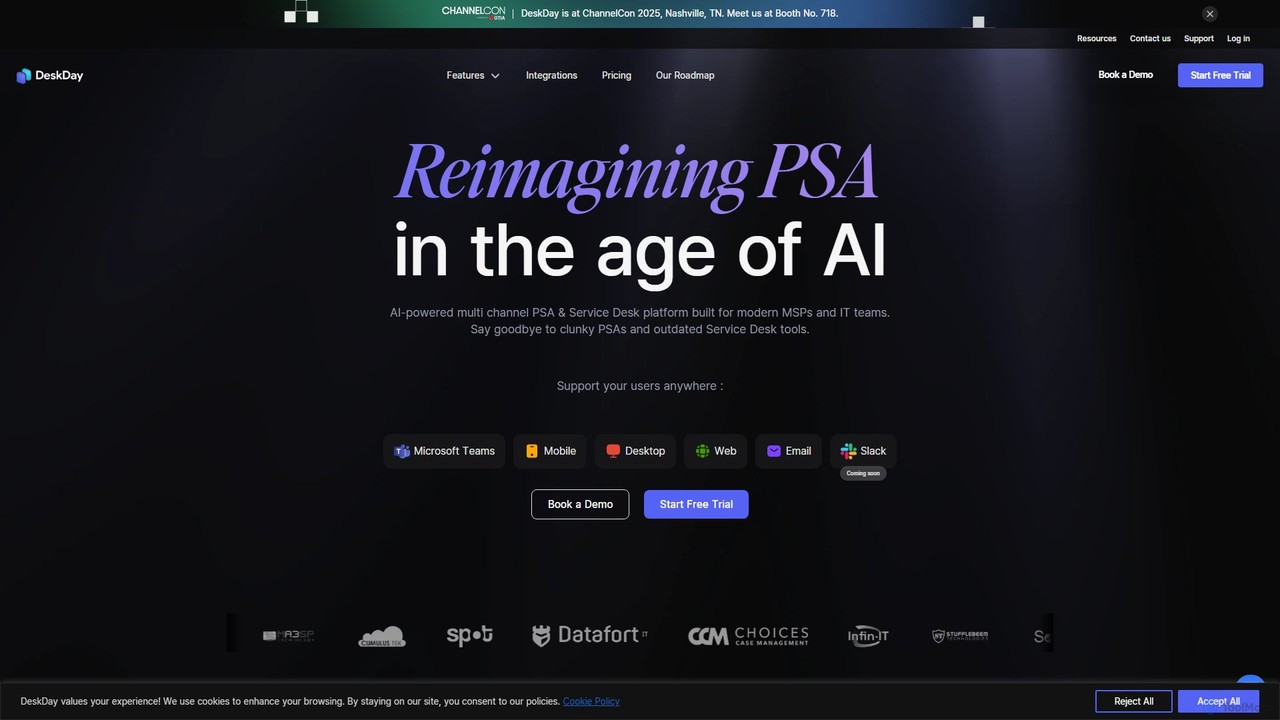
DeskDay
DeskDay is an AI-powered Professional Services Automation (PSA) and Service Desk platform designed for modern MSPs and IT teams. It streamlines IT support with multi-channel ticketing (Teams, email, mobile), a conversational service desk, no-code workflow automation, and an integrated AI assistant, Helena, to enhance technician productivity and user satisfaction.
Customer Support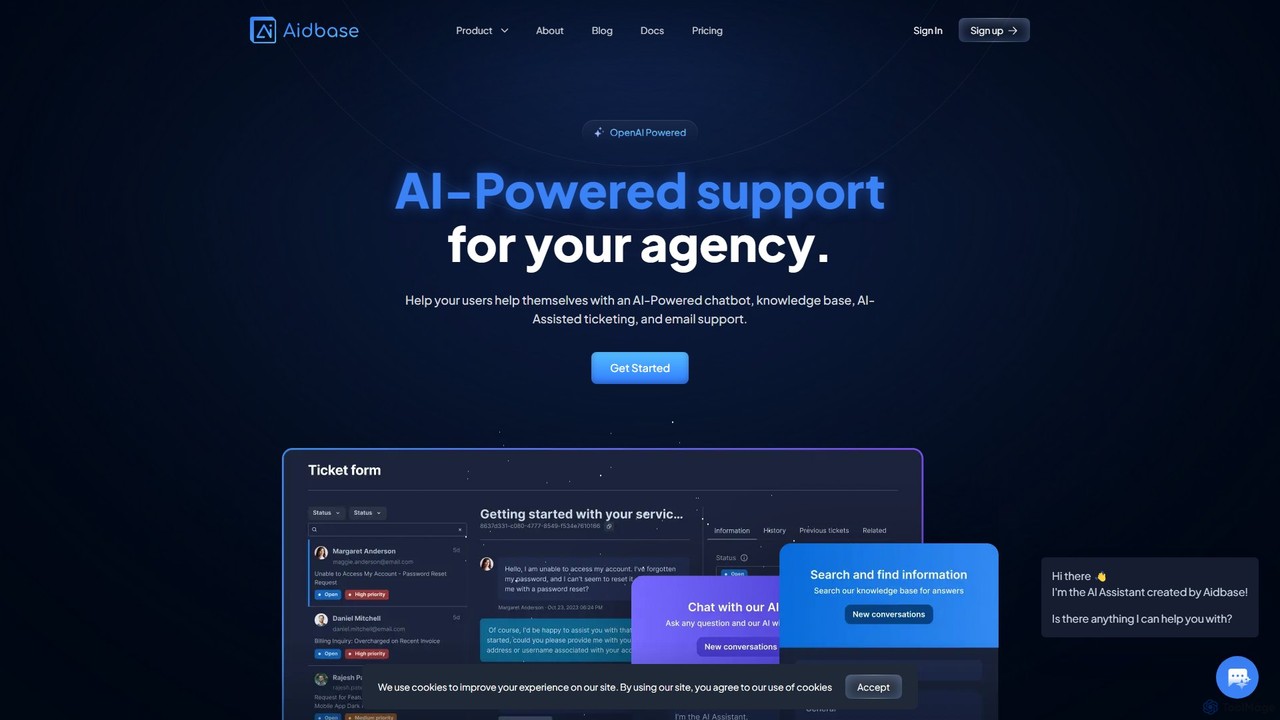
Aidbase
Aidbase is an all-in-one AI-powered support ecosystem for SaaS and eCommerce businesses. It provides an AI chatbot, knowledge base, AI-assisted ticketing, and a unified email inbox to automate customer service, reduce response times, and help users self-serve around the clock.
Chatbot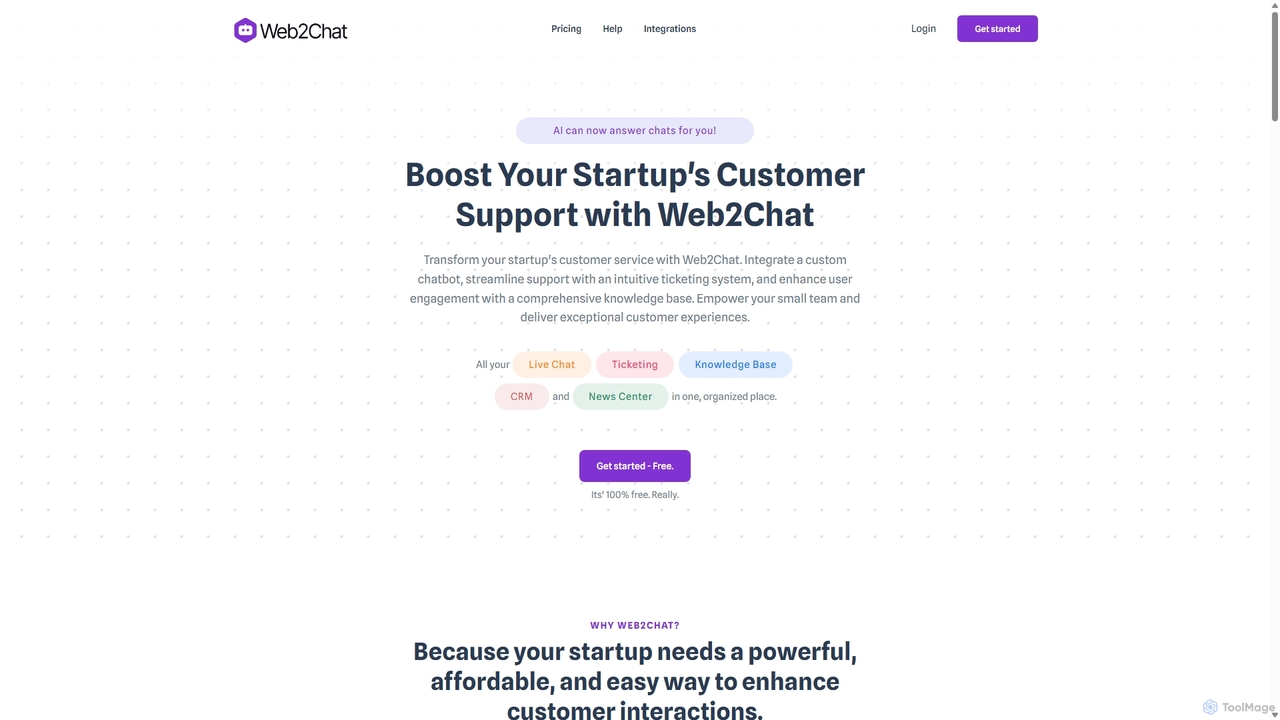
Web2Chat
Web2Chat is an all-in-one, AI-powered customer communication platform designed for startups. It integrates live chat, a shared inbox, a ticketing system, a knowledge base, and CRM features to streamline customer support, enhance engagement, and drive growth.
Customer Service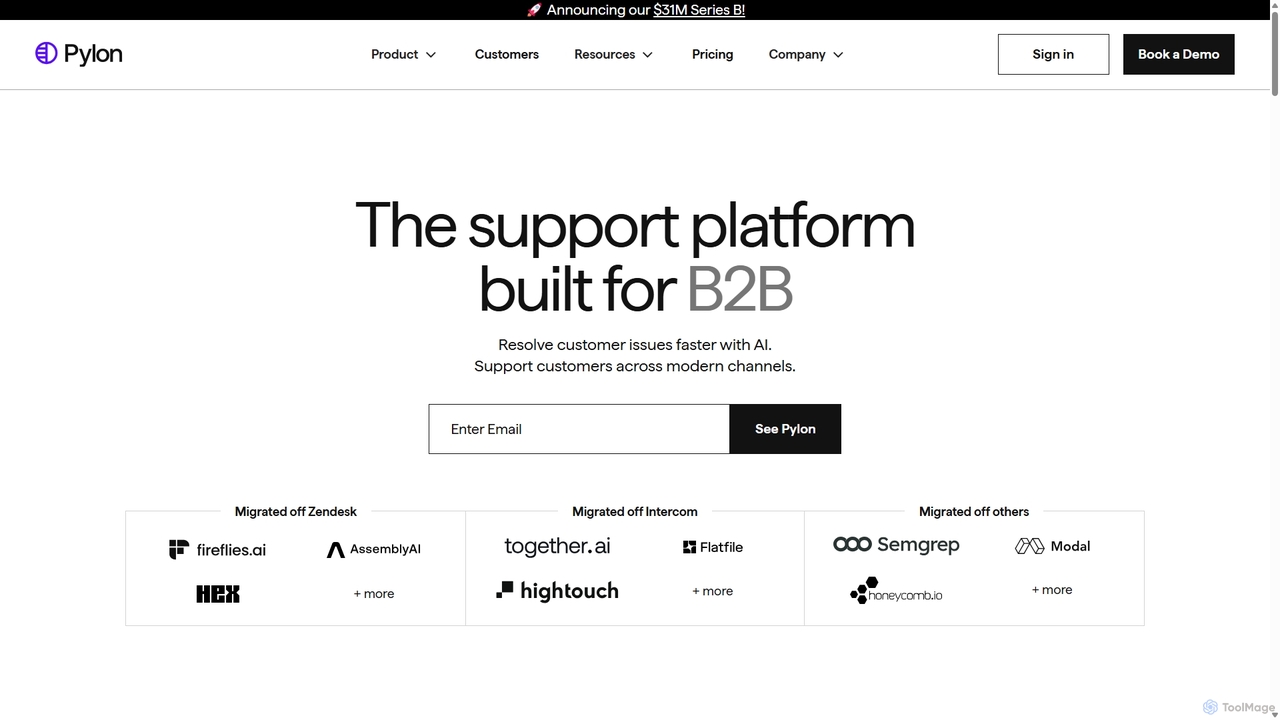
Pylon
Pylon is an AI-powered customer support platform built specifically for B2B companies. It unifies conversations from all channels like Slack, Teams, email, and chat into a single view. Pylon uses AI agents and assistants to automate ticket routing, draft replies, manage knowledge bases, and provide deep account intelligence, helping teams resolve issues faster and manage customer relationships proactively.
Customer Relationship Management
ClearFeed Comments (0)
Sign in to comment.
Sign inNo comments yet.