
Clockk Overview
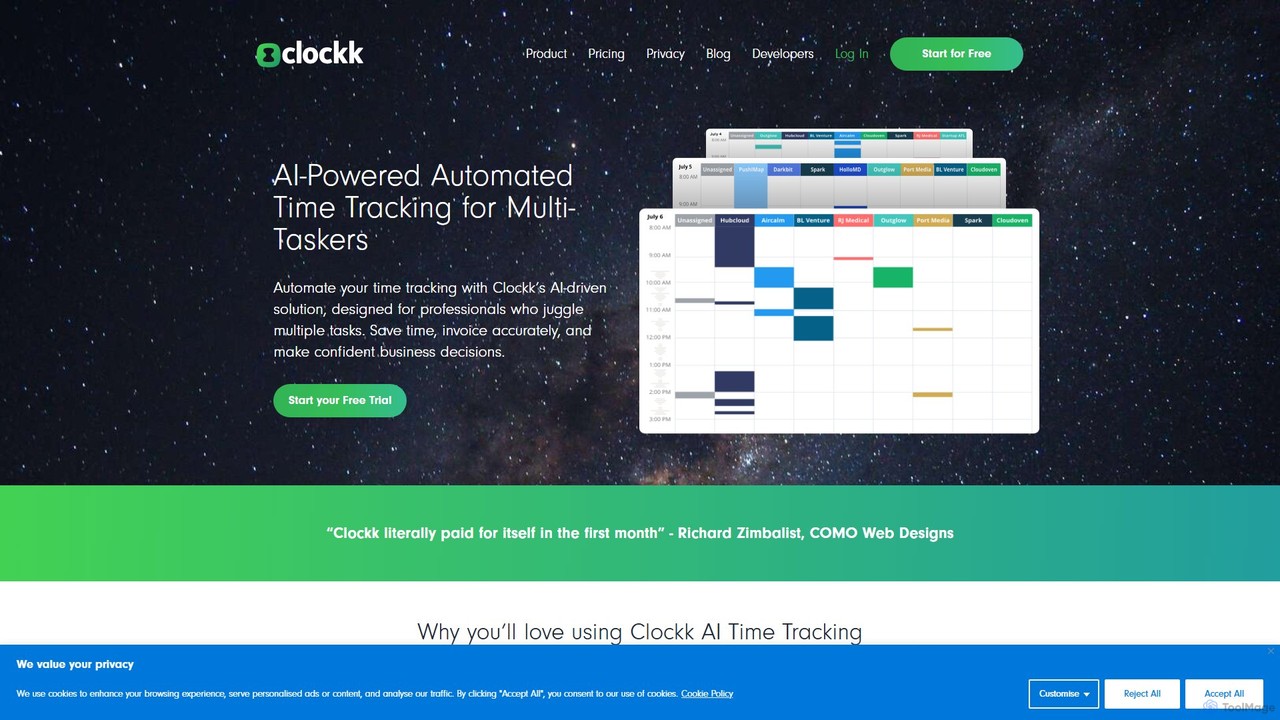
Clockk is a revolutionary time tracking application designed for modern professionals who juggle multiple projects and clients. It leverages Artificial Intelligence to automate the tedious process of timekeeping, eliminating the need for manual start/stop timers and manual log entries. By running securely in the background on your computer, Clockk observes your activity—such as the apps you use, websites you visit, and documents you work on—and intelligently assigns that time to the appropriate project. This ensures that all your work is captured, leading to more accurate billing and a deeper understanding of your productivity.
How to use Clockk
Getting started with Clockk is designed to be simple and unobtrusive, allowing you to focus on your work while it handles the tracking.
- Sign Up and Install: Create an account on the Clockk website and download the desktop application for your operating system (Windows or macOS).
- Set Up Projects: In the Clockk web dashboard, define your clients and the projects associated with them. You can add keywords or associate specific applications (like Photoshop, VS Code, or Google Docs) with each project to help the AI learn.
- Let It Run: Once installed, Clockk works automatically in the background. There's nothing to start or stop. Just work as you normally would, switching between tasks and projects seamlessly.
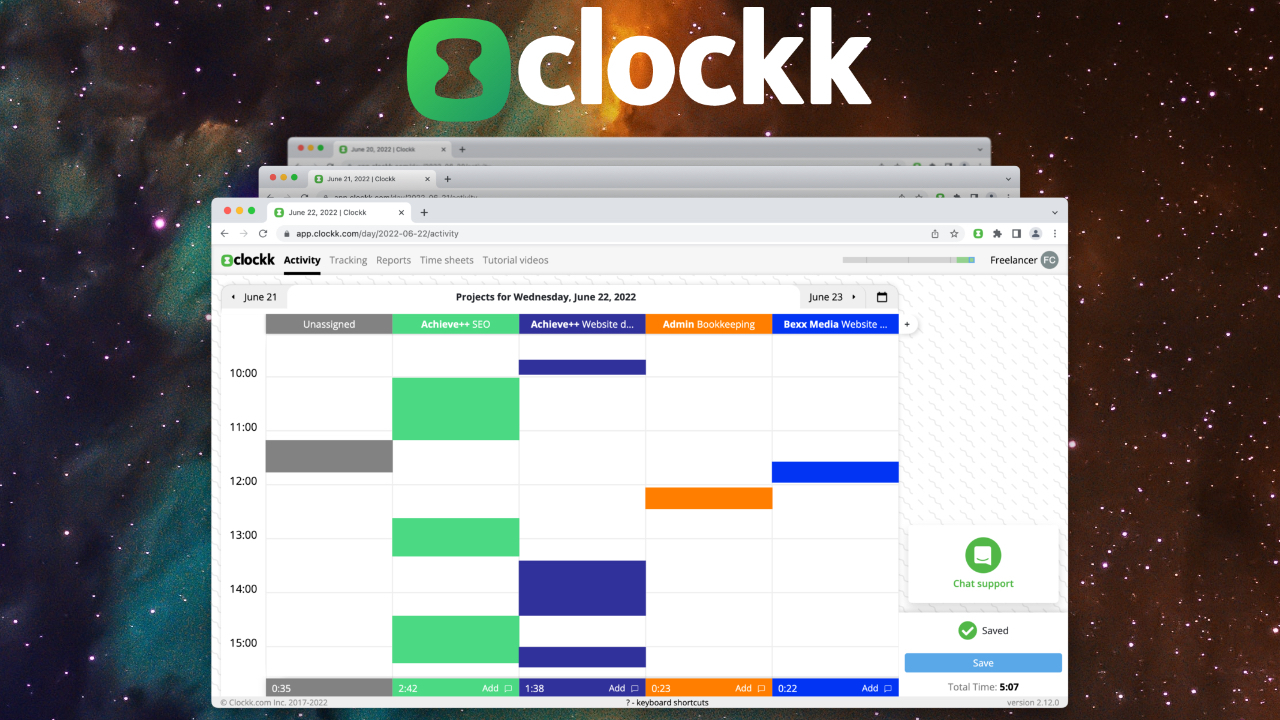
- Review and Assign: At the end of the day or week, open your Clockk dashboard. You'll see a visual timeline of your activity, with most of your time already grouped and assigned to projects by the AI. Clockk's 'Assign' view makes it easy to categorize any unassigned time blocks with a single click.
- Generate Timesheets: Once you've reviewed the data, you can generate detailed and accurate timesheets. These reports can be used for invoicing clients, internal reporting, or analyzing project profitability.
Core Features of Clockk
- AI-Powered Automatic Tracking: The core of Clockk. It automatically tracks time without any manual input, capturing all activities and context switches.
- Project-Based Grouping: The AI intelligently analyzes your activity (file names, URLs, app titles) and automatically groups time spent on different clients and projects.
- Visual Activity Timeline: Provides a clear, chronological view of your workday, making it easy to see where your time went and to verify the AI's assignments.
- Privacy by Design: Clockk tracks activity locally on your device. It does not use keylogging, screen captures, or other invasive monitoring techniques. Your data is private and secure.
- Team and Agency Support: Offers features for teams to track their collective time, providing managers with insights into project progress and resource allocation without micromanaging.
- Effortless Timesheet Generation: Create accurate, detailed timesheets from the tracked data in just a few clicks, ready for billing or analysis.
- Integrations (via API): Connect Clockk to your favorite project management and invoicing tools to streamline your workflow.
Use Cases for Clockk
Clockk is ideal for any professional or team that bills for their time or needs to track project costs accurately.
- Freelancers & Consultants: Capture every billable minute, especially for those short, five-minute tasks that are often forgotten. Ensure you are compensated for all your work.
- Marketing & Creative Agencies: Effortlessly track time across dozens of clients and campaigns. Understand project profitability and improve resource planning.
- Software Developers: Track time spent on different features, bug fixes, and repositories without interrupting your coding flow.
- Lawyers & Accountants: Maintain precise and defensible time records for client billing, ensuring accuracy and transparency.
Advantages of Clockk
Clockk offers significant advantages over traditional time tracking methods.
- Increase Billable Hours: Users often discover they are under-billing by 10-20% by capturing previously unrecorded work.
- Eliminate Administrative Burden: Frees up hours each week that would otherwise be spent trying to remember what you worked on and filling out timesheets.
- Unmatched Accuracy: Provides a true, objective record of your work, eliminating guesswork and estimation.
- Improve Focus: By removing the need to constantly manage a timer, you can stay in a state of deep work for longer, boosting overall productivity.
- Data-Driven Insights: Gain a clear understanding of how you and your team spend time, enabling better project estimates and workflow optimization.
Pricing and Plans
Clockk offers a pricing structure designed to provide value for individuals and teams. It typically operates on a freemium model.
- Free Plan: A great option for individuals getting started, offering automatic tracking for a limited number of projects.
- Professional Plan: Priced around $14 per user/month, this plan is for individual professionals and offers unlimited project tracking, advanced reporting, and full feature access.
- Team Plan: Designed for agencies and businesses, often priced around $12 per user/month. It includes all professional features plus centralized team management, consolidated billing, and team-wide reporting.
- A 14-day free trial of the paid plans is usually available, allowing users to experience the full power of the tool before committing.
Traffic
Latest traffic
Status
Monthly traffic trend
- 2025-9: 9.2K
- 2026-1: 10.8K
- 2026-2: 8.8K
- 2026-3: 6.9K
- 2026-4: 7.1K
- 2026-5: 8.8K
Geography
Top 5 countries / regions
- 🇳🇬Nigeria47.8%
- 🇺🇸United States33.2%
- 🇬🇧United Kingdom9.6%
- 🇮🇳India9.3%
Top keywords
Clockk Alternatives

TimeSqueeze
TimeSqueeze is an automatic time tracking application for Windows that consolidates your activity down to the second. It tracks time spent on websites, files, and apps, simplifying billing, improving productivity, and providing detailed cost accounting insights without manual timers.
Project Management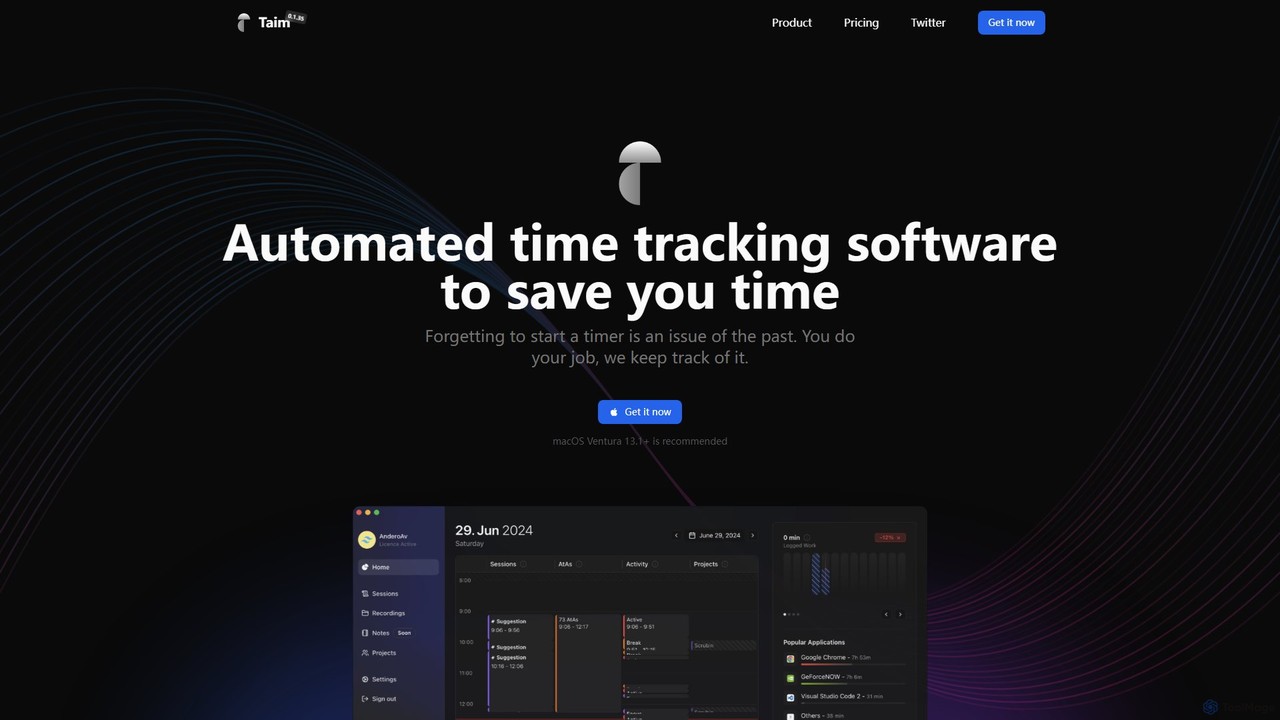
Taim
Taim is an intelligent, automated time tracking software for macOS and Windows designed for freelancers, consultants, and teams. It automatically records your activity across apps and windows, providing accurate data for billing and productivity analysis. With both manual and automatic modes, Pomodoro timer, and detailed analytics, Taim helps you work smarter, not harder, while ensuring your data remains private and on your device.
Freelancer Tools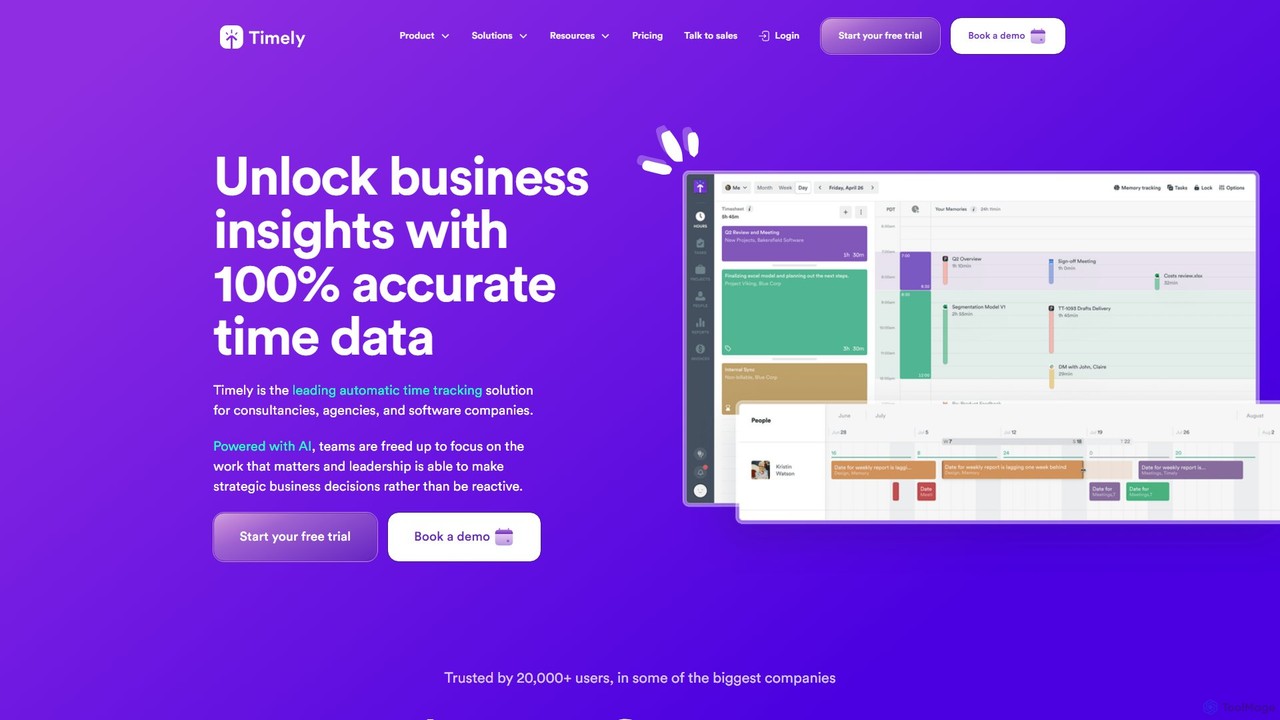
Timely
Timely is an AI-powered automatic time tracking tool that captures all your work activity in the background. It eliminates manual timers and guesswork, generating accurate timesheets with a single click. Designed for agencies, consultancies, and remote teams, it helps improve profitability, project management, and team efficiency while respecting user privacy.
Project Management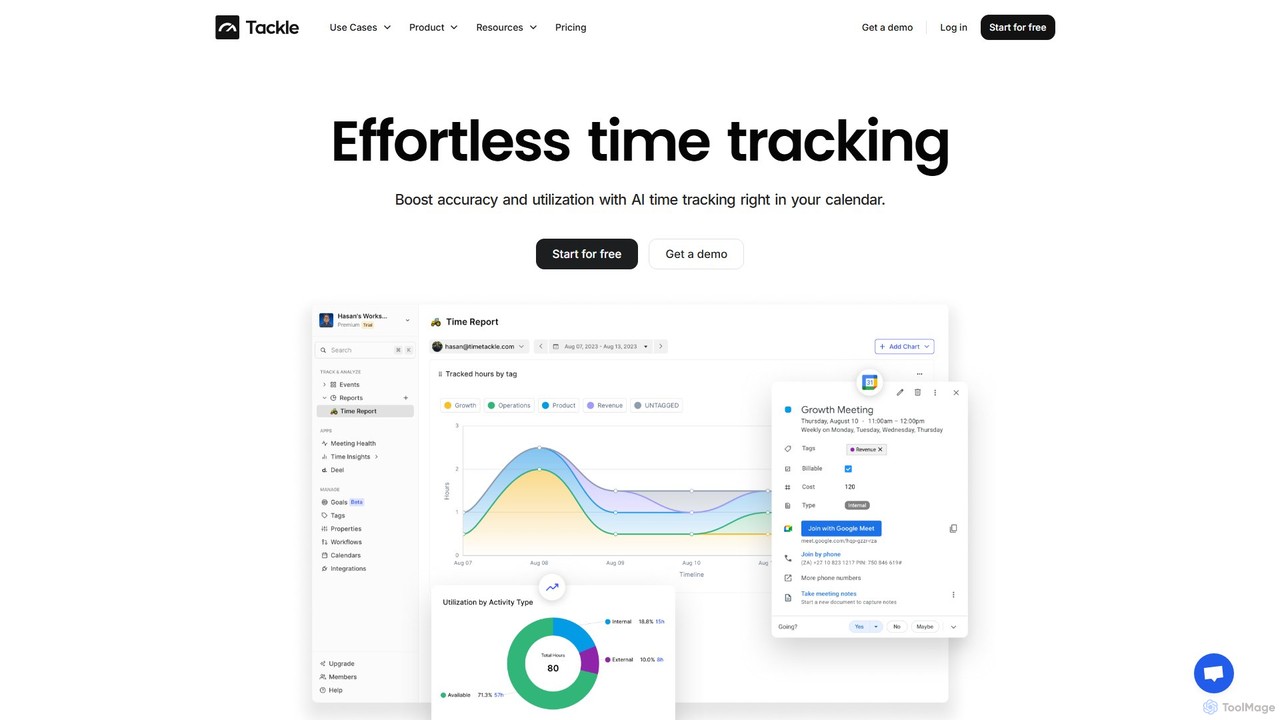
timetackle
timetackle is an AI-powered time tracking software that integrates seamlessly with Google and Outlook calendars. It automates activity logging, provides intelligent insights, and offers customizable reporting to help teams and individuals optimize productivity, improve resource allocation, and align daily tasks with strategic goals. Effortlessly track time and gain actionable data without leaving your calendar.
Analytics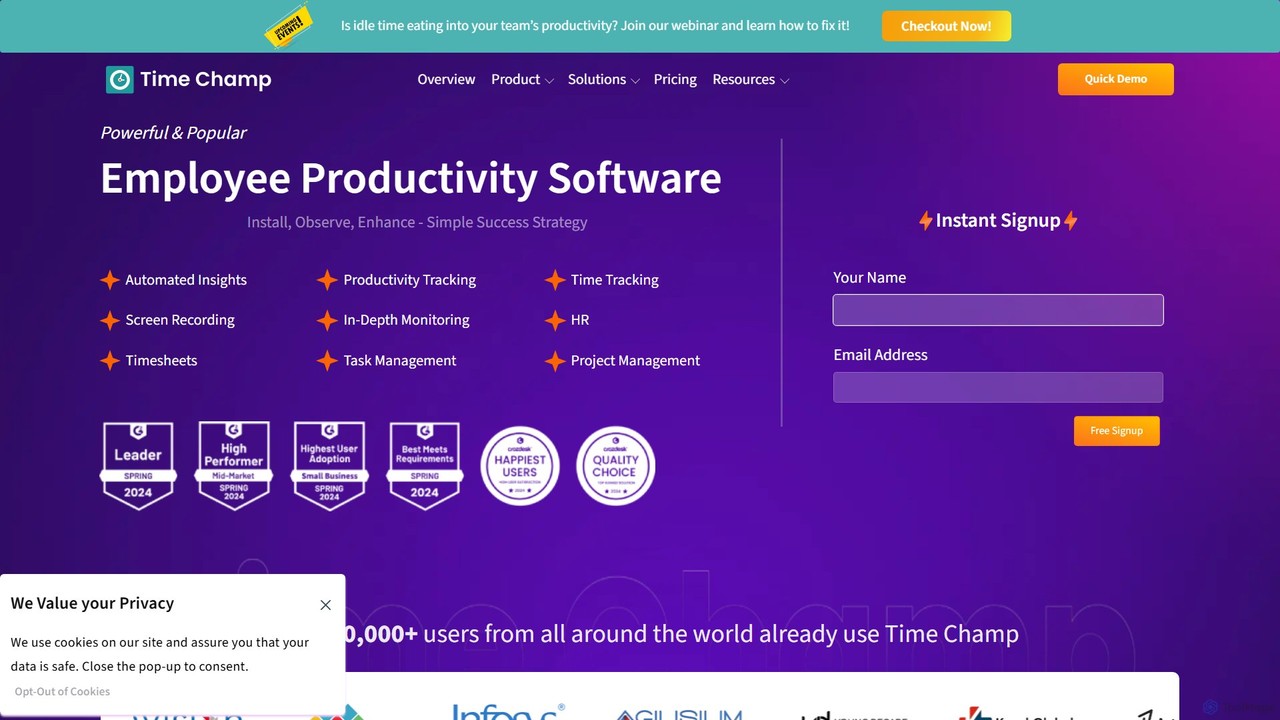
TimeChamp
TimeChamp is an AI-powered employee productivity tracking and workforce analytics platform. It helps businesses monitor computer activities, track time, manage tasks, and gain data-driven insights to enhance team performance, efficiency, and accountability for in-office, remote, and hybrid work models.
Human ResourcesClockk Categories
Clockk Embed Widget
Copy this embed code to place the badge on your blog, article, or product site and send readers directly to this ToolMage detail page.

Related AI tools
TimeSqueeze
TimeSqueeze is an automatic time tracking application for Windows that consolidates your activity down to the second. It tracks time spent on websites, files, and apps, simplifying billing, improving productivity, and providing detailed cost accounting insights without manual timers.
Project ManagementTaim
Taim is an intelligent, automated time tracking software for macOS and Windows designed for freelancers, consultants, and teams. It automatically records your activity across apps and windows, providing accurate data for billing and productivity analysis. With both manual and automatic modes, Pomodoro timer, and detailed analytics, Taim helps you work smarter, not harder, while ensuring your data remains private and on your device.
Freelancer ToolsTimely
Timely is an AI-powered automatic time tracking tool that captures all your work activity in the background. It eliminates manual timers and guesswork, generating accurate timesheets with a single click. Designed for agencies, consultancies, and remote teams, it helps improve profitability, project management, and team efficiency while respecting user privacy.
Project Management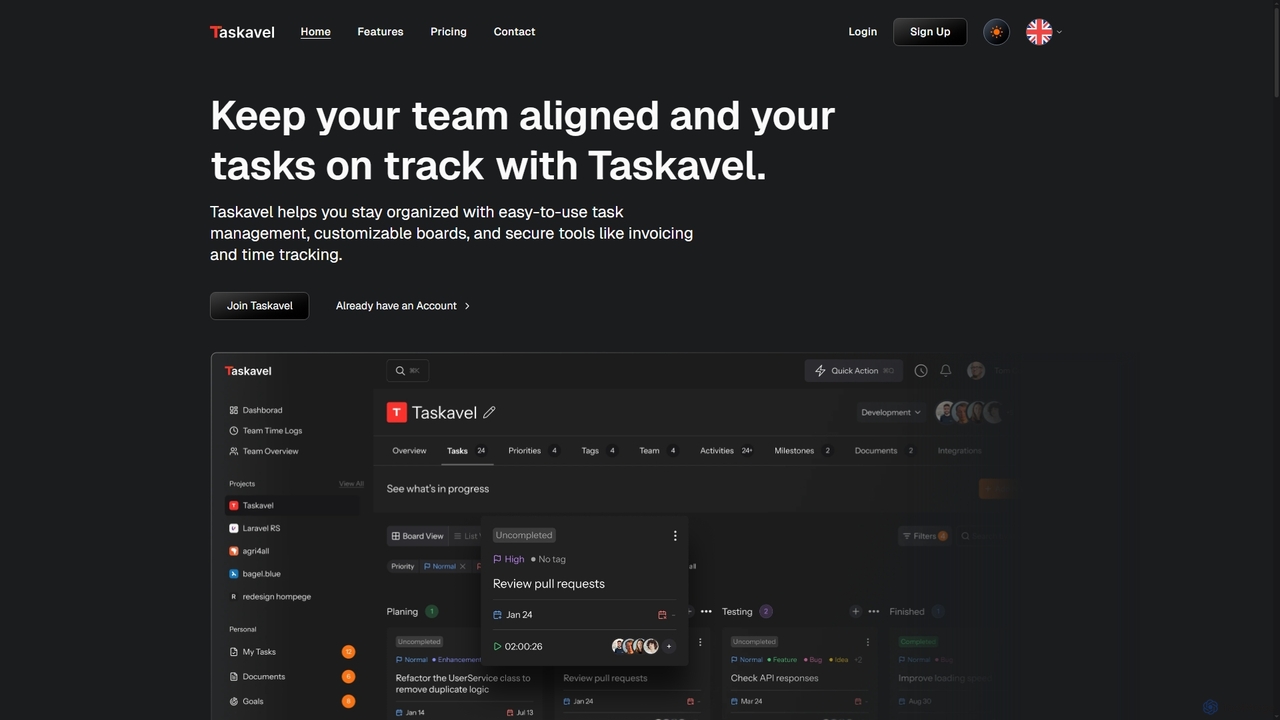
Taskavel
Taskavel is a comprehensive task and project management platform designed to keep teams aligned and tasks on track. It offers intuitive tools like customizable Kanban boards, integrated time tracking, invoicing, and robust collaboration features, especially tailored for developers and agile teams.
Workflow Automationtimetackle
timetackle is an AI-powered time tracking software that integrates seamlessly with Google and Outlook calendars. It automates activity logging, provides intelligent insights, and offers customizable reporting to help teams and individuals optimize productivity, improve resource allocation, and align daily tasks with strategic goals. Effortlessly track time and gain actionable data without leaving your calendar.
Analytics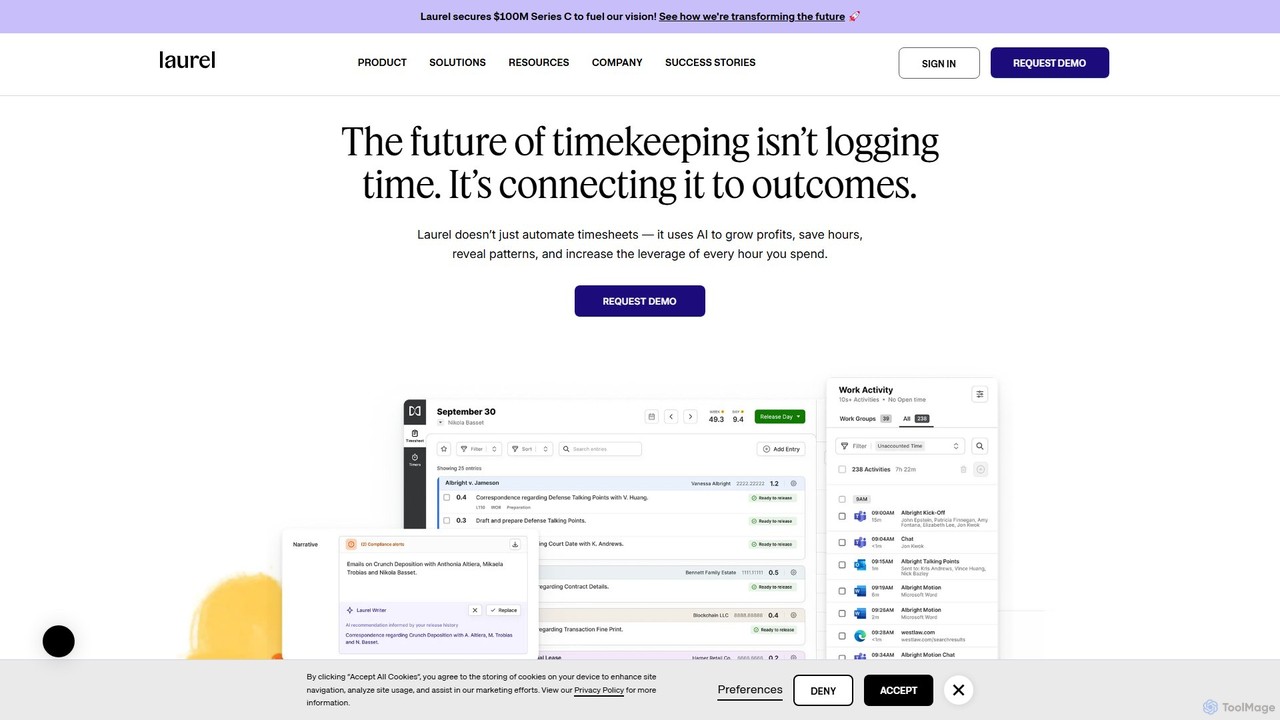
Laurel
Laurel is an AI-powered time intelligence platform that automates timekeeping for professional services firms like law and accounting. It goes beyond simple time tracking by connecting time to business outcomes, helping firms recover lost billable hours, increase profitability, and gain deep operational insights to optimize pricing and resource allocation.
Analytics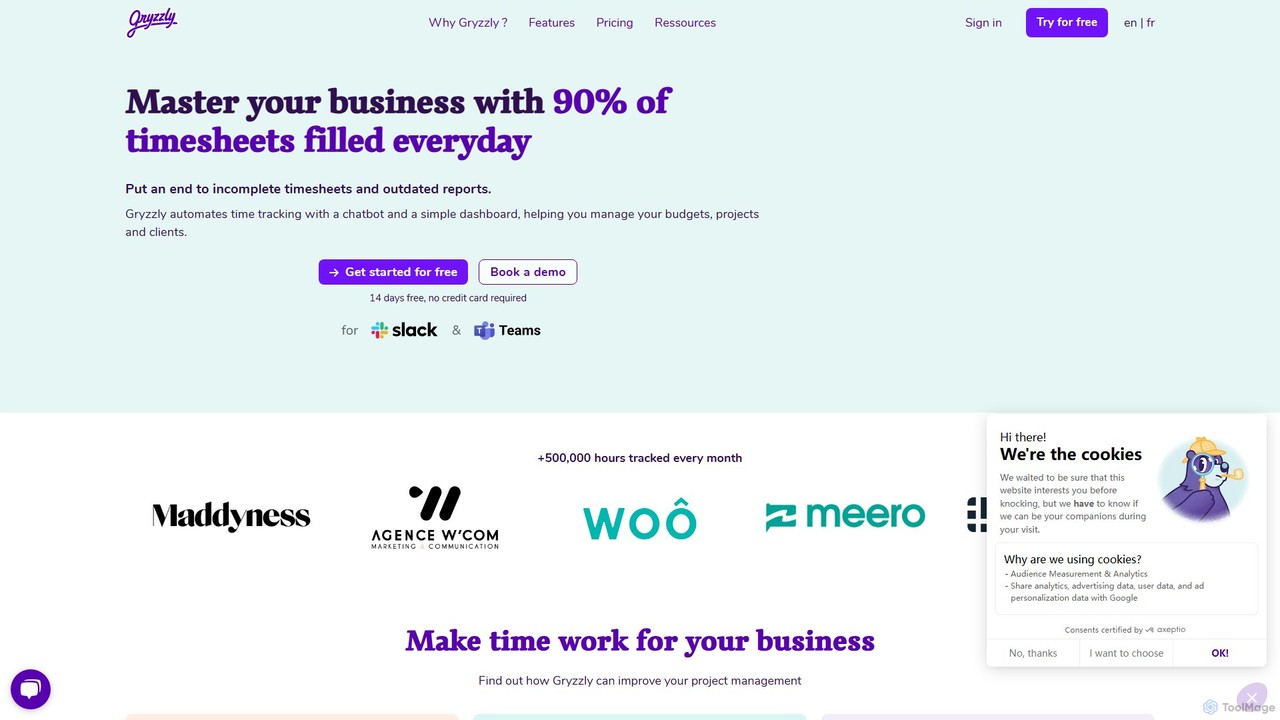
gryzzly
Gryzzly is an AI-powered time tracking and project management tool that uses a chatbot in Slack and MS Teams to automate timesheets. It helps businesses monitor budgets, track project profitability, and proactively manage risks with predictive analytics, aiming to achieve 90% daily timesheet completion.
Financial Management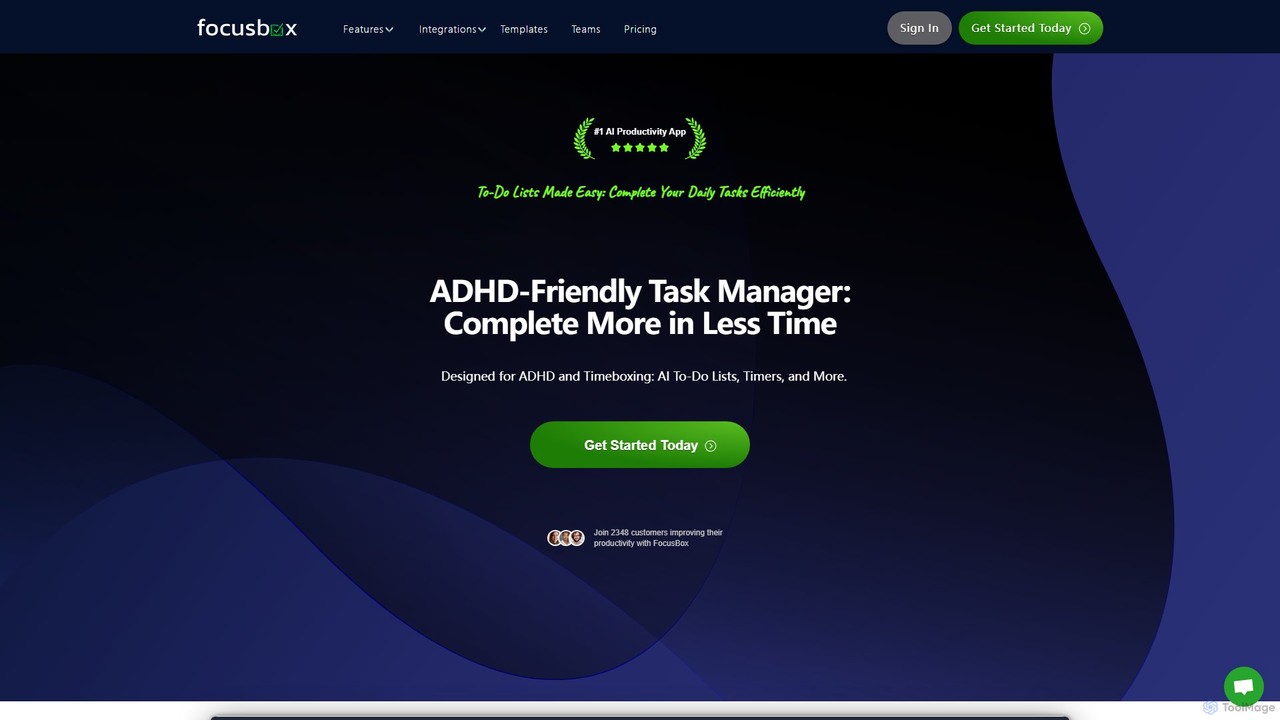
FocusBox
FocusBox is an AI-powered productivity app designed for ADHD and timeboxing. It creates smart to-do lists, uses timers to enhance focus, and offers features like ambient sounds and celebration modes to boost motivation. Ideal for individuals and teams looking to minimize distractions and complete tasks efficiently.
Mental Health
Timemaster
Timemaster is an intelligent, privacy-first time tracking and analytics tool. It uses AI to provide insightful analytics, helping freelancers, teams, and individuals manage their time more effectively, boost productivity, and achieve their goals without compromising data privacy.
Analytics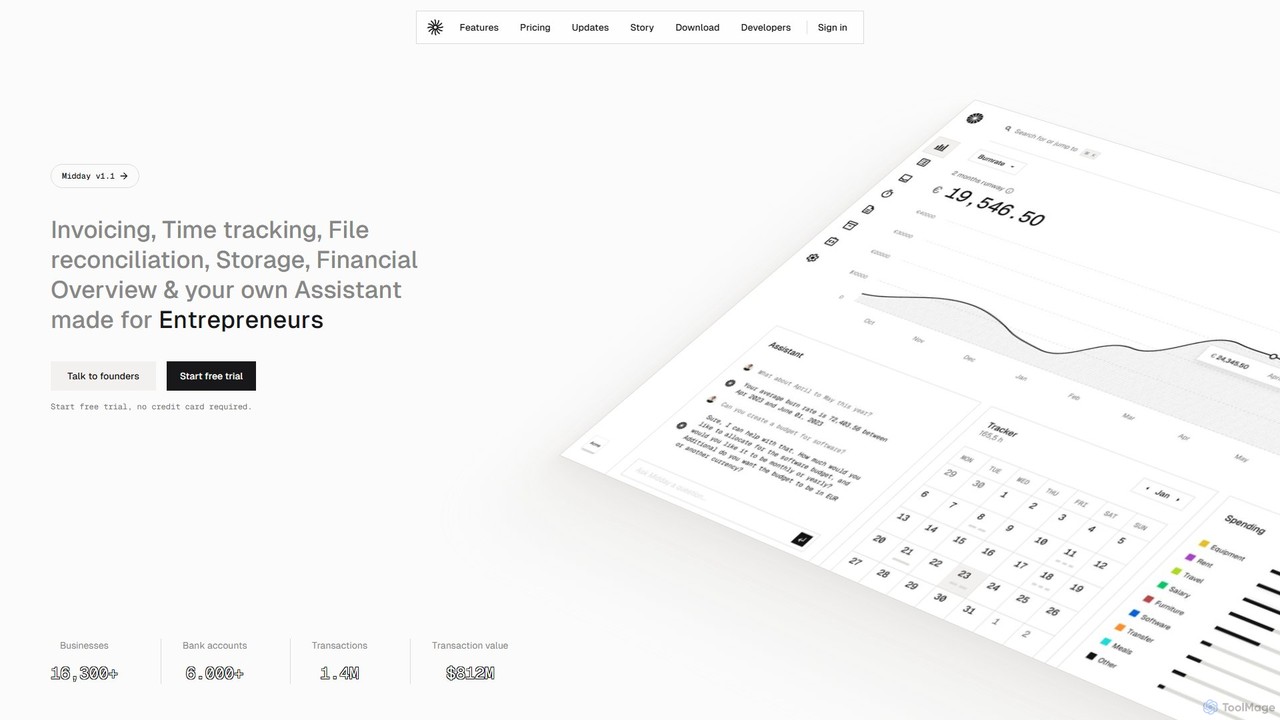
Midday
Midday is an AI-powered, all-in-one business management platform designed for freelancers, agencies, and small businesses. It automates and streamlines financial and administrative tasks, including invoicing, time tracking, expense management, and file reconciliation. By connecting to your bank accounts, Midday provides a unified financial overview and an AI assistant to offer insights, helping you run your business smarter and save valuable time.
Management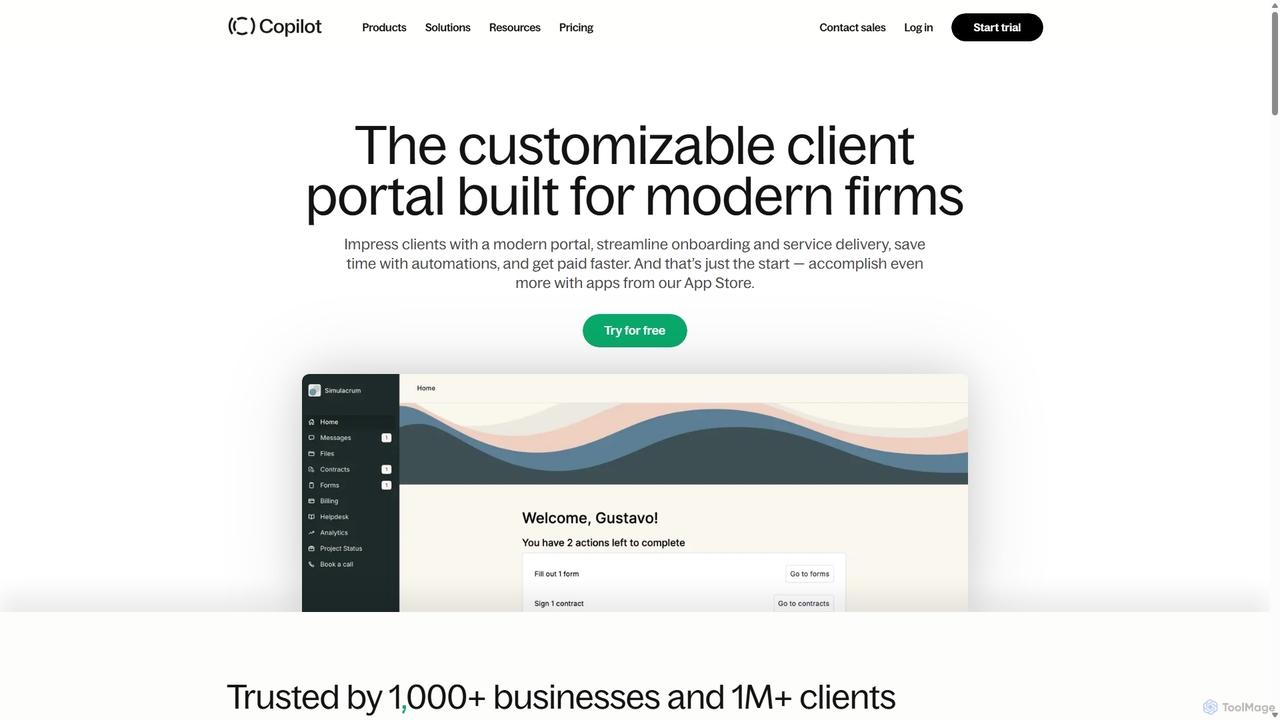
Copilot
Copilot is a comprehensive client portal software designed for service-based businesses. It provides a white-label platform to streamline client communication, billing, file sharing, and project management. With features like secure messaging, e-contracts, customizable forms, and extensive app integrations (including Zapier and Make), Copilot helps firms create a branded, unified, and professional client experience, saving time through automation and consolidating their tech stack.
Crm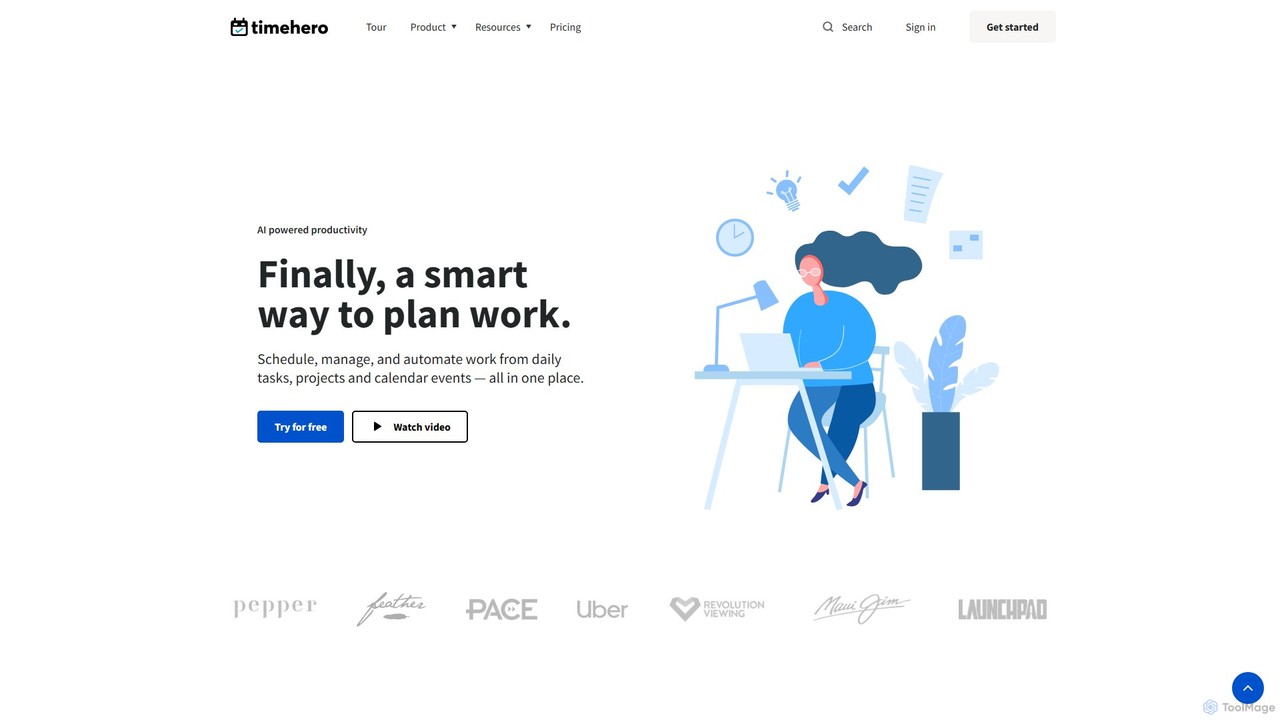
timehero
TimeHero is an AI-powered task planning and work management platform that automatically schedules your tasks into your calendar. It intelligently plans when to work on what, based on your availability, priorities, and deadlines, helping you and your team focus on important work, track progress, and mitigate risks before they happen.
Team Collaboration
Jyek
Jyek is an AI agent platform that understands objectives, creates execution plans, uses tools, and delivers verifiable results for complex, multi-step tasks.
Automation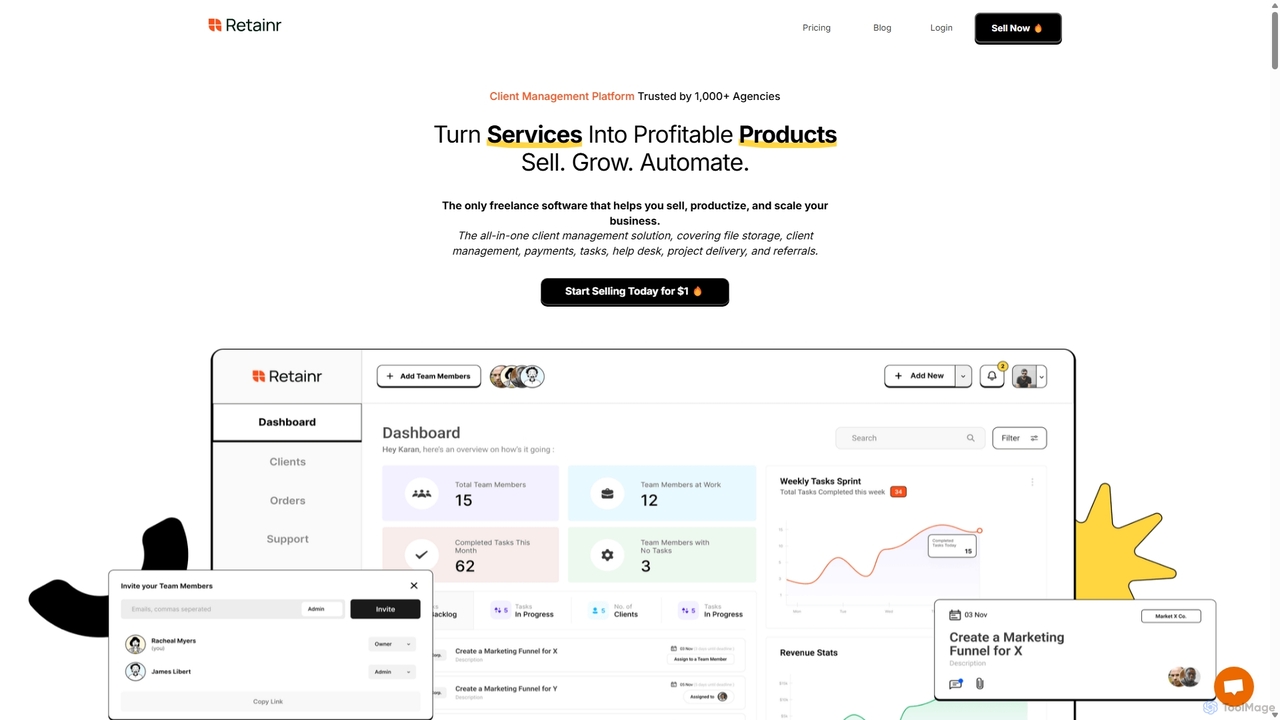
Retainr
Retainr is an all-in-one client management platform designed for freelancers and agencies. It helps you productize your services, streamline client onboarding, manage projects, and automate workflows. With white-label features, seamless payment integrations, and zero transaction fees, Retainr centralizes all your business operations into a single, branded system to help you scale efficiently.
Crm
dypt
dypt is an AI-powered task manager designed to help you overcome mental barriers and boost productivity. It automatically breaks down large, complex tasks into smaller, manageable subtasks, generates ideas, and creates lists, allowing you to regain control and focus on what truly matters.
Project Management
Clockk Comments (0)
Sign in to comment.
Sign inNo comments yet.