

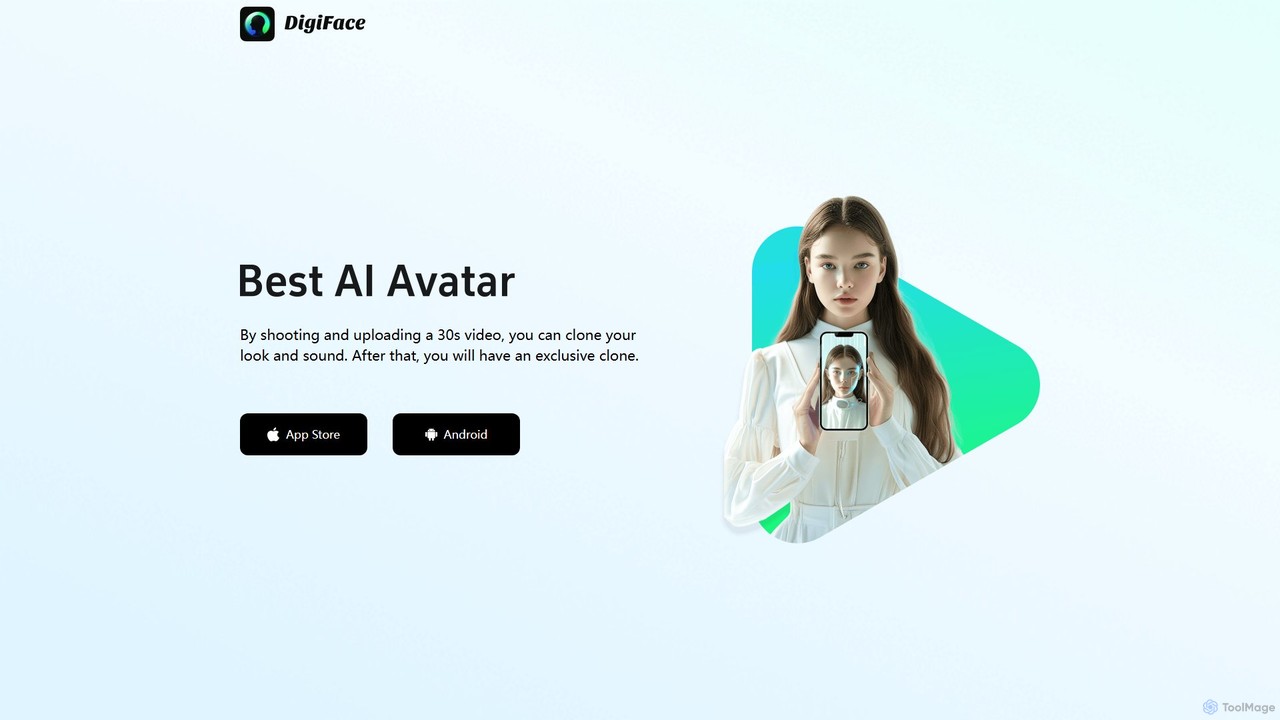
digiface Overview
digiface is a cutting-edge AI tool designed to create hyper-realistic digital avatars. It empowers users to clone their own appearance and voice with remarkable accuracy, transforming how personalized video content is produced. By leveraging advanced artificial intelligence, digiface requires just a short, 30-second video clip to capture your unique likeness and vocal patterns. The result is a high-fidelity digital twin that you can control, making it an invaluable asset for content creators, marketers, educators, and business professionals who want to scale their video production without being in front of a camera for every take.
The platform is built for simplicity and accessibility, available as a mobile app for both iOS and Android devices. This allows users to create and manage their digital clones on the go. Once your avatar is ready, you can simply type a script, and the AI will generate a video of your avatar speaking the text in your own cloned voice, complete with natural-sounding intonations and expressions. This seamless text-to-video functionality opens up a world of possibilities for creating engaging and personalized content at scale.
How to use digiface
Using digiface is a straightforward, three-step process designed for everyone, regardless of technical skill:
- Record and Upload: Open the digiface app on your smartphone and follow the on-screen instructions to record a 30-second video of yourself. Ensure you are in a well-lit environment and speak clearly to provide the AI with high-quality data for both visual and voice cloning.
- AI Cloning Process: Once uploaded, the digiface AI gets to work. It analyzes the video to map your facial features, expressions, and vocal characteristics. This process typically takes a few minutes, after which your exclusive digital clone will be ready in your account.
- Create Videos from Text: With your avatar created, navigate to the video creation section. Type or paste the script you want your avatar to say. You can then customize elements like the background, and in some plans, even the avatar's attire or gestures. Preview the video and, once satisfied, render and export it for use on social media, websites, or in presentations.
Core Features of digiface
- High-Fidelity Avatar Cloning: Creates a realistic digital replica of your face and expressions from a single 30-second video.
- AI Voice Cloning: Accurately clones your voice, preserving its unique tone, pitch, and cadence for authentic-sounding narration.
- Text-to-Video Generation: Effortlessly convert written scripts into polished videos featuring your digital avatar speaking the lines.
- Multi-Language Support: Generate videos in various languages using your cloned voice profile, perfect for reaching a global audience.
- Mobile-First Design: Available on both iOS and Android, allowing you to create and manage content directly from your phone.
- Customizable Backgrounds: Easily change the background of your videos to suit different contexts, such as a professional office, a solid color, or a custom image.
Use Cases for digiface
digiface is versatile and can be applied across various fields:
- Marketing & Sales: Create personalized outreach videos for sales pitches, product demonstrations, and customer testimonials at scale.
- Content Creation: YouTubers, bloggers, and social media influencers can produce consistent content without the hassle of filming, editing, and re-shooting.
- Corporate Training & E-Learning: Develop engaging and standardized training modules and educational content with a consistent virtual instructor.
- Personalized Messaging: Send unique video greetings, announcements, or updates to friends, family, or your community.
- Customer Support: Create a library of helpful video responses to frequently asked questions, providing a personal touch to customer service.
Advantages of digiface
The primary advantage of digiface is its ability to democratize professional video production. It offers significant time and cost savings by eliminating the need for expensive camera equipment, studio rentals, and lengthy filming sessions. The platform's scalability allows a single user to generate hundreds of unique videos effortlessly. Furthermore, using a personal avatar builds a stronger connection and trust with the audience compared to generic stock avatars or animations. The process is incredibly user-friendly, making high-quality video creation accessible to everyone.
Pricing and Plans
digiface likely operates on a freemium model, offering different tiers to suit various needs:
- Free Plan: This plan would typically allow users to create their avatar and generate a limited number of short videos per month. Videos created under this plan may include a digiface watermark.
- Creator Plan: A subscription-based plan aimed at individual content creators, offering more video generation minutes, higher resolution exports (e.g., 1080p), no watermarks, and access to premium features.
- Business/Pro Plan: Designed for professionals and businesses, this tier would provide a generous amount of video credits, team collaboration features, priority support, and commercial usage rights.
- Enterprise Plan: Custom pricing for large organizations requiring API access for integration into their own systems, dedicated account management, and advanced security features.
For the most accurate and up-to-date pricing information, please visit the official digiface website or check the in-app purchase options on the App Store and Google Play.
Traffic
Latest traffic
Status
Monthly traffic trend
- 2025-9: 945
- 2026-1: 0
- 2026-2: 117
- 2026-3: 2.1K
- 2026-4: 581
- 2026-5: 752
Geography
Top 5 countries / regions
- 🇨🇴Colombia71.5%
- 🇯🇵Japan28.5%
Top keywords
| Keyword | Cost per click |
|---|---|
| digiface | $0.49 |
digiface Alternatives
Humva
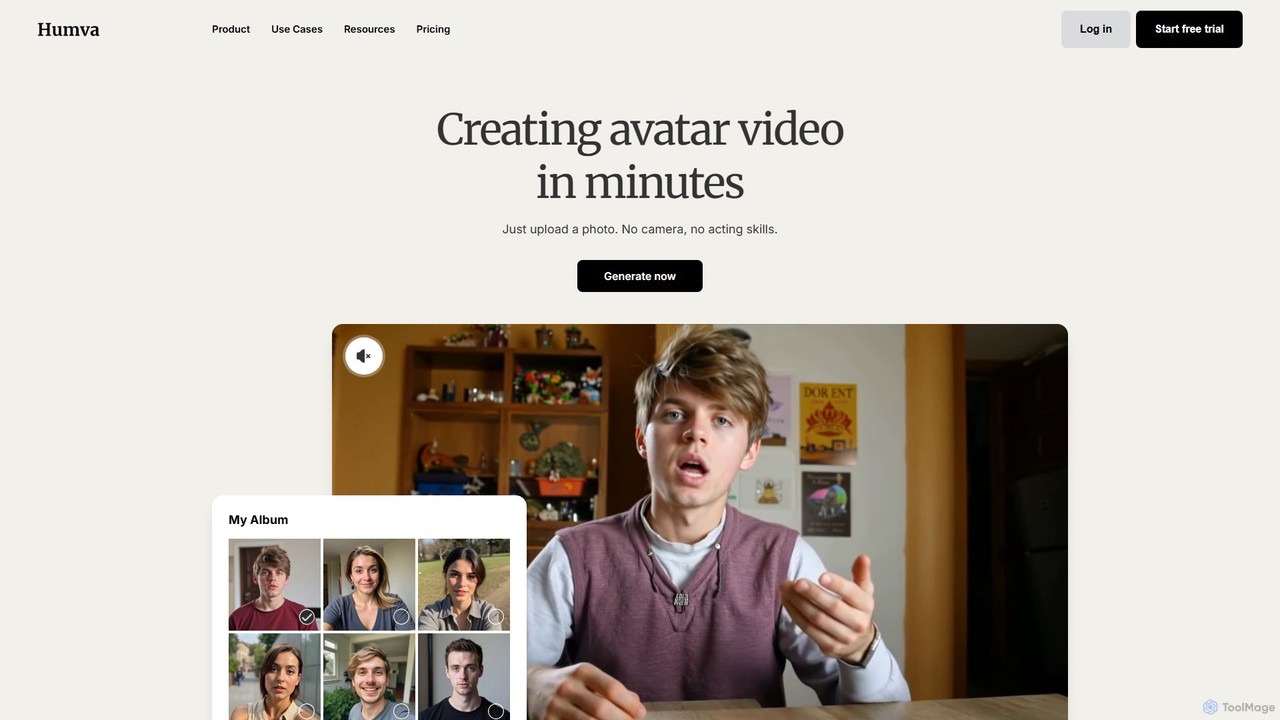
Humva is an AI-powered platform that creates professional avatar videos in minutes. Simply upload a photo to generate a custom digital avatar or choose from a vast library. Ideal for marketing, education, and explainer videos without needing cameras or acting skills.
E Learning
wanx_ai
wanx_ai is a state-of-the-art AI video generator that transforms text prompts into high-quality, professional videos. Powered by a 13-billion parameter open-source model, it excels in creating cinematic and photorealistic scenes with smooth motion and excellent text-video alignment. Users can generate 5-second, 720p HD videos for social media, commercials, or artistic projects. Features include a smart prompt builder, native camera cuts, and support for both landscape and vertical formats, making it a versatile tool for content creators.
Generative Art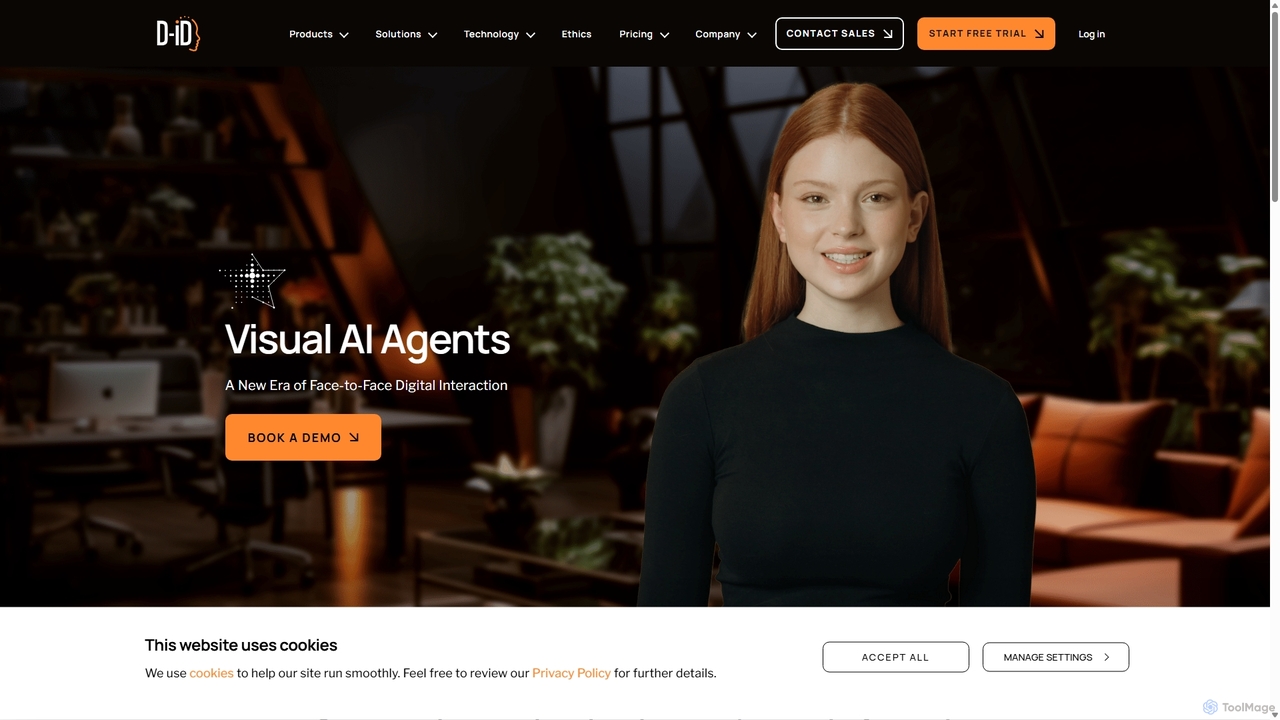
D-ID Agents
D-ID Agents is a platform for creating and interacting with lifelike digital humans. Powered by generative AI, it enables real-time, face-to-face conversations with AI avatars, transforming user engagement for customer service, sales, and training. Users can easily design, manage, and deploy AI agents that offer a more personal and intuitive interface for digital interactions.
Chatbots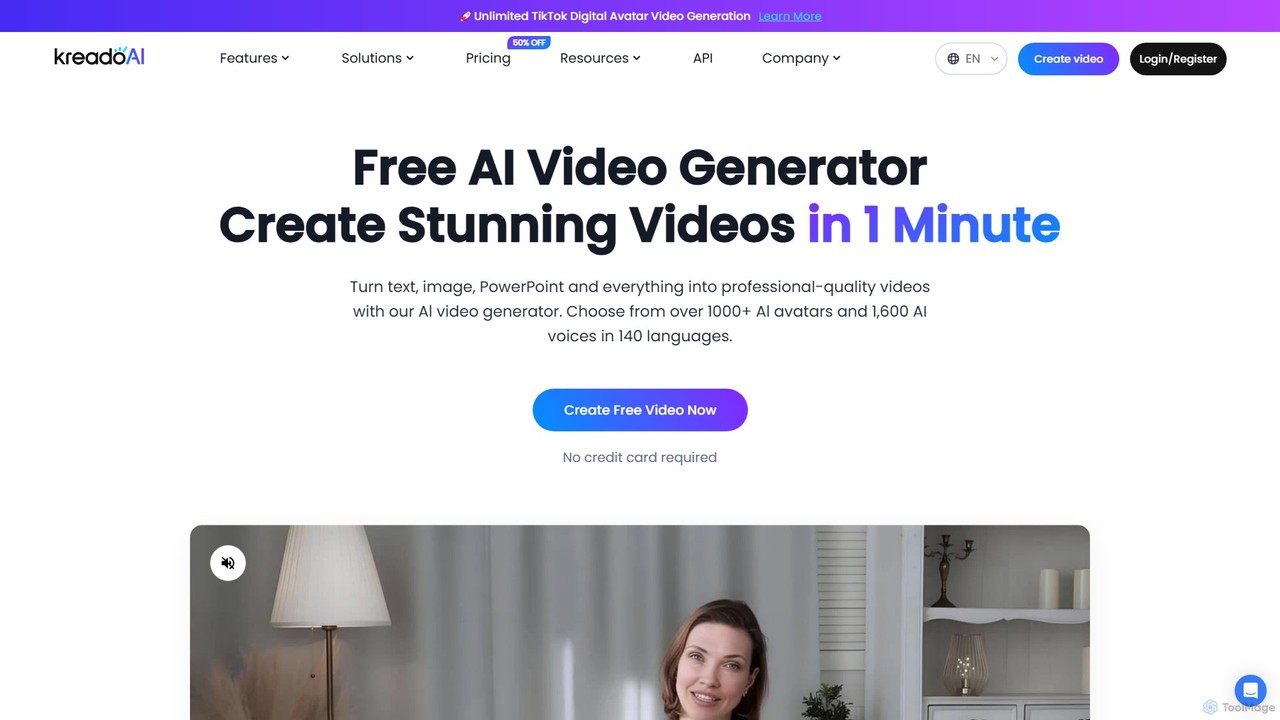
KreadoAI
KreadoAI is an all-in-one AI video generator that transforms text, images, and PowerPoints into professional videos with digital avatars. It offers over 1,000 AI avatars and 1,600 AI voices in 140+ languages, enabling users to create high-quality marketing, training, and educational content in minutes without any technical skills.
Text To Speech
kaipai
Kaipai is an AI-powered video creation platform that specializes in generating realistic talking head videos from text. It allows users to create professional-grade videos with AI avatars, eliminating the need for cameras, microphones, or actors. Simply input your script, choose an avatar and voice, and generate a high-quality video in minutes, perfect for marketing, training, and content creation.
Text To Speechdigiface Categories
digiface Embed Widget
Copy this embed code to place the badge on your blog, article, or product site and send readers directly to this ToolMage detail page.

Related AI tools
KreadoAI
KreadoAI is an all-in-one AI video generator that transforms text, images, and PowerPoints into professional videos with digital avatars. It offers over 1,000 AI avatars and 1,600 AI voices in 140+ languages, enabling users to create high-quality marketing, training, and educational content in minutes without any technical skills.
Text To Speechkaipai
Kaipai is an AI-powered video creation platform that specializes in generating realistic talking head videos from text. It allows users to create professional-grade videos with AI avatars, eliminating the need for cameras, microphones, or actors. Simply input your script, choose an avatar and voice, and generate a high-quality video in minutes, perfect for marketing, training, and content creation.
Text To Speech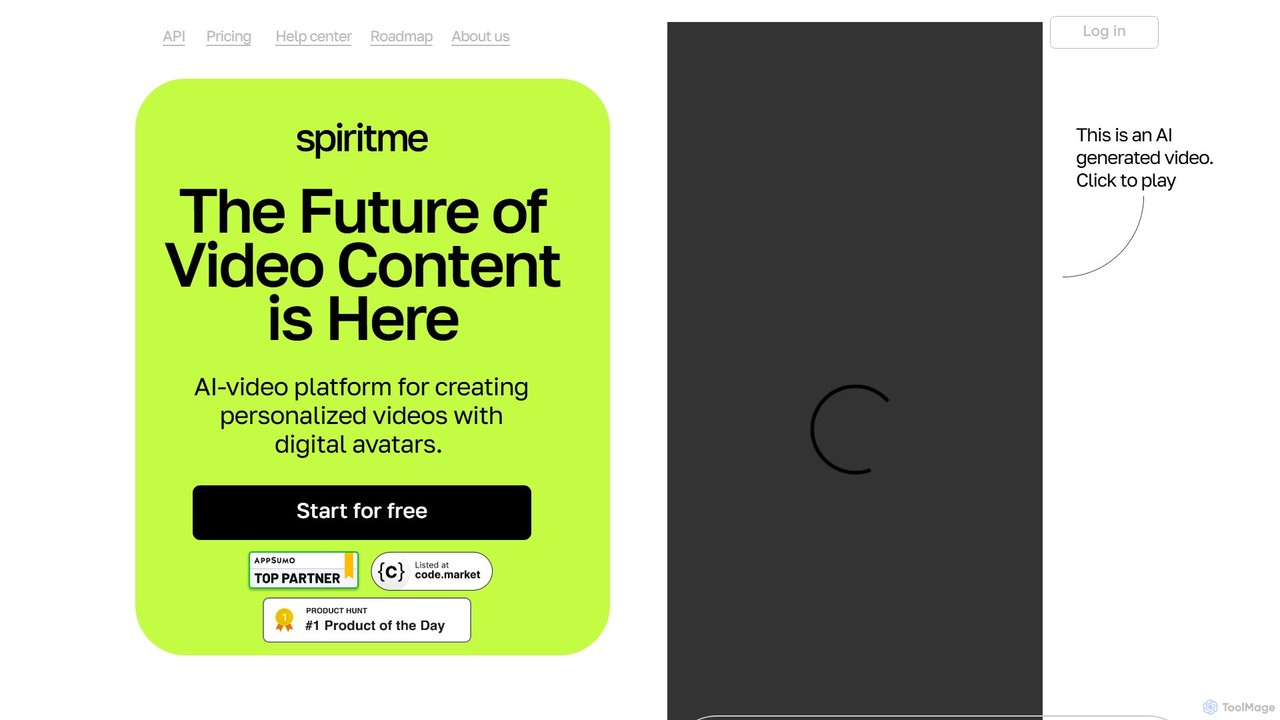
Spiritme
Spiritme is an AI video generation platform that allows users to create personalized videos using digital avatars. Simply provide text, and an AI avatar will narrate it. You can even create your own realistic digital twin from a short video shot on your iPhone. With support for over 140 languages and dynamic facial expressions, Spiritme makes video production fast, scalable, and affordable for marketing, education, and content creation.
E LearningHumva
Humva is an AI-powered platform that creates professional avatar videos in minutes. Simply upload a photo to generate a custom digital avatar or choose from a vast library. Ideal for marketing, education, and explainer videos without needing cameras or acting skills.
E Learning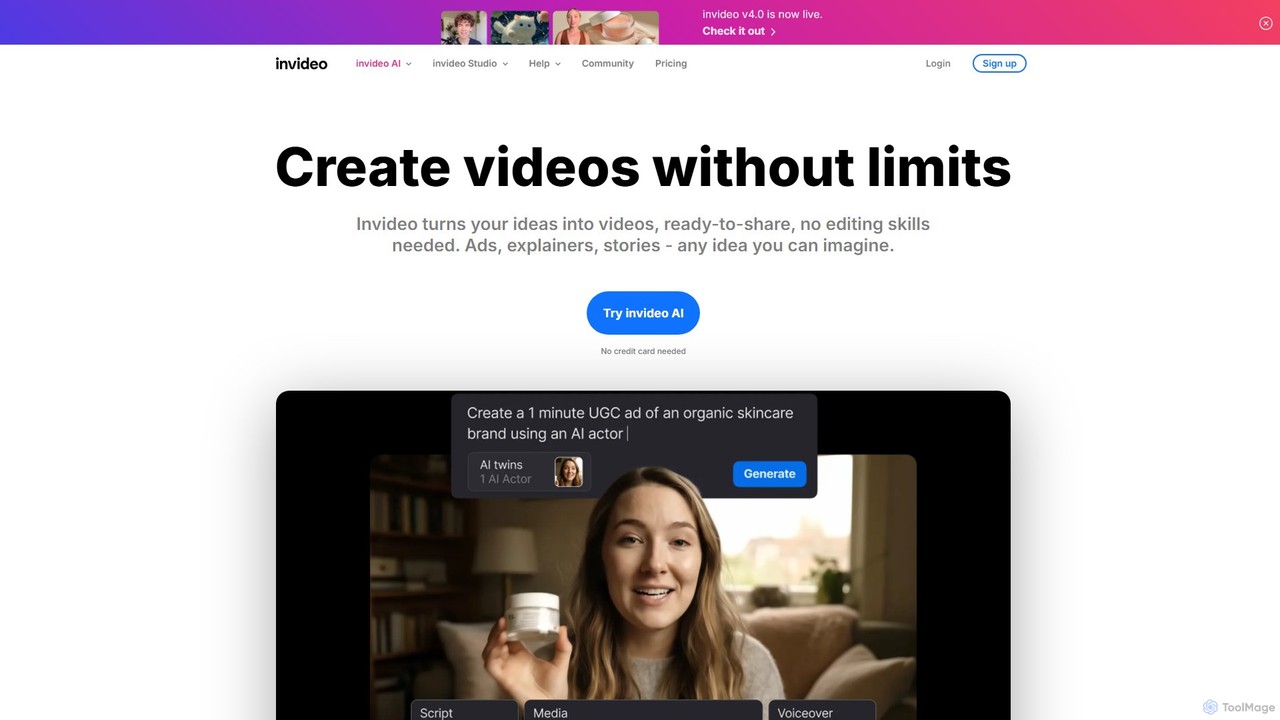
invideo
invideo is an AI-powered video creation platform that transforms text prompts, ideas, or URLs into publish-ready videos. It automates scriptwriting, visual creation, voiceovers, and editing, enabling users without technical skills to produce high-quality ads, social media content, and explainer videos in minutes.
Text To Speech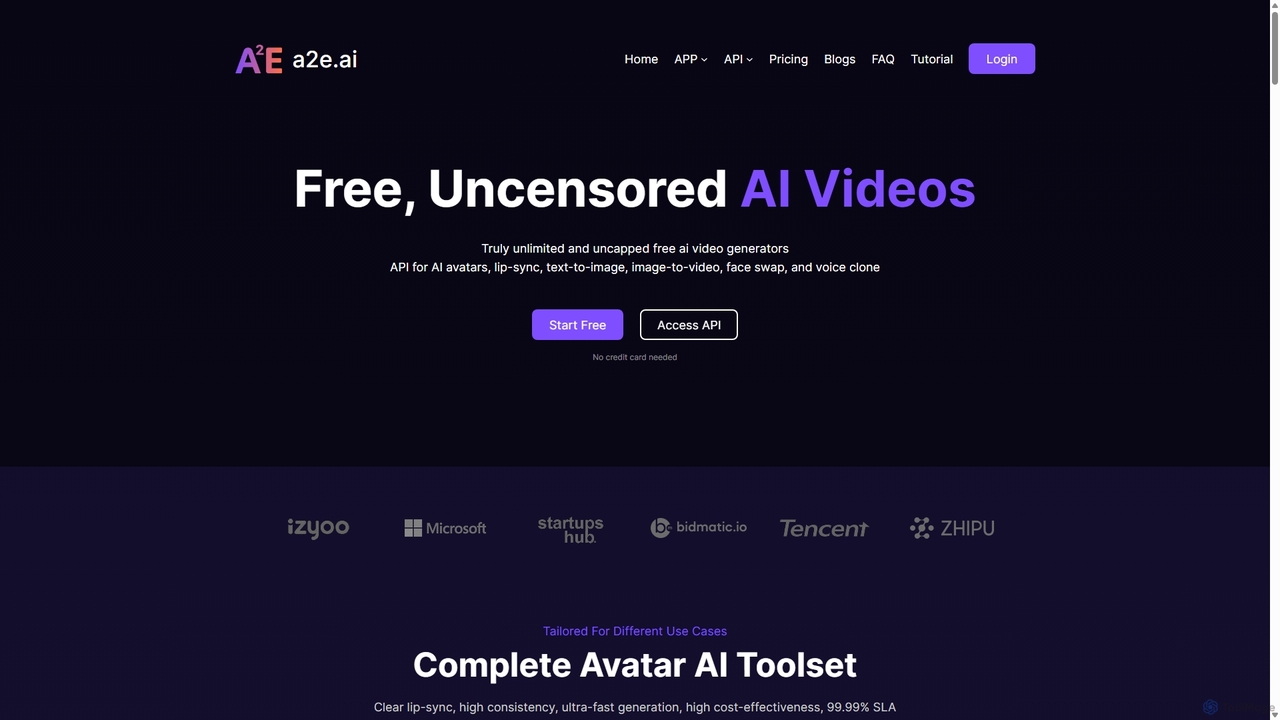
a2e.ai
a2e.ai is a free and uncensored AI video toolbox for creating realistic digital avatars. It offers a comprehensive suite of tools including ultra-accurate lip-sync, voice cloning, face swap, image-to-video, and a developer-friendly API. Ideal for content creators, marketers, and developers looking to produce high-quality, scalable video content efficiently.
Voice Cloning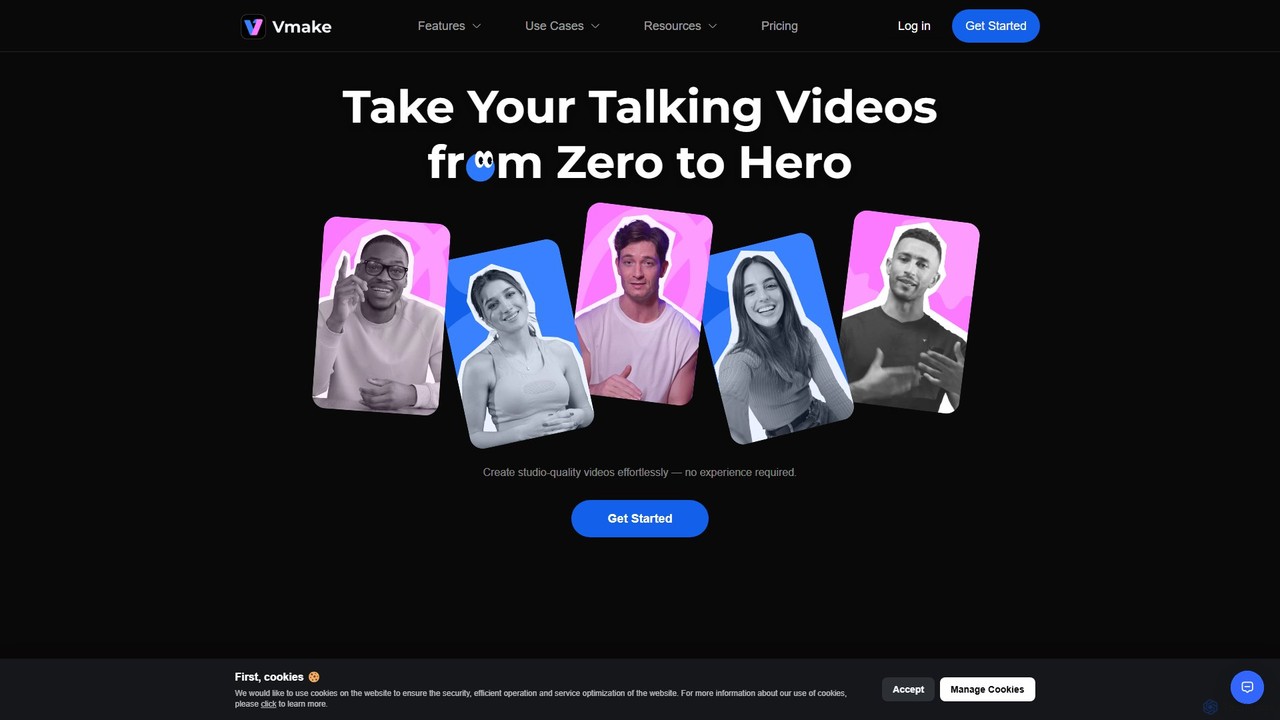
Vmake
Vmake is an all-in-one AI video solution designed for creators. It simplifies video production with features like watermark removal, auto-captions, background removal, and video enhancement. Effortlessly create studio-quality talking videos for social media and marketing without prior experience.
Transcription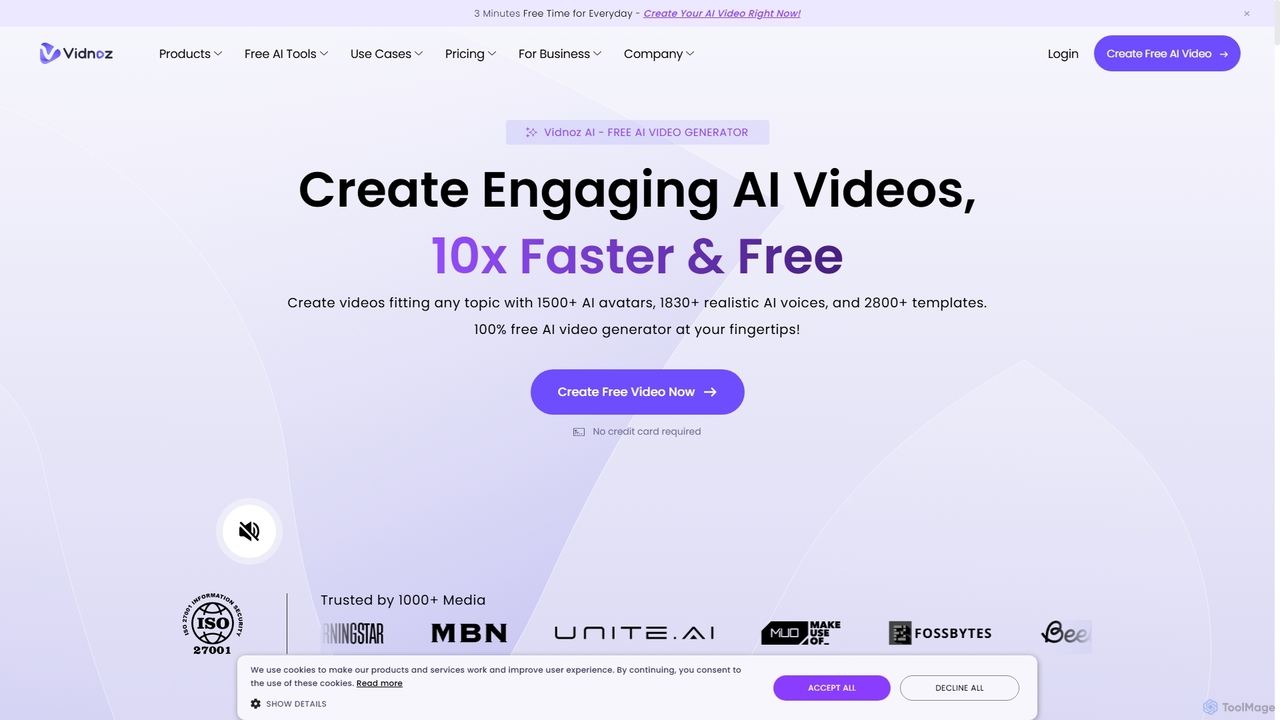
Vidnoz
Vidnoz is a powerful AI video generation platform that allows users to create professional videos 10x faster. It features a vast library of AI avatars, voices, and templates, along with advanced tools like voice cloning, video translation, and talking photos, making video creation accessible and affordable for everyone.
E Learning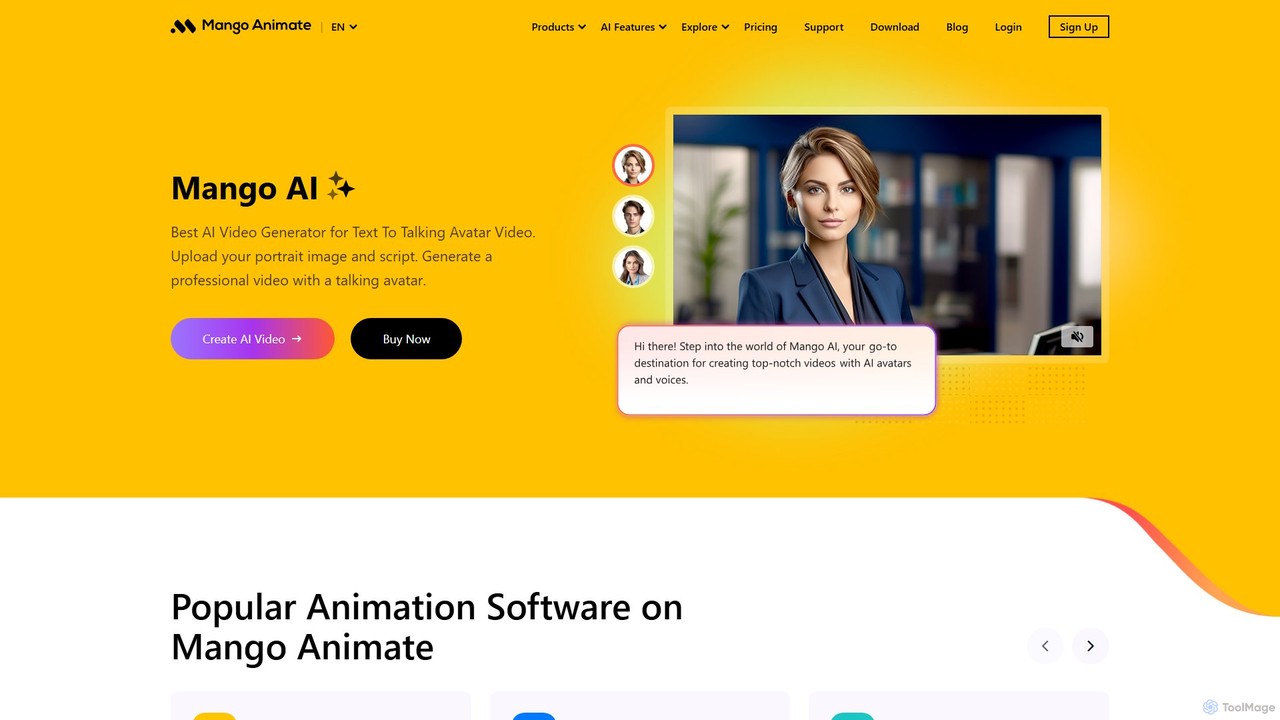
Mango Animate
Mango Animate is an AI-powered video and animation platform that transforms text, photos, and audio into engaging videos. It features tools like a text-to-video generator, talking photo animator, AI avatar creator, face swap, and voice cloning, making professional-quality video creation accessible to everyone.
Voice Cloning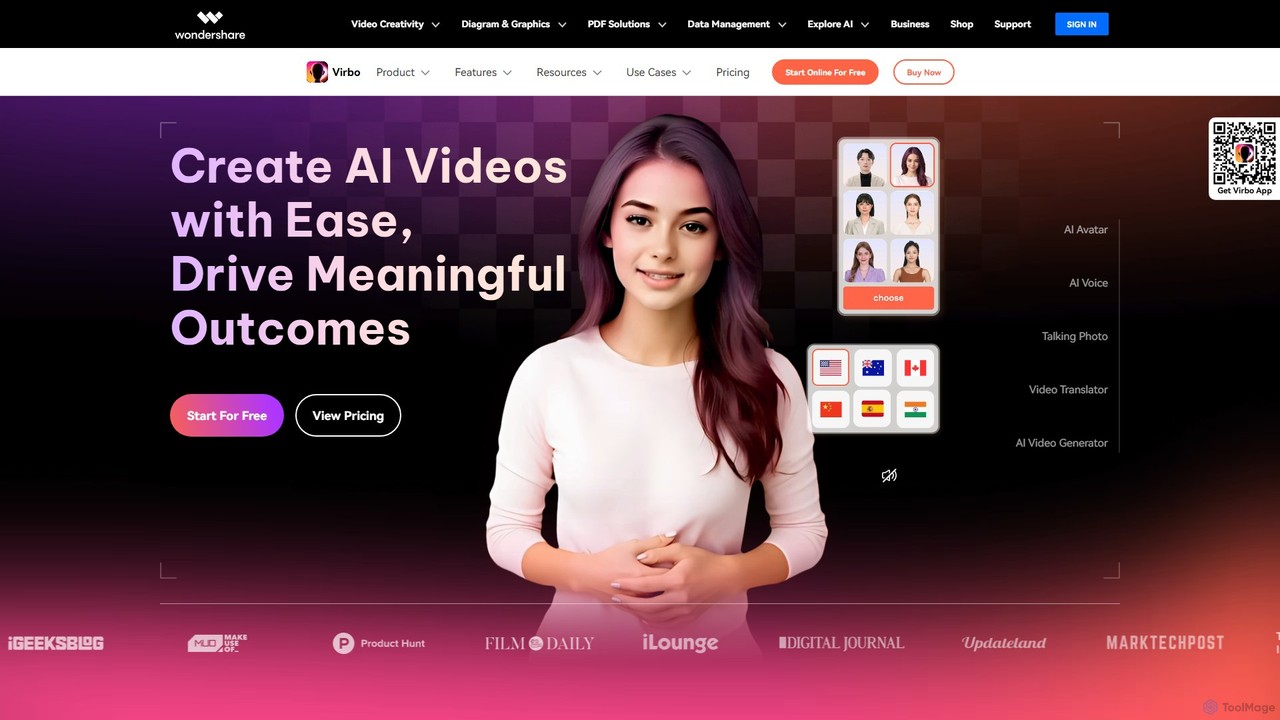
Wondershare Virbo
Wondershare Virbo is a powerful AI video generator that enables users to create professional spokesperson videos quickly and efficiently. It features over 350 realistic AI avatars, 400+ natural voices in 80+ languages, and a suite of smart tools like Talking Photo, Video Translator, and AI Script Generator. Virbo is designed for marketing, training, and content creation, making video production accessible without expensive equipment or complex editing skills.
Social Media Marketing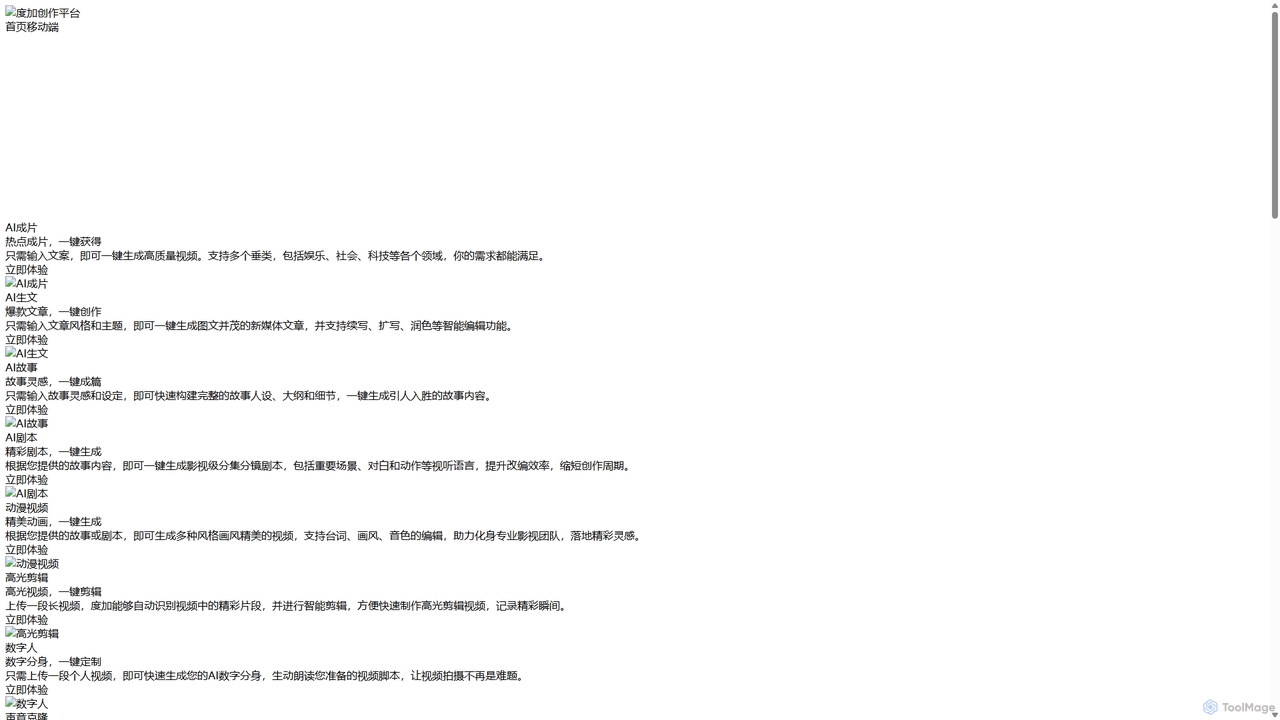
DuJia AIGC Platform
DuJia AIGC Platform is an official all-in-one AIGC creation suite from Baidu. It empowers users to effortlessly generate high-quality videos, articles, stories, scripts, animations, and digital avatars from simple text inputs. Designed for content creators and marketers, it dramatically boosts efficiency by integrating a full suite of AI-powered tools, from ideation and content generation to intelligent editing and one-click publishing.
Voice Cloning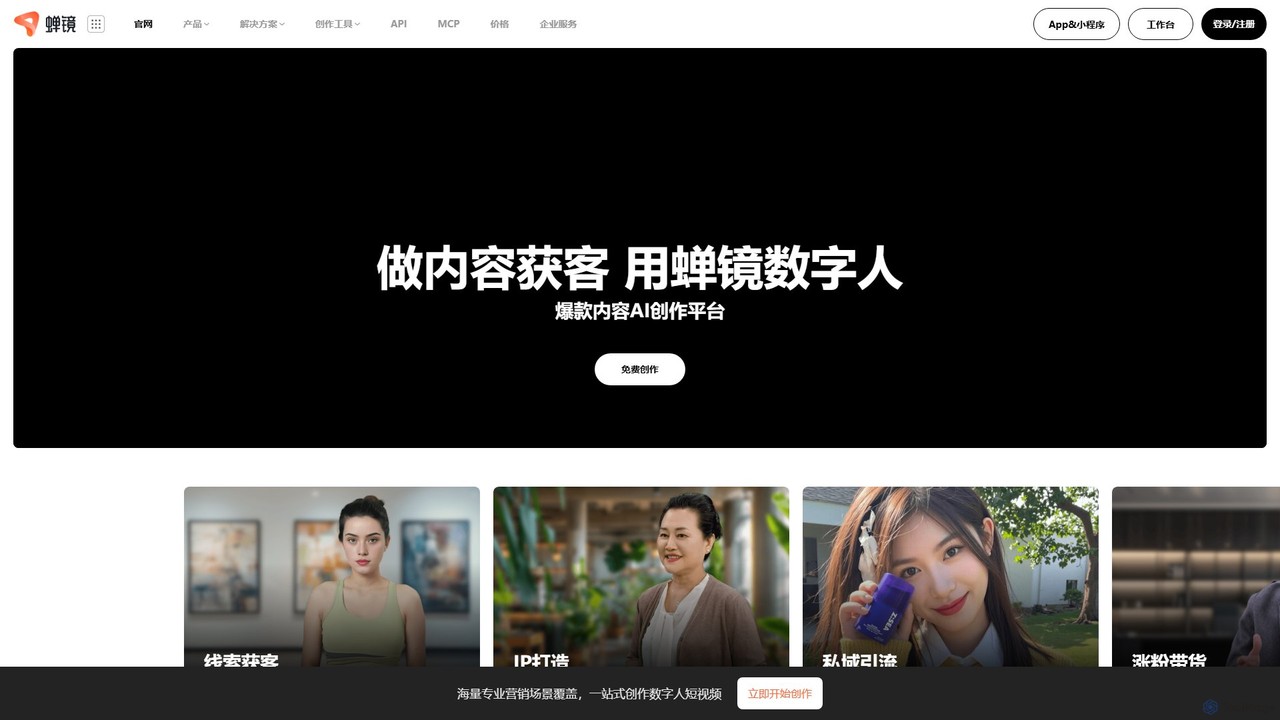
Chanjing
Chanjing is an AI-powered digital human video creation platform. It enables users to generate engaging videos for marketing, e-commerce, and content creation using realistic AI avatars, text-to-video technology, voice cloning, and AI scriptwriting tools.
Social Media Marketing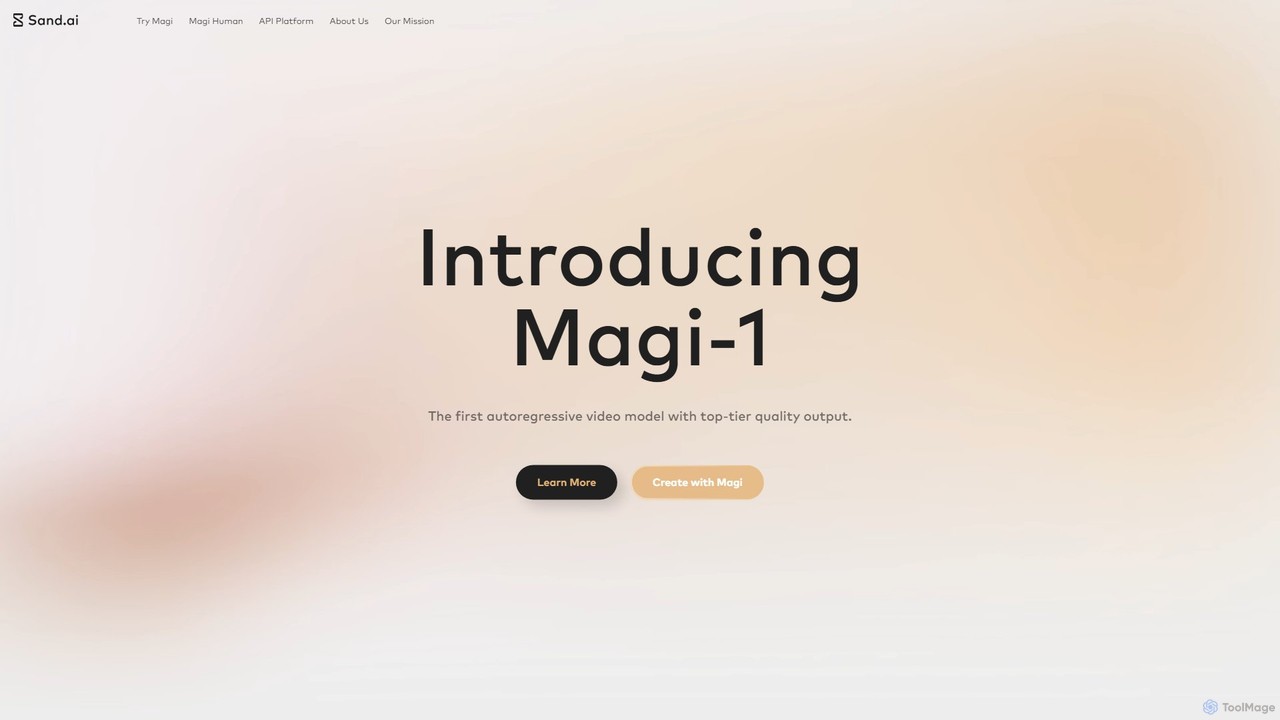
Magi
Magi, by Sand.ai, is a revolutionary AI video platform featuring the world's first autoregressive video model, Magi-1. It transforms images or text into high-quality videos, offers infinite video extension capabilities, and creates lifelike talking avatars from a single photo. With an open-source model, Magi provides creators with unparalleled control, speed, and creative freedom for filmmaking, marketing, and content creation.
Talking Avatar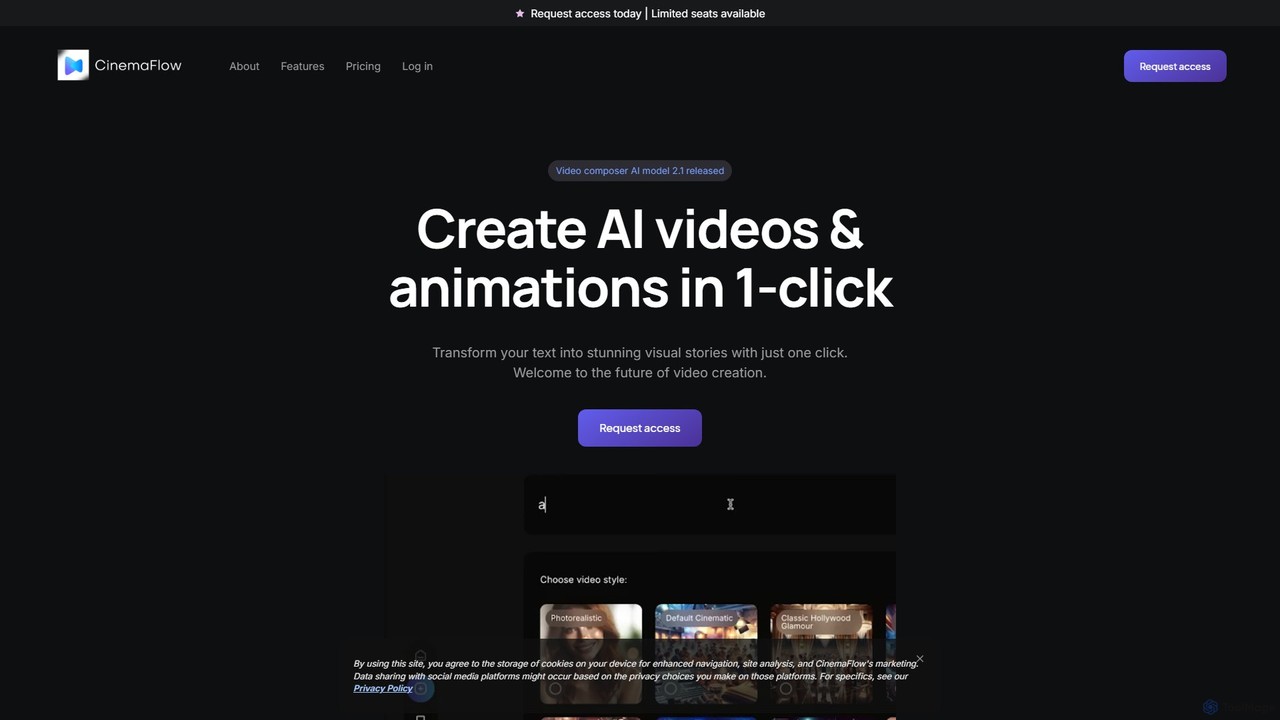
CinemaFlow
CinemaFlow is an AI-powered video creation platform that transforms text prompts into cinematic-quality videos. Designed for filmmakers, marketers, and content creators, it simplifies video production with advanced prompt engineering, an intuitive editor, and AI-driven cinematography, enabling users to turn ideas into reality in minutes.
Filmmaking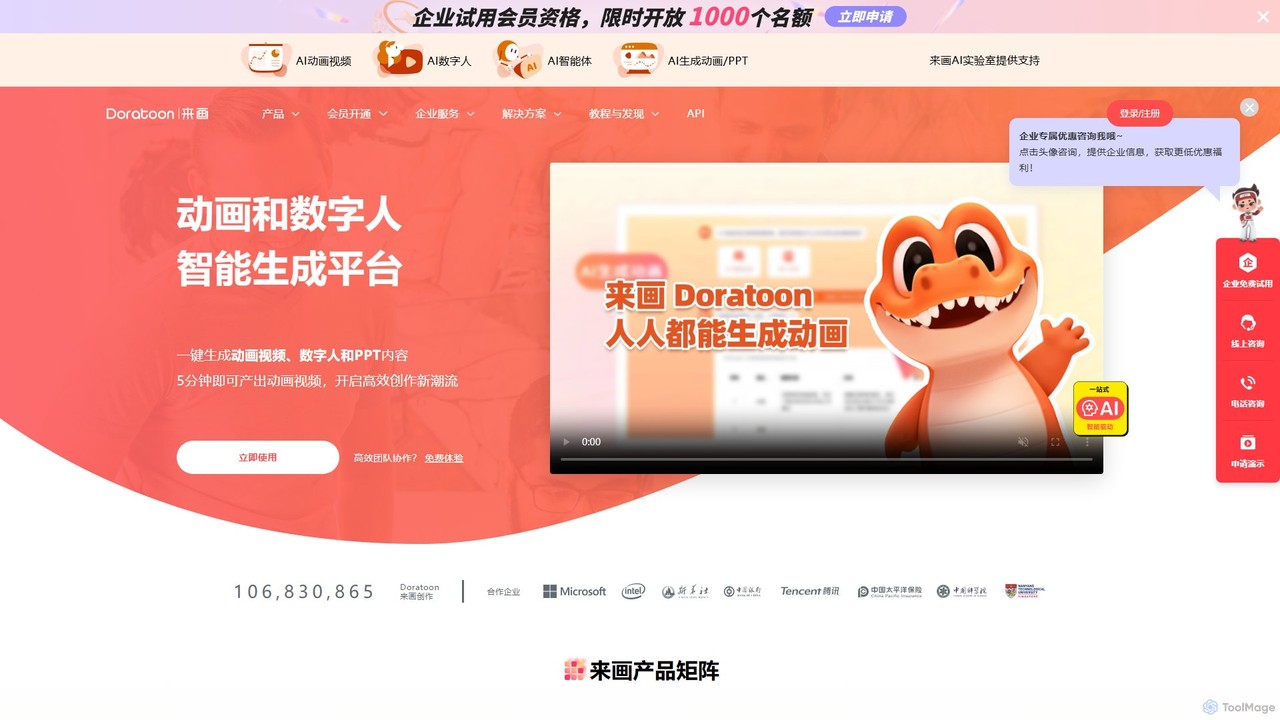
Laihua
Laihua is an intelligent AI generation platform for creating animated videos, digital human content, and professional presentations. It leverages advanced AI to transform text, ideas, or links into engaging visual content in minutes, making creation efficient and accessible for everyone.
Digital Human
digiface Comments (0)
Sign in to comment.
Sign inNo comments yet.