
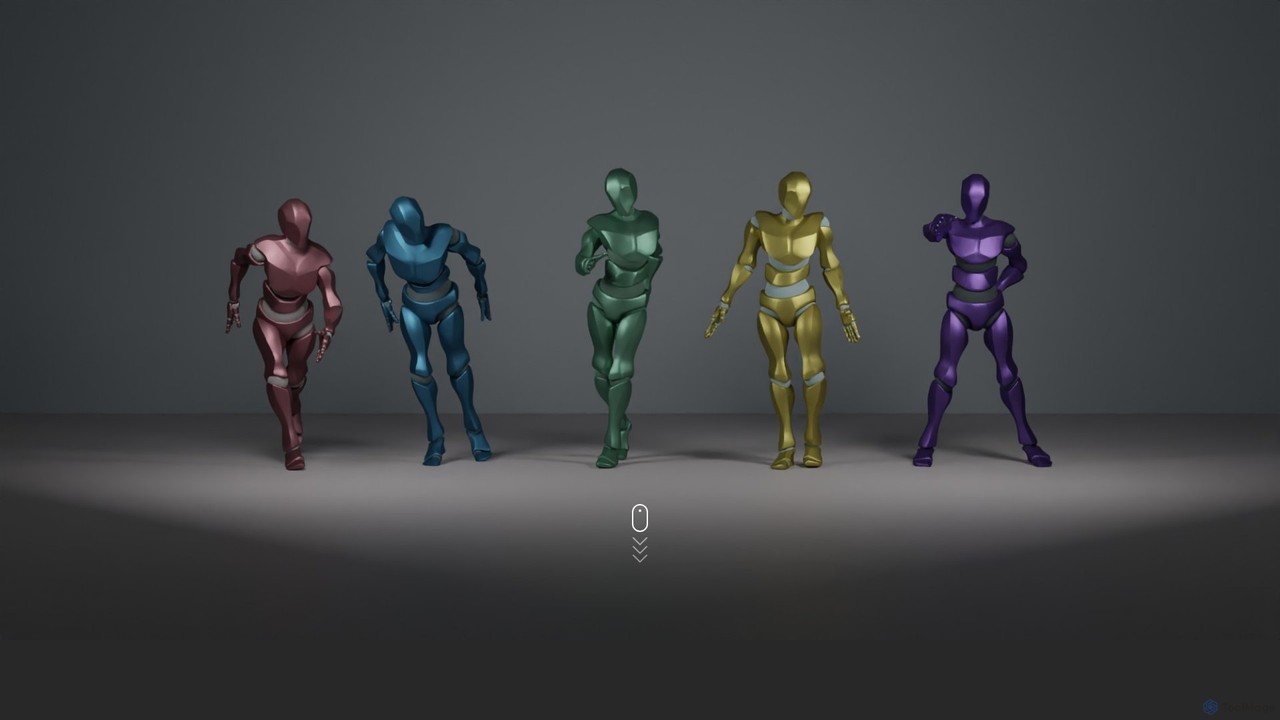
EDGE Overview
EDGE, which stands for Editable Dance Generation from Music, is a state-of-the-art AI system designed to bridge the gap between music and motion. It introduces a powerful method for generating high-quality, realistic, and physically-plausible dance sequences that are faithfully synchronized to any given piece of music. Unlike previous models, EDGE is built on a sophisticated transformer-based diffusion model, which it pairs with Jukebox, a robust music feature extractor. This combination allows it to deeply understand the nuances of a music track—its rhythm, melody, and mood—and translate them into fluid, expressive dance movements.
The key innovation of EDGE lies in its editability. It moves beyond simple generation to provide creators with a suite of powerful editing tools. This empowers users to fine-tune and customize the generated animations to fit their specific creative vision. The model has been rigorously tested and compared against other leading methods like Bailando and FACT, with human evaluators consistently showing a strong preference for the dances generated by EDGE, citing their superior realism and musicality.
How to use EDGE
As a research project, using EDGE typically involves interacting with its source code from the GitHub repository. The general workflow for a developer or animator would be:
- Setup Environment: Clone the EDGE repository from GitHub. Install all required dependencies, including Python, PyTorch, and other specified libraries.
- Download Models: Download the pre-trained models provided by the researchers. This includes the main diffusion model and the Jukebox feature extractor.
- Prepare Input: Select an audio file (e.g., in .wav or .mp3 format) that you want to generate a dance for.
- Generate Dance: Run the generation script via the command line, pointing it to your input music file. The model will process the audio, extract its features, and generate a corresponding 3D dance sequence (often as a .bvh or .fbx file).
- Edit and Refine: Utilize the advanced editing features by providing specific parameters in the script. For example, to use motion in-betweening, you would provide start and end poses. For joint-wise conditioning, you would specify constraints for certain body parts.
- Integrate into Projects: Import the final animation file into your preferred 3D software (like Blender, Maya, or Unity) for use in films, games, or other creative projects.
Core Features of EDGE
- Music-to-Dance Generation: Automatically creates full-body 3D dance animations from an audio input, capturing the rhythm and style of the music.
- High-Fidelity Motion: Leverages a transformer-based diffusion model to produce smooth, realistic, and physically-plausible movements that avoid unnatural jerks or poses.
- Joint-wise Conditioning: Offers granular control by allowing users to specify the movement or position of individual joints, enabling precise artistic direction.
- Motion In-betweening: Generates seamless transitions between two user-defined key poses, automatically creating the motion that connects them in a natural way.
- Dance Continuation: Can take an existing dance sequence and intelligently generate a continuation that logically follows the preceding movements and music.
- Advanced Music Analysis: Uses the Jukebox feature extractor to achieve a deep and nuanced understanding of the input music, ensuring a strong correlation between audio and motion.
Use Cases for EDGE
EDGE is a versatile tool with applications across various creative and technical fields:
- Game Development: Rapidly populate game worlds with dynamic, music-driven dancing NPCs for events, clubs, or cinematic sequences.
- Filmmaking and Animation: Accelerate the animation pipeline by generating baseline dance choreographies that can be further refined by animators, saving significant time on manual keyframing.
- Virtual Reality and Metaverse: Create immersive experiences by enabling avatars to dance realistically to music in virtual concerts, parties, and social spaces.
- Choreography and Dance Education: Allows choreographers to visualize and experiment with new dance ideas by seeing how they might look on a virtual dancer.
- Digital Art and VJing: Generate unique visual content for live music performances, music videos, and interactive art installations.
Advantages of EDGE
- Superior Quality: Outperforms previous state-of-the-art models in human evaluations, delivering more realistic and aesthetically pleasing results.
- Unprecedented Editability: The combination of generation and powerful editing tools provides a level of control not found in most other music-to-dance systems.
- Physically Grounded: The generated motions adhere to the principles of physics and human biomechanics, ensuring they are believable and grounded in reality.
- Open and Accessible: As a research project, its findings and code are typically open-source, fostering further innovation and allowing developers to integrate it into their own applications.
Pricing and Plans
EDGE is a research project and is available for free. The source code, pre-trained models, and documentation are hosted on GitHub, making it accessible to anyone for non-commercial, research, or experimental use, subject to the specific license provided in the repository.
Traffic
Latest traffic
Status
Monthly traffic trend
- 2025-9: 2.7K
- 2026-1: 79
- 2026-2: 2.0K
- 2026-3: 1.1K
- 2026-4: 759
- 2026-5: 846
Geography
Top 5 countries / regions
- 🇺🇸United States100.0%
Top keywords
| Keyword | Cost per click |
|---|---|
| ai dancer figure to music | $0.00 |
| avng dance | $0.00 |
| choreography maker | $0.00 |
| choreo maker | $0.00 |
| ssample dancing designer | $0.00 |
EDGE Alternatives
MagicAnimate
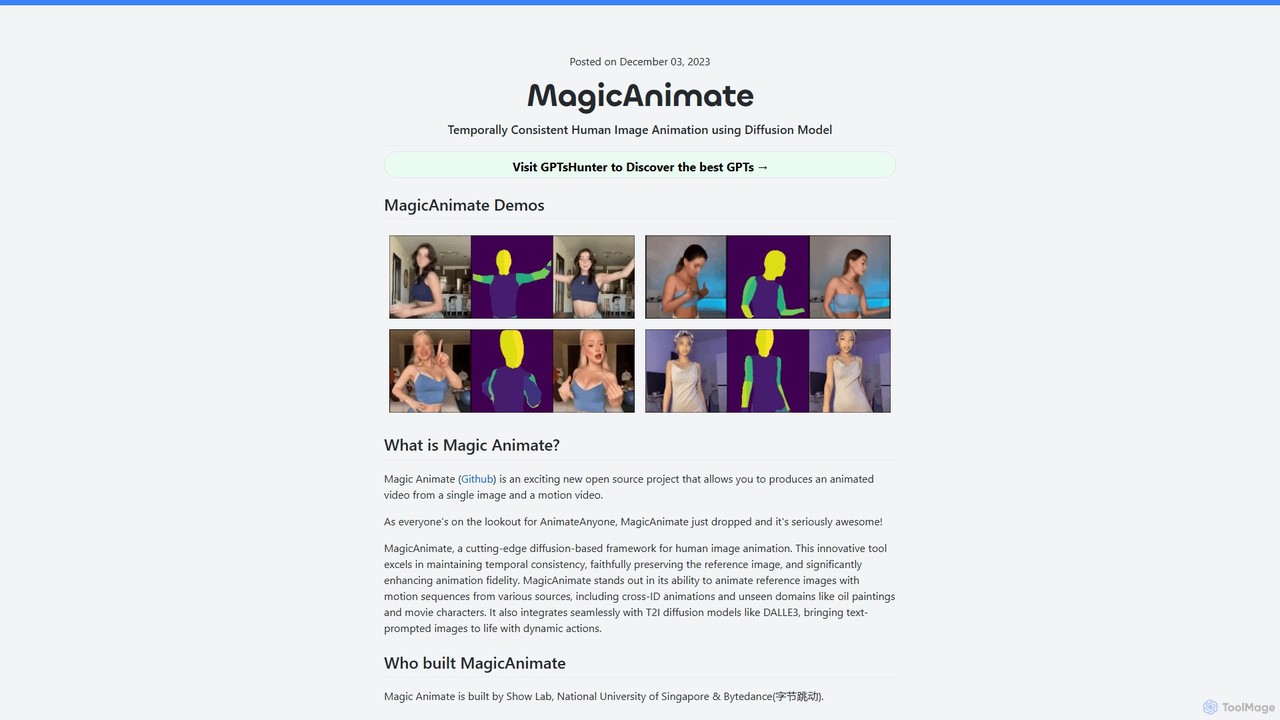
MagicAnimate is a powerful open-source AI framework that animates a human image using a motion sequence from a video. Developed by researchers from ByteDance and the National University of Singapore, it uses a diffusion model to create temporally consistent and high-fidelity animations, preserving the subject's identity while applying dynamic movements.
Social Media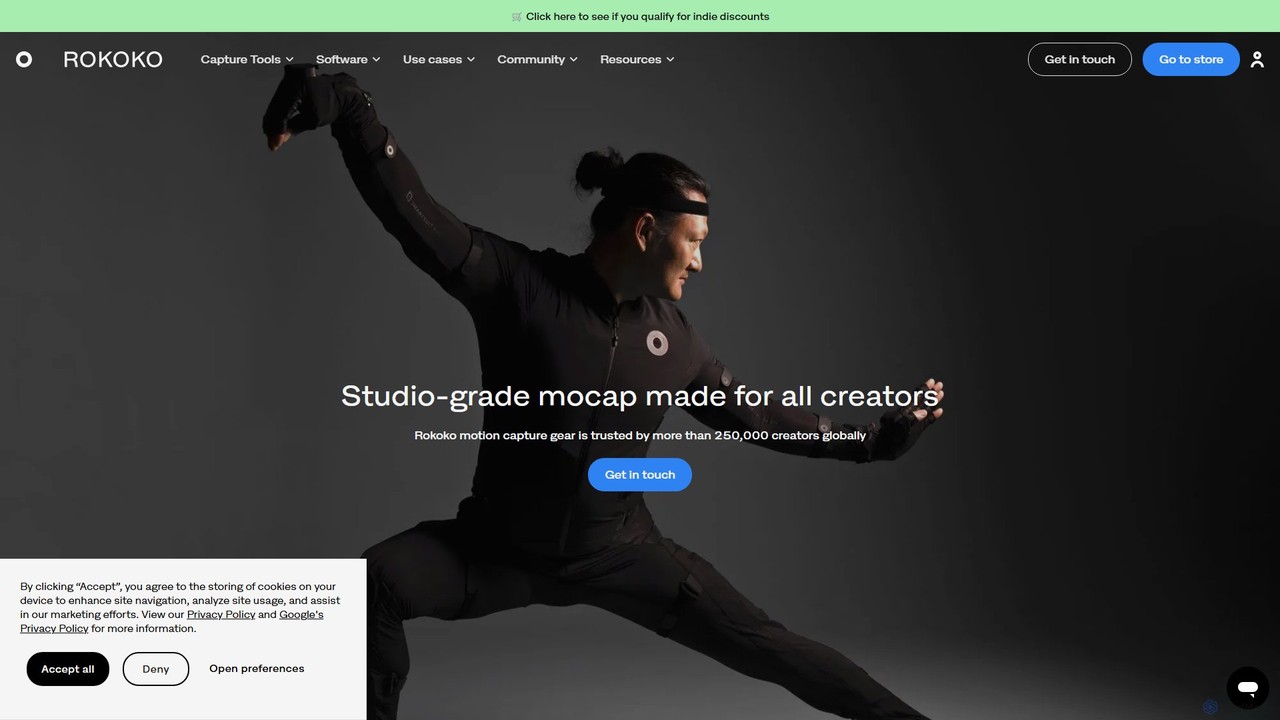
Rokoko
Rokoko offers a complete ecosystem of motion capture tools, including hardware suits and AI-powered software, designed to make character animation accessible and affordable for all creators. Capture body, finger, and facial movements in real-time and integrate them seamlessly into your 3D workflow.
Motion Capture
Krikey
Krikey is an AI-powered animation generator that allows users to create 3D animated videos in minutes. It features text-to-animation, video-to-animation, customizable 3D avatars, and a multi-language text-to-speech engine with automatic lip-syncing. Designed for creators, marketers, and educators, Krikey simplifies the animation process with a no-code, browser-based editor, making it accessible for everyone, regardless of technical skill.
E Learning
QuickMagic
QuickMagic is an AI-powered motion capture tool that converts single-camera videos into high-quality 3D animations. It's designed for animators, game developers, and content creators to generate realistic character movements quickly and easily, supporting major 3D software and formats.
Motion Capture
Move AI
Move AI is an advanced markerless motion capture platform that uses AI to transform video from any camera, including iPhones and GoPros, into high-fidelity 3D character animation. It democratizes mocap technology, making it accessible and affordable for creators in gaming, film, VFX, and research, drastically speeding up production workflows and reducing costs.
Motion CaptureEDGE Categories
EDGE Embed Widget
Copy this embed code to place the badge on your blog, article, or product site and send readers directly to this ToolMage detail page.

Related AI tools
MagicAnimate
MagicAnimate is a powerful open-source AI framework that animates a human image using a motion sequence from a video. Developed by researchers from ByteDance and the National University of Singapore, it uses a diffusion model to create temporally consistent and high-fidelity animations, preserving the subject's identity while applying dynamic movements.
Social MediaRokoko
Rokoko offers a complete ecosystem of motion capture tools, including hardware suits and AI-powered software, designed to make character animation accessible and affordable for all creators. Capture body, finger, and facial movements in real-time and integrate them seamlessly into your 3D workflow.
Motion CaptureKrikey
Krikey is an AI-powered animation generator that allows users to create 3D animated videos in minutes. It features text-to-animation, video-to-animation, customizable 3D avatars, and a multi-language text-to-speech engine with automatic lip-syncing. Designed for creators, marketers, and educators, Krikey simplifies the animation process with a no-code, browser-based editor, making it accessible for everyone, regardless of technical skill.
E LearningQuickMagic
QuickMagic is an AI-powered motion capture tool that converts single-camera videos into high-quality 3D animations. It's designed for animators, game developers, and content creators to generate realistic character movements quickly and easily, supporting major 3D software and formats.
Motion CaptureMove AI
Move AI is an advanced markerless motion capture platform that uses AI to transform video from any camera, including iPhones and GoPros, into high-fidelity 3D character animation. It democratizes mocap technology, making it accessible and affordable for creators in gaming, film, VFX, and research, drastically speeding up production workflows and reducing costs.
Motion Capture
Plask
Plask is an AI-powered motion capture and 3D animation tool that transforms any video into professional-grade animations. Simply upload a video, and its AI extracts precise motion data to apply to your 3D characters. It's designed for game developers, animators, and content creators to streamline their workflow and create stunning visuals effortlessly.
Motion Capture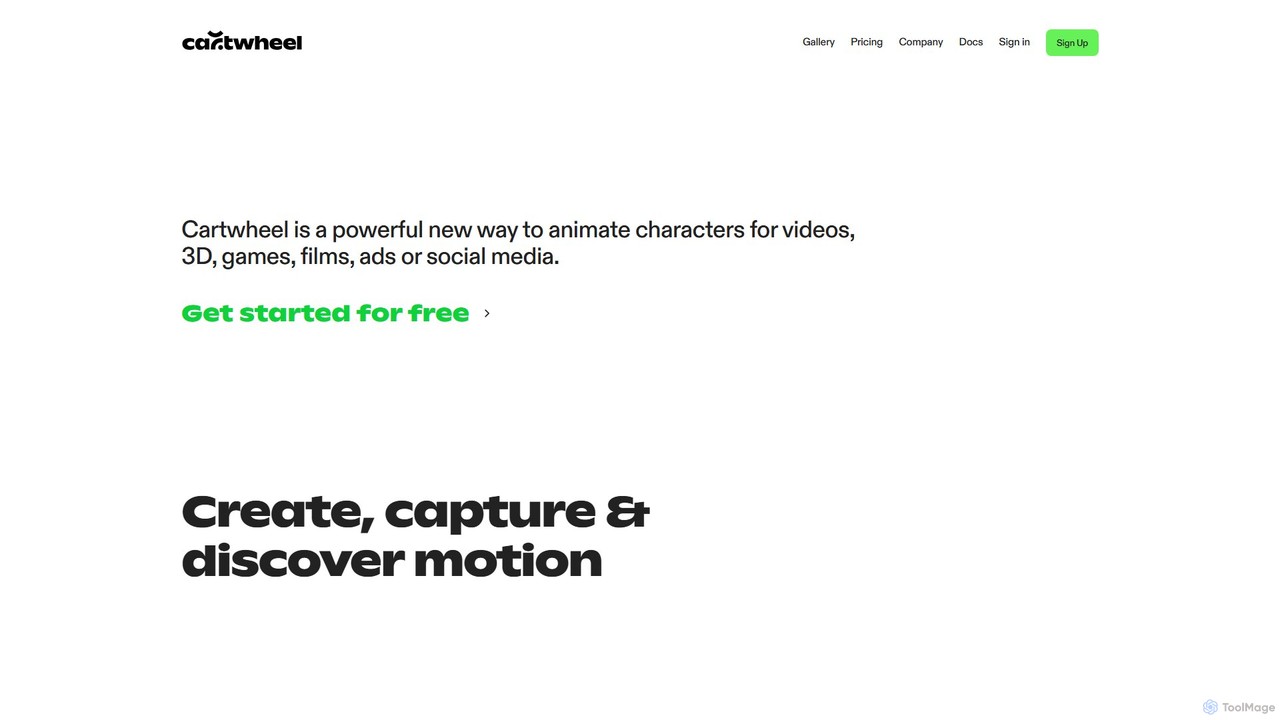
Cartwheel
Cartwheel is a generative AI animation platform that creates 3D character animations from text prompts or video input. It's designed for creators in gaming, film, advertising, and social media to produce high-quality motion quickly and easily, with or without animation experience.
Character Animation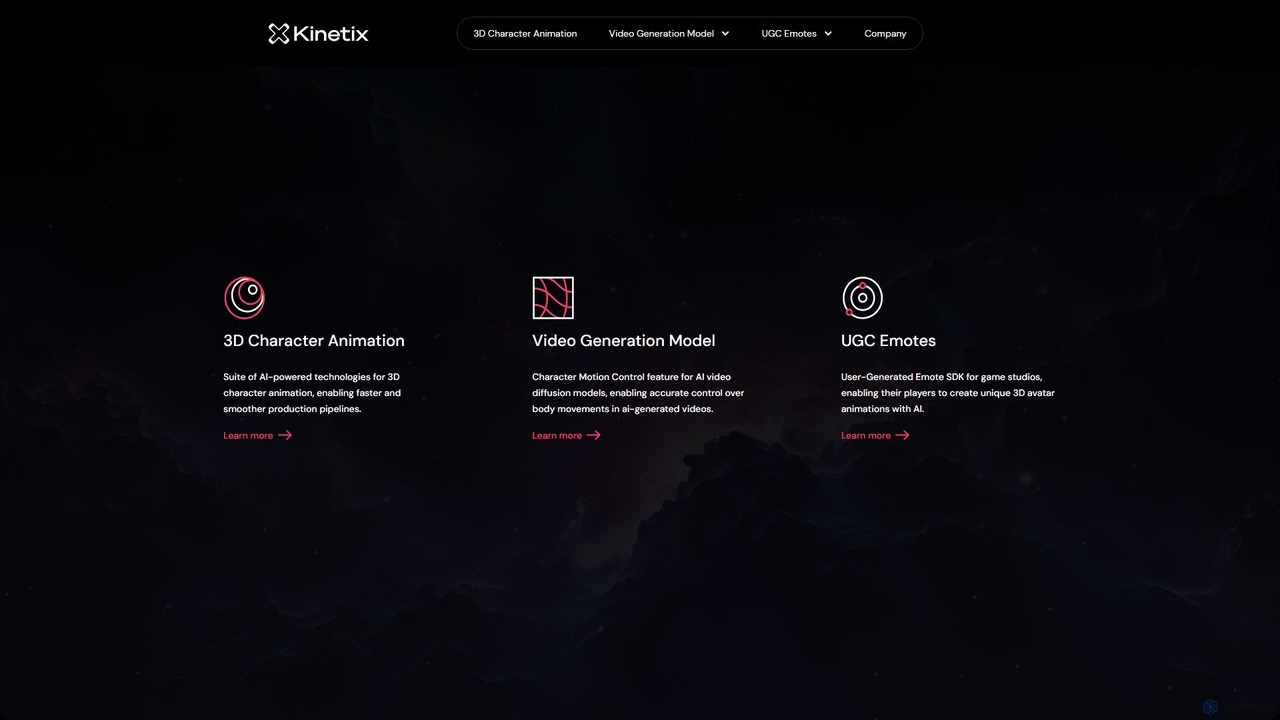
Kinetix
Kinetix is an AI-powered platform for 3D character animation, specializing in a User-Generated Emote SDK for games and a Character Motion Control feature for AI video models. It enables players to create custom 3D animations from videos and gives creators precise control over character movements in AI-generated videos, streamlining animation production.
Metaverse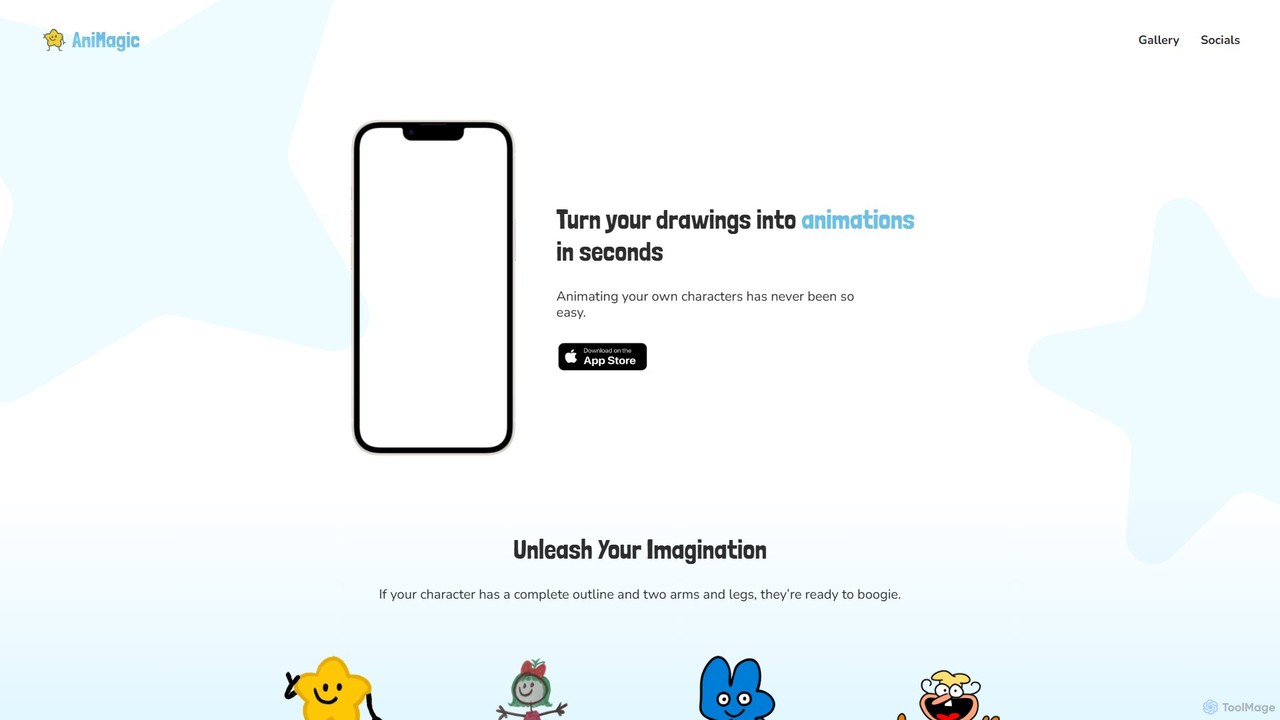
Animagic
Animagic is an AI-powered animation platform that allows users to effortlessly create dynamic character animations. Generate videos featuring single or multiple characters, customize their dance moves from a vast library, and set them against various backgrounds. It's perfect for social media content creators, marketers, and anyone looking to produce engaging animated videos quickly without complex software.
Entertainment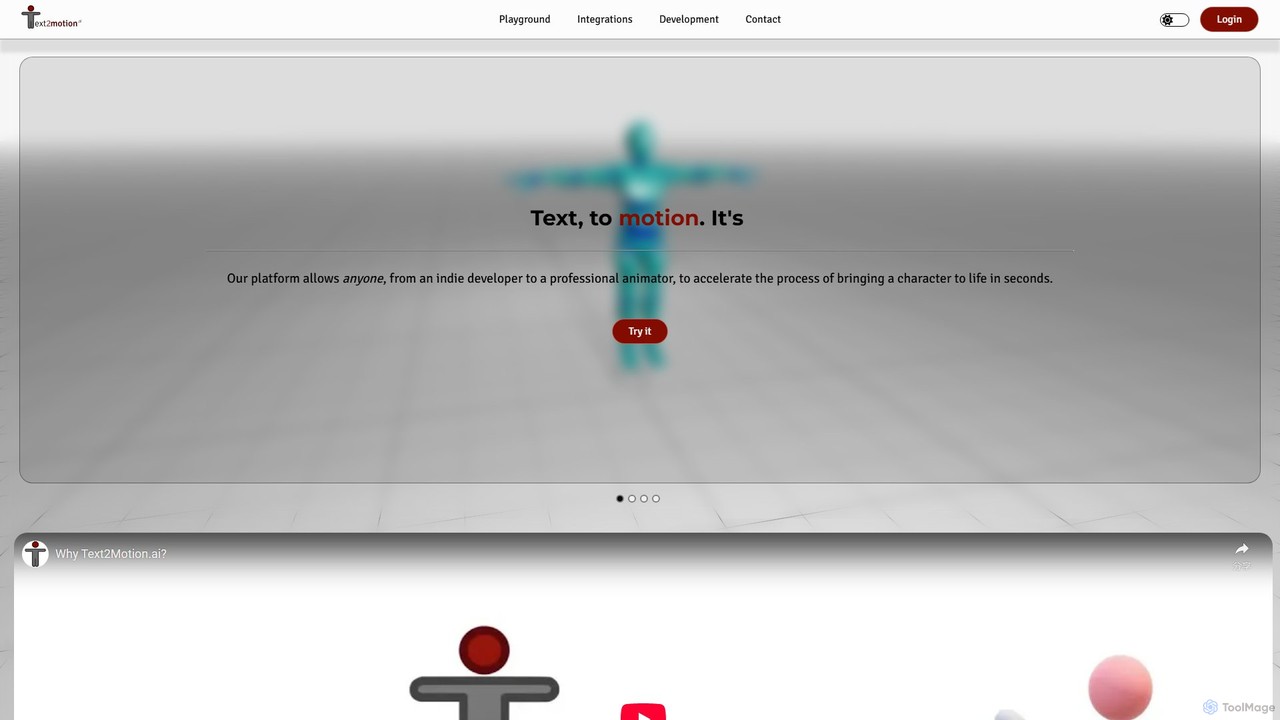
text2motion.ai
text2motion.ai is a generative AI platform that transforms text prompts into high-quality 3D character animations in seconds. Designed for animators, game developers, and creators, it serves as an AI copilot to accelerate workflows, offering a web-based playground and a powerful REST API for seamless integration into various creative pipelines.
Api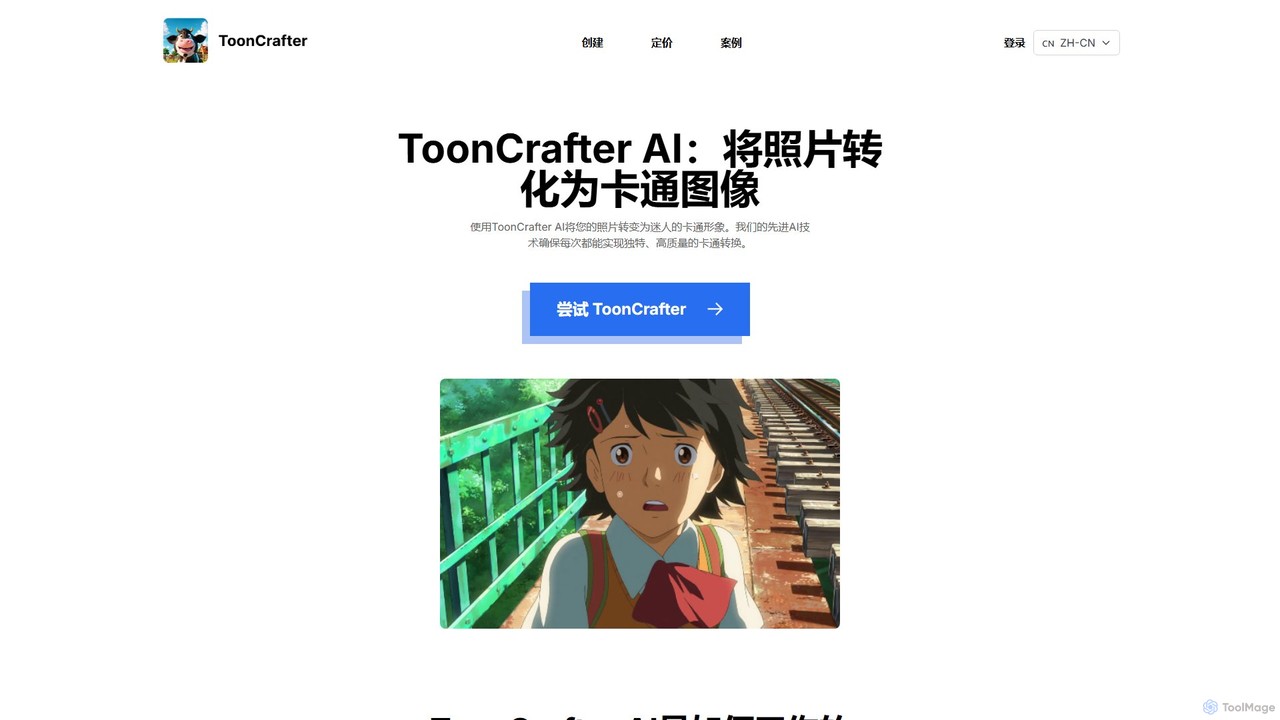
ToonCrafter
ToonCrafter is an innovative AI tool that transforms static images into dynamic cartoon animations. By leveraging advanced image-to-video diffusion models, it seamlessly interpolates between two keyframes, allowing users to create fluid visual narratives from sketches or photos. It's ideal for animators, content creators, and artists looking to bring their cartoon characters to life with minimal effort.
Image Generation
Papers with Code
Papers with Code is a free, open resource for machine learning researchers and developers. It connects scientific papers to their corresponding open-source code, making research more accessible and reproducible. The platform features state-of-the-art leaderboards, browsable datasets, and a comprehensive collection of AI research, helping users track progress, find implementations, and accelerate their work. It is an essential tool for anyone in the AI/ML community.
Machine Learning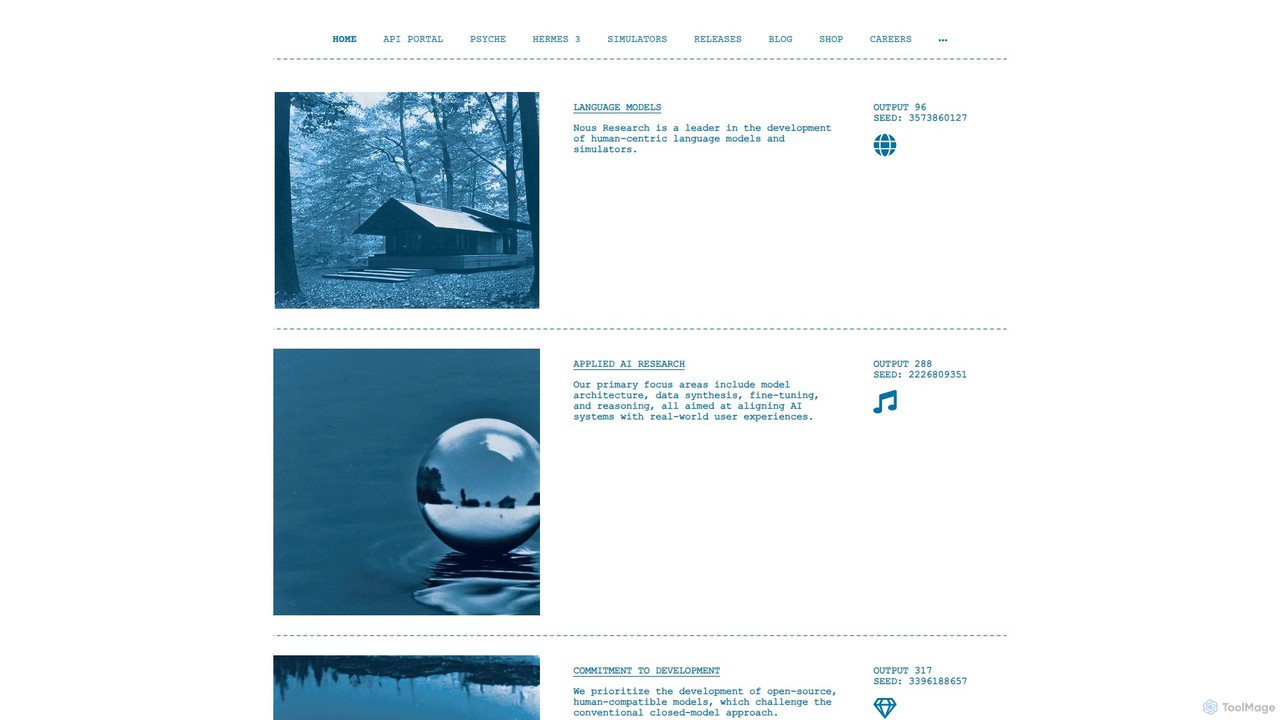
Nous Research
Nous Research is an AI research organization dedicated to developing open-source, human-centric language models. They focus on democratizing AI through decentralized training infrastructure, advanced model architectures, and powerful inference APIs, challenging the conventional closed-model approach.
Decentralized Computing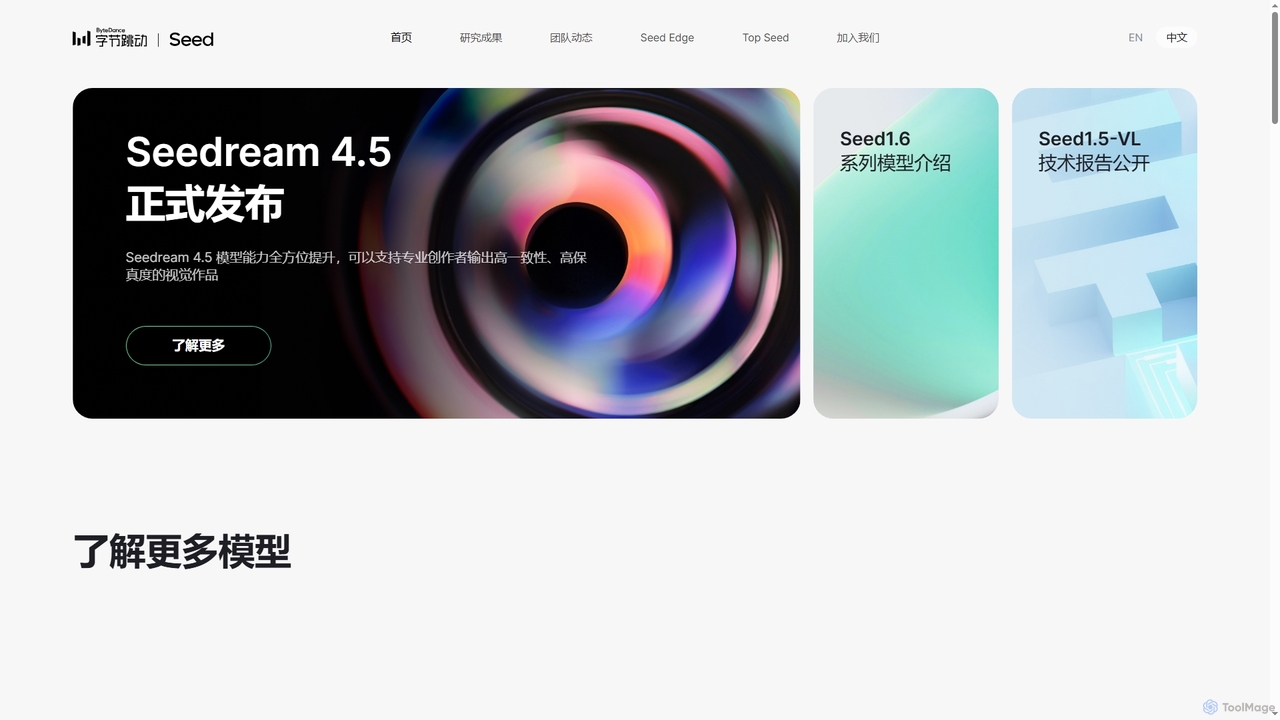
Seed
Seed is ByteDance's advanced AI research initiative focused on building general artificial intelligence. They develop foundational models across various domains including multimodal, vision, speech, robotics, and LLMs, driving innovation in both academic research and real-world applications.
Foundational Models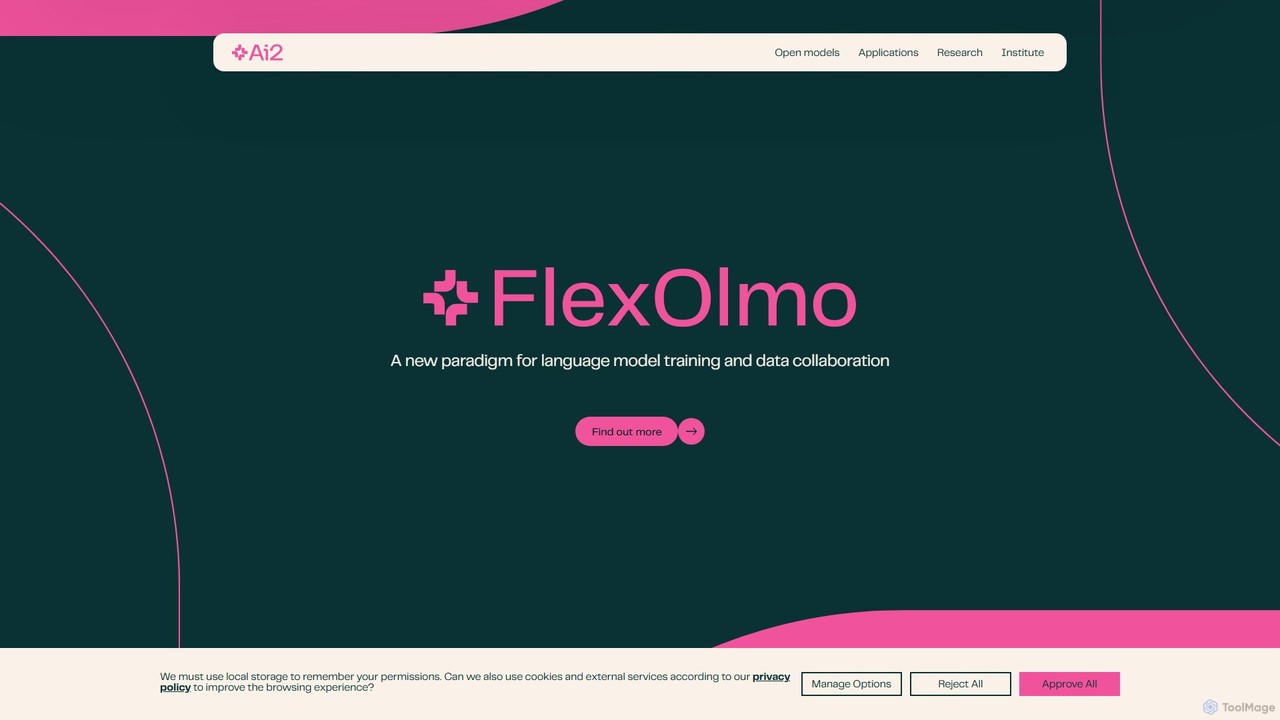
Allen Institute for AI (AI2)
The Allen Institute for AI (AI2) is a non-profit research institute dedicated to building breakthrough AI for the common good. It focuses on creating truly open-source large language models like OLMo, comprehensive datasets, and specialized AI tools to advance scientific research and address major global challenges in areas such as climate science, conservation, and medicine.
Datasets
EDGE Comments (0)
Sign in to comment.
Sign inNo comments yet.