

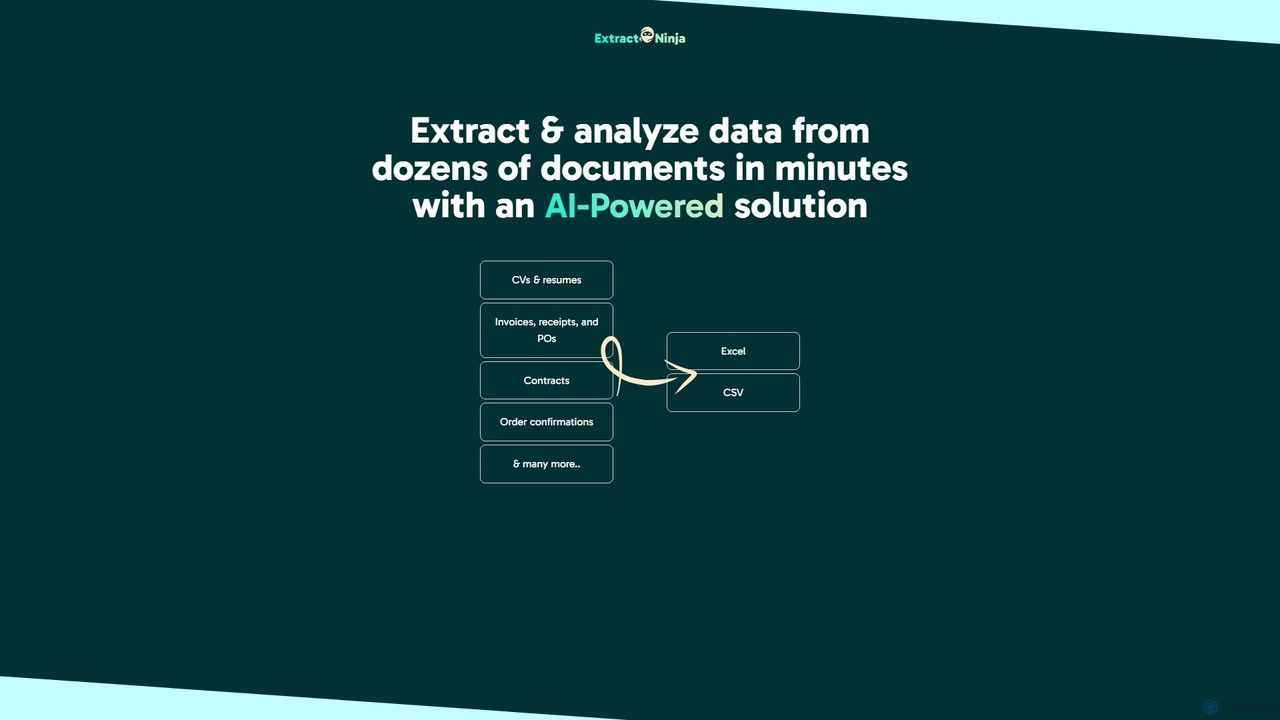
ExtractNinja Overview
ExtractNinja is an advanced AI-driven solution designed to revolutionize how businesses handle document data. It provides a powerful and intuitive platform for automatically extracting and analyzing information from a wide array of documents, effectively eliminating the need for tedious and error-prone manual data entry. Whether you're dealing with invoices, receipts, purchase orders, CVs, resumes, contracts, or order confirmations, ExtractNinja can process them in bulk and deliver structured, usable data in minutes.
The core of ExtractNinja's technology lies in its sophisticated AI models, which can understand the context and layout of different document types without requiring rigid, pre-defined templates. This flexibility allows it to adapt to various formats and layouts seamlessly. Furthermore, its unique 'Custom Instruction' feature takes the tool beyond simple extraction. Users can provide natural language prompts to perform more complex analysis, such as summarizing key clauses in a contract or categorizing expenses from a batch of receipts, transforming raw data into valuable business intelligence.
How to use ExtractNinja
ExtractNinja simplifies the data extraction process into three straightforward steps, making it accessible to users without technical expertise:
- Upload Your Documents: Begin by uploading your documents to the platform. You can upload multiple files at once, including formats like PDF, JPG, and PNG. The system is built to handle batch processing efficiently.
- Define Your Extraction Schema: This is where you tell the AI what information you need. You can select from pre-defined templates for common document types (like invoices or resumes) or create your own custom schema. Simply define the data fields you want to extract, such as 'Invoice Number', 'Total Amount', 'Candidate Name', or 'Contract Start Date'. The intuitive interface allows you to map these fields by highlighting them on a sample document.
- Extract, Review, and Export: Once your schema is set, ExtractNinja's AI gets to work, processing all your documents. The extracted data is presented in a clean, structured table for you to review and validate. Any uncertainties can be quickly corrected. Finally, export the clean data with a single click into formats like Excel (XLSX) or CSV, ready for use in your accounting software, HR system, or analytics tools.
Core Features of ExtractNinja
- AI-Powered Data Extraction: Utilizes advanced AI and OCR technology to accurately extract text and data from various document formats.
- Multi-Document Support: Natively supports a wide range of business documents, including invoices, receipts, purchase orders, resumes, contracts, and more.
- Custom Schema Definition: Allows users to define precisely which data points to extract, offering complete control and flexibility for unique document types.
- Template-Free Operation: The AI intelligently understands document layouts and context, eliminating the need to create and maintain rigid templates for every variation.
- Bulk Processing: Capable of processing dozens or even hundreds of documents simultaneously, saving significant time and effort.
- Custom Instruction for Analysis: A unique feature that allows users to issue natural language commands to analyze, summarize, or categorize the extracted data.
- Multiple Export Formats: Easily export structured data to Excel, CSV, and likely JSON via API for seamless integration.
- API Access: Provides a developer-friendly API to integrate ExtractNinja's capabilities directly into your existing workflows and applications.
Use Cases for ExtractNinja
ExtractNinja is a versatile tool applicable across various industries and departments:
- Finance and Accounting: Automate the accounts payable process by extracting data from supplier invoices, receipts, and purchase orders, reducing processing time and errors.
- Human Resources: Streamline the recruitment process by automatically parsing resumes and CVs to extract candidate contact info, work history, skills, and education.
- Legal Professionals: Quickly analyze contracts and legal documents to extract key information such as party names, effective dates, obligations, and critical clauses.
- Logistics and Supply Chain: Process shipping documents, bills of lading, and order confirmations to track shipments and manage inventory efficiently.
- Real Estate: Extract data from lease agreements, property deeds, and appraisal reports for easier management and analysis.
Advantages of ExtractNinja
Using ExtractNinja offers significant competitive advantages. It drastically reduces the time spent on manual data entry, freeing up employees to focus on more strategic, high-value tasks. By automating the process, it significantly improves data accuracy, minimizing costly errors. The platform is highly scalable, capable of handling fluctuating document volumes without additional overhead. This leads to direct cost savings and improved operational efficiency. The flexibility of custom schemas and the power of advanced analysis through 'Custom Instruction' make it a superior choice over traditional OCR or manual methods.
Pricing and Plans
ExtractNinja operates on a freemium model, making it accessible for users to get started and test its capabilities. The pricing structure typically includes:
- Free Plan: A 'Try now' option that offers a limited number of free credits or document pages per month, ideal for individuals or small-scale testing.
- Paid Plans: Tiered subscription plans (e.g., Starter, Pro, Business) that offer a higher volume of documents, advanced features like API access, priority support, and enhanced collaboration tools. Pricing is usually based on the number of documents processed per month.
For enterprise-level needs with very high volumes or specific integration requirements, custom plans are likely available upon request.
ExtractNinja Alternatives
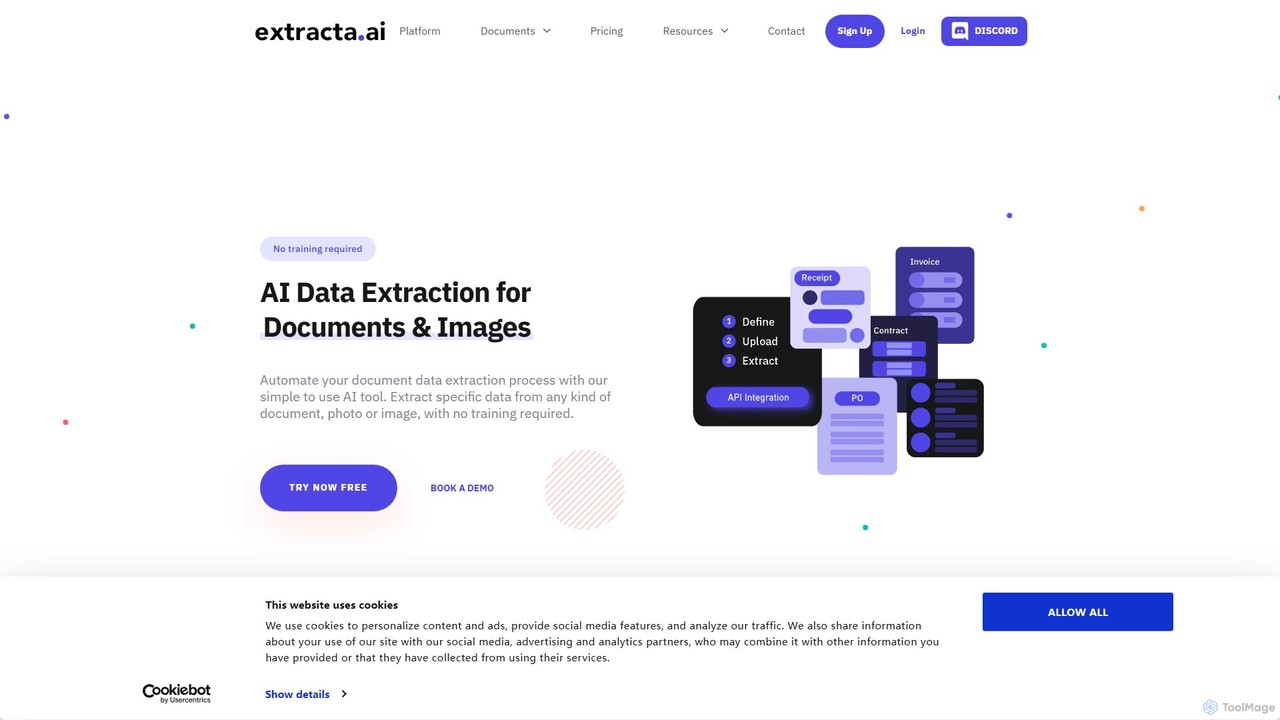
extracta.ai
extracta.ai is an AI-powered platform designed for intelligent data extraction from documents and images. It automates the process of capturing structured data from various sources like invoices, receipts, contracts, and forms, eliminating manual data entry and streamlining business workflows.
Automation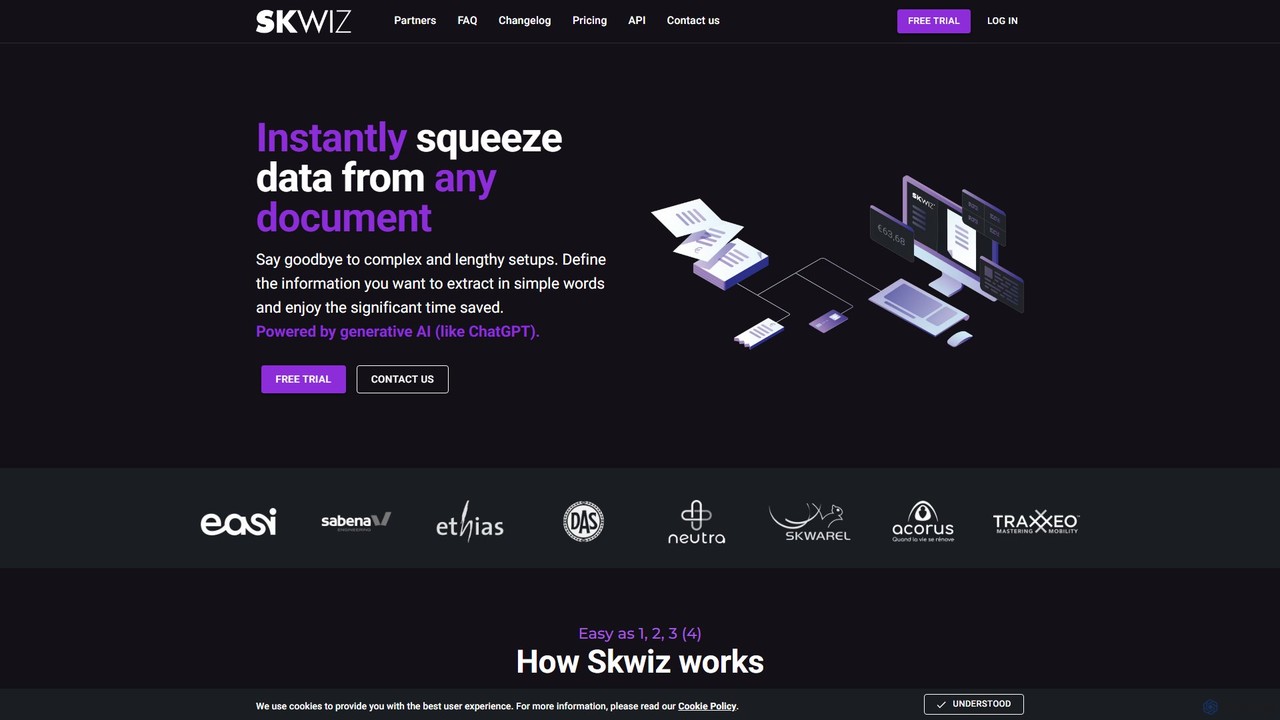
Skwiz
Skwiz is an AI-powered Intelligent Document Processing (IDP) platform that uses generative AI to instantly extract data from any document. Define your data needs in simple language, upload documents, and automate data entry for invoices, receipts, ID cards, and more, saving significant time and eliminating complex setups.
Document Management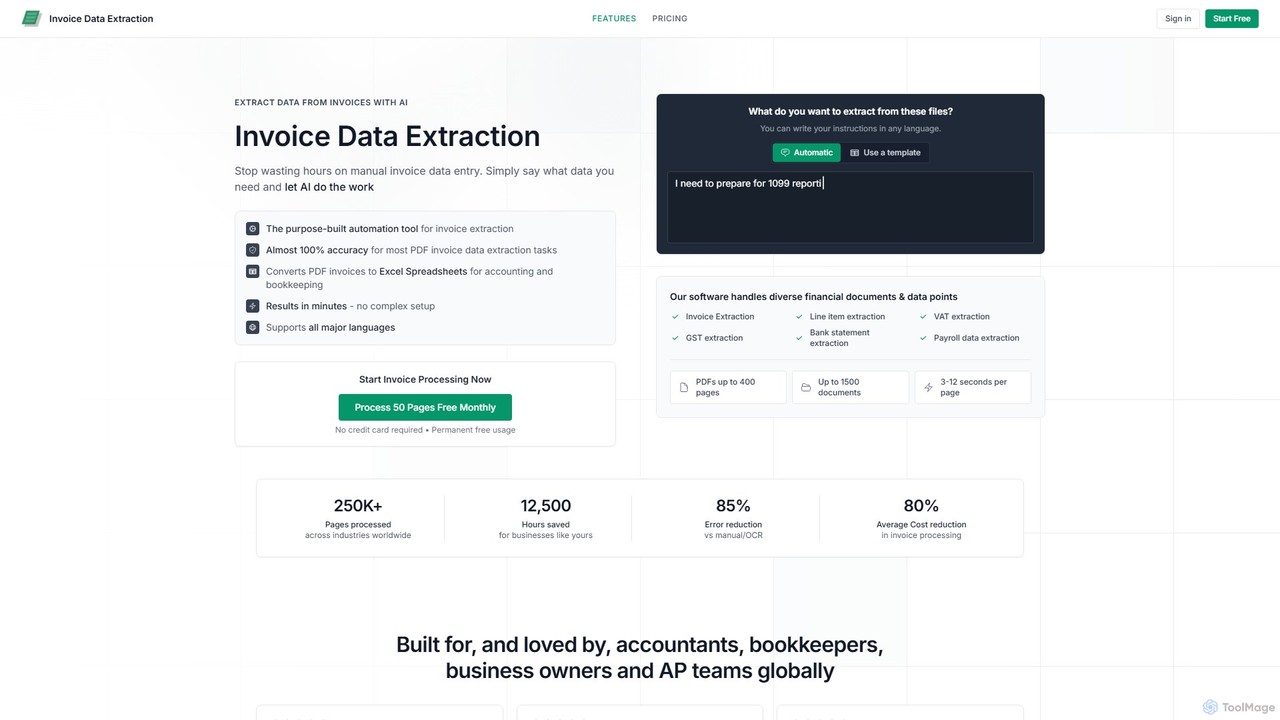
invoicedataextraction
An AI-powered tool designed to automatically extract data from invoices and other financial documents with near-100% accuracy. It converts PDFs and images into structured Excel spreadsheets, eliminating manual data entry, reducing costs by 80%, and saving hours of work for accountants, AP teams, and business owners.
Document Management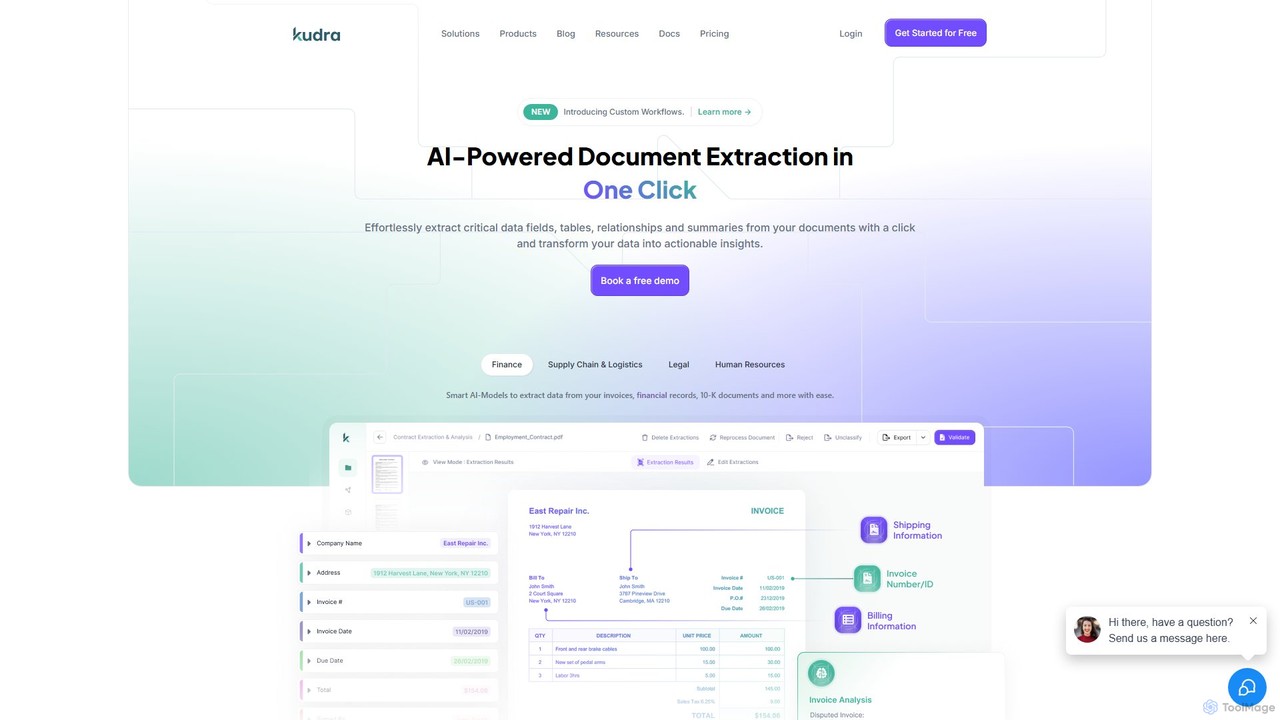
Kudra
Kudra is an AI-powered platform that automates data extraction from any document in one click. It transforms unstructured data from PDFs, emails, and images into structured, actionable information. Ideal for finance, logistics, legal, and HR, Kudra offers customizable models, workflow automation, and seamless integrations to boost efficiency and reduce errors.
Data Analysis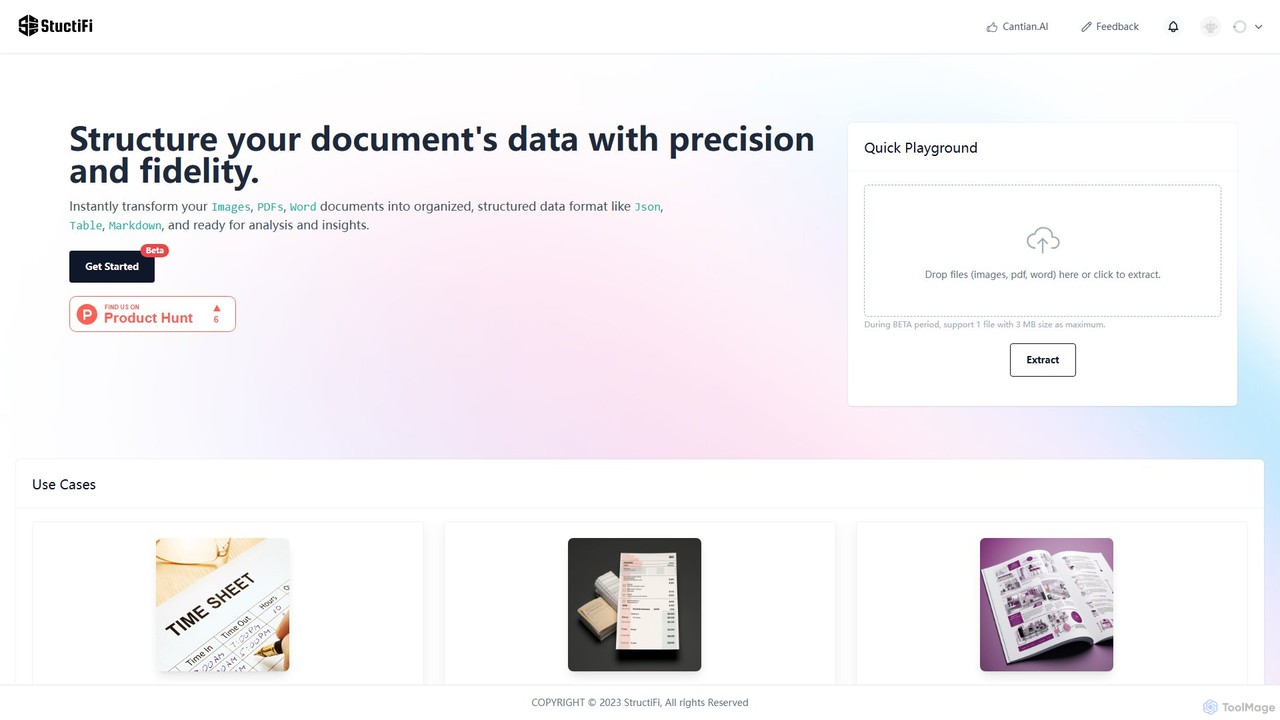
StructiFi
StructiFi is an AI-powered platform for Optical Character Recognition (OCR) and data extraction. It instantly transforms unstructured documents like images, PDFs, and Word files into organized, structured data formats such as JSON, Table, and Markdown, ready for analysis and integration.
Document ManagementExtractNinja Categories
ExtractNinja Embed Widget
Copy this embed code to place the badge on your blog, article, or product site and send readers directly to this ToolMage detail page.

Related AI tools
Kudra
Kudra is an AI-powered platform that automates data extraction from any document in one click. It transforms unstructured data from PDFs, emails, and images into structured, actionable information. Ideal for finance, logistics, legal, and HR, Kudra offers customizable models, workflow automation, and seamless integrations to boost efficiency and reduce errors.
Data Analysis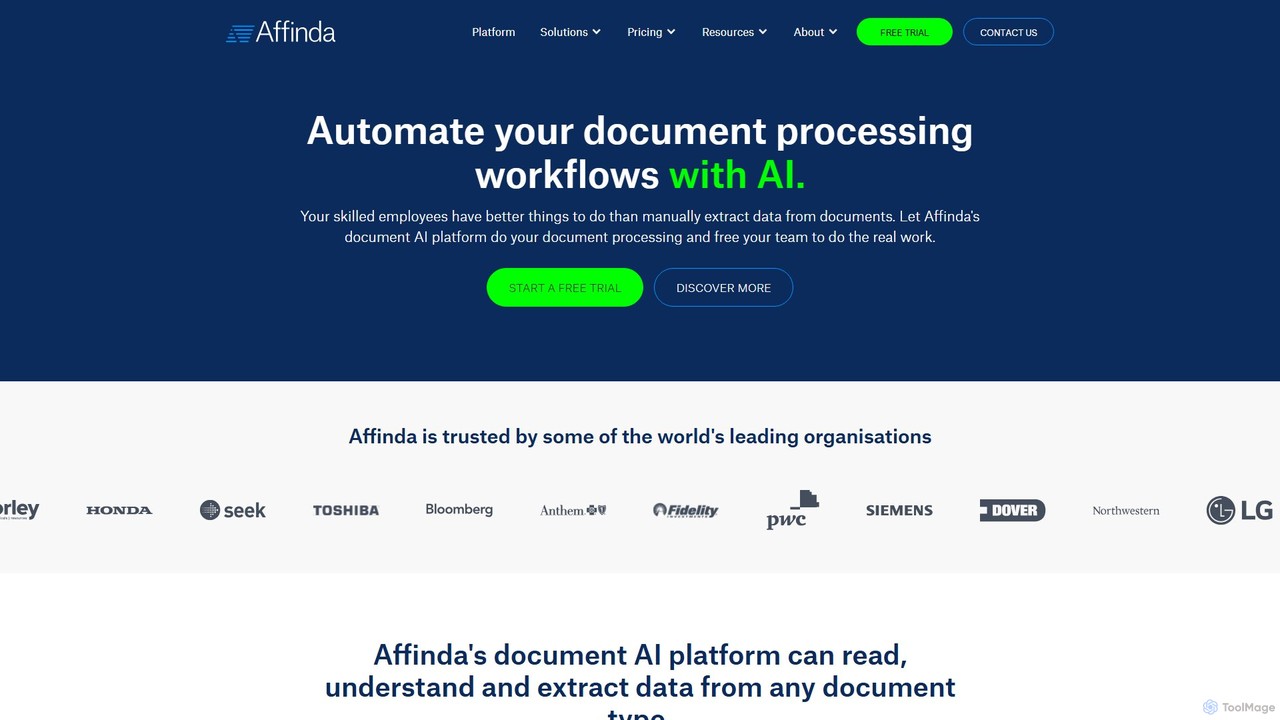
Affinda
A powerful AI-driven document processing platform that automates data extraction from any document type. Affinda uses advanced computer vision and NLP to read, understand, and structure data from invoices, resumes, contracts, and more, supporting over 50 languages. It helps businesses increase efficiency, reduce manual tasks, and improve data accuracy through seamless API integration.
Data Extractionextracta.ai
extracta.ai is an AI-powered platform designed for intelligent data extraction from documents and images. It automates the process of capturing structured data from various sources like invoices, receipts, contracts, and forms, eliminating manual data entry and streamlining business workflows.
AutomationSkwiz
Skwiz is an AI-powered Intelligent Document Processing (IDP) platform that uses generative AI to instantly extract data from any document. Define your data needs in simple language, upload documents, and automate data entry for invoices, receipts, ID cards, and more, saving significant time and eliminating complex setups.
Document Management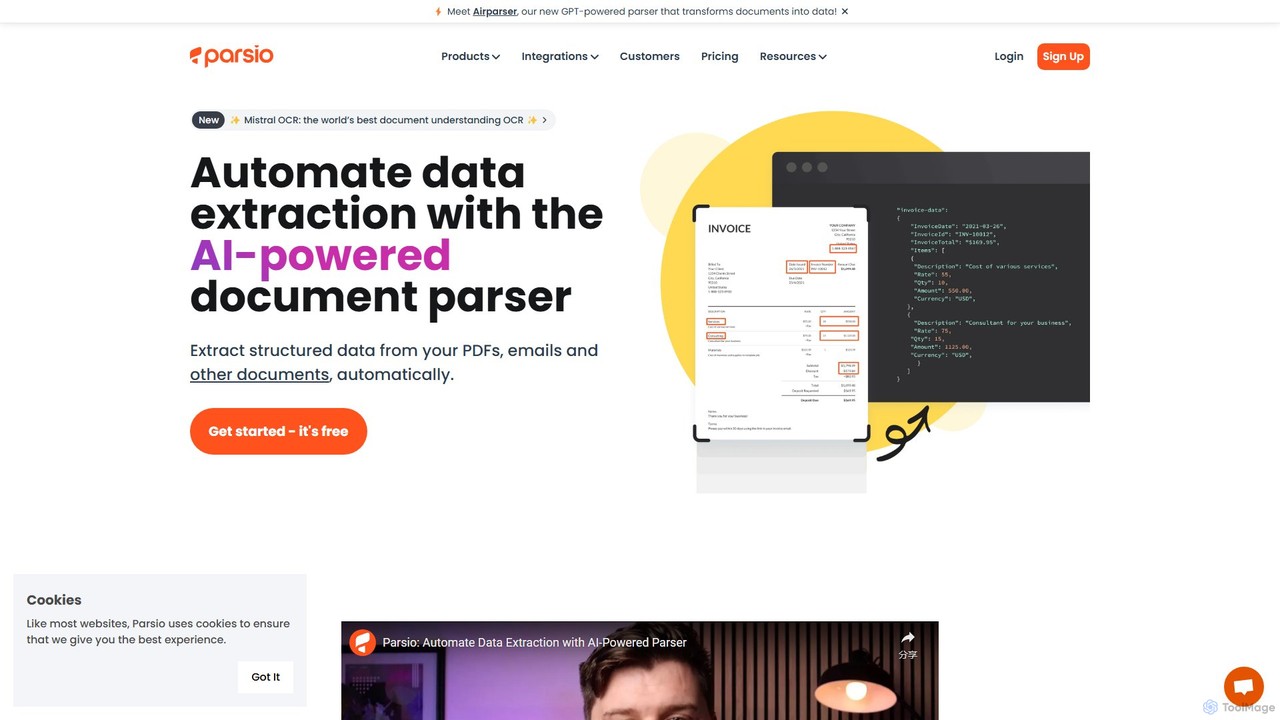
Parsio
Parsio is an AI-powered document parser that automates data extraction from emails, PDFs, and other documents. It uses OCR and AI models like GPT to capture structured data from unstructured text, eliminating manual data entry and streamlining business workflows through seamless integrations.
Document Management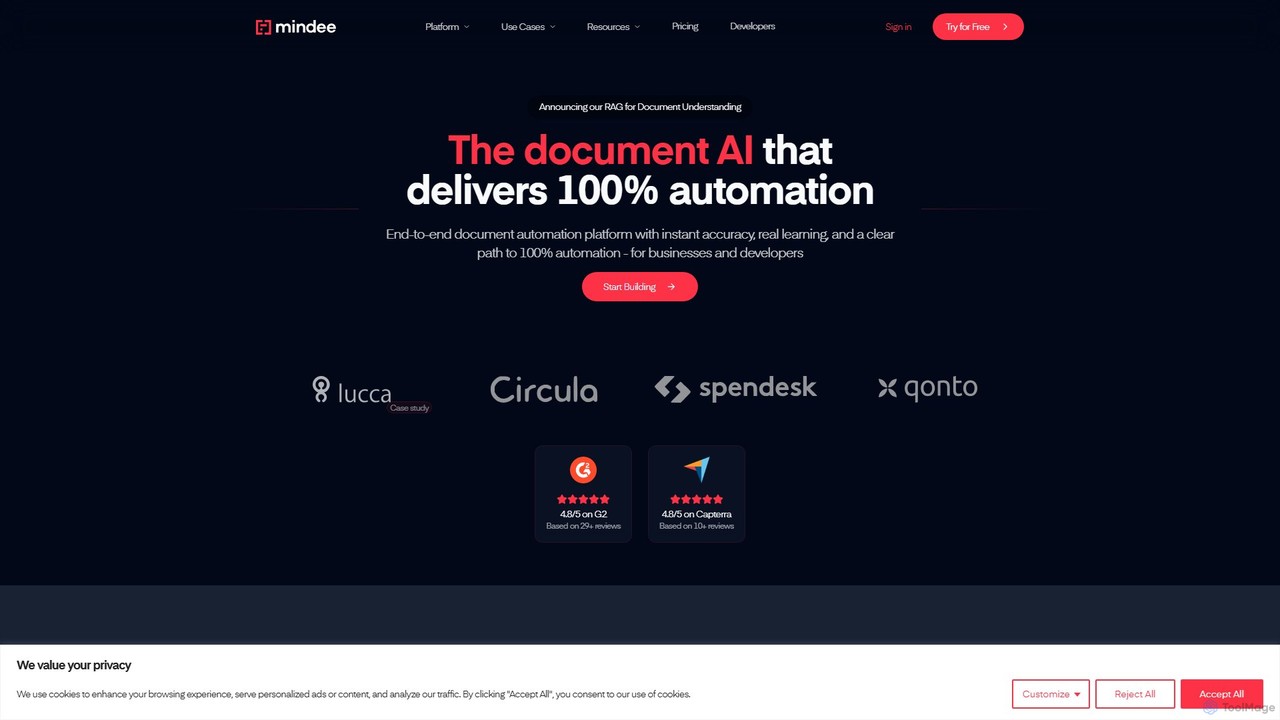
Mindee
Mindee is an AI-powered OCR and data extraction API for developers. It automates data entry by instantly parsing and structuring information from various documents like invoices, receipts, and passports. It provides structured JSON data, eliminating manual work and improving accuracy.
Document Management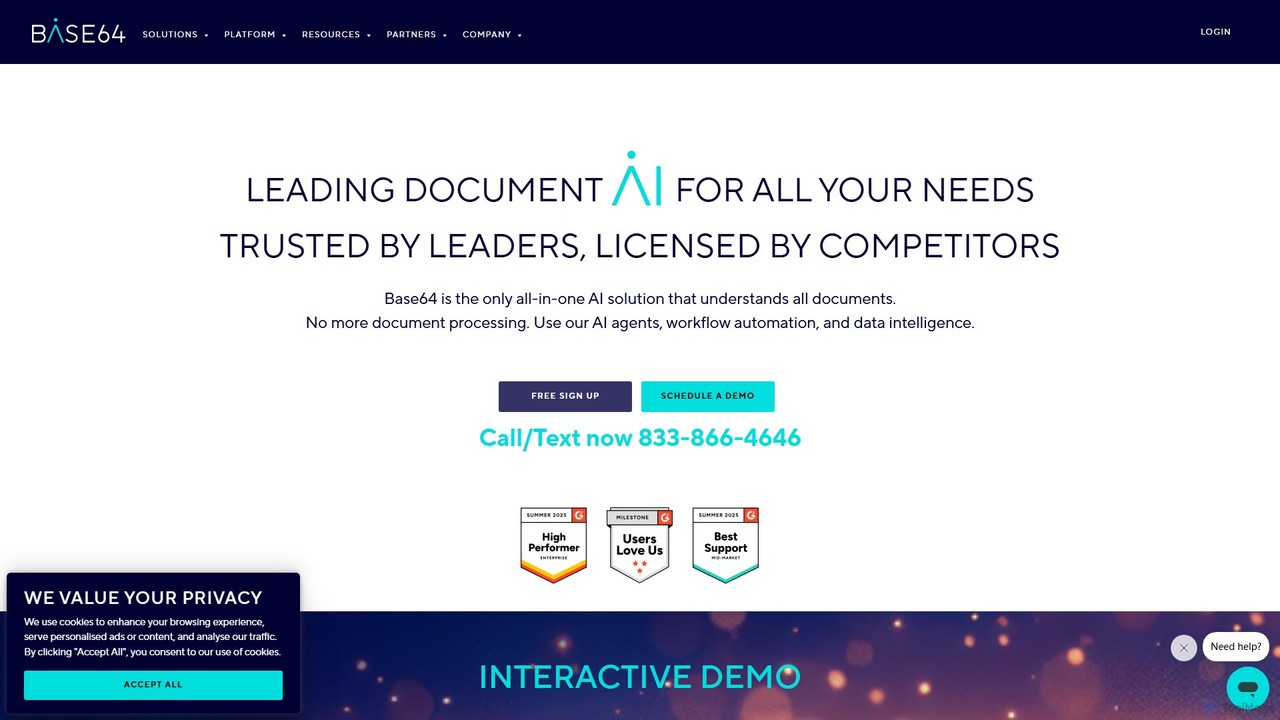
Base64.ai
Base64.ai is an enterprise-grade, all-in-one Document Intelligence platform. It uses AI to automate data extraction and processing from any document, image, or multimedia file. With over 2,800 pre-trained models and seamless API/no-code integrations, it helps businesses in finance, insurance, and healthcare achieve 99.7% accuracy, reduce costs by 5x, and cut processing time from weeks to seconds.
Document Management
Doc2cart
Doc2cart is an AI-powered tool that uses smart OCR technology to analyze documents like PDFs and images, extract product tables, and convert them into actionable data. It seamlessly integrates with e-commerce platforms like Shopify and Shopware, allowing customers to populate their shopping carts directly from invoices, quotes, or parts lists.
Document Management
FormX.ai
FormX.ai is an AI-powered platform that automates data extraction from any document. It uses advanced AI, including LLMs and vision models, to process invoices, receipts, ID cards, and more, streamlining business workflows and improving operational efficiency.
Data Extraction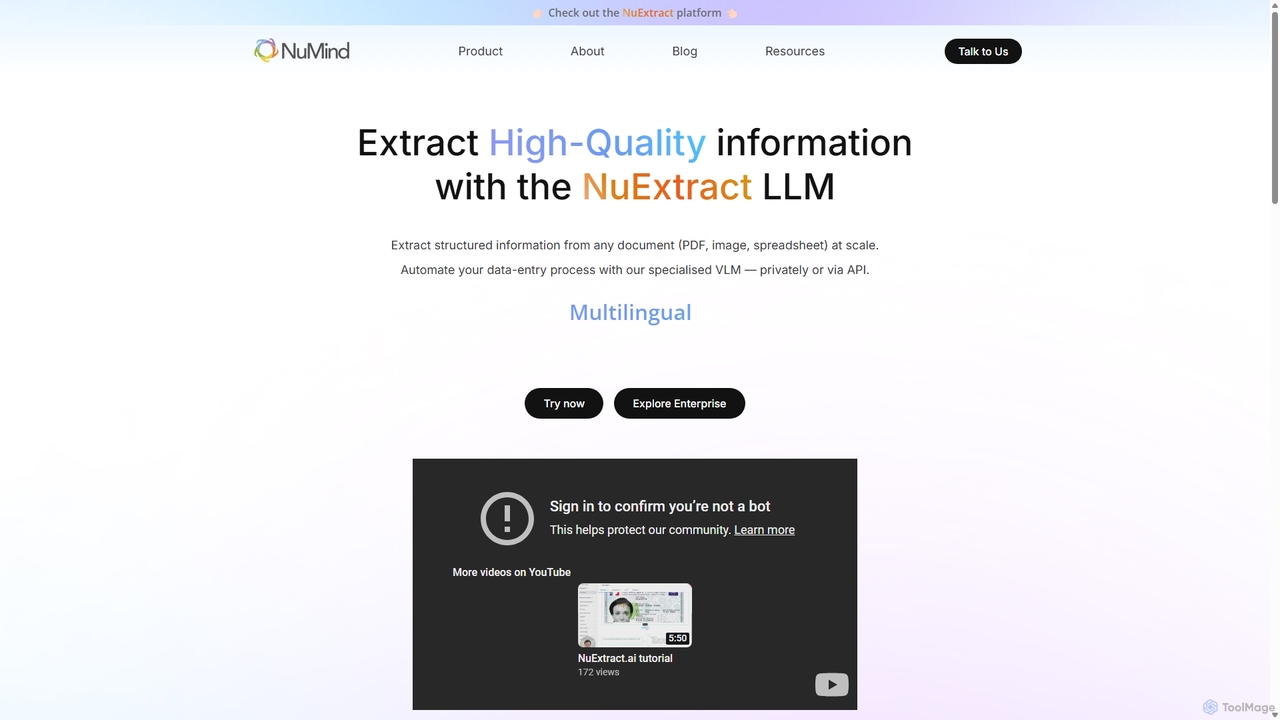
NuMind
NuMind provides NuExtract, a specialized AI platform for high-quality structured information extraction. It transforms unstructured documents like PDFs, images, and emails into clean JSON data at scale. Leveraging a lightweight, powerful VLM/LLM, it offers superior accuracy and lower hallucination rates than larger models, available via API or as a private enterprise solution.
Extraction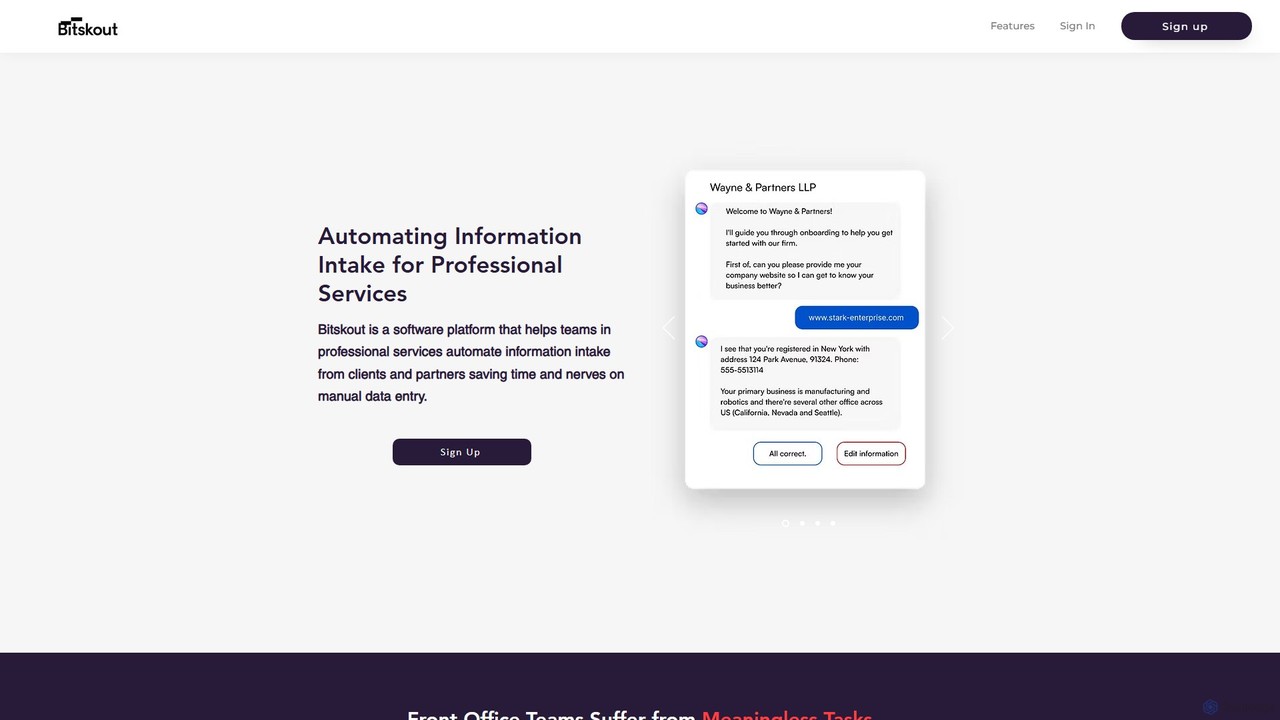
Bitskout
Bitskout is an AI-powered platform designed for professional services like CPAs and law firms to automate information intake. It extracts data from various documents, emails, and images, eliminating manual data entry. By integrating with tools like monday.com, Asana, and Zapier, it streamlines workflows, increases team bandwidth, and accelerates client onboarding and processing.
Data Extraction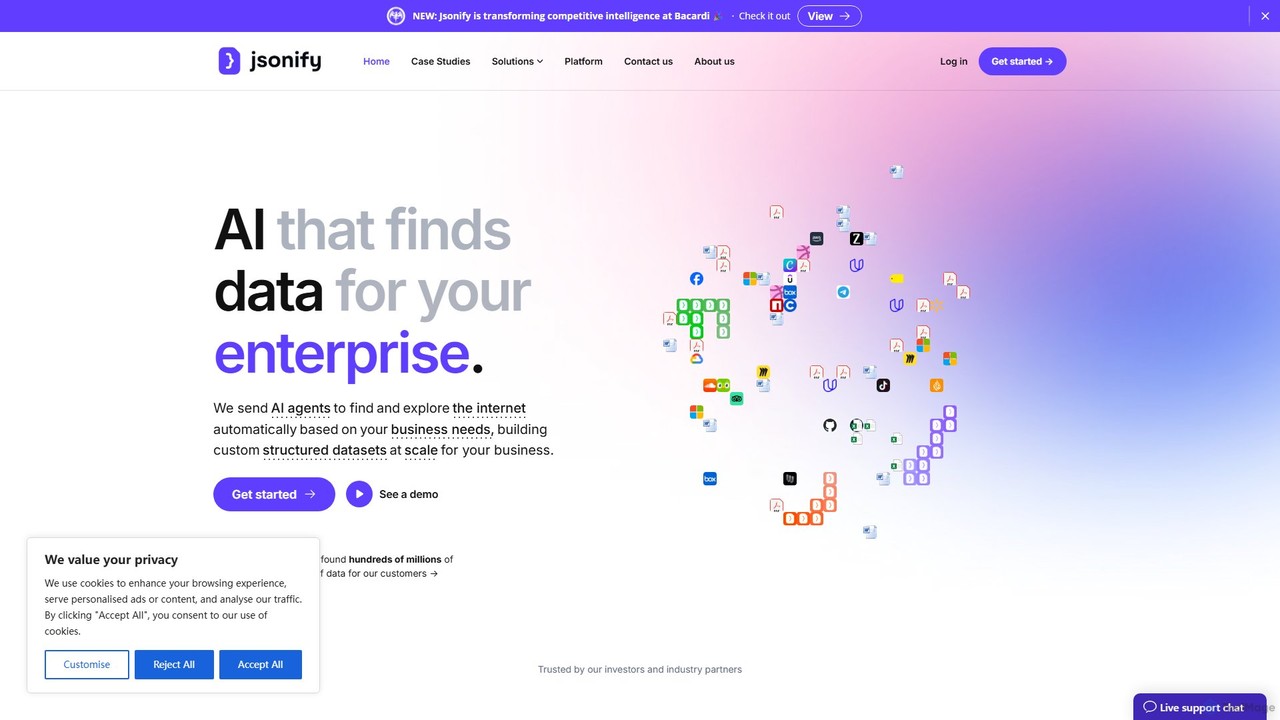
Jsonify
Jsonify is an AI-powered platform designed for enterprises to automatically find, extract, and structure data from various documents and web sources into clean JSON format. It streamlines data processing workflows, eliminating manual entry and enabling seamless integration via its robust API.
Data Analysis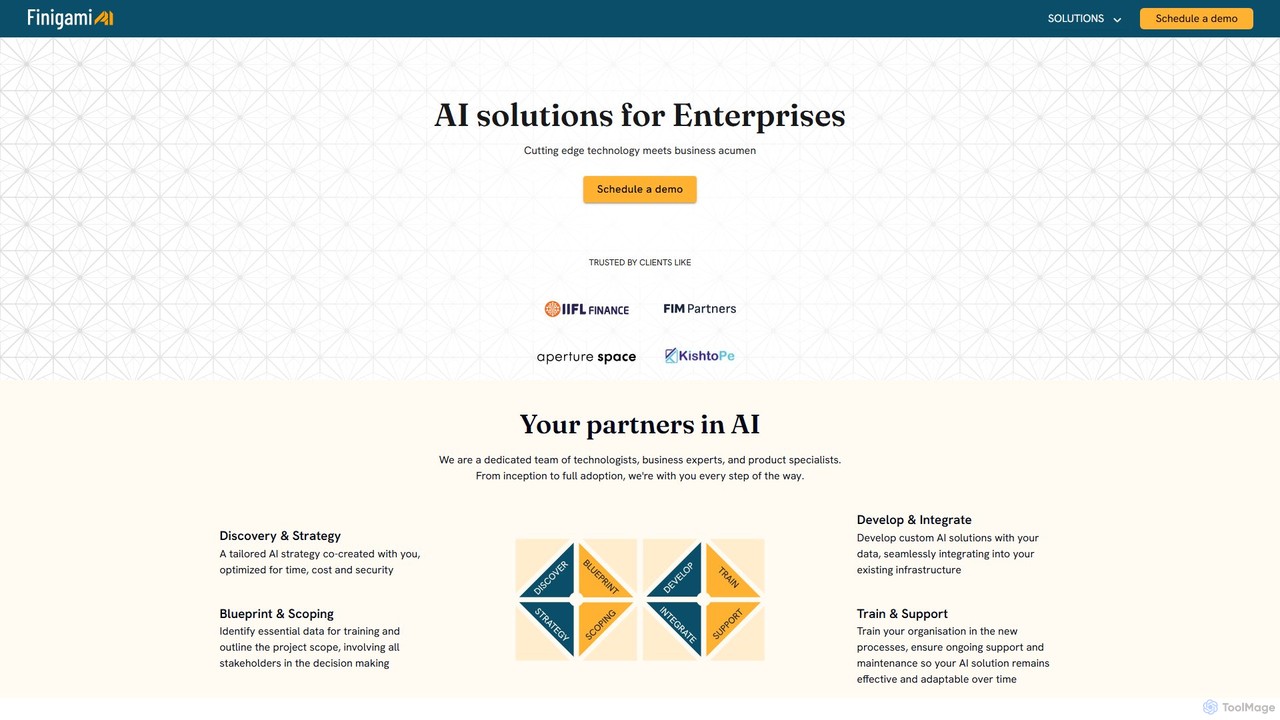
Finigami AI
Finigami AI offers enterprise-grade AI solutions, specializing in intelligent document processing (IDP) and custom AI development. It provides a powerful platform to extract data from any document, including handwritten text and complex tables, and partners with businesses to build bespoke AI systems for functions like finance, HR, and operations.
Automation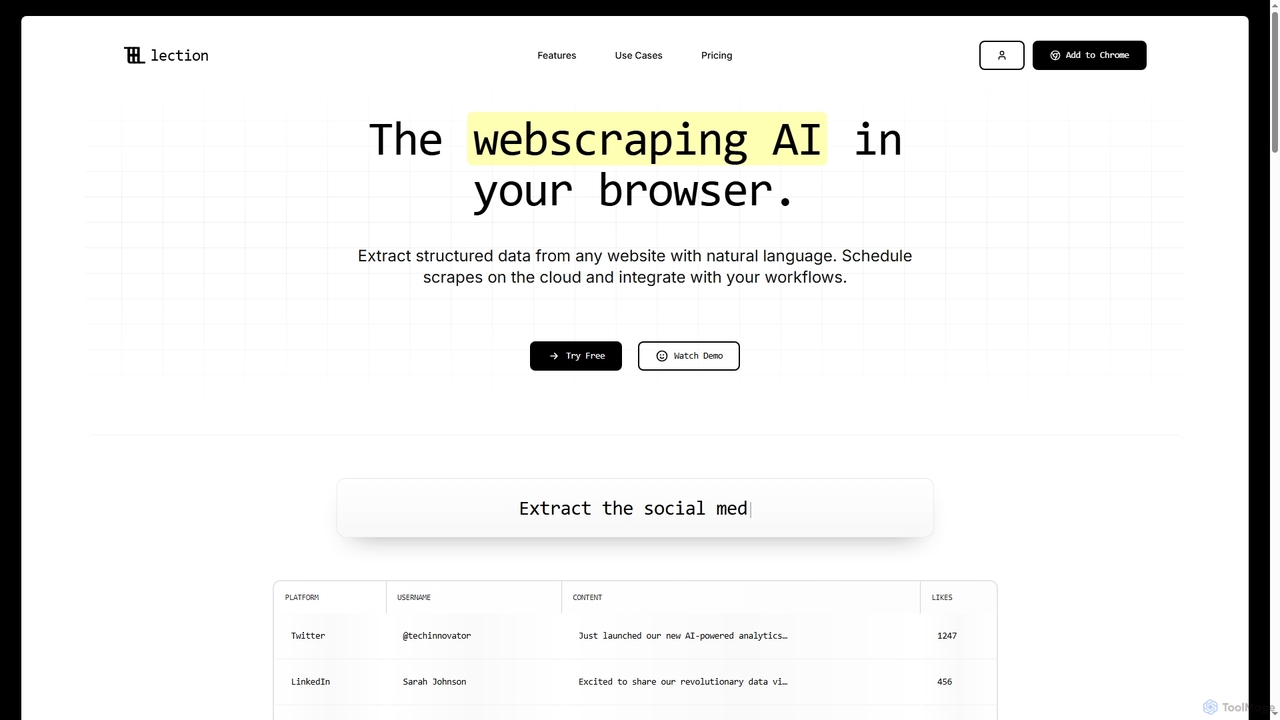
Lection
Lection is an AI-powered web scraping agent that allows users to extract structured data from any website using natural language. It automates data collection, integrates with popular workflows, and provides clean, validated data without requiring any coding expertise.
3D
Jyek
Jyek is an AI agent platform that understands objectives, creates execution plans, uses tools, and delivers verifiable results for complex, multi-step tasks.
Automation
ExtractNinja Comments (0)
Sign in to comment.
Sign inNo comments yet.