

Flowfast Overview
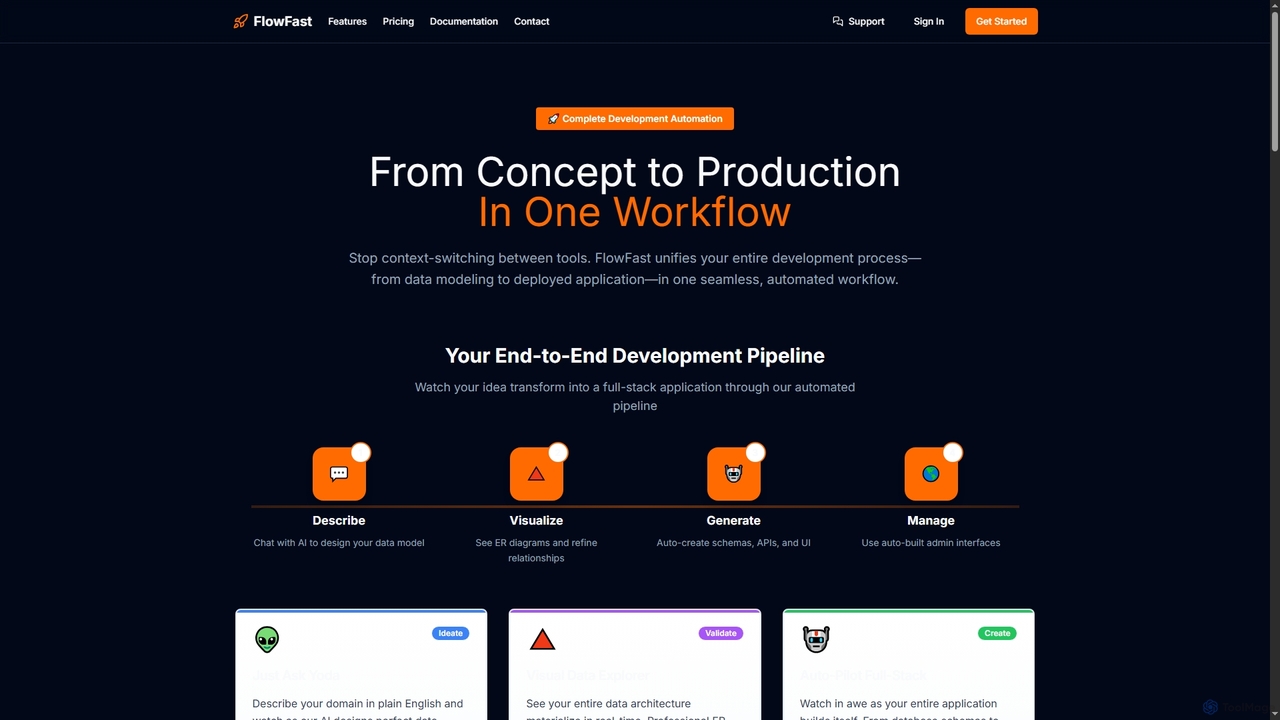
Flowfast is a comprehensive development automation tool designed to dramatically accelerate the process of building full-stack applications. It unifies the entire development pipeline, from initial concept to a deployed application, into a single, seamless workflow managed primarily through a command-line interface (CLI). By leveraging AI, developers can describe their application's domain in natural language, and Flowfast will automatically design data structures, generate production-ready code, and build functional admin interfaces. This approach eliminates the need for writing boilerplate code, allowing teams to focus on unique business logic and ship features in days instead of weeks or months.
How to use Flowfast
To get started with Flowfast, a developer follows a straightforward process via the terminal: 1. Subscribe to a plan to receive your email and secure access code. 2. Install the global CLI tool using 'npm i -g @flowfast/cli'. 3. Authenticate by running 'flowfast login' and entering your credentials. 4. Initialize a new project with 'flowfast init'. 5. Launch the interactive interface by running 'flowfast'. Inside this interface, you can describe your data model in plain English, visualize the architecture, and trigger the auto-pilot to generate the full stack.
Core Features of Flowfast
- Conversational Data Modeling: Use natural language in an interactive CLI to describe your application's domain, and the AI will design the data structures.
- Real-time ERD Visualization: Instantly see your data architecture as professional entity-relationship diagrams, helping you validate relationships and design before coding.
- Full-Stack Code Generation: Automatically generates Drizzle ORM schemas, fully-typed tRPC APIs with Zod validation, and complete Next.js admin panels.
- Auto-Built Admin Panels: Get functional Next.js admin interfaces with complex data tables, search, sorting, and filtering capabilities without any configuration.
- CLI-First Workflow: Manage the entire development process, from modeling to migrations, directly from your terminal.
- Domain-Driven Automation: Your entire application stack (database, APIs, UI) evolves in sync with your business domain, ensuring consistency.
- Team Management: Subscription owners can invite, revoke, and manage team members' access directly through CLI commands.
Use Cases for Flowfast
Flowfast is ideal for developers and teams looking to accelerate their development lifecycle. It's perfectly suited for building Minimum Viable Products (MVPs) and side projects rapidly, allowing founders to go from idea to a working prototype in hours. Startups can use it to ship features faster and iterate quickly based on user feedback. Enterprise teams can leverage Flowfast to automate the creation of internal tools, admin dashboards, and boilerplate for larger, complex applications, saving hundreds of development hours.
Advantages of Flowfast
The primary advantage of Flowfast is its incredible speed, promising a 10x increase in development velocity. It eliminates tedious boilerplate setup, allowing developers to focus on high-value features. The CLI-native approach integrates seamlessly into existing development environments. It requires zero complex configuration and provides full code ownership, so there is no vendor lock-in. The platform also offers a 30-day money-back guarantee, making it a risk-free investment to transform a team's workflow.
Pricing and Plans
Flowfast offers three distinct pricing tiers:
Launch Pad: $29/month, includes 600K tokens (~60 AI calls), 5 full-stack applications, 25 reusable modules, and is designed for solo developers.
Growth Engine: $79/month, includes 3M tokens (~300 AI calls), 25 applications, 125 modules, and 2 team seats. This plan also adds one-click schema deployment and test data generation.
Enterprise Turbo: $197/month, includes 9M tokens (~900 AI calls), 125 applications, 625 modules, and 6 team seats. It unlocks generation of tRPC APIs and complete Next.js frontends, plus priority support.
Flowfast FAQ
Flowfast Alternatives
Craft
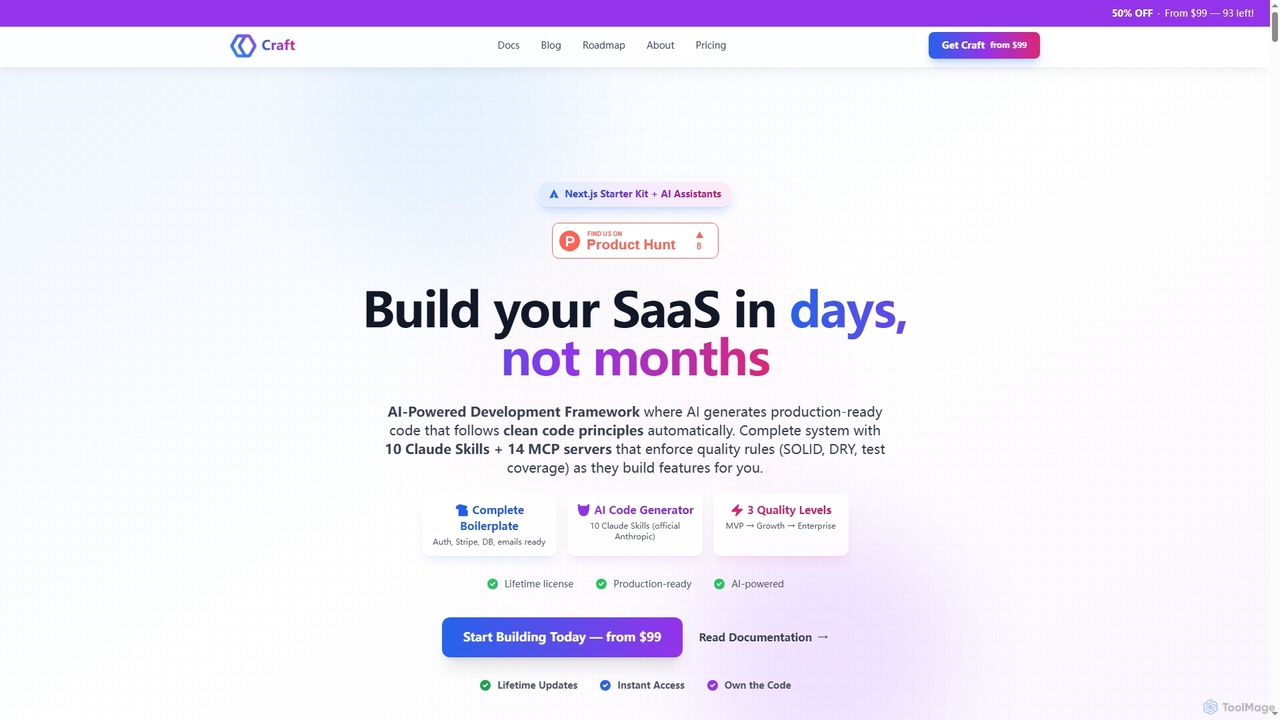
Craft is an AI-powered development framework and Next.js starter kit designed to accelerate SaaS product development. It leverages Anthropic's Claude AI with 10 specialized Skills and 14 pre-configured MCP servers to generate production-ready, clean code. Craft offers adaptive quality levels (Rapid, Balanced, Crafted) to match your product's stage, integrating essential boilerplate features like authentication, payments, and databases, enabling developers to ship features in days, not months.
Saas Development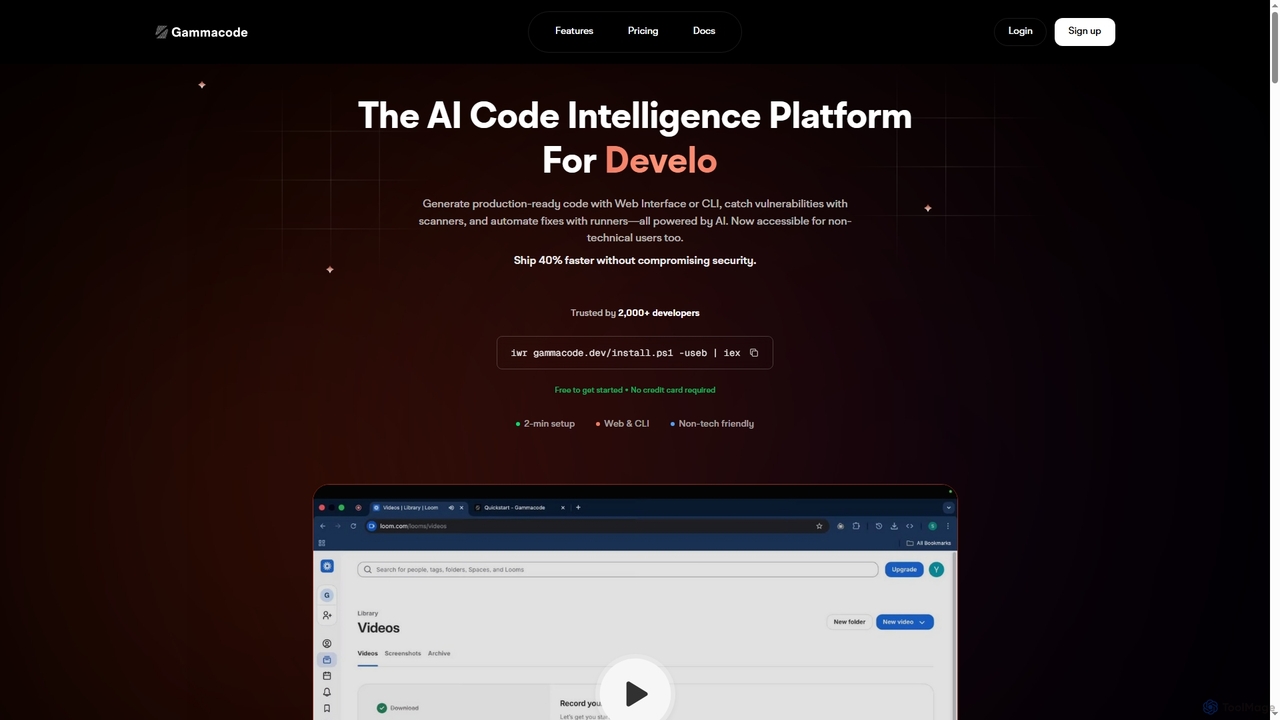
Gammacode
Gammacode is an AI-powered code intelligence platform designed to accelerate software development by generating production-ready code, detecting vulnerabilities, and automating fixes. It supports both technical and non-technical users through a web interface and CLI, emphasizing privacy and security.
Code Generation
Codebay
Codebay is an AI-powered development platform designed to accelerate the entire software lifecycle. It acts as an intelligent co-pilot for developers, offering advanced features for code generation, automated review, intelligent debugging, and seamless integration with existing workflows to enhance productivity and code quality.
Code Generation
Rebolt
Rebolt is an AI-powered platform designed to automate the entire software development lifecycle. It helps developer and DevOps teams build, test, and deploy applications faster and more reliably by leveraging AI for CI/CD pipeline optimization, code generation, and intelligent monitoring.
Code Assistant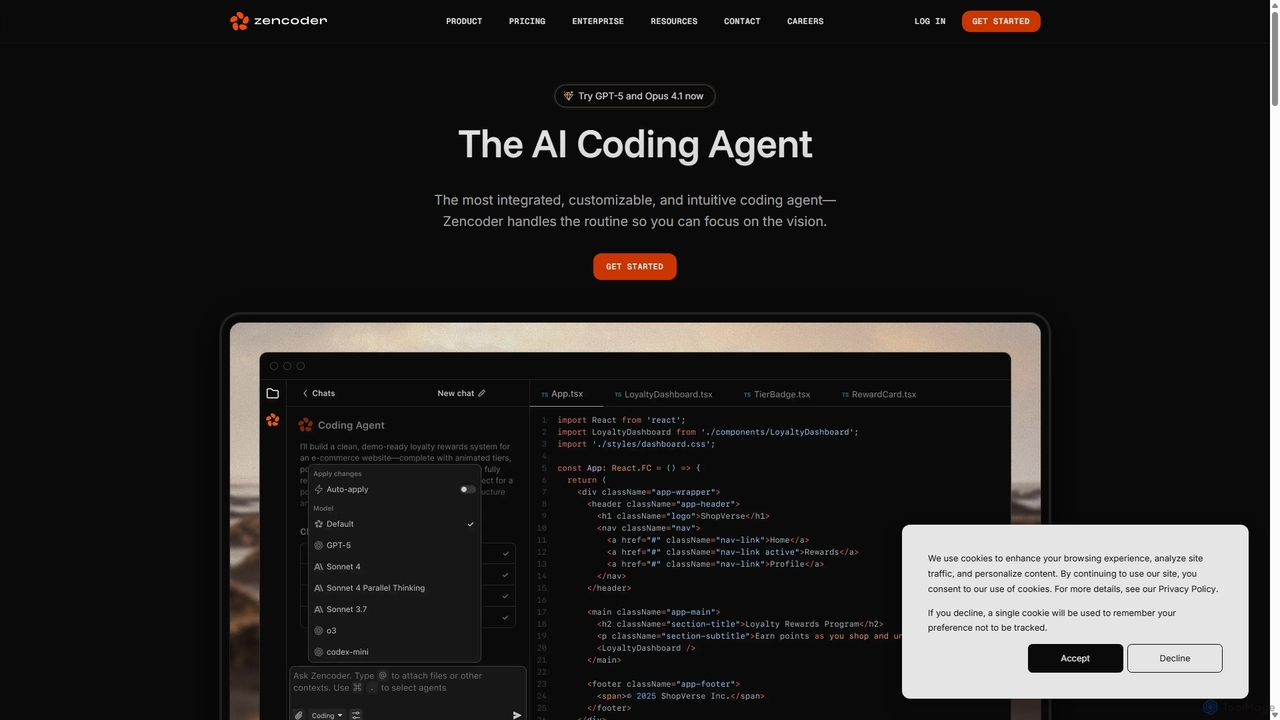
Zencoder
Zencoder is an advanced AI coding agent designed to automate routine development tasks. It deeply integrates into your workflow, understanding your entire codebase to implement features, write tests, fix bugs, and refactor code autonomously. With customizable 'Zen Agents' and seamless integration with VS Code, JetBrains, and over 100 developer tools, Zencoder empowers engineering teams to focus on innovation and ship products faster.
Code AssistantFlowfast Categories
Flowfast Jobs
Flowfast Embed Widget
Copy this embed code to place the badge on your blog, article, or product site and send readers directly to this ToolMage detail page.

Related AI tools
Craft
Craft is an AI-powered development framework and Next.js starter kit designed to accelerate SaaS product development. It leverages Anthropic's Claude AI with 10 specialized Skills and 14 pre-configured MCP servers to generate production-ready, clean code. Craft offers adaptive quality levels (Rapid, Balanced, Crafted) to match your product's stage, integrating essential boilerplate features like authentication, payments, and databases, enabling developers to ship features in days, not months.
Saas DevelopmentCodebay
Codebay is an AI-powered development platform designed to accelerate the entire software lifecycle. It acts as an intelligent co-pilot for developers, offering advanced features for code generation, automated review, intelligent debugging, and seamless integration with existing workflows to enhance productivity and code quality.
Code GenerationRebolt
Rebolt is an AI-powered platform designed to automate the entire software development lifecycle. It helps developer and DevOps teams build, test, and deploy applications faster and more reliably by leveraging AI for CI/CD pipeline optimization, code generation, and intelligent monitoring.
Code Assistant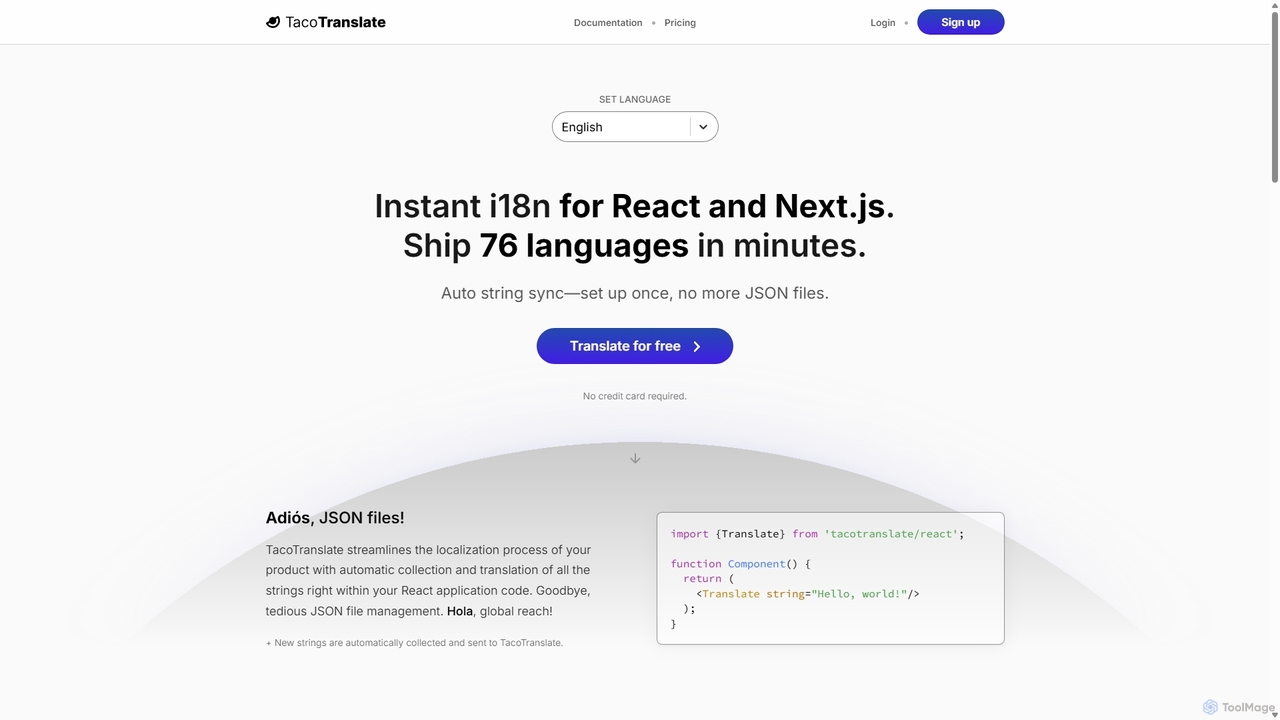
TacoTranslate
TacoTranslate is an AI-powered internationalization (i18n) tool designed for React and Next.js developers. It automates the entire localization process, from string collection to translation, eliminating the need for manual JSON file management. Ship your application in over 76 languages within minutes, enabling rapid global expansion with a developer-friendly workflow.
Localization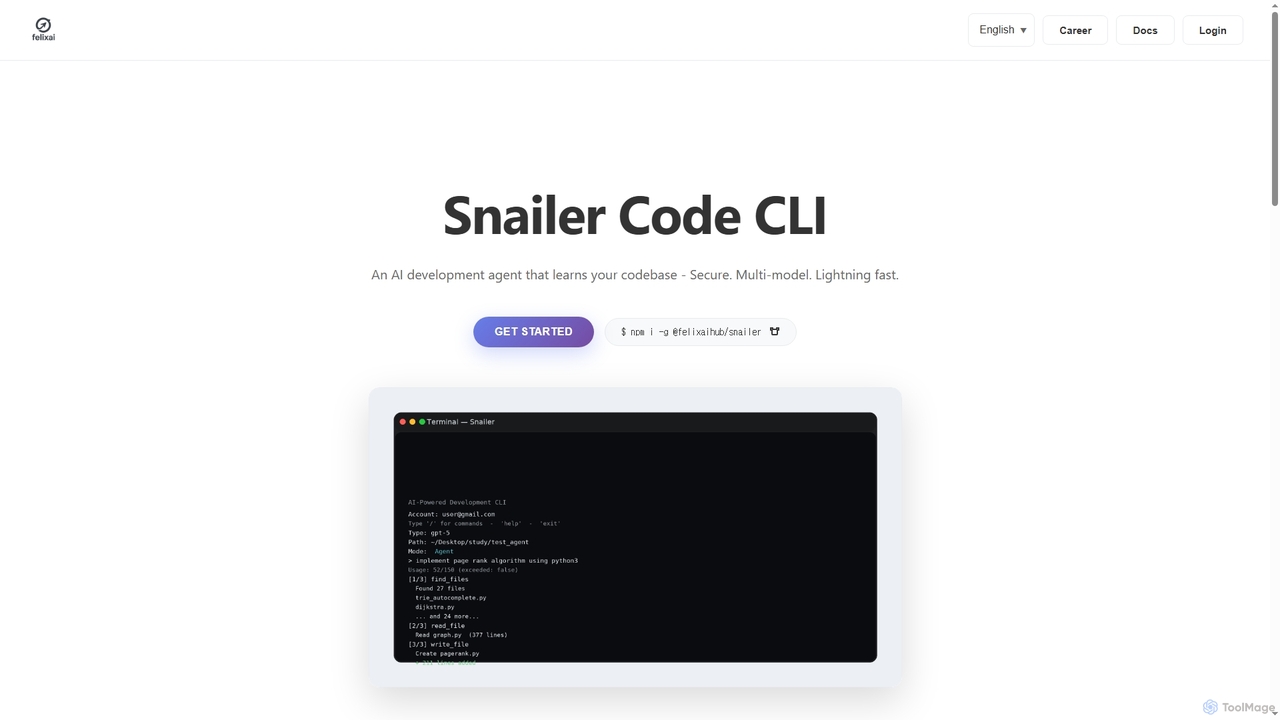
Snailer
Snailer is a multi-model AI coding agent that operates within your command-line interface (CLI) and integrates with popular IDEs. It understands your codebase, allowing you to describe tasks in plain English to generate, propose, and execute code edits securely and efficiently.
Code Assistant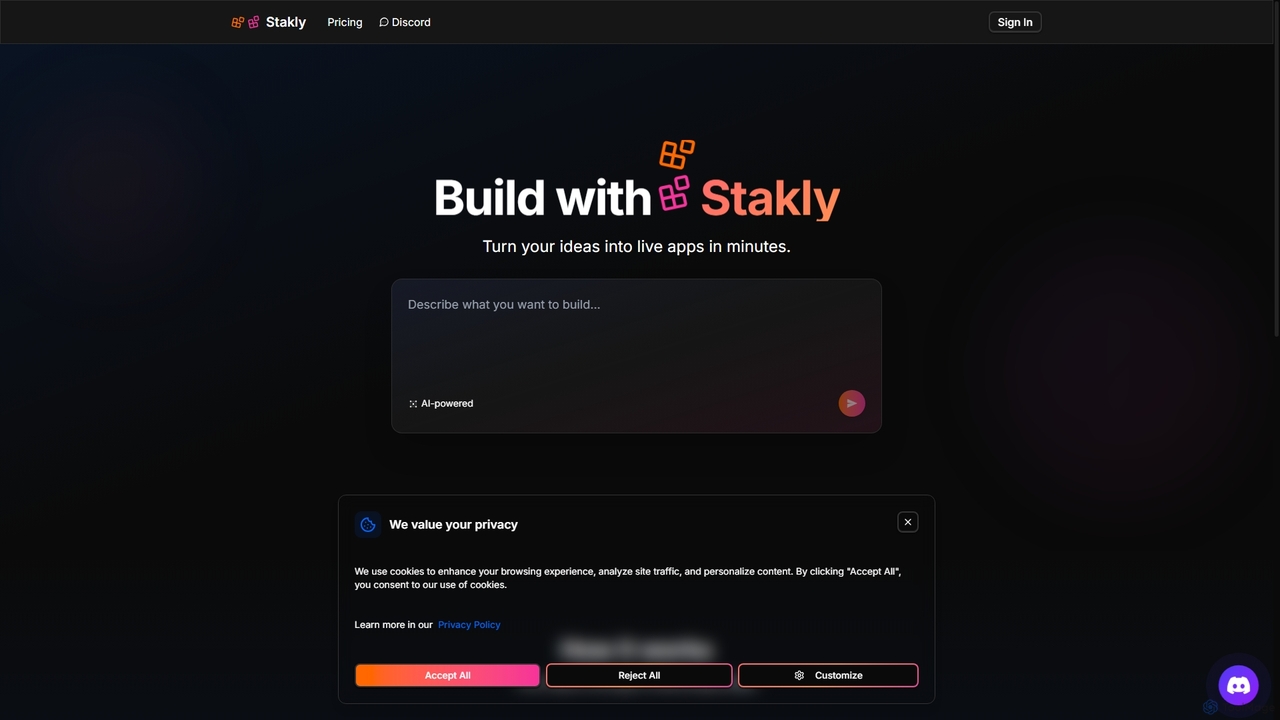
Stakly
Stakly is an AI-powered development platform that transforms natural language prompts into production-ready, full-stack web applications in minutes. Describe your idea, and the AI generates clean code, which you can deploy with one click or export to own completely. It supports modern frameworks like React, Next.js, and Python, making it ideal for rapid prototyping and development.
Code AssistantZencoder
Zencoder is an advanced AI coding agent designed to automate routine development tasks. It deeply integrates into your workflow, understanding your entire codebase to implement features, write tests, fix bugs, and refactor code autonomously. With customizable 'Zen Agents' and seamless integration with VS Code, JetBrains, and over 100 developer tools, Zencoder empowers engineering teams to focus on innovation and ship products faster.
Code Assistant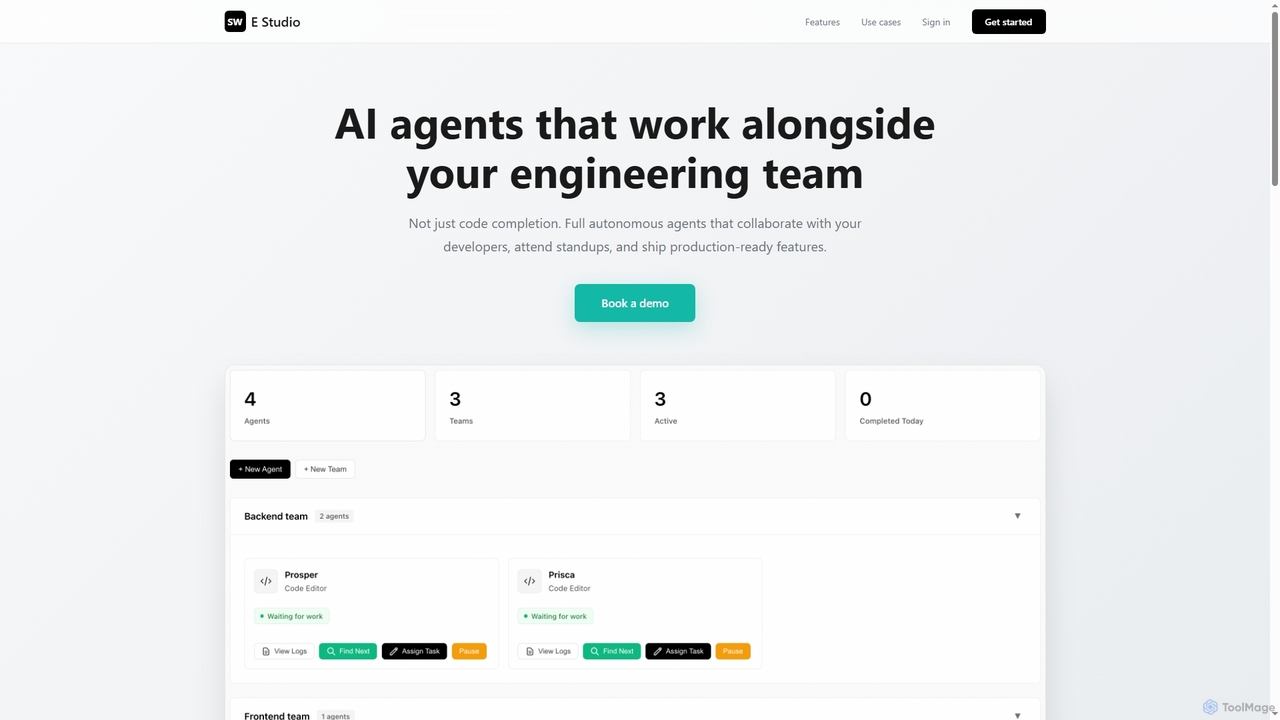
Swe Studio
Swe Studio provides autonomous AI agents that function as full members of your engineering team. They independently handle development tasks from Jira tickets to pull requests, collaborating via Slack and GitHub to ship production-ready features.
Code Assistant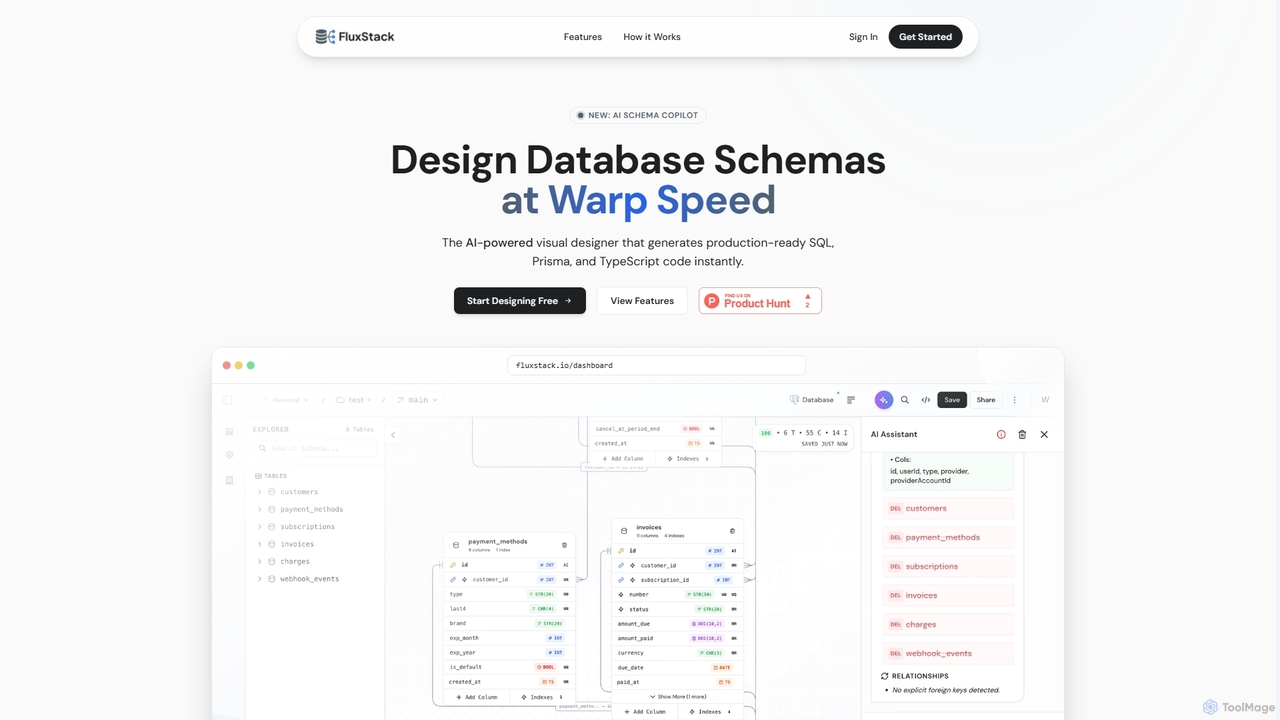
Fluxstack
Fluxstack is an AI-powered visual database schema builder that helps developers design, manage, and deploy production-ready database schemas at warp speed. It generates SQL, Prisma, and TypeScript code instantly, supporting popular stacks like PostgreSQL, MySQL, and Supabase.
Developer Tools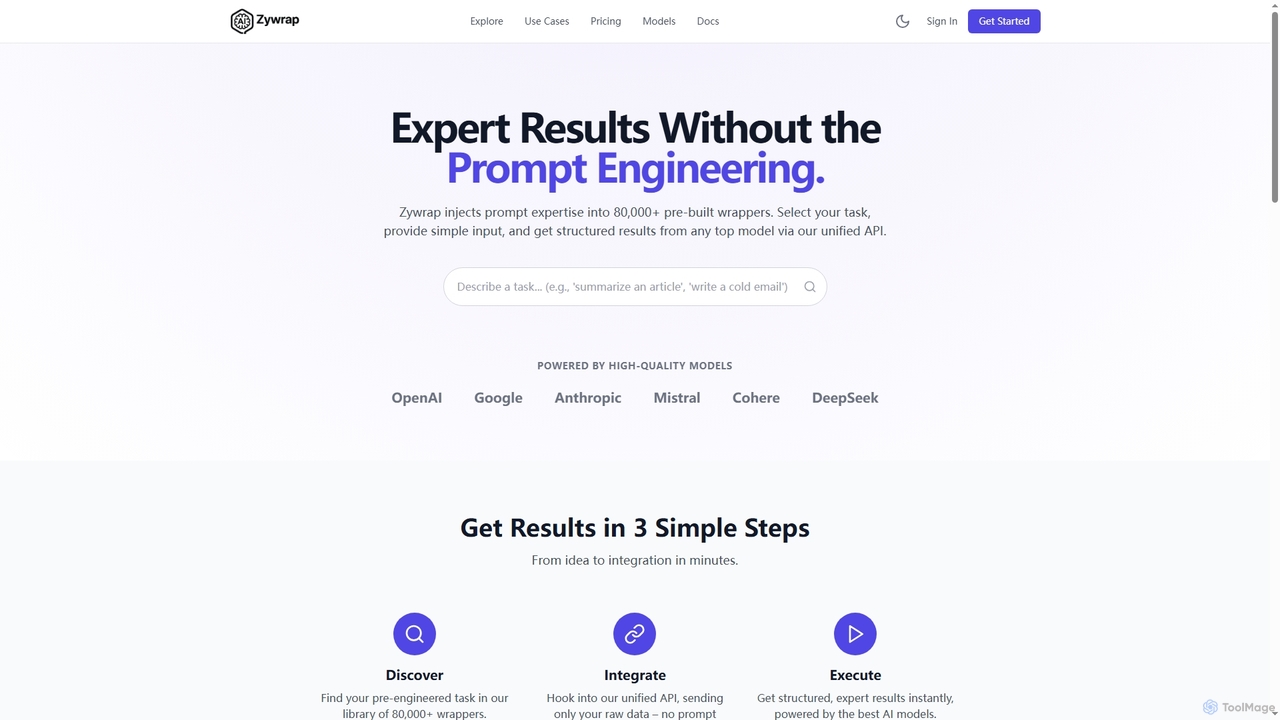
Zywrap
Zywrap is a developer platform that eliminates prompt engineering with over 80,000 pre-built wrappers. It provides a unified API to access top AI models like GPT-4o and Claude, enabling developers to get structured, expert-level results by simply providing raw data for rapid application integration.
Api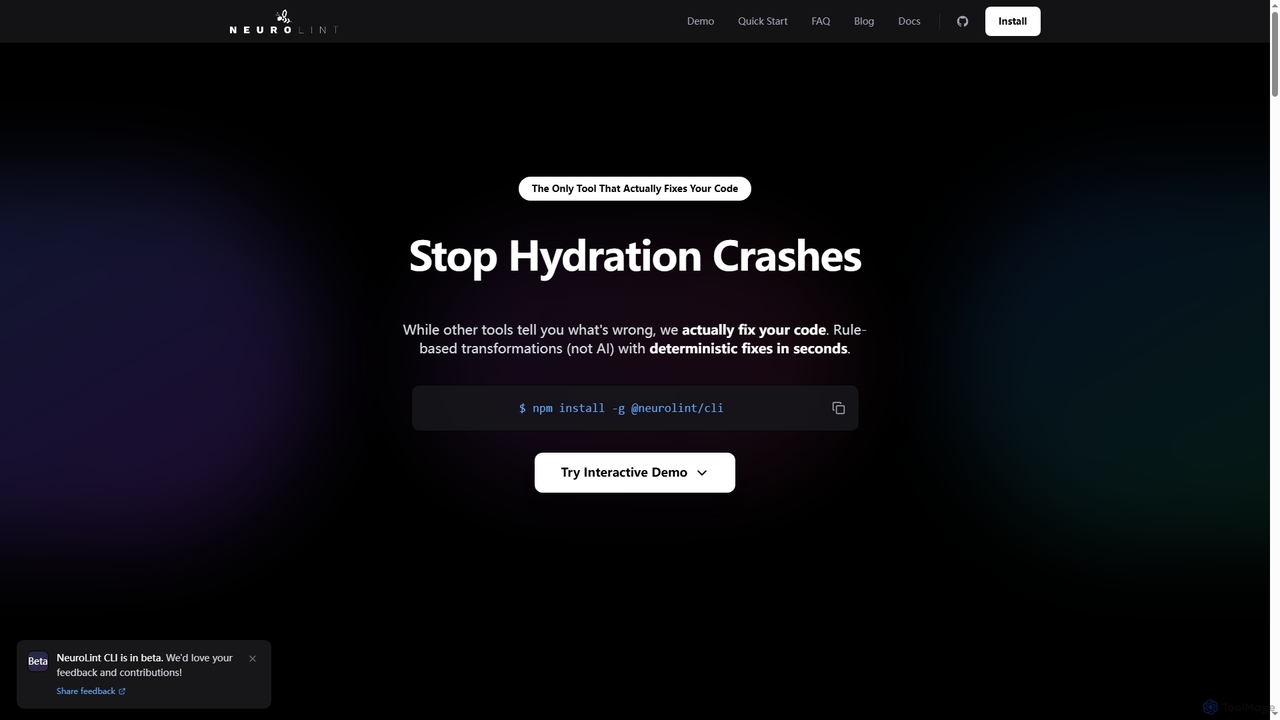
Neurolint
Neurolint is a free CLI tool that automatically detects and fixes bugs in React & Next.js codebases. It uses a deterministic, rule-based 7-layer architecture, not AI, to provide precise fixes for issues like hydration errors, accessibility problems, and performance bottlenecks, ensuring your code remains valid and production-ready.
Code Assistant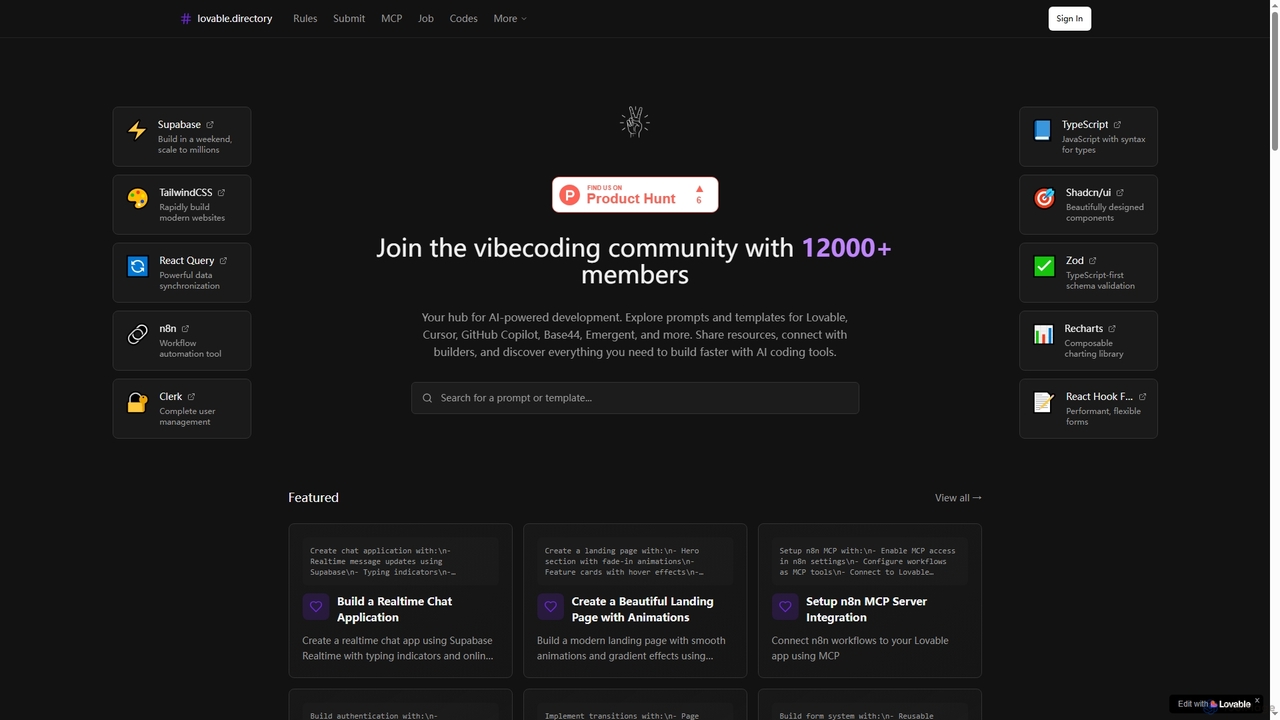
Lovabledirectory
A curated directory of AI coding prompts, templates, and resources for developers using tools like Lovable, Cursor, and GitHub Copilot. It serves as a community hub to help builders accelerate development with practical guides and shared knowledge.
Code AssistantGammacode
Gammacode is an AI-powered code intelligence platform designed to accelerate software development by generating production-ready code, detecting vulnerabilities, and automating fixes. It supports both technical and non-technical users through a web interface and CLI, emphasizing privacy and security.
Code Generation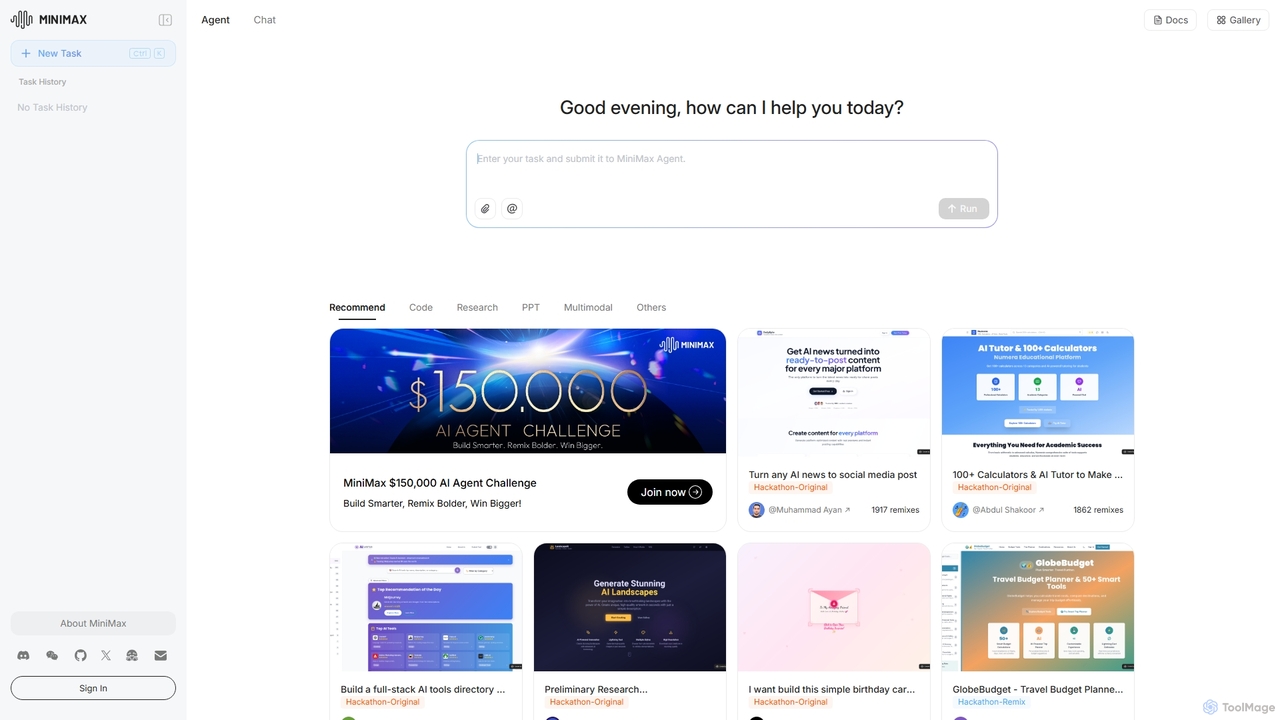
MiniMax Agent
MiniMax Agent is a powerful AI agent platform designed to automate complex tasks, from building full-stack websites and generating presentations to conducting in-depth research. By leveraging natural language prompts, users can minimize effort and maximize intelligence, creating sophisticated digital products and content with unprecedented speed and efficiency. The platform features a collaborative gallery for sharing and remixing projects.
Low Code No Code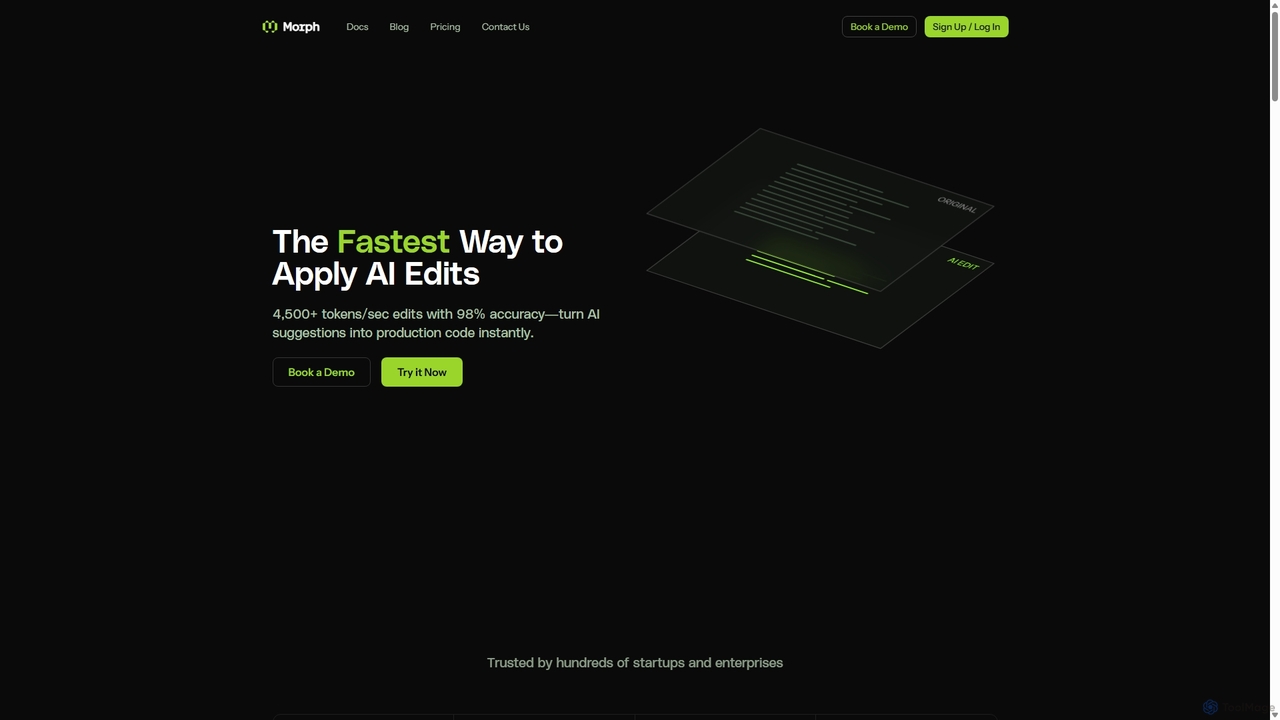
Morph
Morph is an API-first platform for developers, providing the fastest and most accurate way to apply AI-generated edits to code and files. With speeds of 4,500+ tokens/sec and 98% accuracy, it empowers AI agents to perform reliable, semantic modifications, bridging the gap between AI suggestions and production-ready implementation.
Infrastructure
Flowfast Comments (0)
Sign in to comment.
Sign inNo comments yet.