


Fusion Overview
Fusion is a revolutionary, integrated AI platform designed to serve as a central hub for all your creative and analytical needs. It breaks down the silos between different AI tools by providing a unified workspace where users can seamlessly combine text, image, data, and code generation. Instead of juggling multiple subscriptions and applications, Fusion offers a cohesive, modular environment that enhances productivity and unlocks new creative possibilities. The core concept of Fusion is its 'Canvas' interface, where users can build custom workflows using drag-and-drop AI 'Blocks'. This allows for the creation of sophisticated, automated processes that were previously complex and time-consuming.
How to use Fusion
Getting started with Fusion is intuitive and designed for a smooth user experience. Here’s a typical workflow:
- Create a Project: Start by creating a new project on your dashboard. This opens up a blank 'Canvas', your creative workspace.
- Add AI Blocks: From the toolbar, select and drag AI 'Blocks' onto your canvas. These blocks represent different functions, such as 'Generate Article', 'Create Image', 'Analyze Dataset', or 'Write Python Script'.
- Connect the Workflow: Link the blocks together to create a logical flow. For example, you can connect the output of a 'Brainstorm Ideas' block to the input of a 'Write Blog Post' block. Then, connect the blog post's summary to a 'Generate Social Media Post' block and a 'Create Featured Image' block.
- Configure and Run: Click on each block to set its specific parameters (e.g., tone of voice for text, style for an image). Once configured, click the 'Run' button to execute the entire workflow. Fusion’s AI will process the chain of commands, passing the output of one block to the next.
- Review and Export: The final outputs are generated and organized within your project. You can review, refine, and export your assets—be it text documents, high-resolution images, data visualizations, or code files—in various formats.
Core Features of Fusion
- Unified Workspace: A single, intuitive interface that eliminates the need to switch between different AI applications for text, images, and data.
- Modular Workflow Builder: Use drag-and-drop 'Blocks' to construct custom, automated AI workflows tailored to your specific needs.
- Multi-Modal AI Capabilities: Natively supports and integrates text generation (articles, scripts, copy), image creation (from prompts or data), data analysis (insights, charts), and code generation.
- Access to Premier AI Models: Fusion integrates best-in-class AI models (like GPT-4, Claude 3, DALL-E 3, and Stable Diffusion) through a single interface, ensuring you always have the best tool for the job.
- Collaborative Environment: Share projects and canvases with team members, allowing for real-time collaboration on complex AI-driven tasks.
- Template Library: Get started quickly with pre-built workflow templates for common use cases like marketing campaigns, content creation, and market research.
Use Cases for Fusion
Fusion is versatile and can be adapted for numerous professional scenarios:
- Marketing Teams: Develop a complete marketing campaign. Generate a strategy, write ad copy, create accompanying visuals, analyze customer feedback data, and draft a performance report—all in one workflow.
- Content Creators: Streamline the content lifecycle. Brainstorm topics, write a long-form article, generate a compelling featured image, and automatically create derivative content like social media posts and video scripts.
- Developers & Startups: Accelerate product development. Generate user stories, create UI/UX mockups from descriptions, write boilerplate code for different features, and draft technical documentation.
- Business Analysts: Turn raw data into actionable insights. Upload a dataset, have the AI clean and analyze it, generate key findings and visualizations, and write a comprehensive summary report.
Advantages of Fusion
The primary advantage of Fusion is its ability to centralize and simplify. By integrating multiple AI functions, it offers:
- Massive Efficiency Gains: Automate multi-step processes and drastically reduce the time spent on manual data transfer between tools.
- Enhanced Creativity: The ability to easily combine different AI modalities encourages experimentation and leads to more innovative and holistic outputs.
- Cost-Effectiveness: A single subscription to Fusion can replace multiple, expensive subscriptions to specialized AI tools.
- Improved Collaboration: Teams can work together on a single source of truth, ensuring consistency and alignment across complex projects.
Pricing and Plans
Fusion operates on a freemium model, making it accessible to everyone.
- Free Plan: Perfect for individuals and hobbyists. Includes a limited number of monthly credits, access to basic AI models, and up to 3 active projects.
- Pro Plan ($29/month): Ideal for professionals and power users. Offers a generous amount of monthly credits, access to all premium AI models, unlimited projects, and priority support.
- Team Plan ($59/user/month): Designed for collaborative teams. Includes all Pro features, a shared credit pool, advanced collaboration tools, centralized billing, and an admin dashboard for user management.
Fusion Alternatives
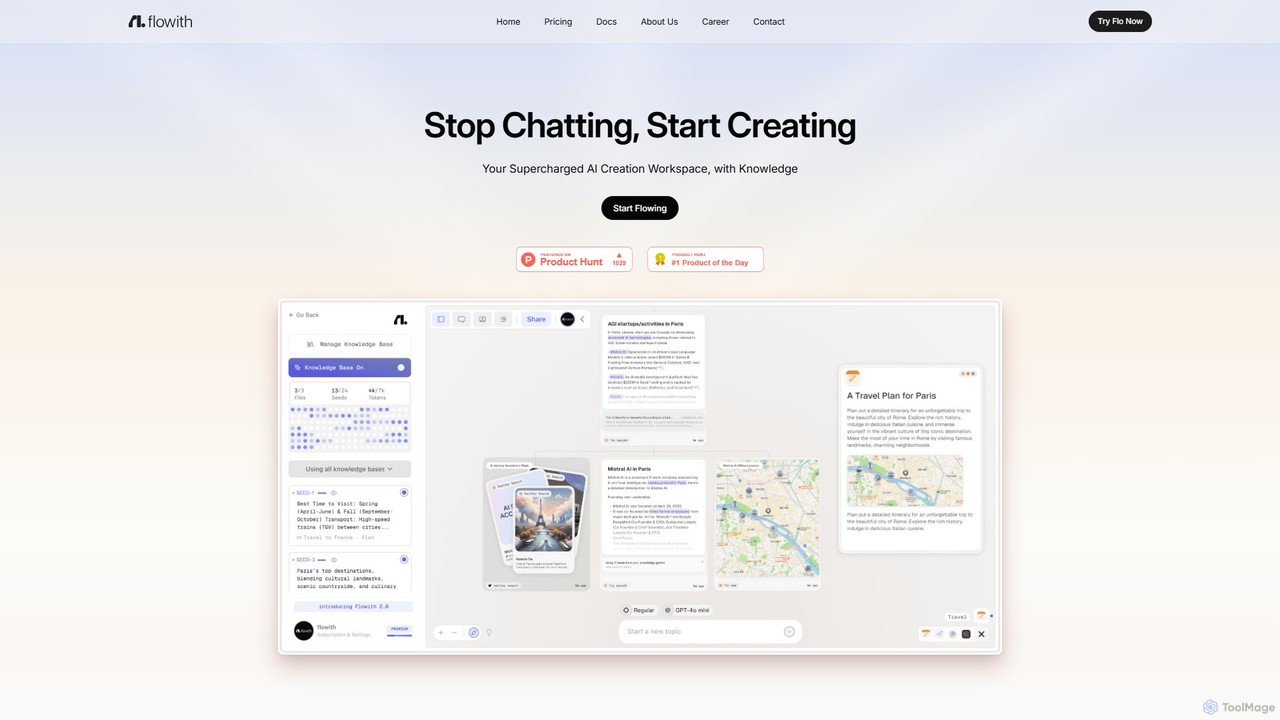
Flowith
Flowith is a supercharged AI creation workspace that replaces traditional chatbots with an infinite visual canvas. Powered by Agent Neo, an autonomous AI agent, it handles complex, multi-step tasks, research, and content creation without limits on context or tools. It's designed for deep thinking, seamless collaboration, and enhanced productivity.
Website Builder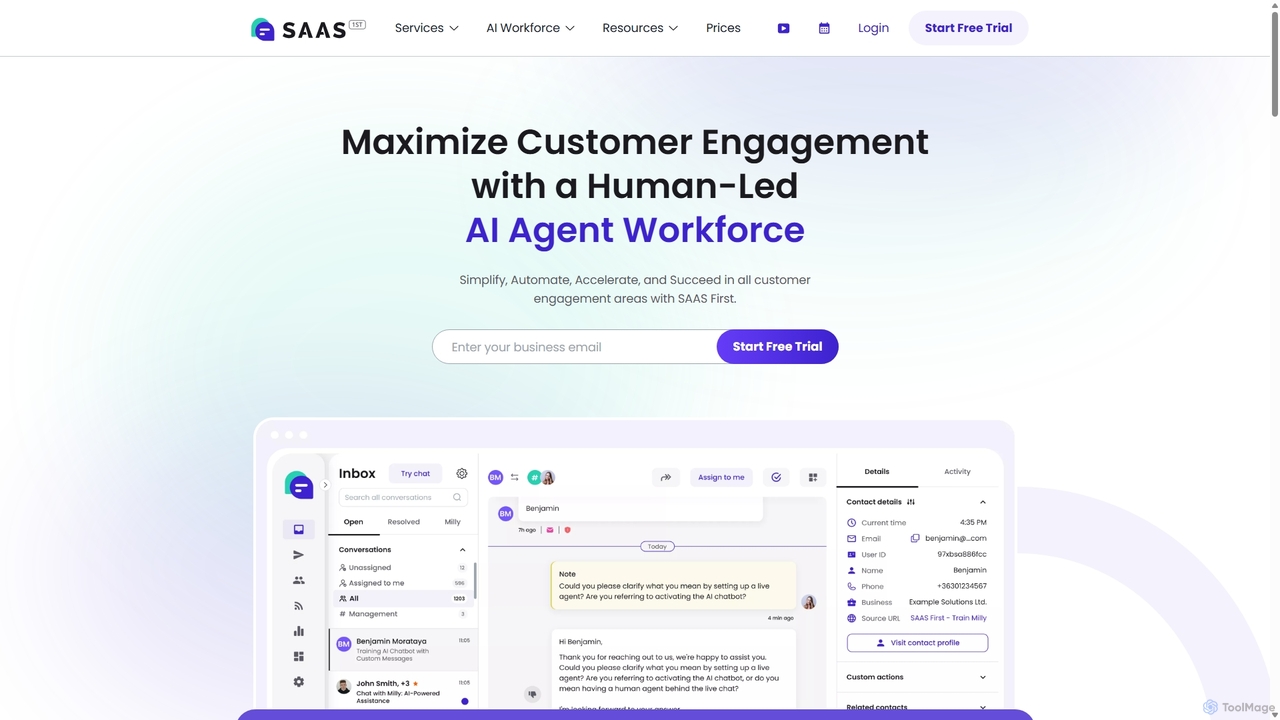
SAAS First
SAAS First is an all-in-one, AI-powered platform designed to enhance customer engagement and business efficiency. It features an advanced AI chatbot, Milly, for 24/7 multilingual support, an omnichannel inbox, AI-driven email replies, and intelligent data analysis. The suite helps businesses automate support, streamline workflows, and turn raw data into actionable insights without coding, boosting productivity and customer satisfaction.
Data Analysis
Jyek
Jyek is an AI agent platform that understands objectives, creates execution plans, uses tools, and delivers verifiable results for complex, multi-step tasks.
Automation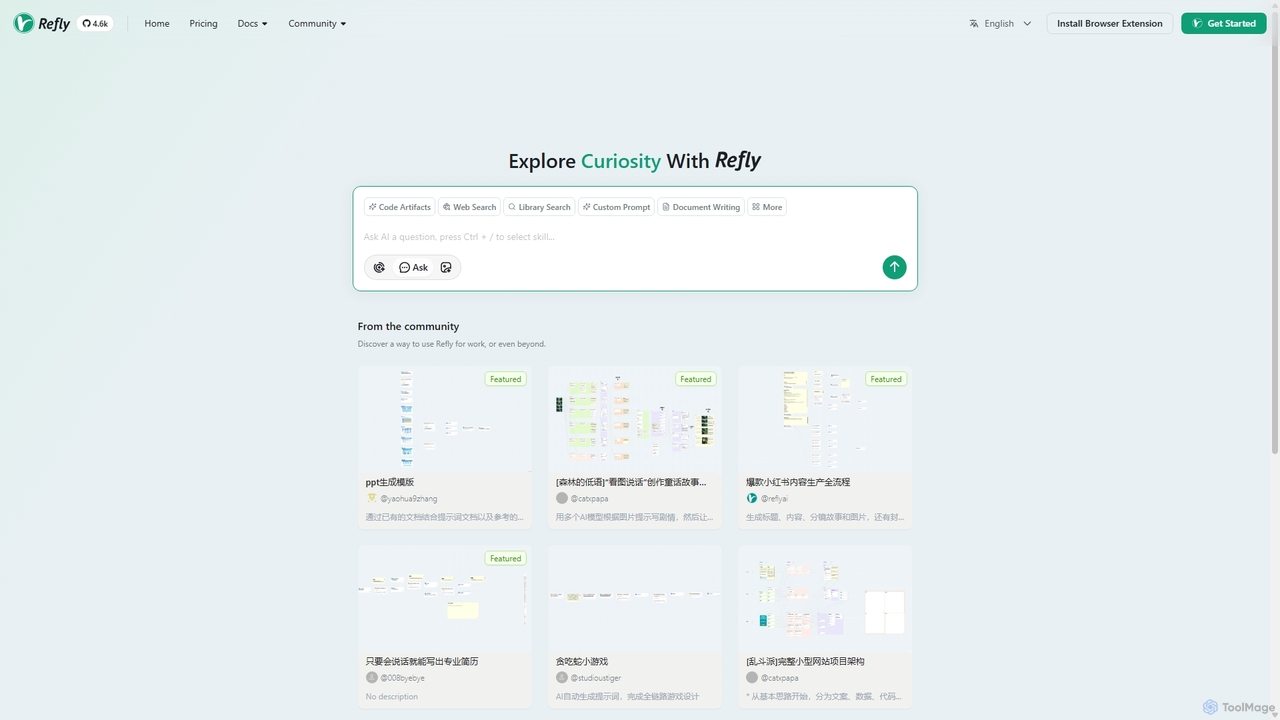
Refly.AI
Refly.AI is an open-source agentic workspace for advanced human-AI collaboration. It enables users to build, share, and execute complex AI workflows by chaining models, prompts, and tools. Ideal for automating tasks in content creation, coding, and data analysis to boost productivity.
Code Assistant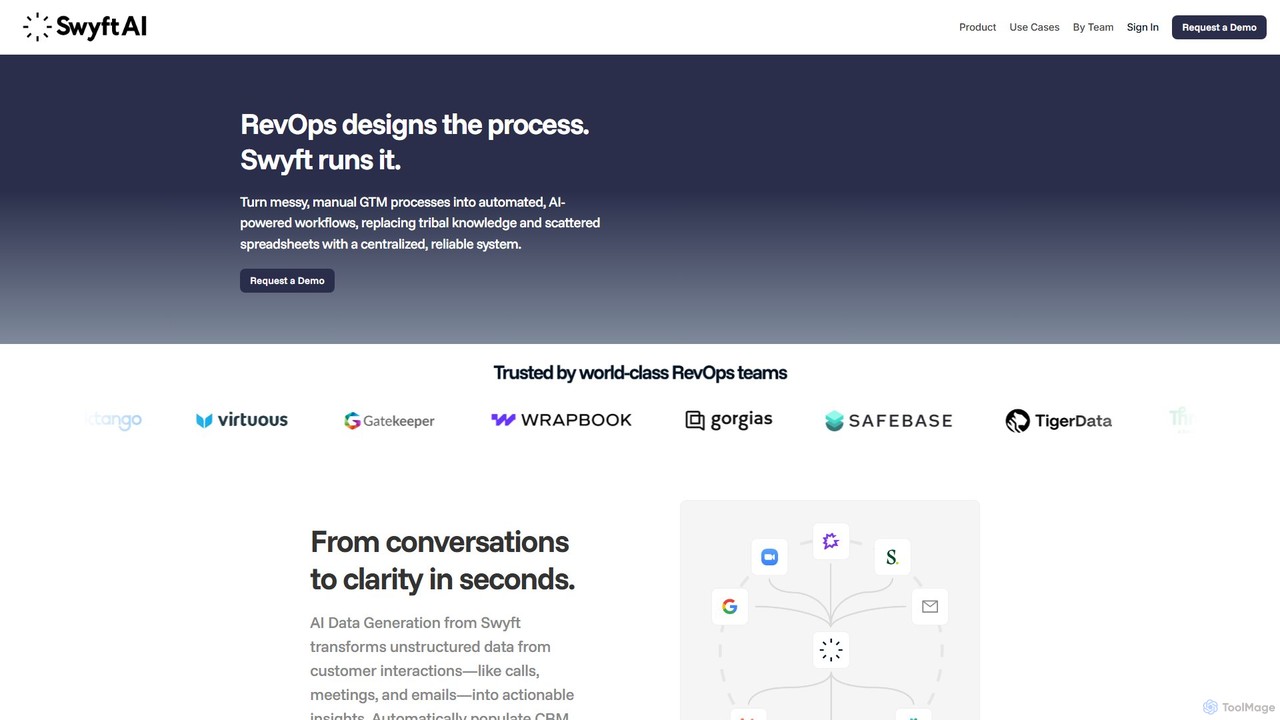
swyftai
Swyft AI is an automation platform that transforms unstructured customer conversations from calls, meetings, and emails into structured, actionable data. It automatically updates CRMs, generates deal alerts, and powers intelligent workflows for GTM teams, including Sales, RevOps, and Customer Success. By eliminating manual data entry and providing deep insights, Swyft AI helps businesses improve data hygiene, accelerate sales cycles, and make smarter, data-driven decisions.
Data AnalysisFusion Categories
Fusion Embed Widget
Copy this embed code to place the badge on your blog, article, or product site and send readers directly to this ToolMage detail page.

Related AI tools

GeniusAiHub
GeniusAiHub is an all-in-one AI platform designed to boost productivity and creativity. It integrates a suite of powerful tools for content creation, image generation, code assistance, and data analysis into a single, intuitive workspace. Ideal for marketers, developers, and creators, it streamlines complex workflows and replaces the need for multiple separate AI applications.
Image Generation
juicyai
juicyai is an all-in-one AI platform featuring a suite of specialized AI assistants called "Juicers." Each Juicer is designed for a specific task, such as voice synthesis, image generation, code assistance, and speech recognition, allowing users to build a custom AI team to streamline their creative and technical workflows.
Text To Speech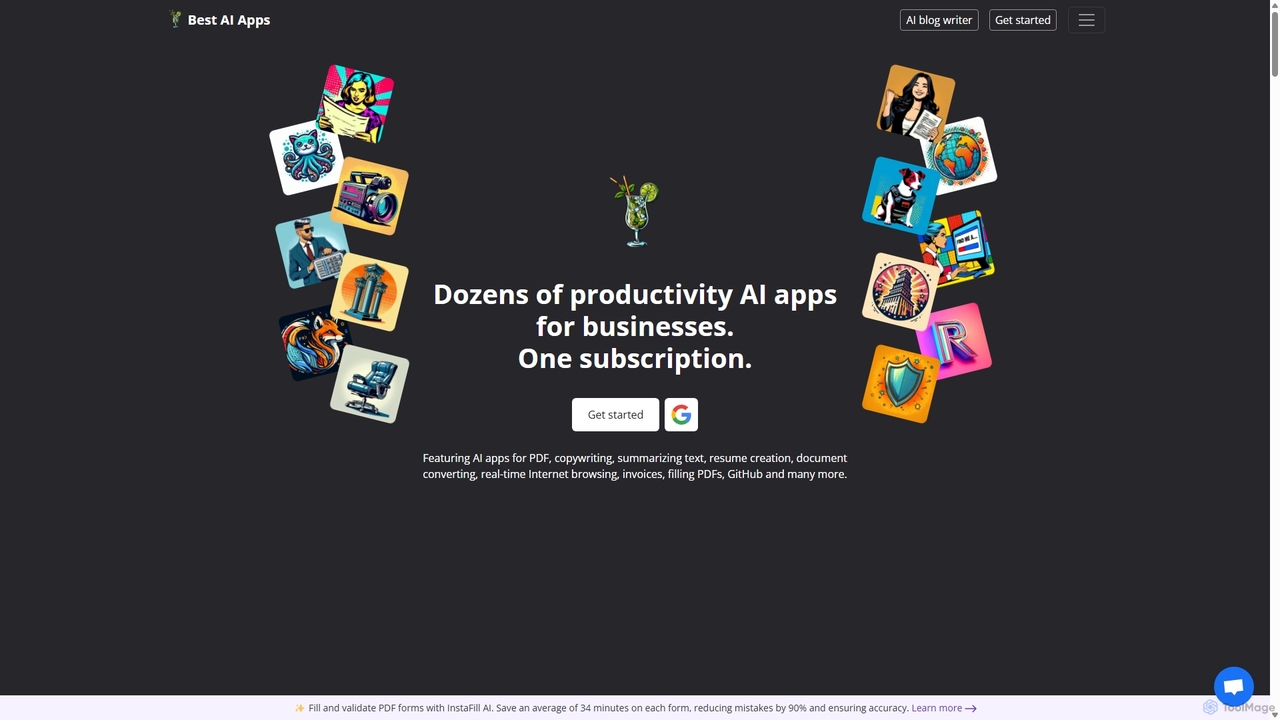
Copilot
Copilot by Best AI Apps is a comprehensive all-in-one suite of AI-powered tools designed to enhance productivity for individuals and businesses. It offers dozens of applications across various categories, including document analysis, content creation, job search assistance, business management, and image generation, all accessible through a single subscription.
Resume Builder
ai2006
ai2006 is an all-in-one AI-powered platform designed to boost productivity and creativity. It integrates advanced tools for text generation, image creation, and data analysis through an intelligent chat interface. Ideal for marketers, content creators, and developers, it streamlines complex workflows by combining multiple AI capabilities into a single, intuitive workspace, saving time and enhancing output quality.
Image Generator
fusionai
FusionAI is an all-in-one AI platform that integrates content generation, image creation, and code assistance. It's designed to streamline workflows for marketers, developers, and creators by providing a unified suite of powerful, intelligent tools in a single workspace.
Generative Ai
SinCode
SinCode was an all-in-one AI content creation platform offering a suite of tools for writing, image generation, and coding. The project has been discontinued, and its domain now directs users to agent.ai, a platform with various AI agent tools.
Image Generation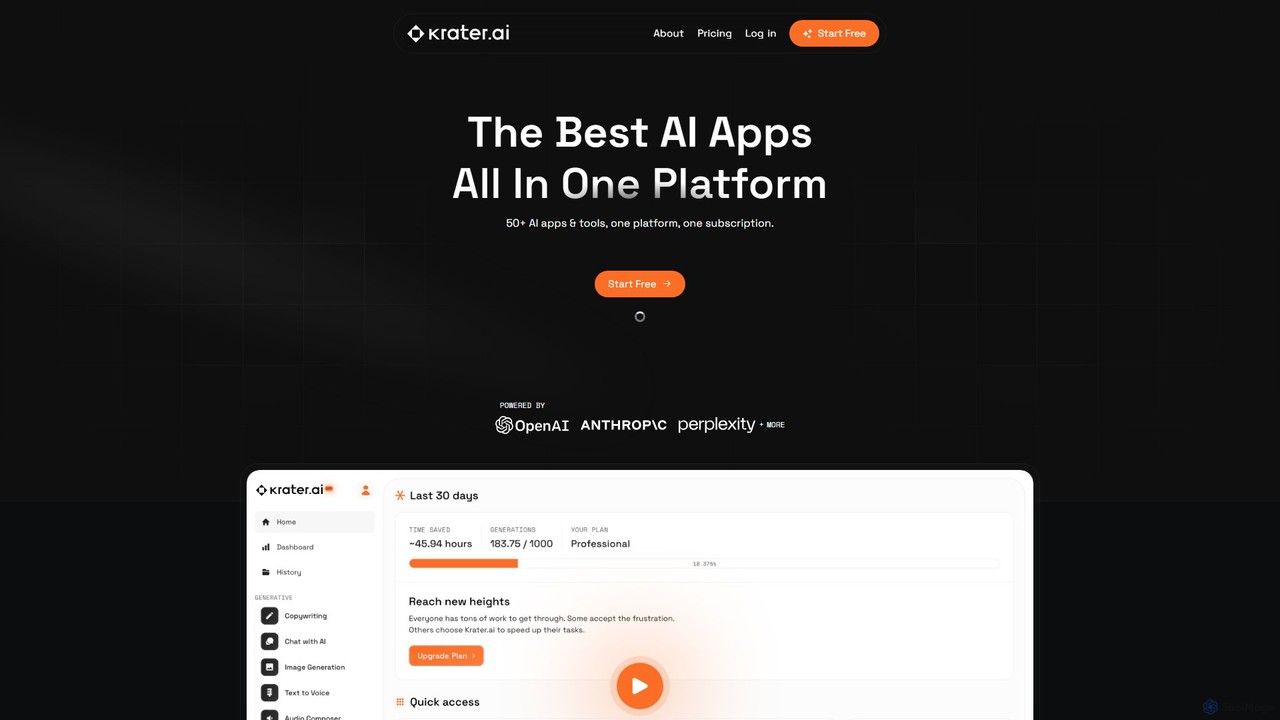
Krater.ai
Krater.ai is an all-in-one AI SuperApp that integrates over 50 AI tools into a single platform. It offers solutions for content generation, image creation, audio processing, and more, under one subscription. Designed for creators, marketers, and entrepreneurs, it aims to save time, reduce costs, and streamline workflows by replacing multiple specialized applications with a unified, user-friendly interface.
Image Generation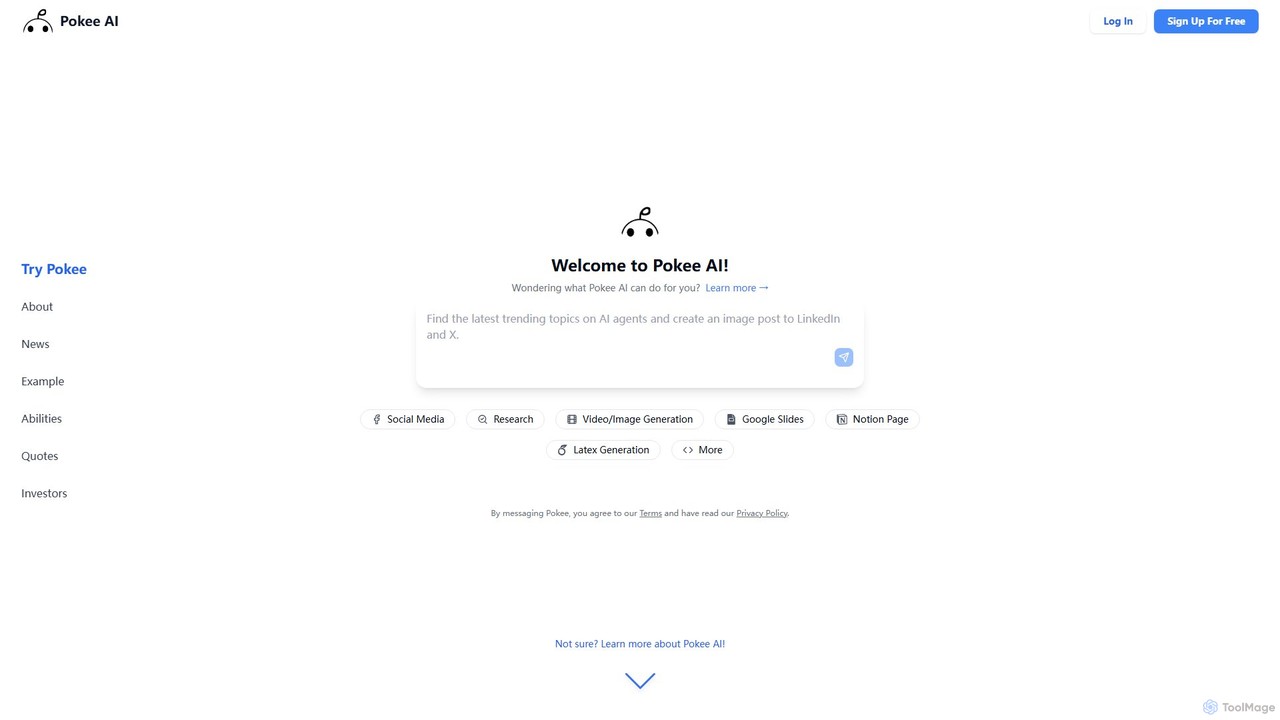
Pokee AI
Pokee AI is a next-generation foundation AI agent designed to revolutionize digital productivity. It automates complex workflows by leveraging advanced planning, reasoning, and seamless integration with thousands of digital tools, from Google Workspace to social media platforms and project management software.
AutomationJyek
Jyek is an AI agent platform that understands objectives, creates execution plans, uses tools, and delivers verifiable results for complex, multi-step tasks.
Automation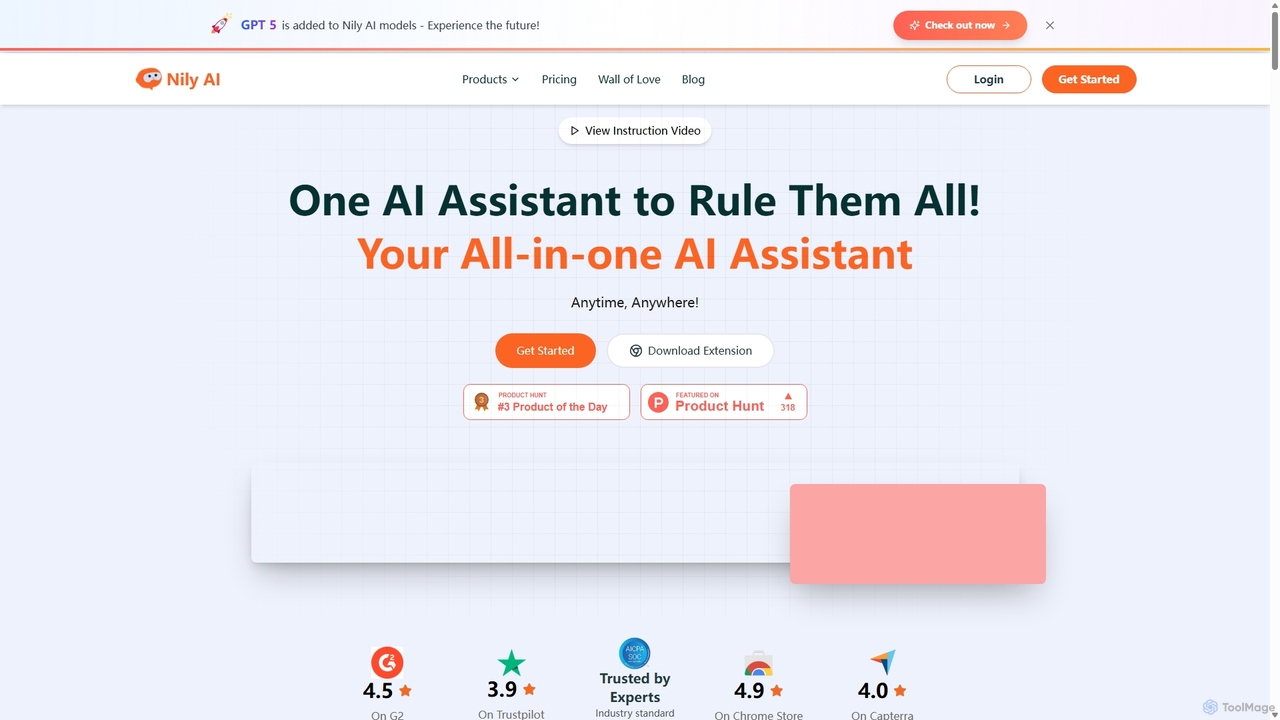
Nily AI
Nily AI is an all-in-one AI assistant designed to boost productivity. It integrates over 20 advanced AI tools into a single platform, accessible via a convenient Chrome sidebar. Key features include LLM comparison, AI writing, image generation, email assistance, and chatting with PDFs or YouTube videos, catering to a wide range of professionals.
Image Generation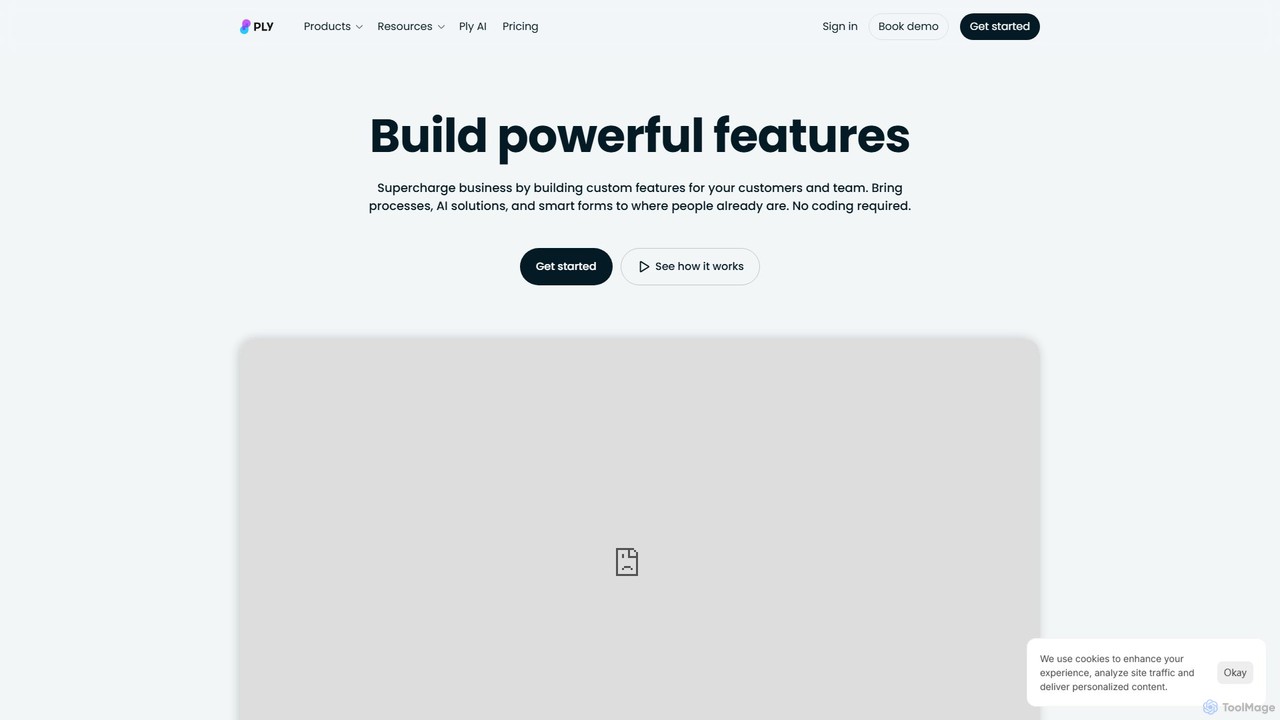
Ply
Ply is a no-code platform that allows businesses to build custom features, AI-powered solutions, and interactive workflows directly into their existing applications like HubSpot, Zendesk, and Gmail. It empowers teams to streamline operations and create powerful customer-facing portals without writing any code, enhancing productivity and user experience.
Crm Enhancement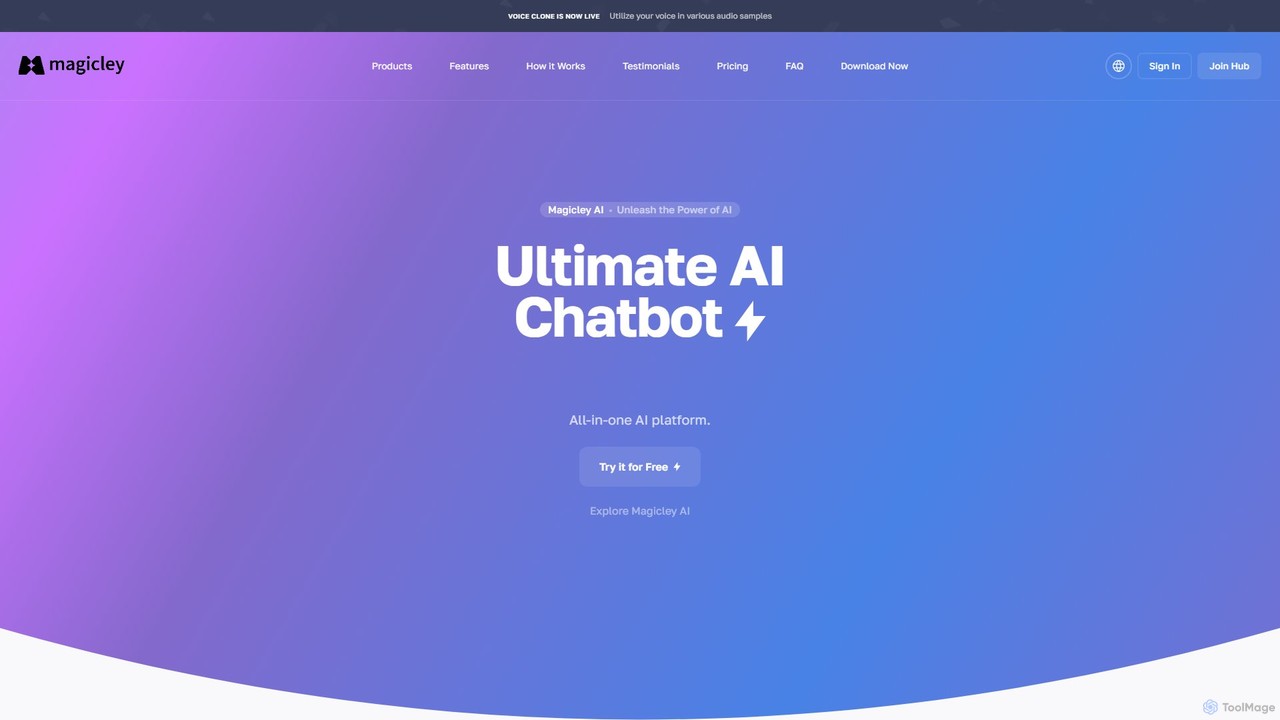
Magicley
Magicley is a comprehensive All-in-One AI platform offering a vast suite of tools for content creation, marketing, business, and development. It features over 100 templates for generating articles, social media posts, ad copy, and code. Key functionalities include an AI article wizard, voiceover generation in 30+ languages, custom no-code chatbot builders, and AI-powered image and video creation. It's designed to streamline workflows, boost productivity, and enhance creativity for individuals and businesses alike.
Chatbots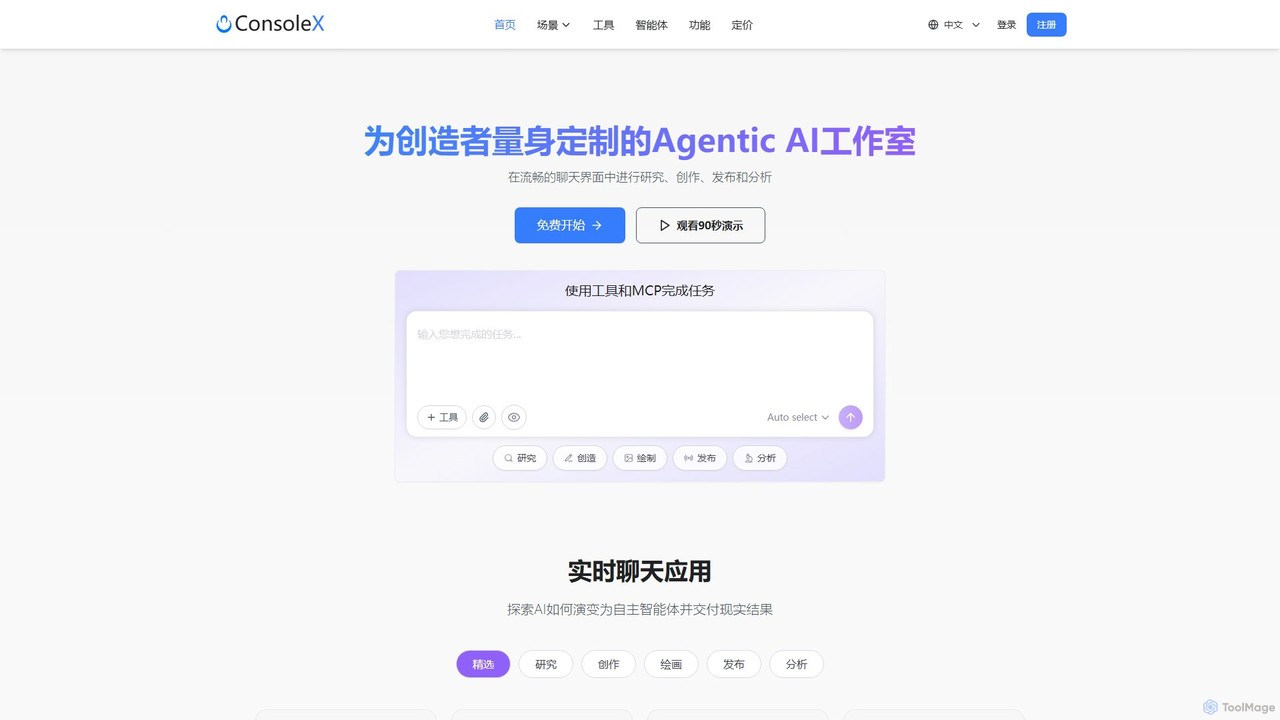
ConsoleX AI
ConsoleX AI is an agentic AI workbench designed for creators and professionals. It integrates over 500 tools and pre-built AI agents into a seamless chat interface, enabling users to research, create, publish, and analyze with unparalleled efficiency. Turn conversations into tangible results and automate complex workflows.
Code Assistant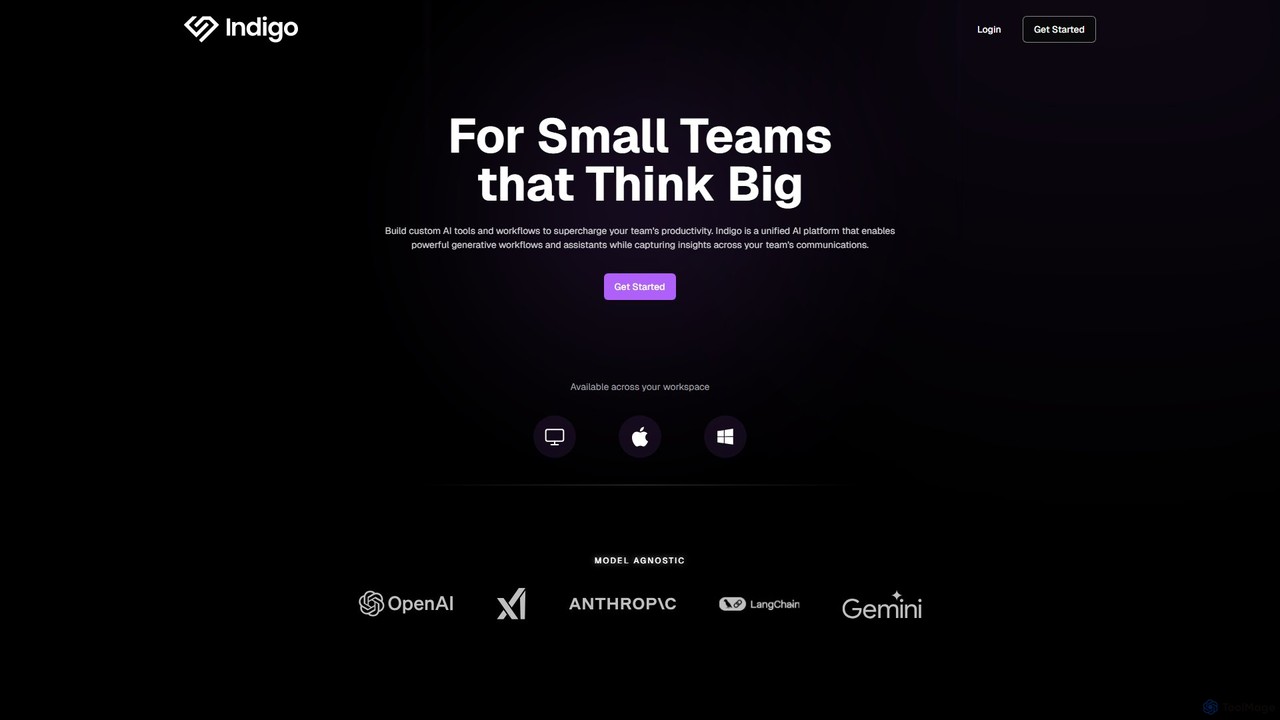
getindigo
Indigo is a unified AI copilot platform designed for high-performance teams. It enables the creation of custom, no-code AI workflows and specialized assistants trained on your team's data. By integrating with your workspace, Indigo automates tasks, analyzes meetings, and turns scattered communications into a structured, searchable team memory, significantly boosting productivity and providing actionable insights.
No Code Platform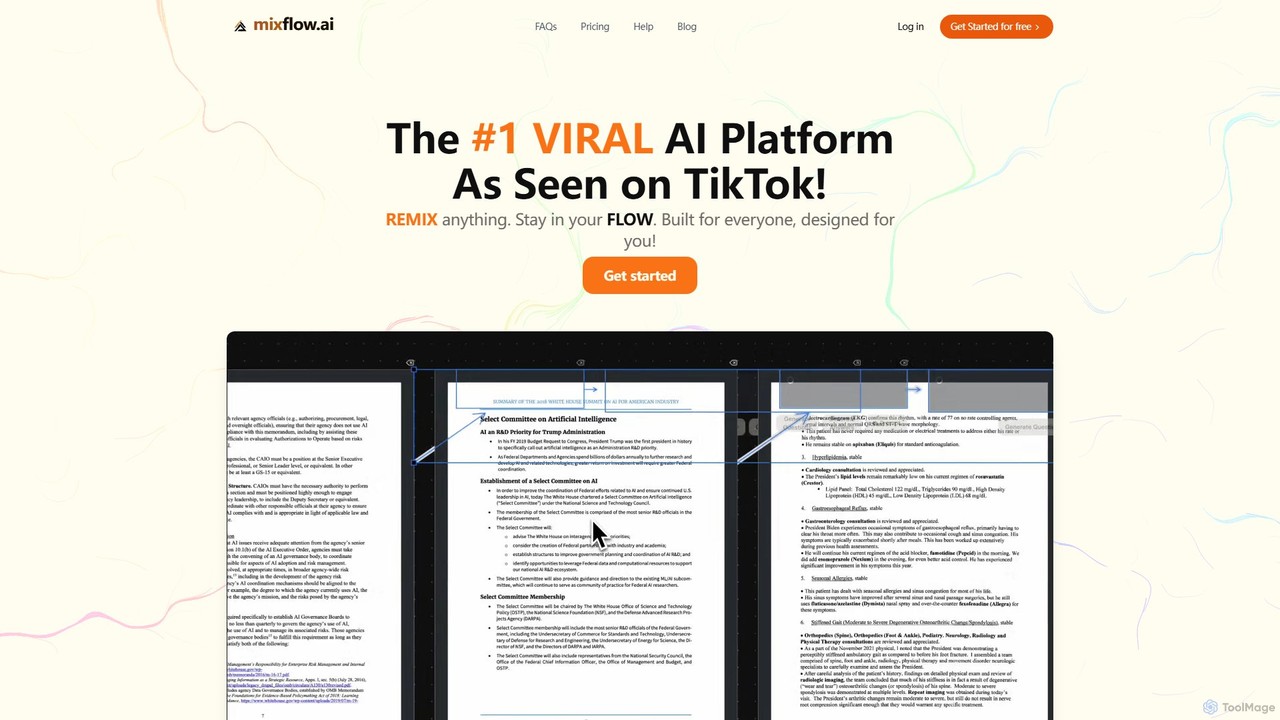
Mixflow.ai
Mixflow.ai is an all-in-one AI workspace featuring an infinite canvas. It allows users to manage, analyze, and create content from various file types like documents, videos, audio, and images. With features for real-time collaboration, chatting with data sources, and multimodal content generation, it's designed to boost productivity for individuals and teams across various professions.
Transcription
Fusion Comments (0)
Sign in to comment.
Sign inNo comments yet.