

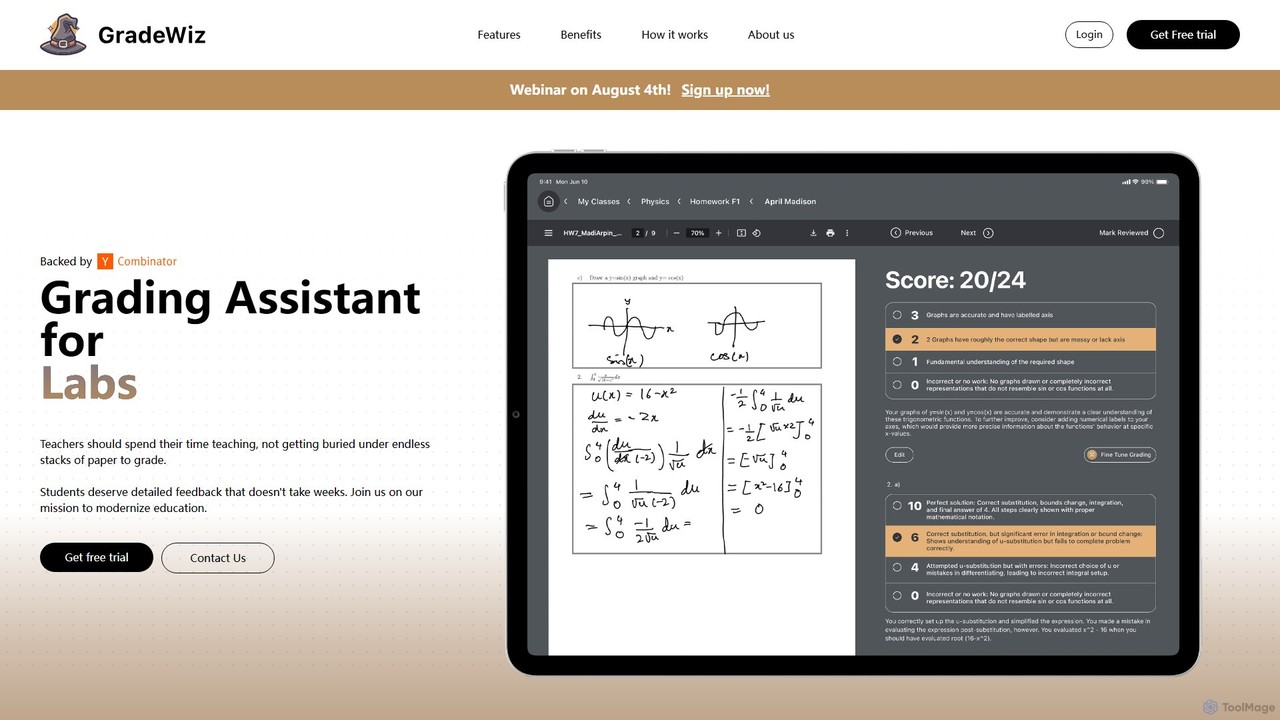
GradeWiz Overview
GradeWiz is a revolutionary AI teaching assistant designed to transform the grading process for educators worldwide. In an era where teachers are often overwhelmed with administrative tasks, GradeWiz steps in to alleviate one of the most time-consuming duties: grading student work. This powerful platform uses advanced artificial intelligence to analyze, score, and provide detailed feedback on a wide range of assignments, particularly written work like essays, reports, and short-answer questions. The primary goal of GradeWiz is to free up valuable time for teachers, enabling them to focus on what truly matters—planning engaging lessons, providing one-on-one student support, and fostering a dynamic learning environment.
The platform is built with the modern educator in mind, offering a seamless and intuitive user experience. It's a web-based tool, ensuring accessibility from any computer without the need for complex software installations. By automating the repetitive aspects of grading, GradeWiz not only accelerates the process but also enhances the quality and consistency of feedback, helping students understand their mistakes and learn more effectively.
How to use GradeWiz
Using GradeWiz is a straightforward process designed for busy teachers. Here’s a typical workflow:
- Account Creation: Sign up for a teacher account by providing your name, school, and email. You may need an access code to start, which can be requested for a free trial by contacting their support team.
- Create an Assignment: Set up a new assignment in the GradeWiz dashboard. You can specify the assignment title, instructions, and due date.
- Customize the Rubric: This is a key step. You can create your own grading rubric from scratch or use one of the pre-built templates. Define the criteria, performance levels, and point values. The AI will use this rubric as its guide for grading.
- Upload Student Work: Students can submit their work directly, or the teacher can upload assignment files in bulk (e.g., DOCX, PDF, TXT formats).
- Initiate AI Grading: With a single click, GradeWiz's AI begins analyzing each submission against the defined rubric. It assesses content, structure, grammar, and adherence to instructions.
- Review and Finalize: The AI provides a suggested grade and generates personalized, constructive comments for each student. The teacher retains full control, with the ability to review, edit, and approve all AI-generated feedback and scores before releasing them to students. This human-in-the-loop approach ensures accuracy and pedagogical soundness.
Core Features of GradeWiz
- AI-Powered Automated Grading: Automatically scores student essays, reports, and other written assignments based on your specific criteria.
- Customizable Rubrics: Allows teachers to create, import, and manage detailed grading rubrics to ensure the AI's evaluation aligns perfectly with learning objectives.
- Personalized Feedback Generation: Goes beyond a simple score by generating specific, constructive comments that highlight students' strengths and pinpoint areas for improvement.
- Class Performance Analytics: Offers a dashboard with insights into class-wide performance, identifying common misconceptions and learning gaps to inform future instruction.
- Plagiarism Detection (Inferred): Integrates capabilities to check for originality, helping maintain academic integrity.
- Batch Processing: Grade an entire class's worth of assignments simultaneously, dramatically reducing turnaround time.
- LMS Integration (Inferred): Designed to potentially integrate with popular Learning Management Systems (LMS) like Google Classroom, Canvas, and Moodle for a streamlined workflow.
Use Cases for GradeWiz
GradeWiz is ideal for a variety of educational settings and subjects:
- English and Literature Teachers: Grading essays, literary analyses, and creative writing assignments efficiently.
- History and Social Studies Educators: Evaluating research papers, historical reports, and argumentative essays.
- Science Teachers: Assessing lab reports and written explanations of scientific concepts.
- Higher Education: Professors and teaching assistants can use it to manage large undergraduate classes and provide timely feedback.
- Standardized Test Preparation: Helping students practice for written portions of standardized tests by providing instant feedback.
Advantages of GradeWiz
The primary advantage of GradeWiz is massive time savings. Teachers report spending countless hours each week on grading; GradeWiz can reduce that time by up to 70%. Furthermore, it promotes fairness and consistency by applying the same rubric to every student's work, eliminating potential human bias. The high-quality, specific feedback helps students learn more deeply than a simple grade ever could. Finally, the data analytics empower teachers to be more effective, tailoring their teaching to address the specific needs of their students.
Pricing and Plans
GradeWiz operates on a freemium model, with pricing plans designed for individual teachers and entire institutions.
- Free Trial: A free trial is available for educators who wish to test the platform's capabilities. This typically requires an access code, which can be obtained by contacting [email protected].
- Individual Teacher Plan: A paid subscription for individual teachers, offering a set number of gradings per month and access to all core features.
- School & Institutional Plan: Custom pricing for schools, districts, or universities. This plan includes unlimited grading, administrative dashboards, dedicated support, and potential LMS integration.
For specific pricing details, interested parties are encouraged to contact the GradeWiz sales team directly through their website.
Traffic
Latest traffic
Status
Monthly traffic trend
- 2025-9: 5.2K
- 2026-1: 1.4K
- 2026-2: 1.5K
- 2026-3: 2.8K
- 2026-4: 3.4K
- 2026-5: 2.6K
Geography
Top 5 countries / regions
- 🇺🇸United States92.0%
- 🇬🇧United Kingdom8.0%
Top keywords
| Keyword | Cost per click |
|---|---|
| ai grading | $1.76 |
| grade wise | $0.00 |
| gradewise | $1.55 |
| grade with ai | $0.00 |
| wiz ai | $0.29 |
GradeWiz Alternatives
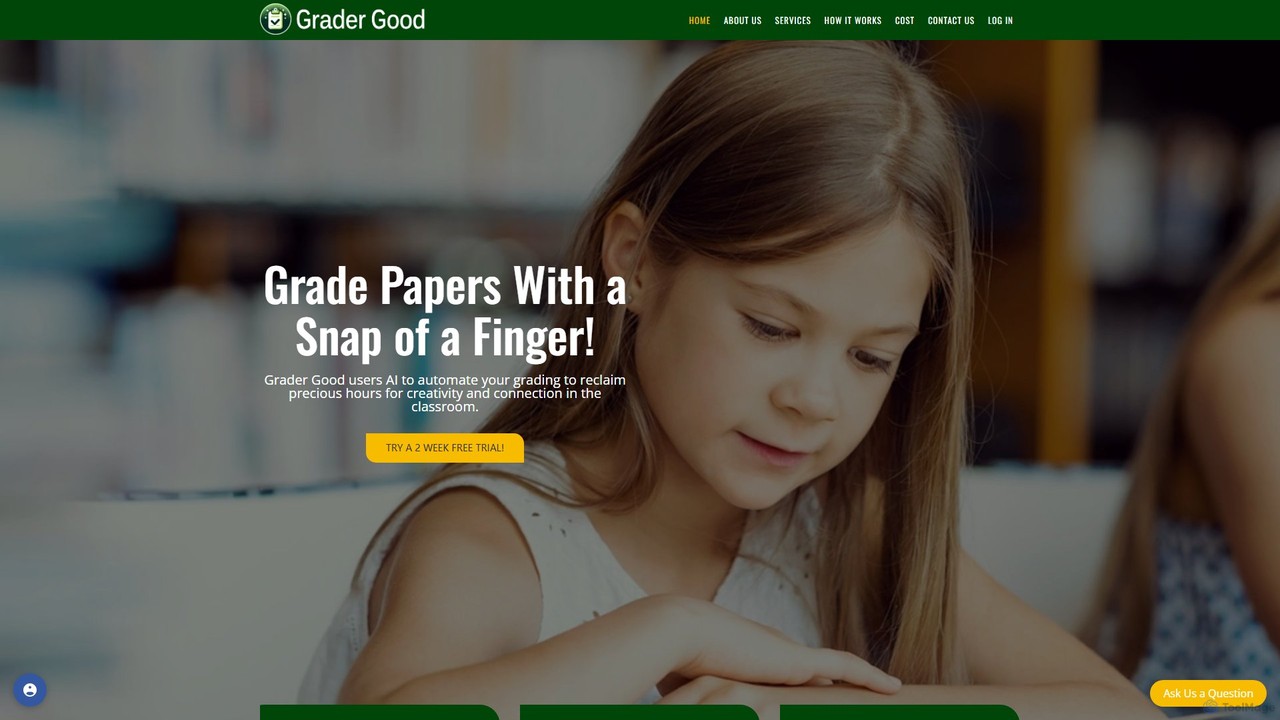
Grader Good
Grader Good is an AI-powered grading tool for educators, designed to streamline the assessment process. It uses custom rubrics to evaluate student papers, ensuring consistency and saving significant time. The platform is FERPA compliant, prioritizing student privacy, and supports various paper types like English essays and History reports, helping teachers focus on providing valuable feedback.
Grading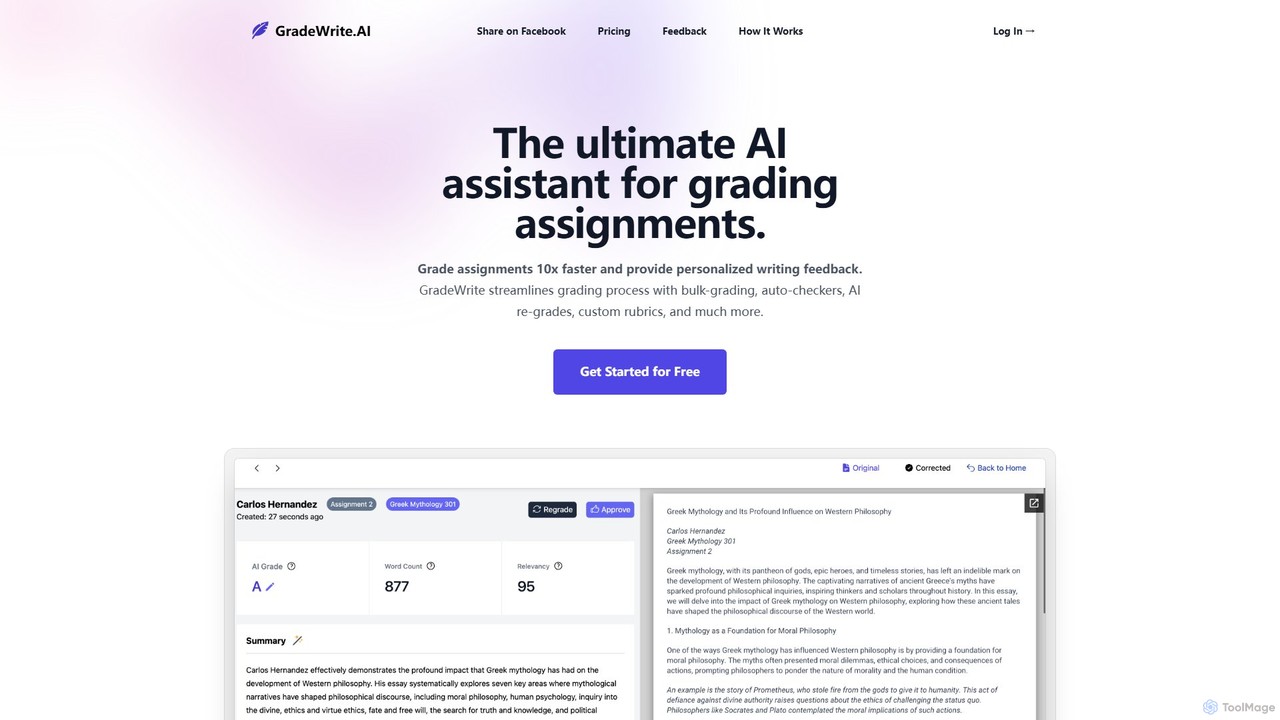
GradeWrite
GradeWrite is an AI-powered grading assistant designed for educators to grade assignments 10x faster. It provides personalized, human-like writing feedback, supports bulk uploads, and features custom rubrics, auto-checkers for word count and originality, and an interactive side-by-side grading experience to streamline the entire assessment process.
Grading
Edexia
Edexia is a teacher-controlled AI grading assistant designed to save up to 80% of grading time. It learns from your corrections to accurately grade essays, math, diagrams, and more across all subjects. Edexia provides transparent, rubric-based feedback while ensuring robust data privacy and seamless LMS integration.
Grading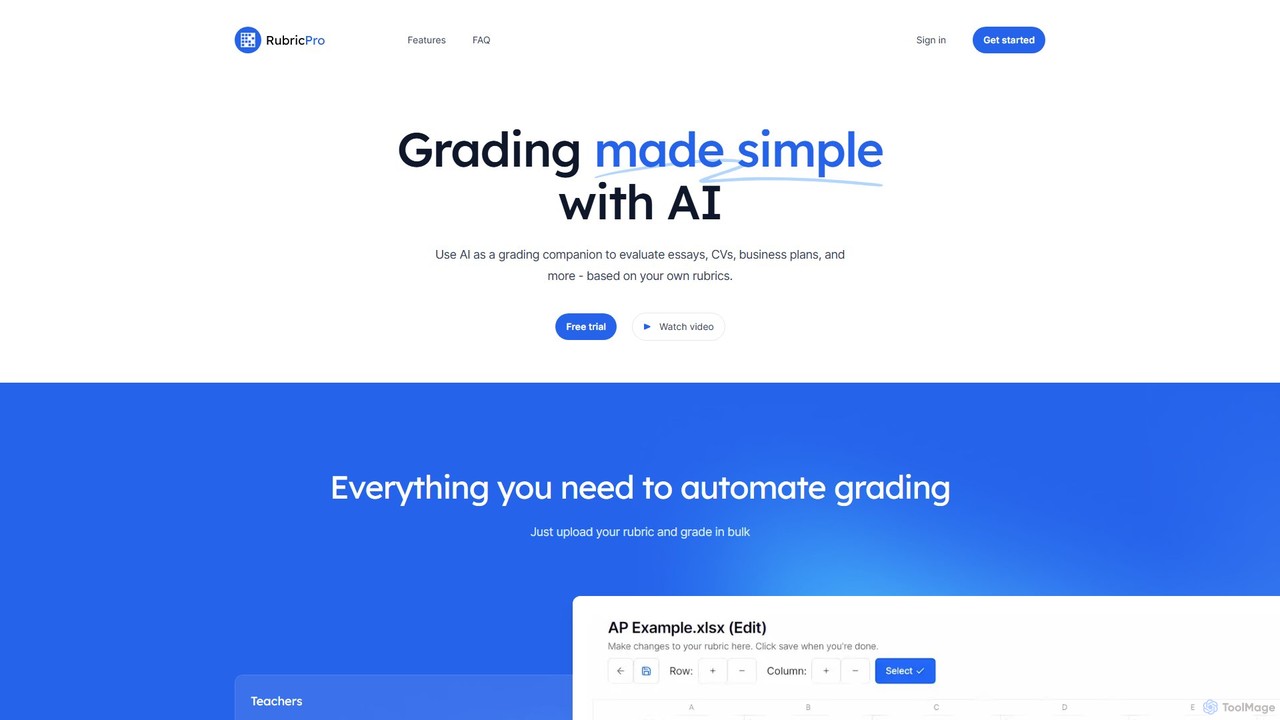
RubricPro
RubricPro is an AI-powered grading assistant that simplifies the evaluation of documents like essays, CVs, and business plans. Users can upload their own rubrics to get consistent, objective, and fast grading for documents in bulk. It's designed for teachers, students, and professionals to save time and improve feedback quality.
Grading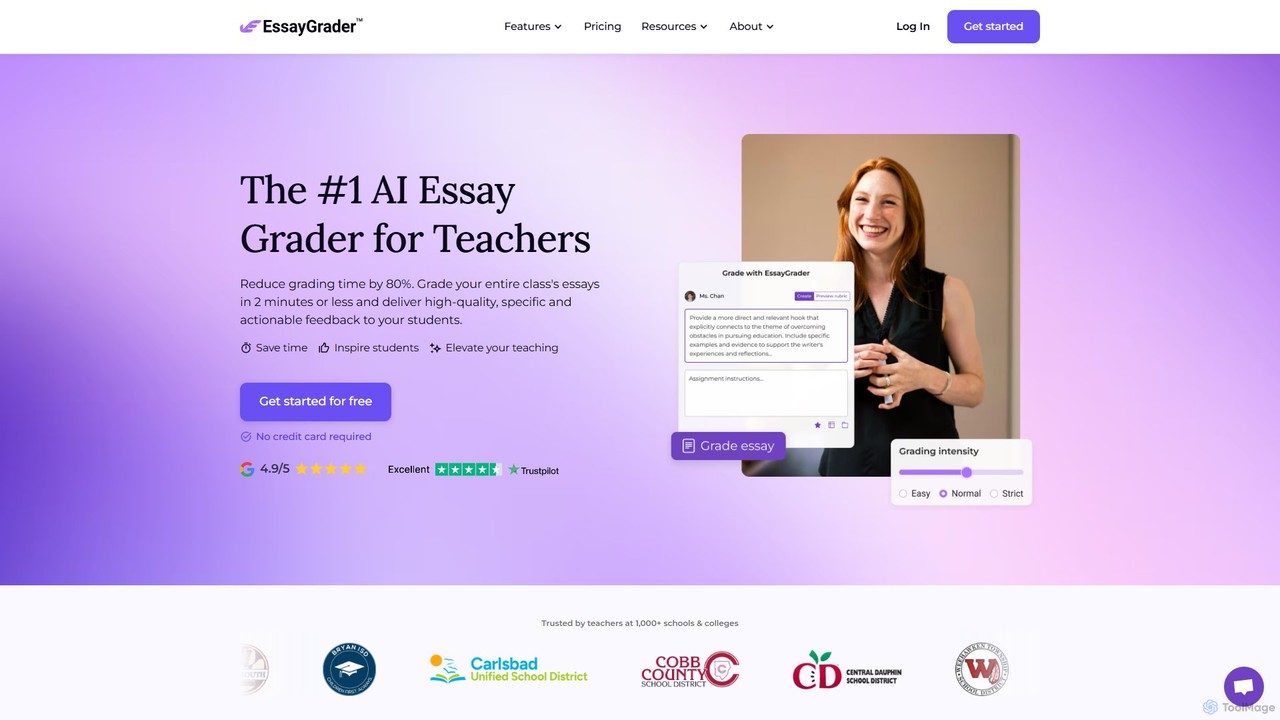
EssayGrader
EssayGrader is an AI-powered grading tool for educators that automates essay evaluation. It allows teachers to create custom rubrics, integrate with LMS like Canvas and Google Classroom, and receive instant, detailed feedback and accurate grades for student submissions, including handwritten work. It's designed to save time and streamline the grading process for teachers at all levels.
GradingGradeWiz Categories
GradeWiz Embed Widget
Copy this embed code to place the badge on your blog, article, or product site and send readers directly to this ToolMage detail page.

Related AI tools
Grader Good
Grader Good is an AI-powered grading tool for educators, designed to streamline the assessment process. It uses custom rubrics to evaluate student papers, ensuring consistency and saving significant time. The platform is FERPA compliant, prioritizing student privacy, and supports various paper types like English essays and History reports, helping teachers focus on providing valuable feedback.
Grading
Jyek
Jyek is an AI agent platform that understands objectives, creates execution plans, uses tools, and delivers verifiable results for complex, multi-step tasks.
AutomationRubricPro
RubricPro is an AI-powered grading assistant that simplifies the evaluation of documents like essays, CVs, and business plans. Users can upload their own rubrics to get consistent, objective, and fast grading for documents in bulk. It's designed for teachers, students, and professionals to save time and improve feedback quality.
GradingGradeWrite
GradeWrite is an AI-powered grading assistant designed for educators to grade assignments 10x faster. It provides personalized, human-like writing feedback, supports bulk uploads, and features custom rubrics, auto-checkers for word count and originality, and an interactive side-by-side grading experience to streamline the entire assessment process.
Grading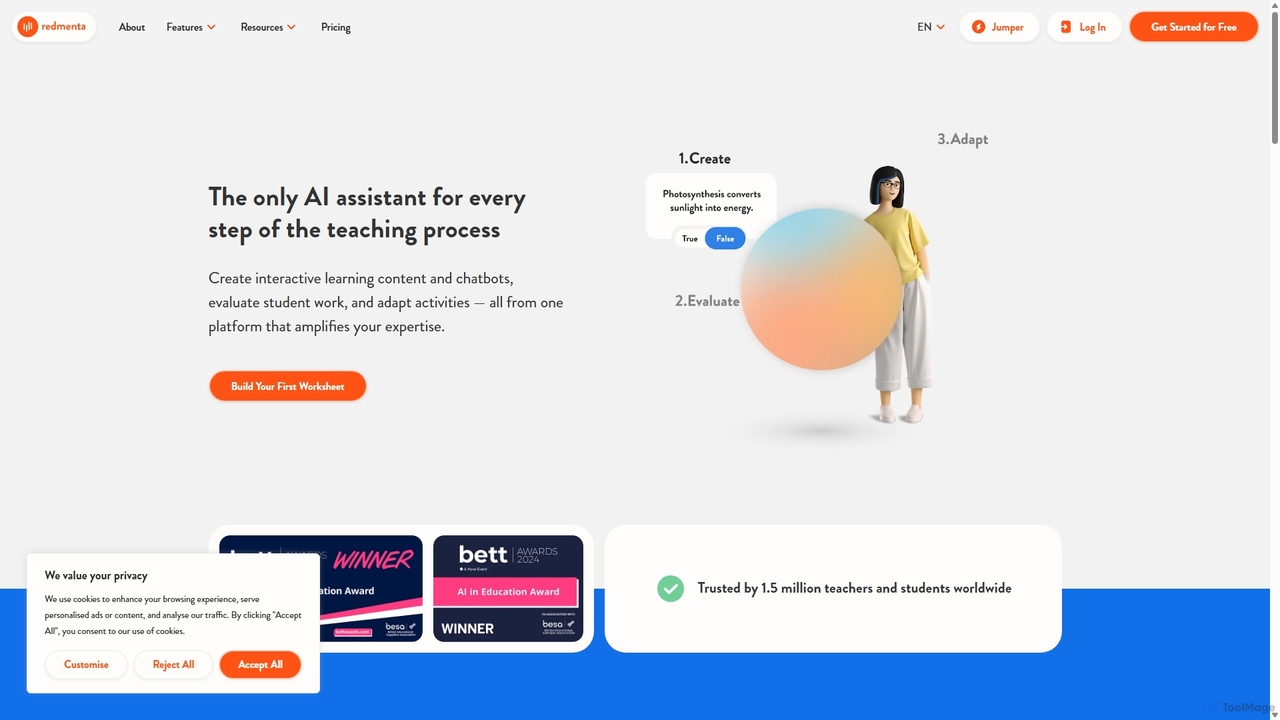
Redmenta
Redmenta is an AI-powered teaching assistant designed for educators and schools to streamline lesson planning, content creation, and student assessment. It helps teachers generate customized lesson plans, adaptive worksheets, and quizzes in seconds. With features like an AI essay grader and rubric creator, Redmenta saves valuable time, enables personalized learning, and provides insightful performance analytics to support every student's unique educational journey.
Teaching Assistant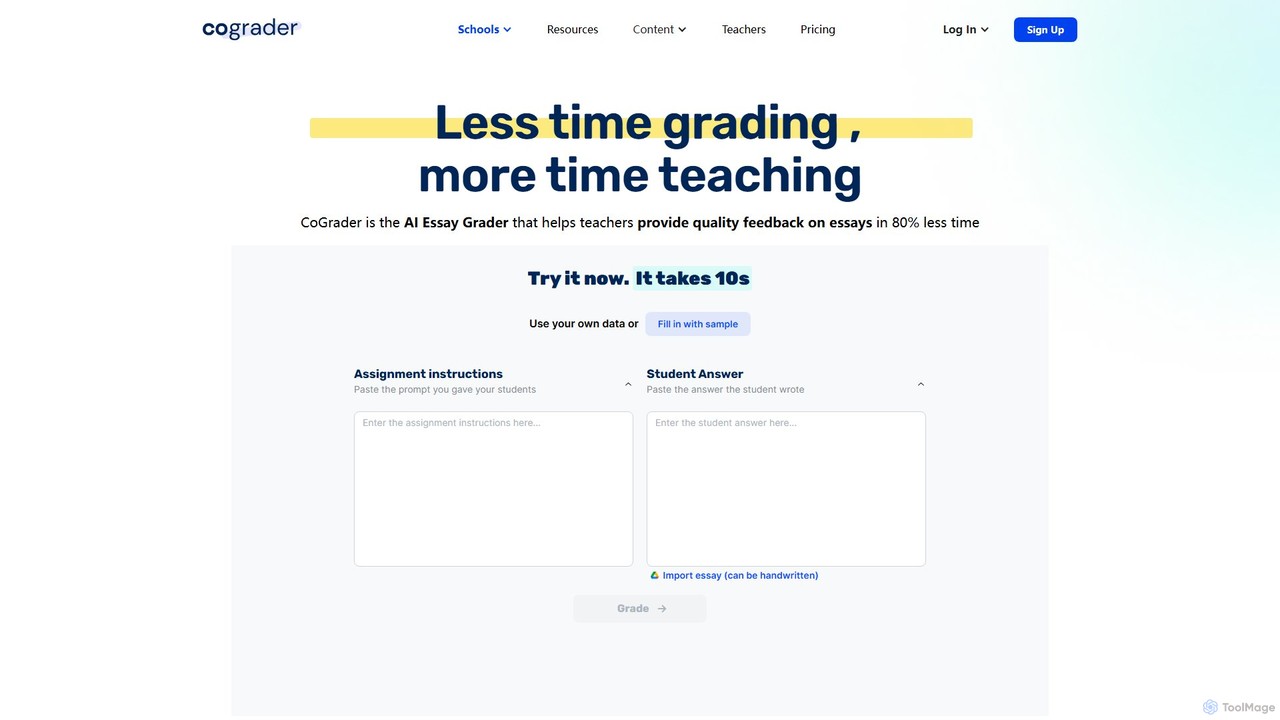
CoGrader
CoGrader is an AI-powered essay grader designed for educators. It saves up to 80% of grading time by providing instant, rubric-based feedback on written assignments. It integrates with LMS platforms like Google Classroom, Canvas, and Schoology, helping teachers focus more on teaching and less on grading.
Assessment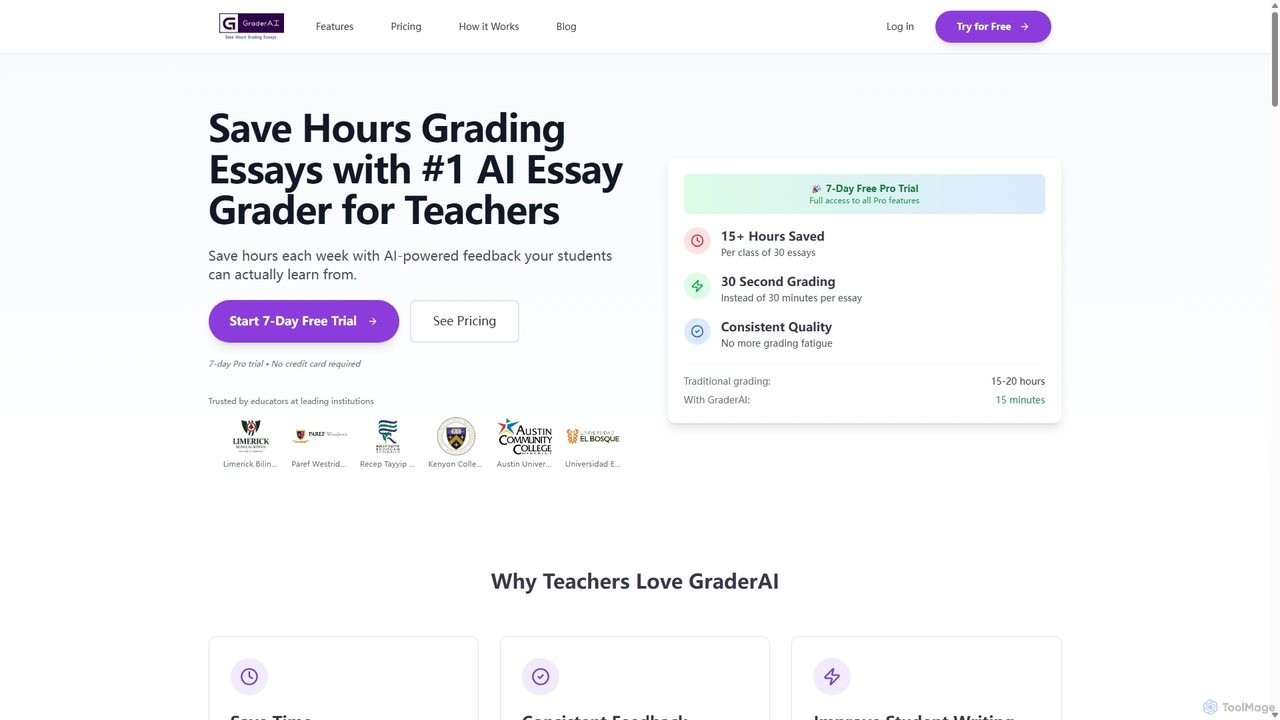
Ai Essay Grader
An AI-powered tool designed for educators to grade essays in seconds, not hours. It provides consistent, high-quality, rubric-based feedback, detects AI-generated content, and integrates with LMS platforms like Google Classroom, helping teachers save time and improve student writing.
TeachingEssayGrader
EssayGrader is an AI-powered grading tool for educators that automates essay evaluation. It allows teachers to create custom rubrics, integrate with LMS like Canvas and Google Classroom, and receive instant, detailed feedback and accurate grades for student submissions, including handwritten work. It's designed to save time and streamline the grading process for teachers at all levels.
Grading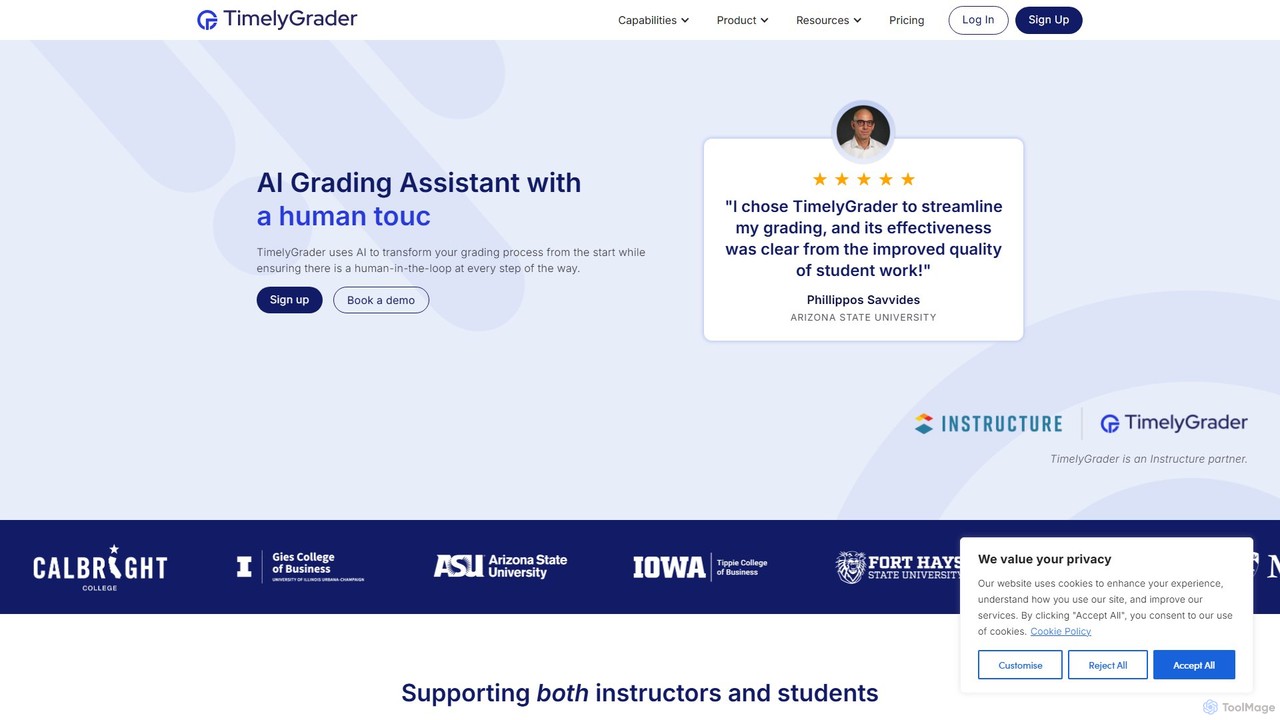
TimelyGrader
TimelyGrader is an AI-powered grading assistant designed for educators, featuring a unique 'human-in-the-loop' system. It automates the tedious aspects of grading essays and papers against custom rubrics, providing detailed, consistent feedback while keeping the instructor in full control of the final evaluation and comments.
Grading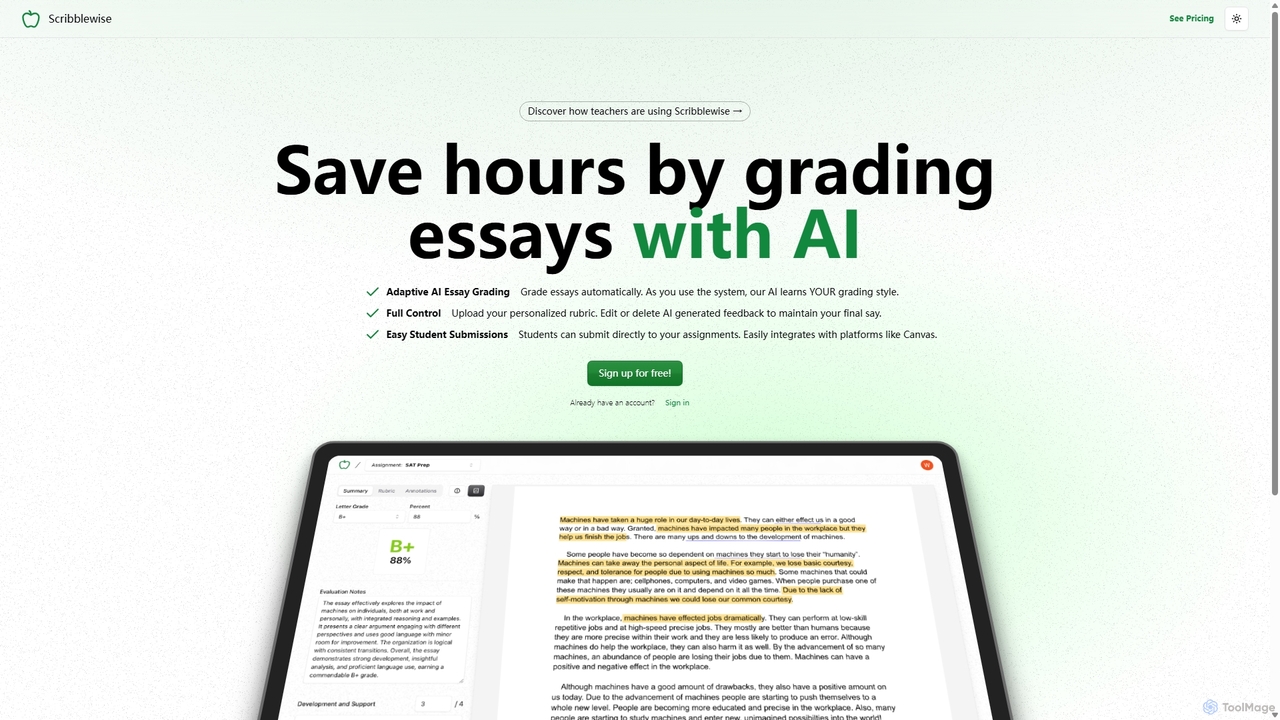
Scribblewise
Scribblewise is an adaptive AI essay grading platform designed for educators. It saves teachers hours by automatically grading essays based on their personalized rubrics and unique grading style. The AI learns and adapts with each use, while teachers retain full control to edit and finalize feedback.
Grading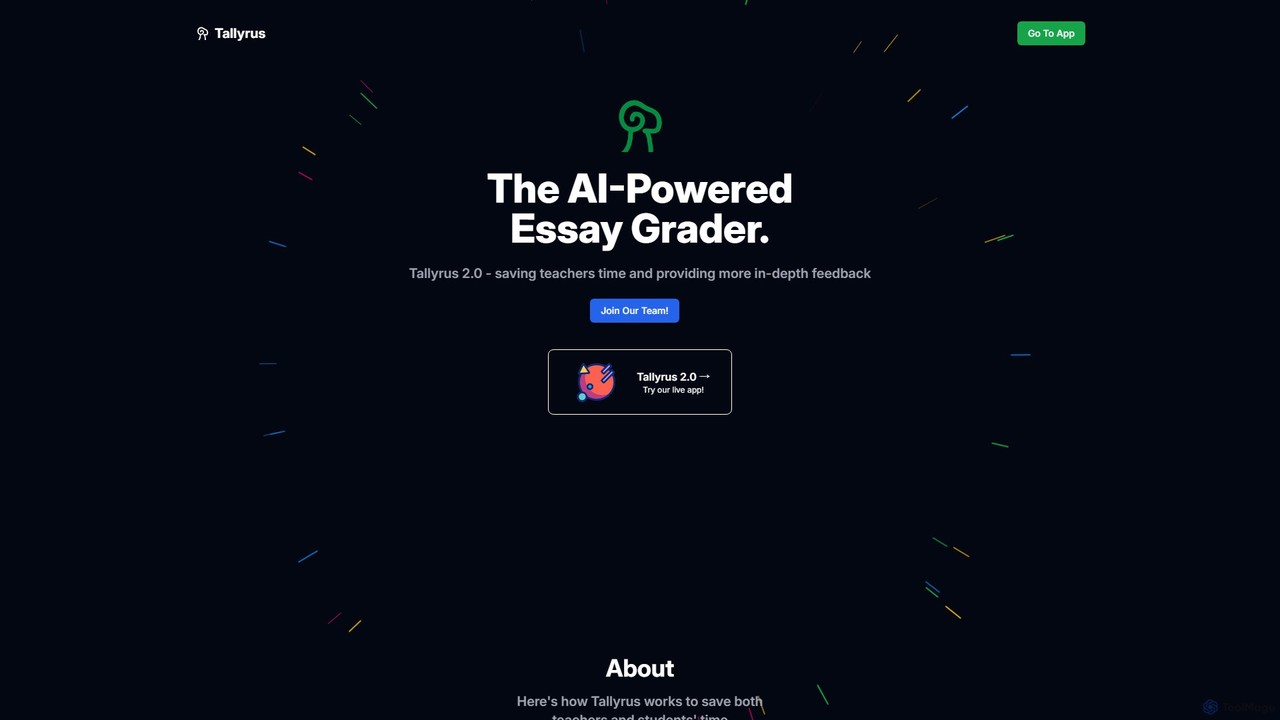
Tallyrus
Tallyrus is an AI-powered essay grader designed for educators. It saves teachers significant time by automating the grading process, providing students with instant, personalized, and unbiased feedback. The platform also includes tools for streamlined classroom management, helping to create a more efficient and equitable learning environment.
Grading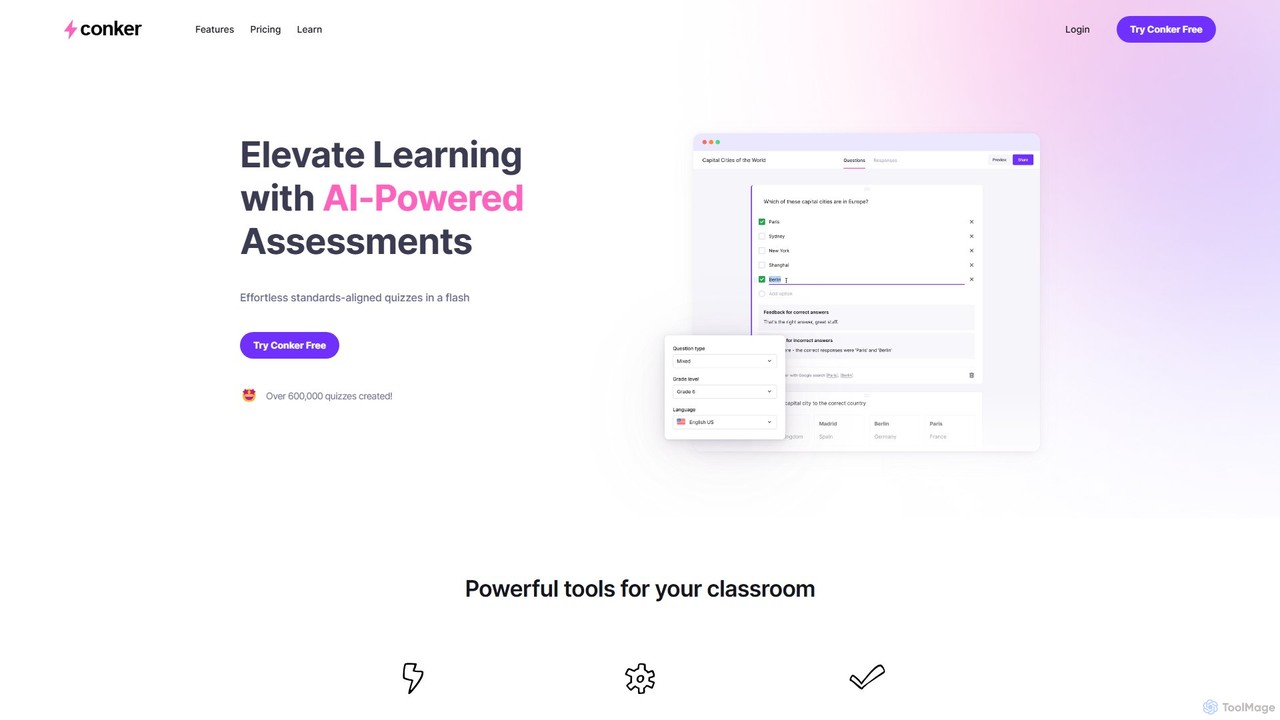
Conker
Conker is an AI-powered quiz generator designed for educators. It instantly creates customizable, standards-aligned assessments and quizzes with various question types. This tool helps teachers save time, differentiate instruction, and increase student engagement by integrating seamlessly with platforms like Google Forms and Canvas.
Assessment Generation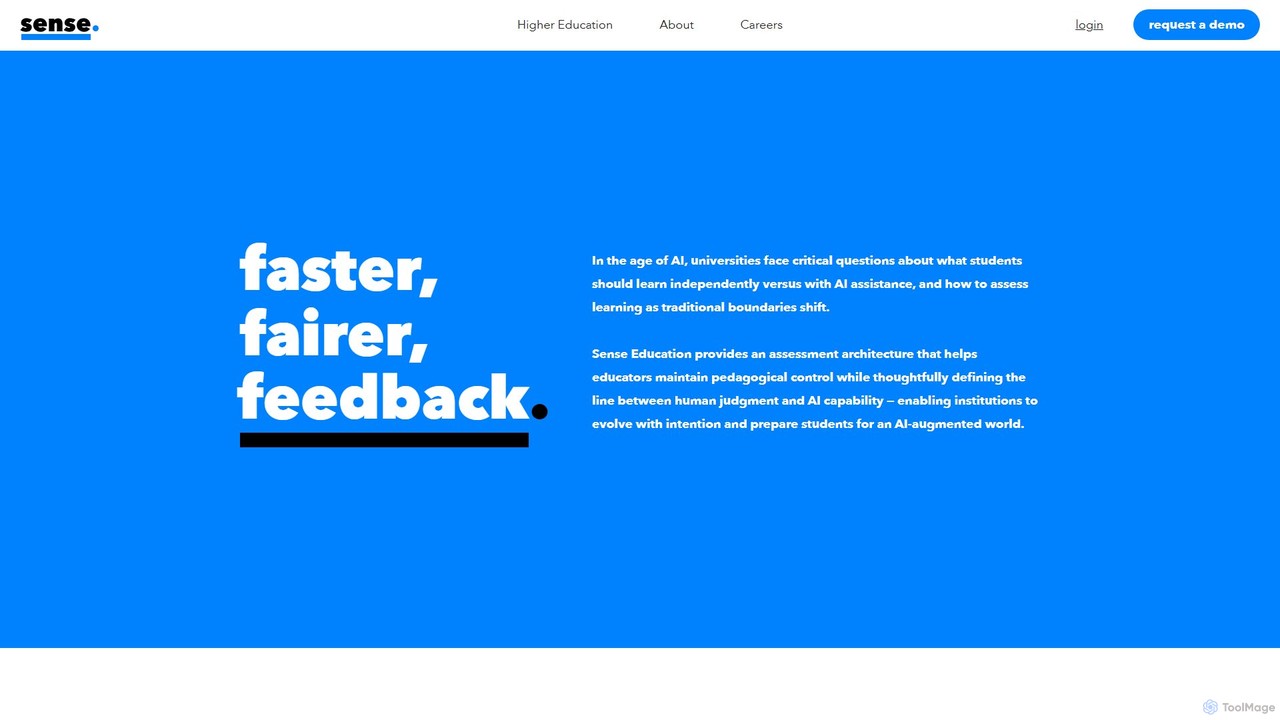
Sense
Sense is an AI-driven assessment and feedback platform designed for higher education. It empowers educators to provide personalized, high-quality feedback at scale, overcoming the challenges of large class sizes. By amplifying human expertise, Sense helps improve student outcomes and makes quality education more accessible.
Assessment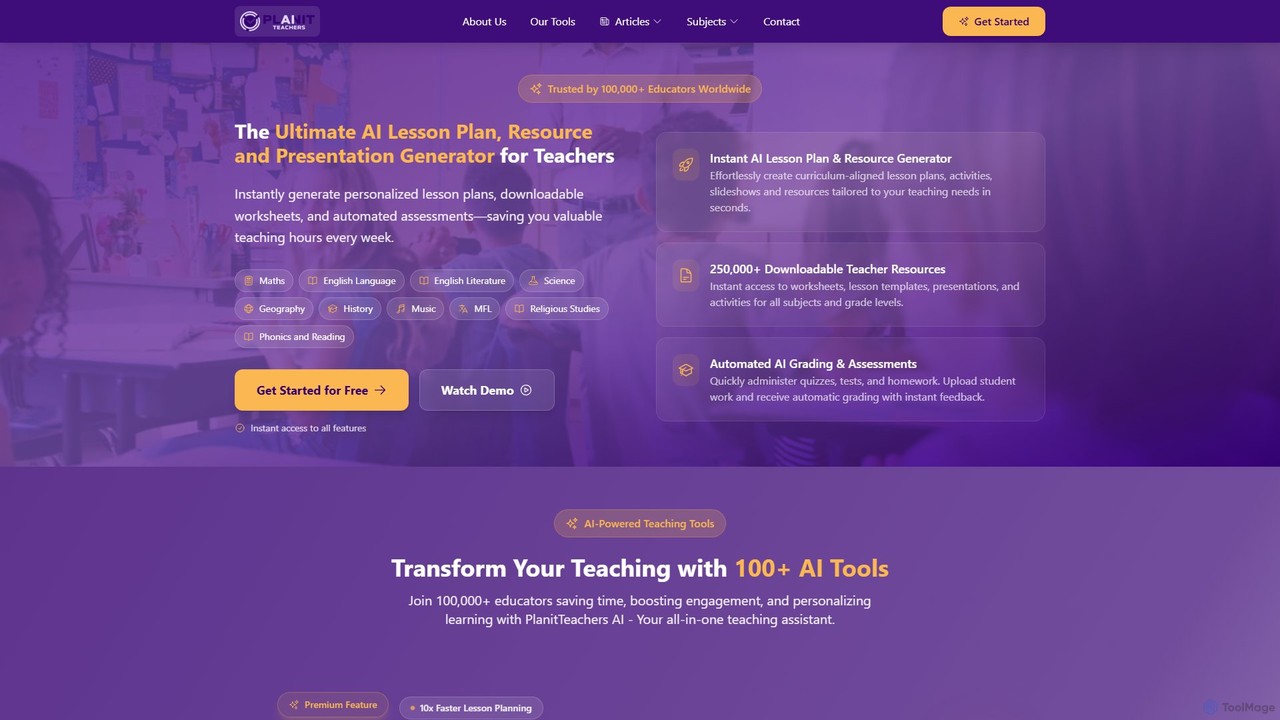
PlanitTeachers
PlanitTeachers is an AI-powered platform for educators, designed to automate lesson planning, resource creation, and assessments. It offers over 100 AI tools to generate curriculum-aligned lesson plans, worksheets, presentations, and reports, saving teachers valuable hours every week and enhancing student engagement.
Assessment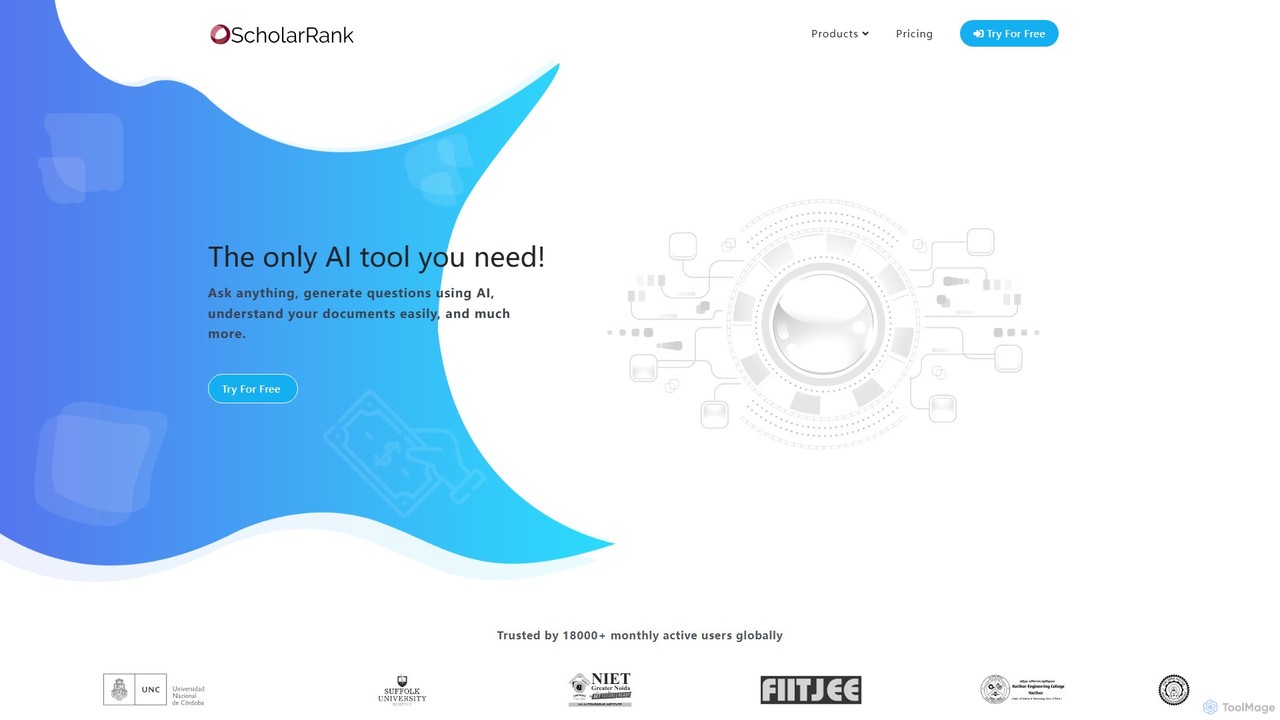
ScholarRank
ScholarRank is an AI-powered educational platform for generating questions, scheduling tests, and understanding documents. It integrates leading AI models like GPT-4 and Claude-3 to assist educators and students with creating assessments, interactive learning, and content analysis.
Assessment
GradeWiz Comments (0)
Sign in to comment.
Sign inNo comments yet.