

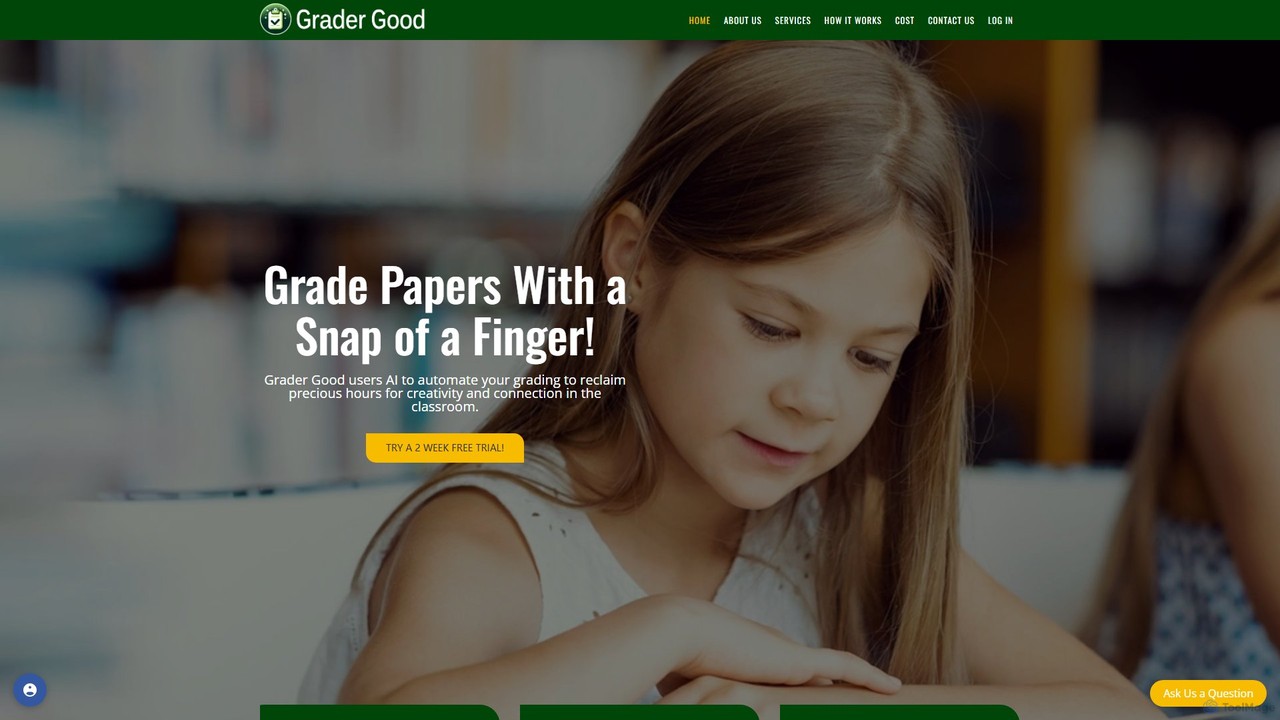
Grader Good Overview
Grader Good is an innovative AI-powered grading platform designed to revolutionize the educational assessment process for teachers, professors, and teaching assistants. By leveraging state-of-the-art artificial intelligence, Grader Good helps educators simplify and streamline the often tedious and time-consuming task of grading papers. The core mission of the platform is to enhance the educational experience for both educators and students by providing a tool that is not only efficient but also precise, fair, and secure.
The platform operates on the principle of customized assessment. Educators can create highly detailed, custom rubrics tailored to each specific assignment. An AI Rubric Creator Assistant is available to guide users through this process, or they can easily input pre-existing rubrics. Once the rubric is set, the AI analyzes student submissions, such as English essays and History papers, against these specific criteria, providing accurate and consistent grade suggestions. This automation frees educators from the repetitive aspects of grading, allowing them to focus their energy on what truly matters: providing personalized, insightful feedback to foster student growth.
How to use Grader Good
Getting started with Grader Good is a straightforward process designed with busy educators in mind:
- Sign Up: Begin by signing up for a free trial on the Grader Good website to gain access to the platform's features.
- Create or Input a Rubric: For each assignment, you need a grading rubric. You can use the AI Rubric Creator Assistant to build a new, comprehensive rubric from scratch or simply copy and paste a custom rubric you already use.
- Submit Papers: Upload the student papers you need to grade. The platform is designed to handle various document formats.
- AI Analysis: The AI engine will then analyze each paper meticulously, comparing the content against the criteria defined in your rubric.
- Review Suggestions: Grader Good provides a detailed assessment and a suggested grade for each paper. It's important to note that this is a suggestion to assist, not replace, the educator.
- Finalize Grades: As the final authority, the educator reviews the AI's analysis, makes any necessary adjustments, and finalizes the grade. The human element remains essential for the final judgment.
Core Features of Grader Good
- AI-Powered Grading Engine: Utilizes advanced AI algorithms to assess papers based on user-defined rubrics, ensuring precision and objectivity.
- Custom Rubric Compatibility: Offers full flexibility, allowing educators to create new rubrics with an AI assistant or use their own existing ones.
- FERPA Compliance: A core commitment to privacy and security. The platform is proudly FERPA compliant, collecting minimal student information, not storing personal identifiers or actual grades, and never sharing data with third parties.
- Time Efficiency: Drastically reduces the hours spent on manual grading, allowing educators to reallocate their time to teaching and student interaction.
- Consistent and Fair Evaluation: Eliminates potential human bias and ensures every student's work is evaluated against the exact same standards, promoting fairness.
- Adaptive Learning Platform: The system is designed to evolve and improve continuously, adapting to the dynamic challenges and needs of modern education.
- Dedicated Support: Provides comprehensive support to all users, ensuring a smooth and positive experience with a team ready to assist with any questions.
Use Cases for Grader Good
Grader Good is ideal for a variety of educational scenarios:
- High-Enrollment Courses: University professors and lecturers with hundreds of students can manage their grading workload efficiently without sacrificing quality.
- Writing-Intensive Classes: English, History, and Social Studies teachers can automate the initial assessment of essays, focusing more on nuanced feedback about argumentation and style.
- Standardized Testing Preparation: Helps in preparing students for standardized tests by consistently applying scoring rubrics to practice essays.
- Supporting Teaching Assistants (TAs): Provides a baseline for TAs to ensure their grading is aligned with the professor's standards, serving as an excellent training tool.
Advantages of Grader Good
Choosing Grader Good offers several distinct advantages. Its innovative, patent-pending technology sets it apart from other platforms. The user-centric design ensures it integrates smoothly into existing educational workflows. Most importantly, it is more than just a tool; it's a commitment to supporting educators in their mission to inspire and educate. By handling the mechanical aspects of grading, it empowers teachers to provide the kind of detailed, constructive feedback that truly helps students learn and prepare for their future.
Pricing and Plans
Grader Good operates on a freemium model. It offers a free trial period for educators to explore the full capabilities of the platform and experience its benefits firsthand. After the trial concludes, users can choose from various subscription options to continue using the service. For detailed information on the available plans and their specific pricing, educators are encouraged to visit the official Grader Good website.
Grader Good Alternatives
GradeWiz
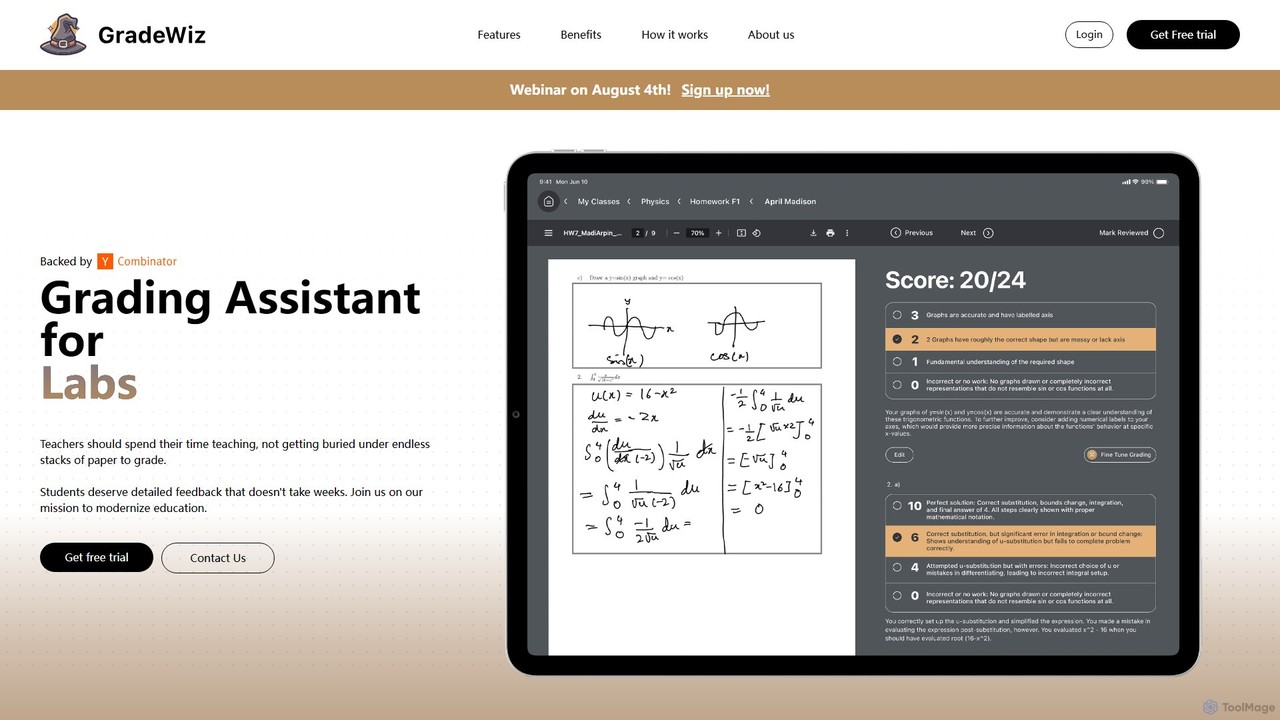
GradeWiz is an AI-powered grading assistant designed for educators. It automates the grading process, provides personalized and constructive feedback on student work, and helps teachers save significant time. By leveraging customizable rubrics, GradeWiz ensures consistent and fair evaluation across all assignments, allowing teachers to focus more on instruction and student engagement.
Grading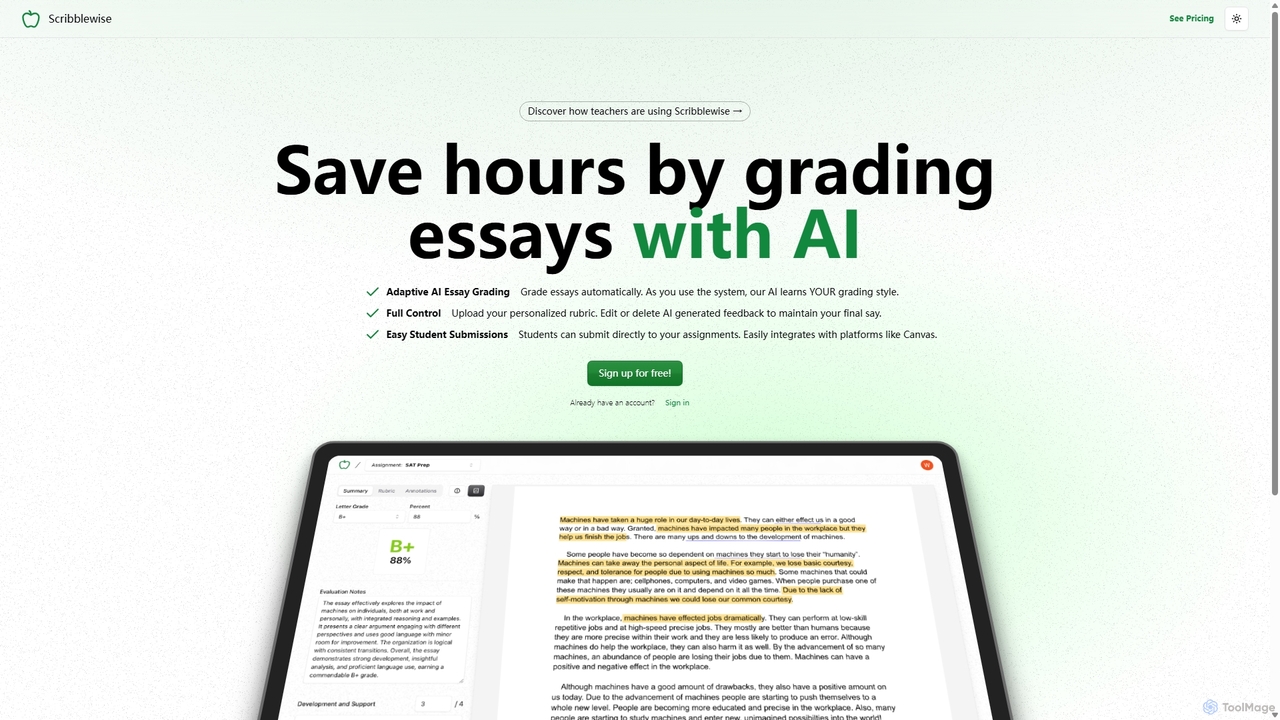
Scribblewise
Scribblewise is an adaptive AI essay grading platform designed for educators. It saves teachers hours by automatically grading essays based on their personalized rubrics and unique grading style. The AI learns and adapts with each use, while teachers retain full control to edit and finalize feedback.
Grading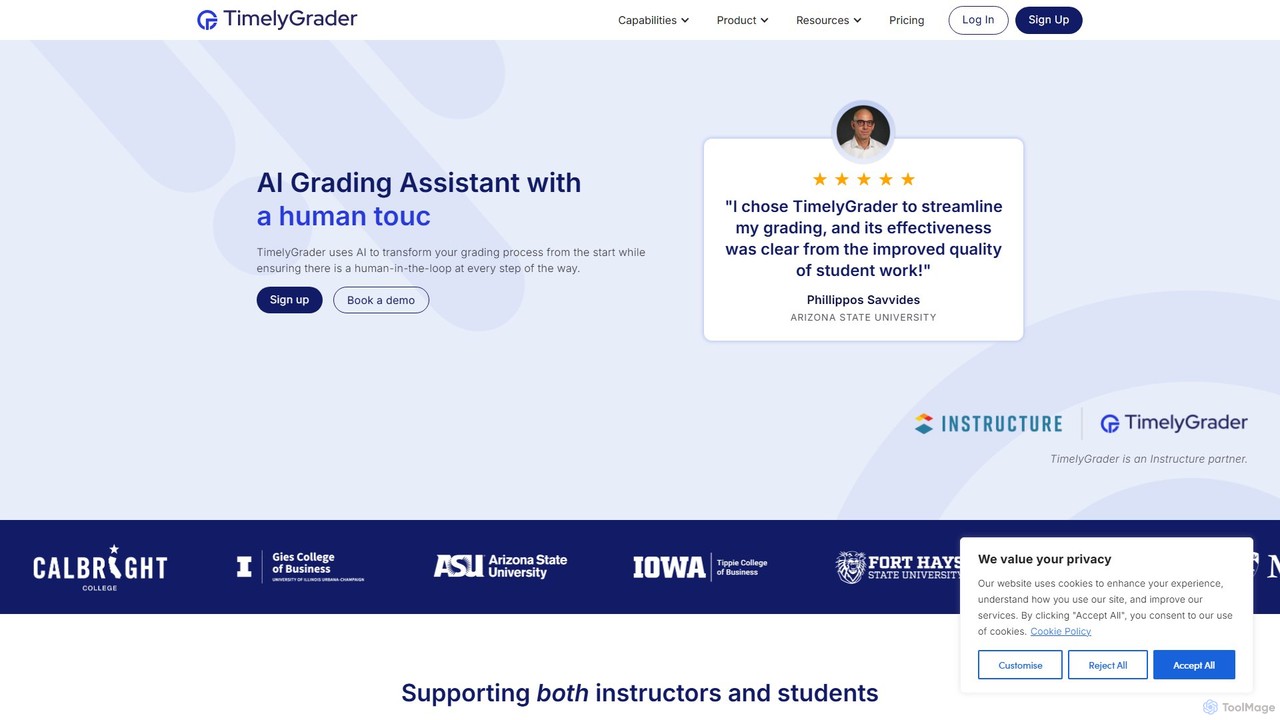
TimelyGrader
TimelyGrader is an AI-powered grading assistant designed for educators, featuring a unique 'human-in-the-loop' system. It automates the tedious aspects of grading essays and papers against custom rubrics, providing detailed, consistent feedback while keeping the instructor in full control of the final evaluation and comments.
Grading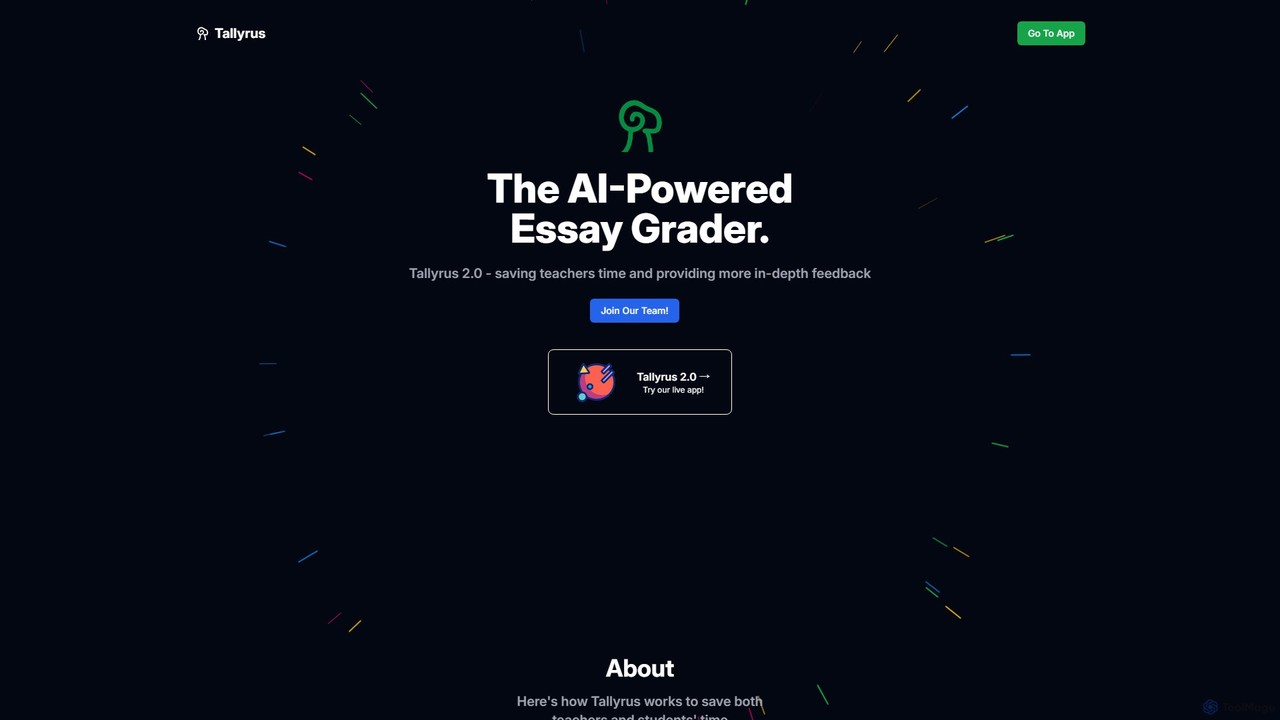
Tallyrus
Tallyrus is an AI-powered essay grader designed for educators. It saves teachers significant time by automating the grading process, providing students with instant, personalized, and unbiased feedback. The platform also includes tools for streamlined classroom management, helping to create a more efficient and equitable learning environment.
Grading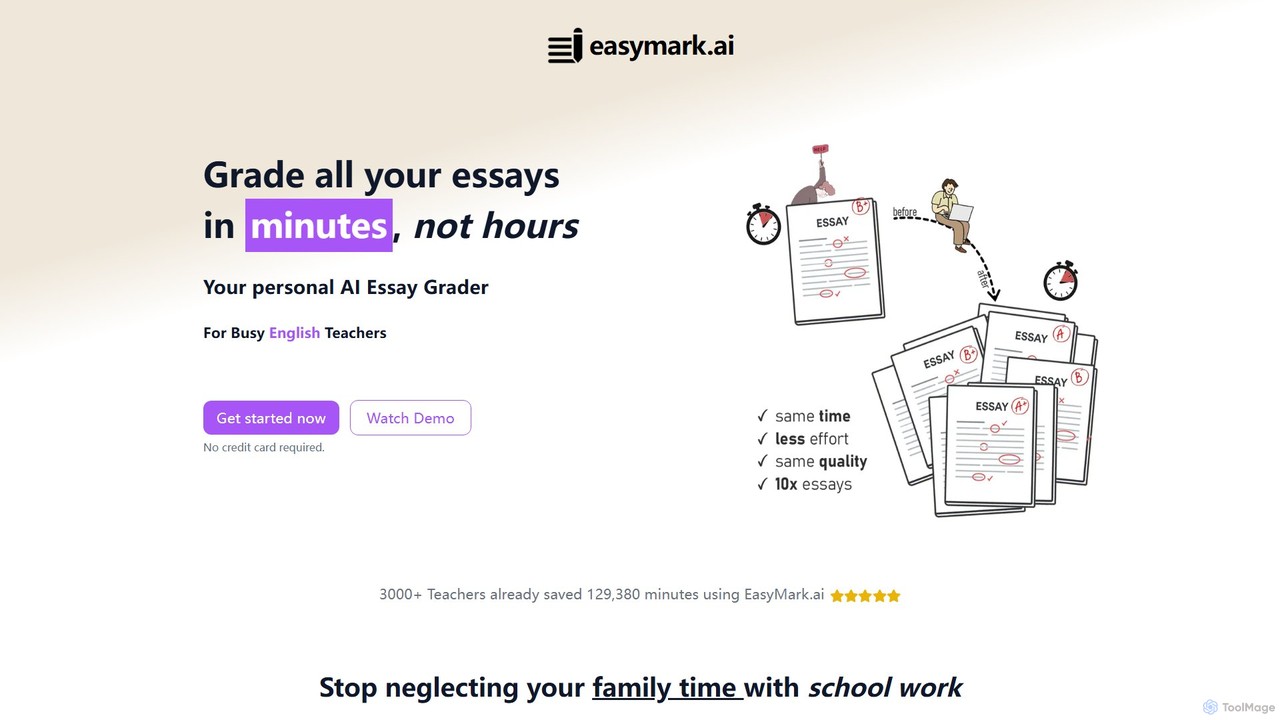
easymark
easymark is an AI-powered essay grader designed for busy English and ELA teachers. It dramatically reduces grading time, allowing educators to grade up to 10 times more essays. The tool provides personalized feedback, detailed error lists, and improvement suggestions based on custom rubrics, supporting various file formats like PDF and images.
GradingGrader Good Categories
Grader Good Embed Widget
Copy this embed code to place the badge on your blog, article, or product site and send readers directly to this ToolMage detail page.

Related AI tools
GradeWiz
GradeWiz is an AI-powered grading assistant designed for educators. It automates the grading process, provides personalized and constructive feedback on student work, and helps teachers save significant time. By leveraging customizable rubrics, GradeWiz ensures consistent and fair evaluation across all assignments, allowing teachers to focus more on instruction and student engagement.
GradingScribblewise
Scribblewise is an adaptive AI essay grading platform designed for educators. It saves teachers hours by automatically grading essays based on their personalized rubrics and unique grading style. The AI learns and adapts with each use, while teachers retain full control to edit and finalize feedback.
Grading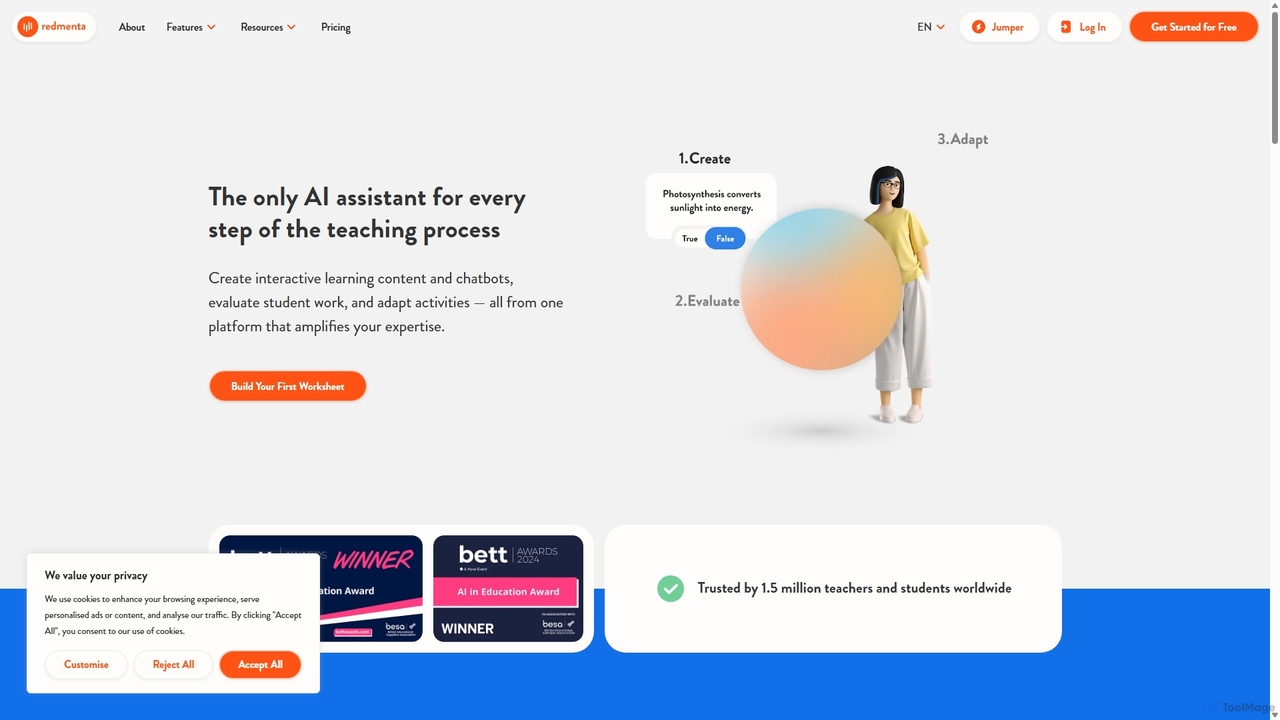
Redmenta
Redmenta is an AI-powered teaching assistant designed for educators and schools to streamline lesson planning, content creation, and student assessment. It helps teachers generate customized lesson plans, adaptive worksheets, and quizzes in seconds. With features like an AI essay grader and rubric creator, Redmenta saves valuable time, enables personalized learning, and provides insightful performance analytics to support every student's unique educational journey.
Teaching Assistant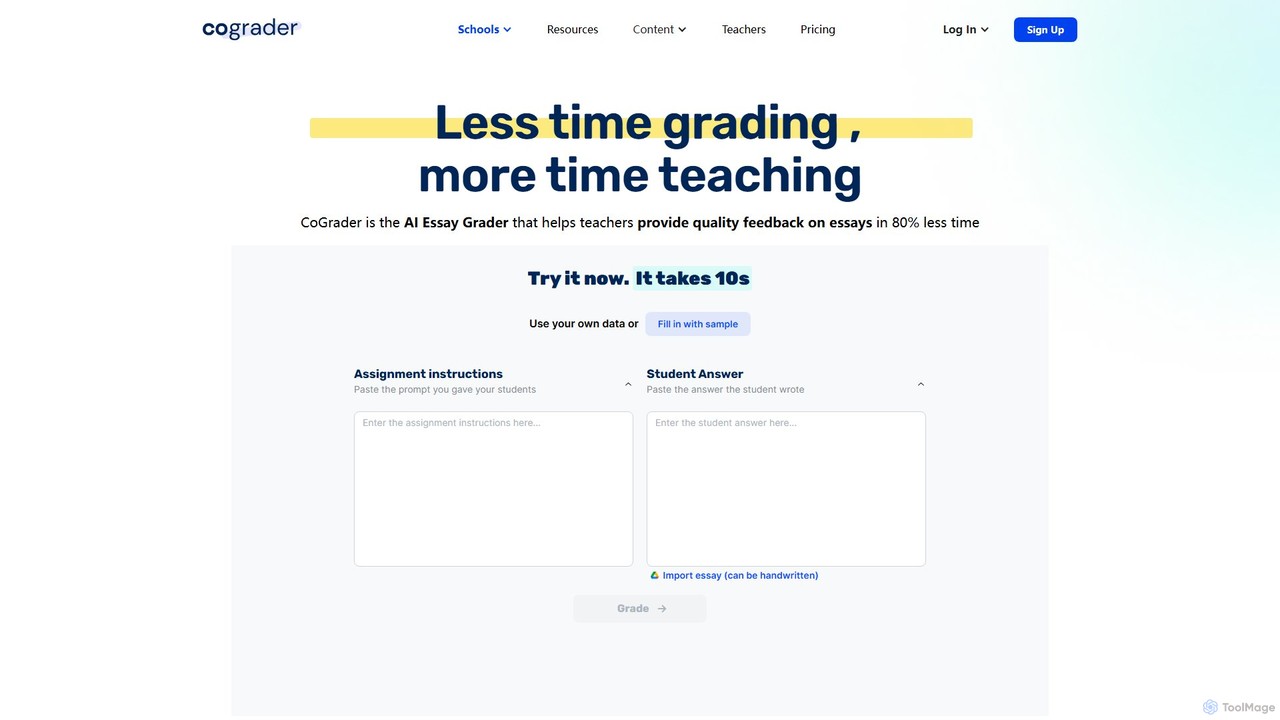
CoGrader
CoGrader is an AI-powered essay grader designed for educators. It saves up to 80% of grading time by providing instant, rubric-based feedback on written assignments. It integrates with LMS platforms like Google Classroom, Canvas, and Schoology, helping teachers focus more on teaching and less on grading.
AssessmentTimelyGrader
TimelyGrader is an AI-powered grading assistant designed for educators, featuring a unique 'human-in-the-loop' system. It automates the tedious aspects of grading essays and papers against custom rubrics, providing detailed, consistent feedback while keeping the instructor in full control of the final evaluation and comments.
GradingTallyrus
Tallyrus is an AI-powered essay grader designed for educators. It saves teachers significant time by automating the grading process, providing students with instant, personalized, and unbiased feedback. The platform also includes tools for streamlined classroom management, helping to create a more efficient and equitable learning environment.
Grading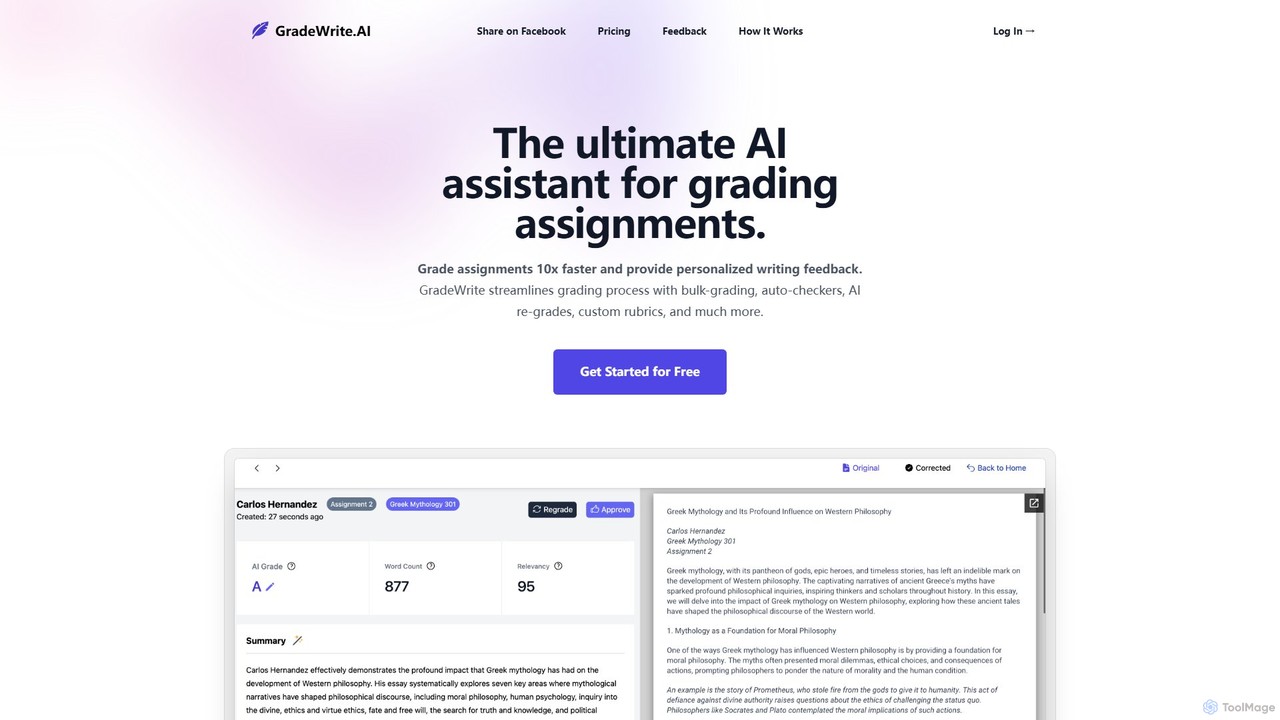
GradeWrite
GradeWrite is an AI-powered grading assistant designed for educators to grade assignments 10x faster. It provides personalized, human-like writing feedback, supports bulk uploads, and features custom rubrics, auto-checkers for word count and originality, and an interactive side-by-side grading experience to streamline the entire assessment process.
Grading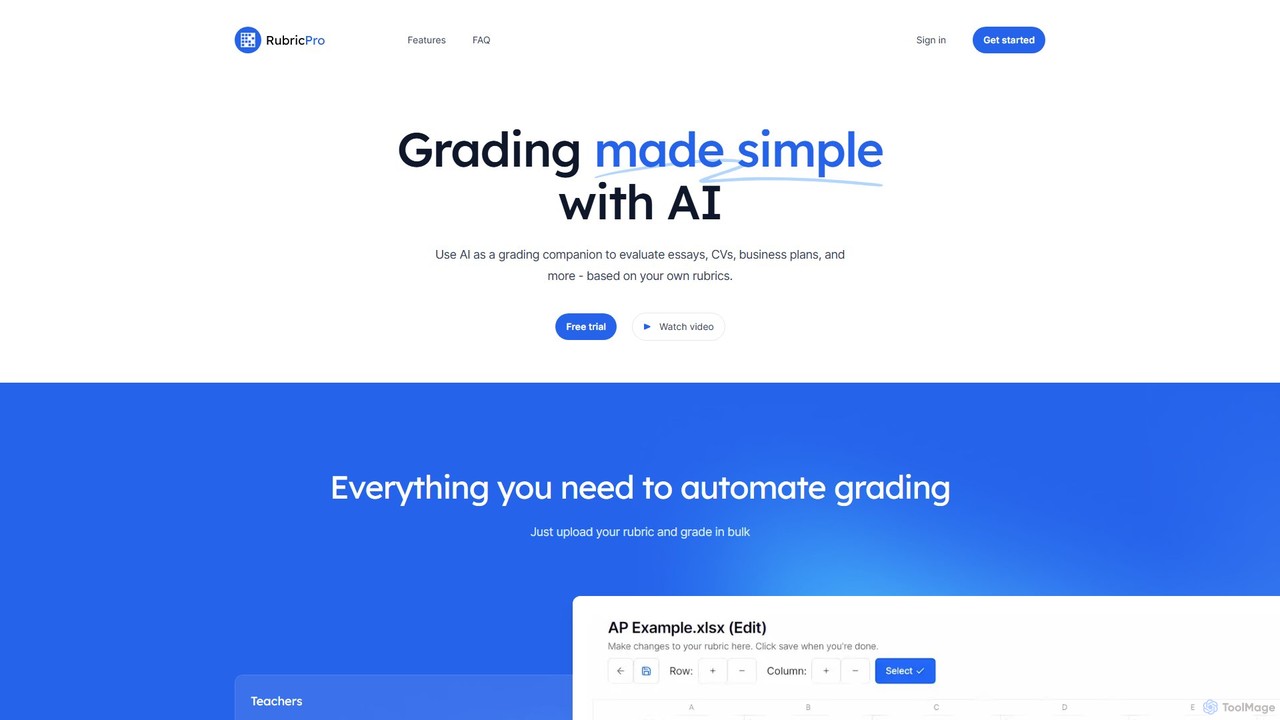
RubricPro
RubricPro is an AI-powered grading assistant that simplifies the evaluation of documents like essays, CVs, and business plans. Users can upload their own rubrics to get consistent, objective, and fast grading for documents in bulk. It's designed for teachers, students, and professionals to save time and improve feedback quality.
Grading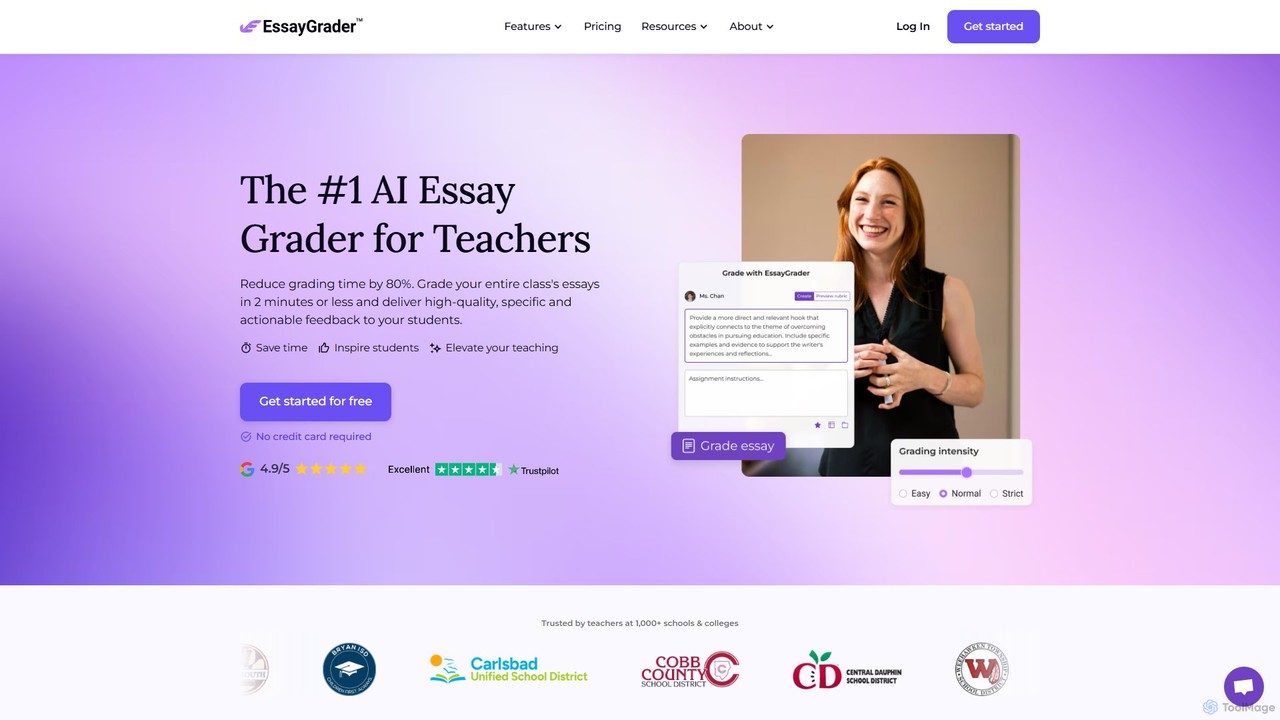
EssayGrader
EssayGrader is an AI-powered grading tool for educators that automates essay evaluation. It allows teachers to create custom rubrics, integrate with LMS like Canvas and Google Classroom, and receive instant, detailed feedback and accurate grades for student submissions, including handwritten work. It's designed to save time and streamline the grading process for teachers at all levels.
Grading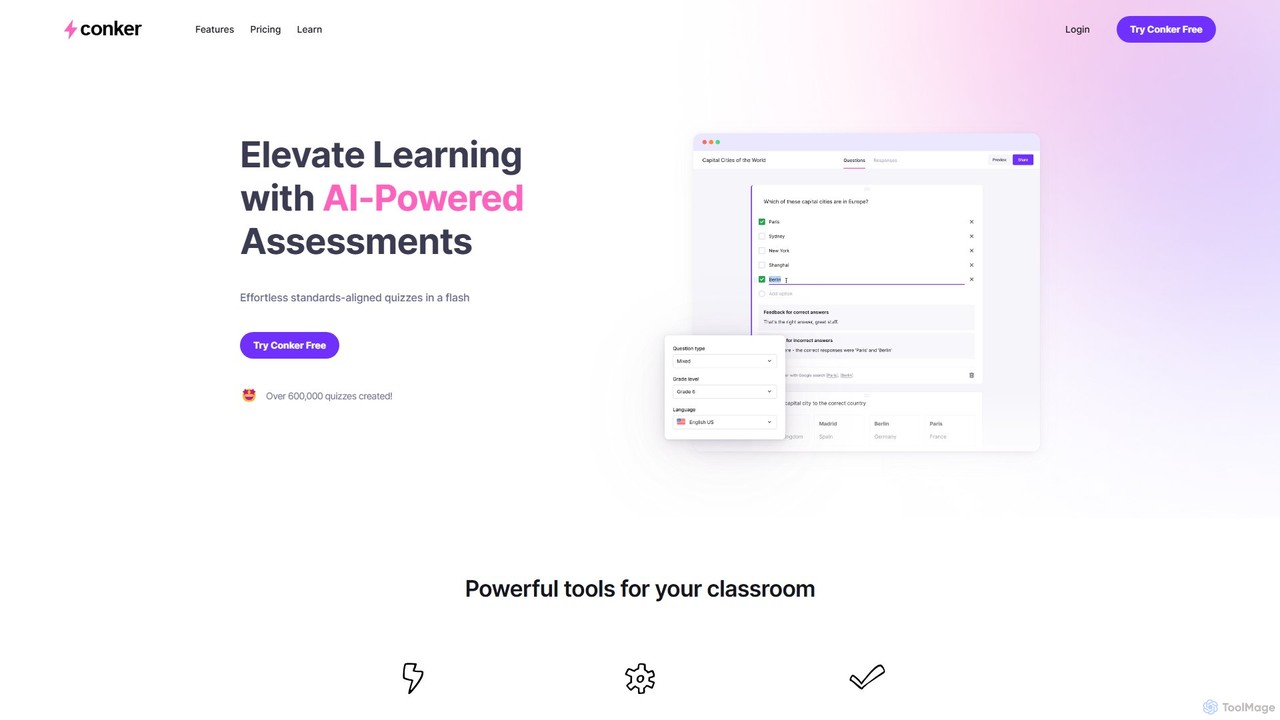
Conker
Conker is an AI-powered quiz generator designed for educators. It instantly creates customizable, standards-aligned assessments and quizzes with various question types. This tool helps teachers save time, differentiate instruction, and increase student engagement by integrating seamlessly with platforms like Google Forms and Canvas.
Assessment Generation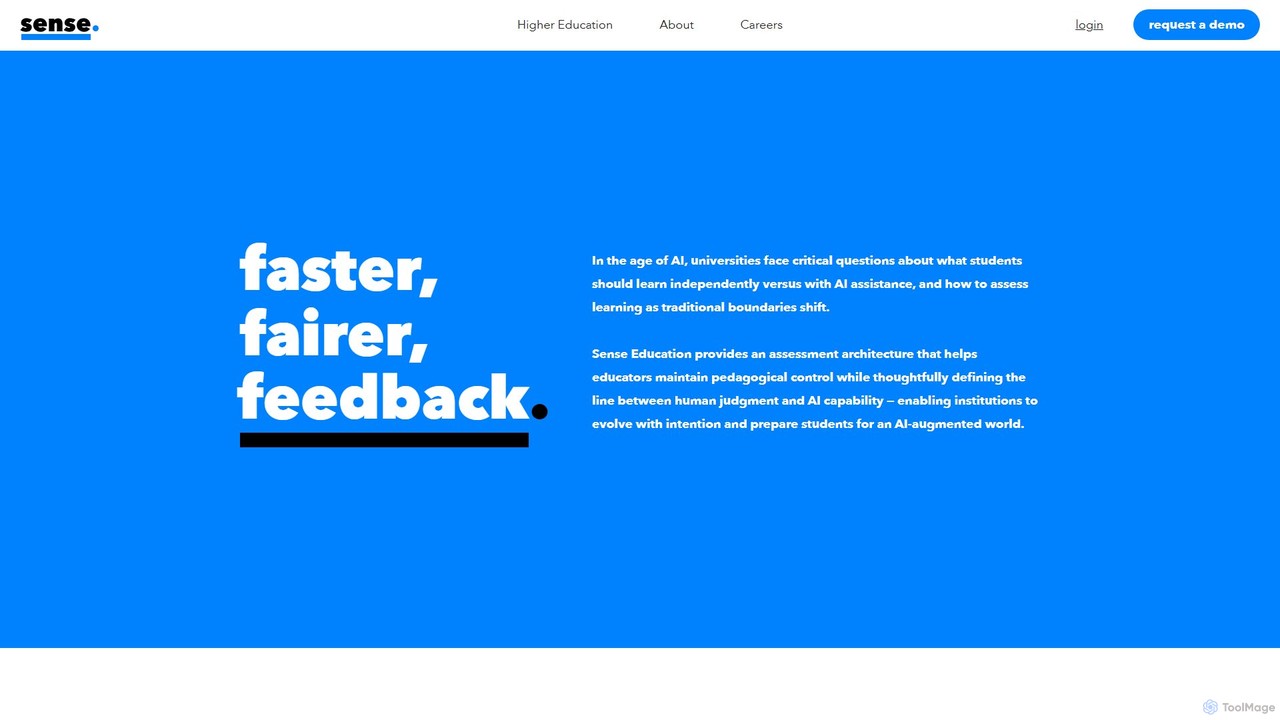
Sense
Sense is an AI-driven assessment and feedback platform designed for higher education. It empowers educators to provide personalized, high-quality feedback at scale, overcoming the challenges of large class sizes. By amplifying human expertise, Sense helps improve student outcomes and makes quality education more accessible.
Assessment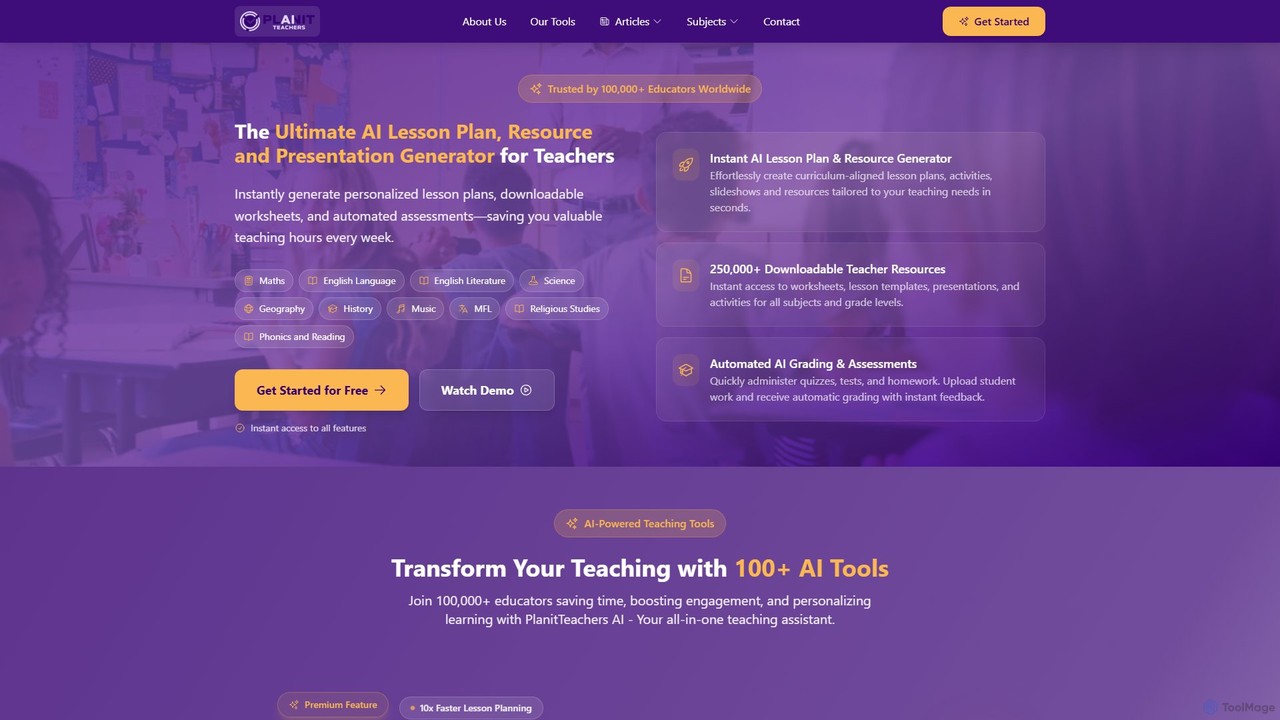
PlanitTeachers
PlanitTeachers is an AI-powered platform for educators, designed to automate lesson planning, resource creation, and assessments. It offers over 100 AI tools to generate curriculum-aligned lesson plans, worksheets, presentations, and reports, saving teachers valuable hours every week and enhancing student engagement.
Assessment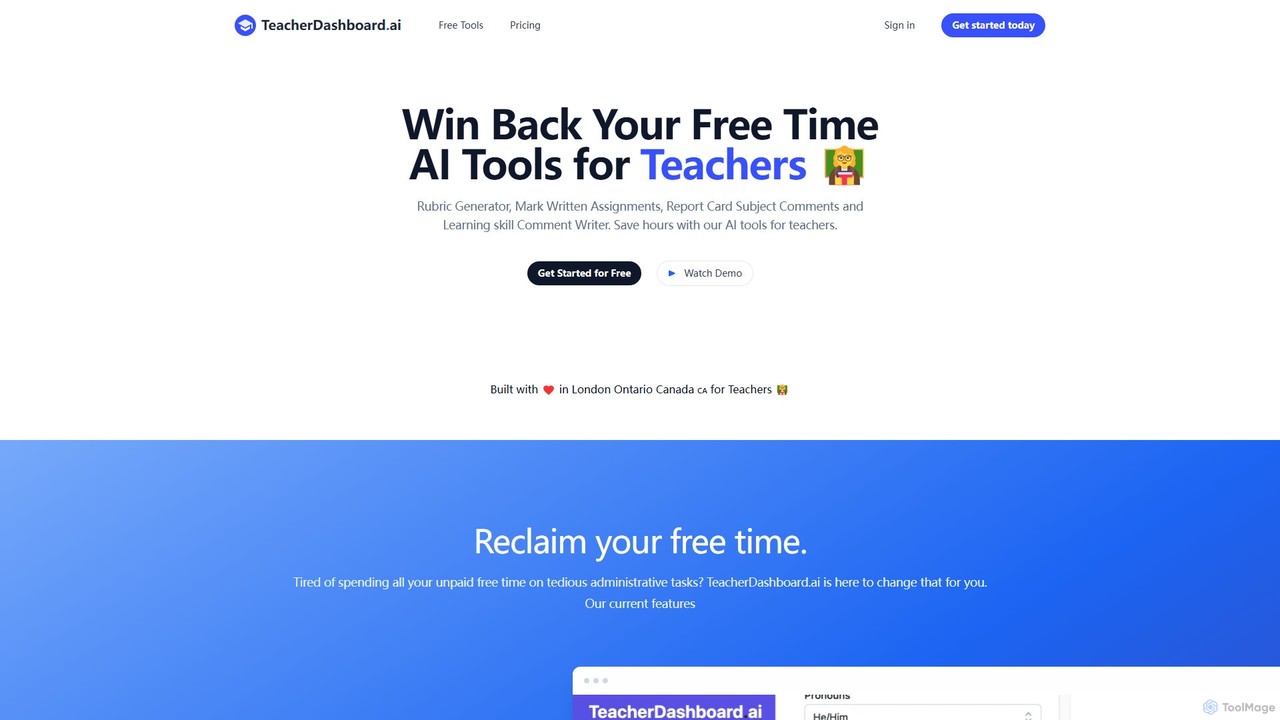
TeacherDashboard.ai
An AI-powered suite of tools designed for teachers to save hours on administrative tasks. It automates the creation of report card comments, rubrics, lesson plans, and assists with marking written assignments, allowing educators to reclaim their free time and focus on teaching.
Teacher Assistant
Jyek
Jyek is an AI agent platform that understands objectives, creates execution plans, uses tools, and delivers verifiable results for complex, multi-step tasks.
Automation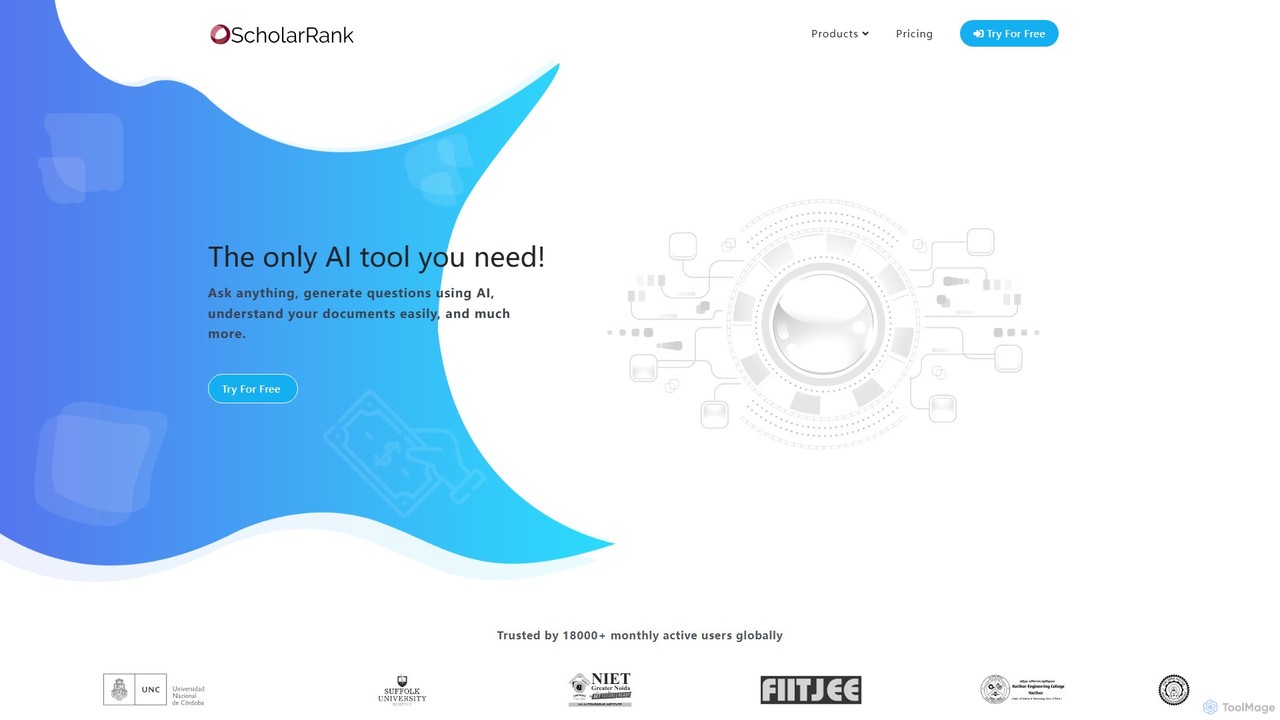
ScholarRank
ScholarRank is an AI-powered educational platform for generating questions, scheduling tests, and understanding documents. It integrates leading AI models like GPT-4 and Claude-3 to assist educators and students with creating assessments, interactive learning, and content analysis.
Assessment
Grader Good Comments (0)
Sign in to comment.
Sign inNo comments yet.