
inotherword Overview
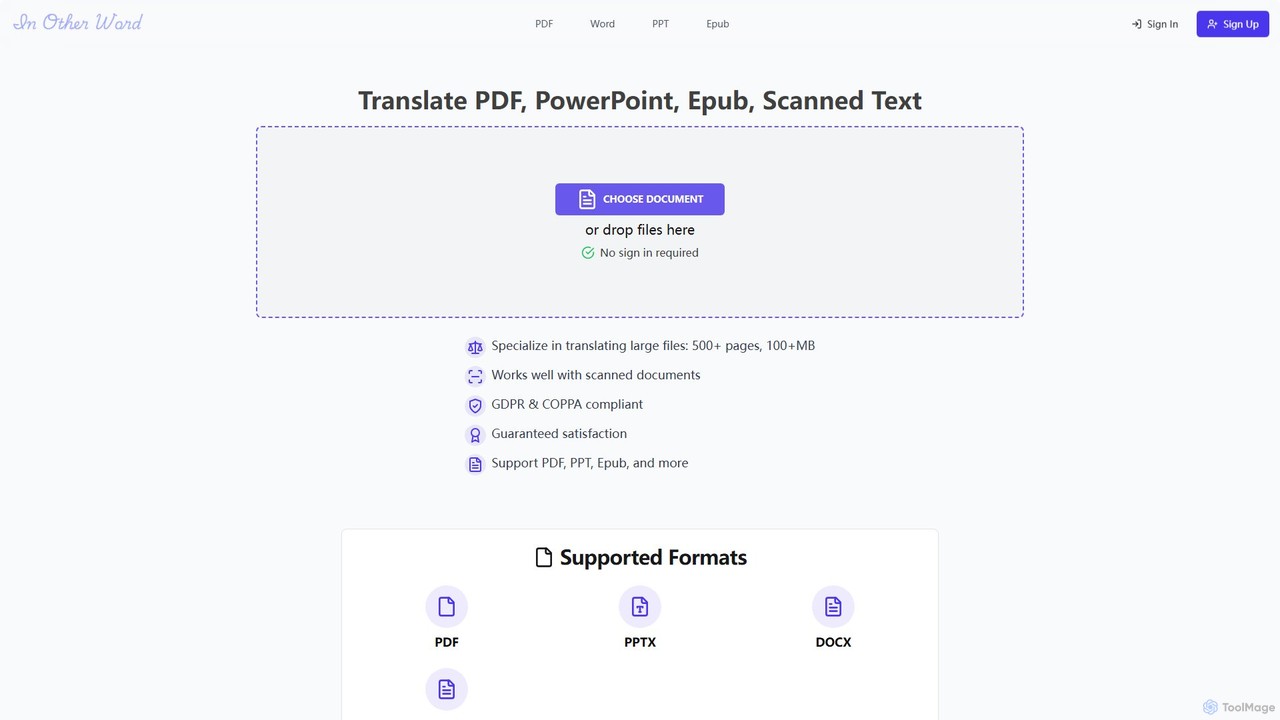
inotherword is an advanced AI-powered translation platform designed to effortlessly translate a wide range of documents while meticulously preserving their original layout and formatting. It stands out for its ability to handle complex file types, including PDFs, PowerPoint presentations (PPTX), Word documents (DOCX), and EPUB e-books. The tool is particularly adept at processing large files, such as books with over 500 pages or documents exceeding 100MB, making it a reliable solution for authors, publishers, researchers, and businesses.
Leveraging sophisticated Optical Character Recognition (OCR) technology, inotherword can also accurately extract and translate text from scanned documents and images, breaking down barriers to information locked in non-editable formats. With support for over 100 languages, it facilitates seamless global communication and content accessibility.
How to use inotherword
The platform is designed for simplicity and efficiency. Users can start translating in just a few steps without the need for an initial sign-in:
- Visit the inotherword website.
- Drag and drop your file (e.g., PDF, EPUB, PPTX) onto the upload area, or click to select a file from your computer.
- The tool automatically processes the document. Select the desired target language from the extensive list of supported languages.
- Initiate the translation process. Users can often get a free preview to see the quality and formatting.
- Once the translation is complete, you can review it, make edits using the post-editing tools, and then download the translated document, which will retain the original's visual structure.
Core Features of inotherword
- Multi-Format Document Translation: Natively supports PDF, PPTX, DOCX, EPUB, and image files, providing a versatile solution for various translation needs.
- Layout Preservation: A key feature that ensures the translated document mirrors the original's formatting, including text styles, image placements, and overall page structure.
- Large File & Batch Processing: Engineered to translate large documents (500+ pages, 100MB+) and handle multiple files simultaneously, significantly boosting productivity.
- Scanned Document Translation (OCR): Integrates advanced OCR to convert text from scans and images into editable, translatable content.
- Post-Editing and Glossary: Provides an intuitive editor to refine AI-generated translations and allows users to build a custom glossary for consistent terminology across all projects.
- API Access: Offers a robust API for developers and businesses to integrate inotherword's powerful translation capabilities into their own applications and workflows.
- High Language Support: Supports translation between all major world languages, including Spanish, French, Chinese, Japanese, German, and many more.
- Compliance and Security: The platform is GDPR & COPPA compliant, ensuring user data is handled securely and privately.
Use Cases for inotherword
inotherword is ideal for a wide array of professional and personal translation tasks:
- Book and Ebook Publishing: Authors and publishers can translate their EPUB and PDF books to reach a global audience without losing the original design.
- Academic Research: Students and researchers can translate academic papers, articles, and textbooks to access or share knowledge across language barriers.
- Business and Corporate Use: Companies can translate marketing materials, PowerPoint presentations, legal documents, and technical manuals for international markets and teams.
- Official Document Translation: Individuals can translate personal documents like birth certificates and other official papers.
- Image and Infographic Translation: Marketers and educators can translate text within images, charts, and infographics to make visual content accessible to a wider audience.
Advantages of inotherword
The primary advantage of inotherword is its focus on high-fidelity document translation. Unlike basic text translators, it understands the importance of visual context and formatting. Its ability to handle large, complex files and scanned documents makes it a powerful, all-in-one tool. The inclusion of professional features like post-editing, glossaries, and API access provides a level of control and integration that meets the demands of serious users and businesses, while the simple, no-signup-required interface makes it accessible for quick, one-off tasks.
Pricing and Plans
inotherword operates on a freemium model. Users can start translating documents for free to test the service, which typically includes a limited number of pages or a file size cap. For more demanding needs, such as translating large files, batch processing, and accessing the API, the platform offers paid plans. These premium tiers provide higher limits, advanced features, and priority support, catering to professional and enterprise users. For specific details on pricing and plan features, please visit the official website.
Traffic
Latest traffic
Status
Monthly traffic trend
- 2025-9: 10.4K
- 2026-1: 10.1K
- 2026-2: 5.3K
- 2026-3: 13.2K
- 2026-4: 17.9K
- 2026-5: 13.1K
Geography
Top 5 countries / regions
- 🇺🇸United States26.0%
- 🇻🇳Vietnam25.4%
- 🇧🇷Brazil25.1%
- 🇩🇪Germany16.2%
- 🇨🇦Canada7.2%
Top keywords
| Keyword | Cost per click |
|---|---|
| ai translate epub | $0.00 |
| convert epub to mobi | $0.23 |
| epub to mobi | $0.27 |
| mobi to epub | $0.29 |
| translate ebook free online | $0.00 |
inotherword Alternatives
Pdft
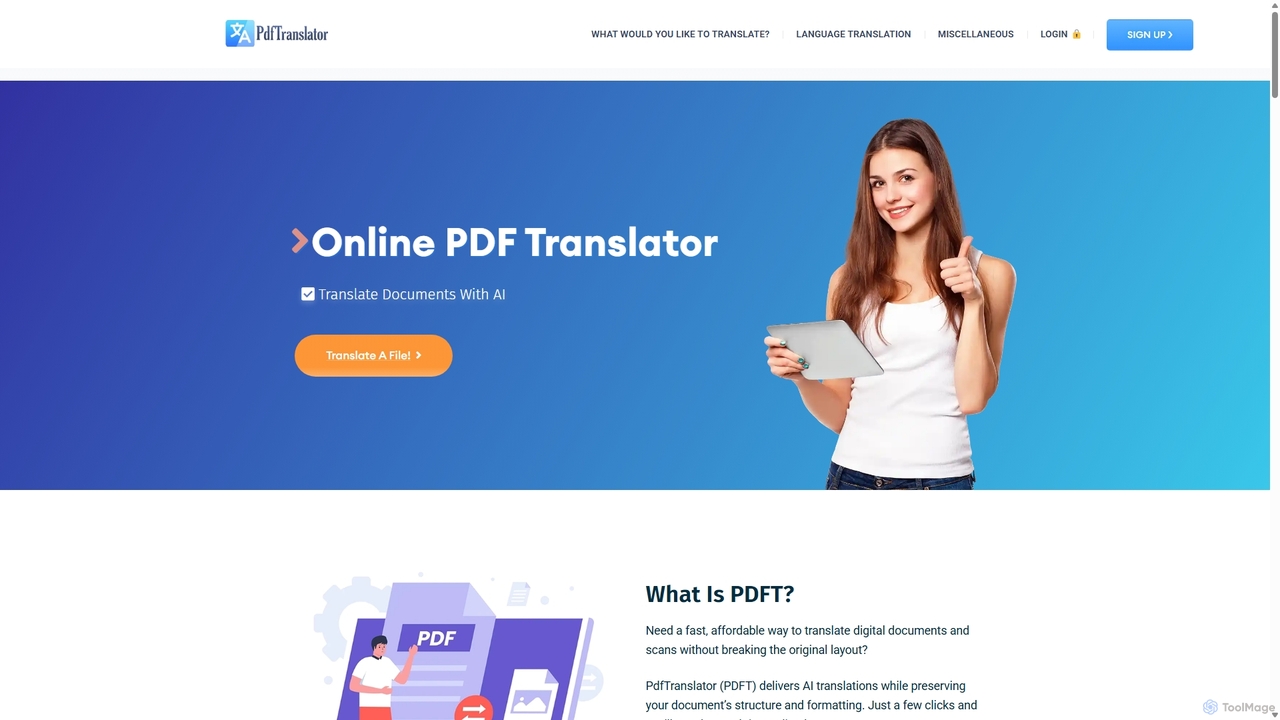
Pdft is an AI-powered document translation tool that translates PDFs, Office documents, and images into over 100 languages. It utilizes advanced AI and OCR to deliver fast, accurate translations while perfectly preserving the original document's layout and formatting. A free plan is available for immediate use.
Document Management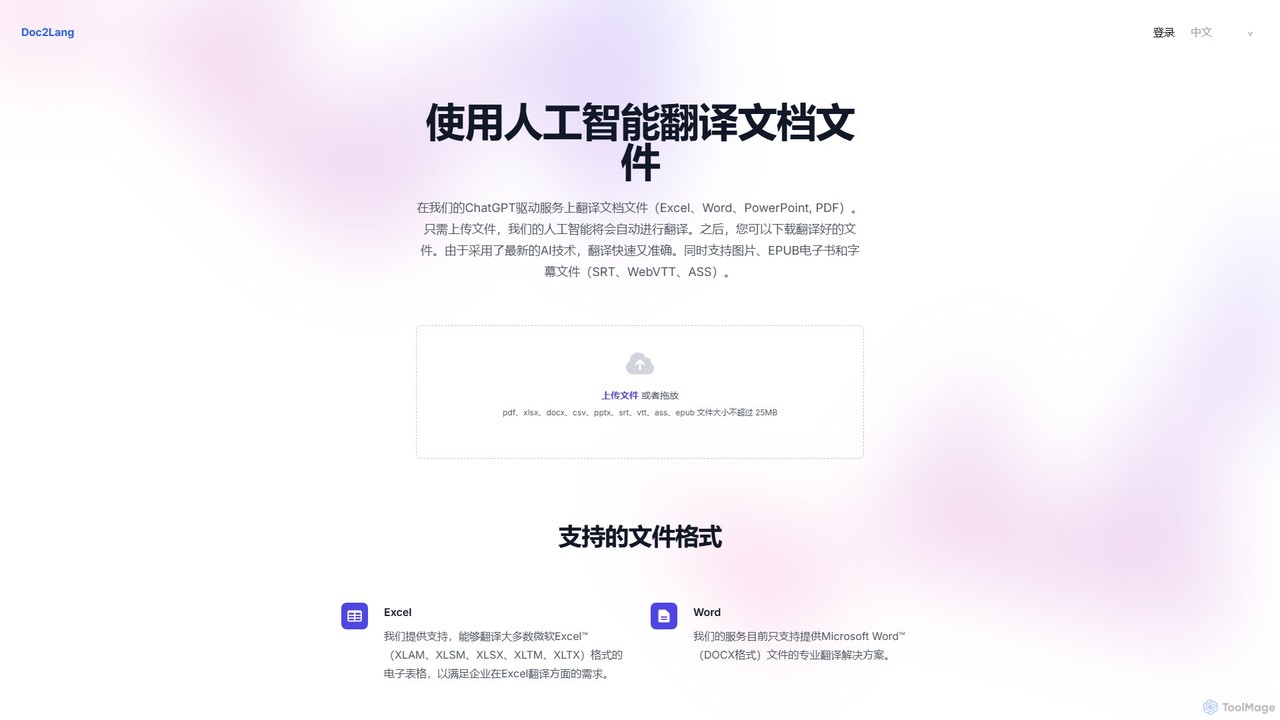
doc2lang
doc2lang is an AI-powered document translation service that translates entire files while preserving their original layout. It supports a wide range of formats including PDF, Word, Excel, PowerPoint, EPUB, and subtitle files (SRT, VTT, ASS). Powered by advanced GPT models, it delivers high-quality, context-aware translations in over 100 languages. The service features a simple pay-as-you-go model with no subscriptions, ensuring flexibility and security for all users.
Document Management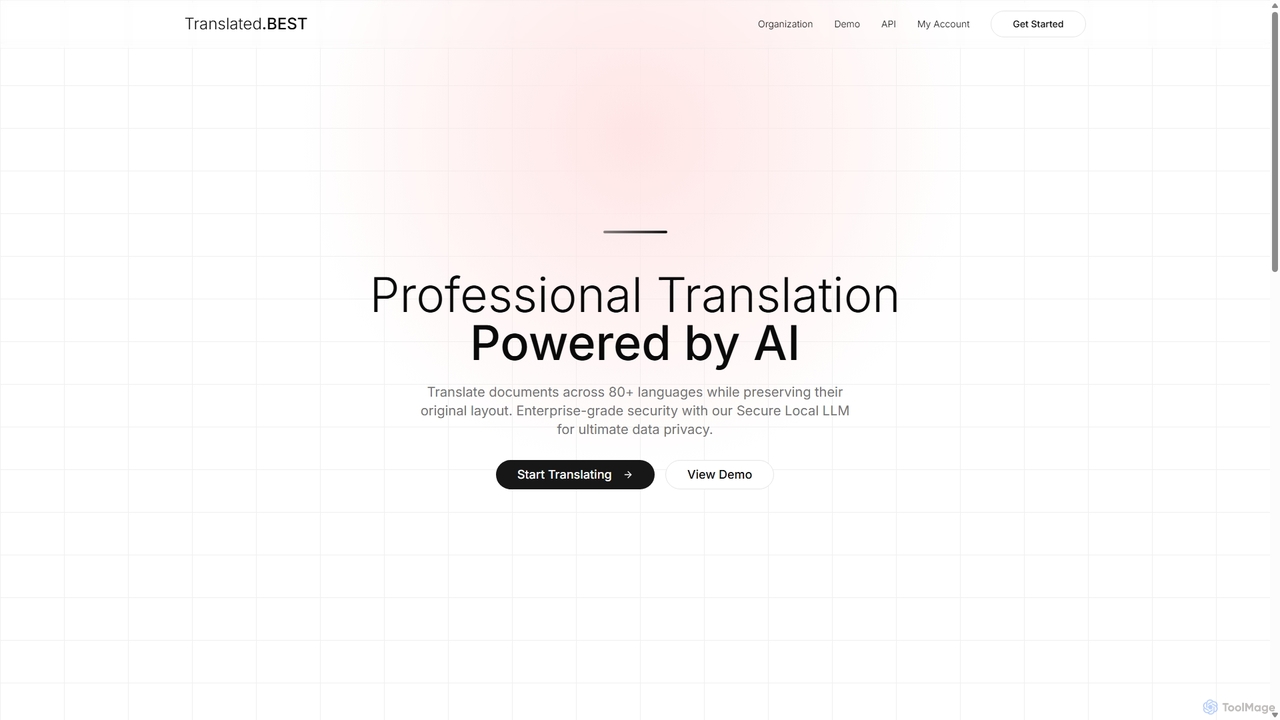
Translated.best
An AI-powered document translation service that translates over 30 file formats across 80+ languages while perfectly preserving the original layout. It offers multiple AI models, enterprise-grade security, and OCR for scanned documents, ensuring fast, accurate, and secure translations for professional use.
Document Management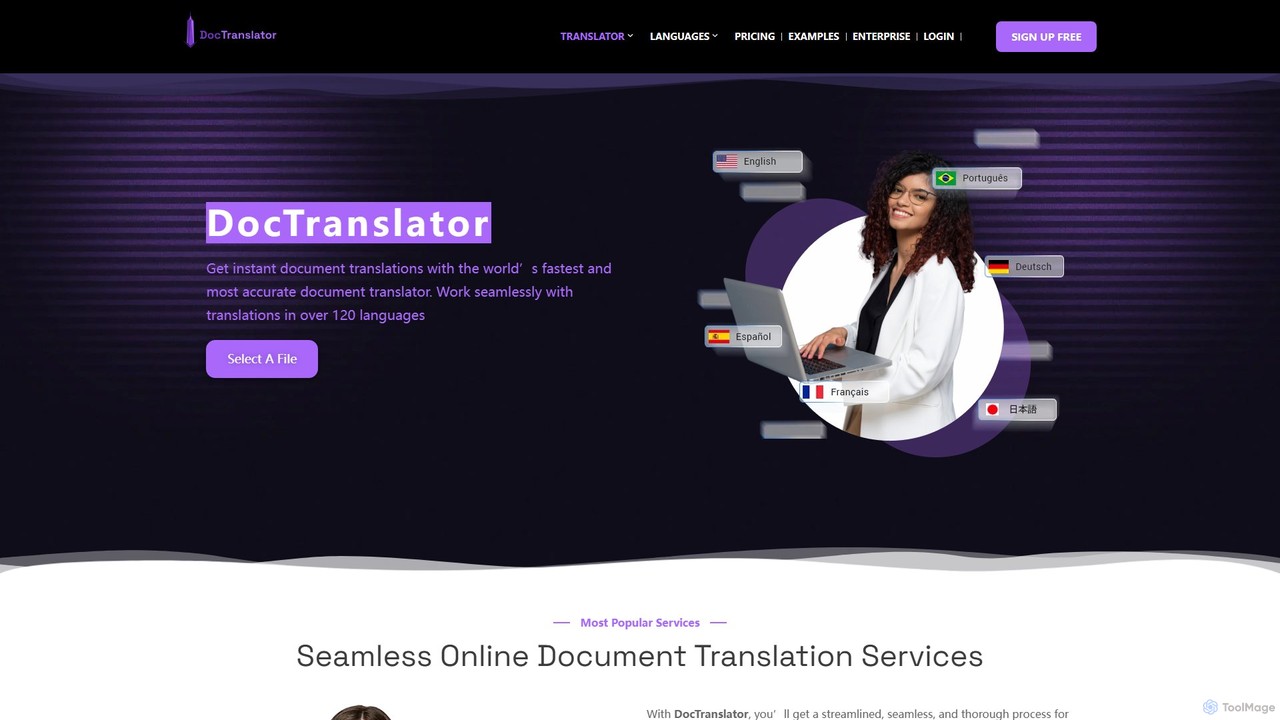
DocTranslator
DocTranslator is an AI-powered online tool for instant document translation. It supports over 120 languages and various file formats, including PDF, DOCX, and PPTX, while preserving the original layout and formatting. Ideal for businesses and individuals needing fast, accurate, and secure translations.
Document Management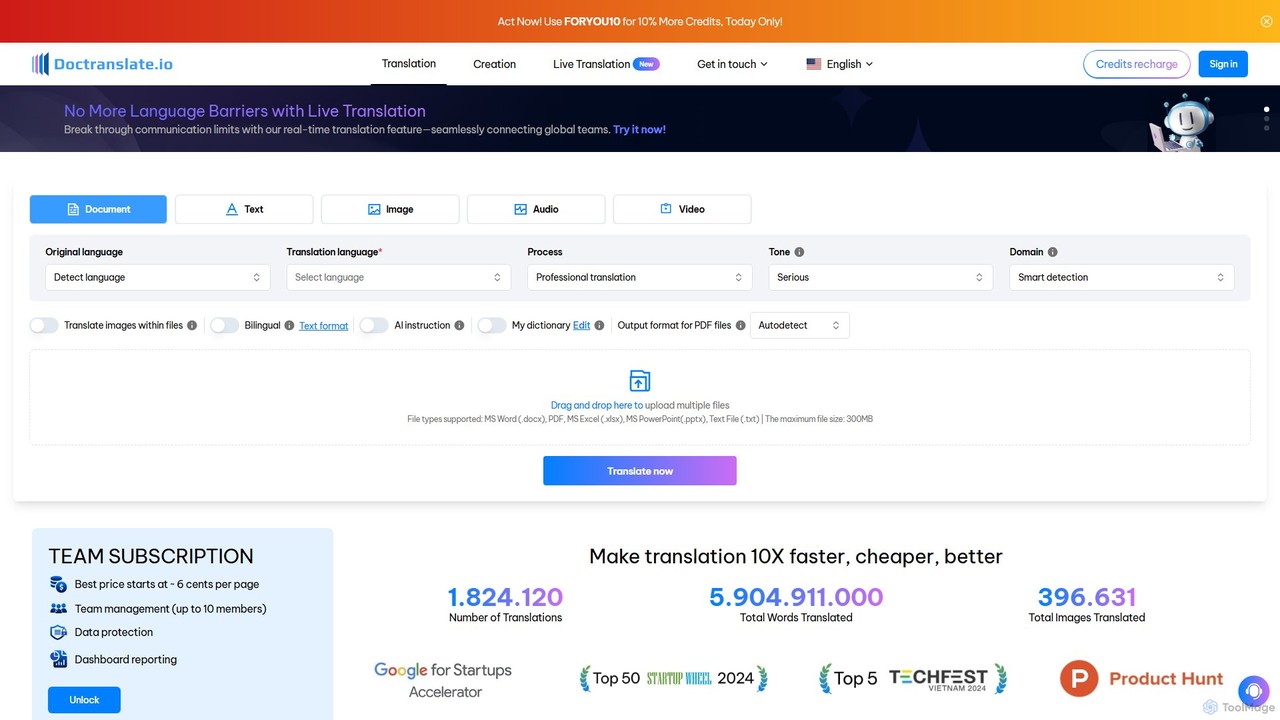
doctranslate
doctranslate is an advanced AI-powered platform for translating documents, text, images, audio, and video. It supports various file formats like DOCX, PDF, and PPTX, while preserving the original layout. Key features include real-time translation, tone and domain customization, bilingual display, and the ability to translate images within files. Ideal for businesses, educators, and content creators, it aims to make translation 10x faster, cheaper, and better, with team collaboration features.
Document Managementinotherword Categories
inotherword Embed Widget
Copy this embed code to place the badge on your blog, article, or product site and send readers directly to this ToolMage detail page.

Related AI tools
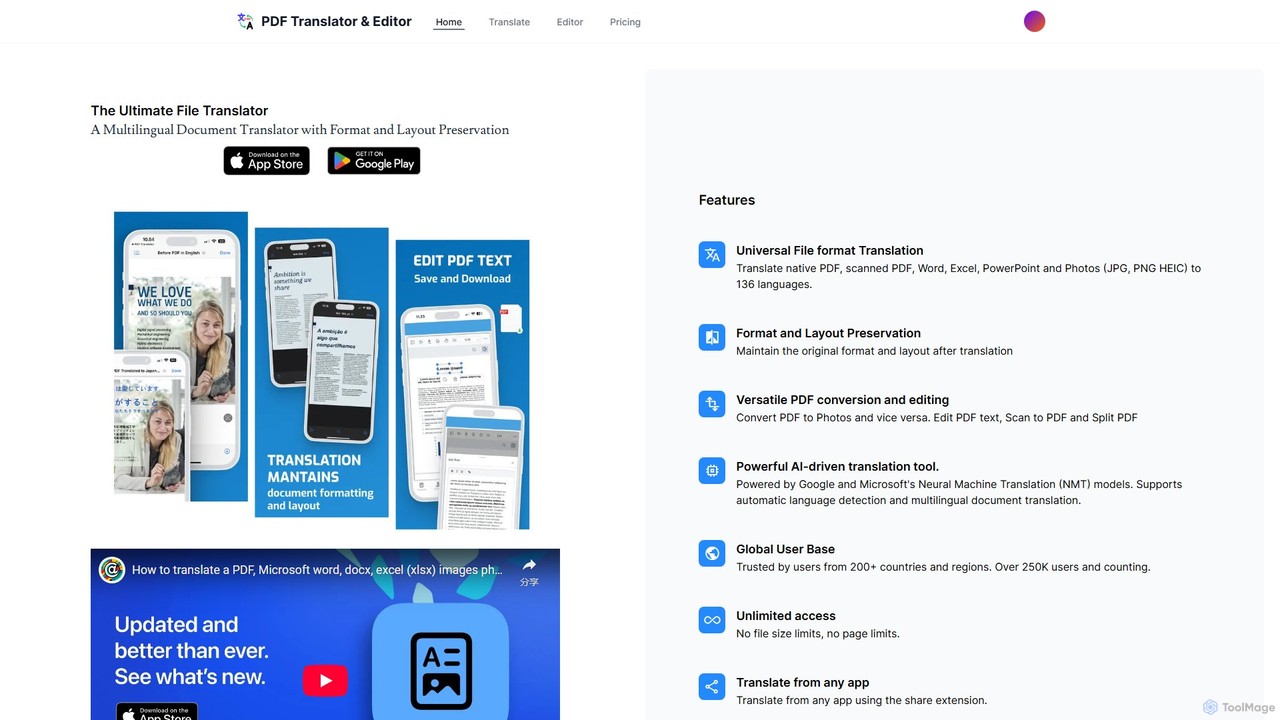
pdftranslator
An AI-powered platform for translating and editing documents in over 136 languages. It supports various formats like PDF, Word, and images, while meticulously preserving the original layout. Features include OCR for scanned documents, PDF text editing, and cross-platform availability on web and mobile.
TranslationPdft
Pdft is an AI-powered document translation tool that translates PDFs, Office documents, and images into over 100 languages. It utilizes advanced AI and OCR to deliver fast, accurate translations while perfectly preserving the original document's layout and formatting. A free plan is available for immediate use.
Document Managementdoc2lang
doc2lang is an AI-powered document translation service that translates entire files while preserving their original layout. It supports a wide range of formats including PDF, Word, Excel, PowerPoint, EPUB, and subtitle files (SRT, VTT, ASS). Powered by advanced GPT models, it delivers high-quality, context-aware translations in over 100 languages. The service features a simple pay-as-you-go model with no subscriptions, ensuring flexibility and security for all users.
Document ManagementTranslated.best
An AI-powered document translation service that translates over 30 file formats across 80+ languages while perfectly preserving the original layout. It offers multiple AI models, enterprise-grade security, and OCR for scanned documents, ensuring fast, accurate, and secure translations for professional use.
Document Management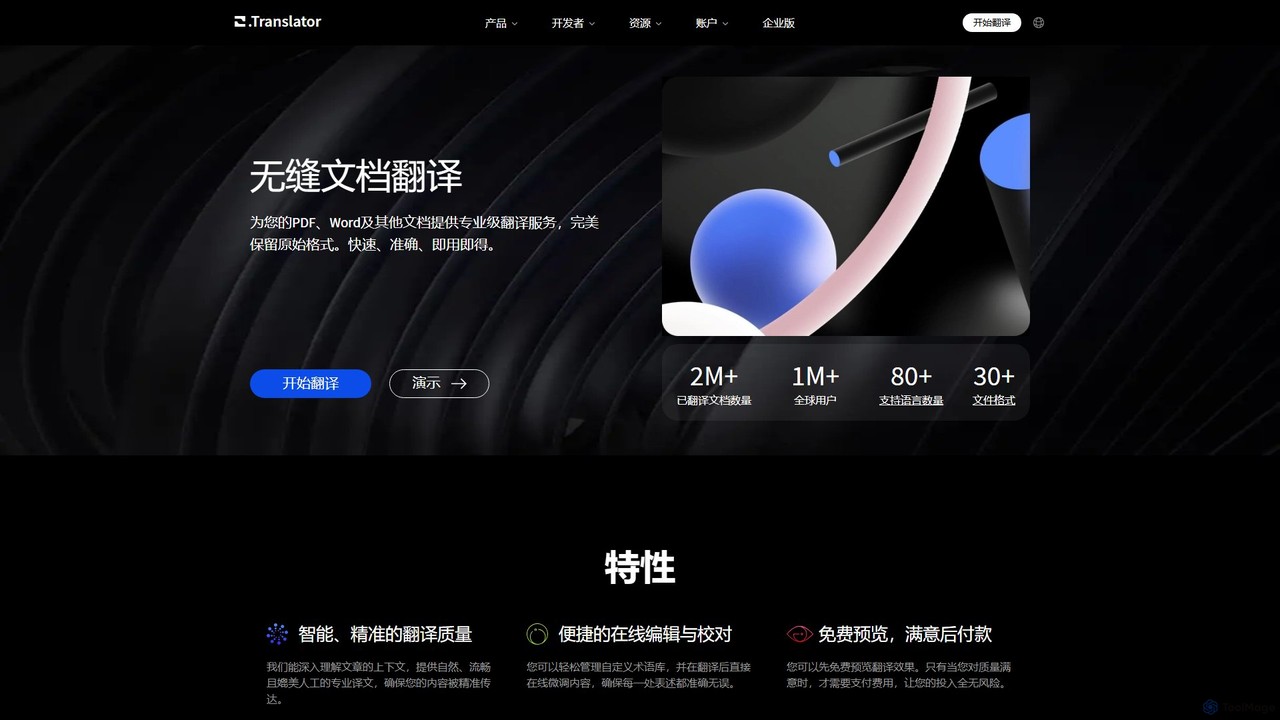
O.Translator
An AI-powered document translator that supports over 30 file formats (PDF, Word, EPUB, etc.) and 80+ languages. It excels at preserving the original layout and formatting, offering high-quality, context-aware translations with a unique free preview feature to ensure satisfaction before payment.
Documents
BookTranslator
BookTranslator is an AI-powered tool that translates entire EPUB and PDF books in minutes. Leveraging advanced AI, it offers high-quality, context-aware translations in over 76 languages while preserving the original book's layout. It's designed for readers, authors, and researchers who need fast, accurate, and affordable access to global literature and documents.
Localization
aitranspdf
An AI-powered document translation tool for formats like PDF, PPTX, and XLSX. It delivers high-quality, context-aware translations while perfectly preserving the original document's formatting, making it ideal for academic, business, and personal use.
DocumentsDocTranslator
DocTranslator is an AI-powered online tool for instant document translation. It supports over 120 languages and various file formats, including PDF, DOCX, and PPTX, while preserving the original layout and formatting. Ideal for businesses and individuals needing fast, accurate, and secure translations.
Document Managementdoctranslate
doctranslate is an advanced AI-powered platform for translating documents, text, images, audio, and video. It supports various file formats like DOCX, PDF, and PPTX, while preserving the original layout. Key features include real-time translation, tone and domain customization, bilingual display, and the ability to translate images within files. Ideal for businesses, educators, and content creators, it aims to make translation 10x faster, cheaper, and better, with team collaboration features.
Document Management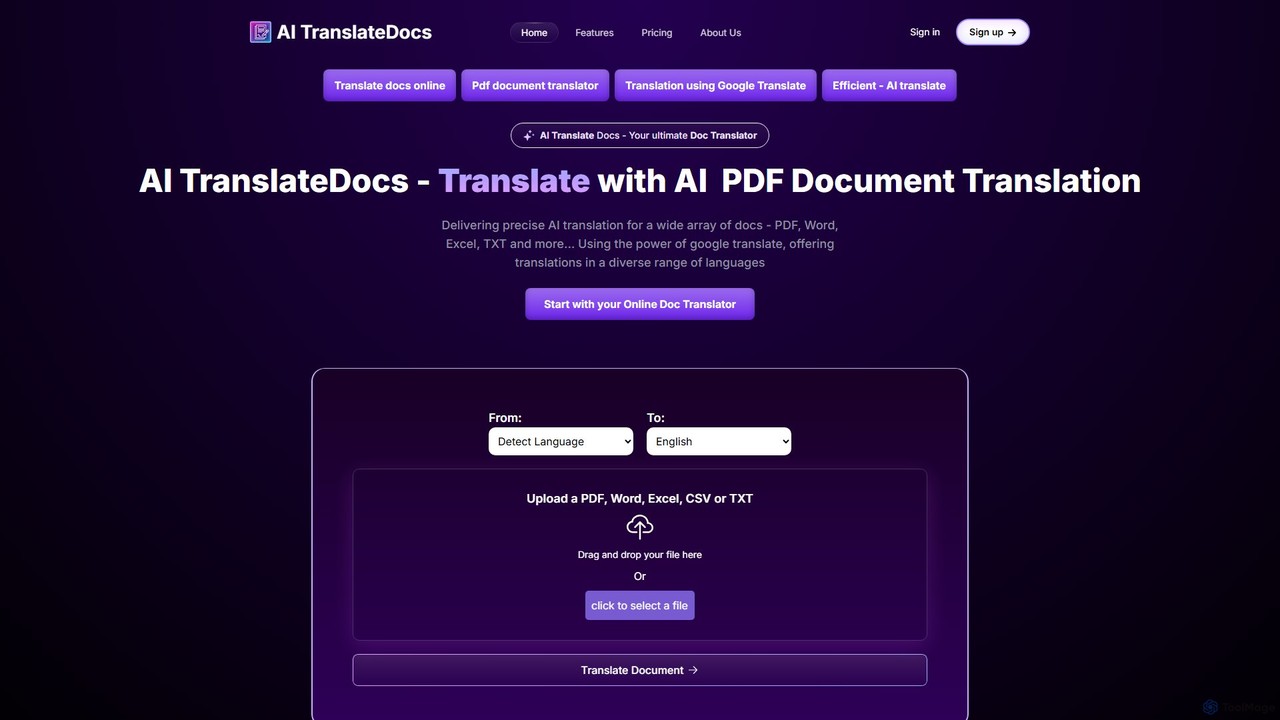
AI TranslateDocs
AI TranslateDocs is an AI-powered online tool for translating documents into over 130 languages. It supports various formats like PDF, Word, Excel, and PowerPoint, while perfectly preserving the original layout and formatting. Ideal for business, legal, academic, and personal use, it offers fast, secure, and highly accurate translations.
Document Management
Jyek
Jyek is an AI agent platform that understands objectives, creates execution plans, uses tools, and delivers verifiable results for complex, multi-step tasks.
Automation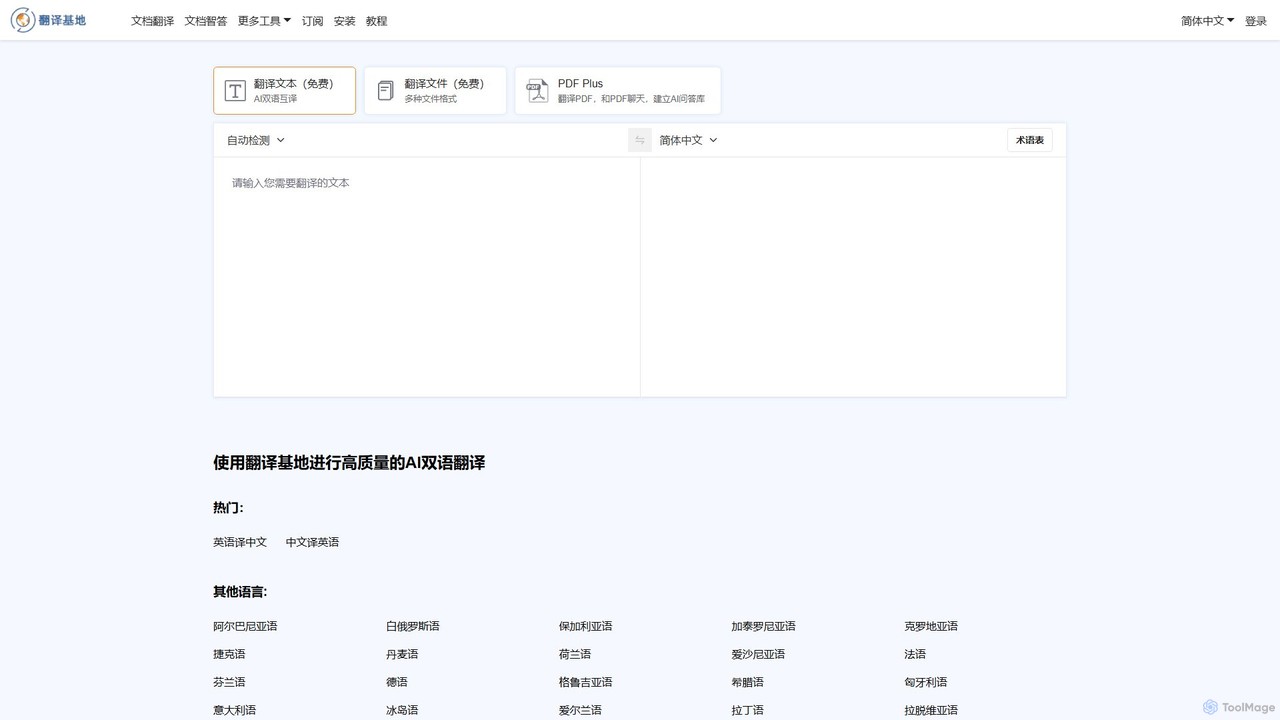
TranslateBase
TranslateBase is a comprehensive AI-powered translation platform supporting over 100 languages. It offers high-quality translation for text, documents (PDF, DOCX, etc.), images with OCR, and real-time video subtitles. Advanced features include layout preservation, bilingual document views, and an interactive 'Chat with PDF' function, making it an all-in-one solution for students, professionals, and language learners.
Document Management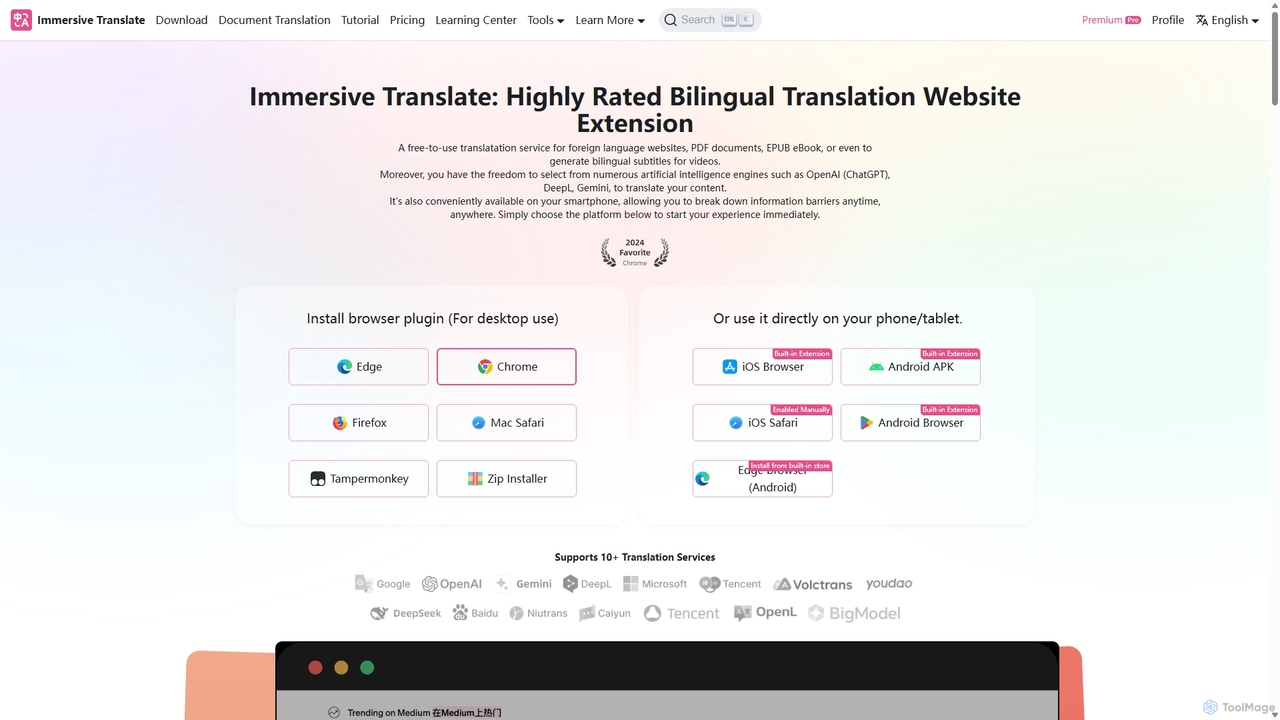
Immersive Translate
A powerful browser extension for immersive, bilingual translation of webpages, PDFs, videos, and more. It supports over 10 AI engines like DeepL and OpenAI, offering a side-by-side reading experience to break down language barriers for learning, work, and entertainment.
Utilities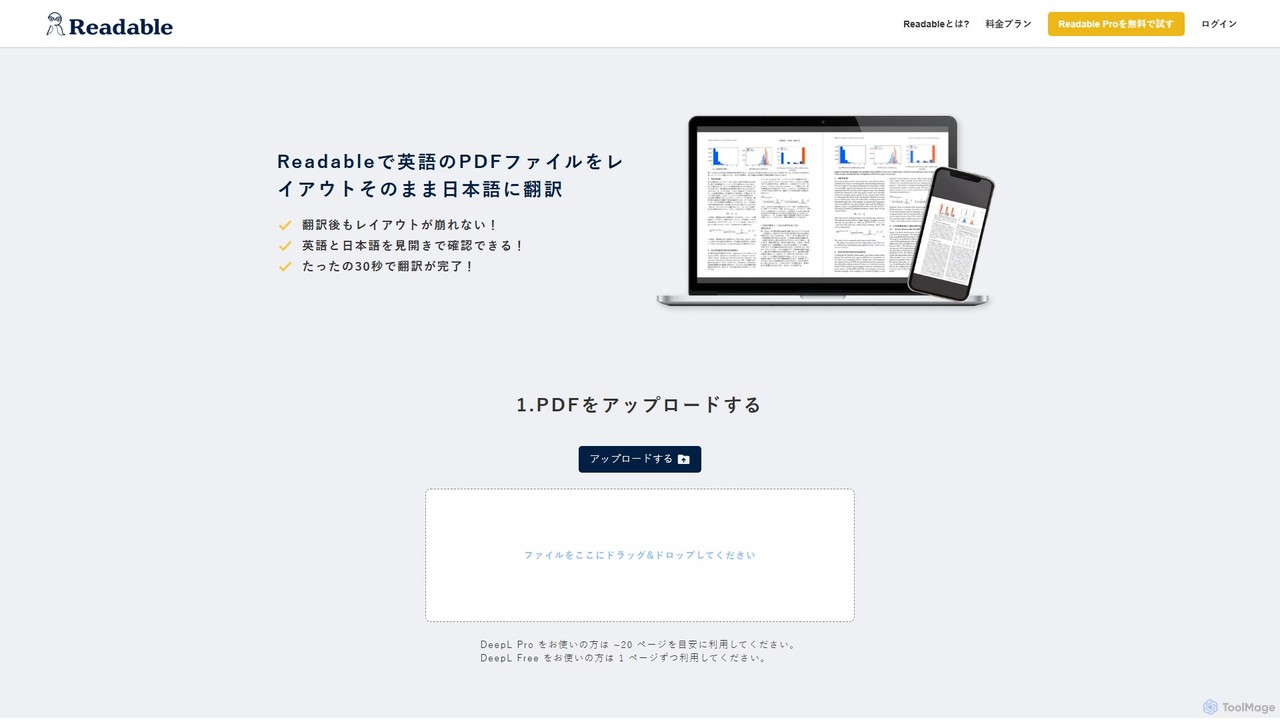
Readable
Readable is an AI-powered tool that instantly translates PDF documents while perfectly preserving the original layout. It supports over 200 languages, leveraging advanced translation engines like DeepL and ChatGPT. Ideal for researchers, professionals, and students who need accurate and fast document translation without reformatting.
Analysis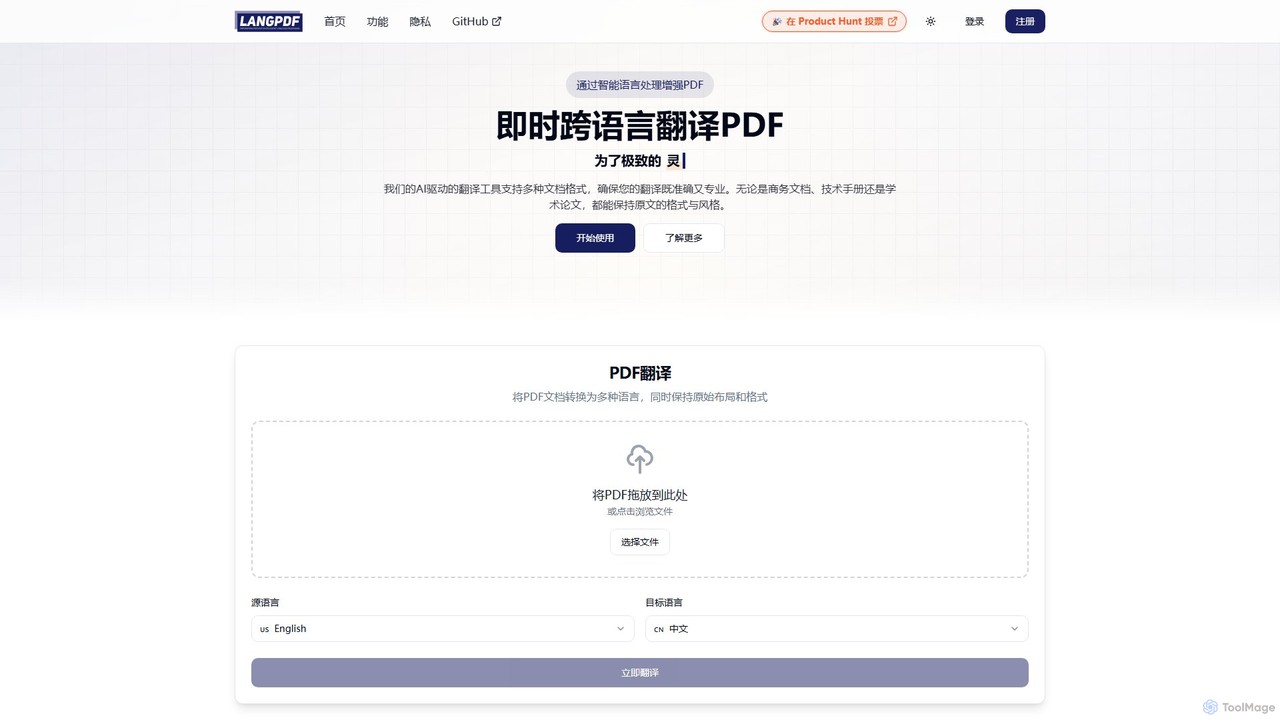
LangPDF
LangPDF is an AI-powered document translation tool that instantly translates PDFs and other documents into over 20 languages. It specializes in preserving the original layout, formatting, tables, and images, ensuring professional and accurate results for business, academic, and technical content.
Communication
inotherword Comments (0)
Sign in to comment.
Sign inNo comments yet.