

pdftranslator Overview
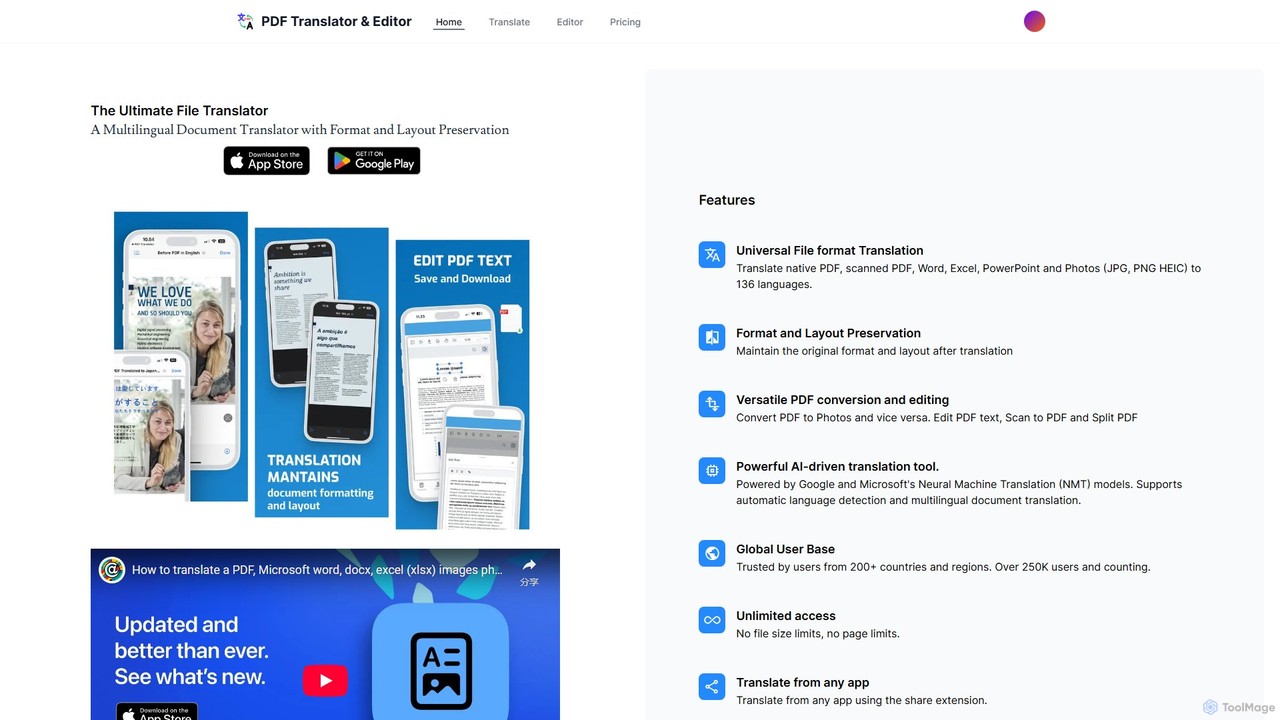
pdftranslator is a comprehensive, AI-driven solution designed to break down language barriers in digital documents. It serves as the ultimate file translator and editor, offering a seamless experience for users who need to translate documents without losing the original formatting and layout. Powered by advanced Neural Machine Translation (NMT) models from industry leaders like Google and Microsoft, pdftranslator delivers highly accurate and natural-sounding translations across a vast array of 136 languages. This tool is trusted by a global community of over 250,000 users from more than 200 countries, making it a reliable choice for both personal and professional use.
The platform's versatility is one of its key strengths. It goes beyond simple text translation by handling a wide range of file formats, including native PDFs, scanned PDFs, Microsoft Word documents, Excel spreadsheets, PowerPoint presentations, and even image files like JPG, PNG, and HEIC. This multi-format capability ensures that users can work with virtually any document they encounter. A standout feature is its ability to maintain the structural and visual integrity of the original file, a critical requirement when dealing with contracts, reports, manuals, and other formatted documents.
How to use pdftranslator
Using pdftranslator is designed to be intuitive and straightforward, whether on the web or a mobile app. The process can be broken down into a few simple steps:
- Upload Your Document: Begin by visiting the pdftranslator website or opening the app. You can use the simple drag-and-drop interface to upload your file or browse your device to select it.
- Language Selection: The tool features an intelligent automatic language detection system. It will identify the source language of your document. You then simply need to select your desired target language from the list of 136 available options.
- Initiate Translation: Once the languages are set, click the translate button. The AI engine will process the document, translating the text while working to preserve the layout, images, and tables.
- Download and Edit: After the translation is complete, you can download the new document. The platform also includes a versatile PDF editor. You can use it to edit PDF text, convert PDFs to images (and vice versa), split large PDF files, or even create a PDF from a scan. For mobile users, the share extension allows for translating documents directly from other apps, streamlining the workflow further.
Core Features of pdftranslator
- Universal File Format Translation: Supports native and scanned PDFs, Word, Excel, PowerPoint, and image files (JPG, PNG, HEIC).
- Format and Layout Preservation: Advanced algorithms ensure that the translated document mirrors the original's layout, fonts, and image placement.
- High-Quality AI Translation: Leverages Google and Microsoft's Neural Machine Translation (NMT) for accurate, context-aware translations in 136 languages.
- Integrated PDF Editor: A suite of tools to edit PDF text, convert files, split pages, and perform OCR (Optical Character Recognition) on scanned documents.
- OCR for Scanned Documents: Extracts text from scanned PDFs and images, making non-selectable text translatable and editable.
- Cross-Platform Accessibility: Available as a web tool and a mobile app with a convenient share extension for on-the-go translations.
- Unlimited Access (Premium): Paid plans offer no limits on file size or the number of pages, providing unrestricted use for heavy-duty tasks.
- Automatic Language Detection: Simplifies the process by automatically identifying the source language of the document.
Use Cases for pdftranslator
pdftranslator is a valuable asset for a wide range of users:
- Business Professionals: Translating international contracts, business reports, marketing materials, and product manuals to communicate effectively with global partners and customers.
- Students and Academics: Accessing and translating foreign research papers, academic articles, and e-books for study and literature reviews.
- Legal Sector: Translating legal documents, case files, and correspondence where maintaining the exact original format is paramount.
- Travelers and Individuals: Translating personal documents, menus, signs, or any written material encountered abroad.
Advantages of pdftranslator
The primary advantage of pdftranslator is its all-in-one nature. It eliminates the need for multiple tools by combining high-fidelity translation with robust PDF editing capabilities. Its commitment to preserving document layout saves users countless hours of reformatting. The use of top-tier NMT engines ensures high accuracy, while the broad file format support and cross-platform availability make it a highly flexible and accessible solution for anyone, anywhere.
Pricing and Plans
pdftranslator operates on a freemium model. The free version allows users to access basic translation and editing features but may include limitations such as a watermark on the output files. For users requiring full functionality, a premium subscription is available. Subscribing removes all watermarks and unlocks unlimited access, meaning no restrictions on file size or page count. For detailed and up-to-date pricing information, users should visit the official website or the respective app store pages.
Traffic
Latest traffic
Status
Monthly traffic trend
- 2025-9: 479
- 2026-1: 468
- 2026-2: 0
- 2026-3: 969
- 2026-4: 655
- 2026-5: 700
Geography
Top 5 countries / regions
- 🇹🇭Thailand59.1%
- 🇿🇦South Africa19.4%
- 🇧🇷Brazil11.3%
- 🇺🇸United States10.2%
Top keywords
| Keyword | Cost per click |
|---|---|
| how add afrikaans to pdf gear translation language afrikaans | $0.00 |
| https://www.pdftranslator.com | $0.00 |
| pdf a español | $0.14 |
| pdf gear translation language afrikaans | $0.00 |
| trasladar pdf a español | $0.00 |
pdftranslator Alternatives

O.Translator
An AI-powered document translator that supports over 30 file formats (PDF, Word, EPUB, etc.) and 80+ languages. It excels at preserving the original layout and formatting, offering high-quality, context-aware translations with a unique free preview feature to ensure satisfaction before payment.
Documents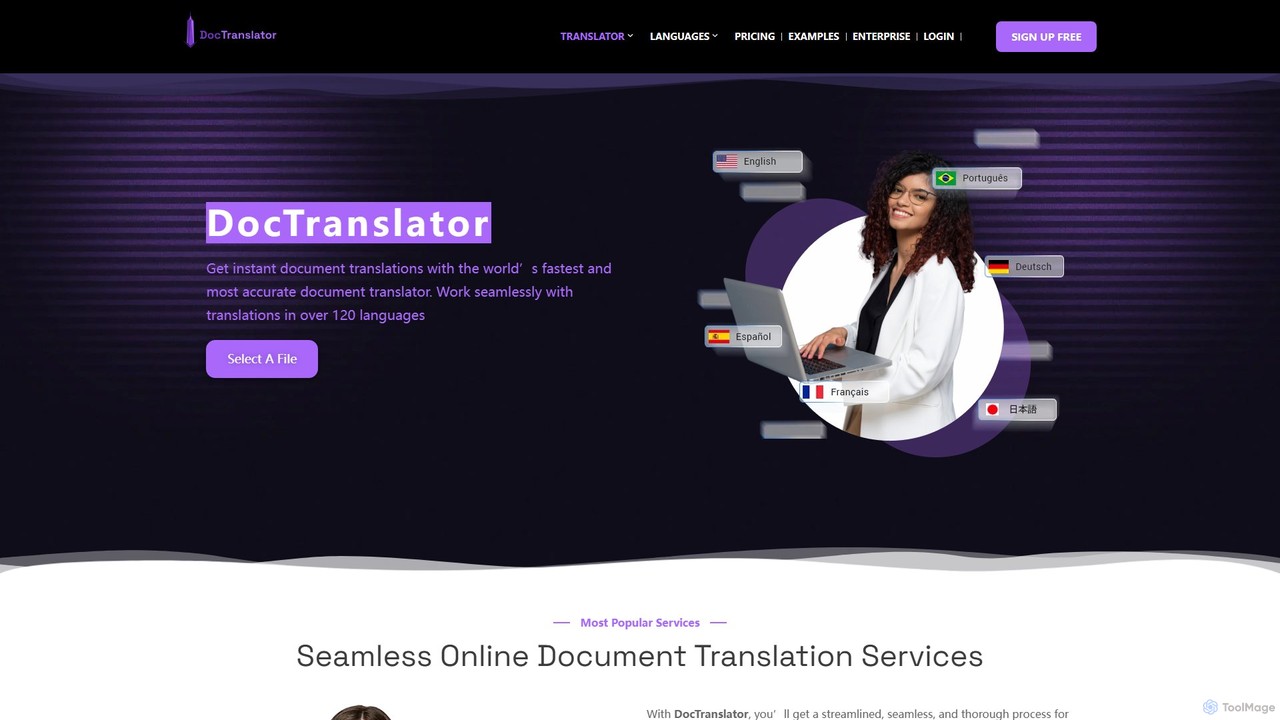
DocTranslator
DocTranslator is an AI-powered online tool for instant document translation. It supports over 120 languages and various file formats, including PDF, DOCX, and PPTX, while preserving the original layout and formatting. Ideal for businesses and individuals needing fast, accurate, and secure translations.
Document Management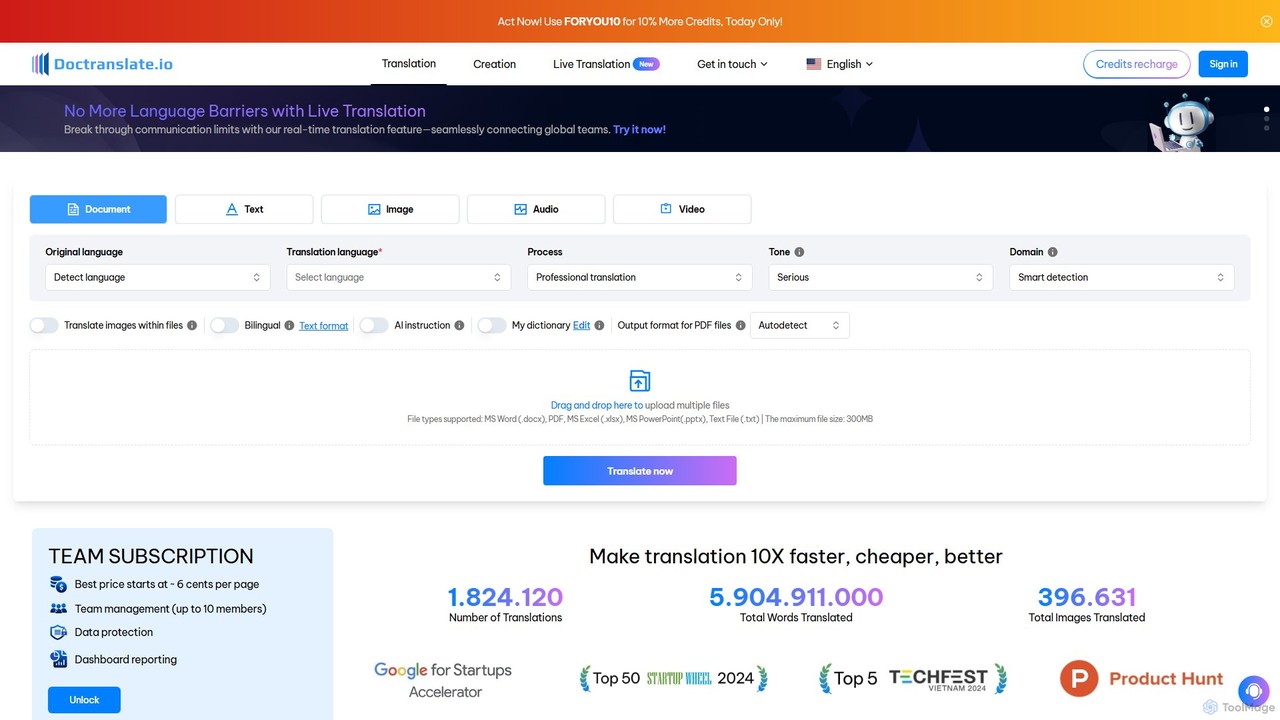
doctranslate
doctranslate is an advanced AI-powered platform for translating documents, text, images, audio, and video. It supports various file formats like DOCX, PDF, and PPTX, while preserving the original layout. Key features include real-time translation, tone and domain customization, bilingual display, and the ability to translate images within files. Ideal for businesses, educators, and content creators, it aims to make translation 10x faster, cheaper, and better, with team collaboration features.
Document Management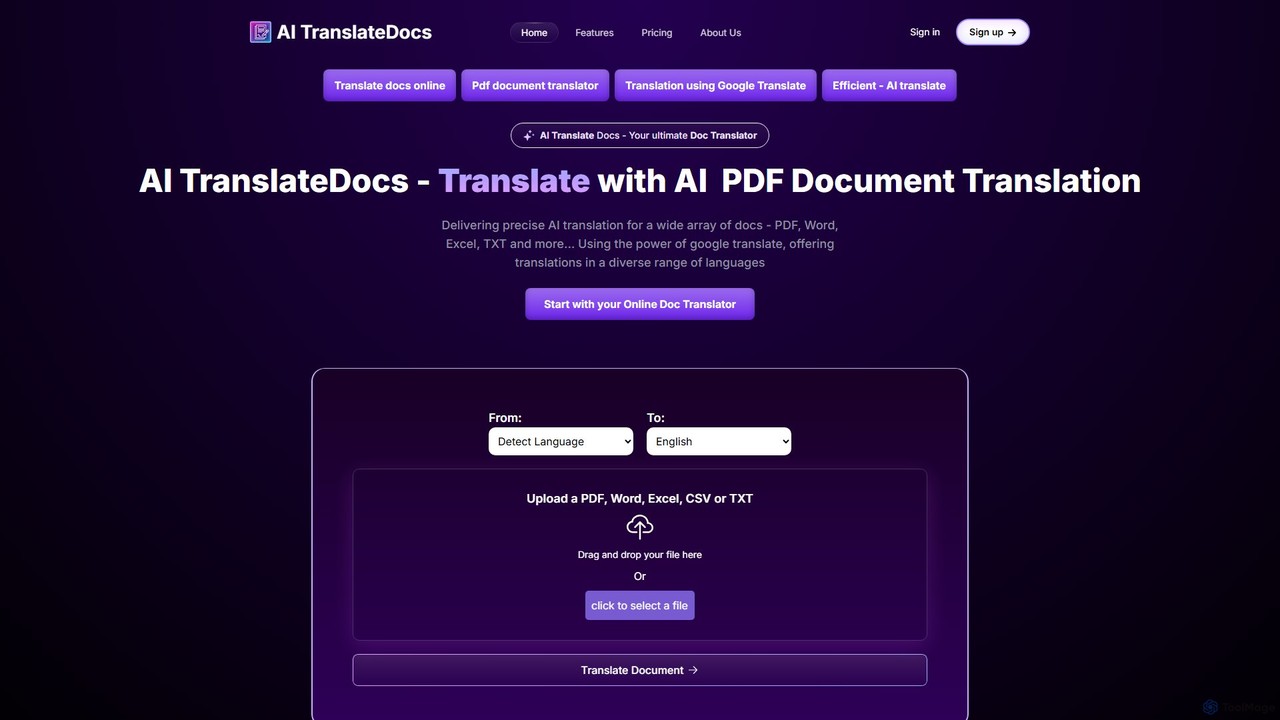
AI TranslateDocs
AI TranslateDocs is an AI-powered online tool for translating documents into over 130 languages. It supports various formats like PDF, Word, Excel, and PowerPoint, while perfectly preserving the original layout and formatting. Ideal for business, legal, academic, and personal use, it offers fast, secure, and highly accurate translations.
Document Management
pdftopdf.ai
pdftopdf.ai is an AI-powered online tool designed to optimize, enhance, and transform PDF files. It uses artificial intelligence for advanced functions like high-fidelity OCR to make scanned documents searchable, intelligent compression to reduce file size without quality loss, and PDF repair. It's a comprehensive solution for managing and improving your PDF documents efficiently.
File Conversionpdftranslator Categories
pdftranslator Embed Widget
Copy this embed code to place the badge on your blog, article, or product site and send readers directly to this ToolMage detail page.

Related AI tools
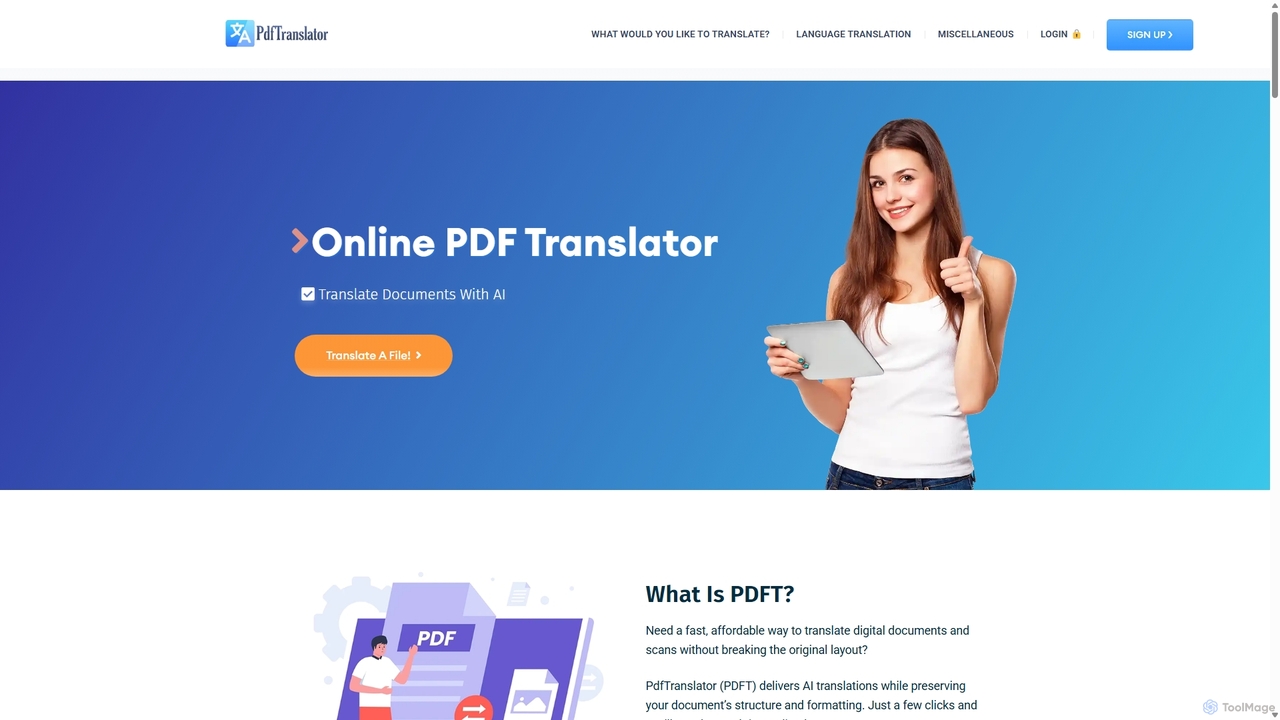
Pdft
Pdft is an AI-powered document translation tool that translates PDFs, Office documents, and images into over 100 languages. It utilizes advanced AI and OCR to deliver fast, accurate translations while perfectly preserving the original document's layout and formatting. A free plan is available for immediate use.
Document ManagementO.Translator
An AI-powered document translator that supports over 30 file formats (PDF, Word, EPUB, etc.) and 80+ languages. It excels at preserving the original layout and formatting, offering high-quality, context-aware translations with a unique free preview feature to ensure satisfaction before payment.
DocumentsDocTranslator
DocTranslator is an AI-powered online tool for instant document translation. It supports over 120 languages and various file formats, including PDF, DOCX, and PPTX, while preserving the original layout and formatting. Ideal for businesses and individuals needing fast, accurate, and secure translations.
Document Management
Jyek
Jyek is an AI agent platform that understands objectives, creates execution plans, uses tools, and delivers verifiable results for complex, multi-step tasks.
Automationdoctranslate
doctranslate is an advanced AI-powered platform for translating documents, text, images, audio, and video. It supports various file formats like DOCX, PDF, and PPTX, while preserving the original layout. Key features include real-time translation, tone and domain customization, bilingual display, and the ability to translate images within files. Ideal for businesses, educators, and content creators, it aims to make translation 10x faster, cheaper, and better, with team collaboration features.
Document ManagementAI TranslateDocs
AI TranslateDocs is an AI-powered online tool for translating documents into over 130 languages. It supports various formats like PDF, Word, Excel, and PowerPoint, while perfectly preserving the original layout and formatting. Ideal for business, legal, academic, and personal use, it offers fast, secure, and highly accurate translations.
Document Management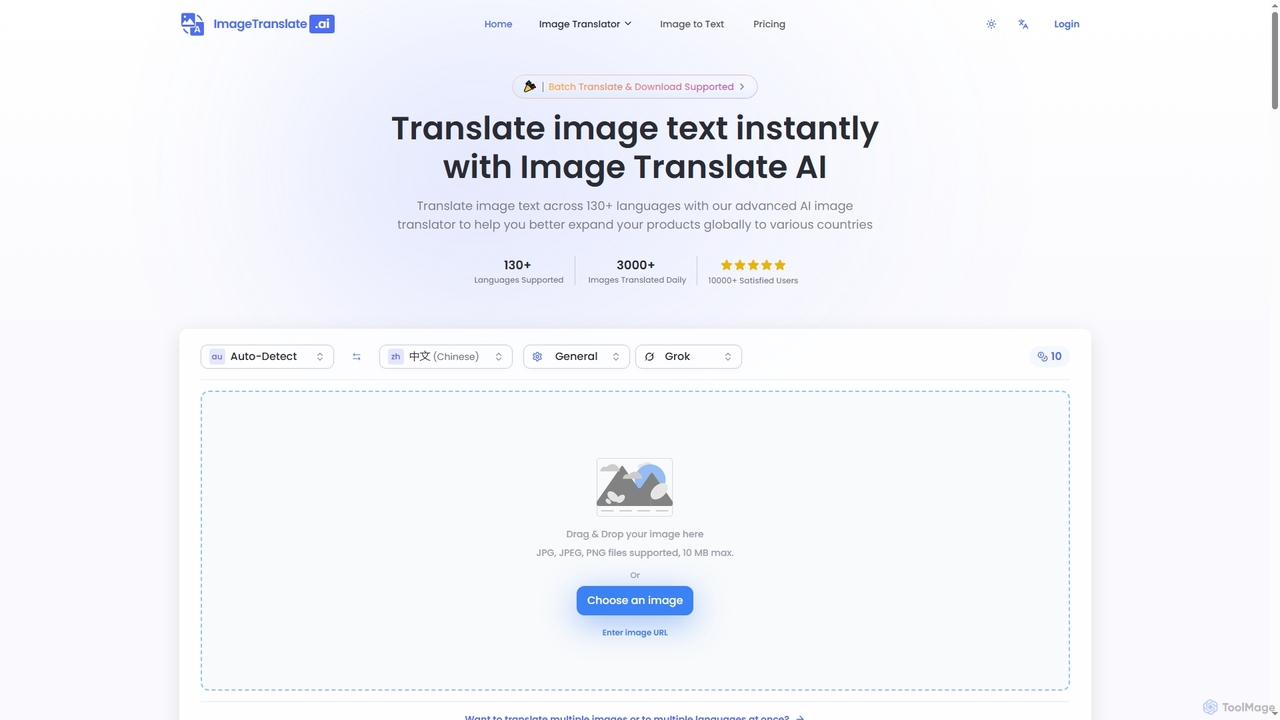
Imagetranslate
Imagetranslate is an advanced AI-powered image translator that instantly translates text within images across over 130 languages. It preserves original layouts and styles, supports batch processing, and offers specialized modes for e-commerce, manga, and light novels, making global content accessible for personal and professional use.
E Commerce Tools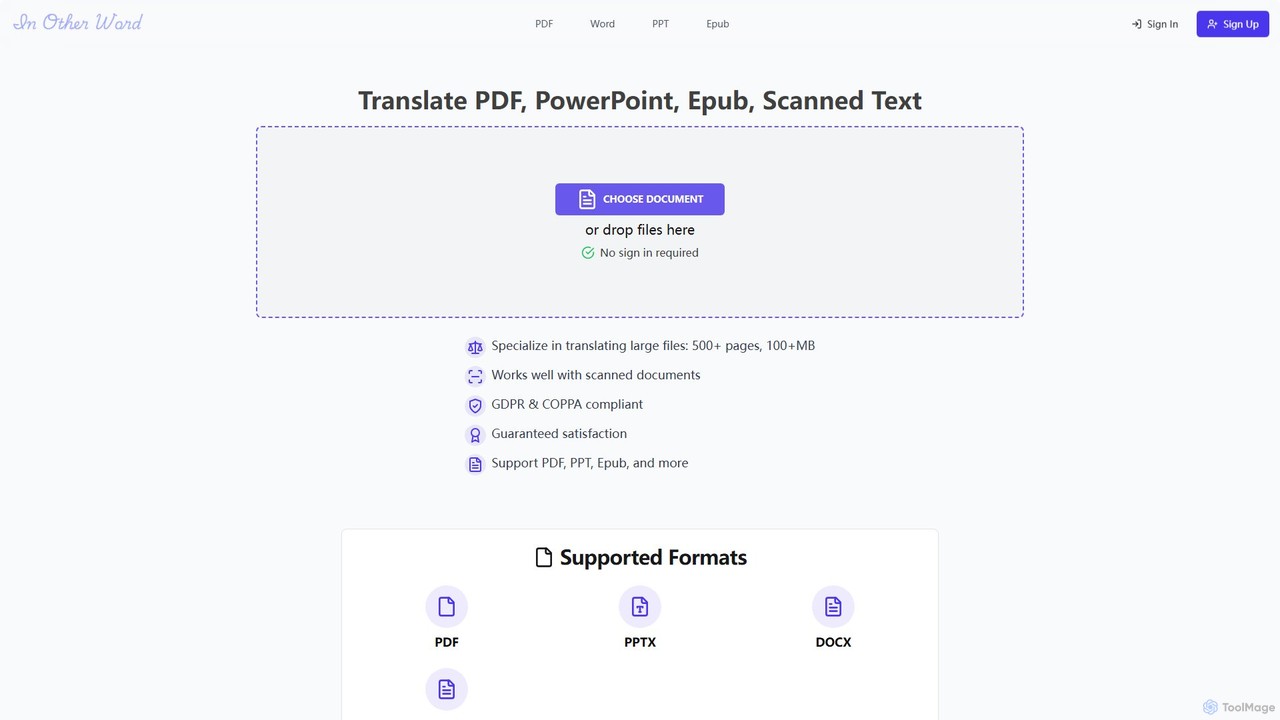
inotherword
An AI-powered document translation tool that accurately translates various file formats like PDF, EPUB, PowerPoint, and scanned documents into over 100 languages. It specializes in handling large files while preserving the original layout and formatting, making it ideal for books, business presentations, and academic papers.
Document Management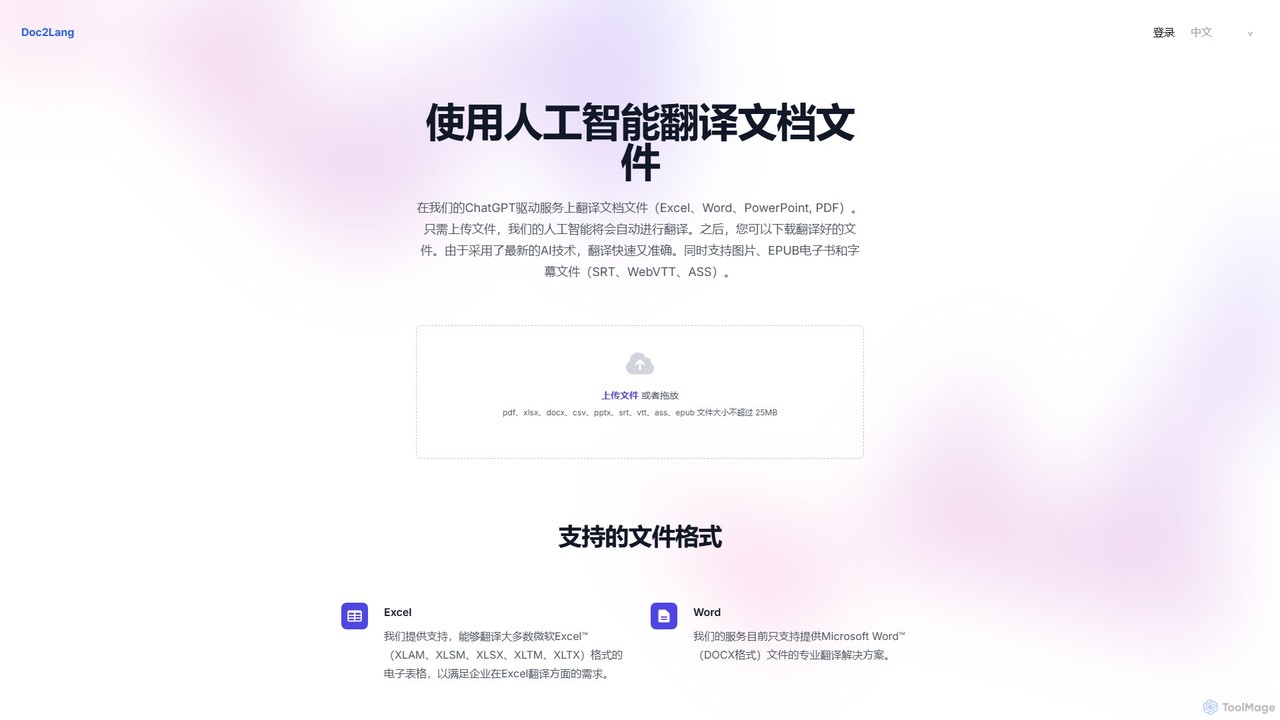
doc2lang
doc2lang is an AI-powered document translation service that translates entire files while preserving their original layout. It supports a wide range of formats including PDF, Word, Excel, PowerPoint, EPUB, and subtitle files (SRT, VTT, ASS). Powered by advanced GPT models, it delivers high-quality, context-aware translations in over 100 languages. The service features a simple pay-as-you-go model with no subscriptions, ensuring flexibility and security for all users.
Document Management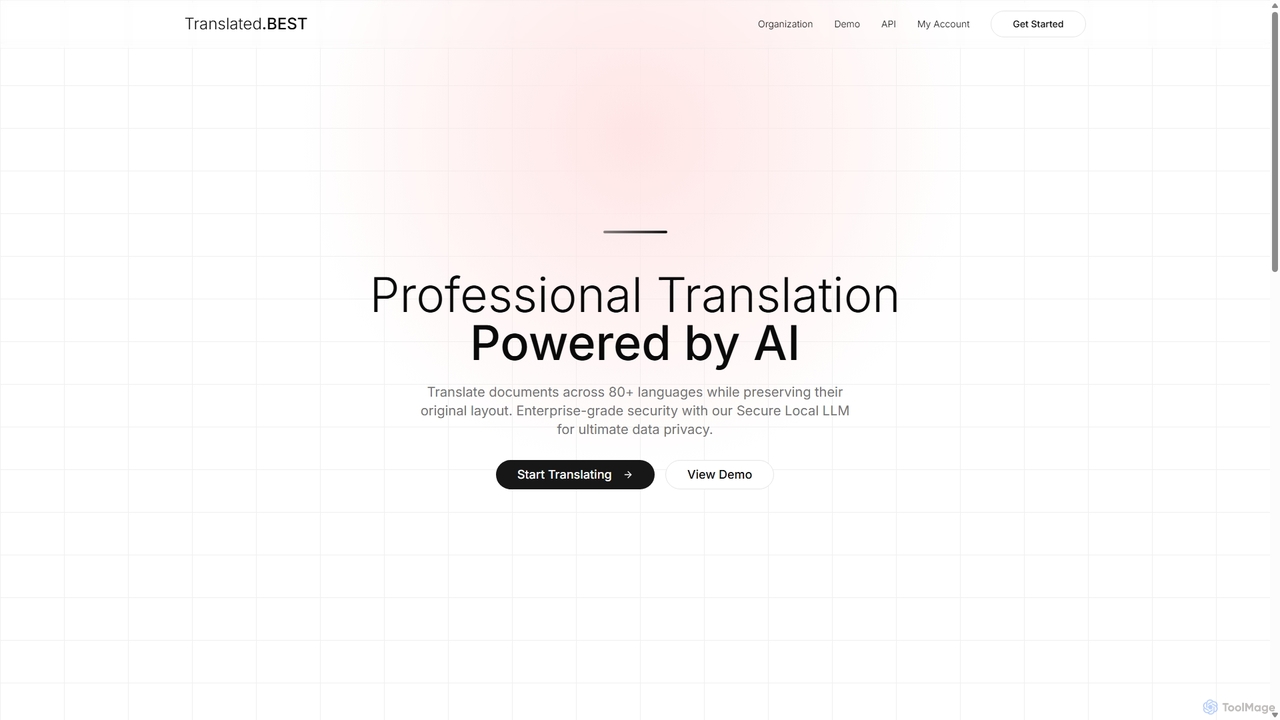
Translated.best
An AI-powered document translation service that translates over 30 file formats across 80+ languages while perfectly preserving the original layout. It offers multiple AI models, enterprise-grade security, and OCR for scanned documents, ensuring fast, accurate, and secure translations for professional use.
Document Management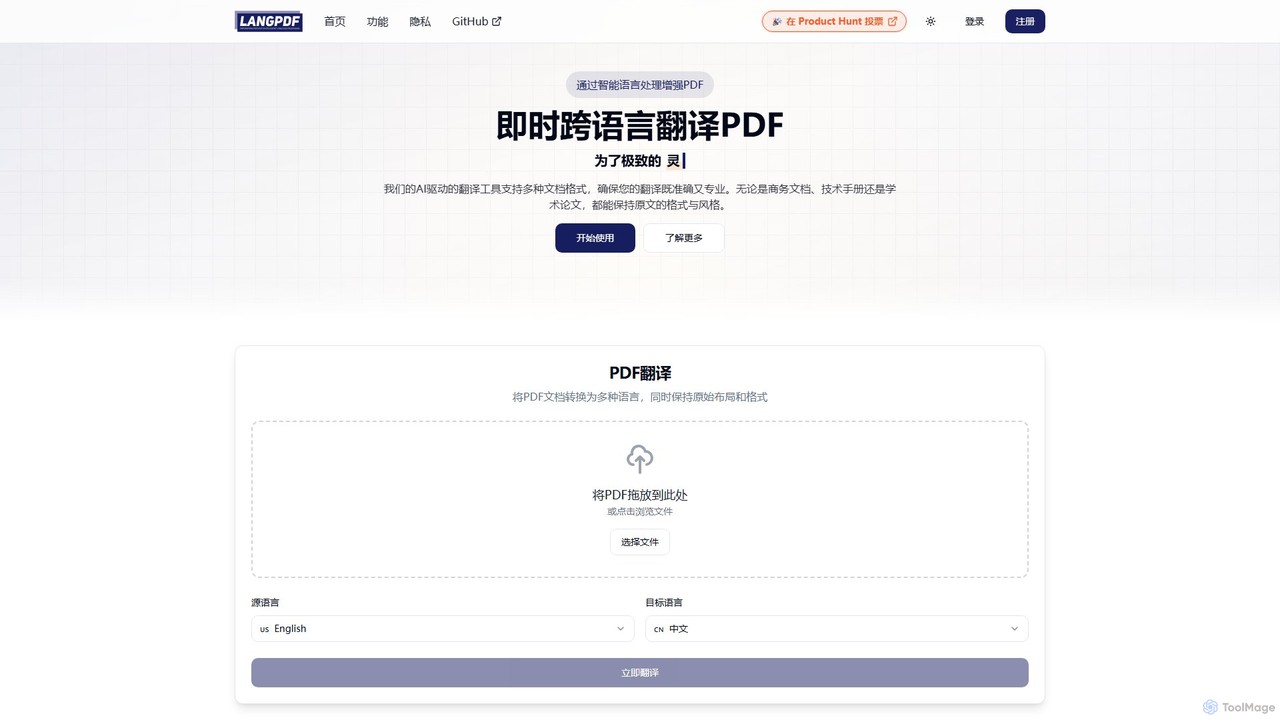
LangPDF
LangPDF is an AI-powered document translation tool that instantly translates PDFs and other documents into over 20 languages. It specializes in preserving the original layout, formatting, tables, and images, ensuring professional and accurate results for business, academic, and technical content.
Communication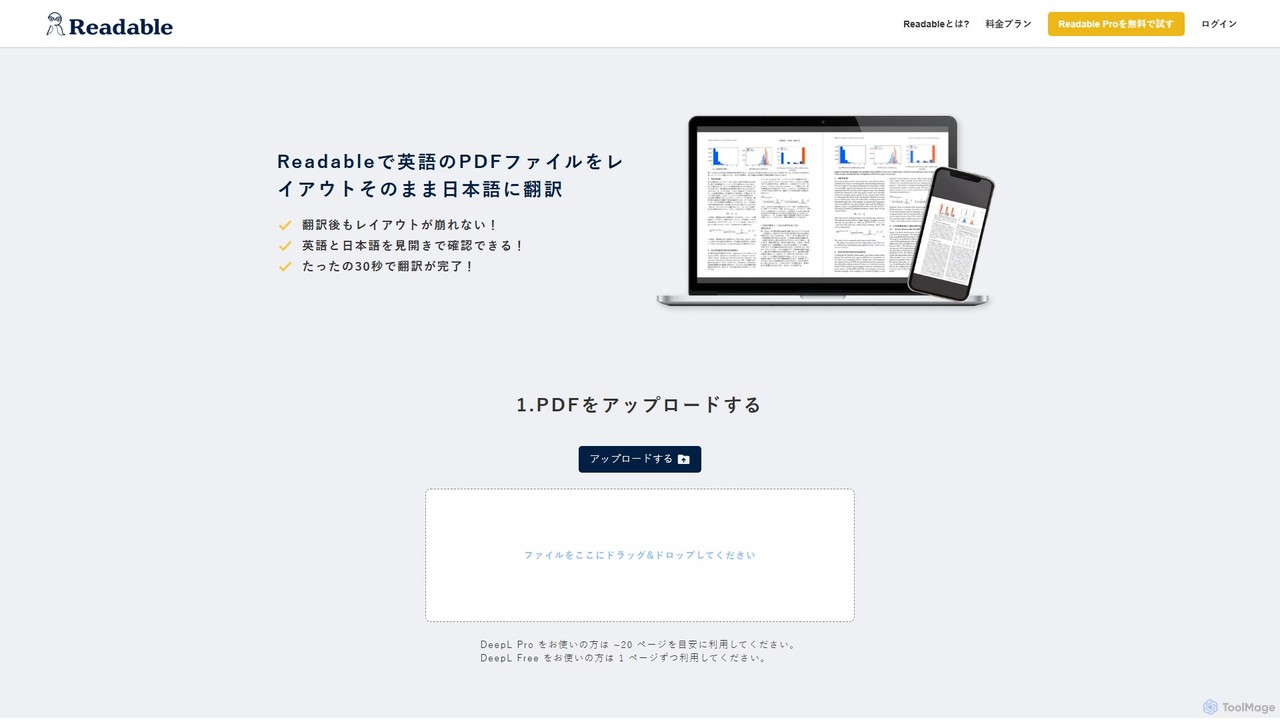
Readable
Readable is an AI-powered tool that instantly translates PDF documents while perfectly preserving the original layout. It supports over 200 languages, leveraging advanced translation engines like DeepL and ChatGPT. Ideal for researchers, professionals, and students who need accurate and fast document translation without reformatting.
Analysis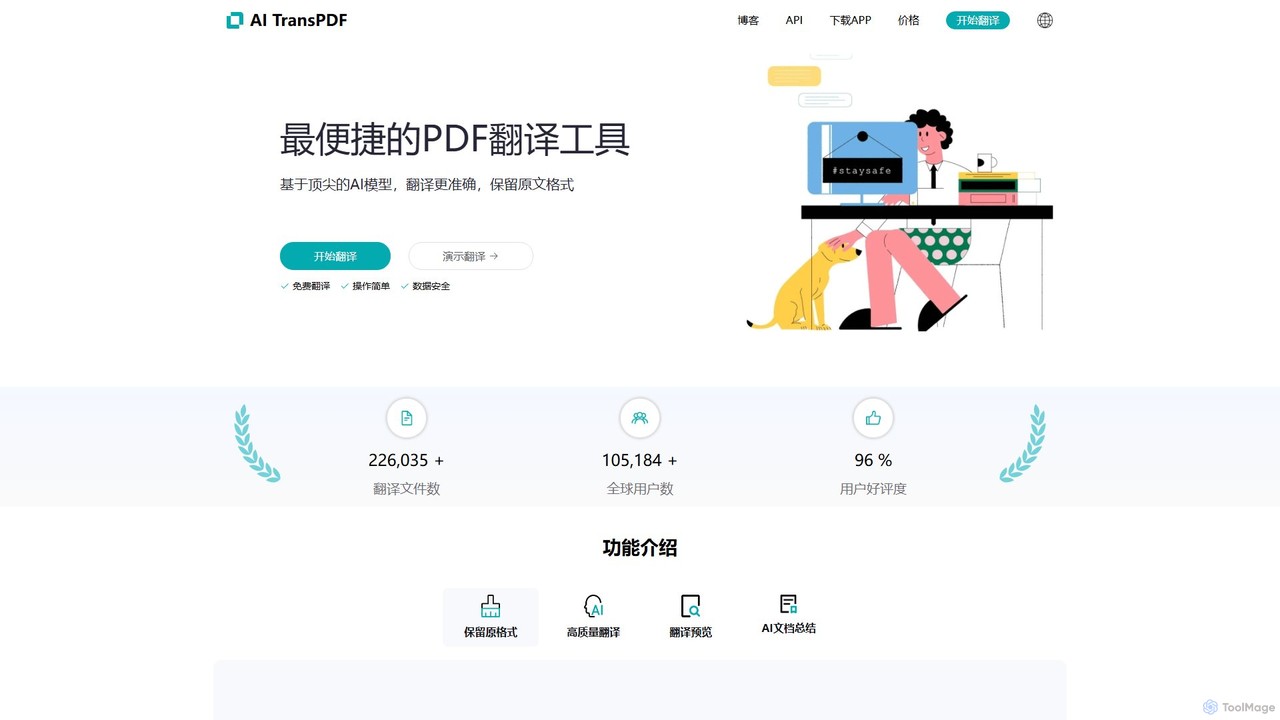
aitranspdf
An AI-powered document translation tool for formats like PDF, PPTX, and XLSX. It delivers high-quality, context-aware translations while perfectly preserving the original document's formatting, making it ideal for academic, business, and personal use.
Documents
BookTranslator
BookTranslator is an AI-powered tool that translates entire EPUB and PDF books in minutes. Leveraging advanced AI, it offers high-quality, context-aware translations in over 76 languages while preserving the original book's layout. It's designed for readers, authors, and researchers who need fast, accurate, and affordable access to global literature and documents.
Localization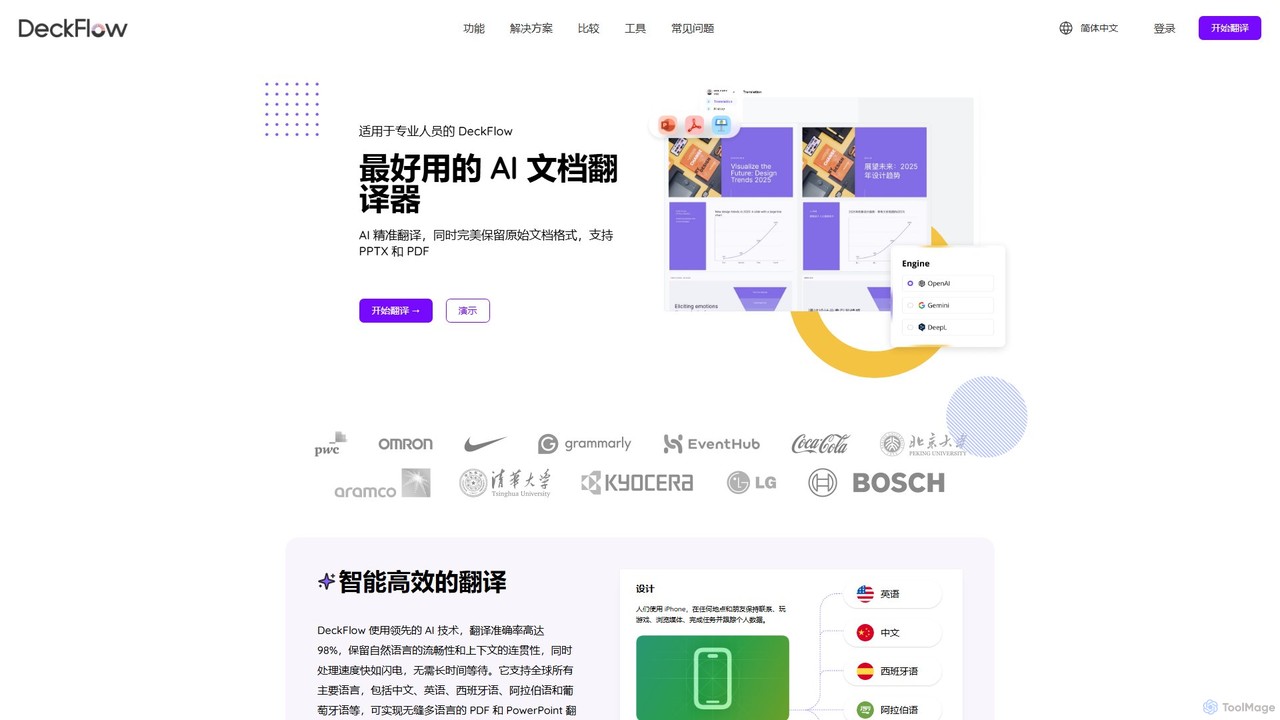
DeckFlow
DeckFlow is an AI-powered document translator specializing in PowerPoint (PPTX) and PDF files. It delivers high-accuracy translations in over 50 languages while perfectly preserving the original document's formatting, layout, animations, and design elements. Ideal for professionals who need to create multilingual presentations and documents without rework.
Presentations
pdftranslator Comments (0)
Sign in to comment.
Sign inNo comments yet.